
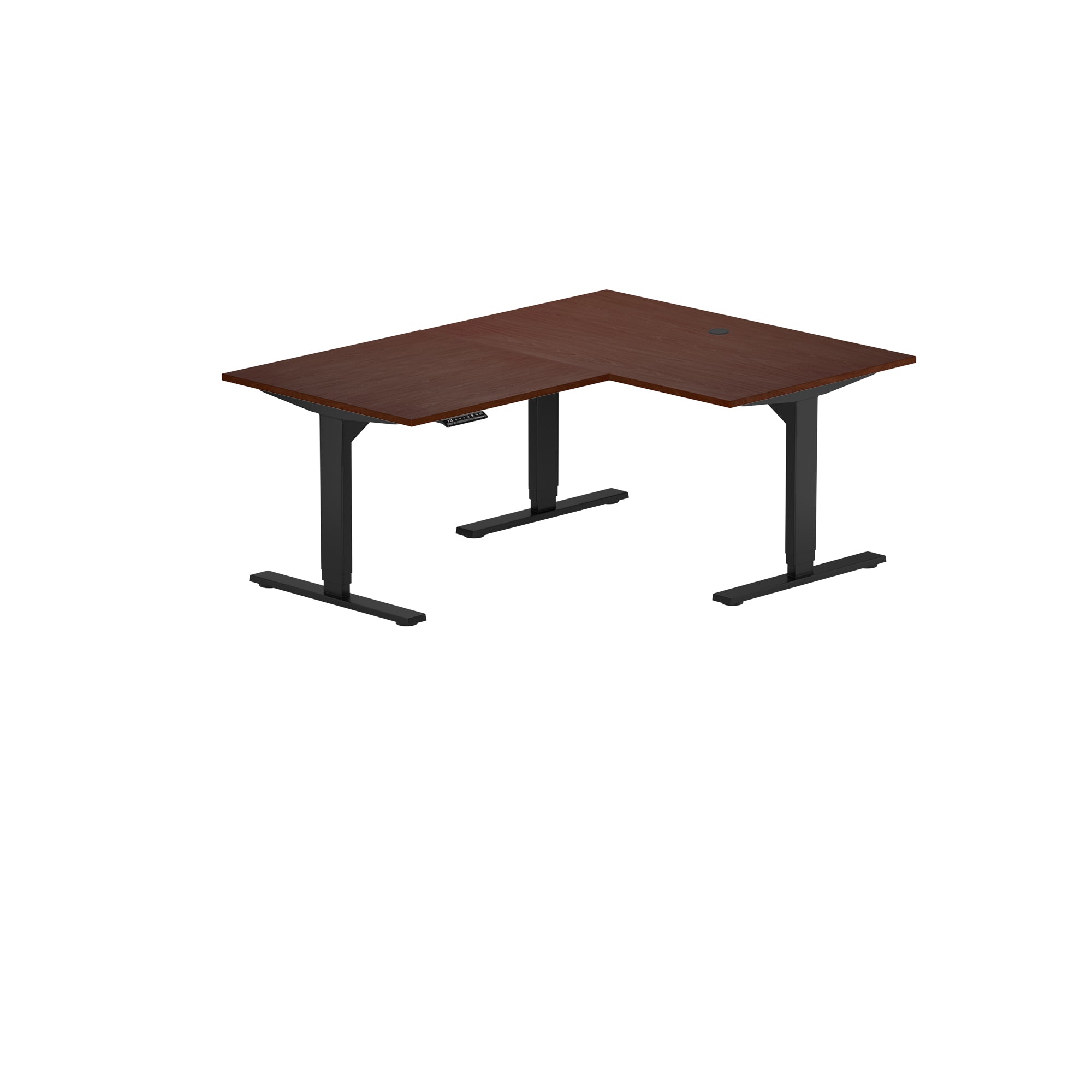
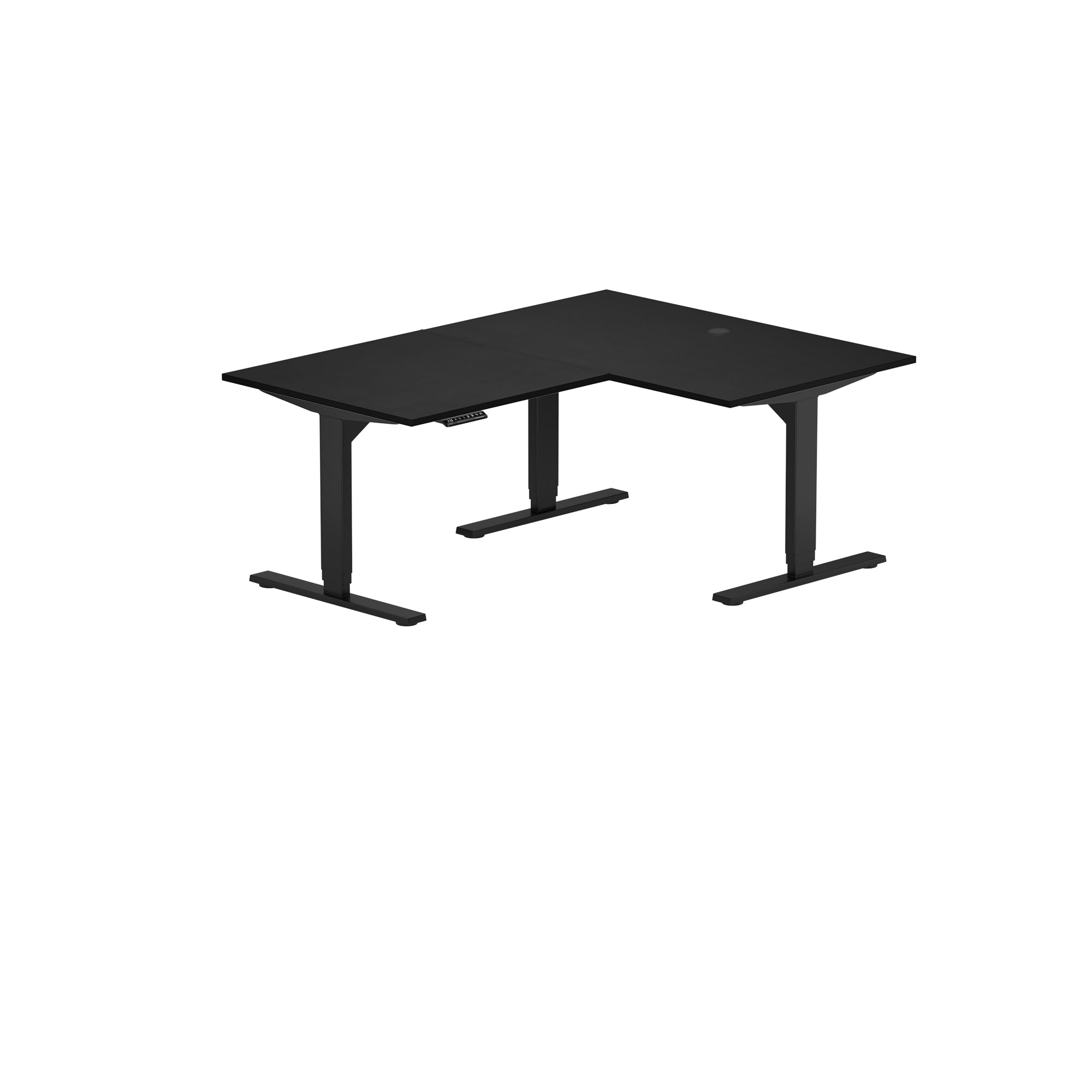
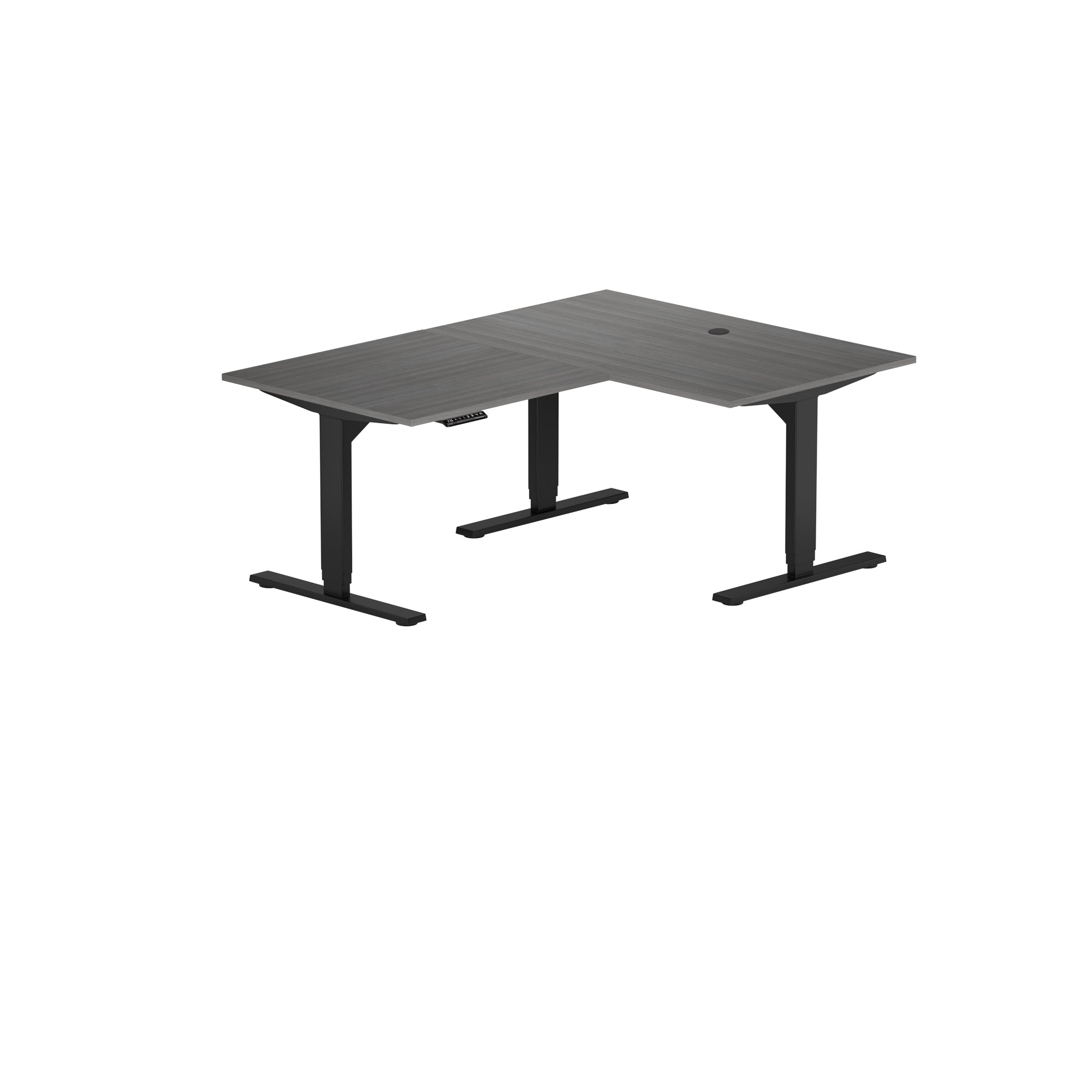
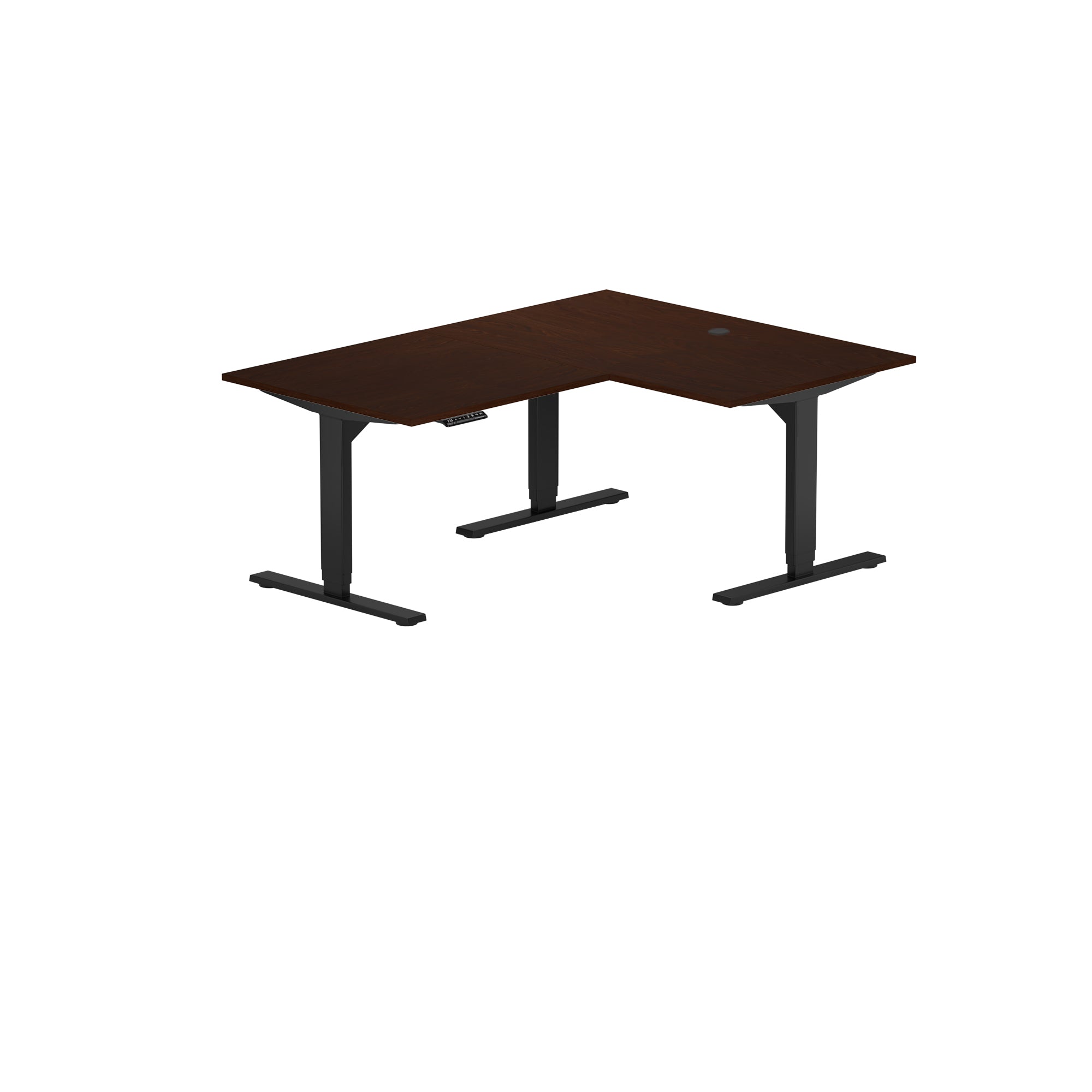
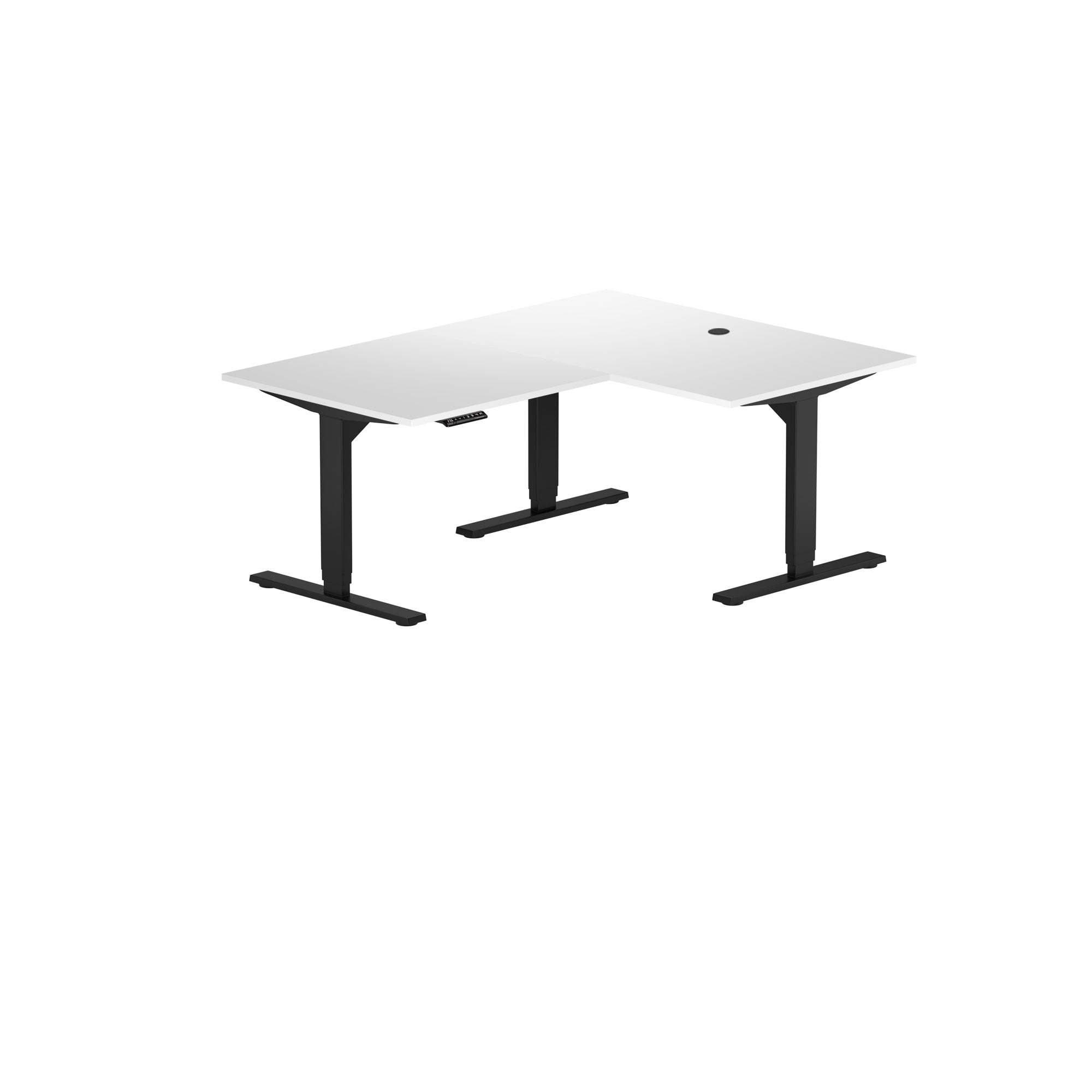
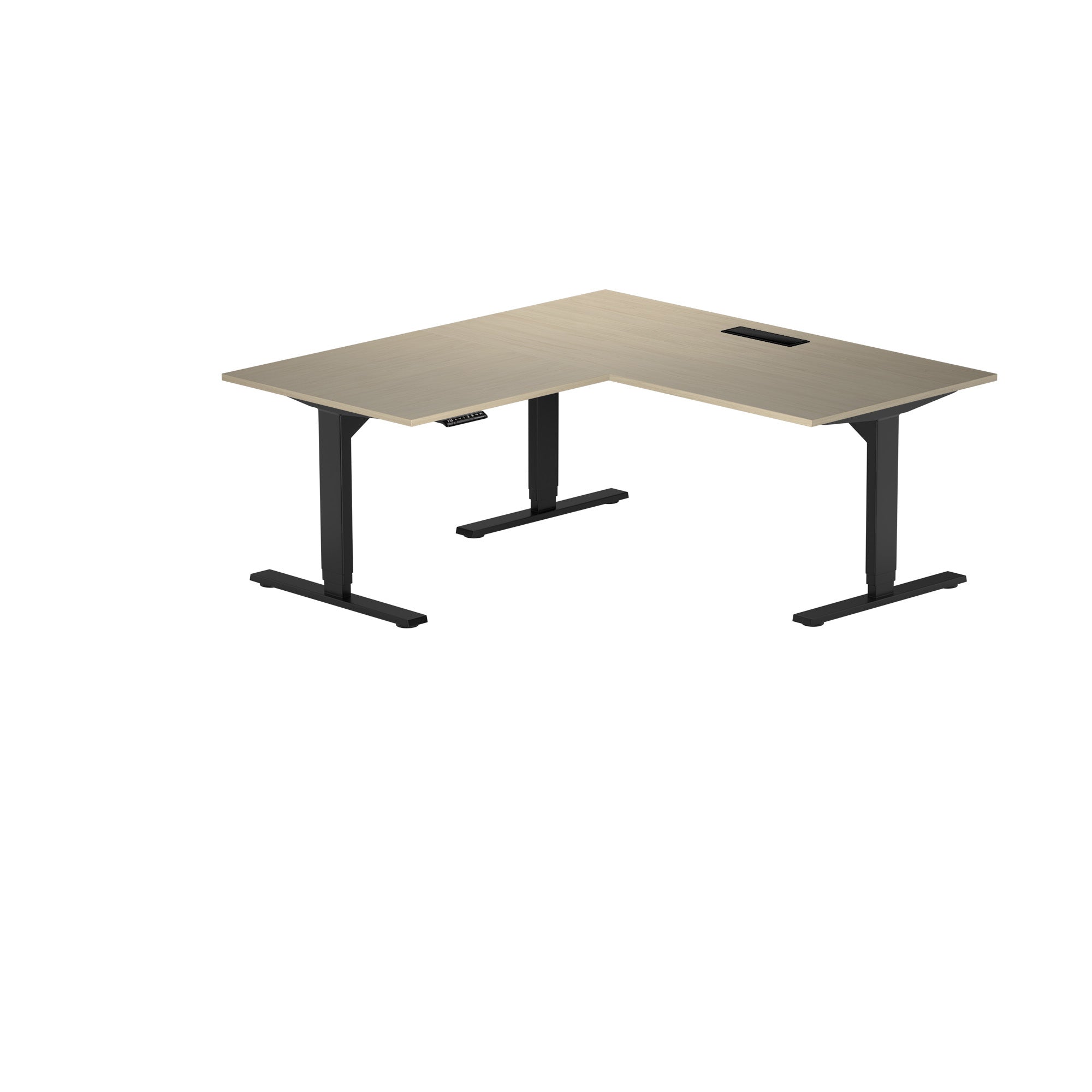
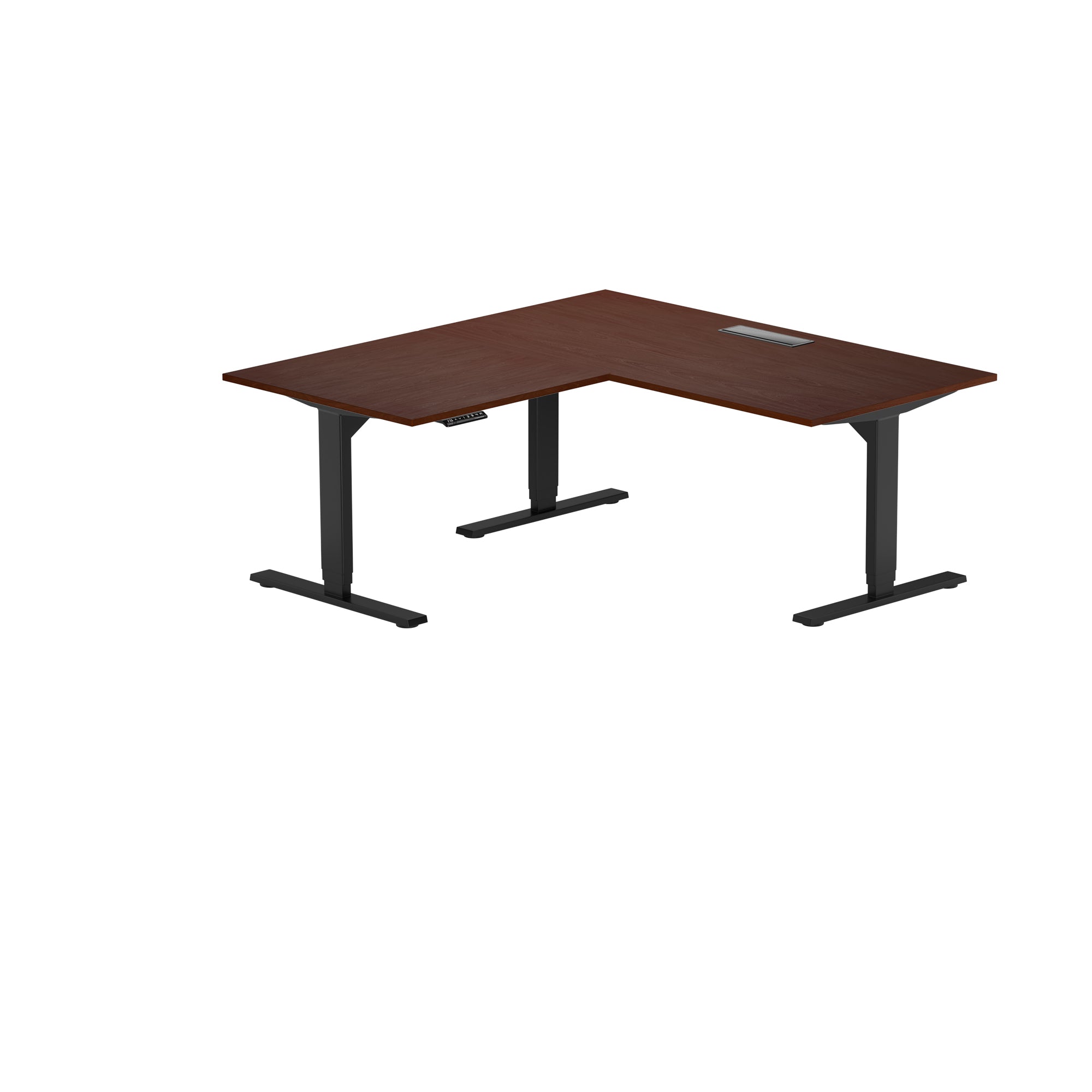
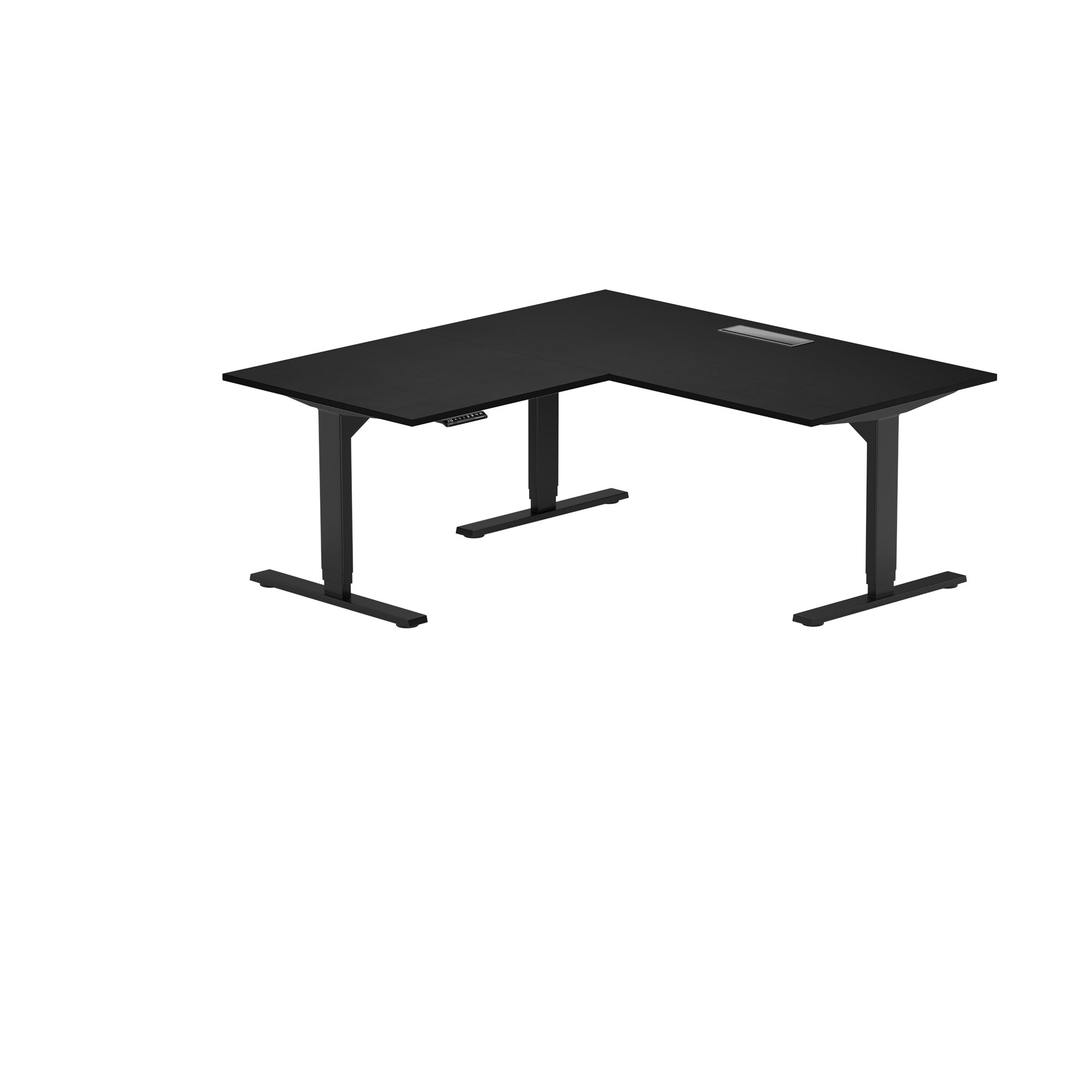
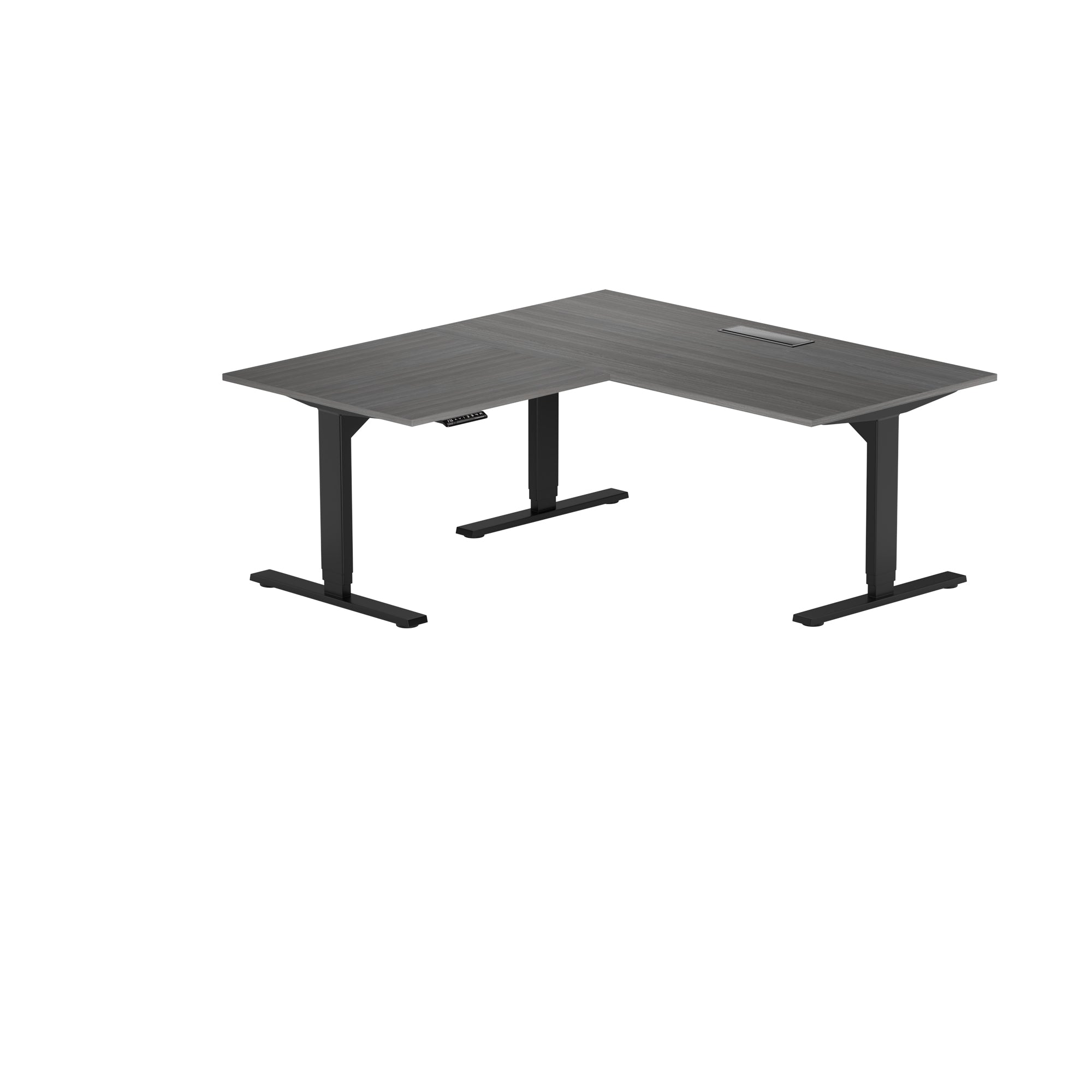
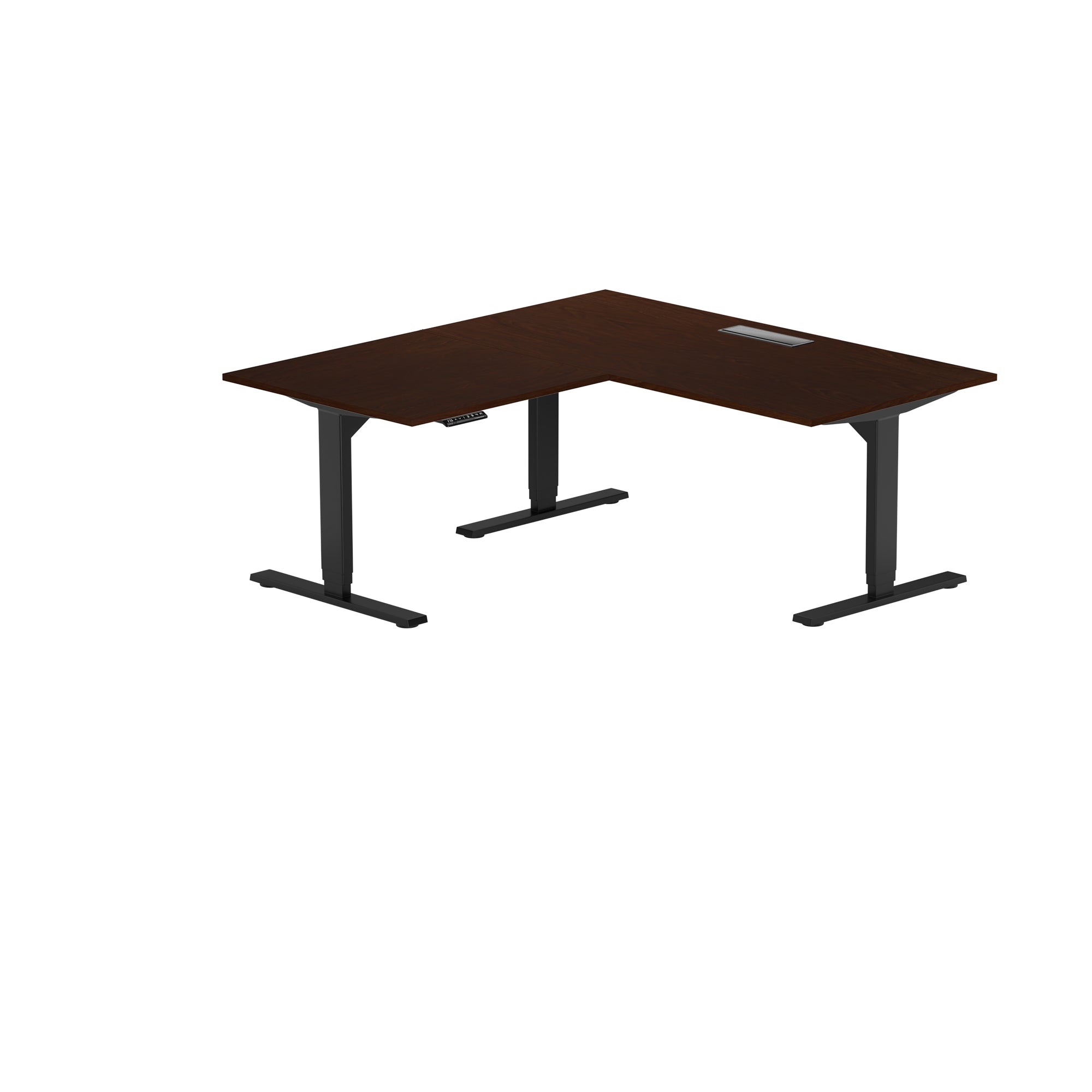
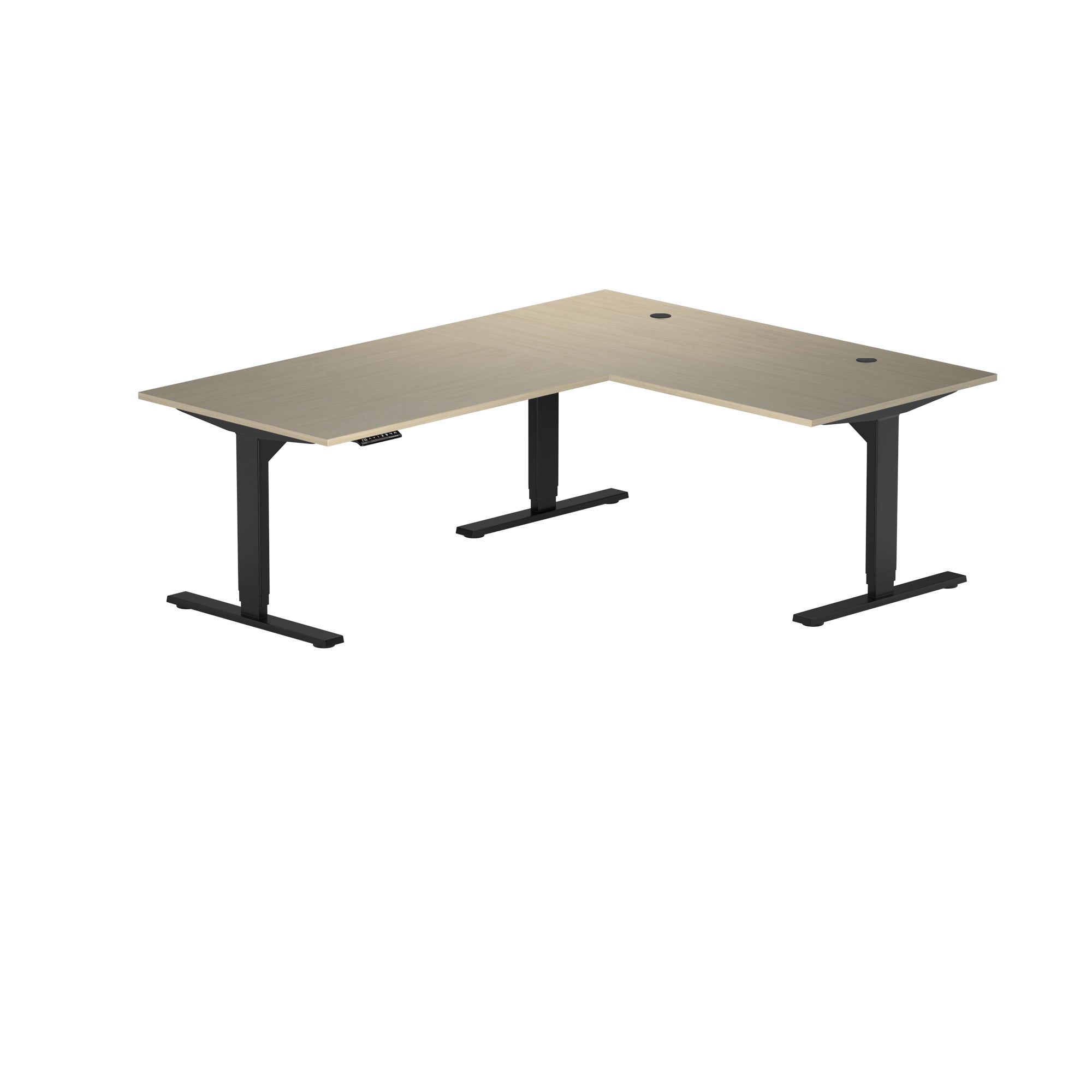
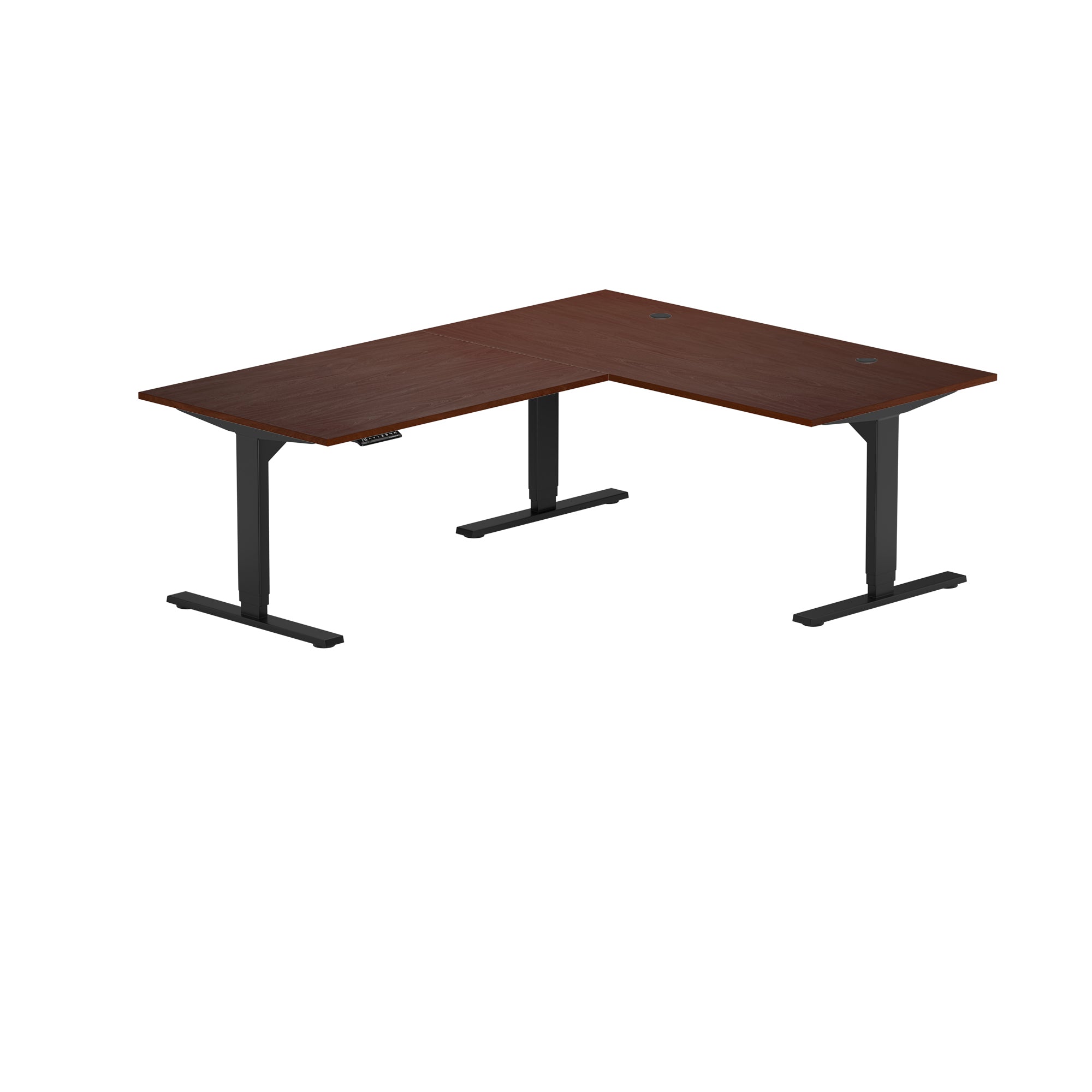
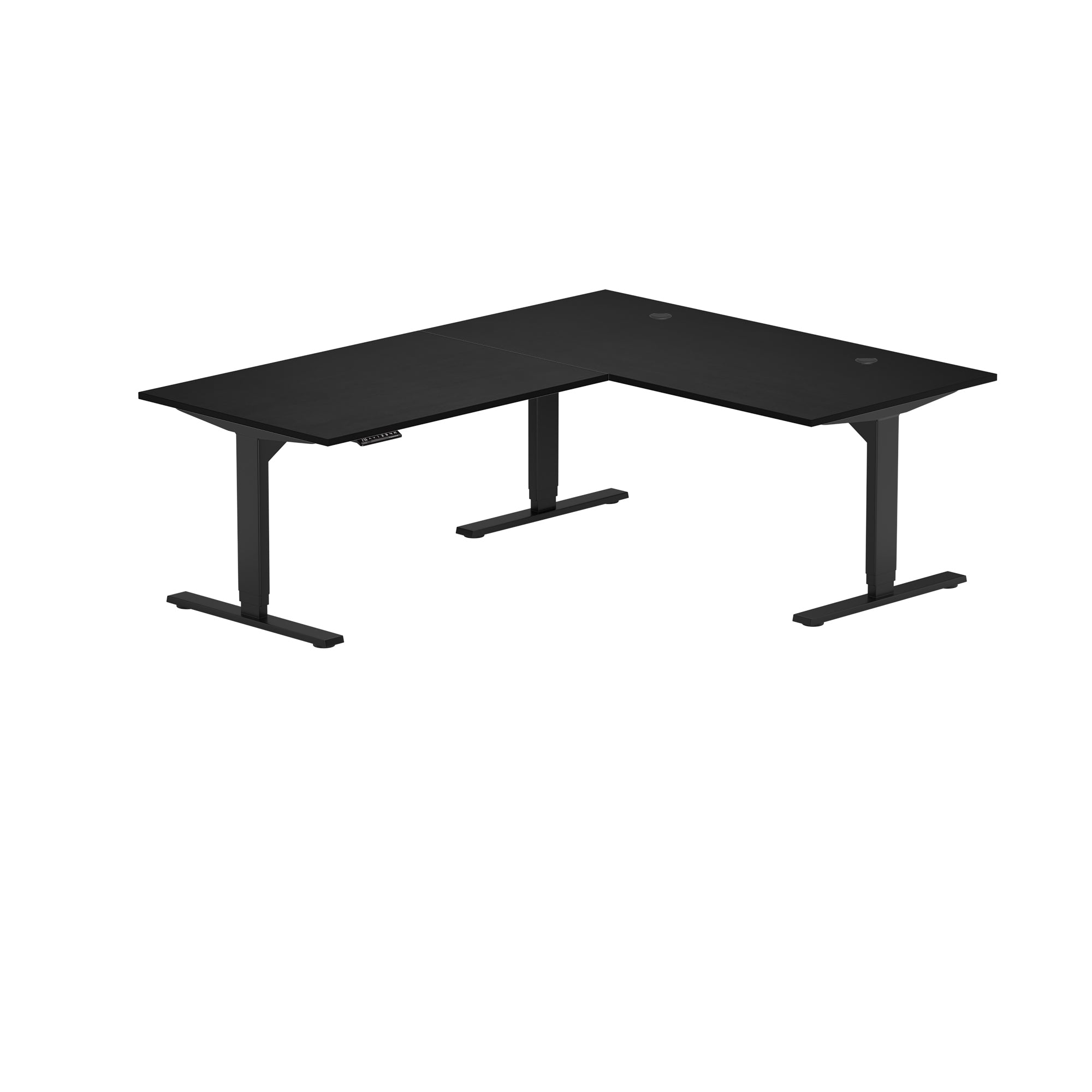
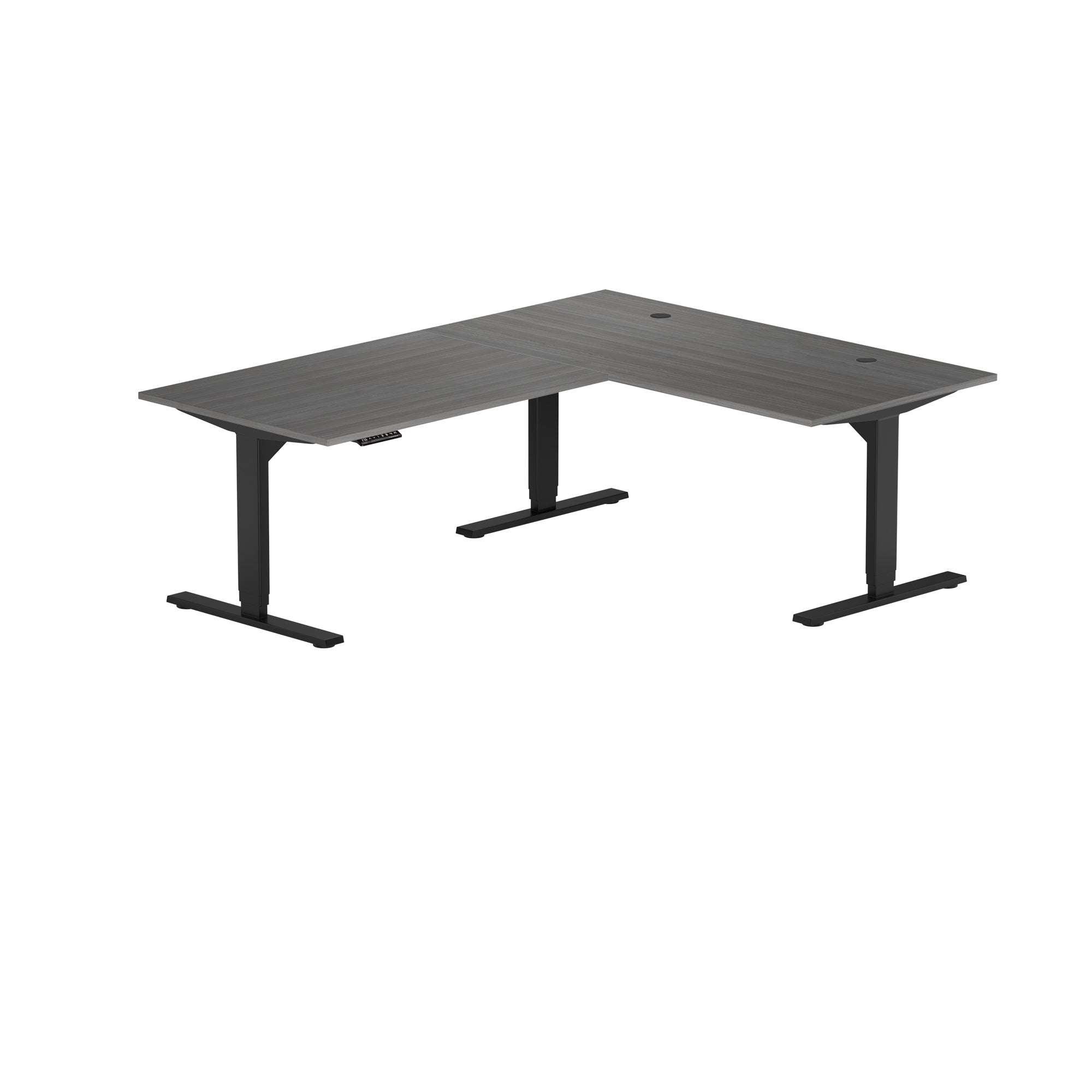
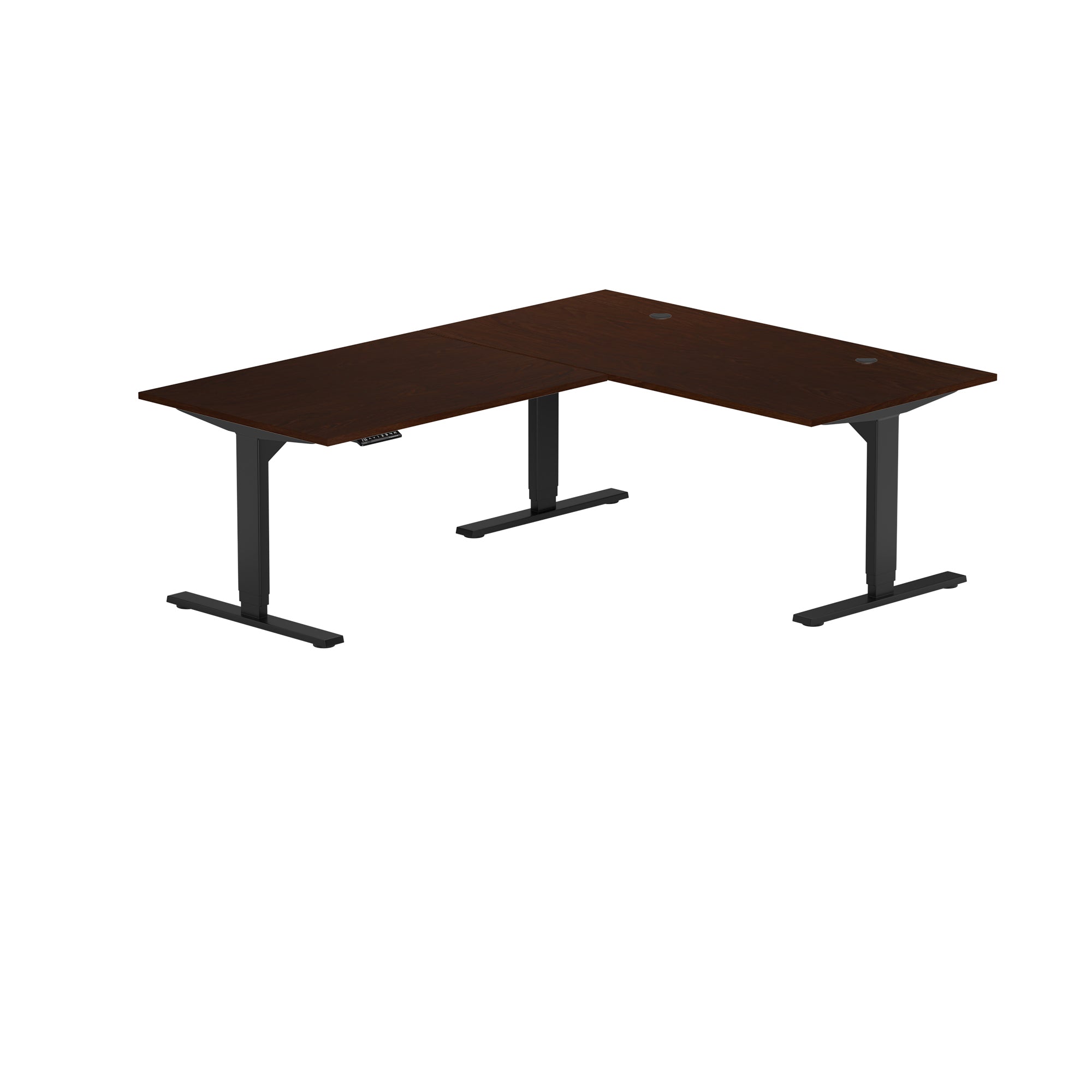
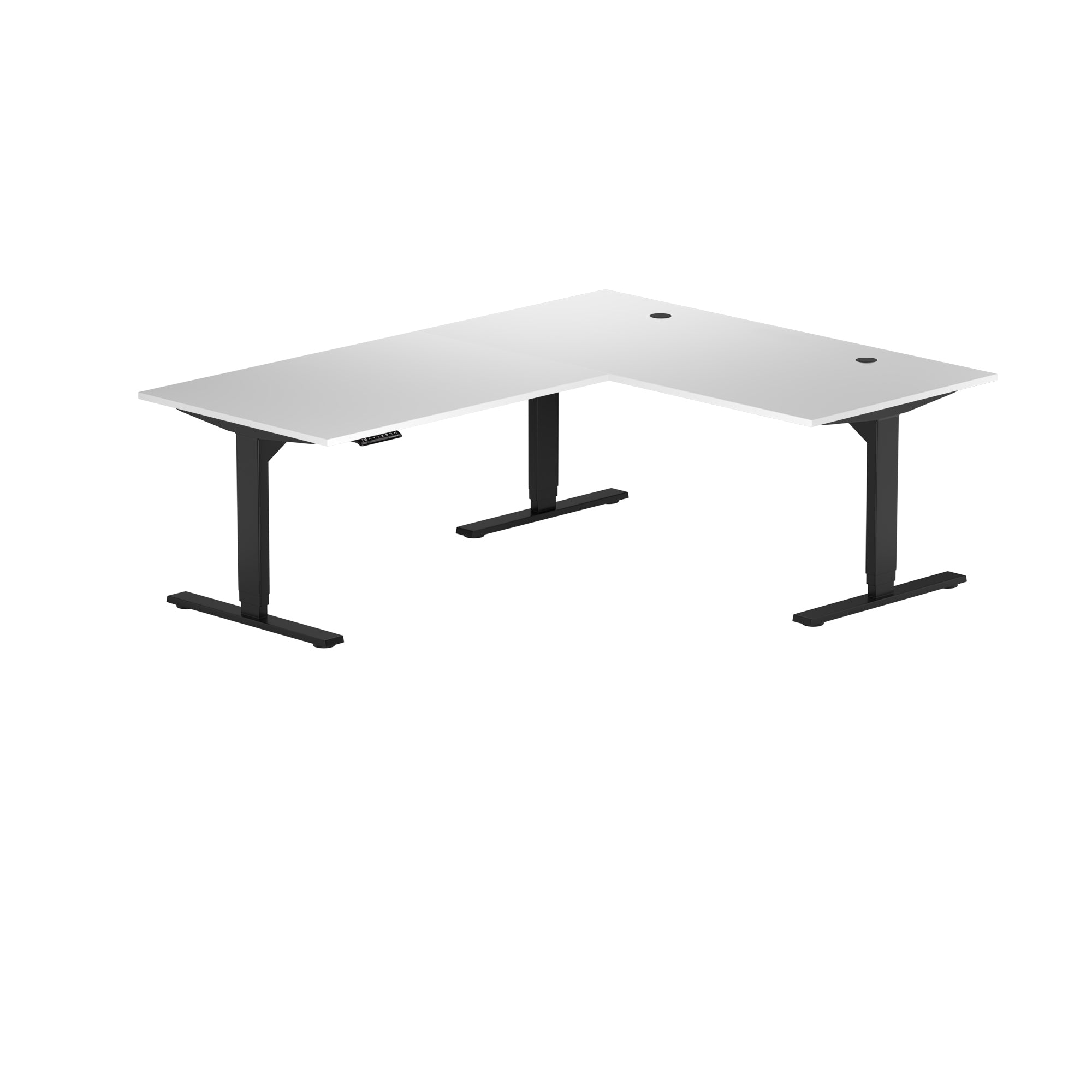
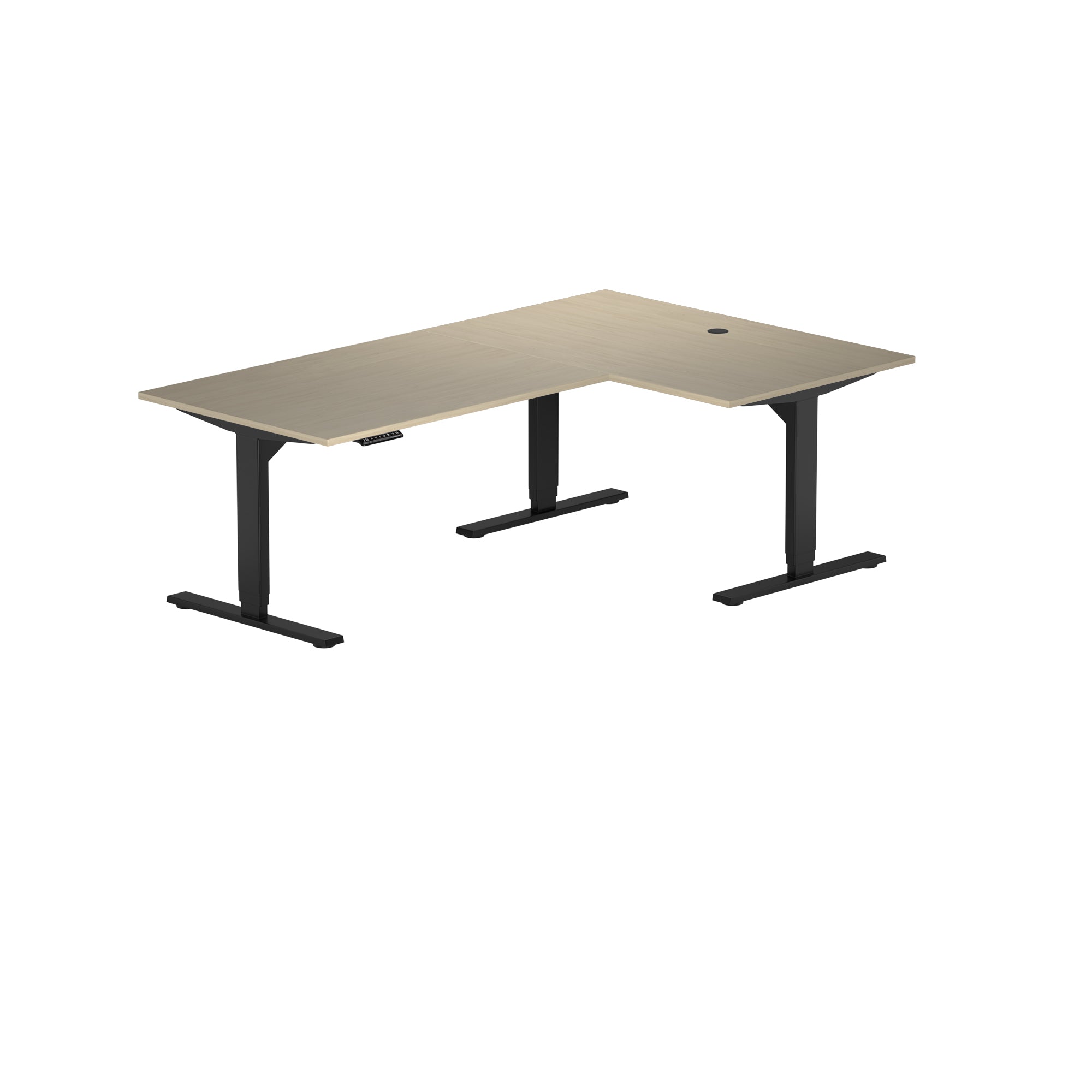
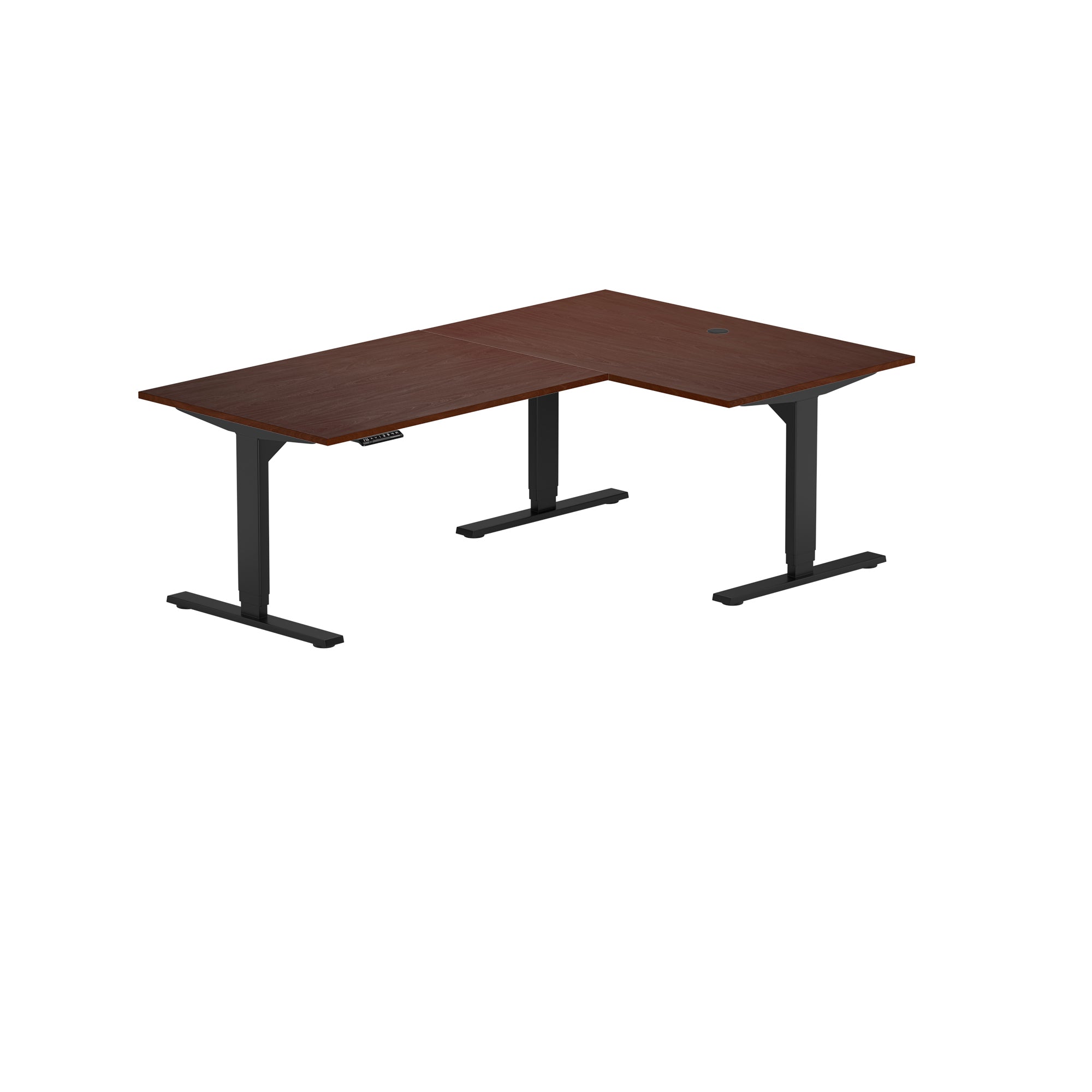
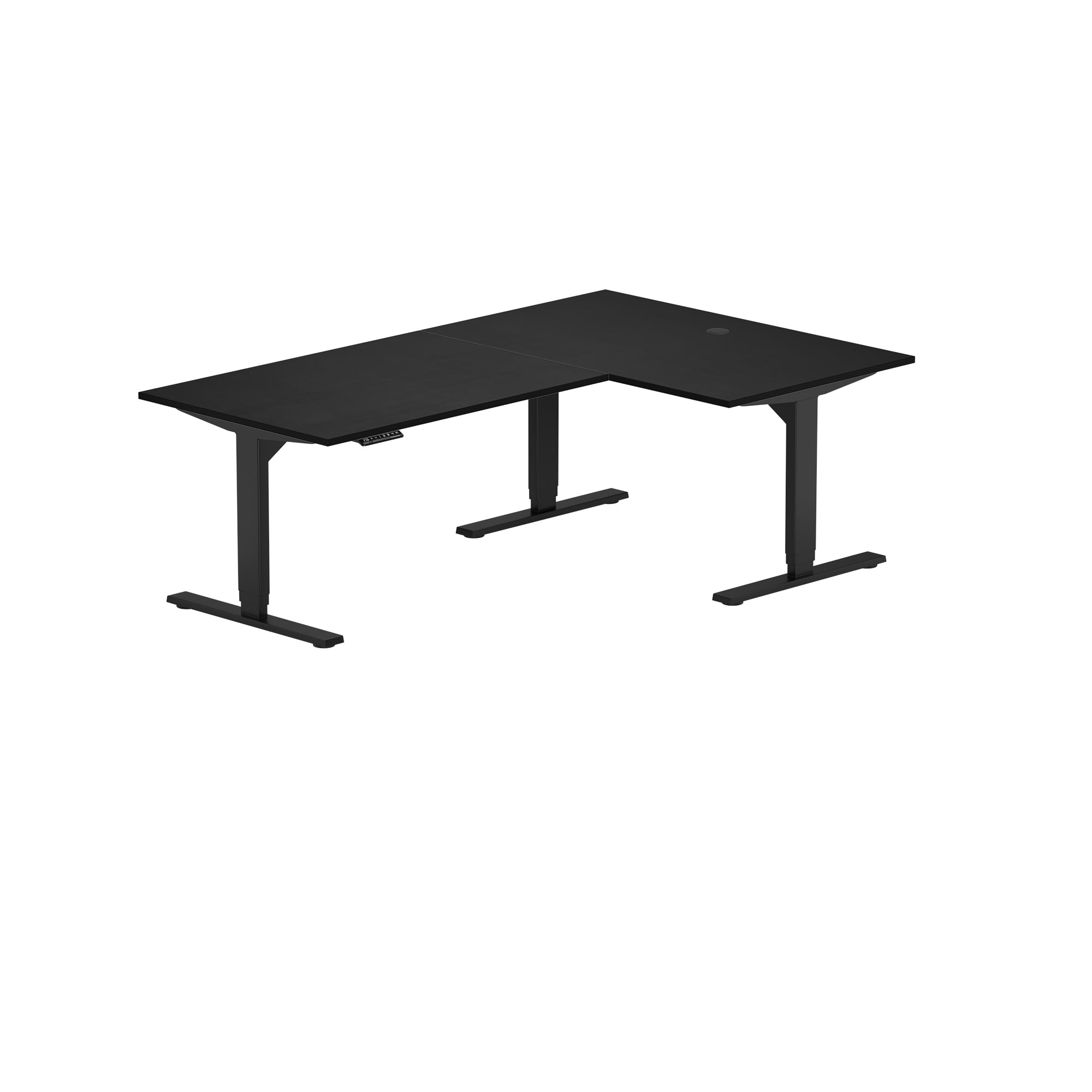
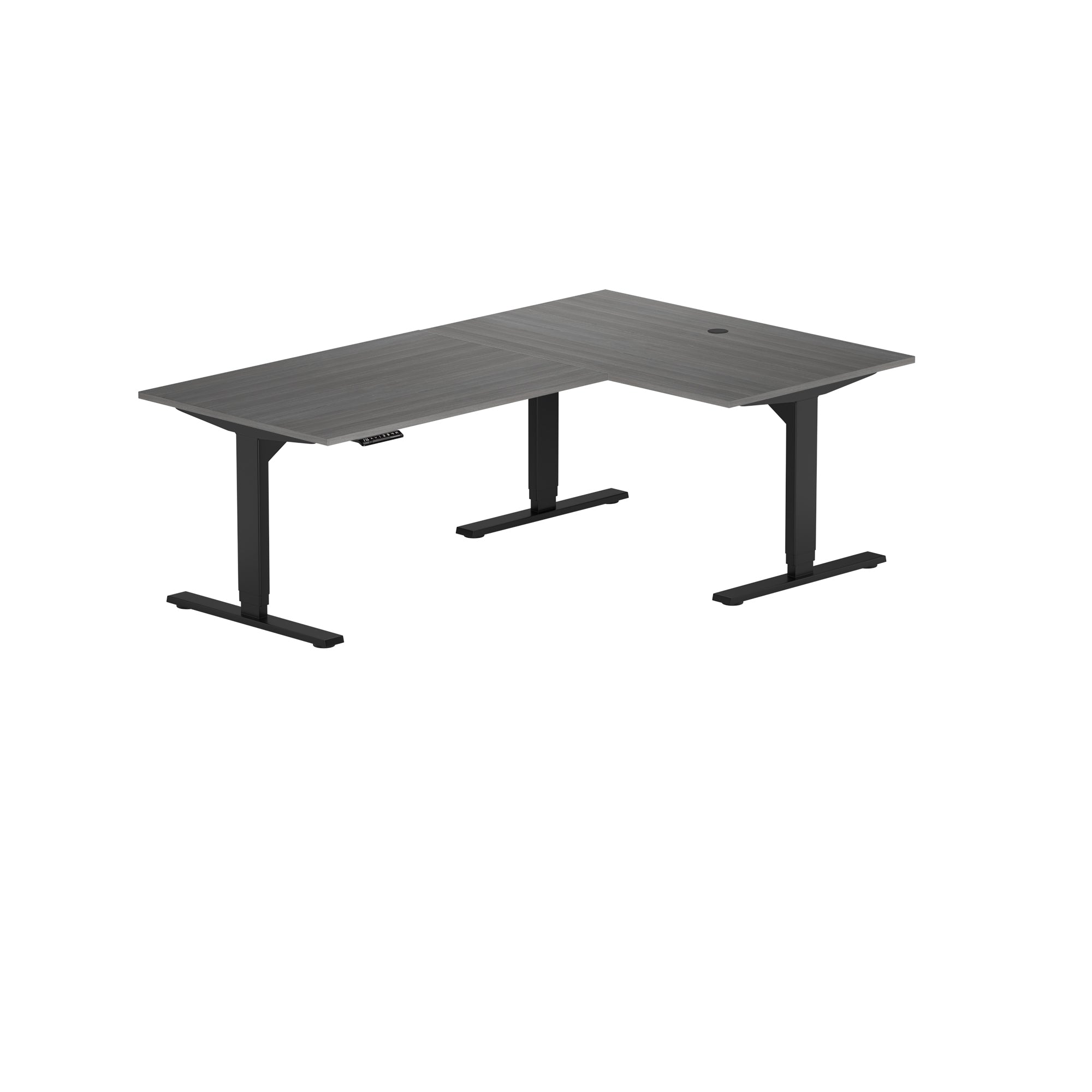
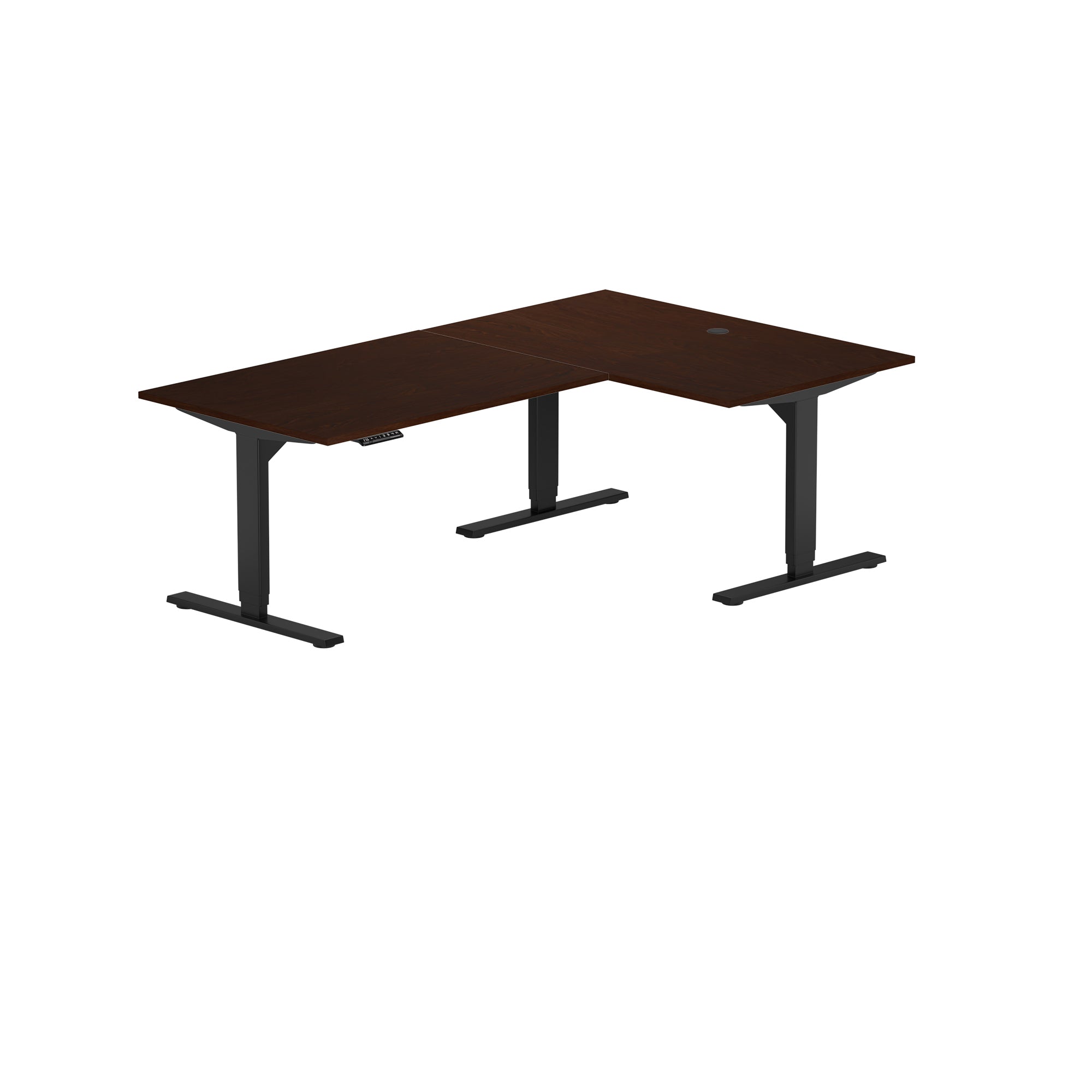
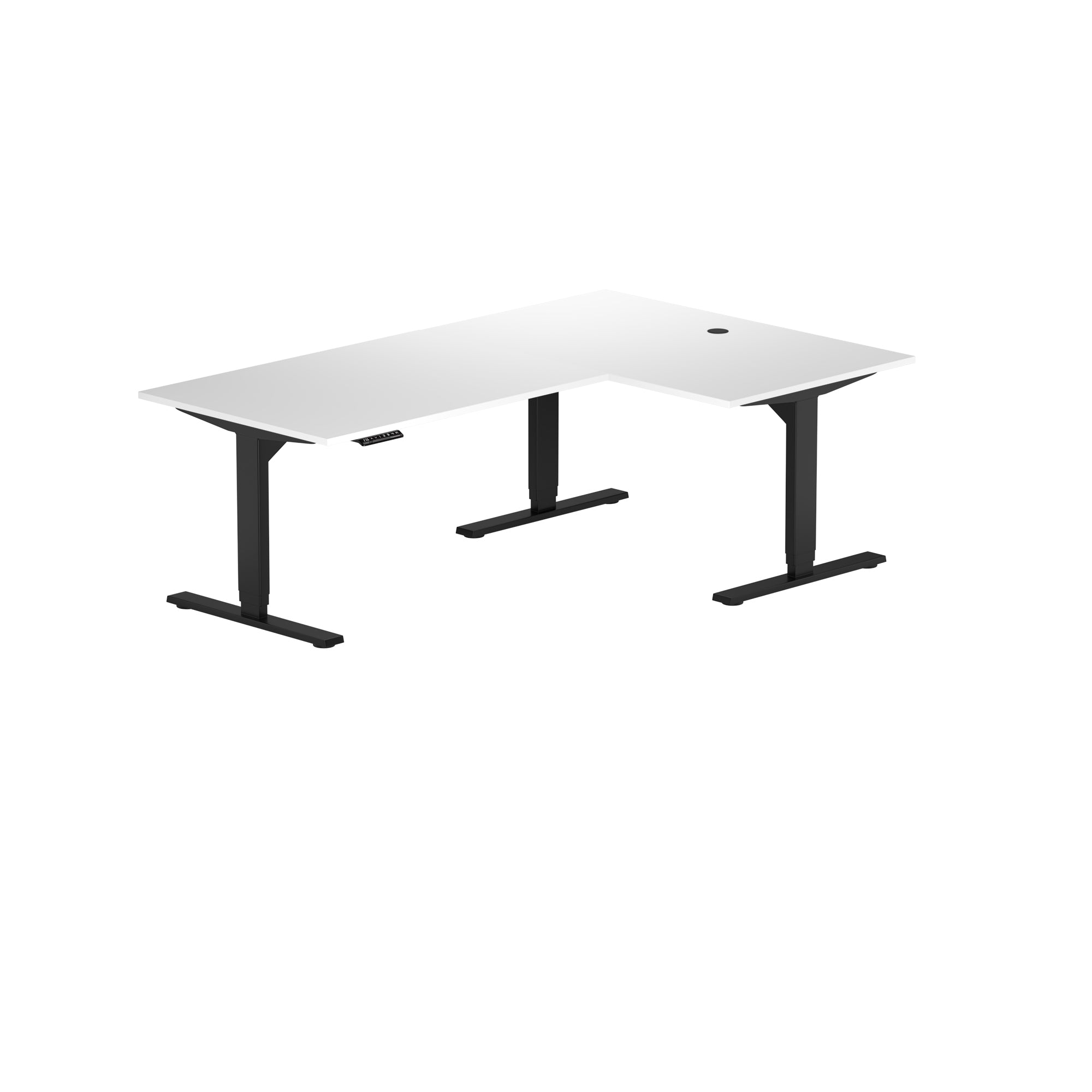
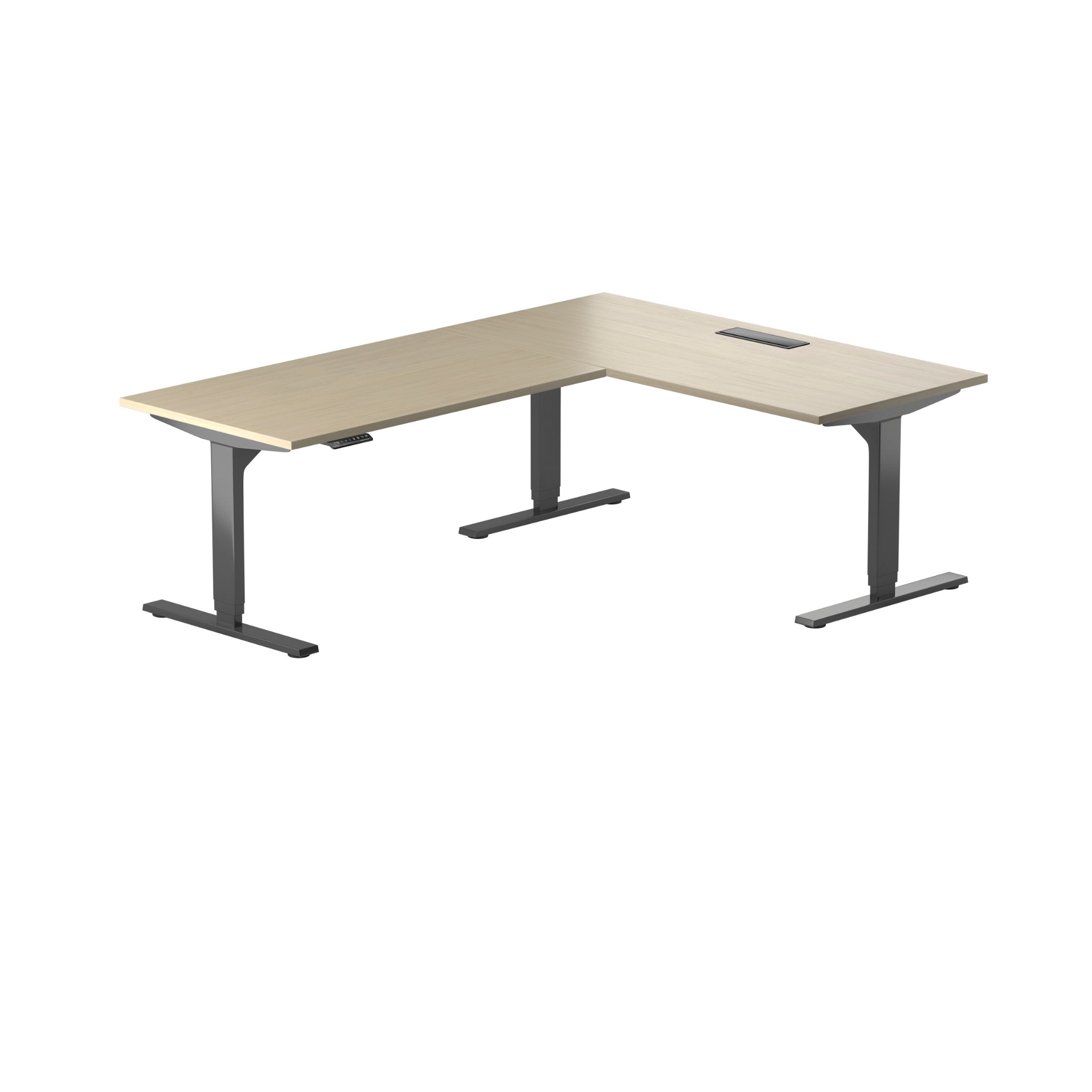
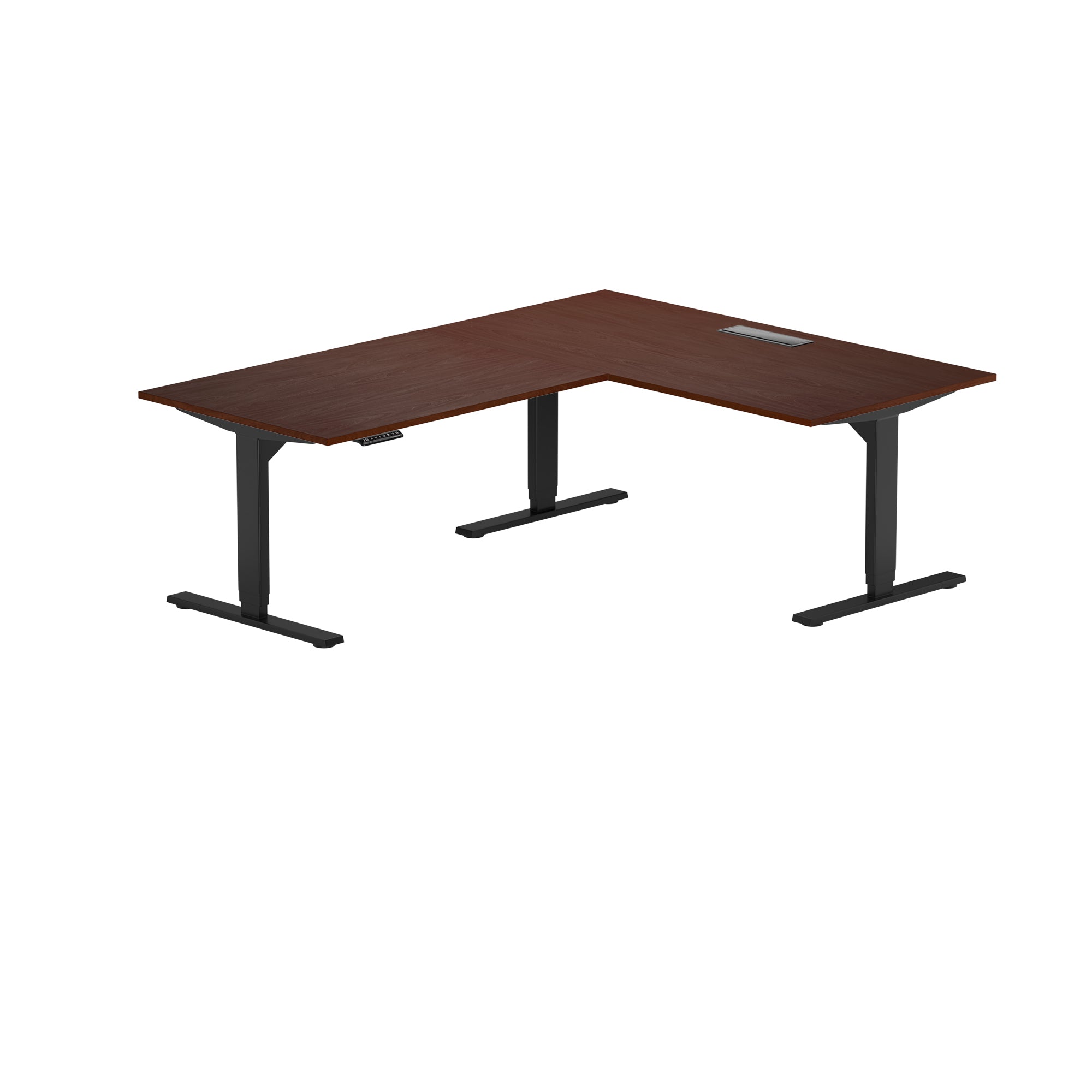
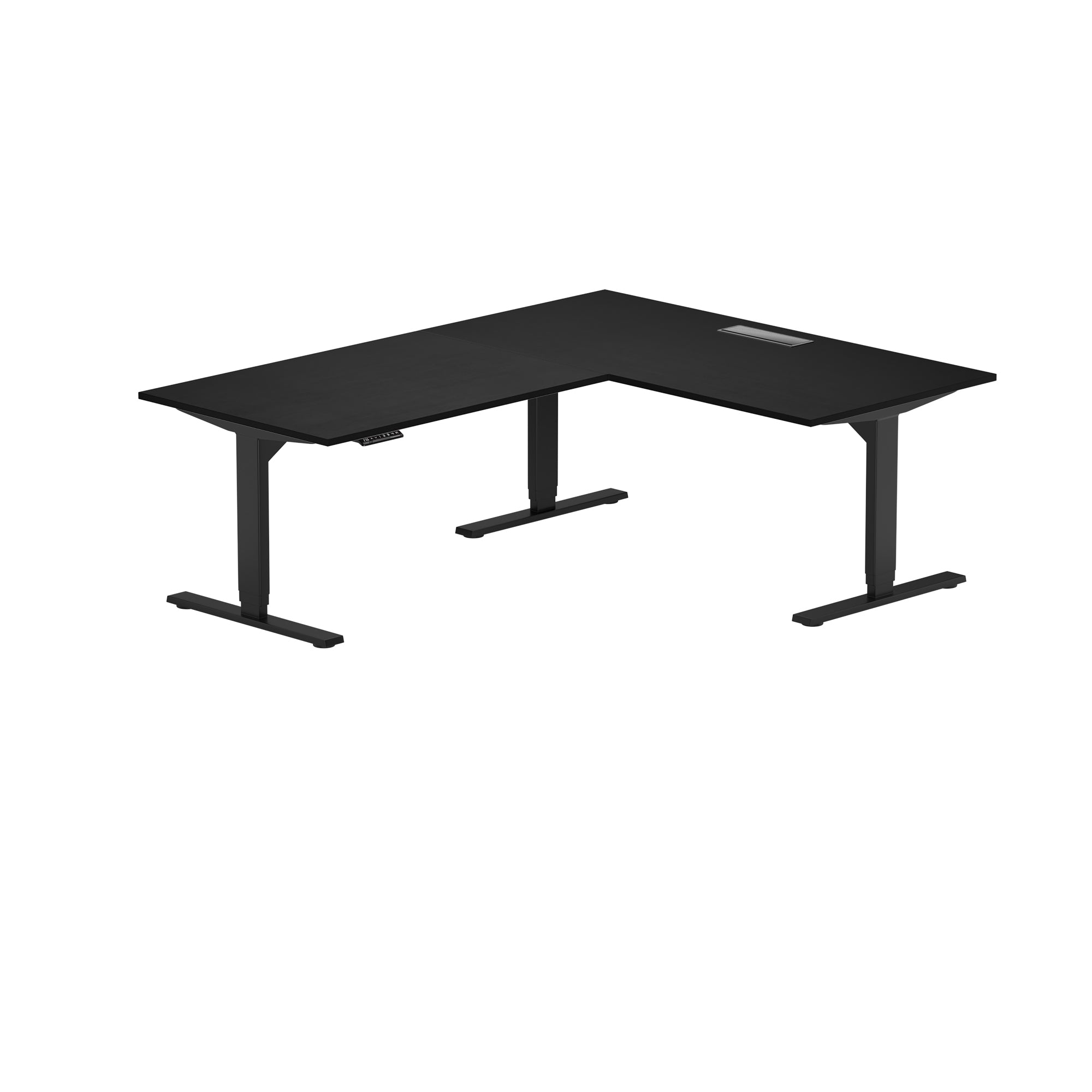
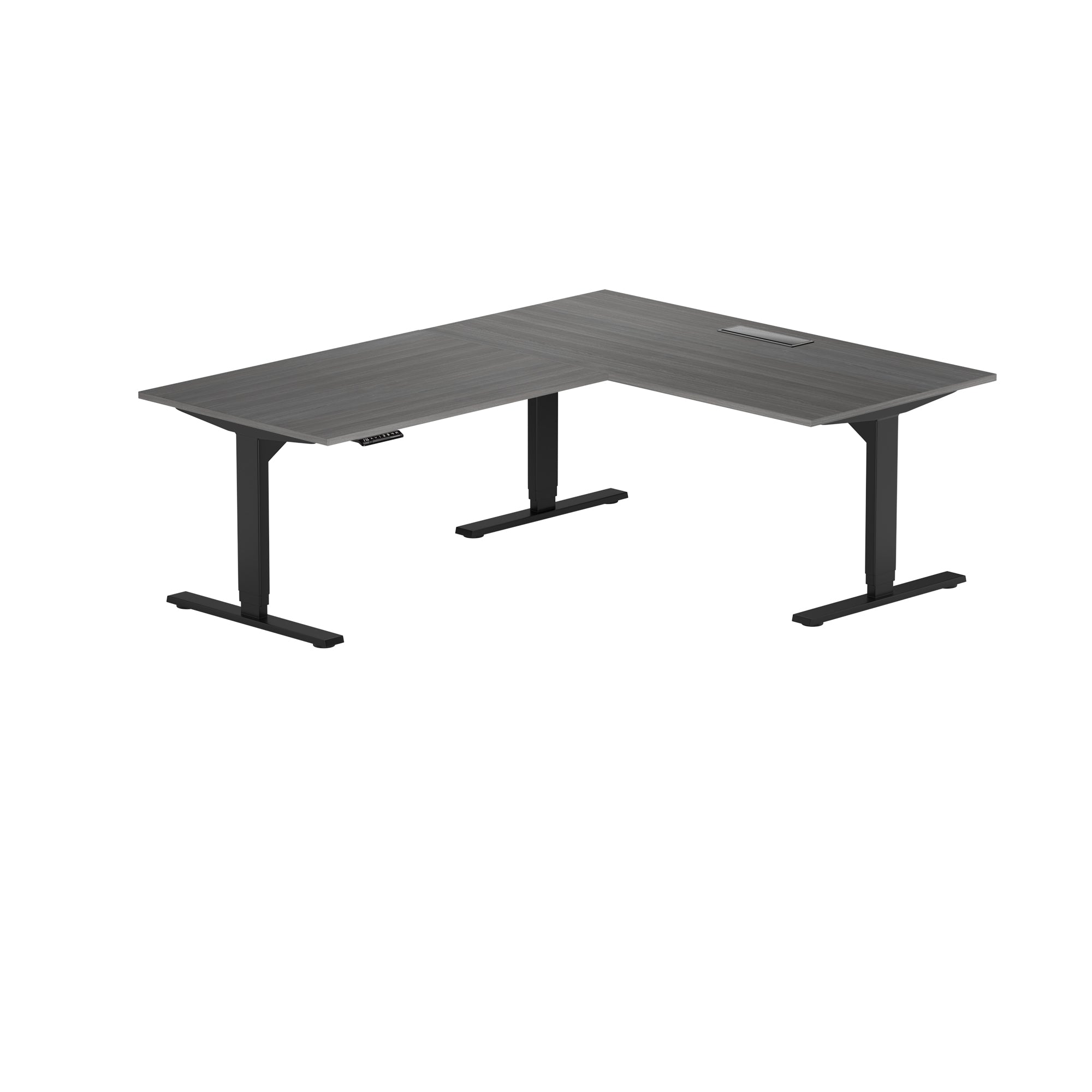
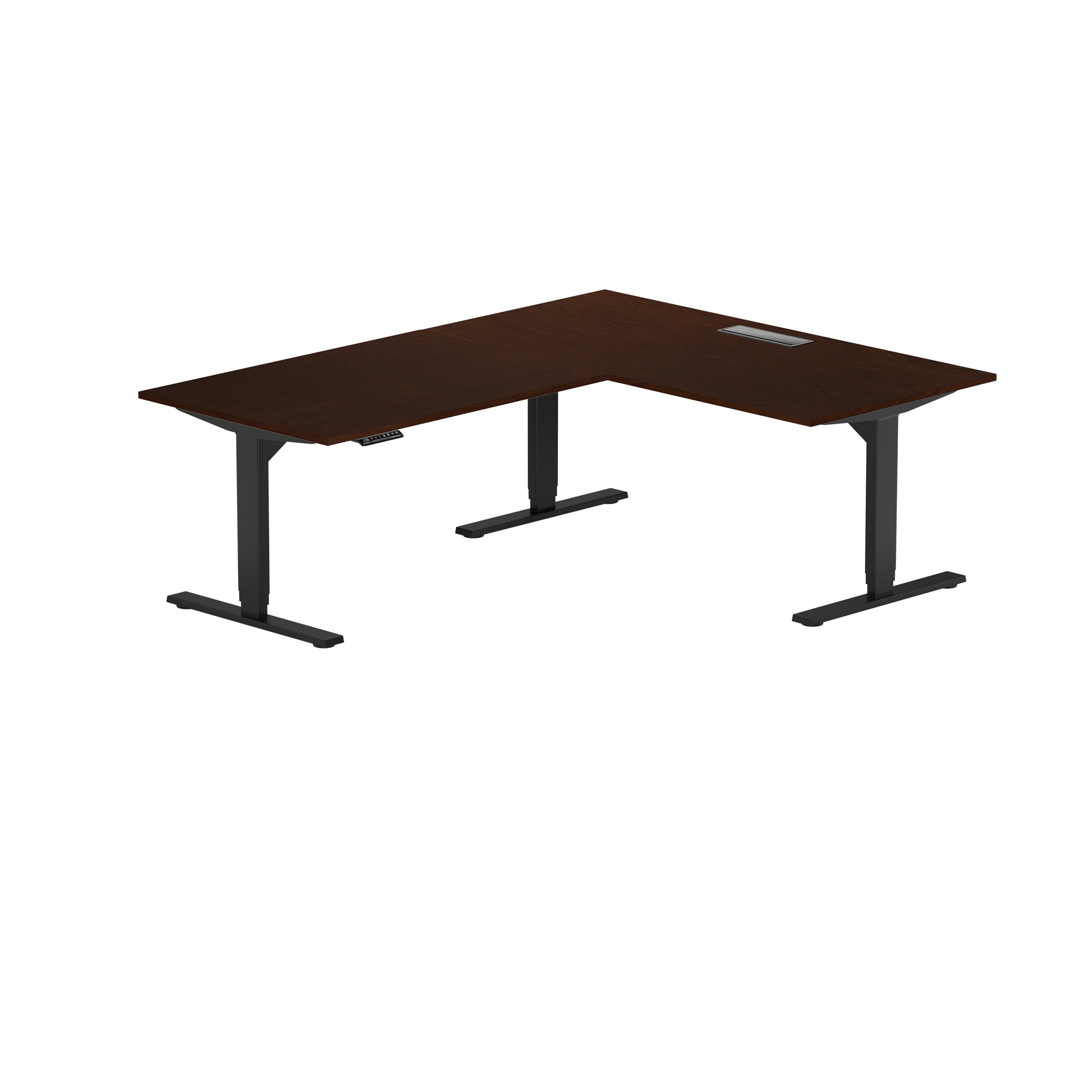
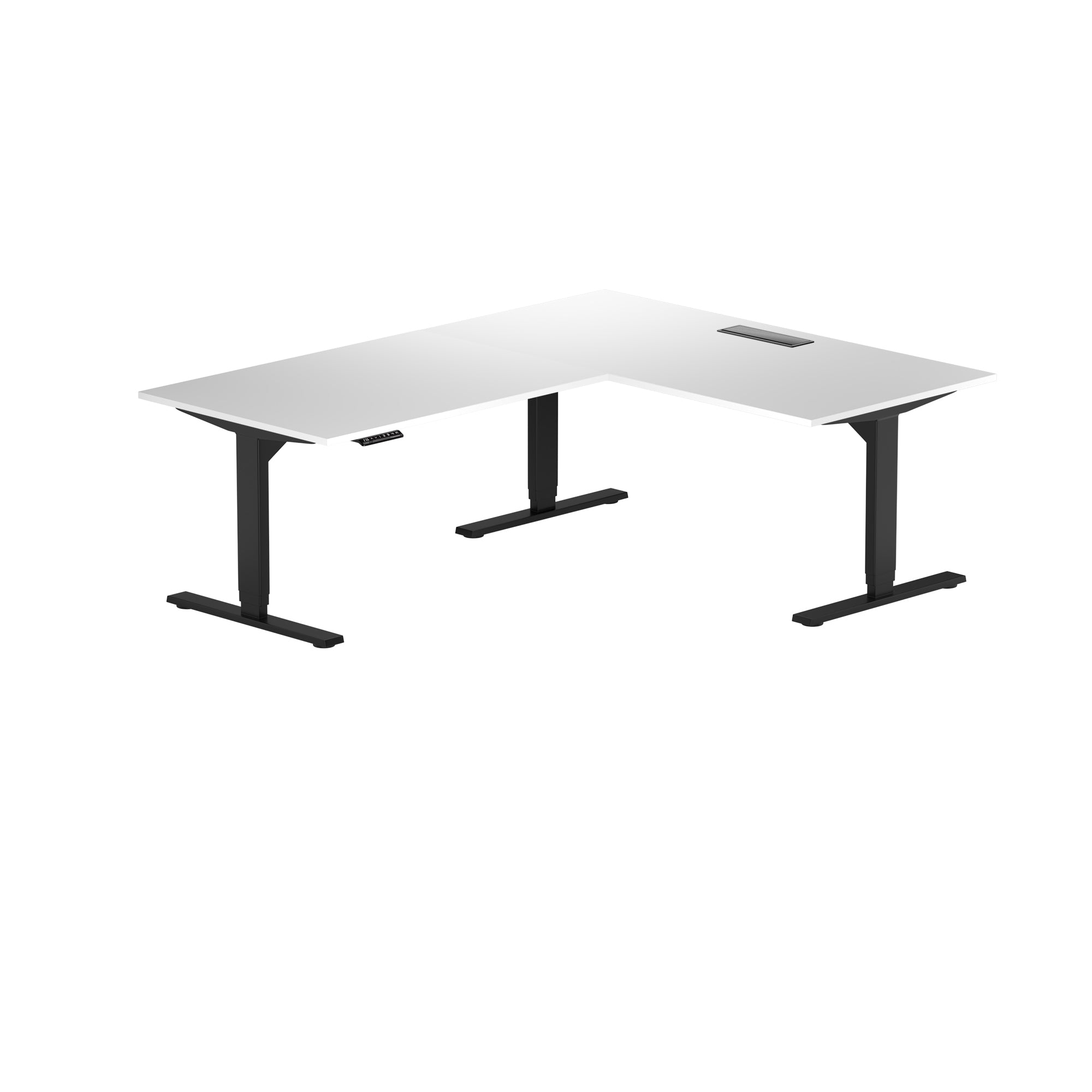
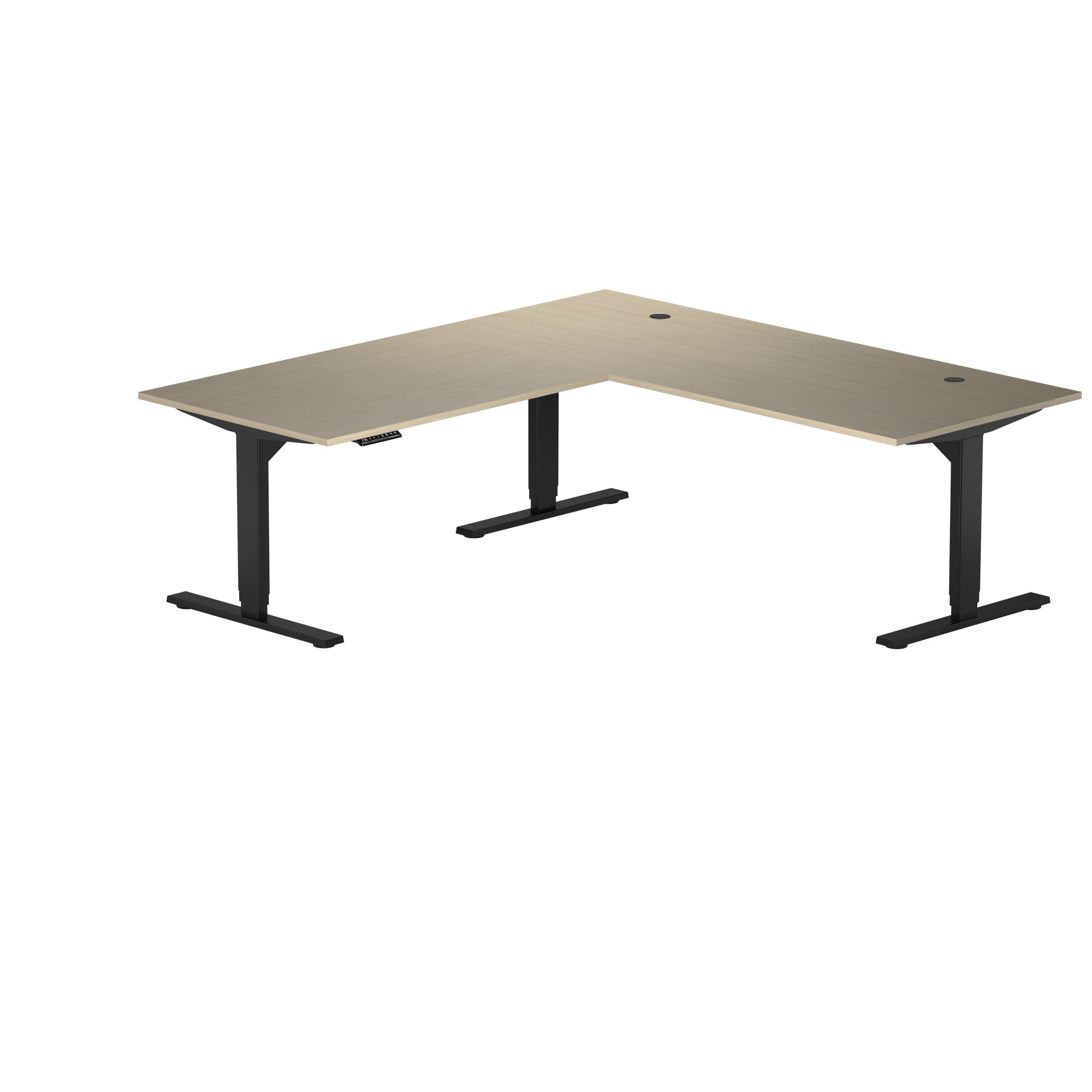
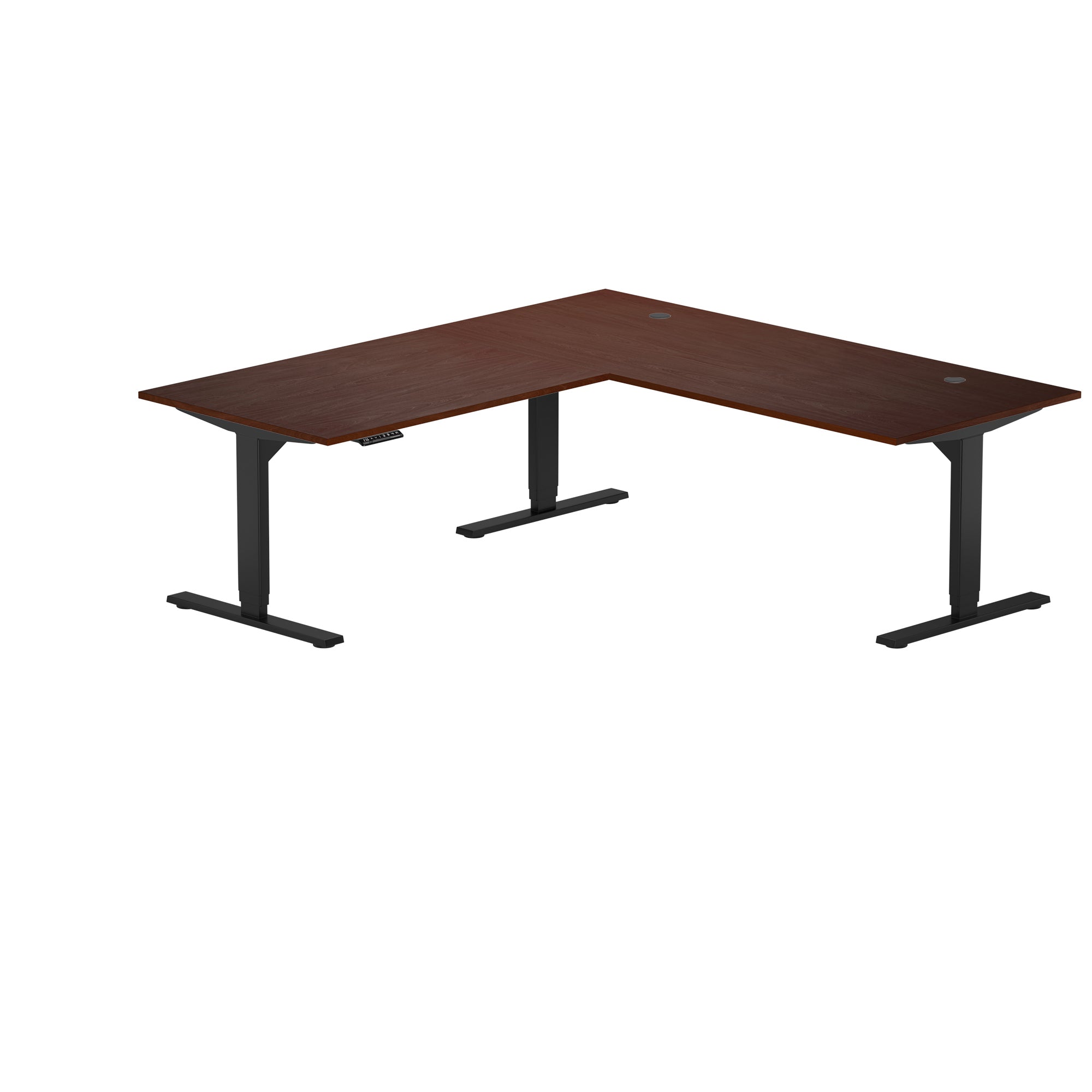
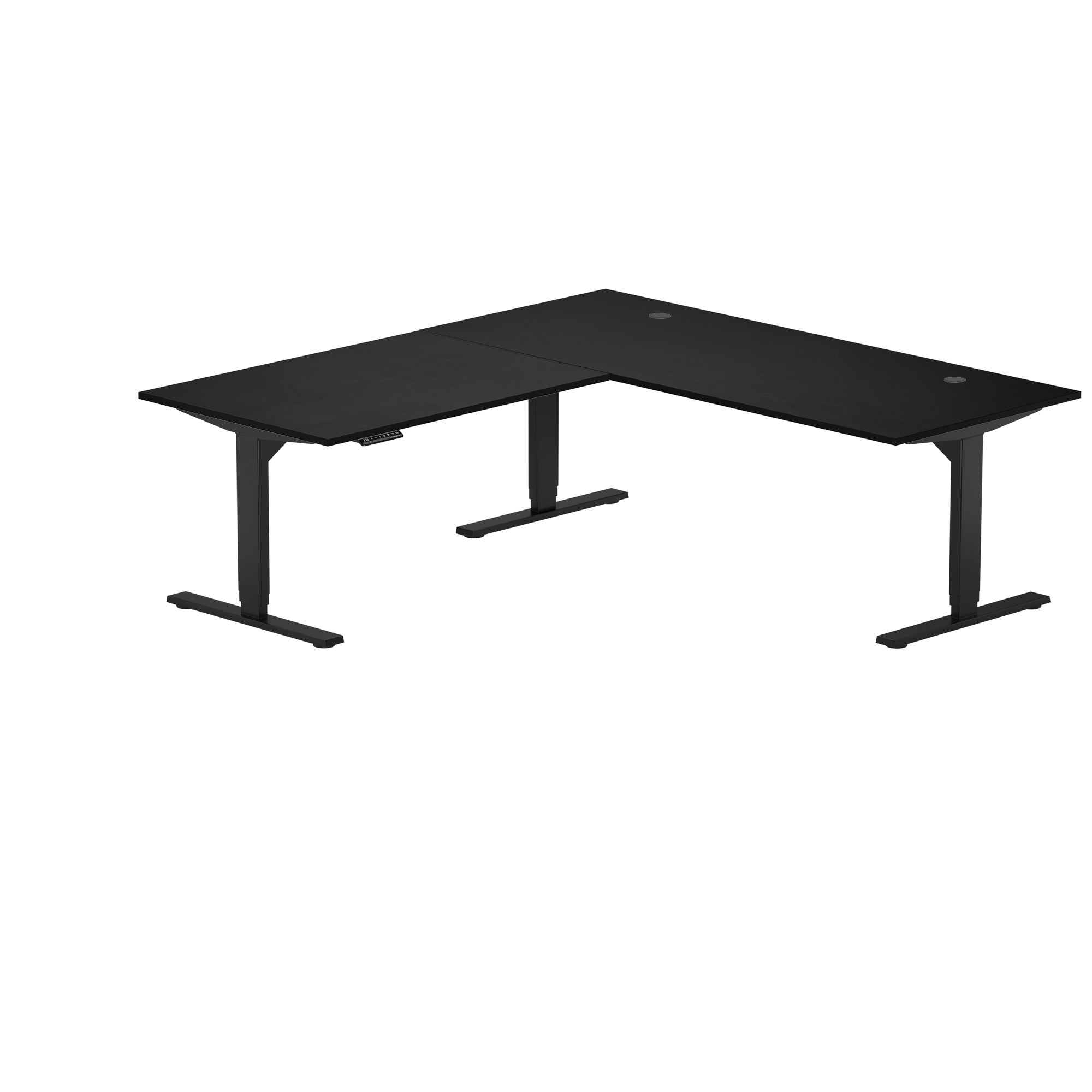
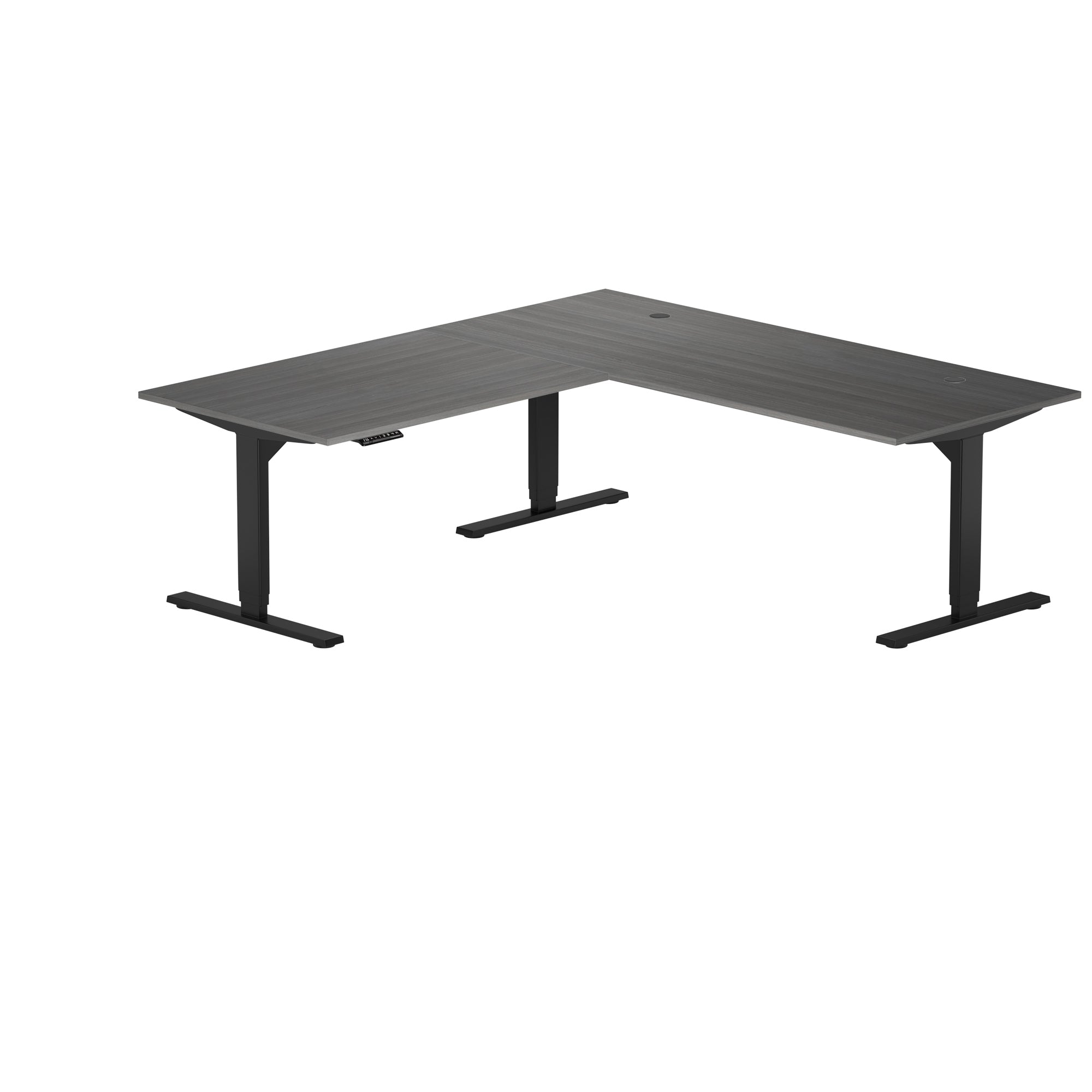
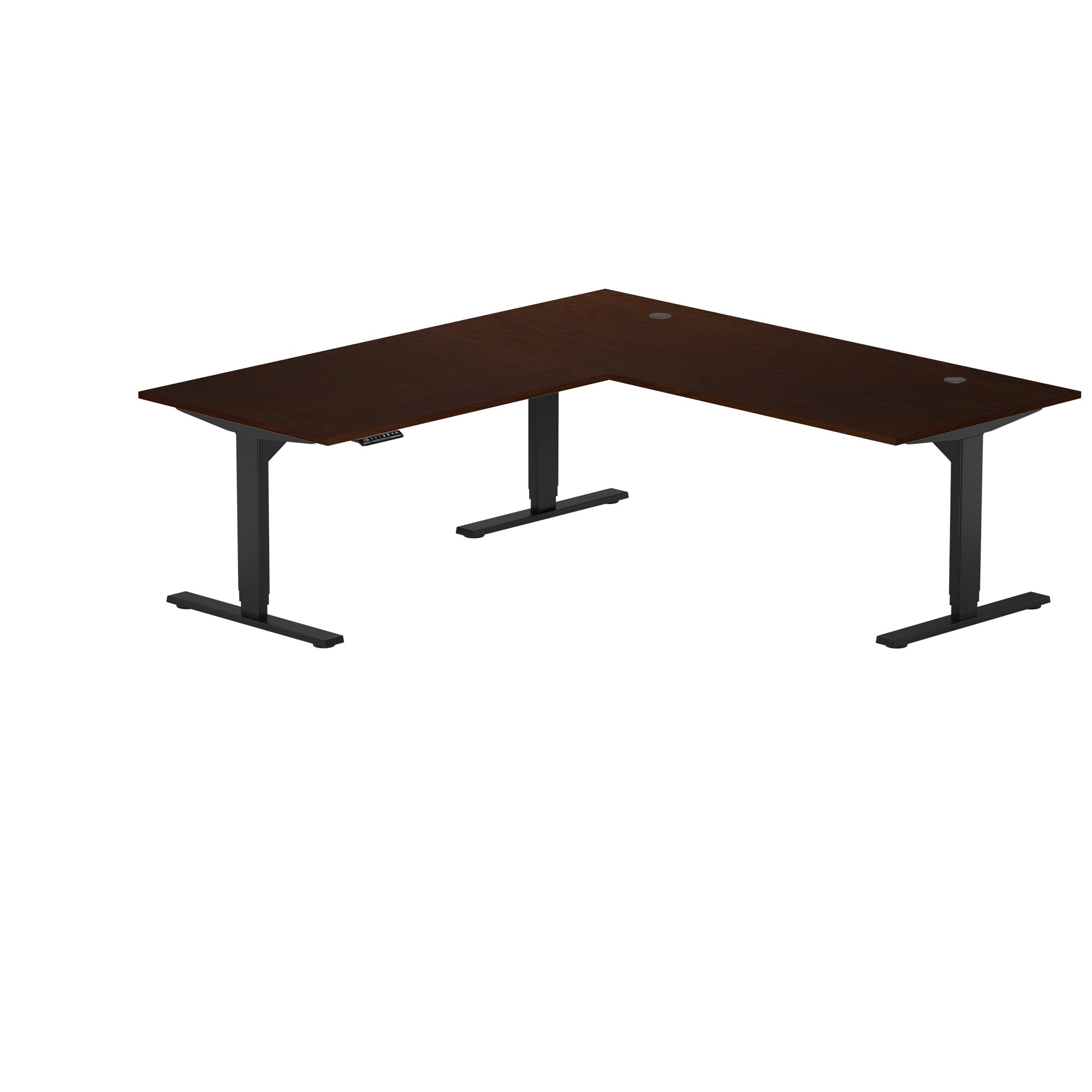
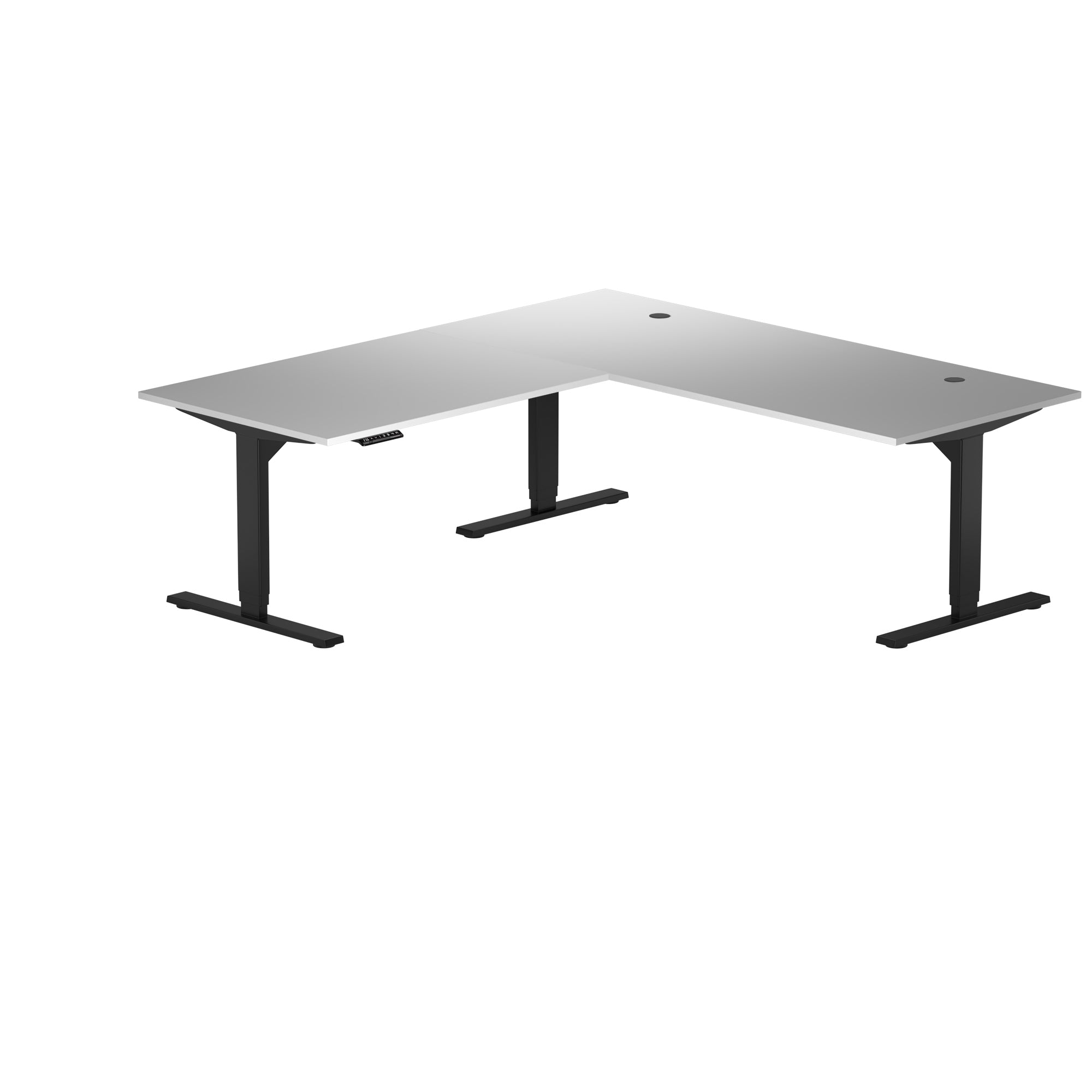
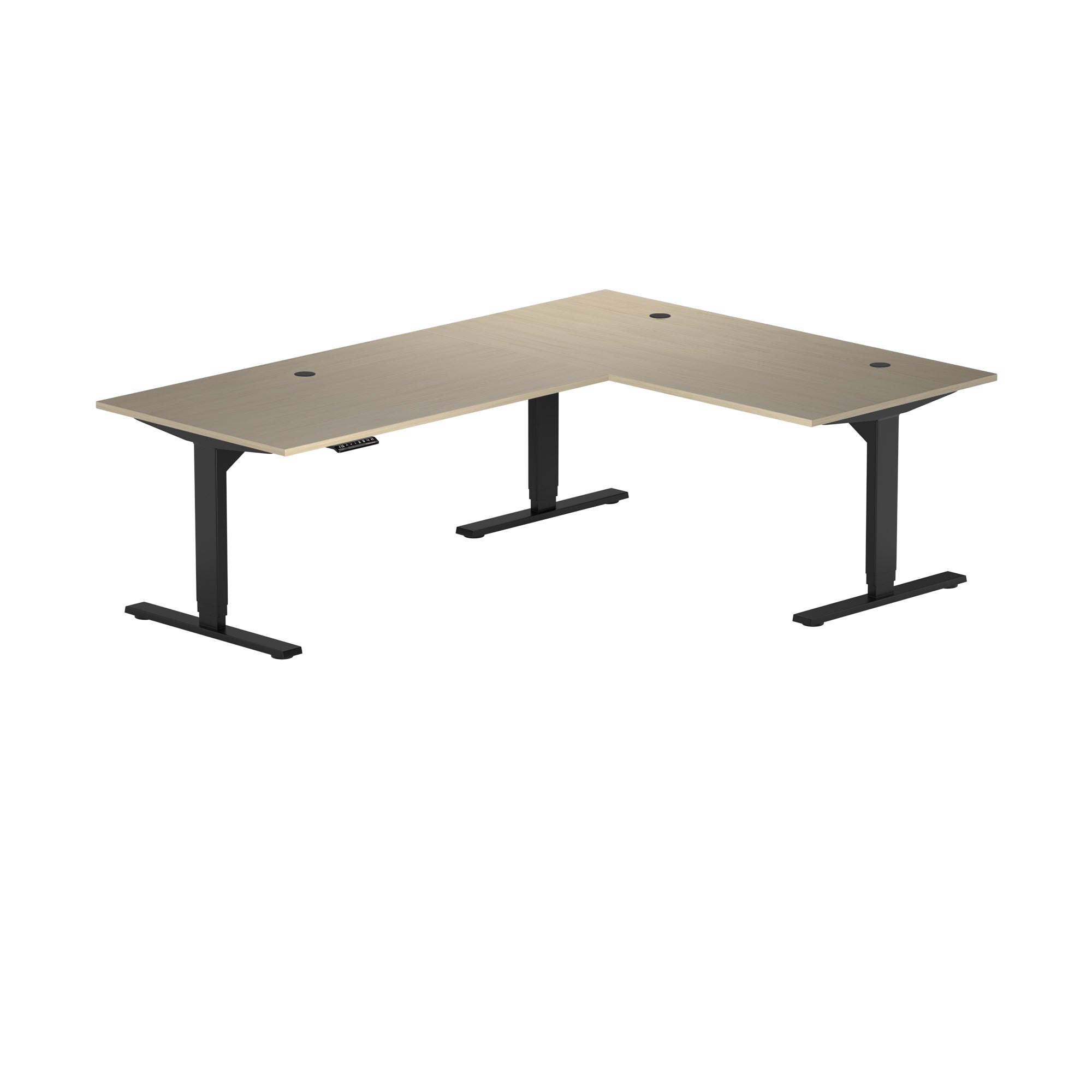
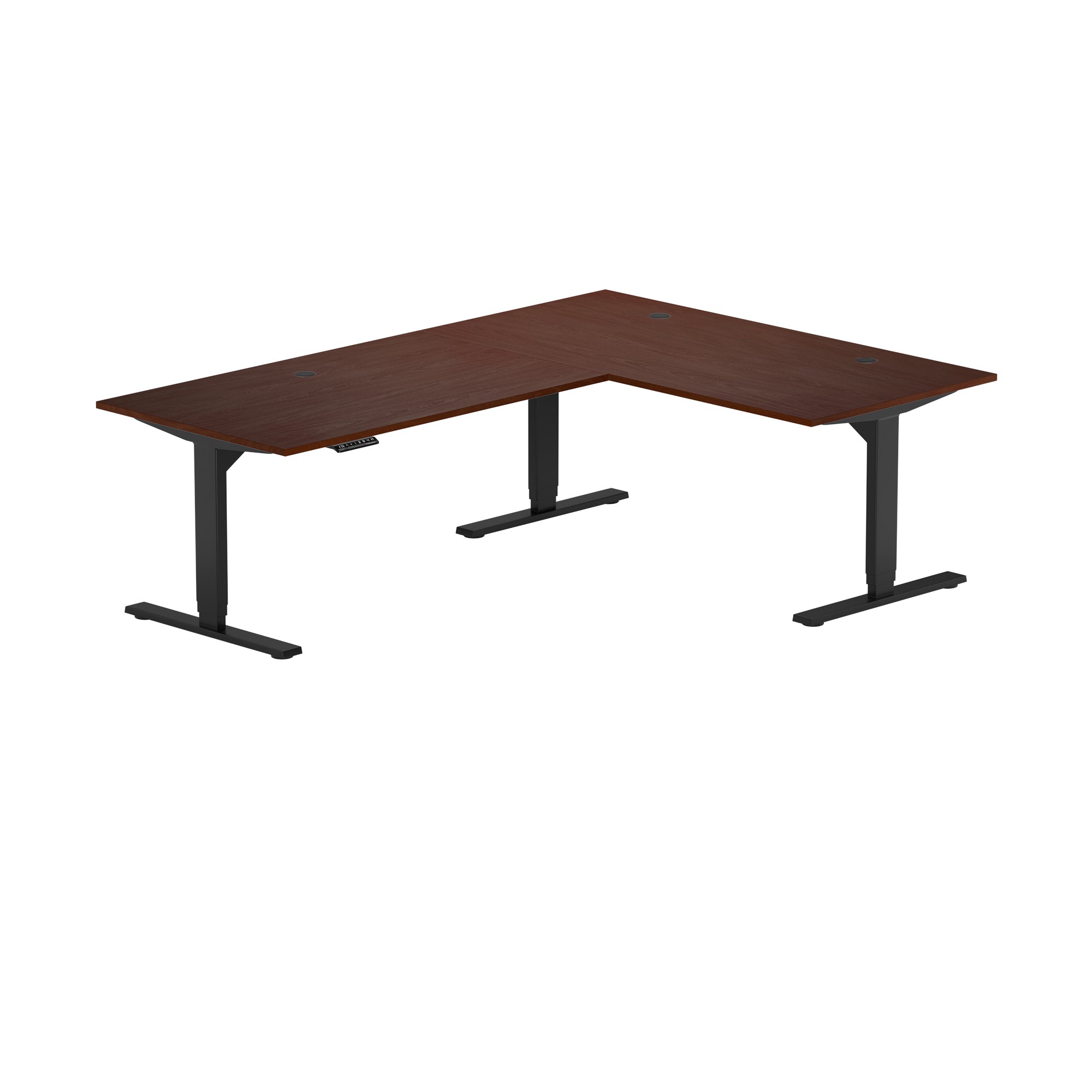
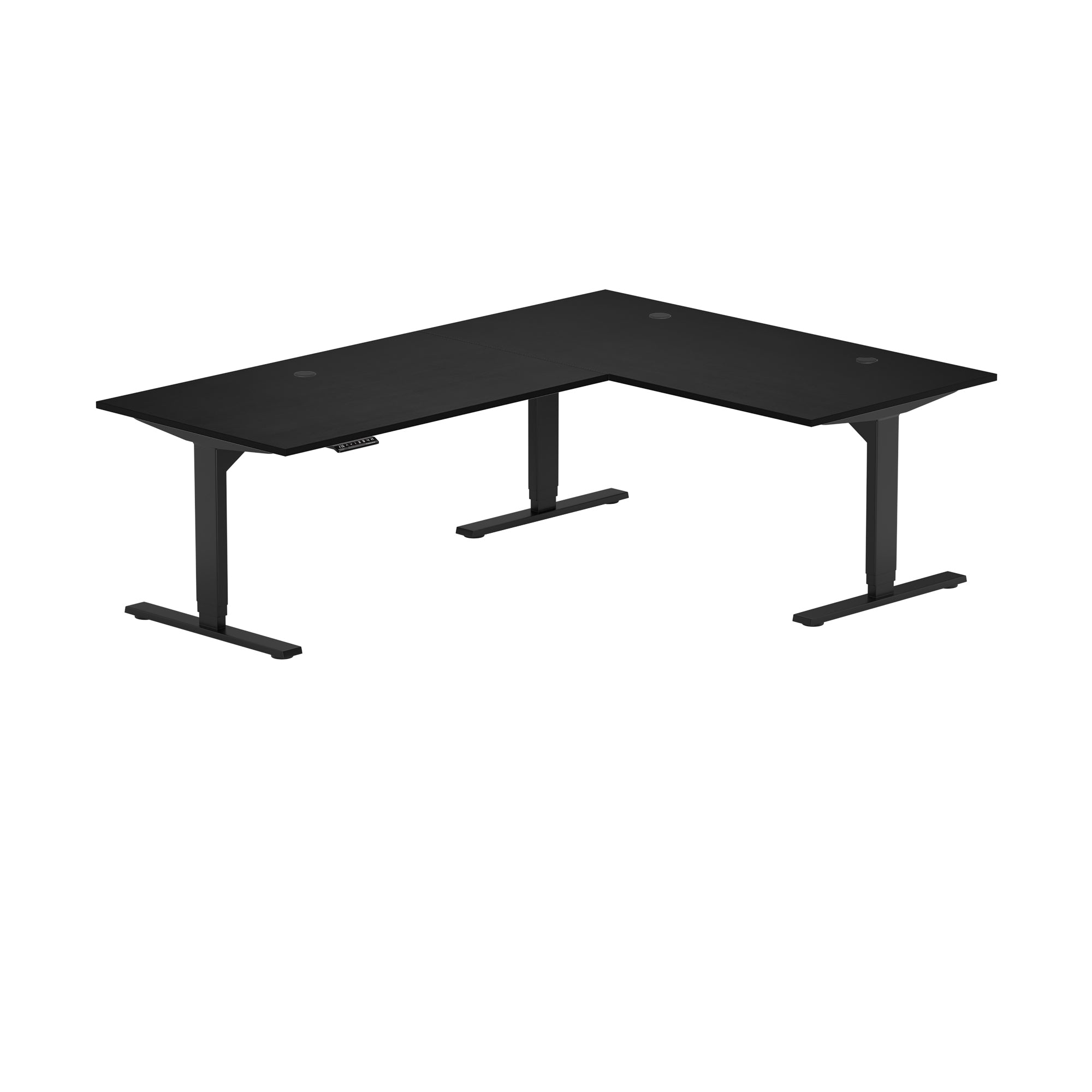
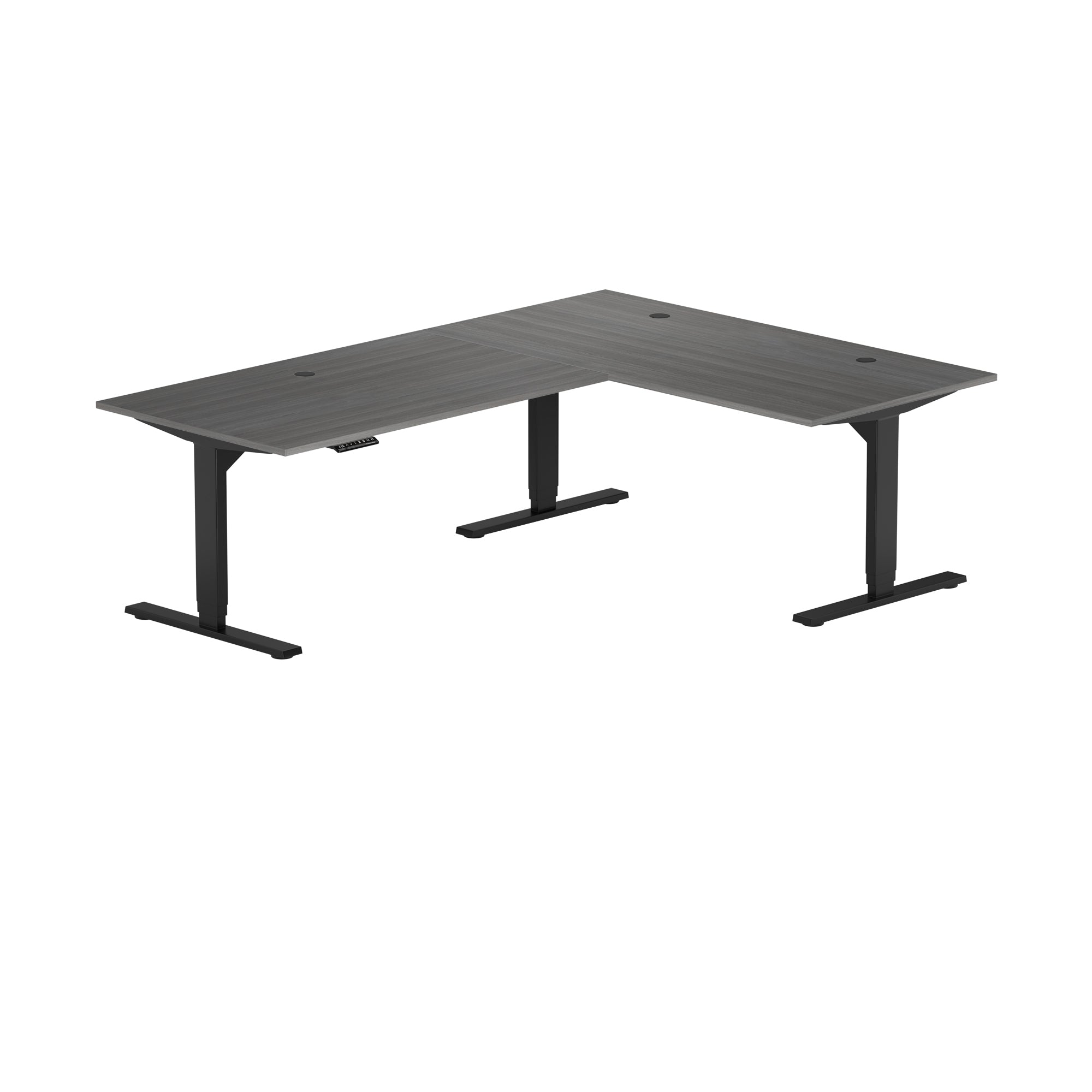
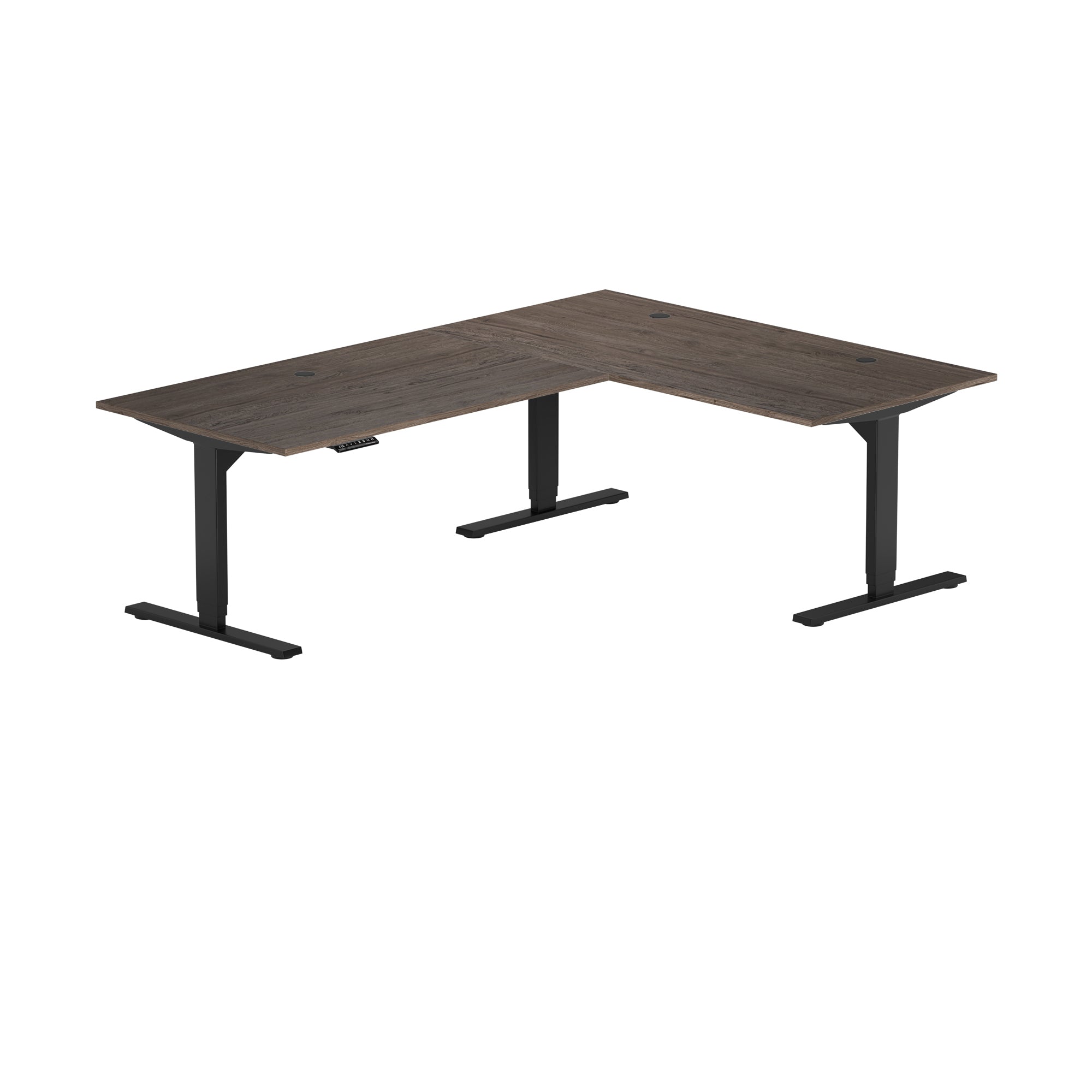
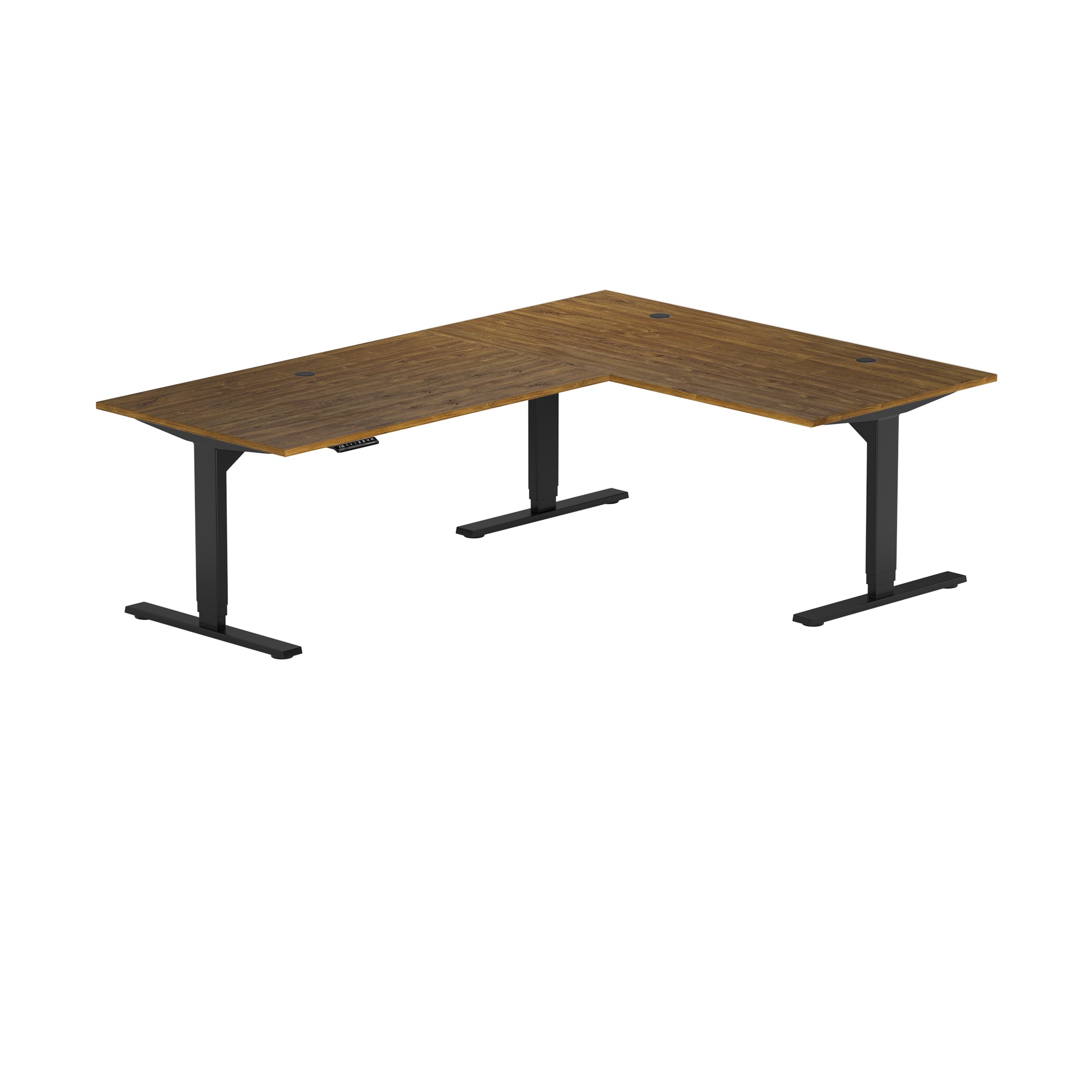
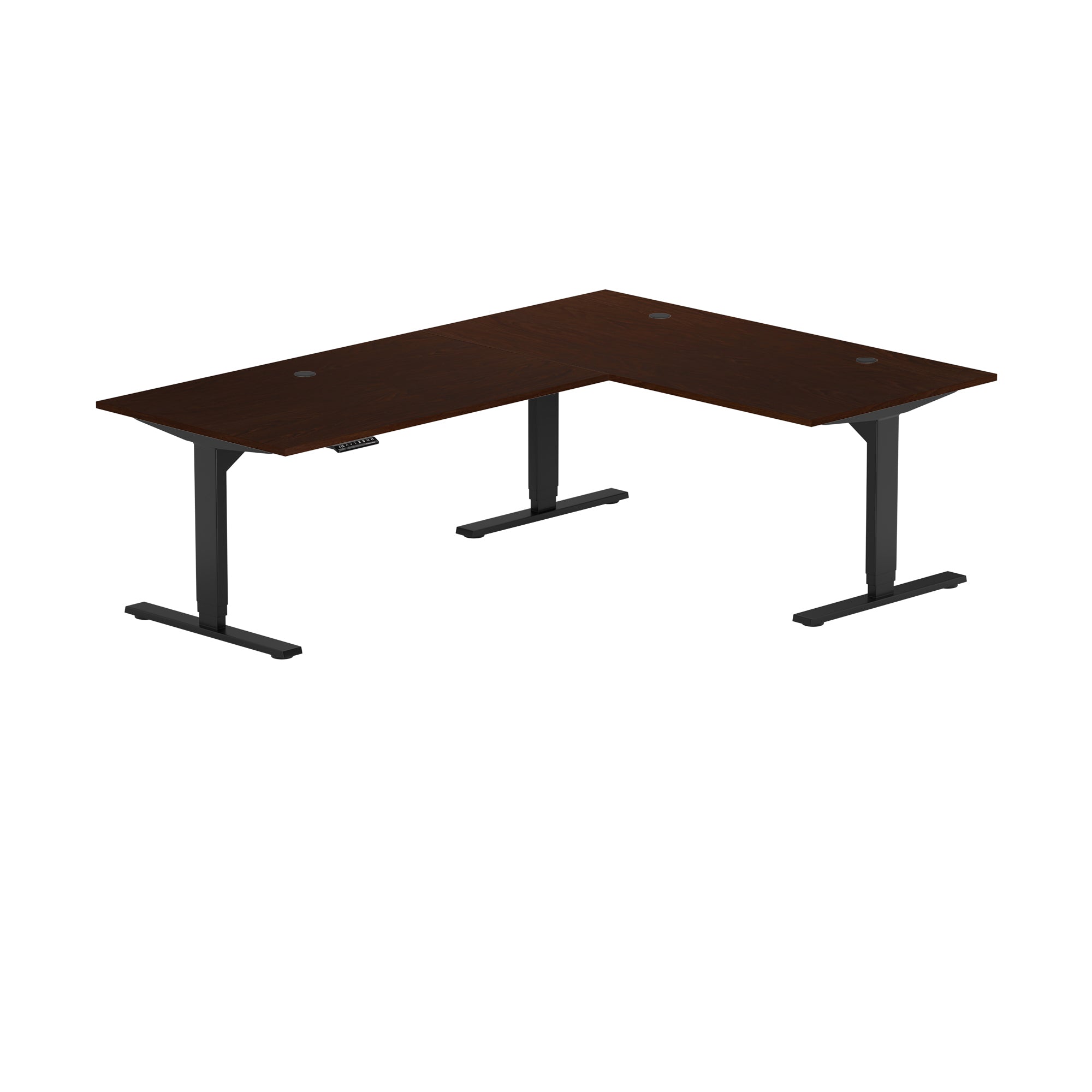
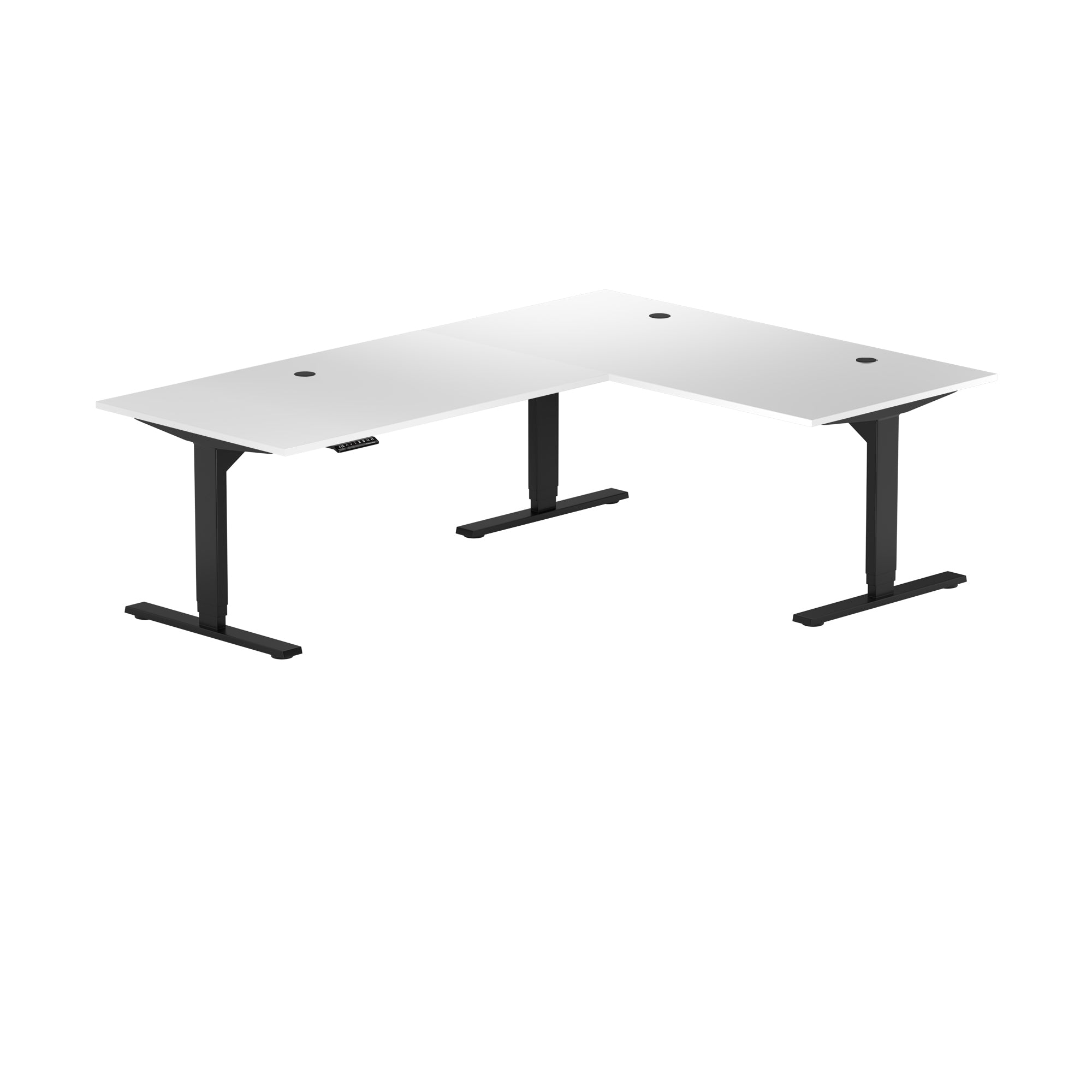
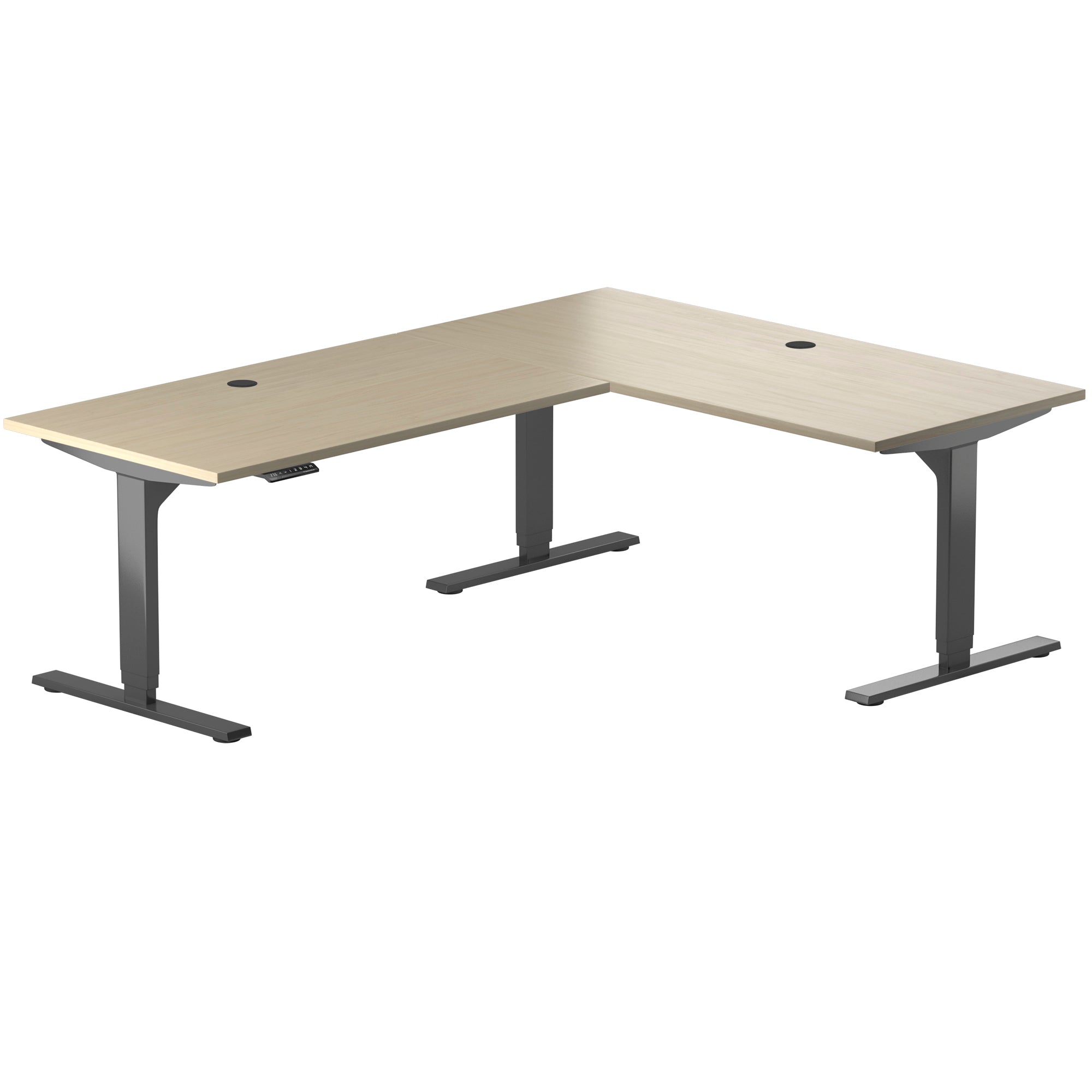
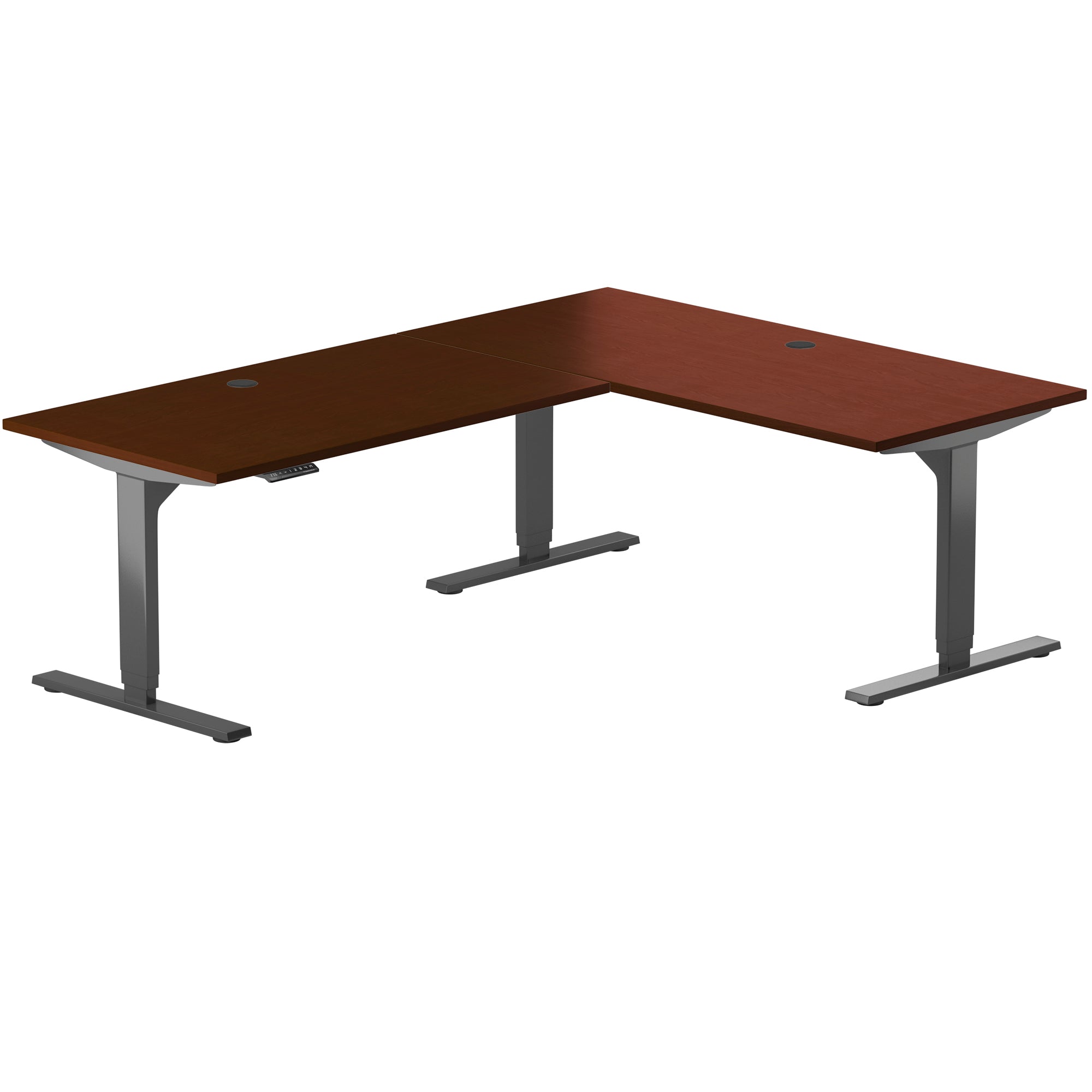
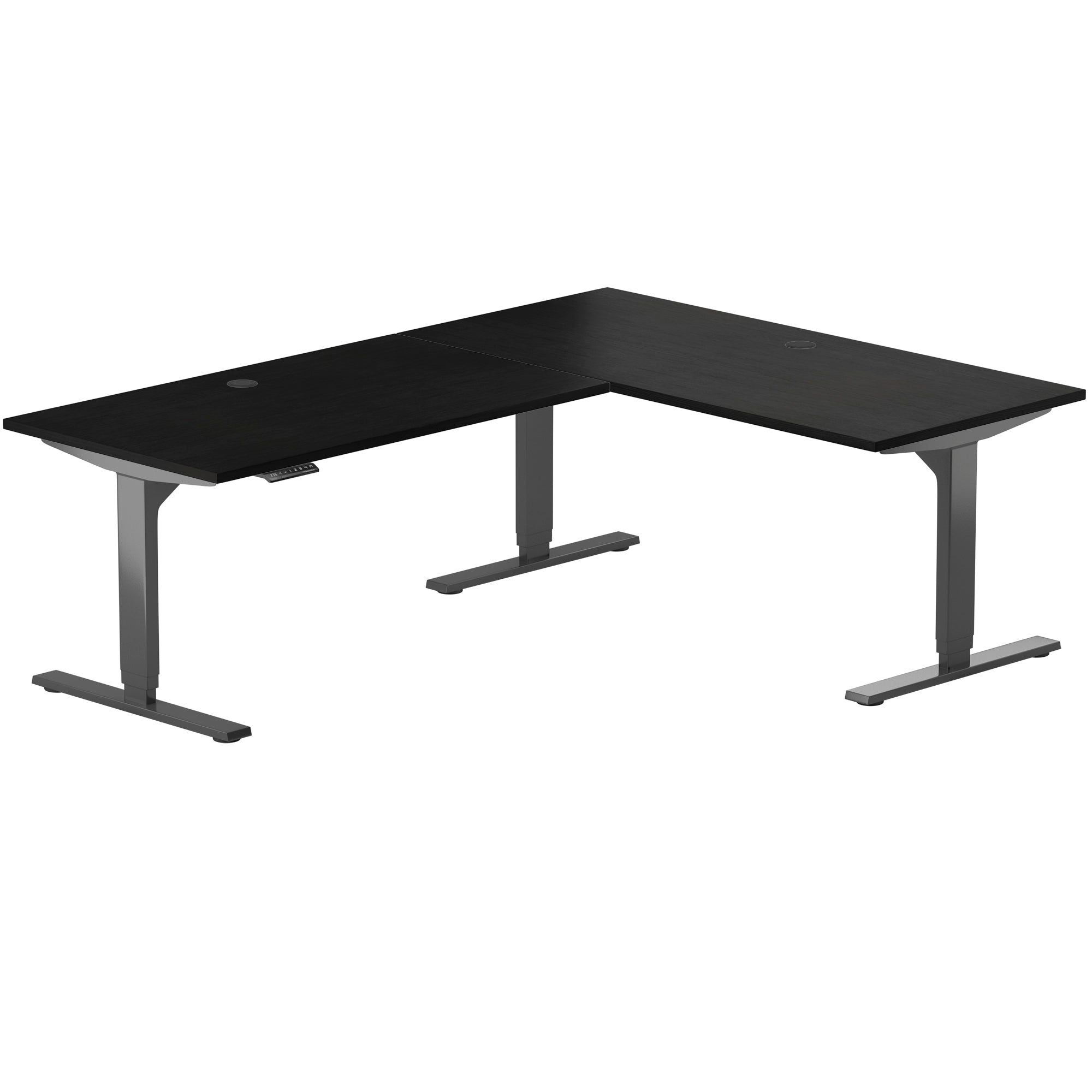
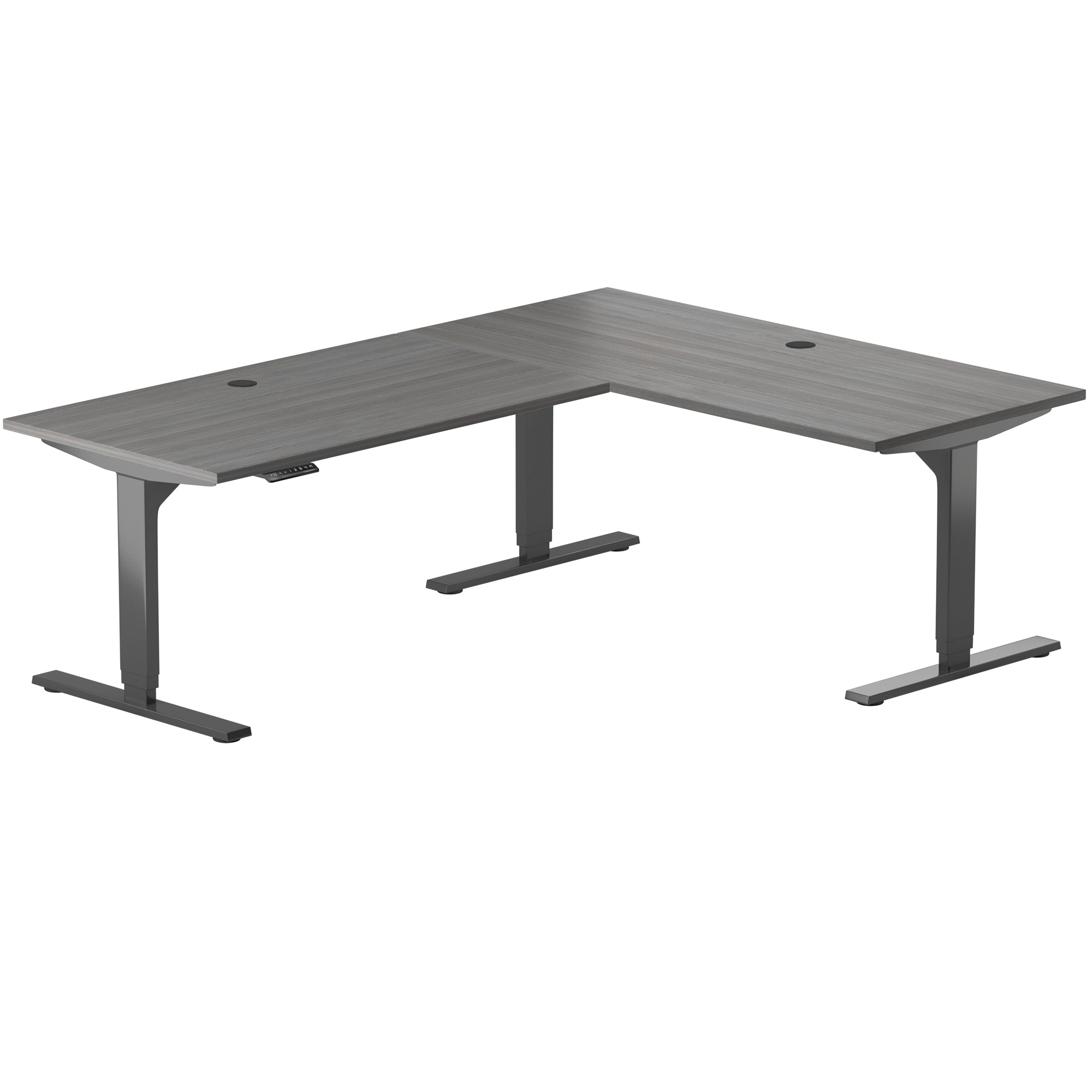
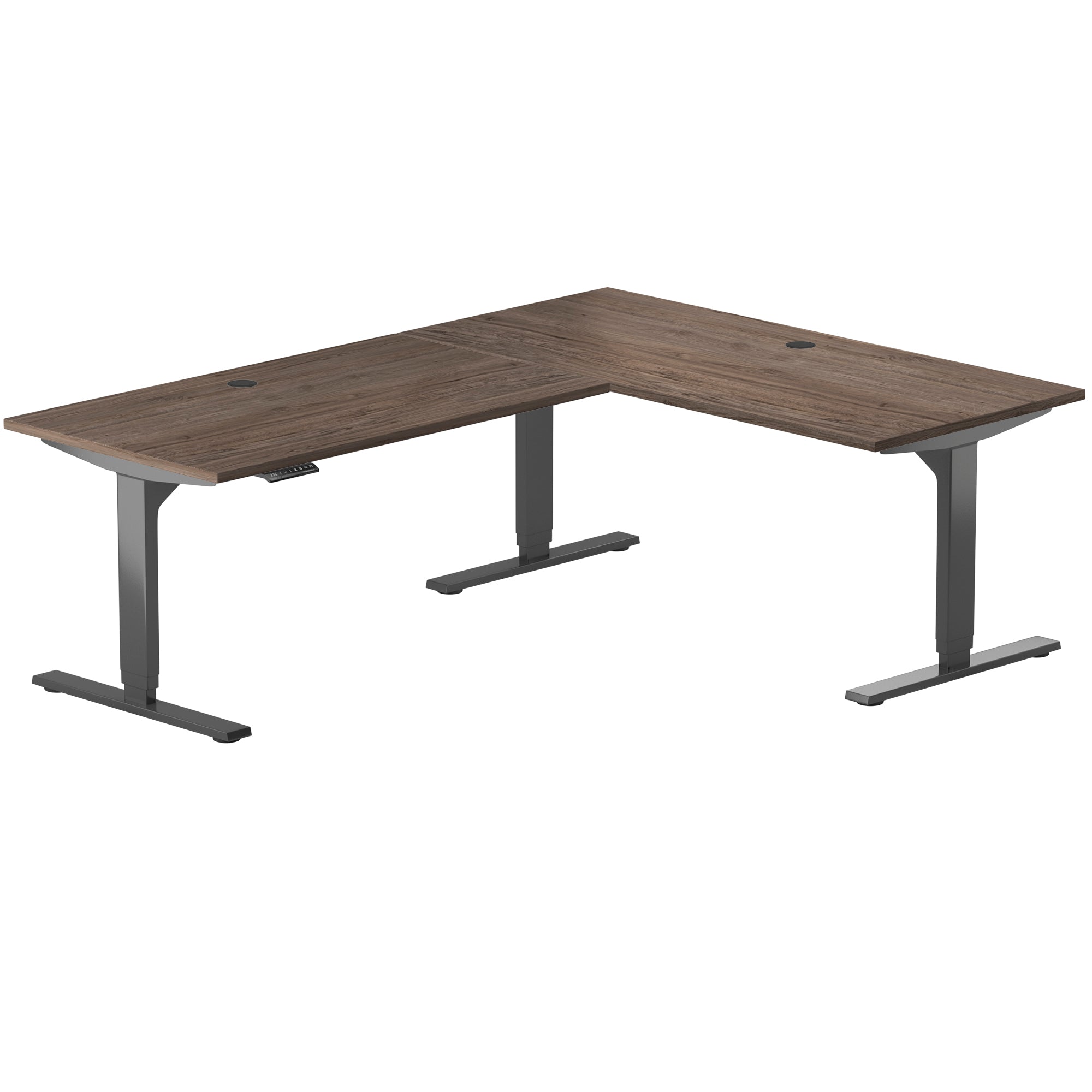
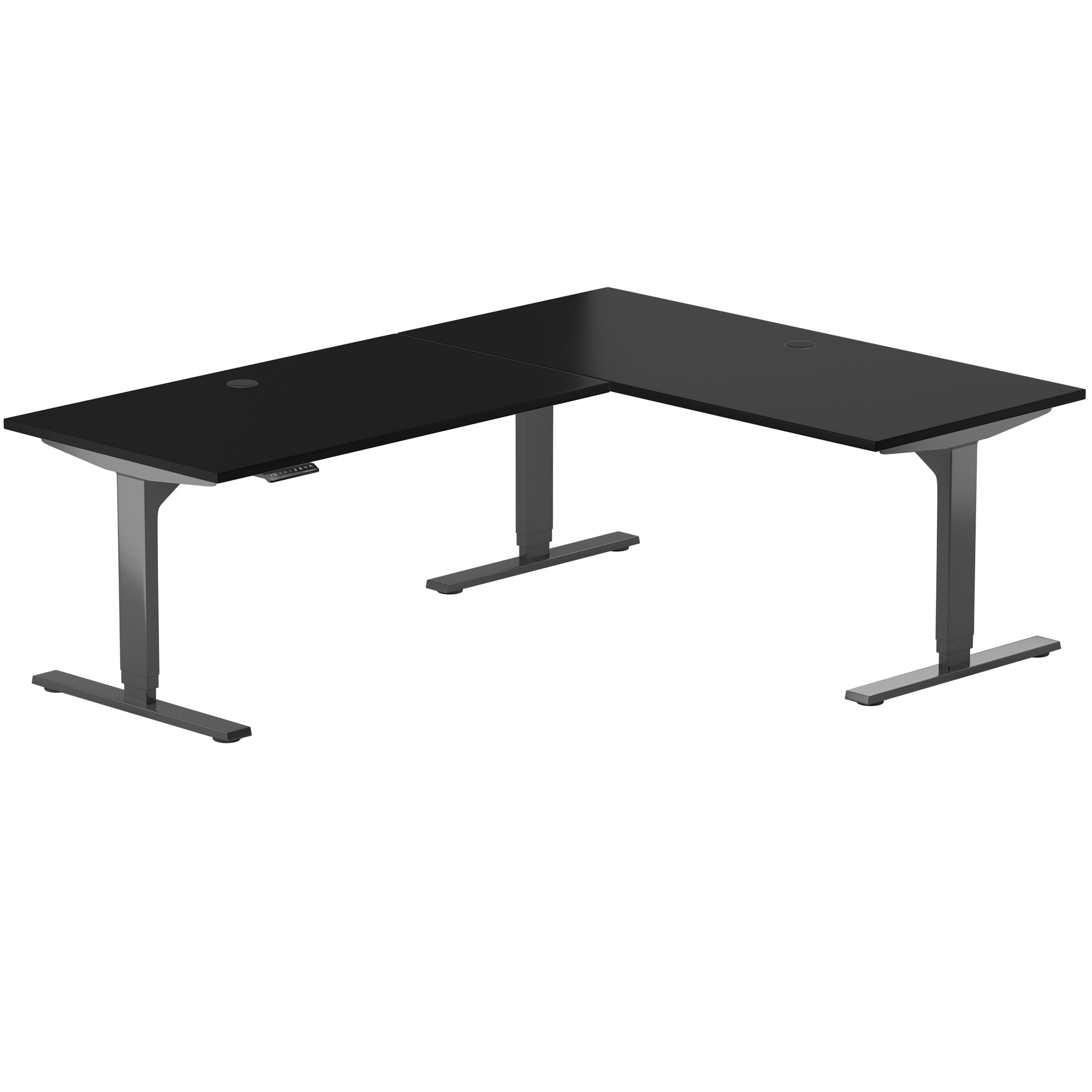
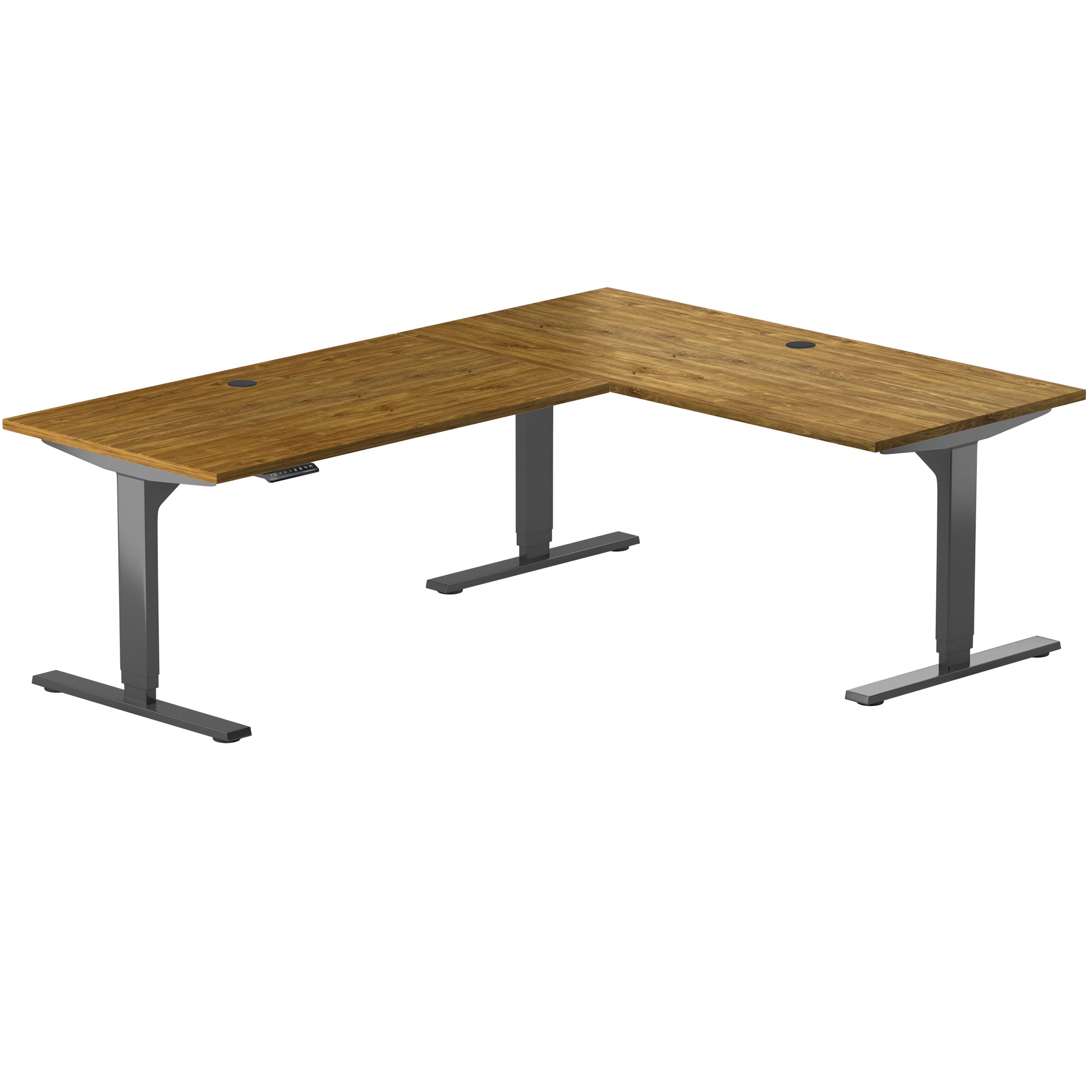
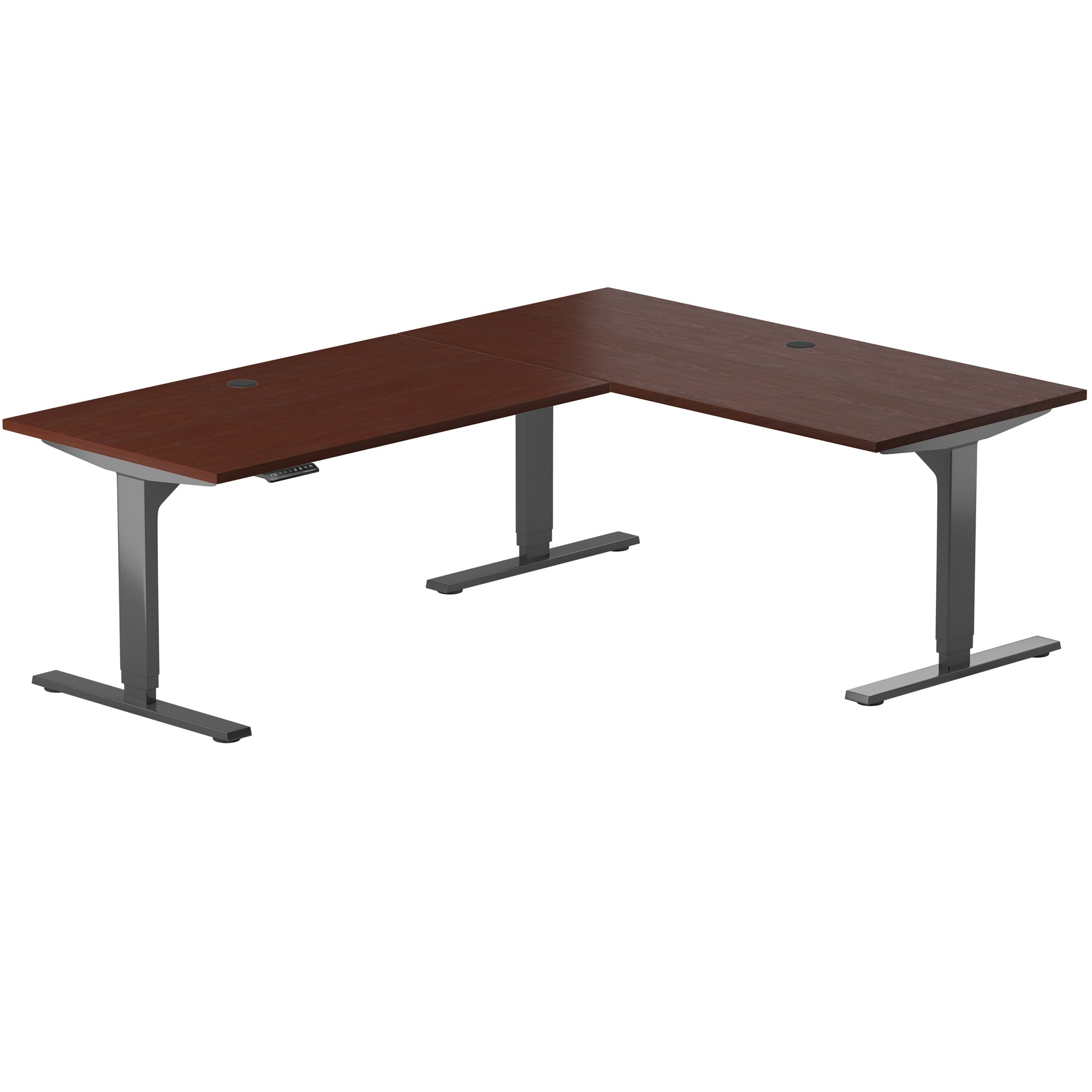
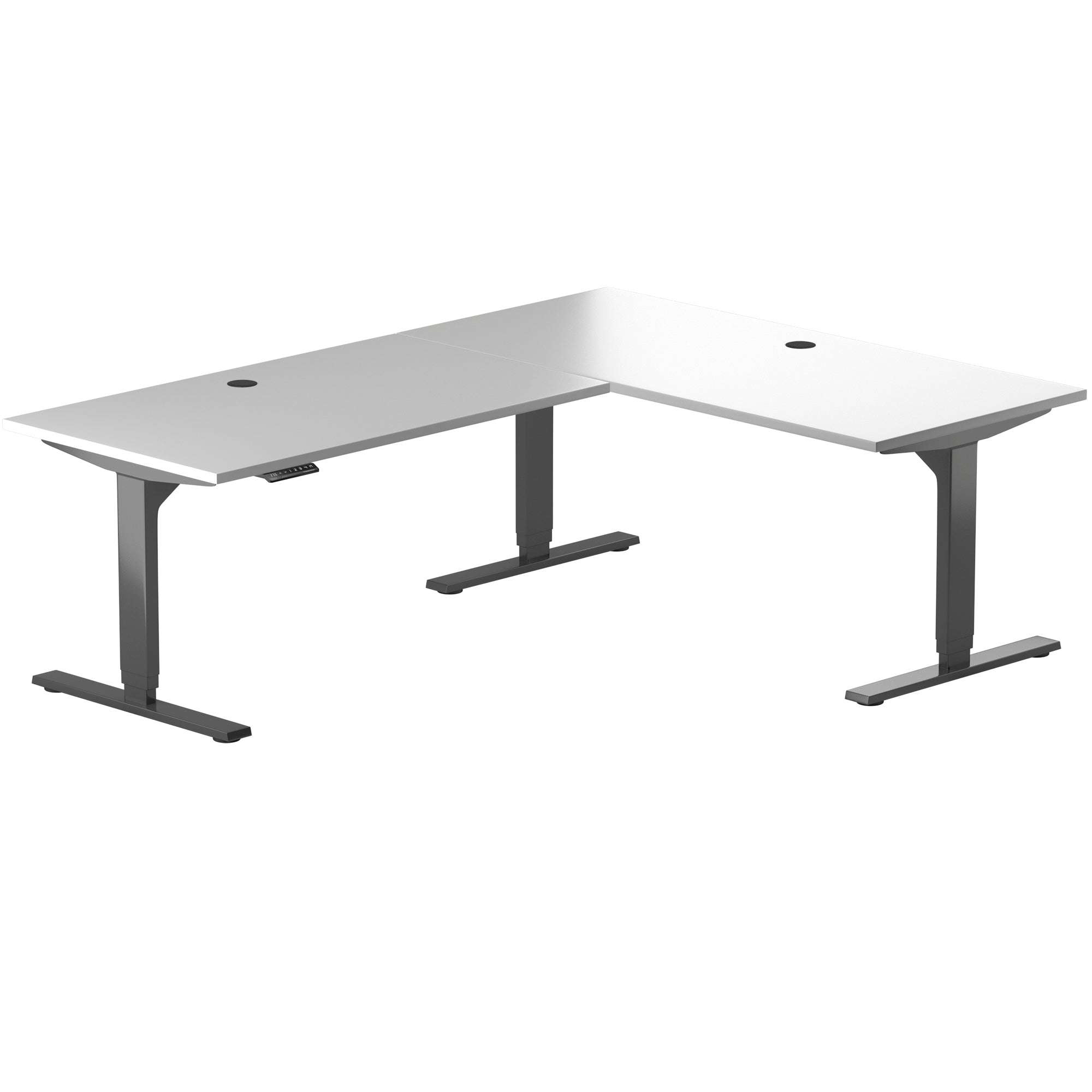
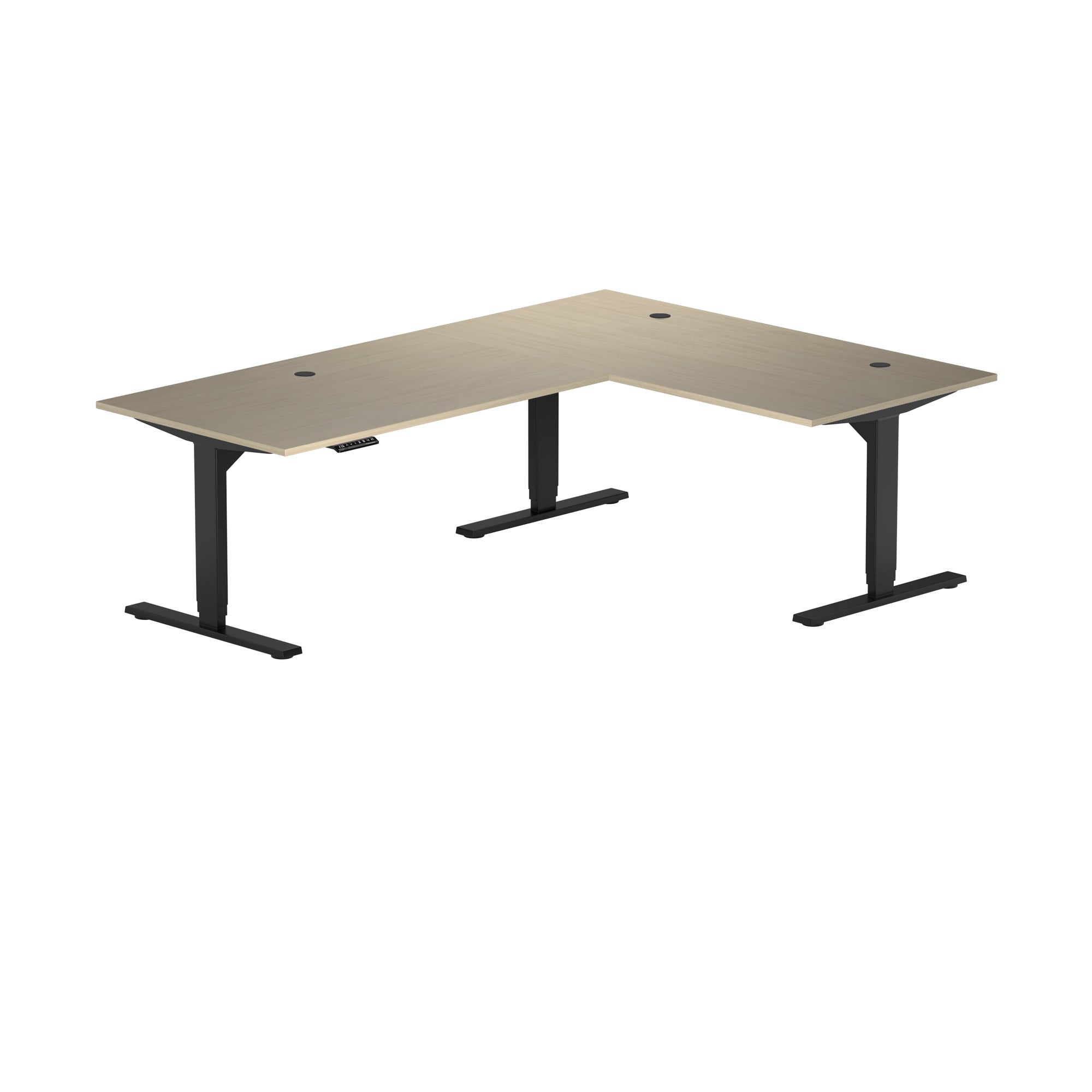
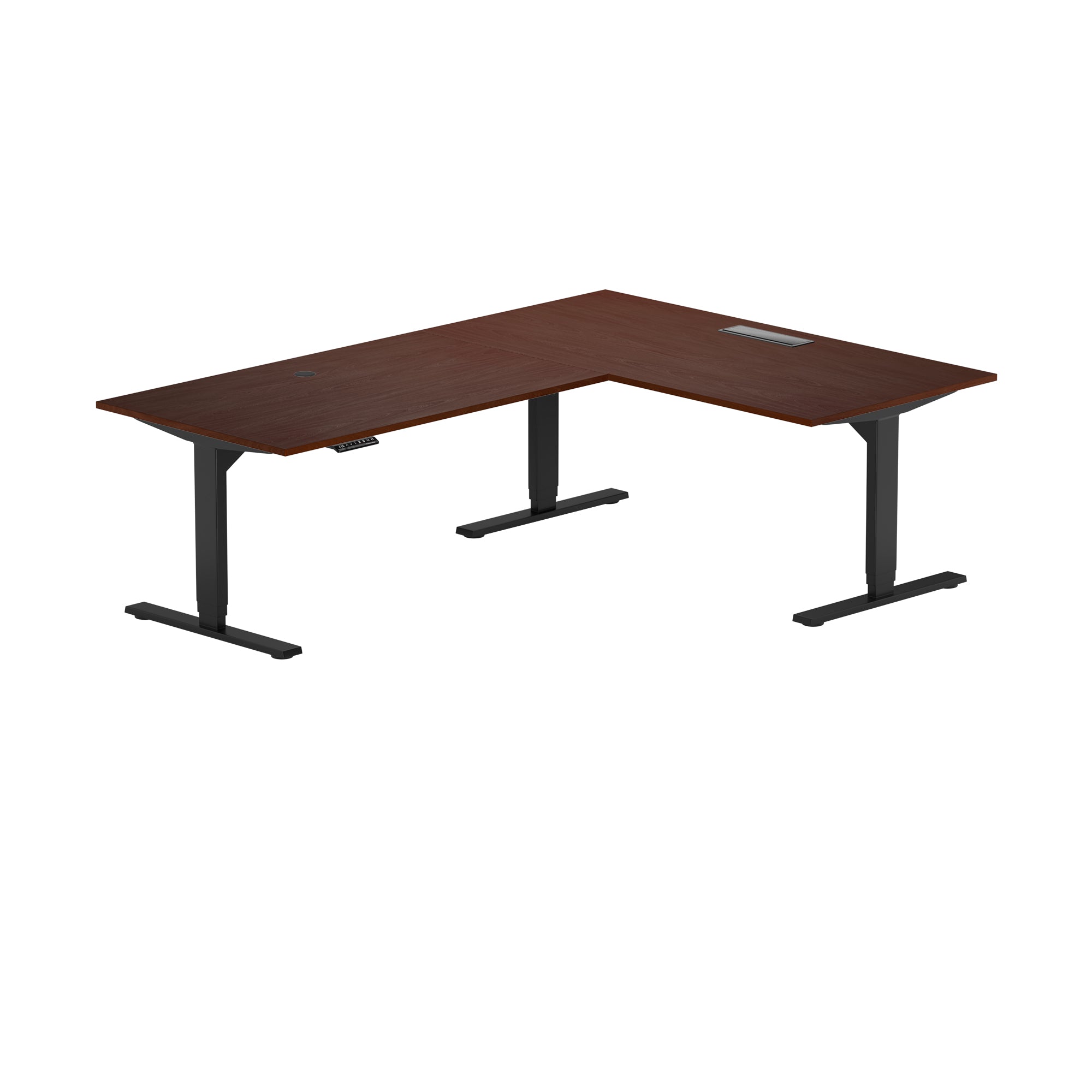
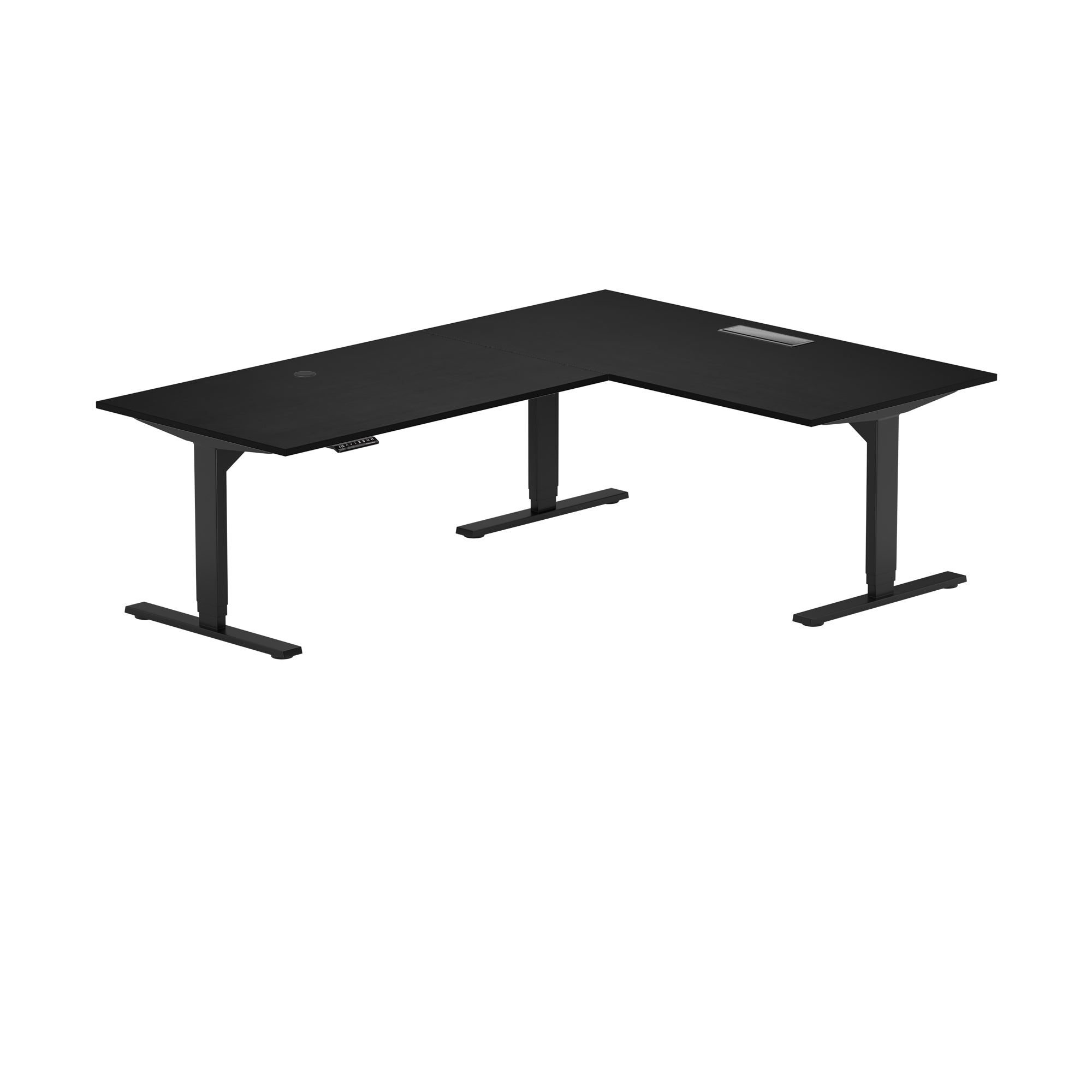
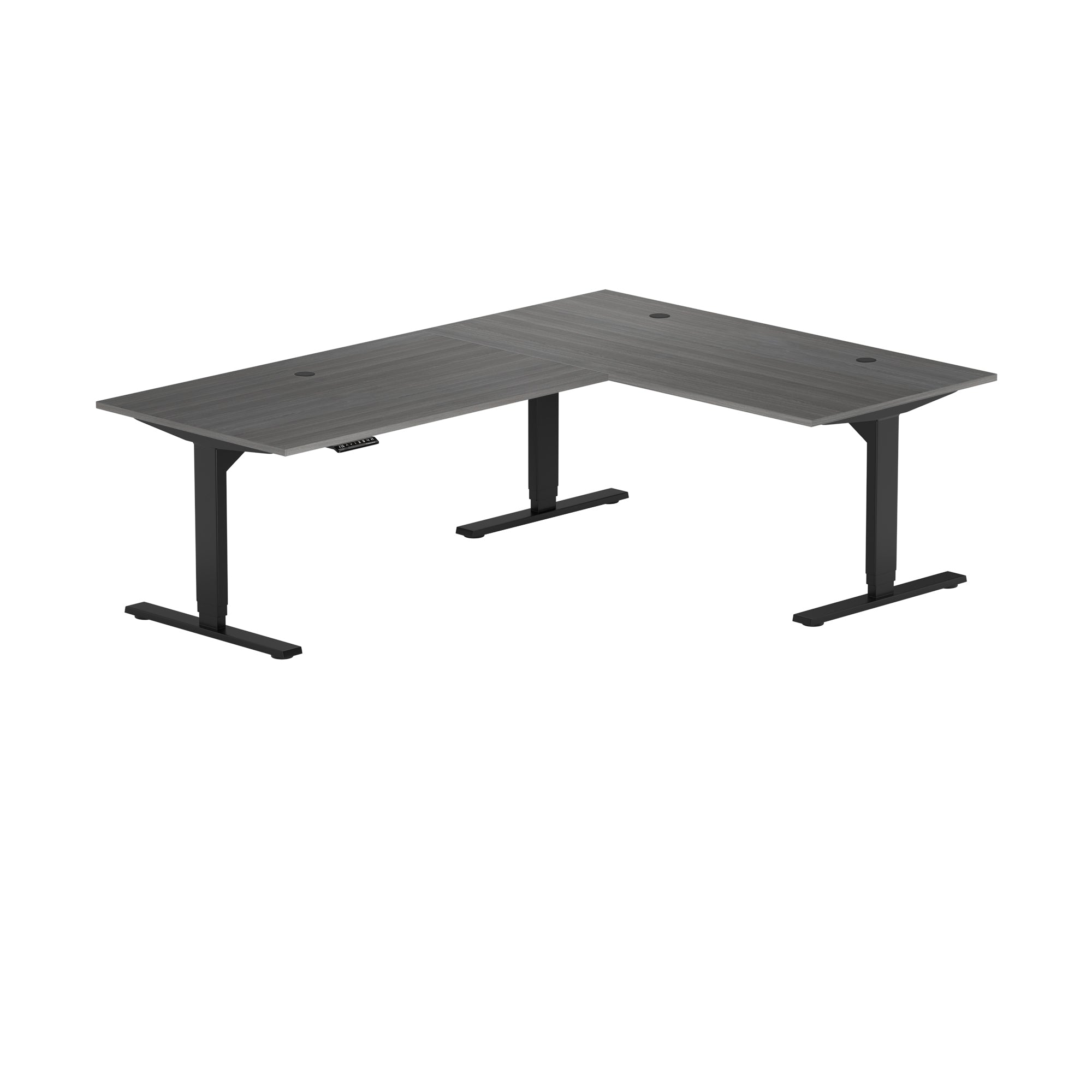
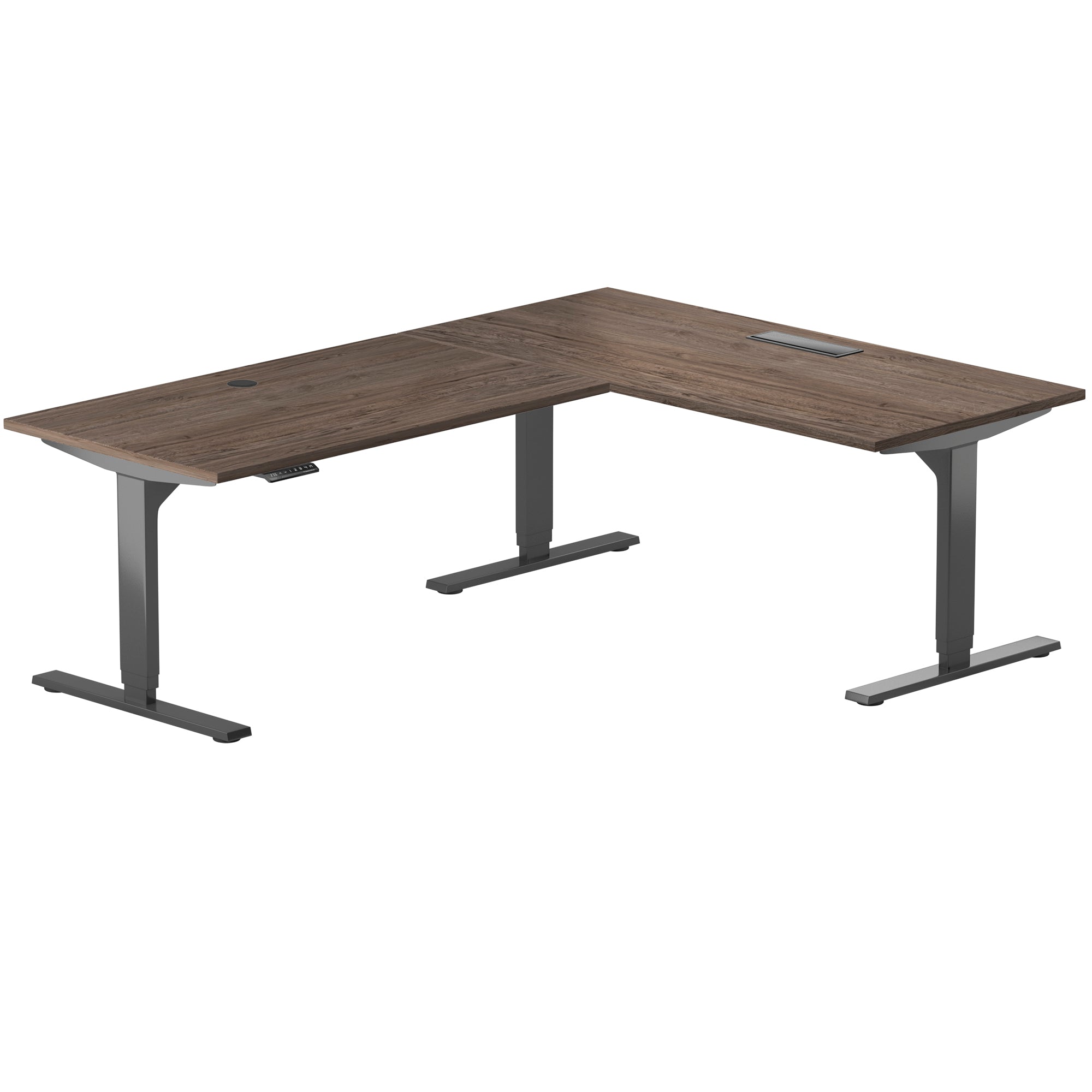
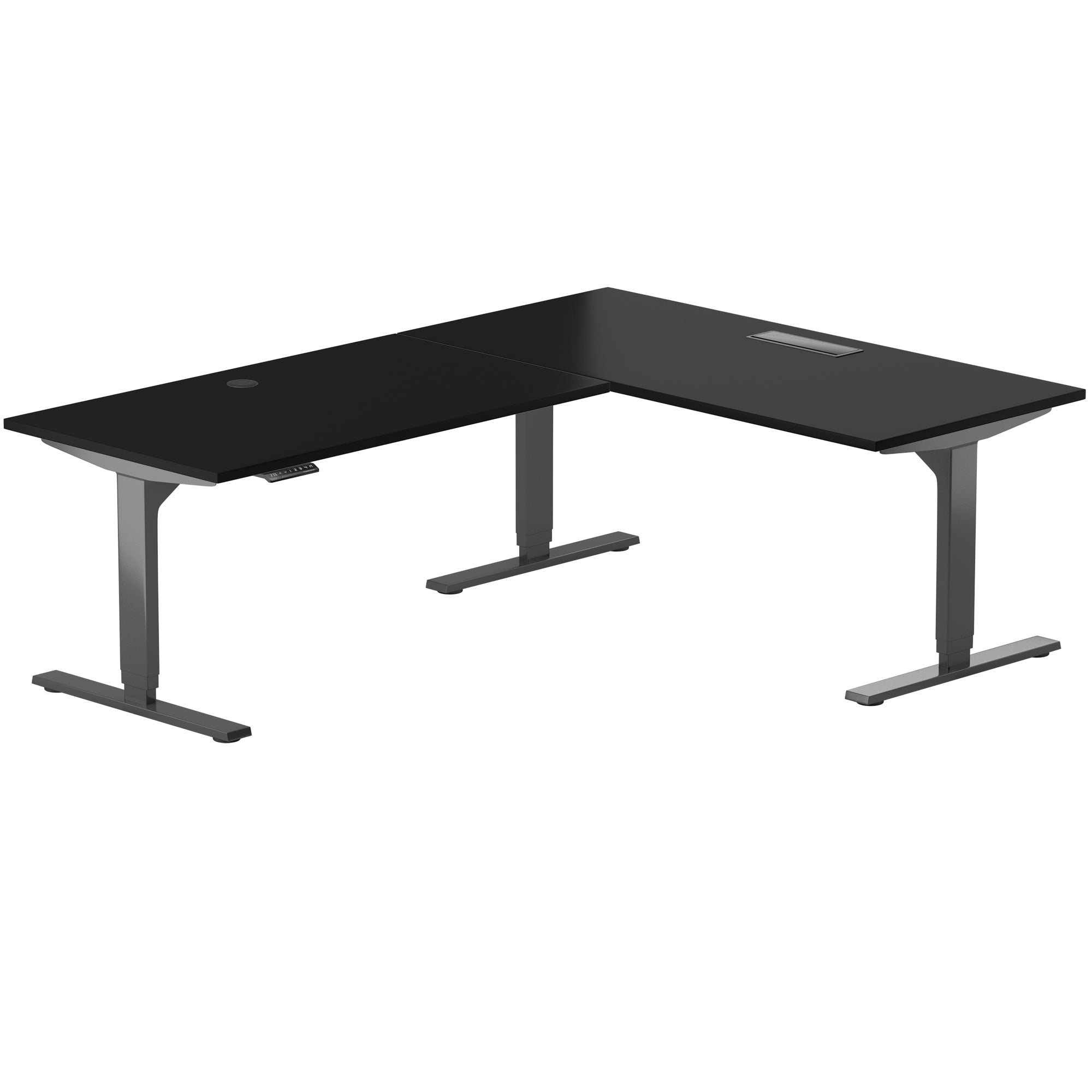
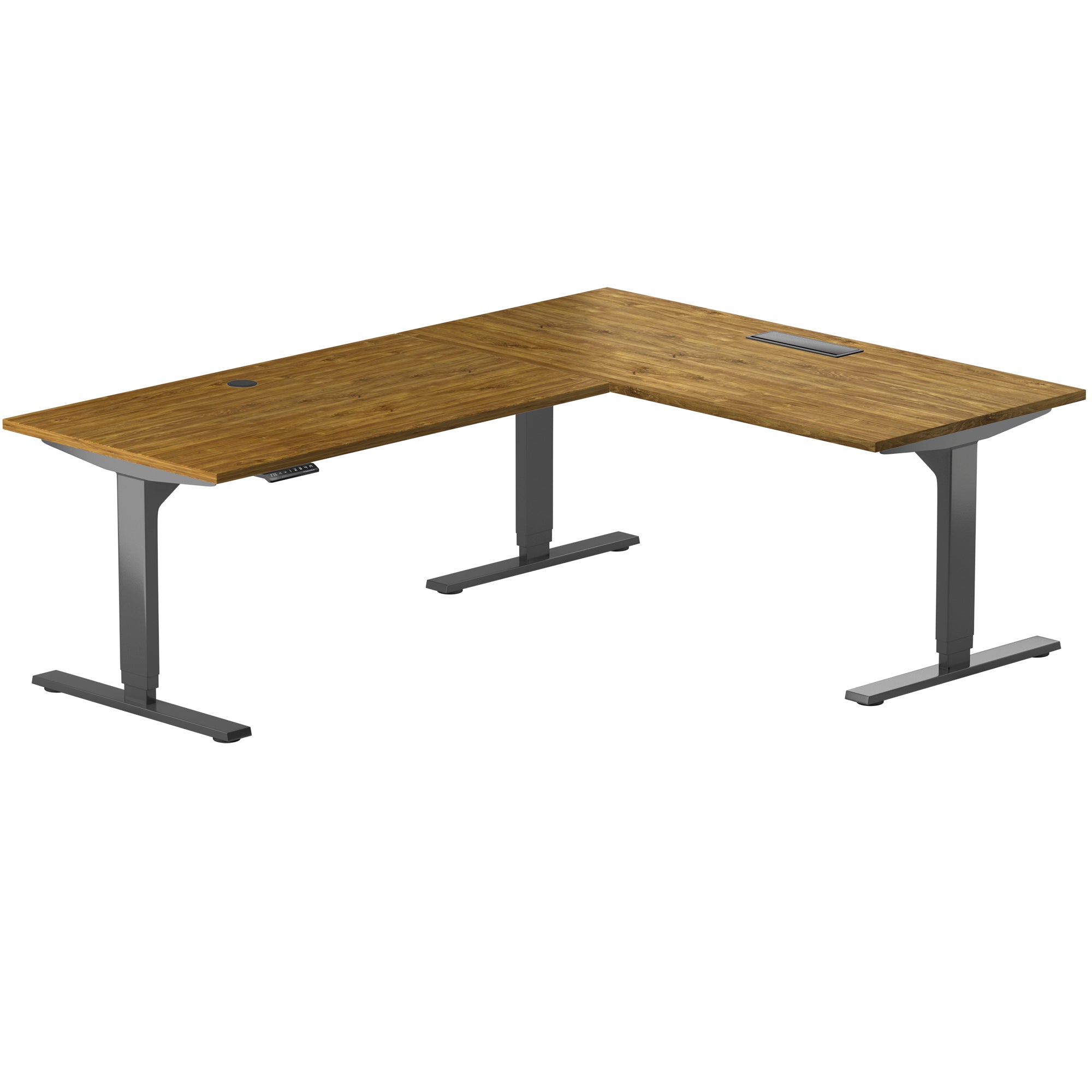
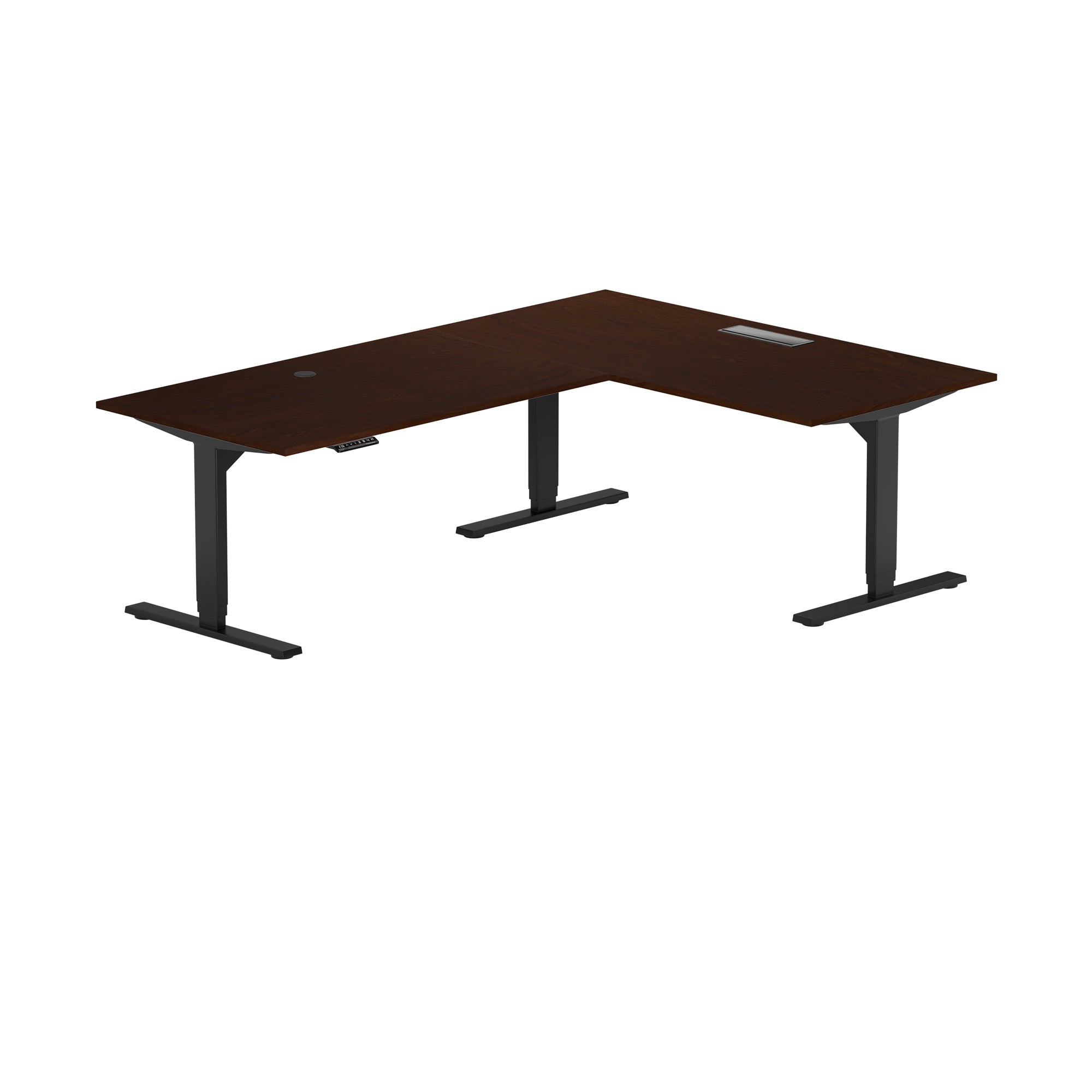
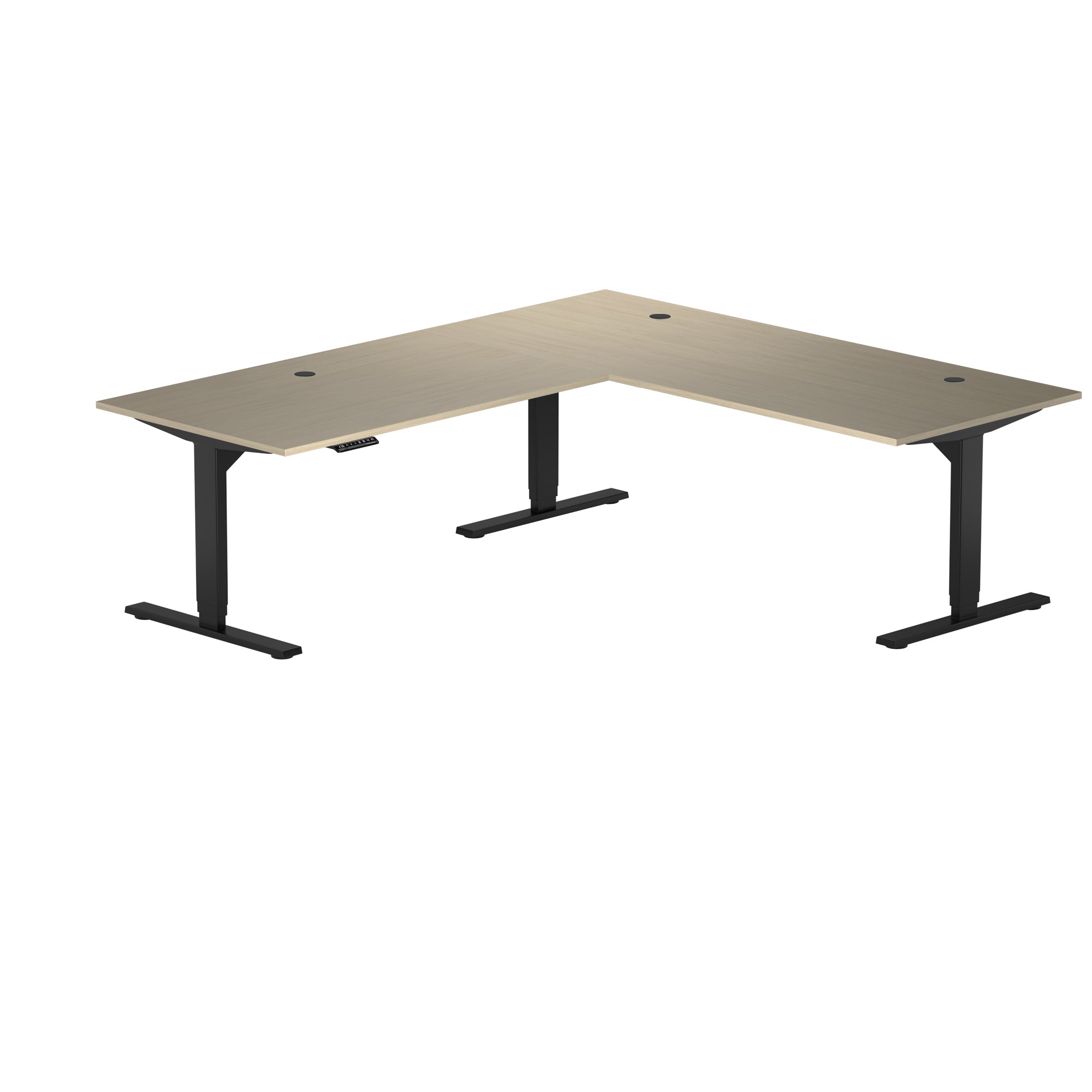
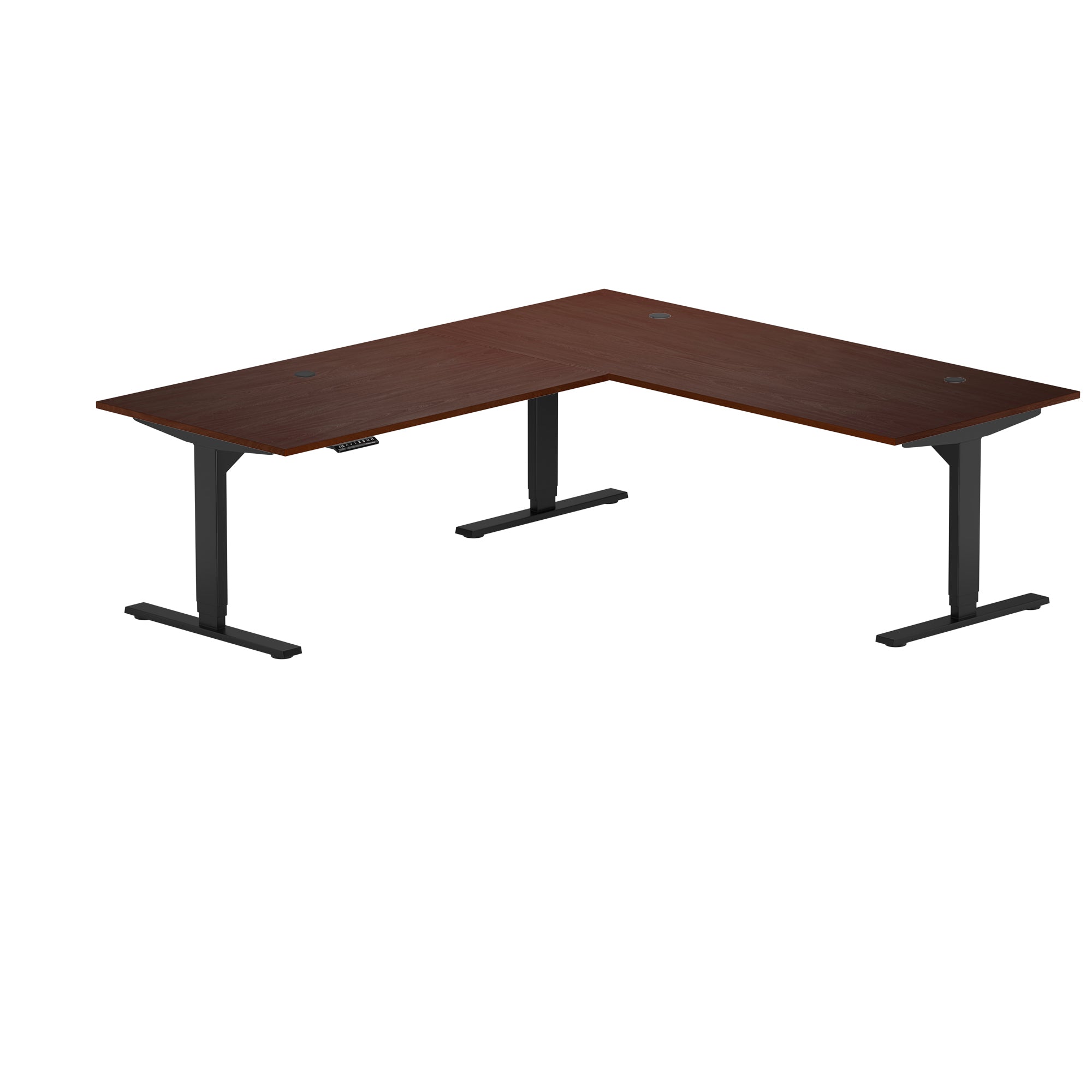
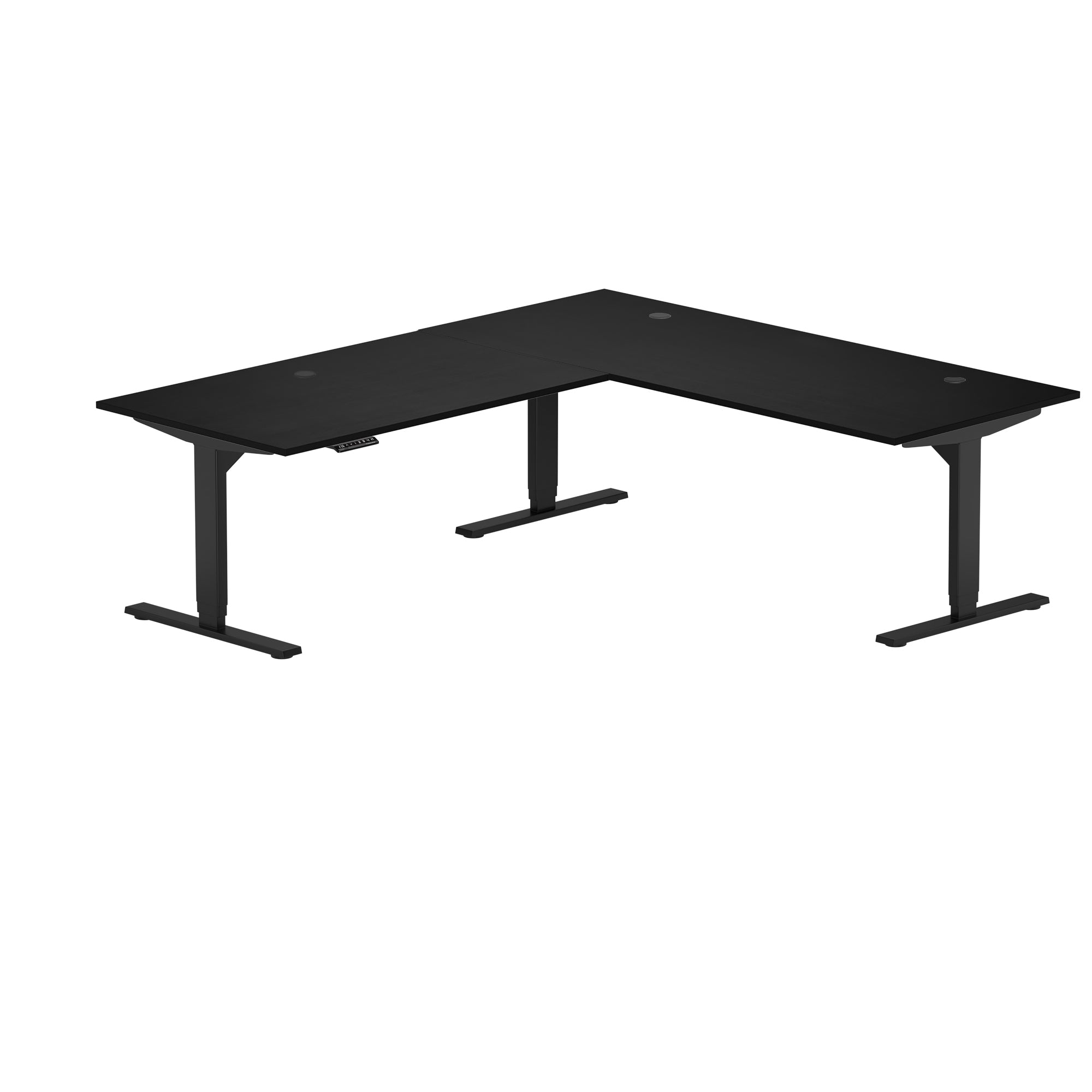
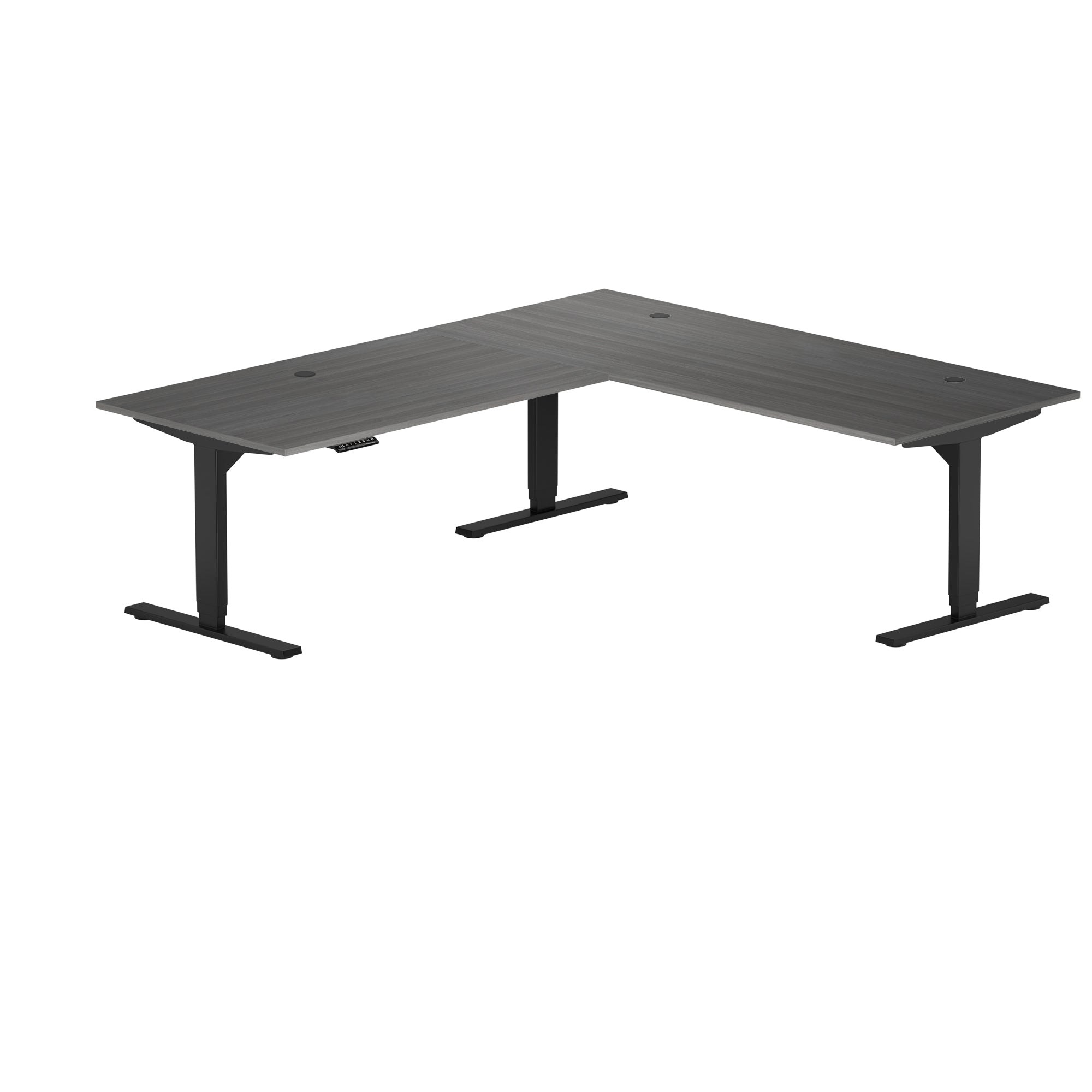
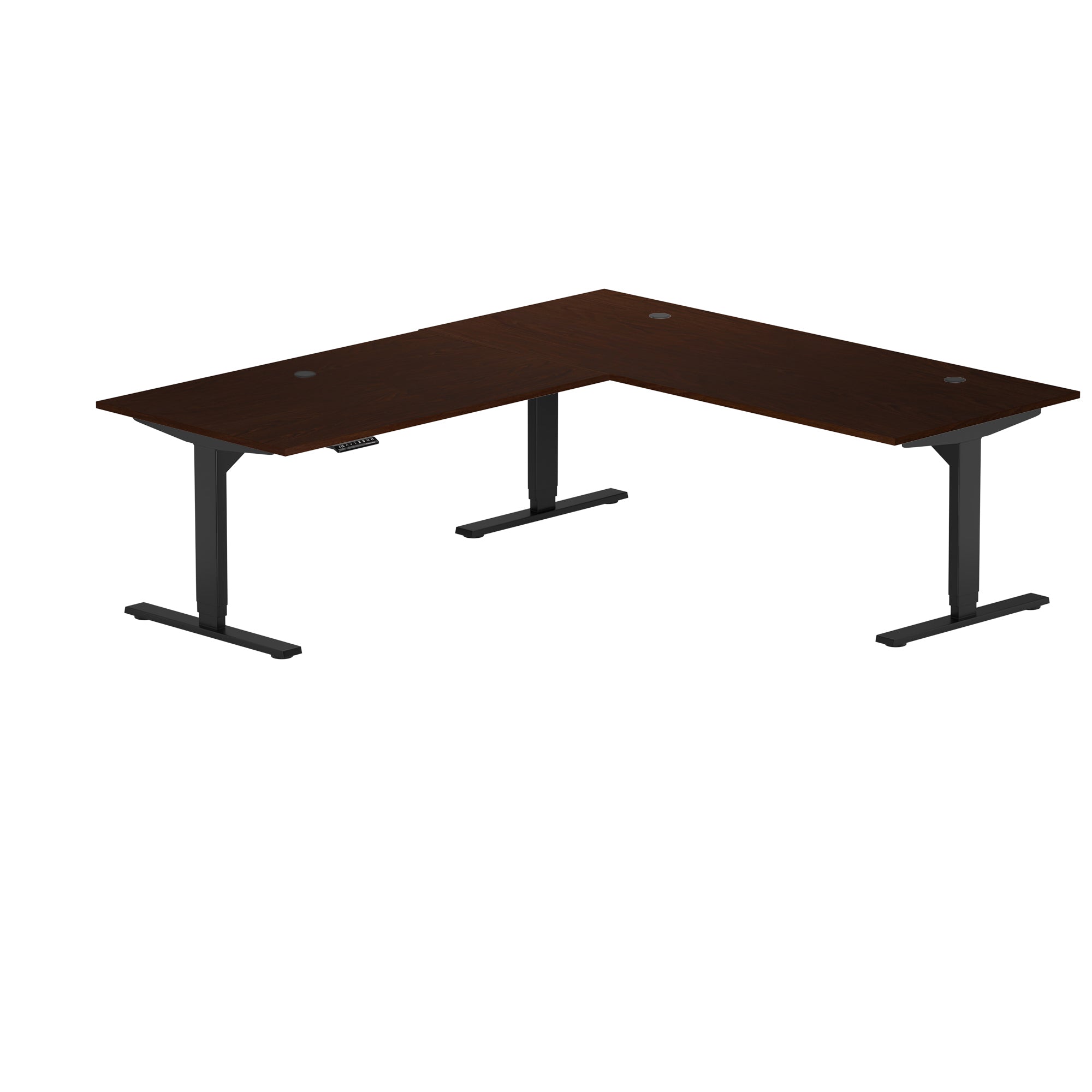
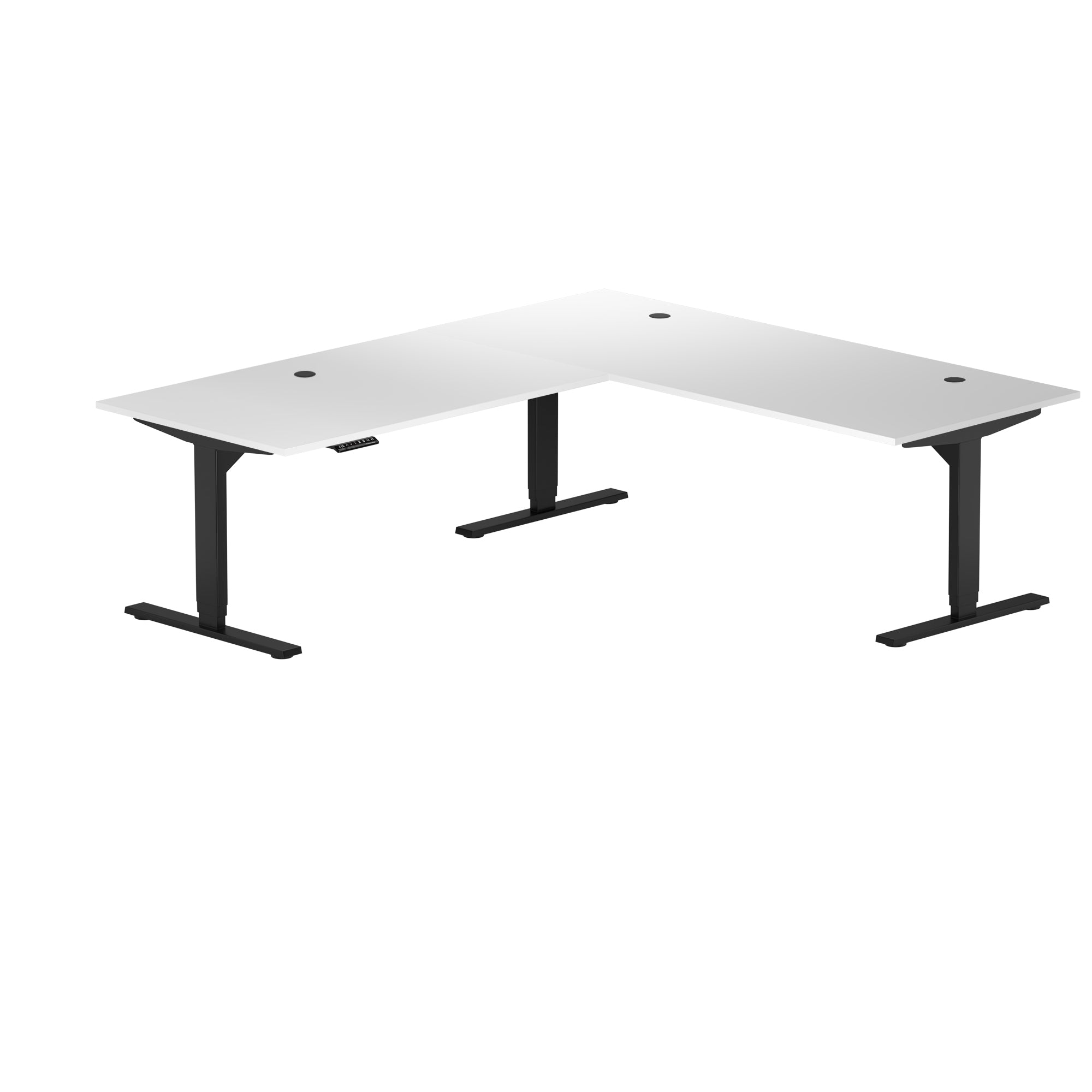
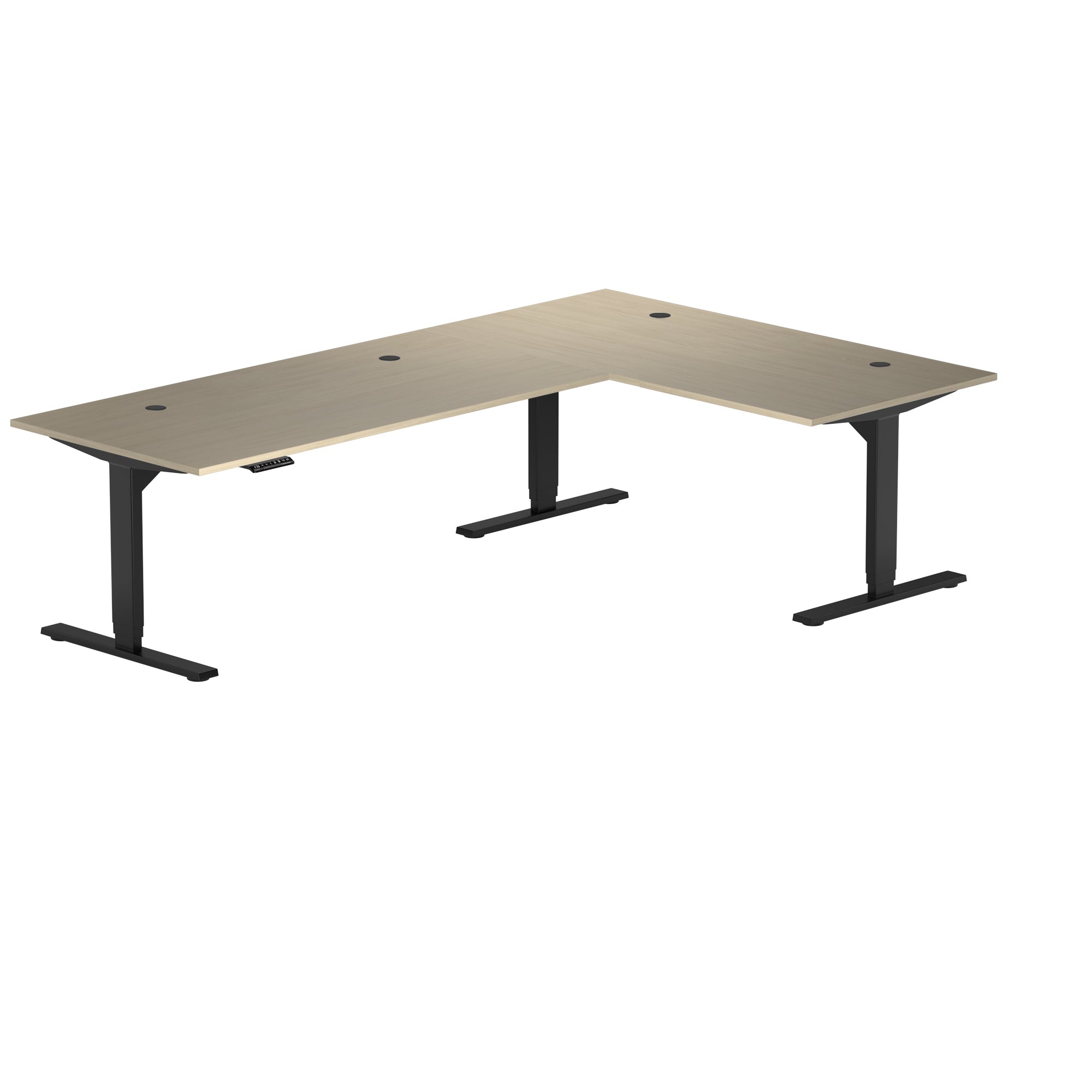
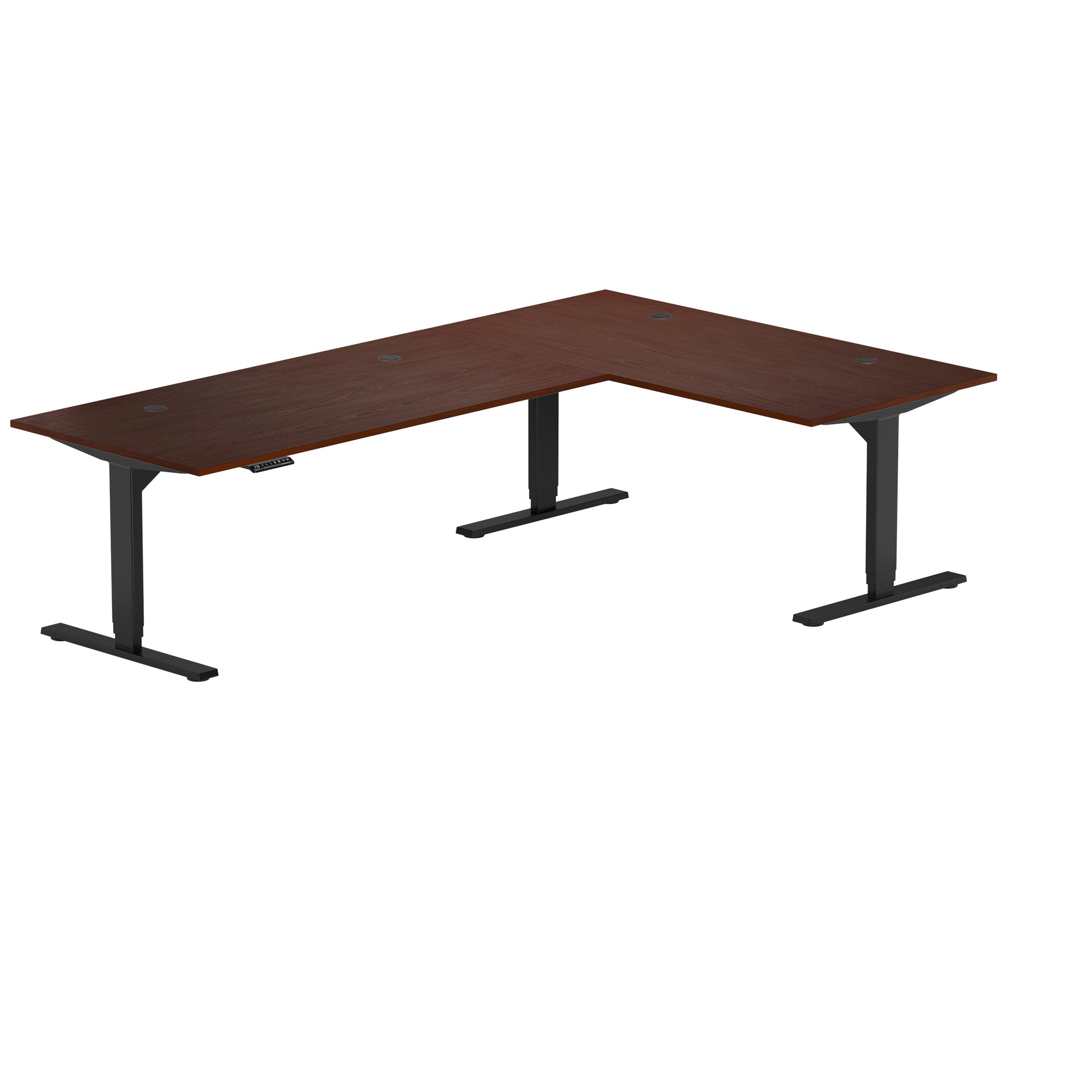
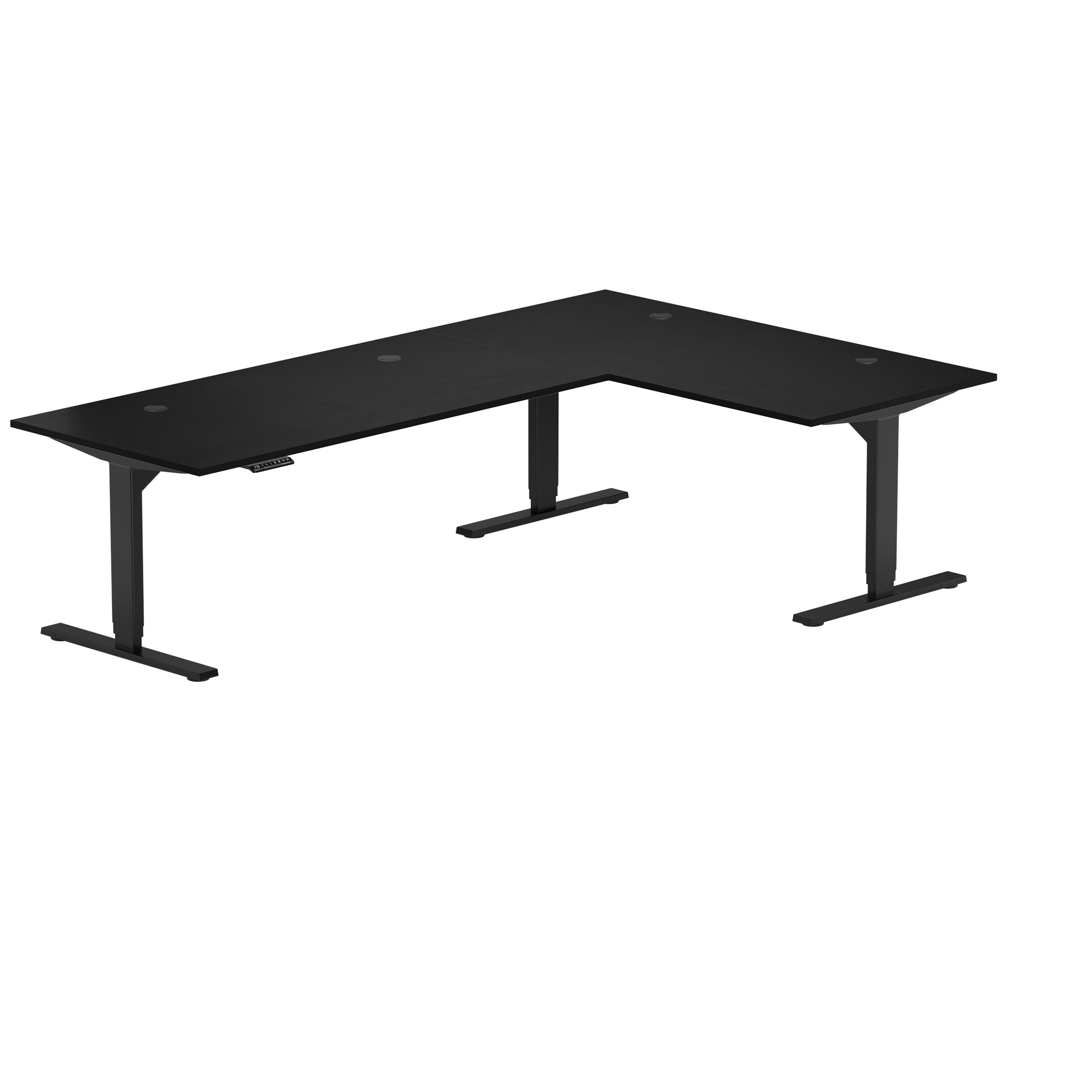
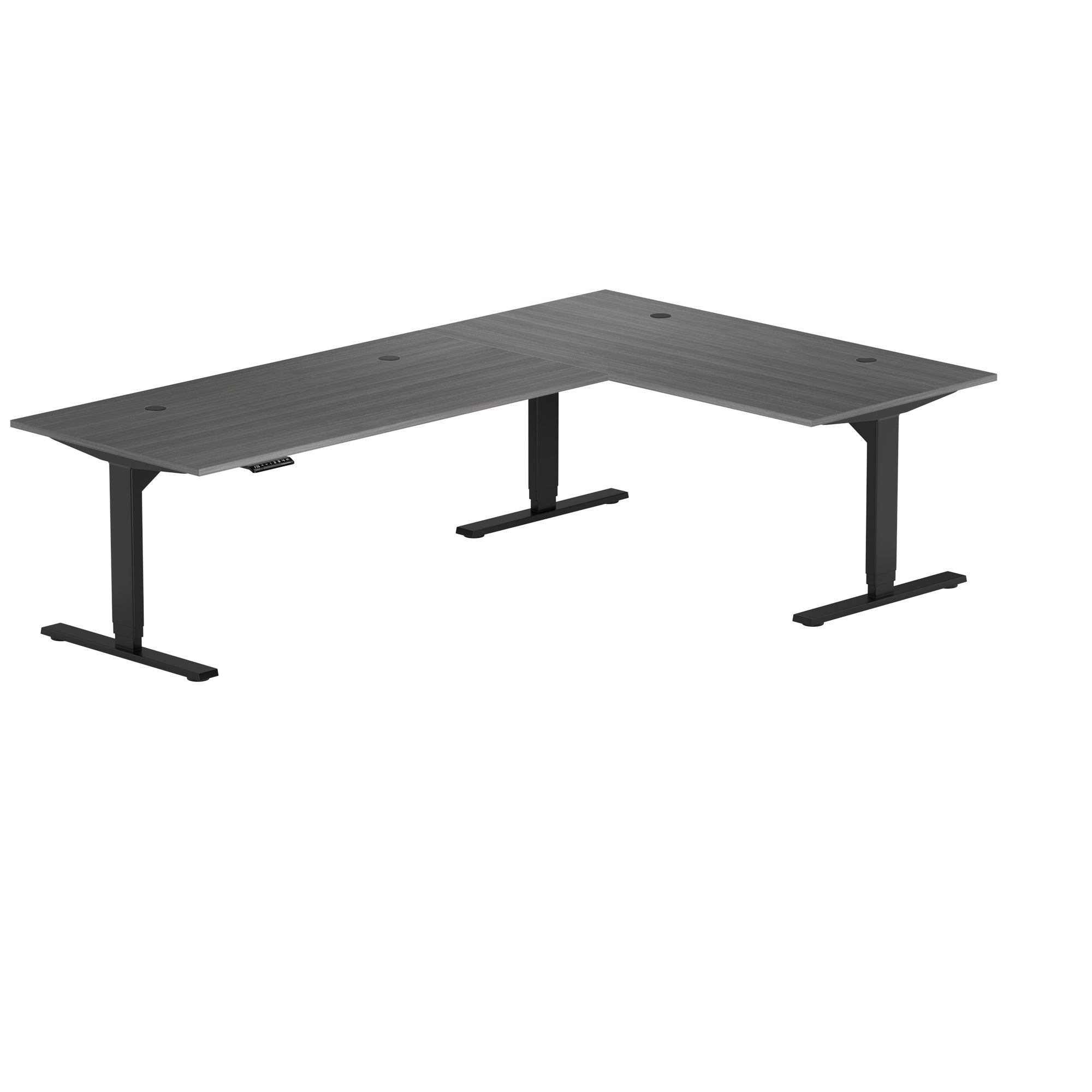
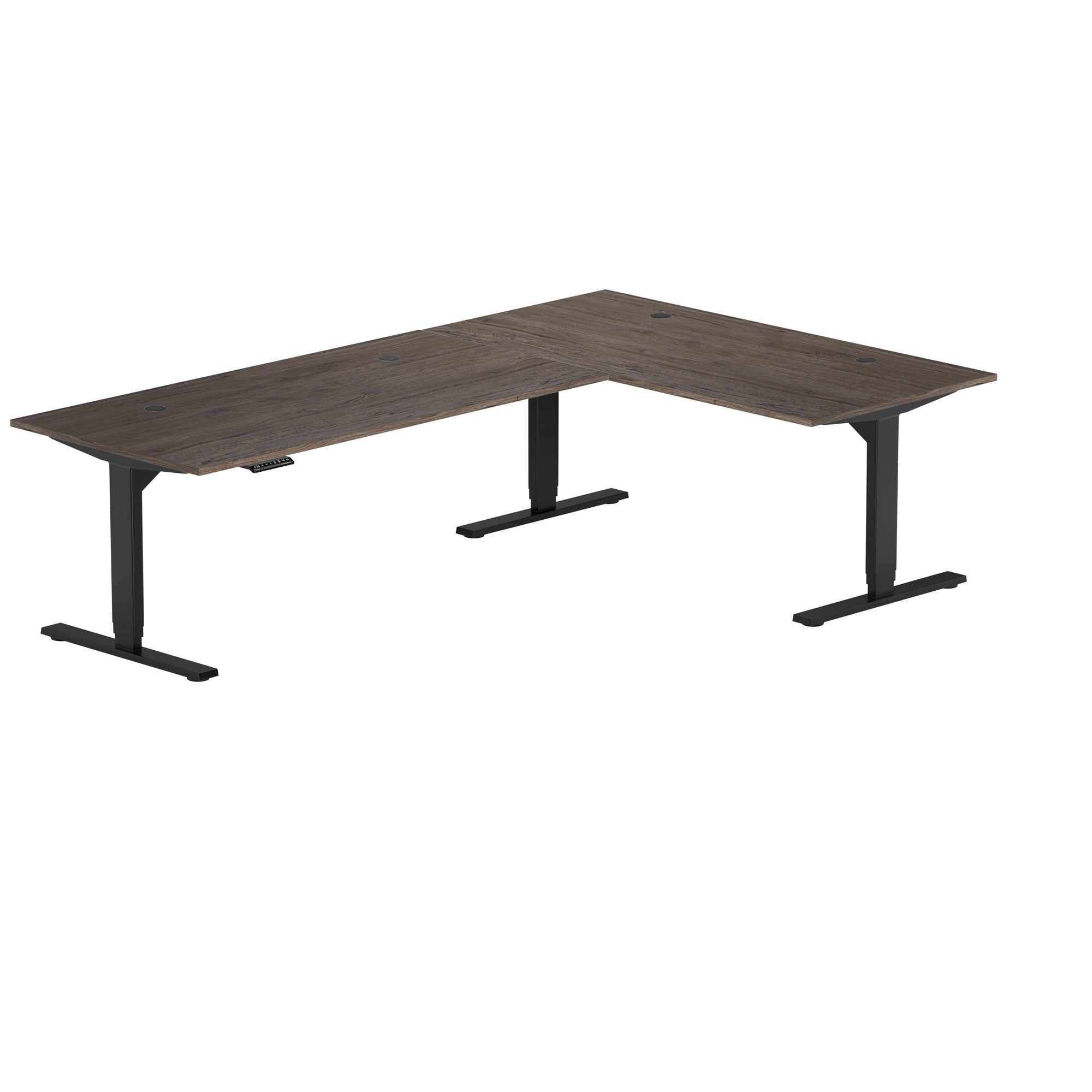
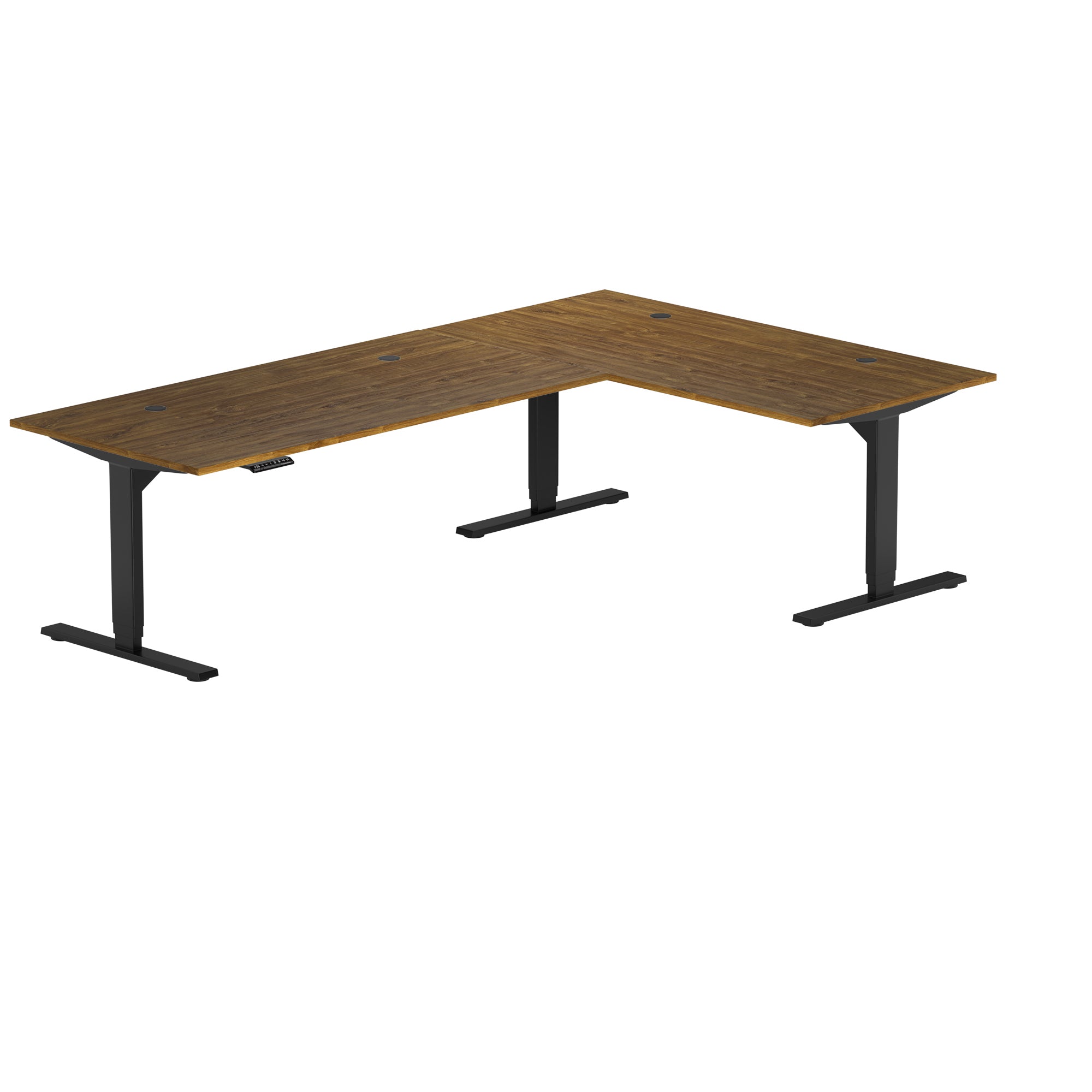
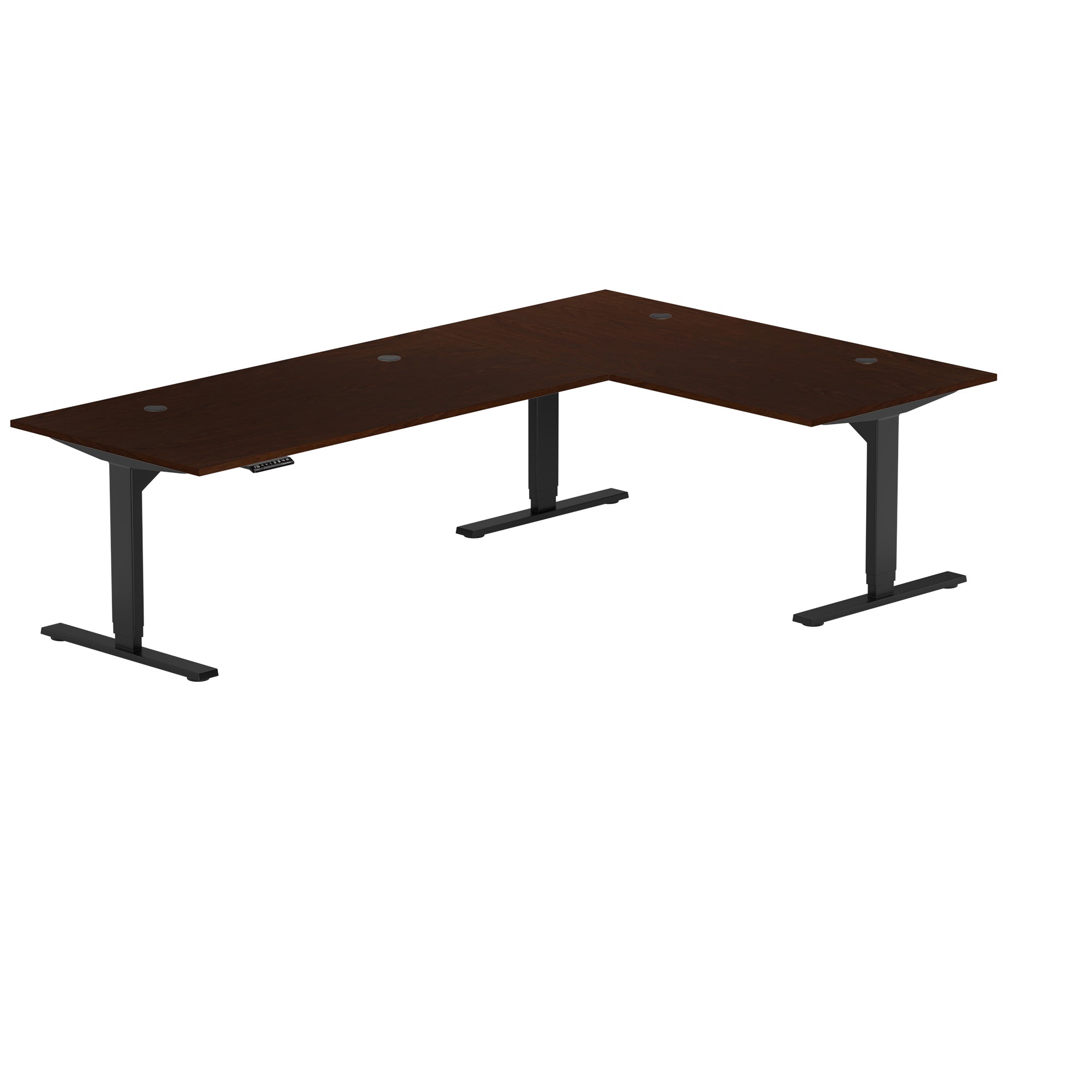
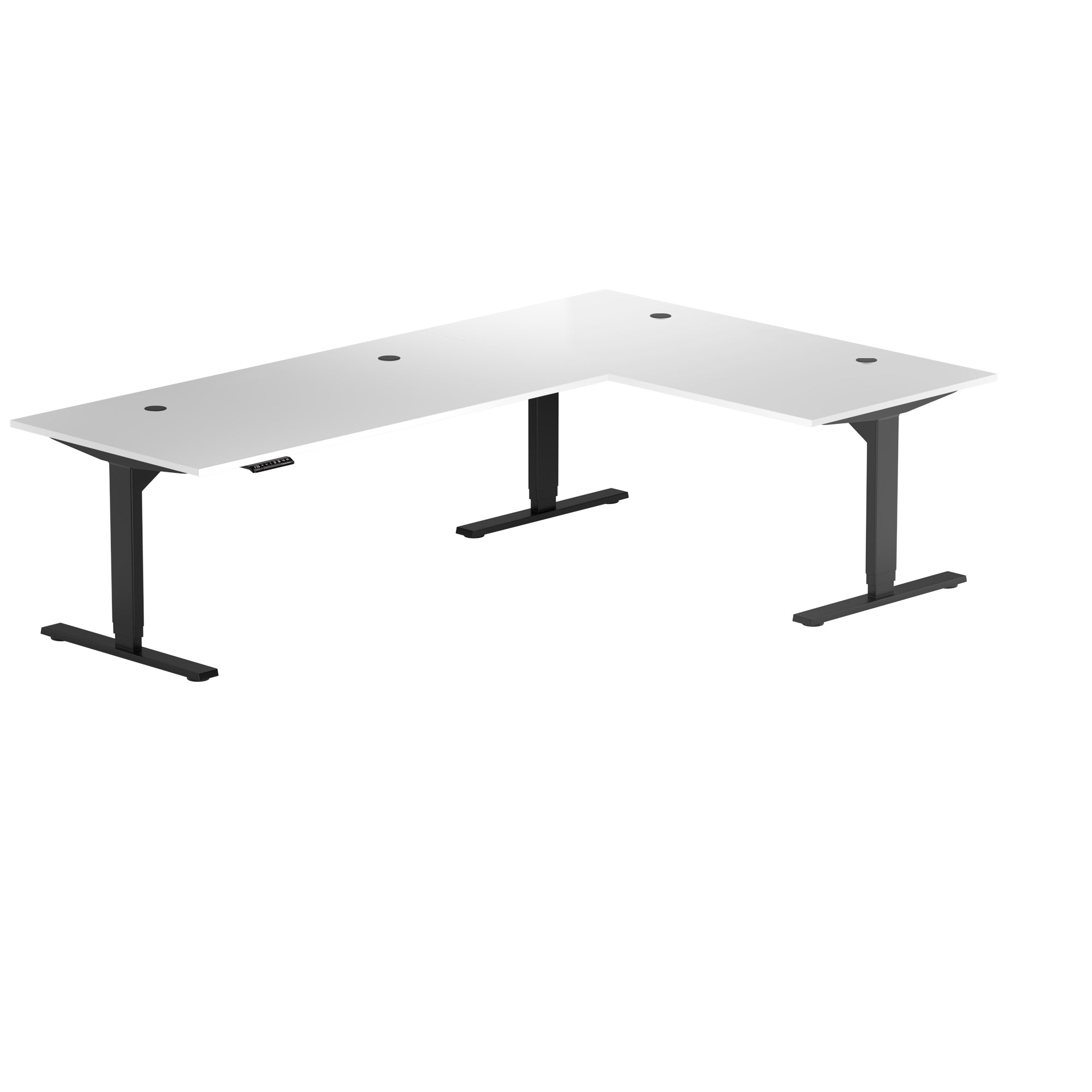
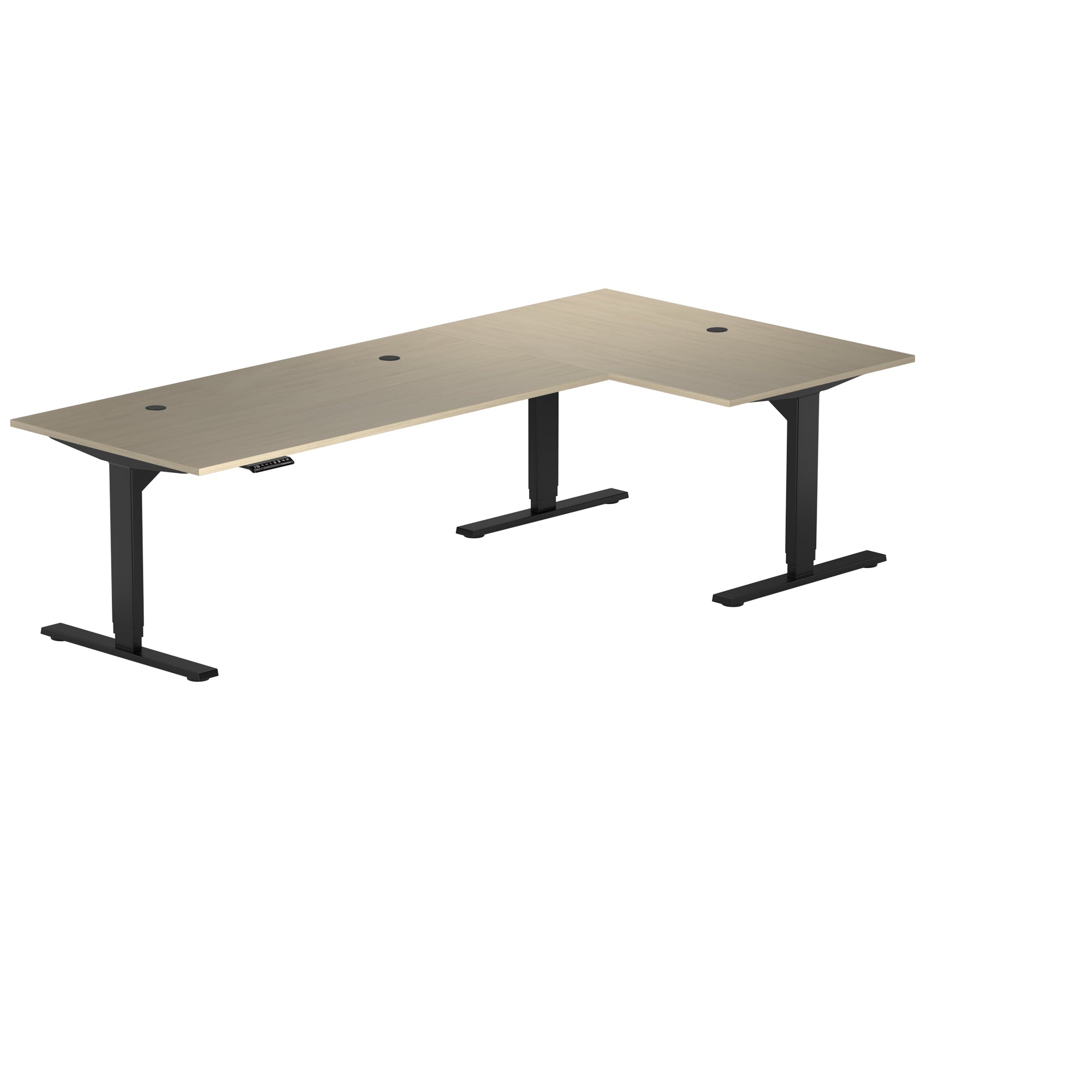
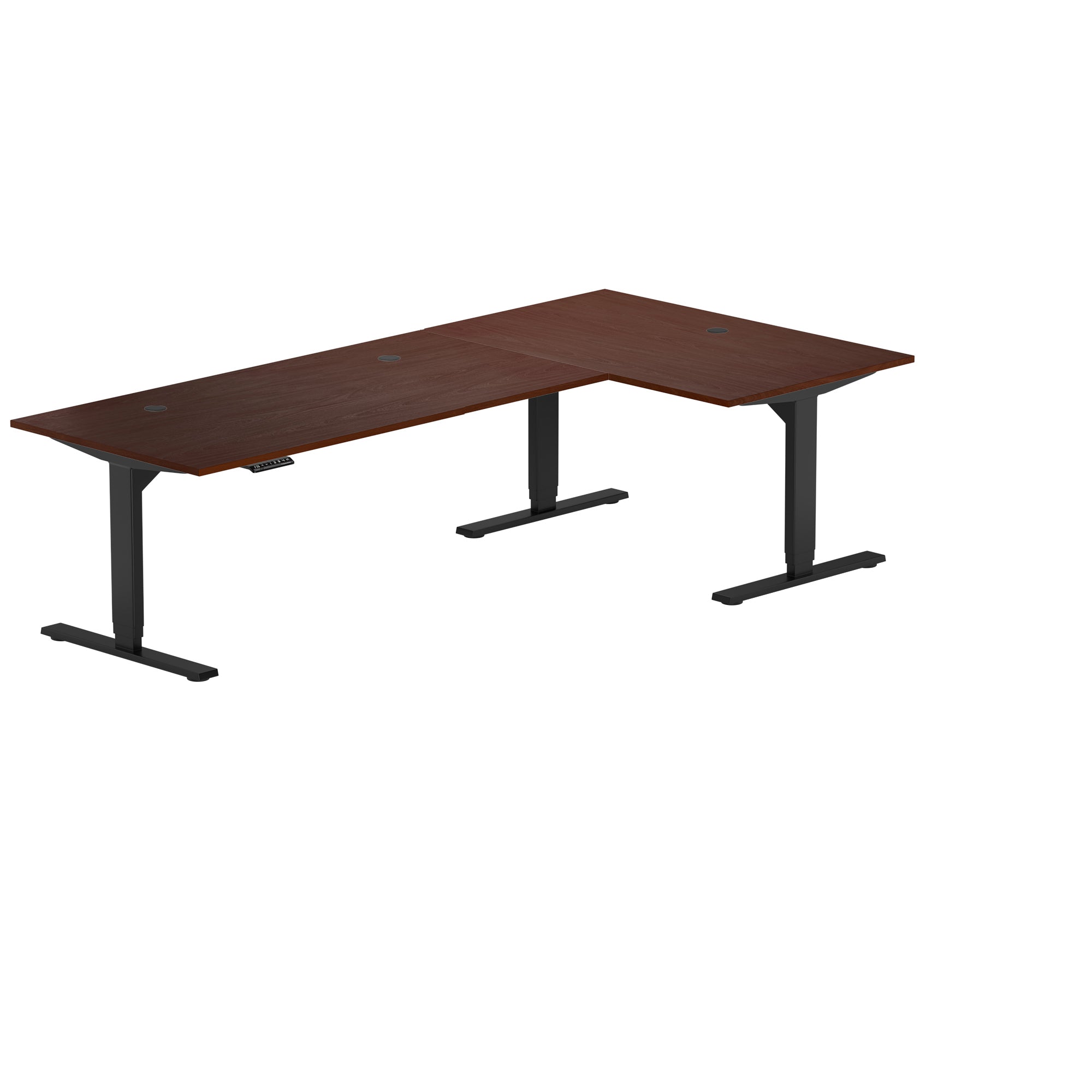
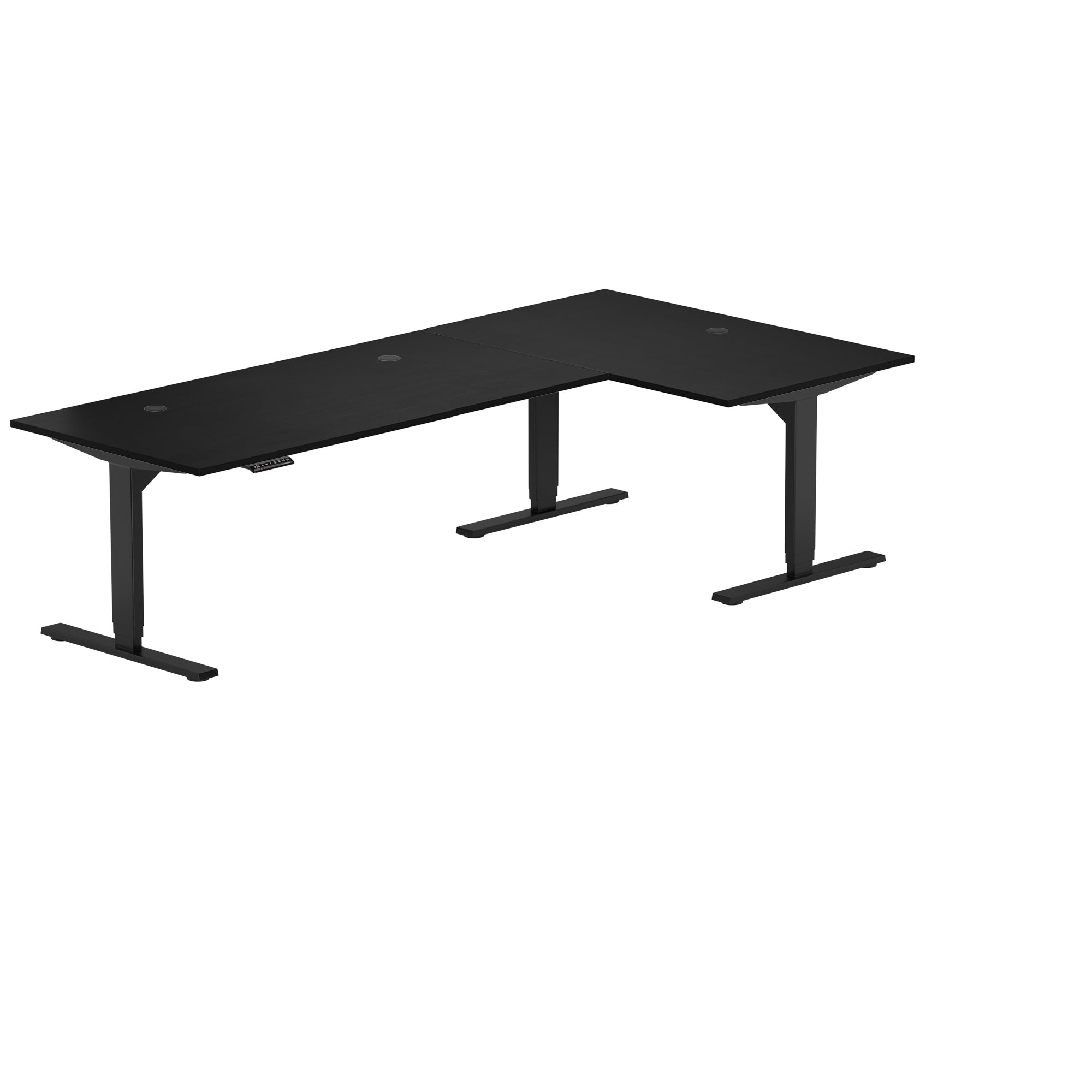
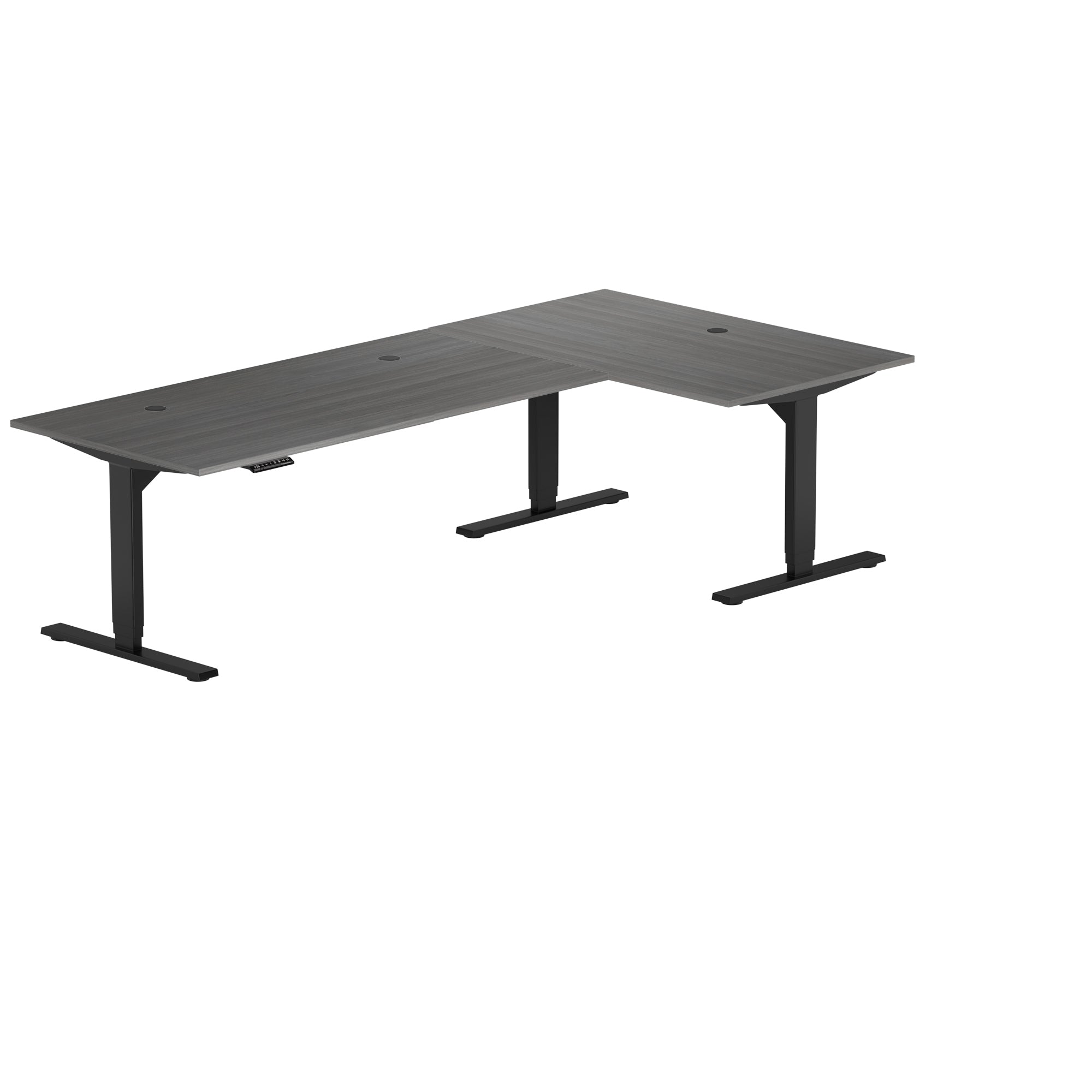
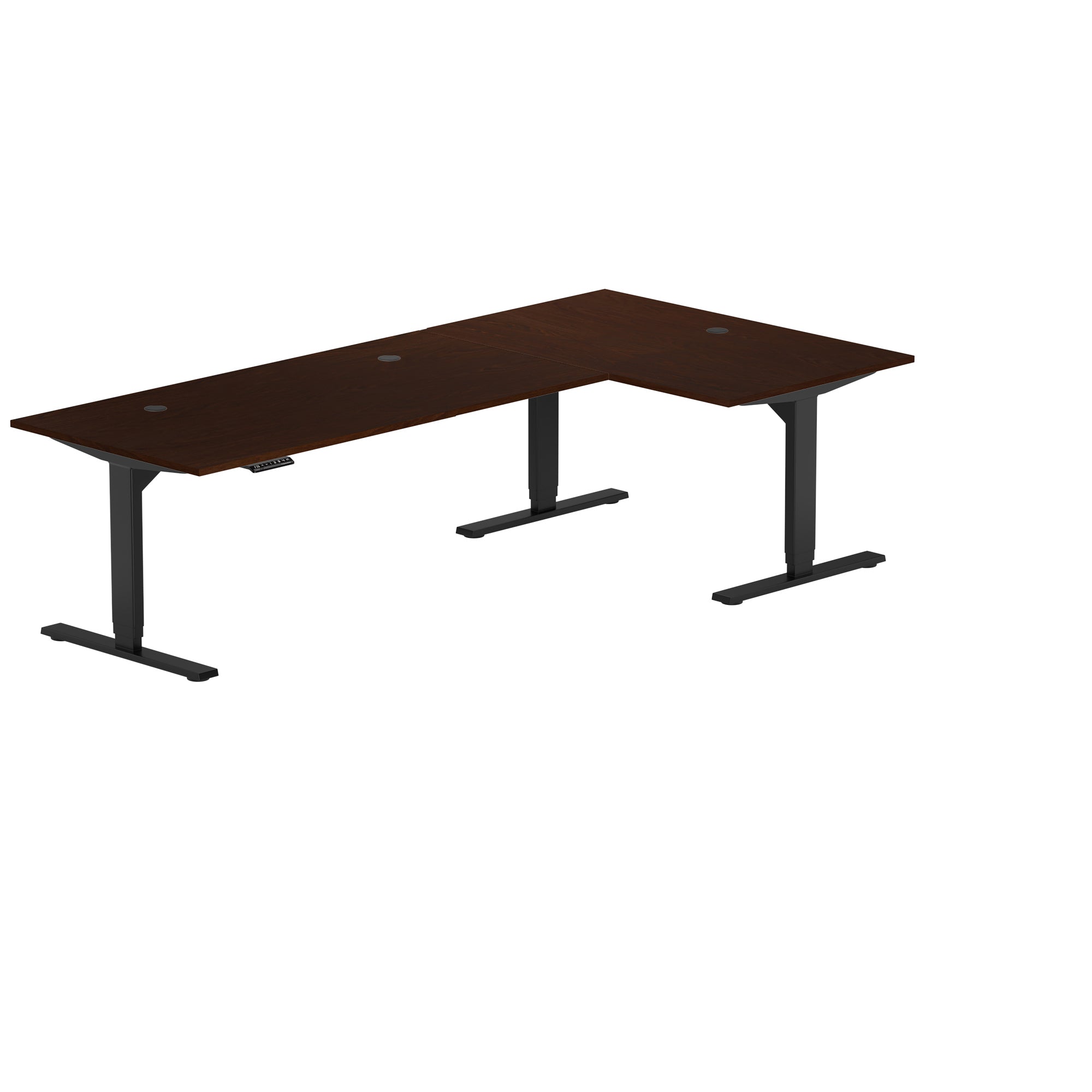
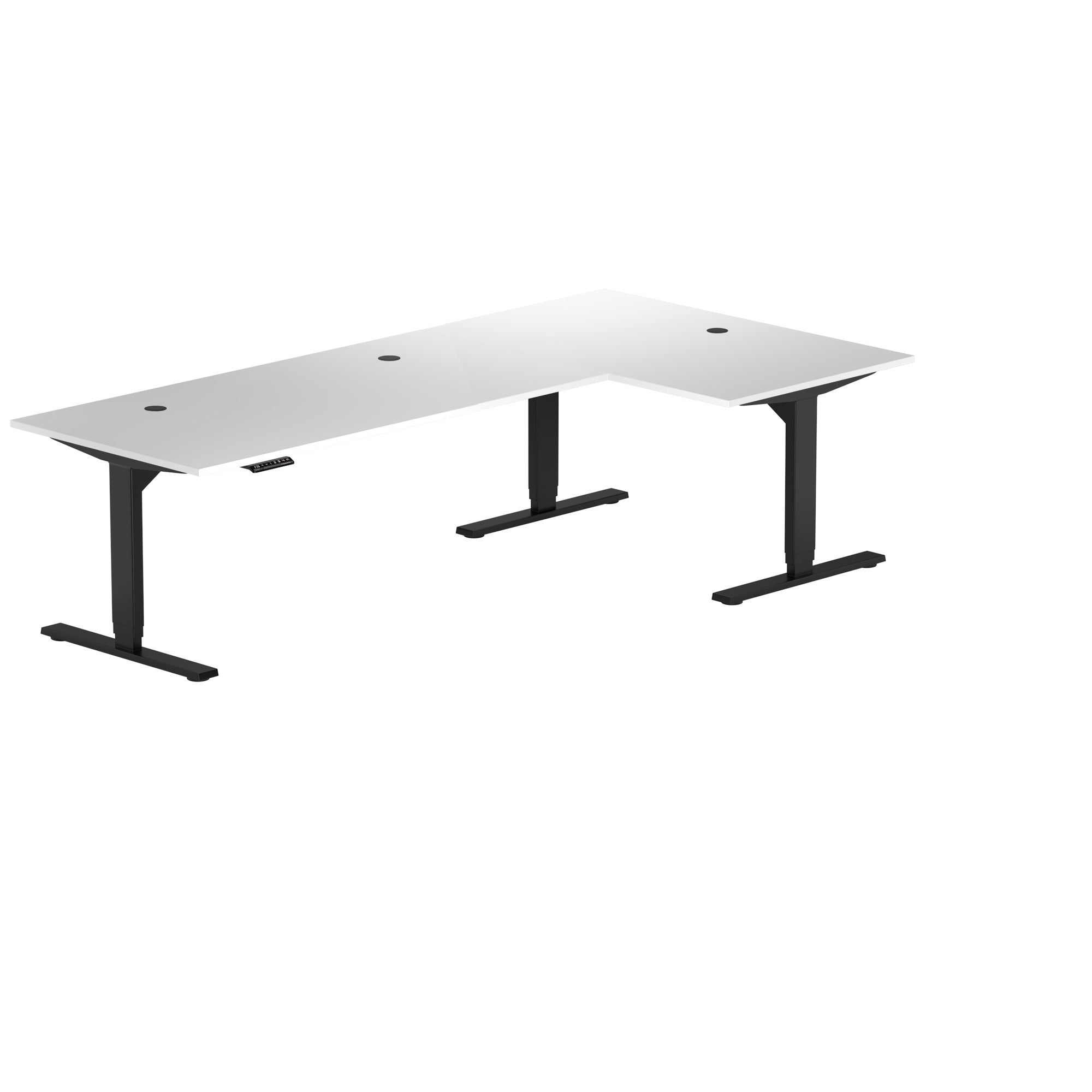
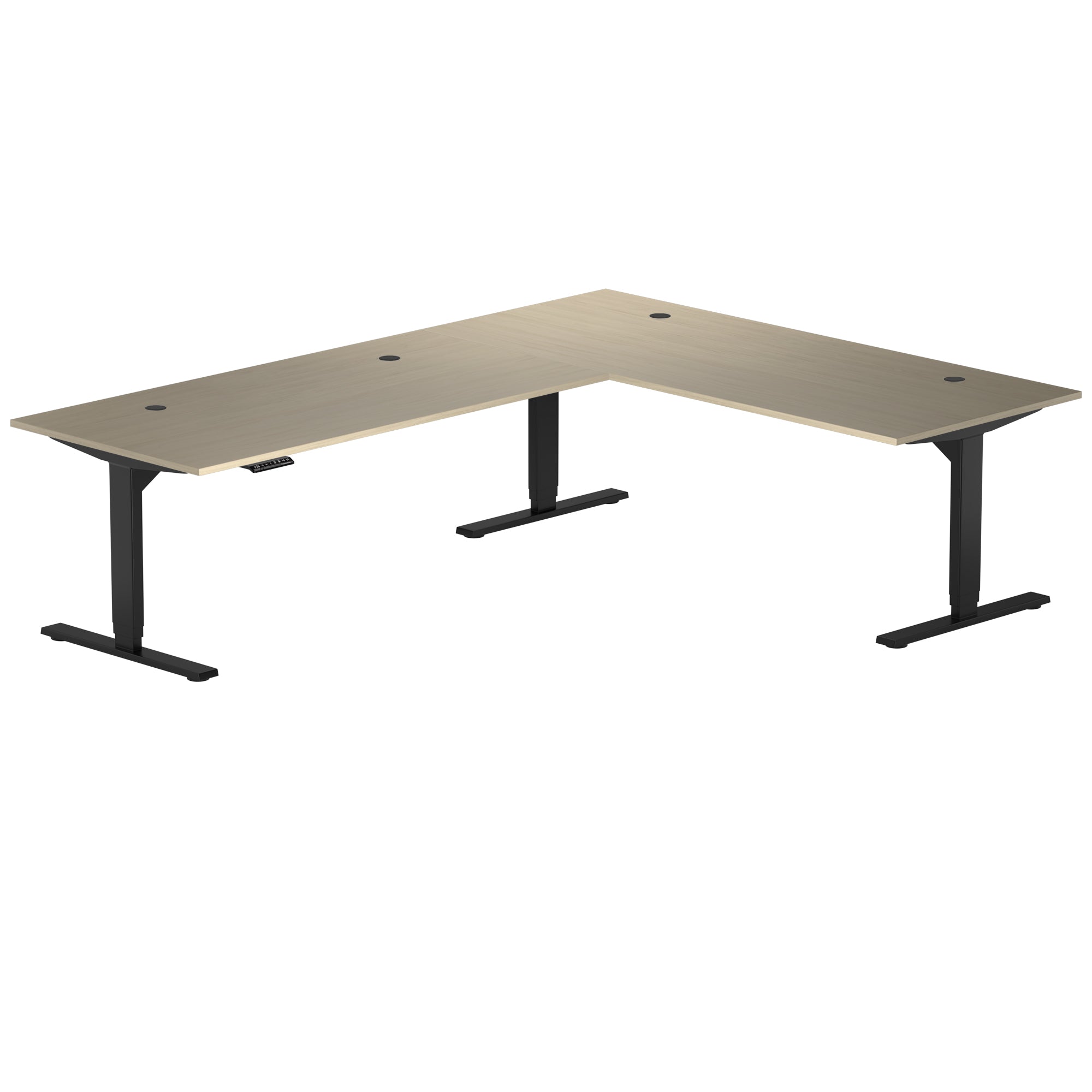
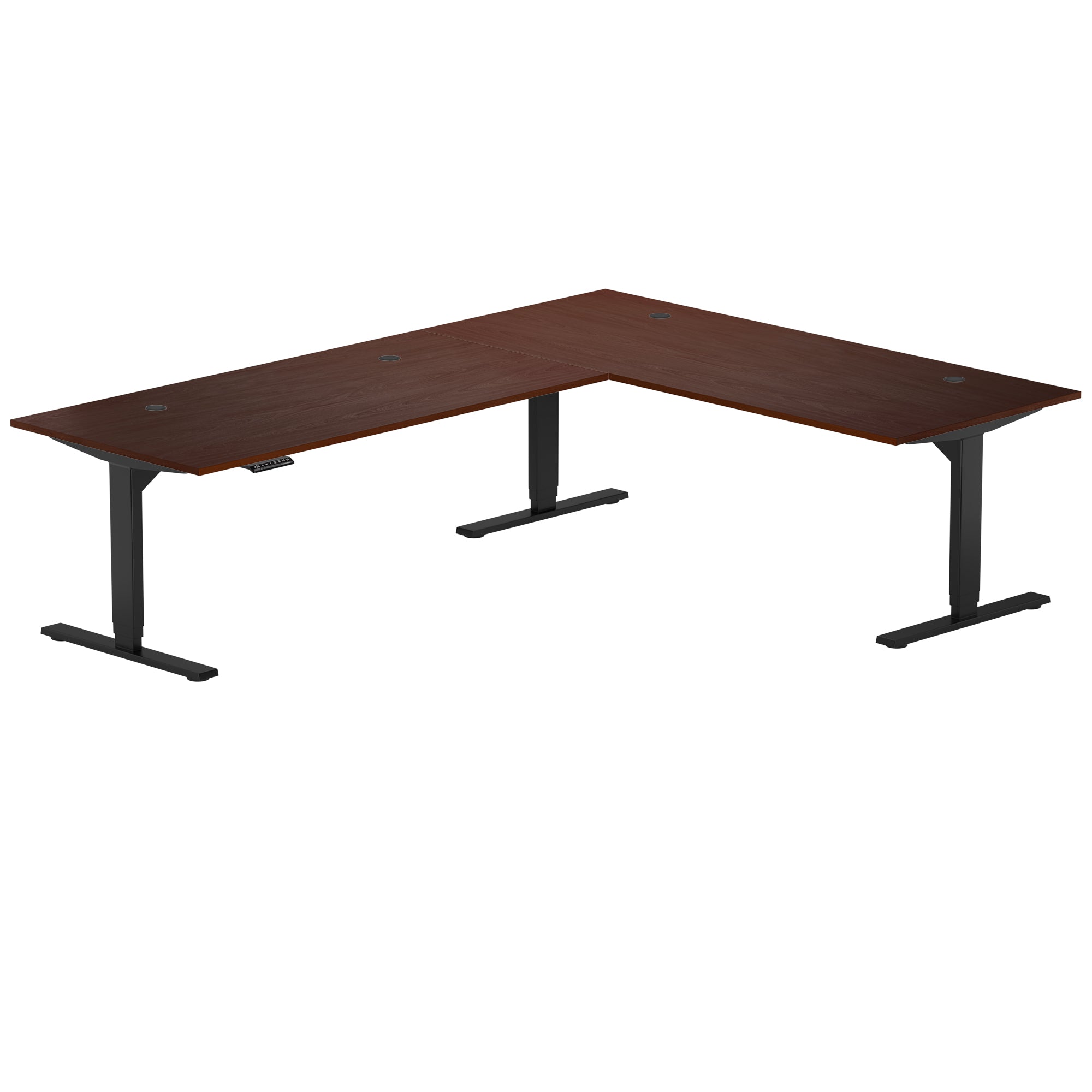
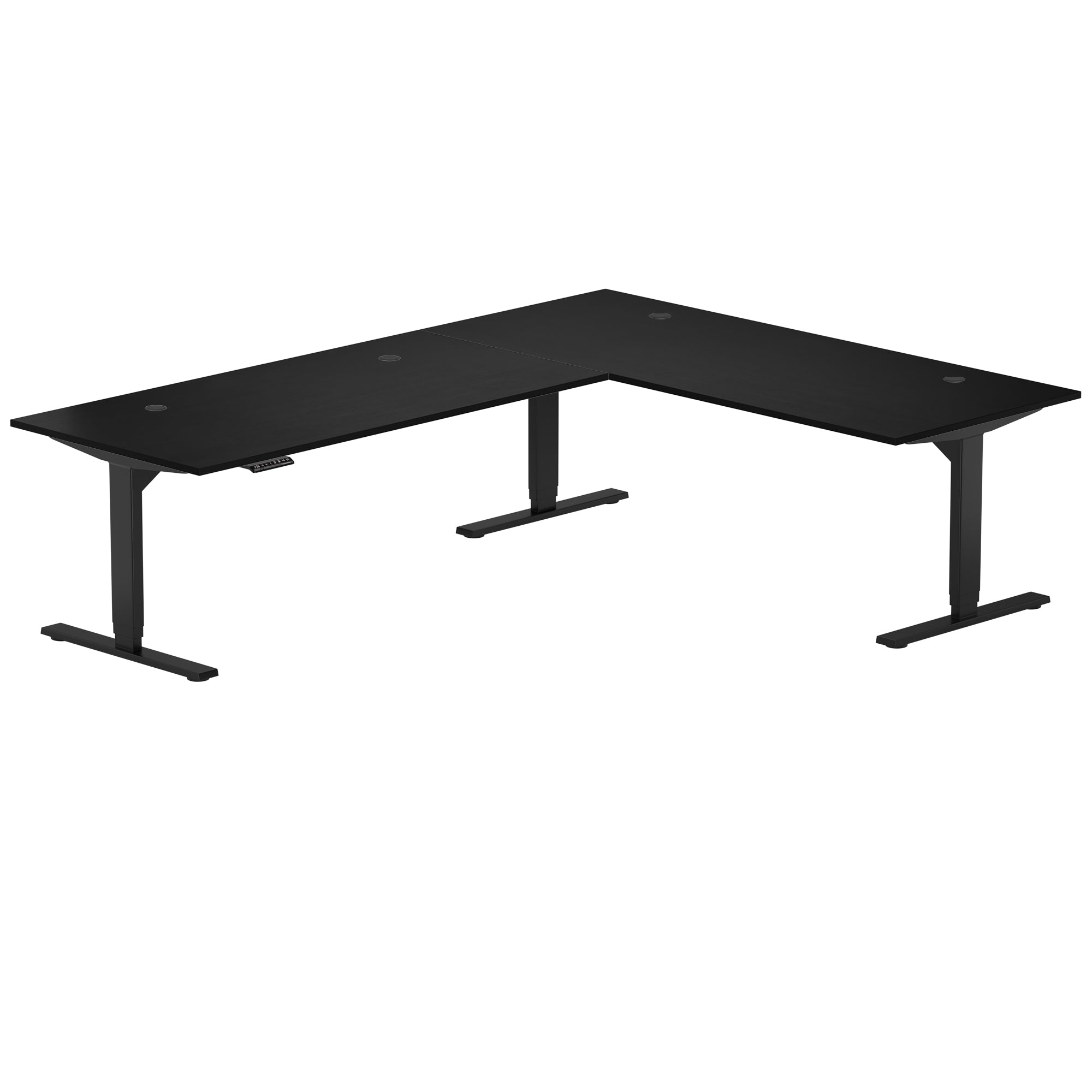
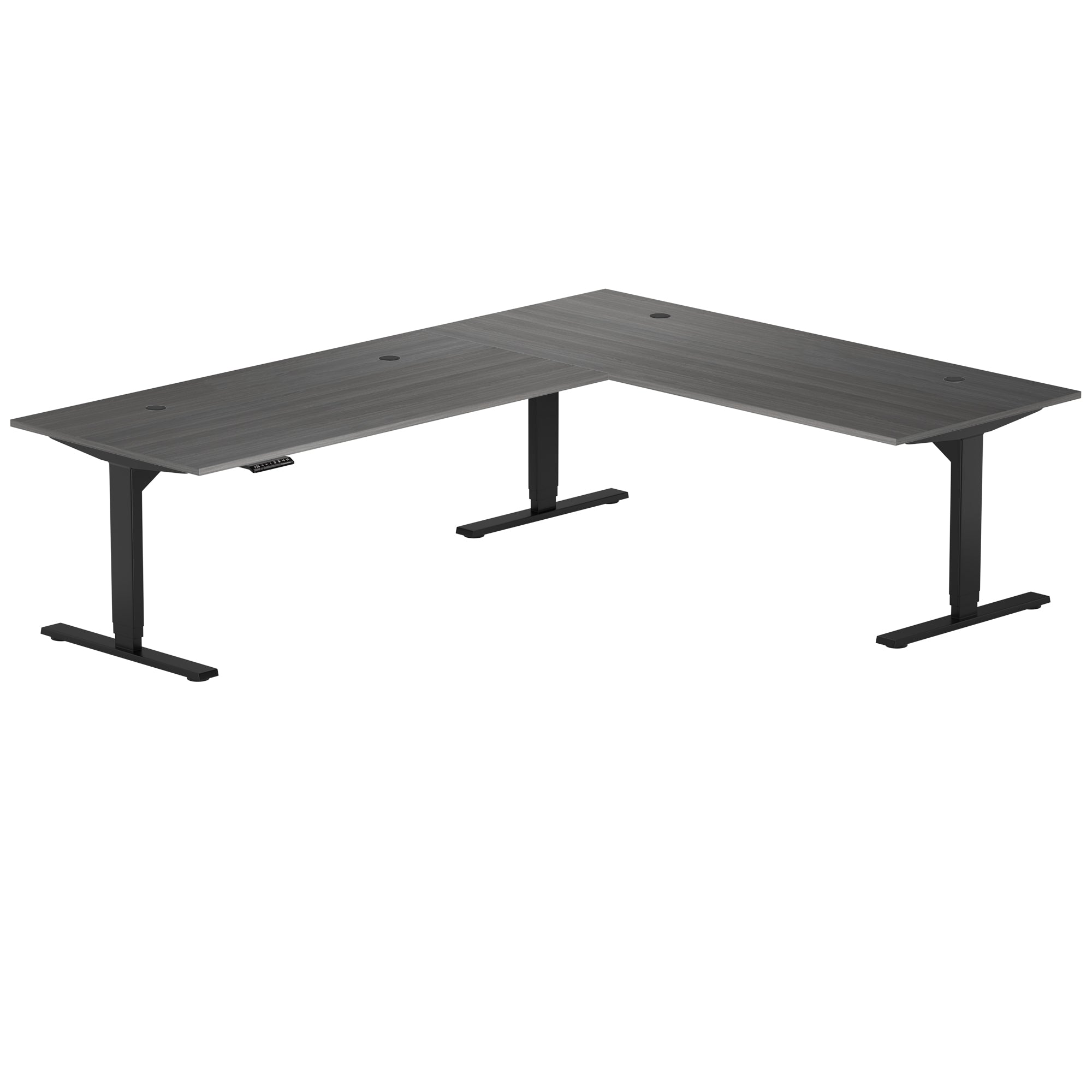
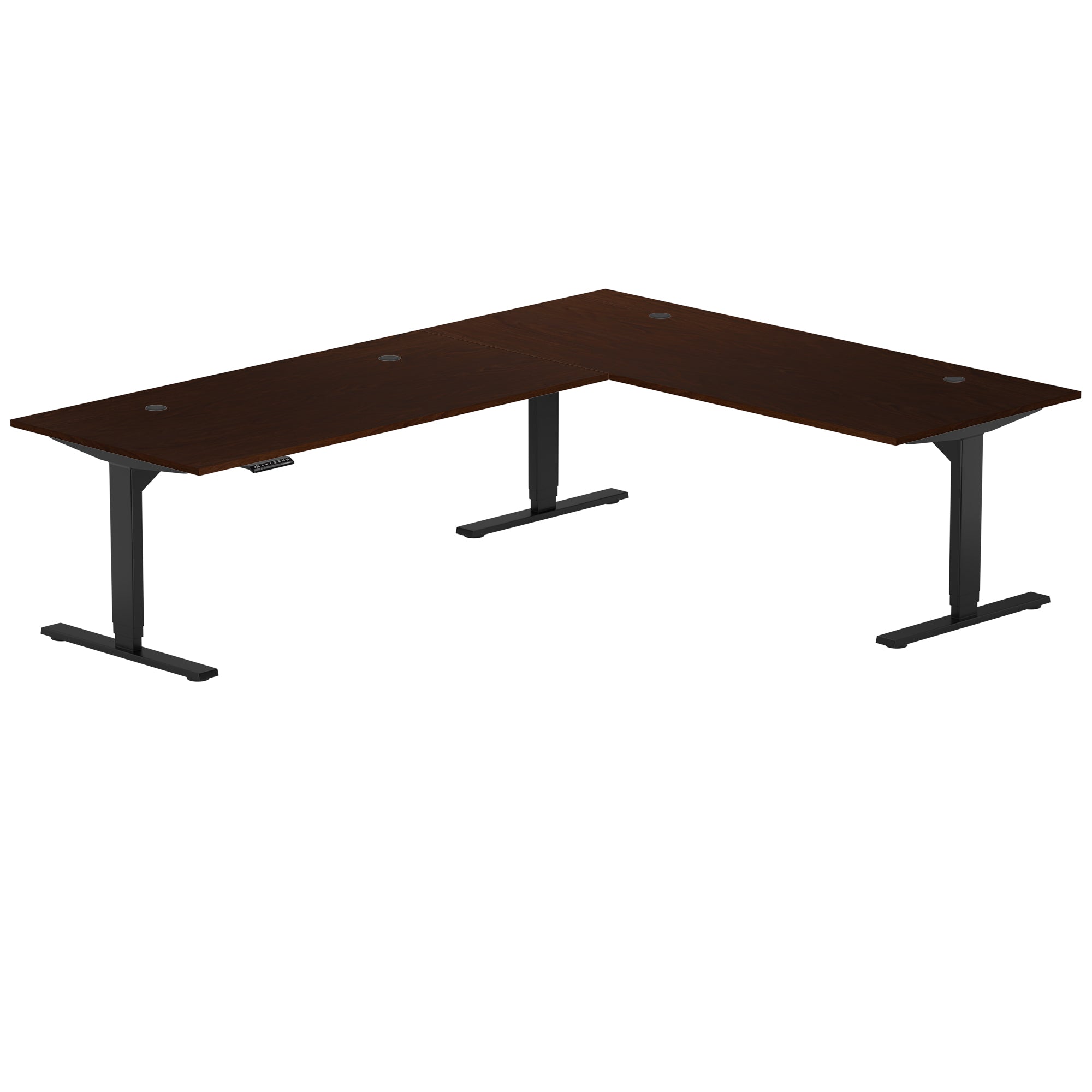
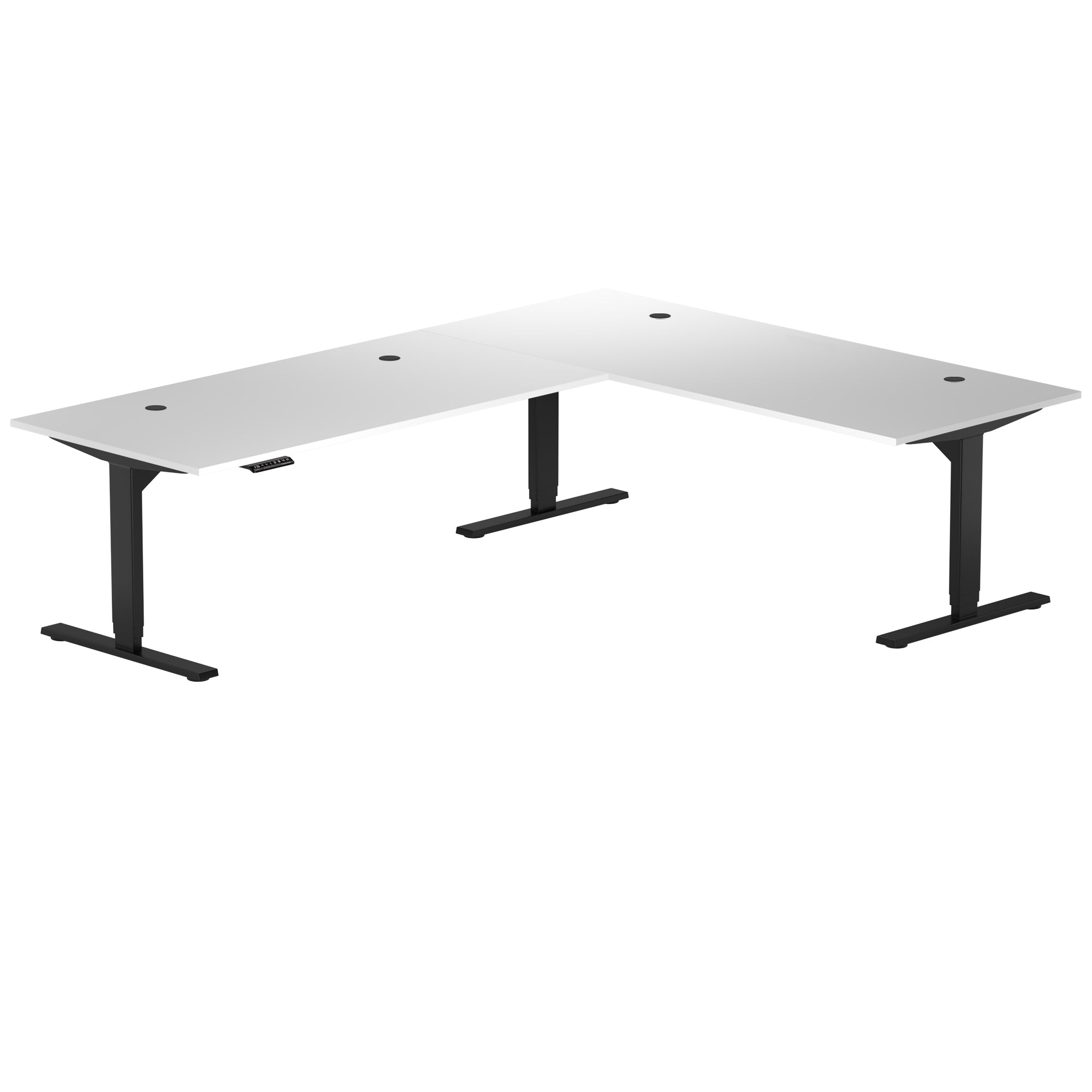
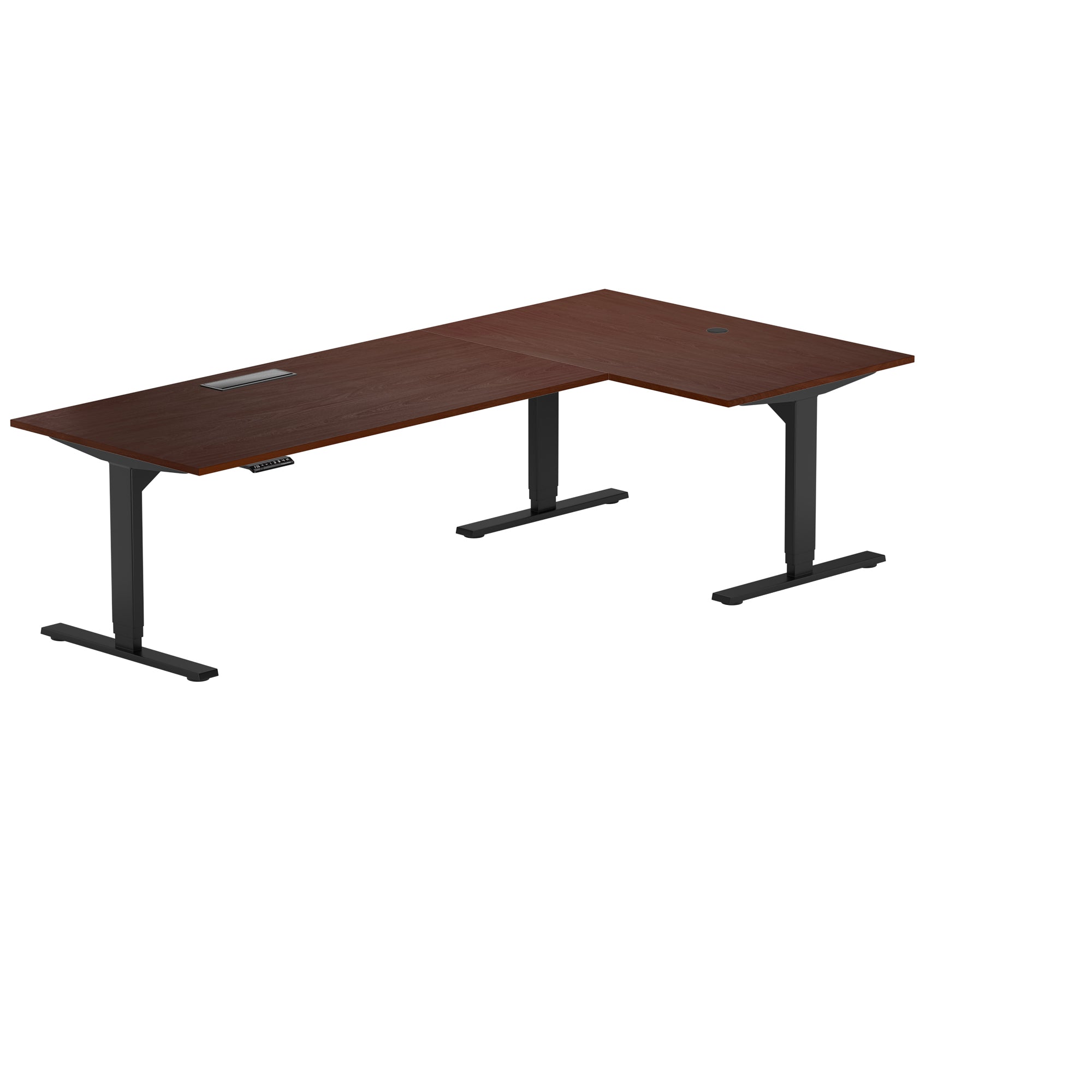
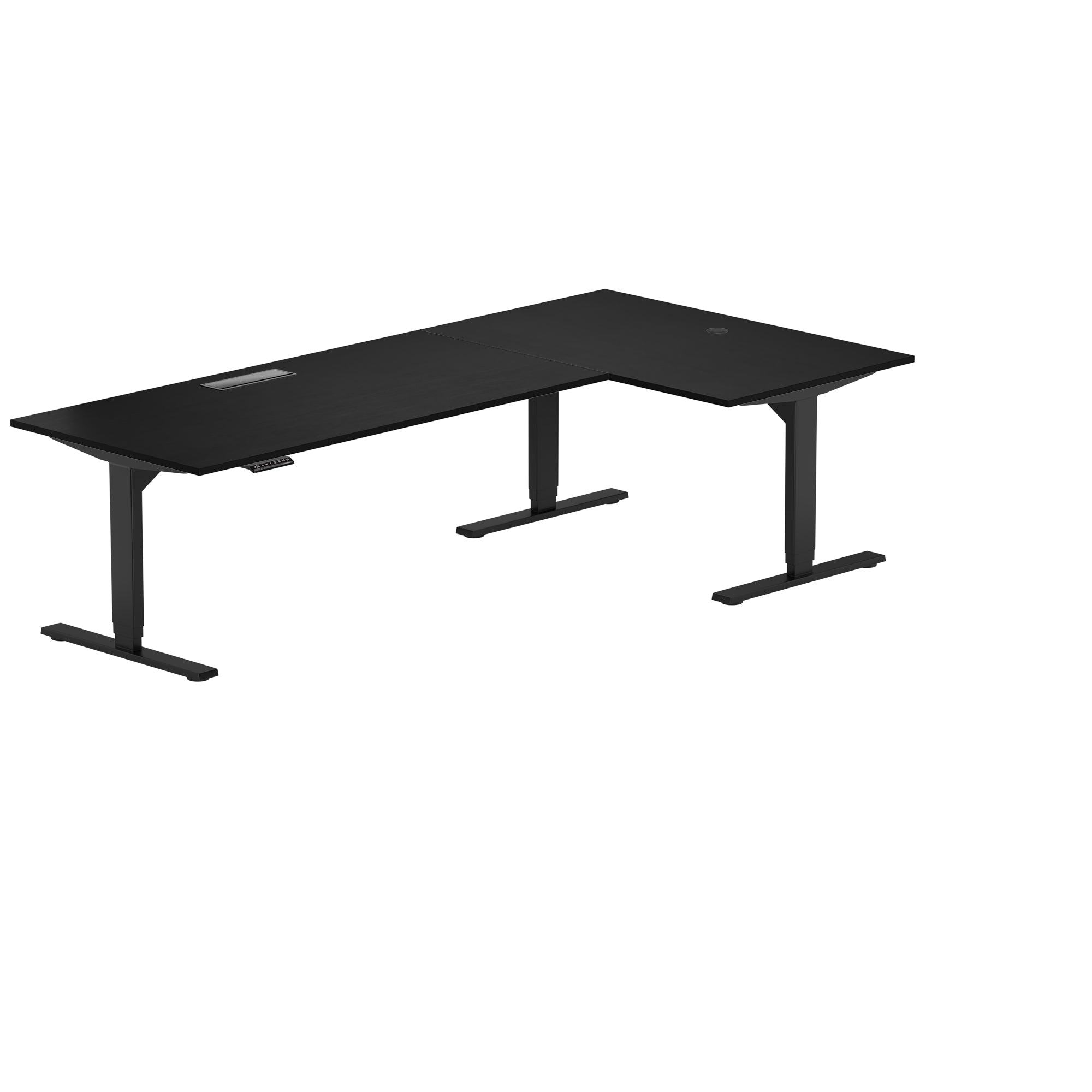
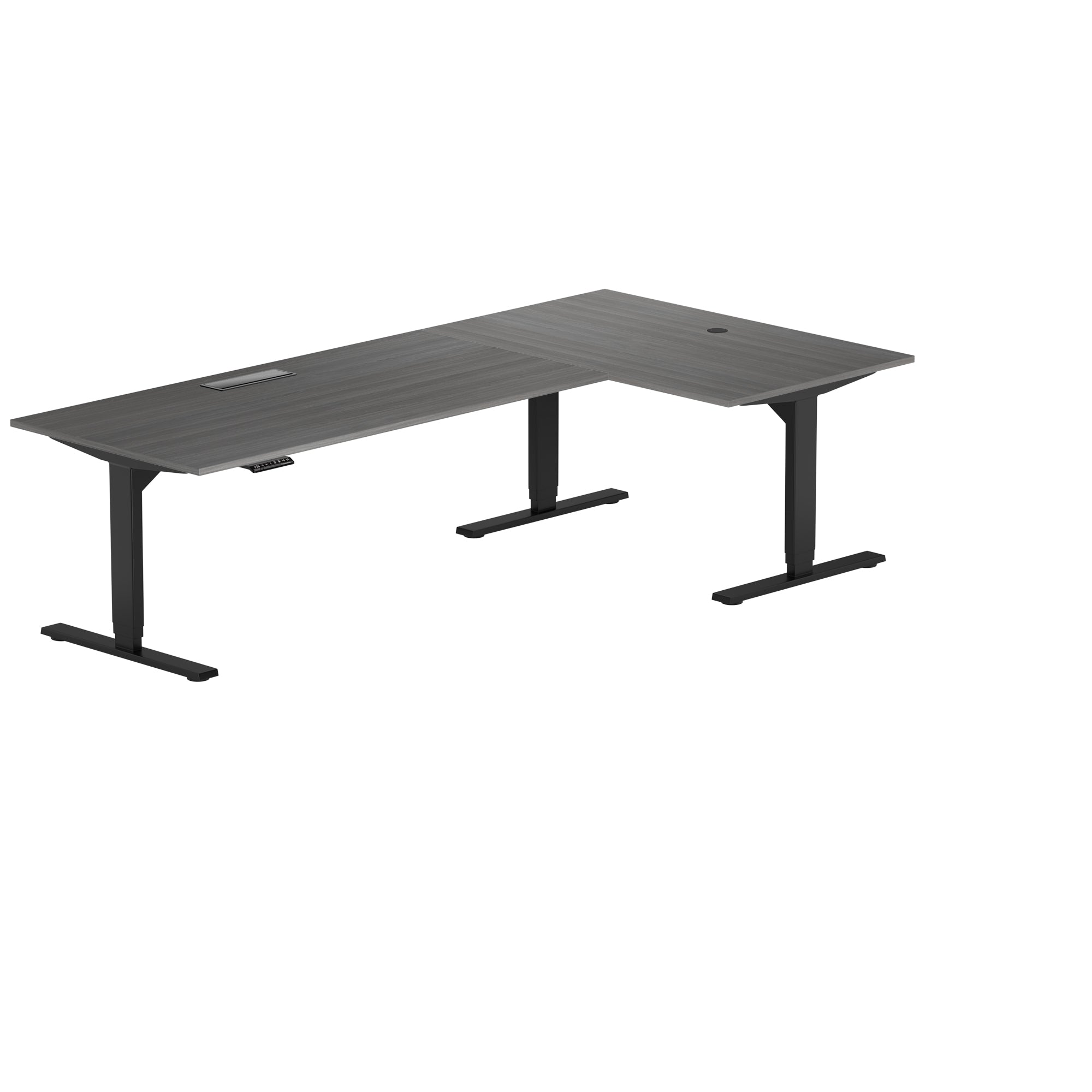
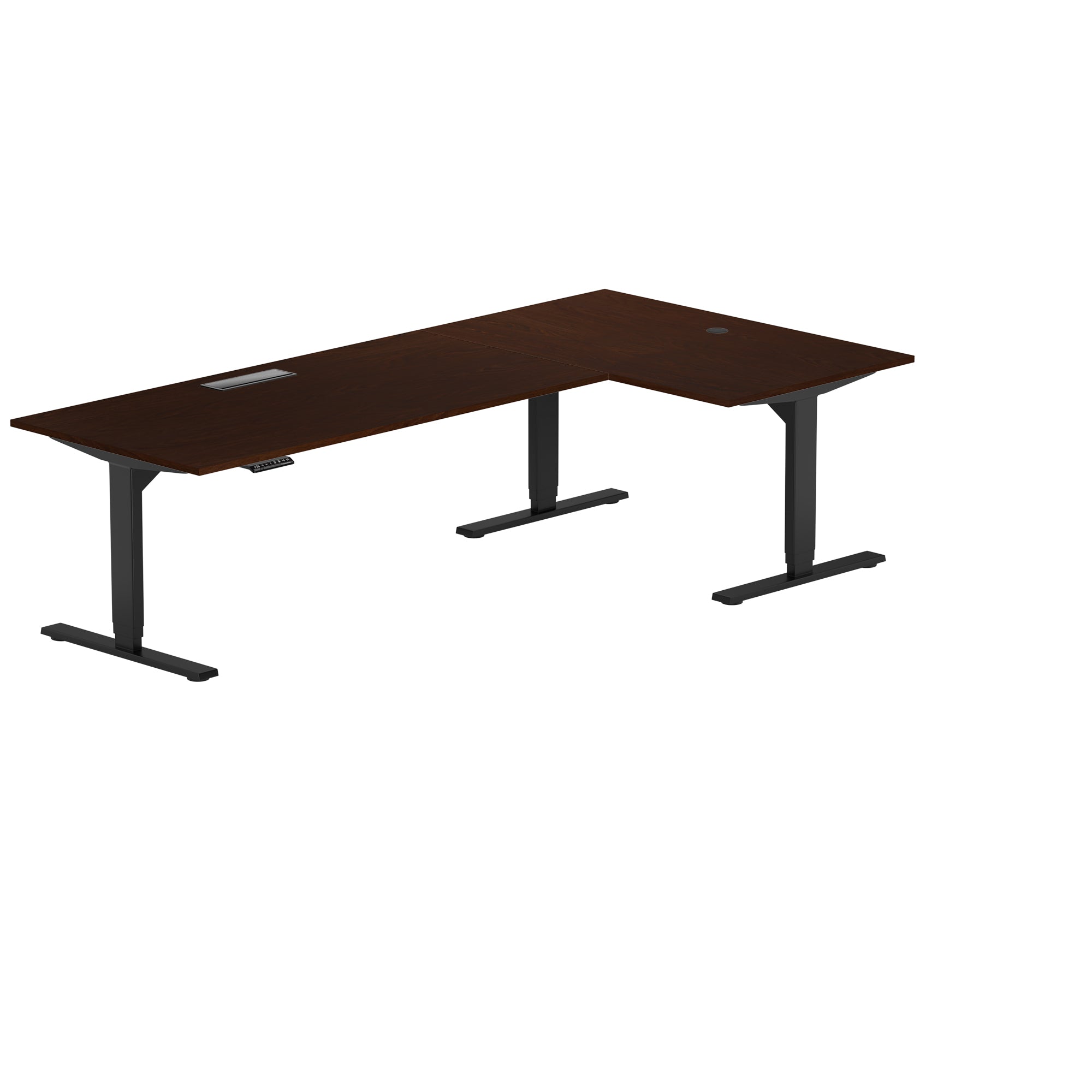
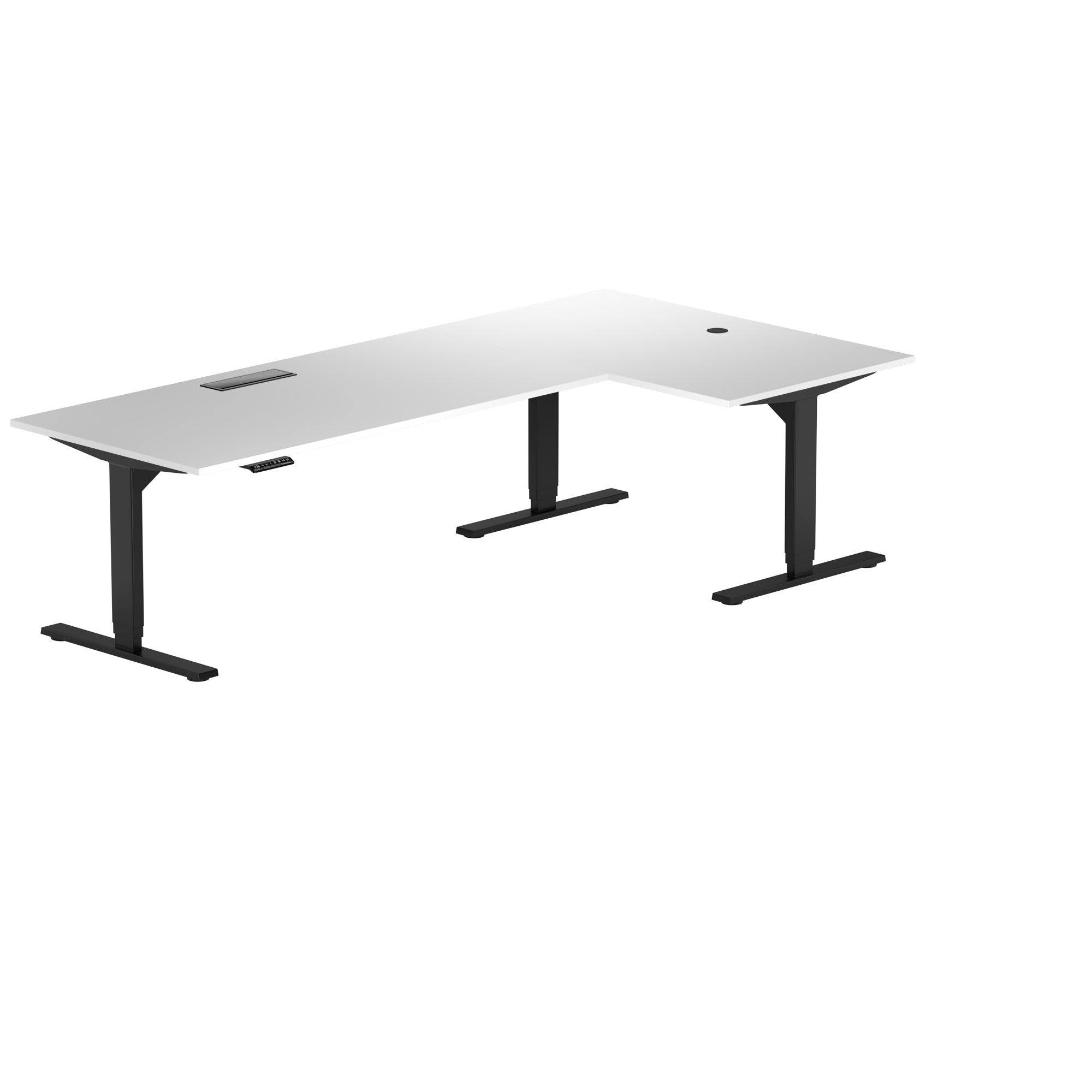
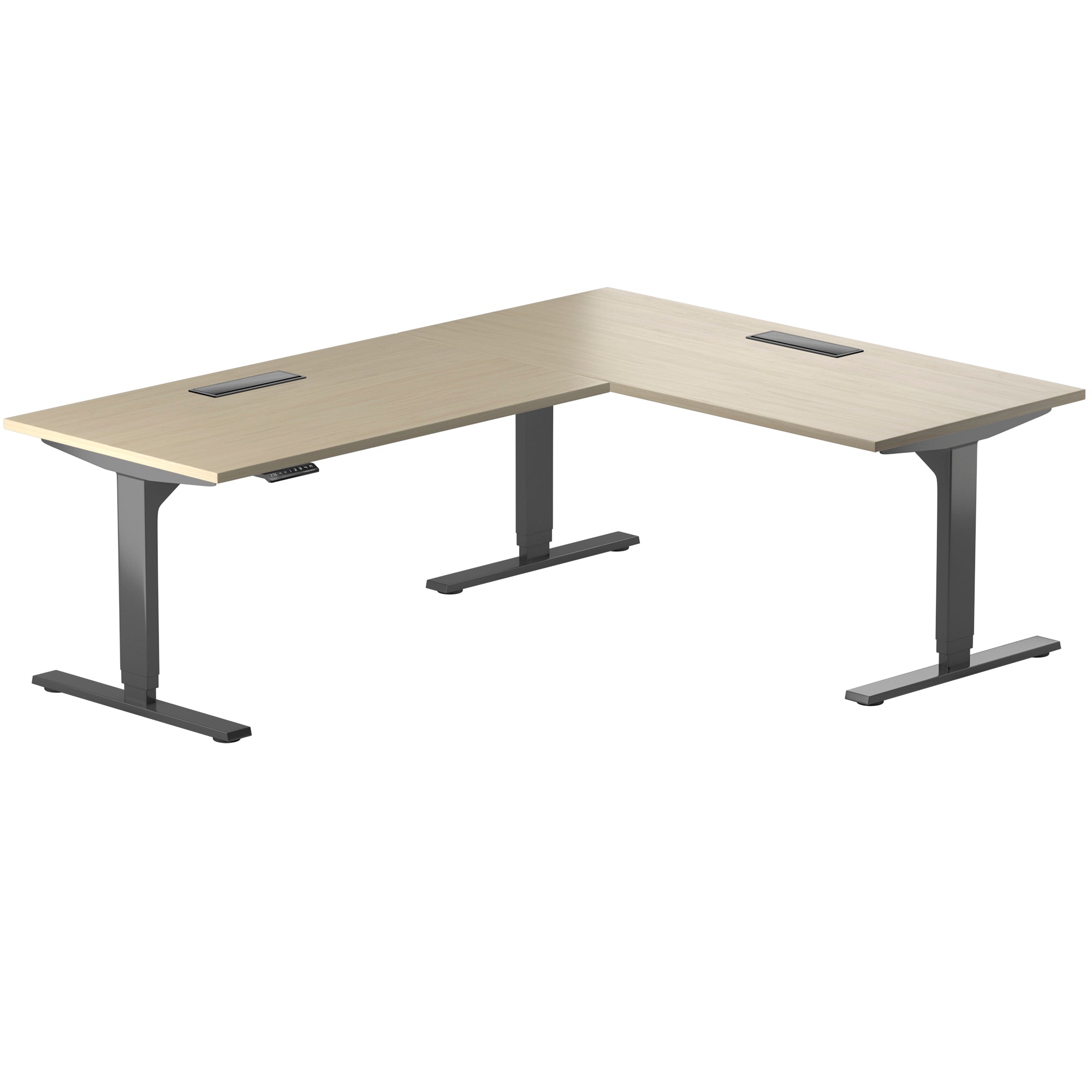
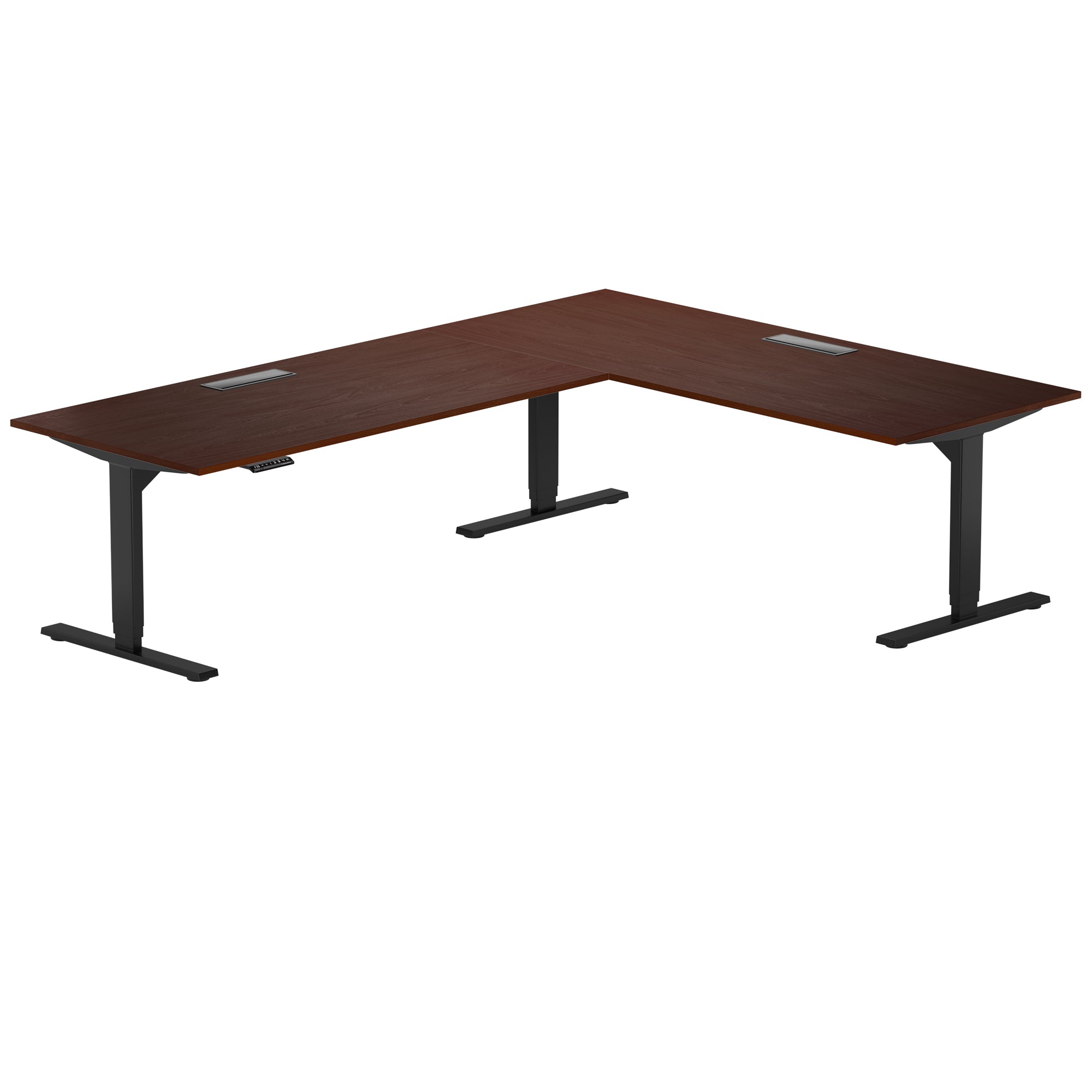
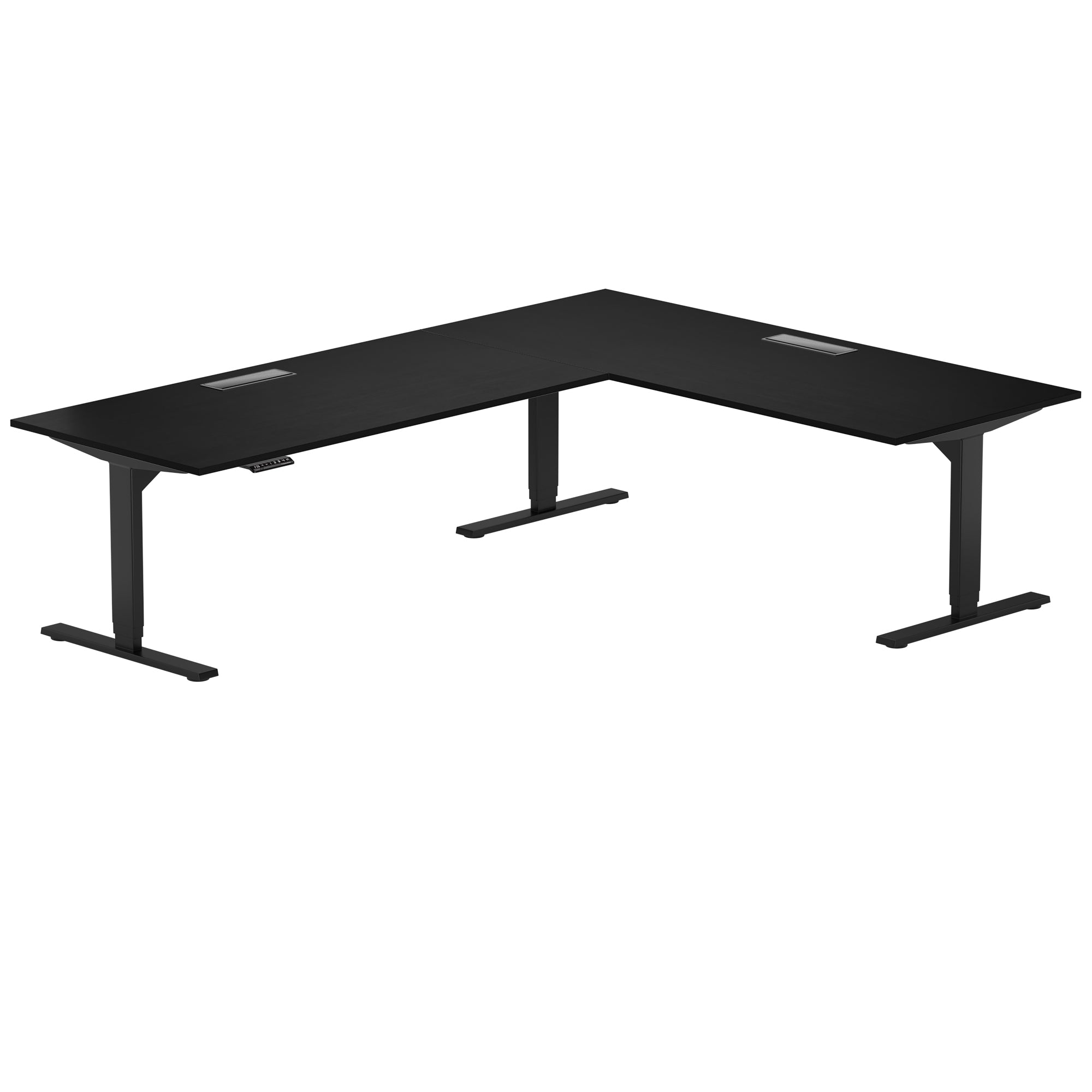
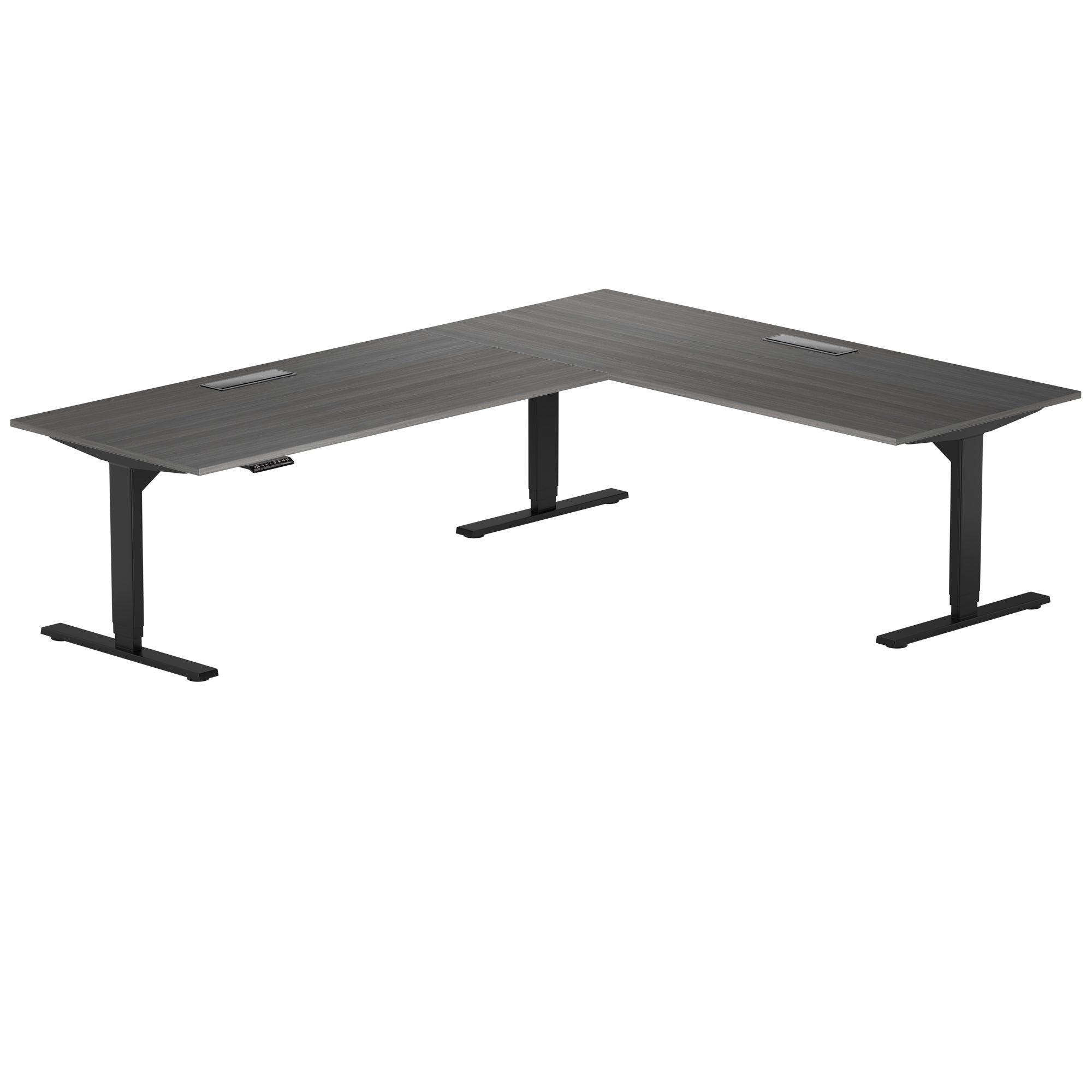
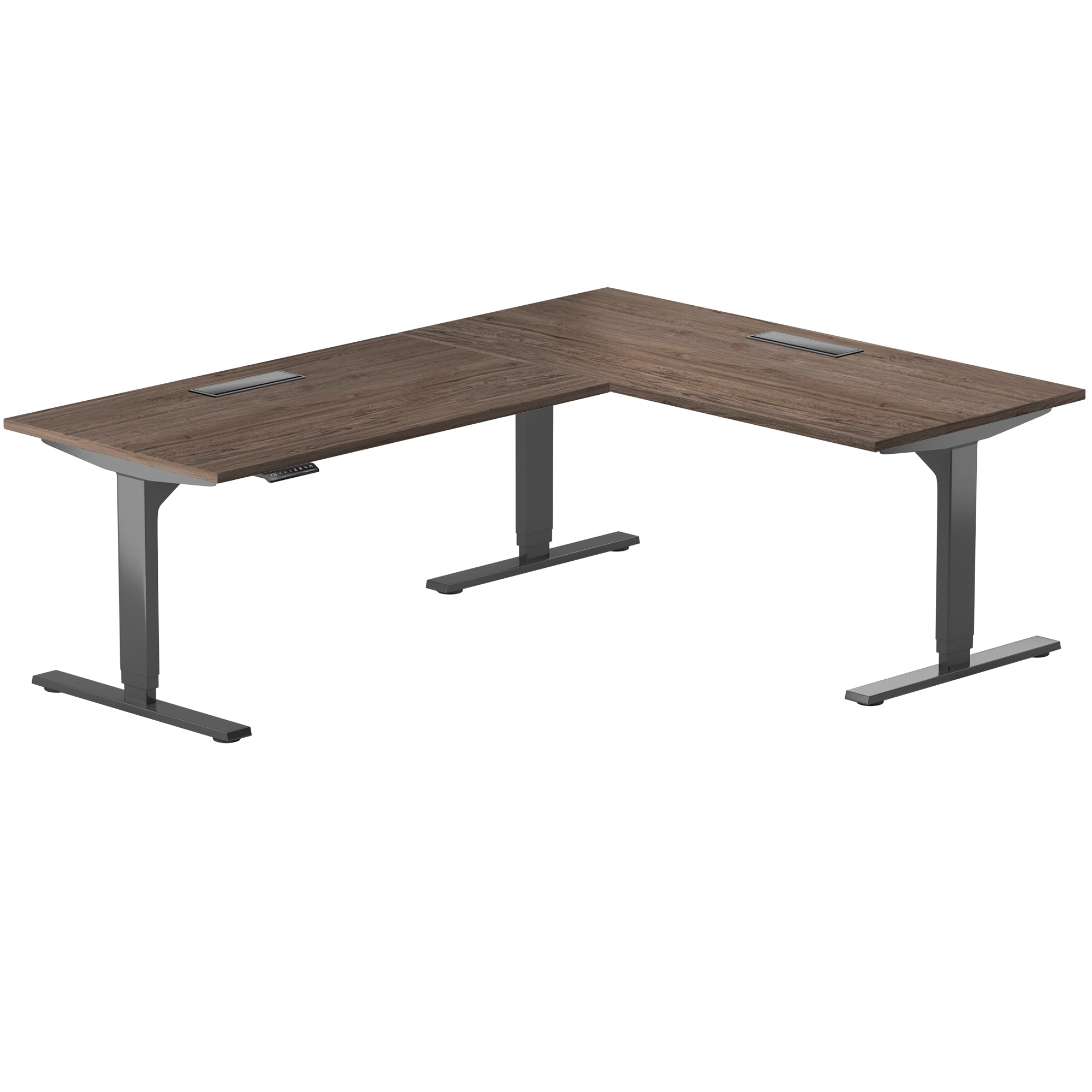
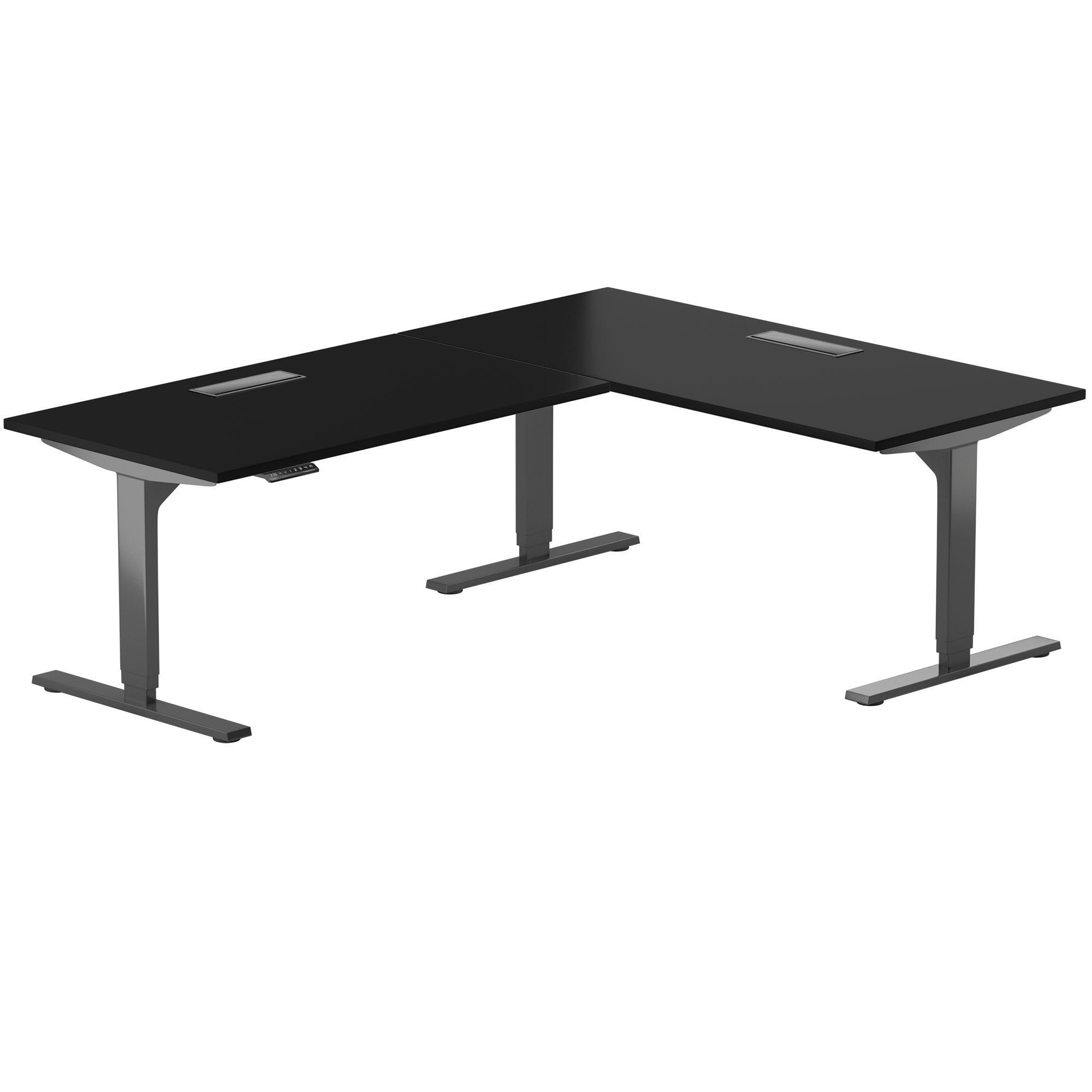
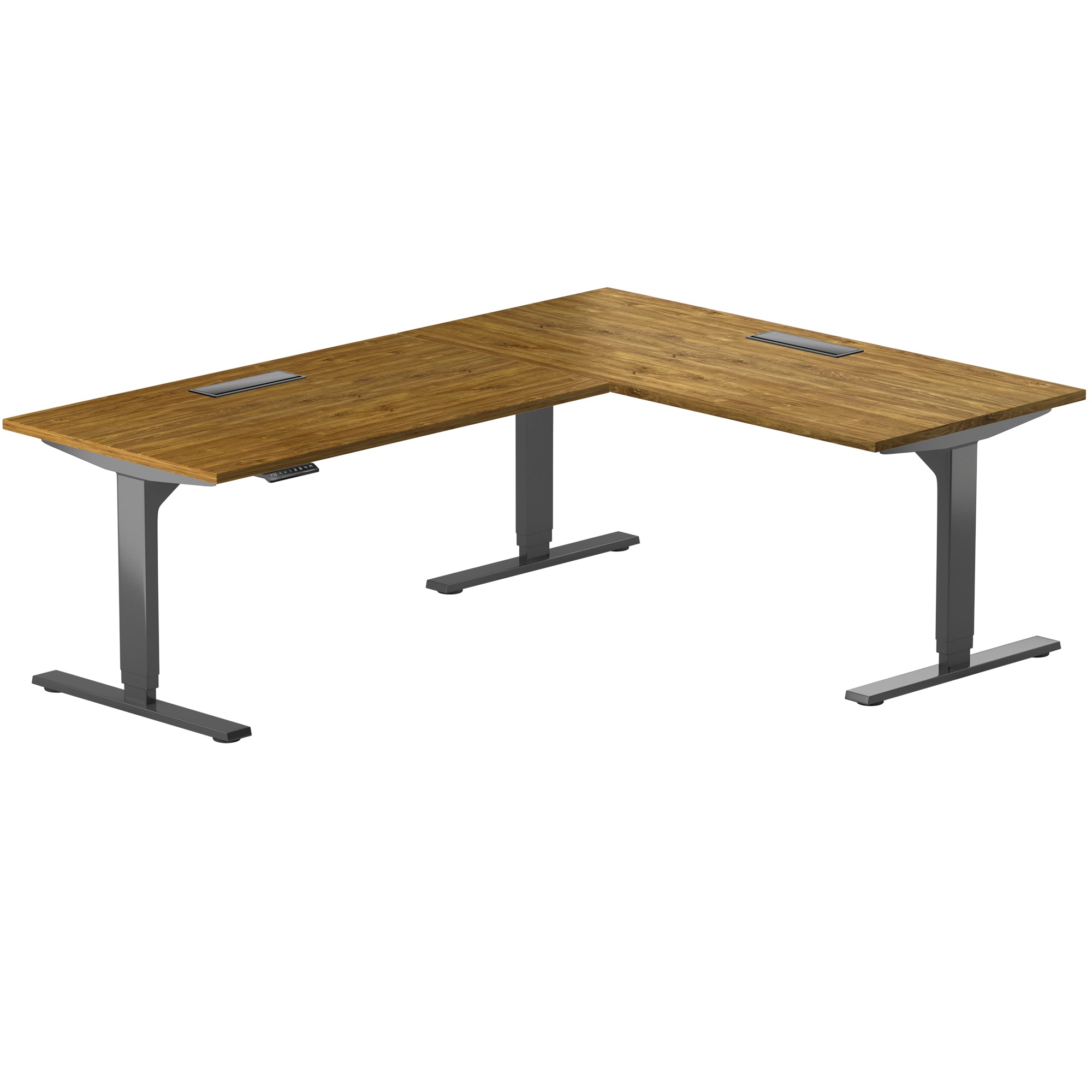
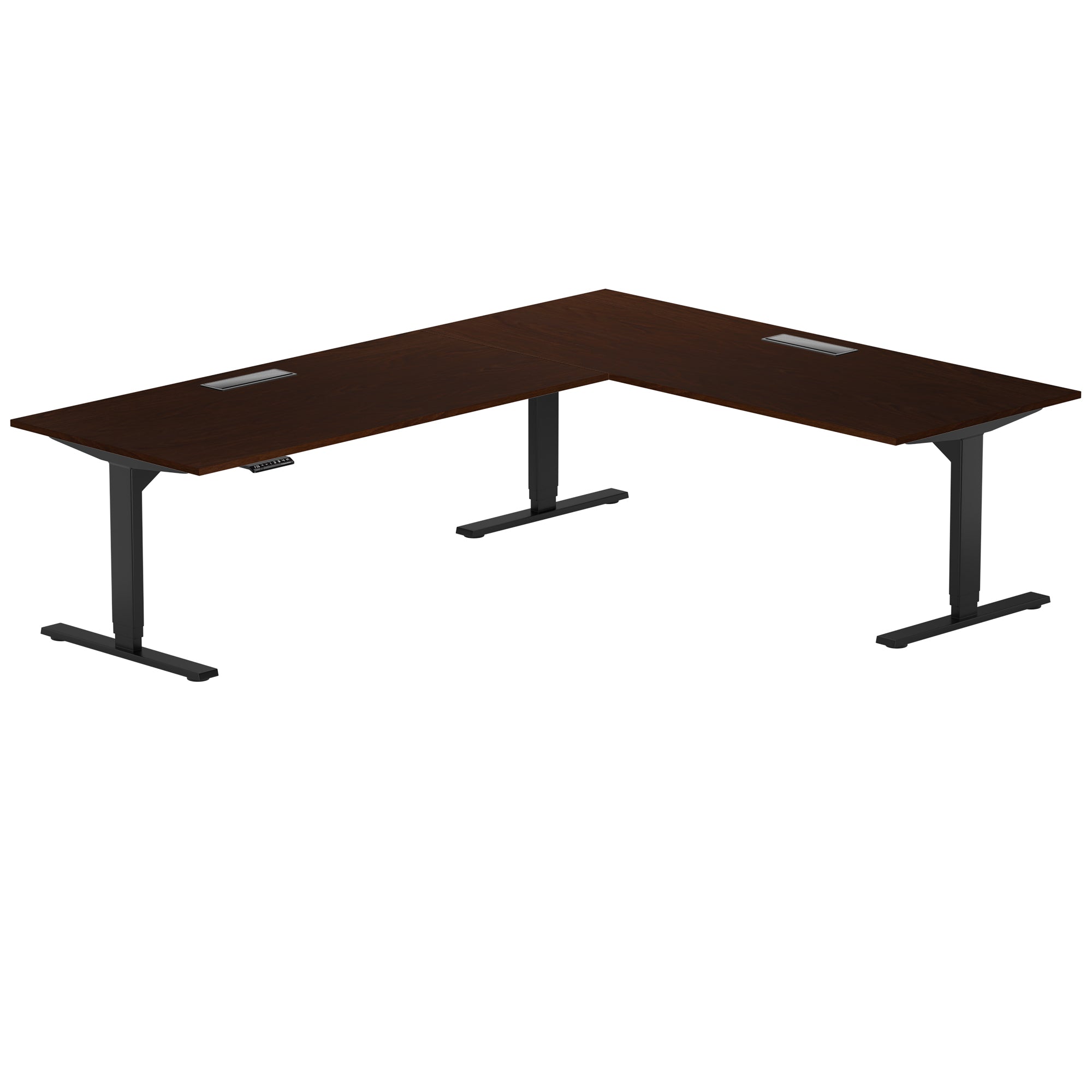
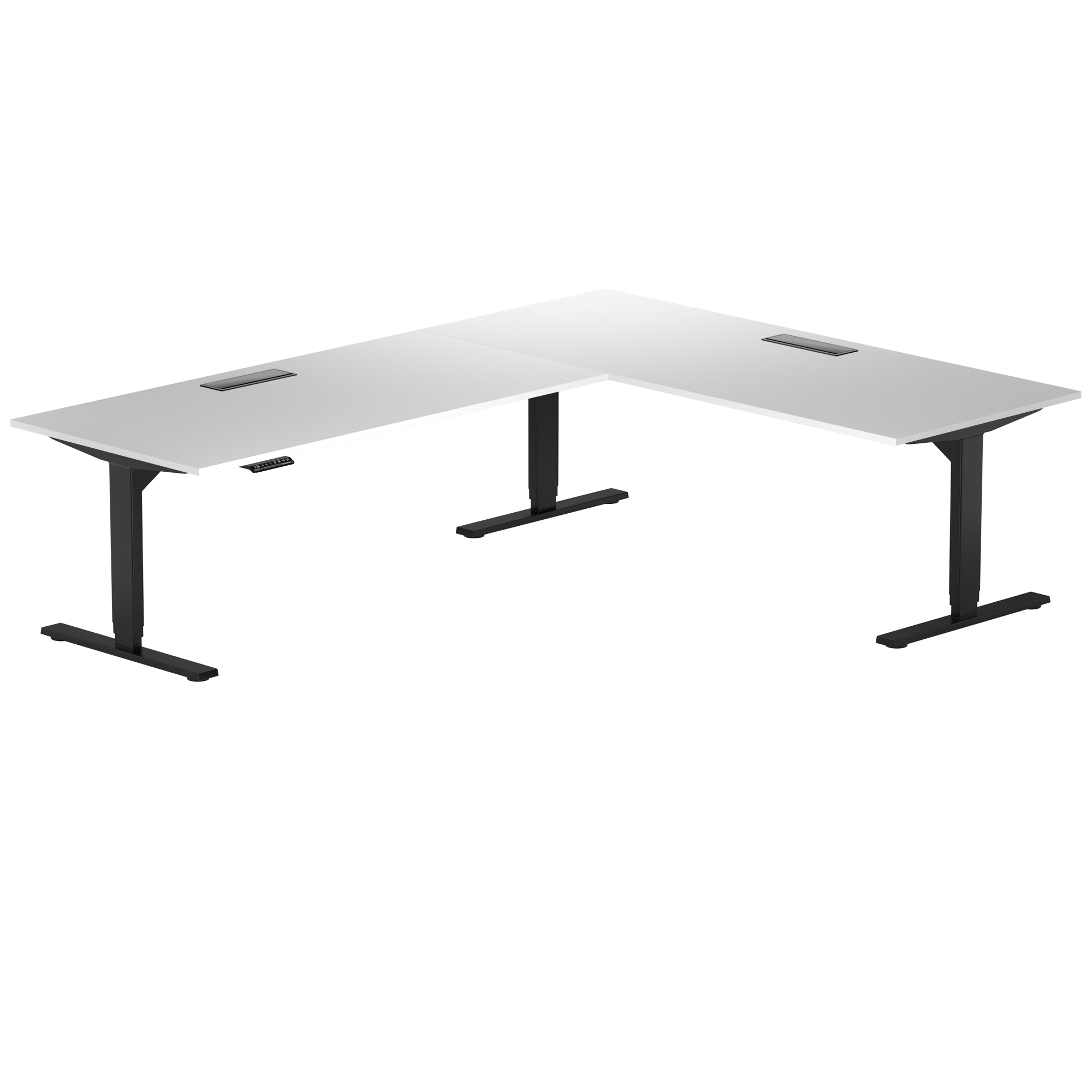
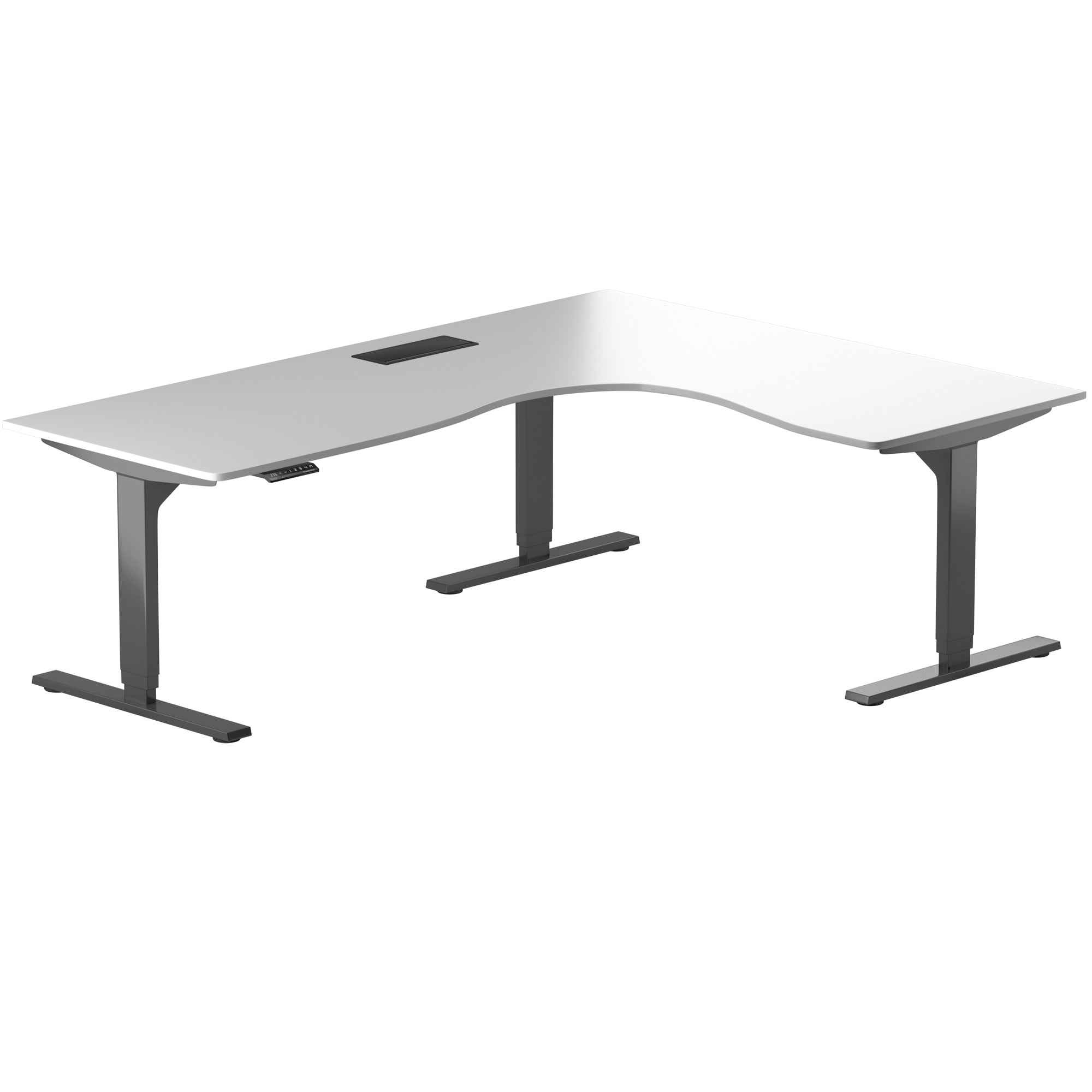
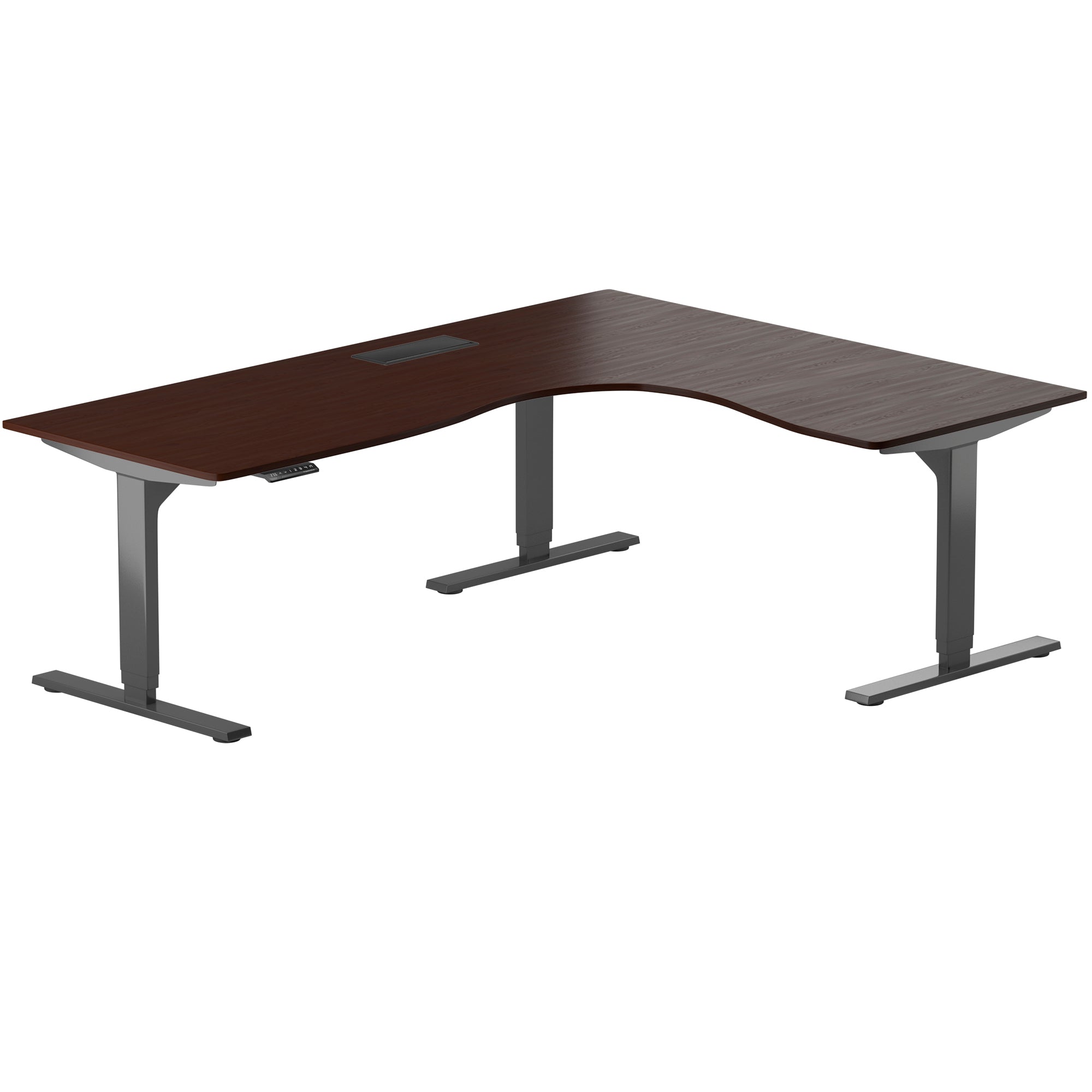
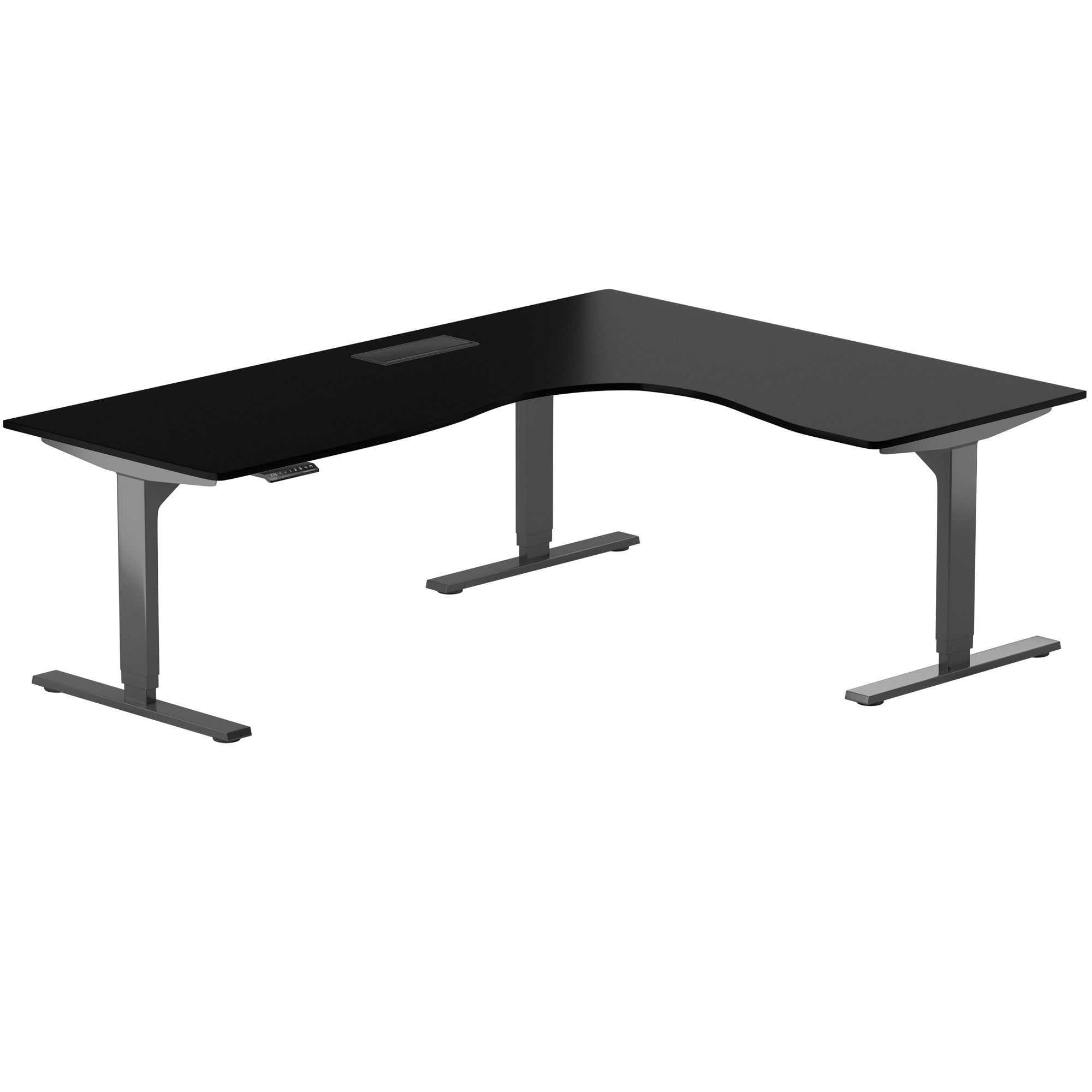
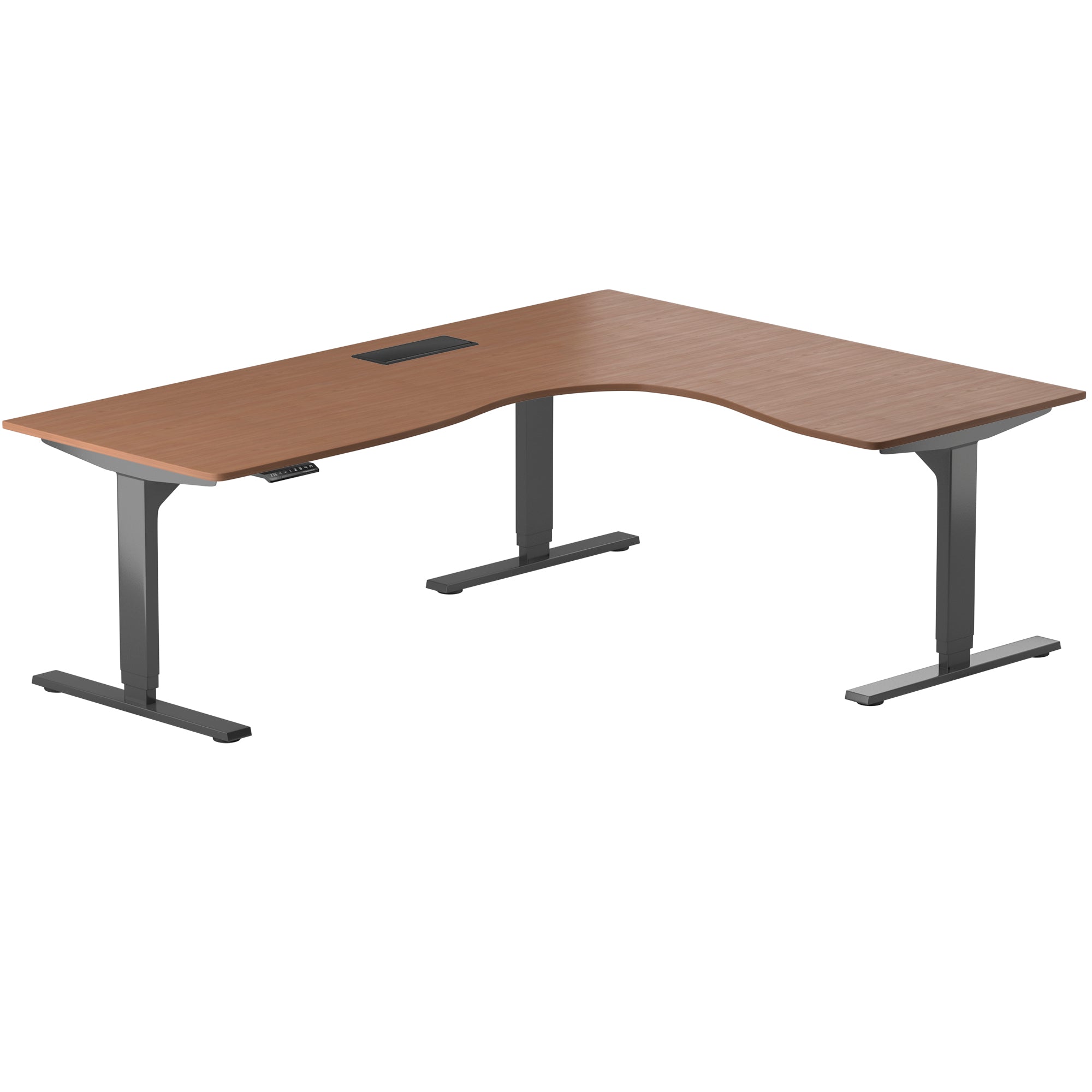
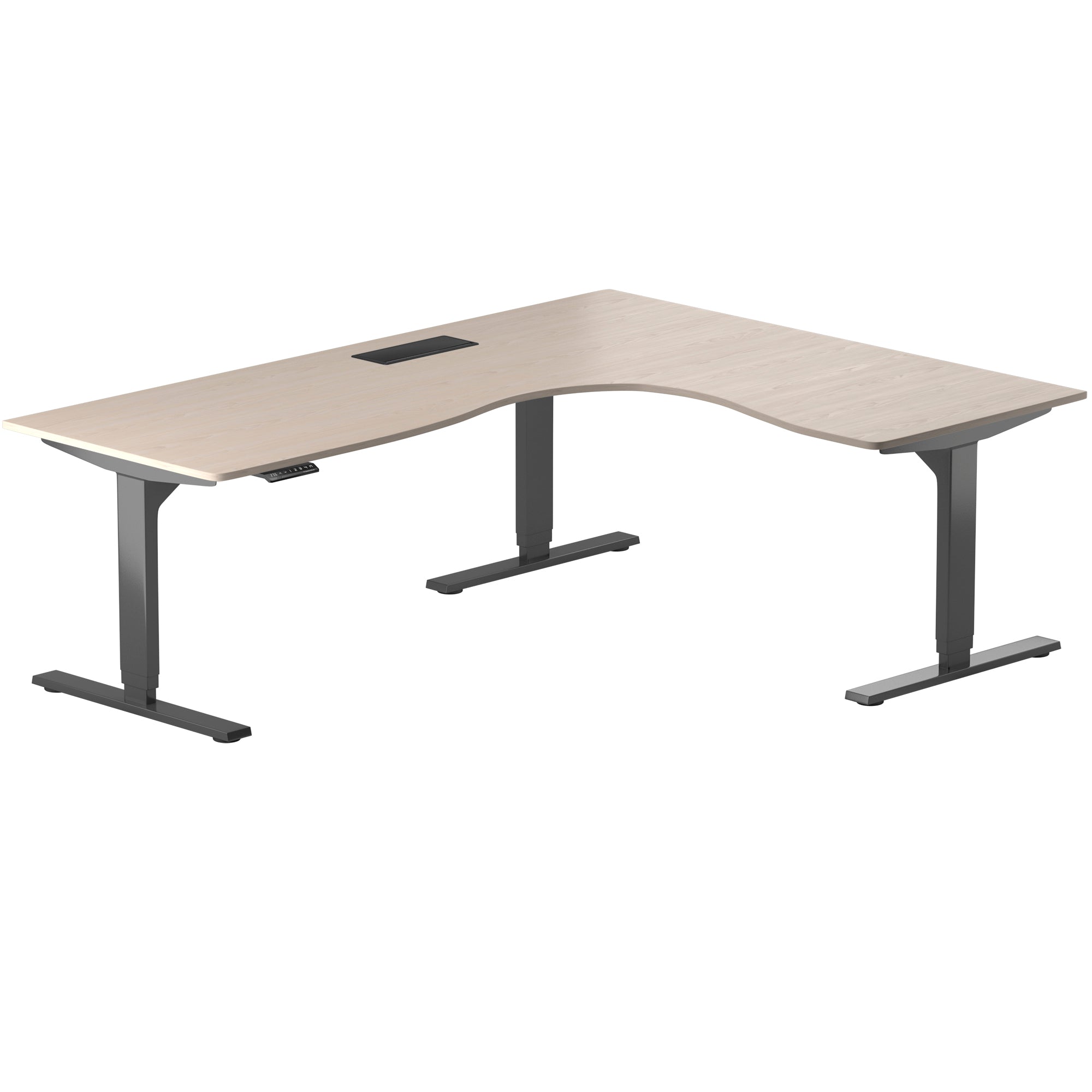
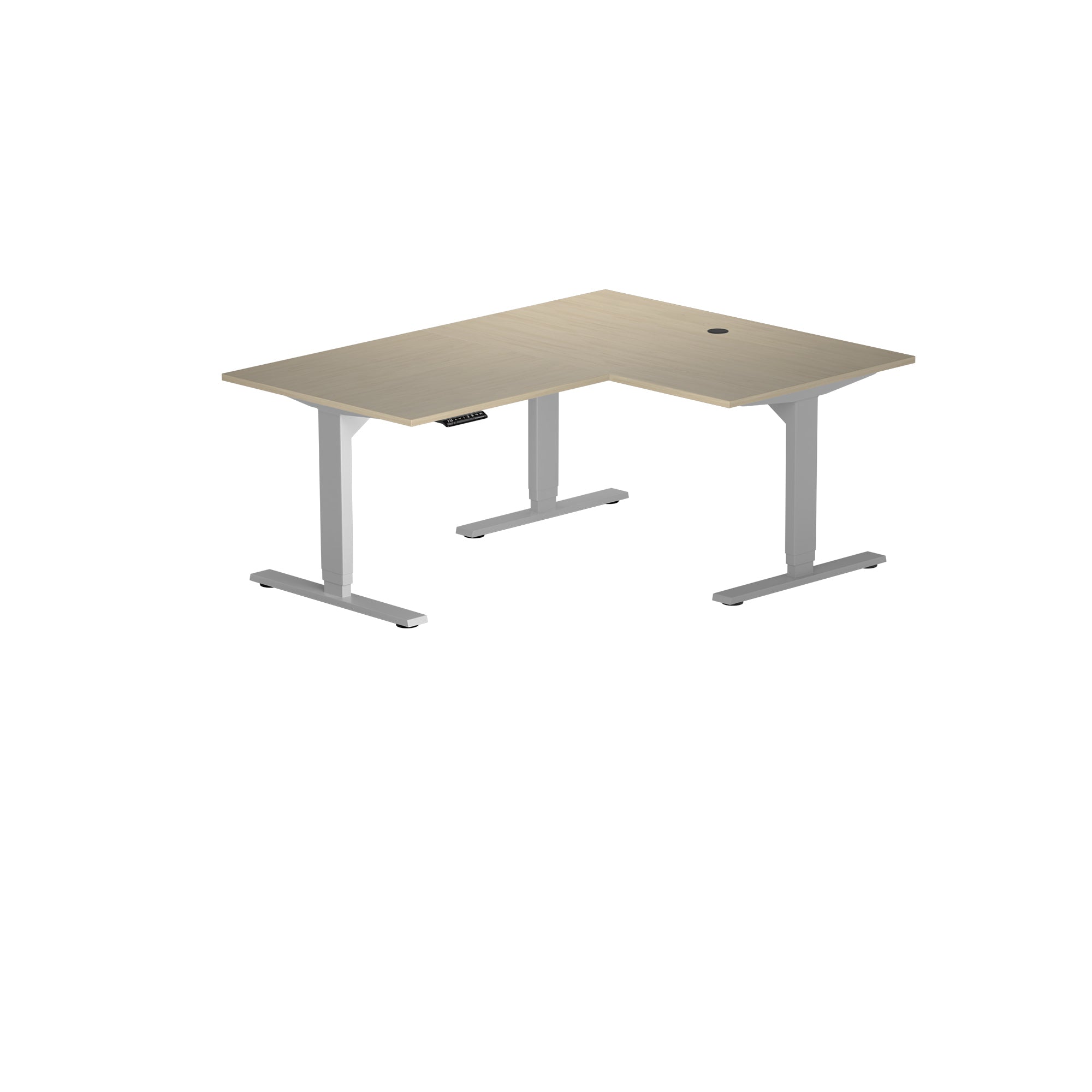
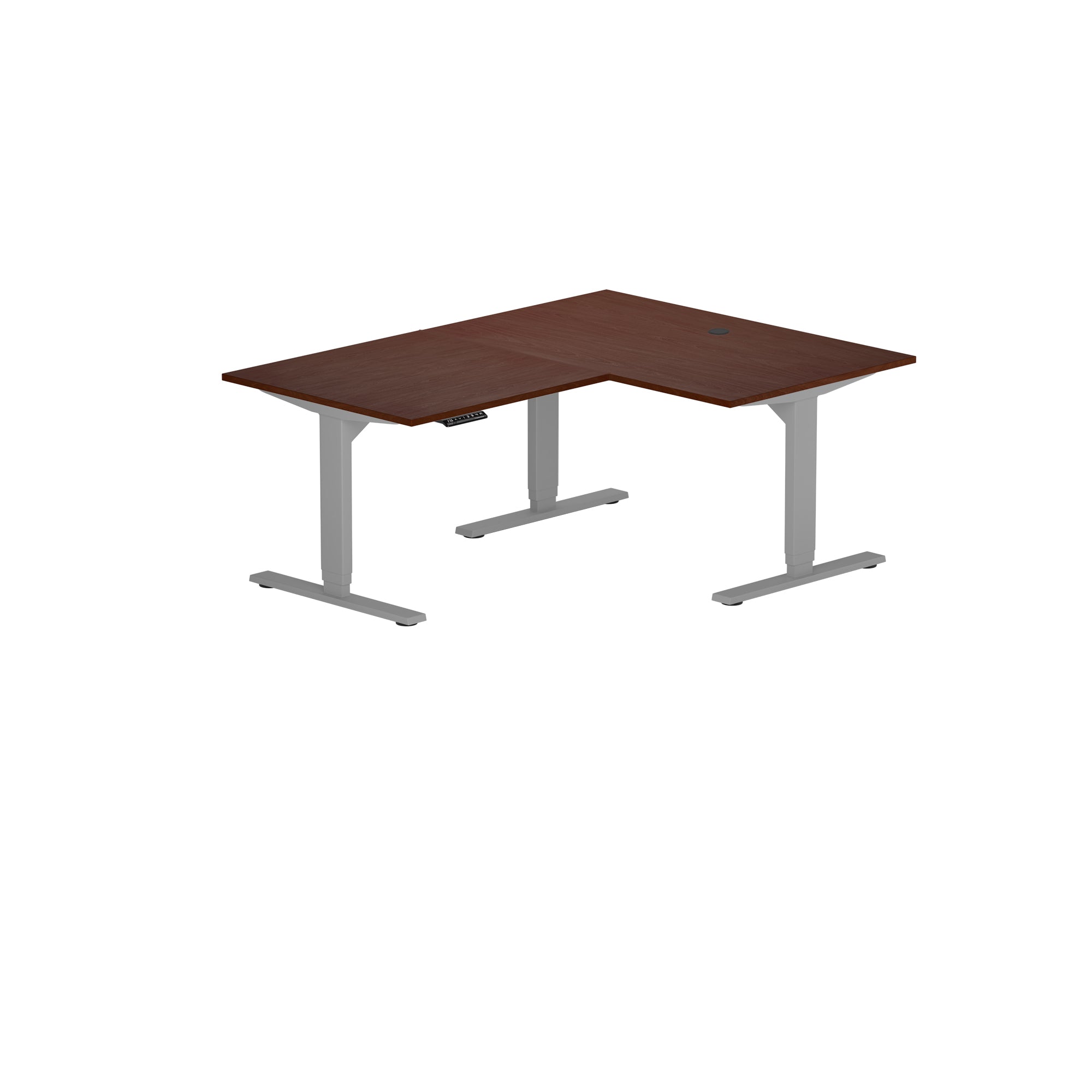
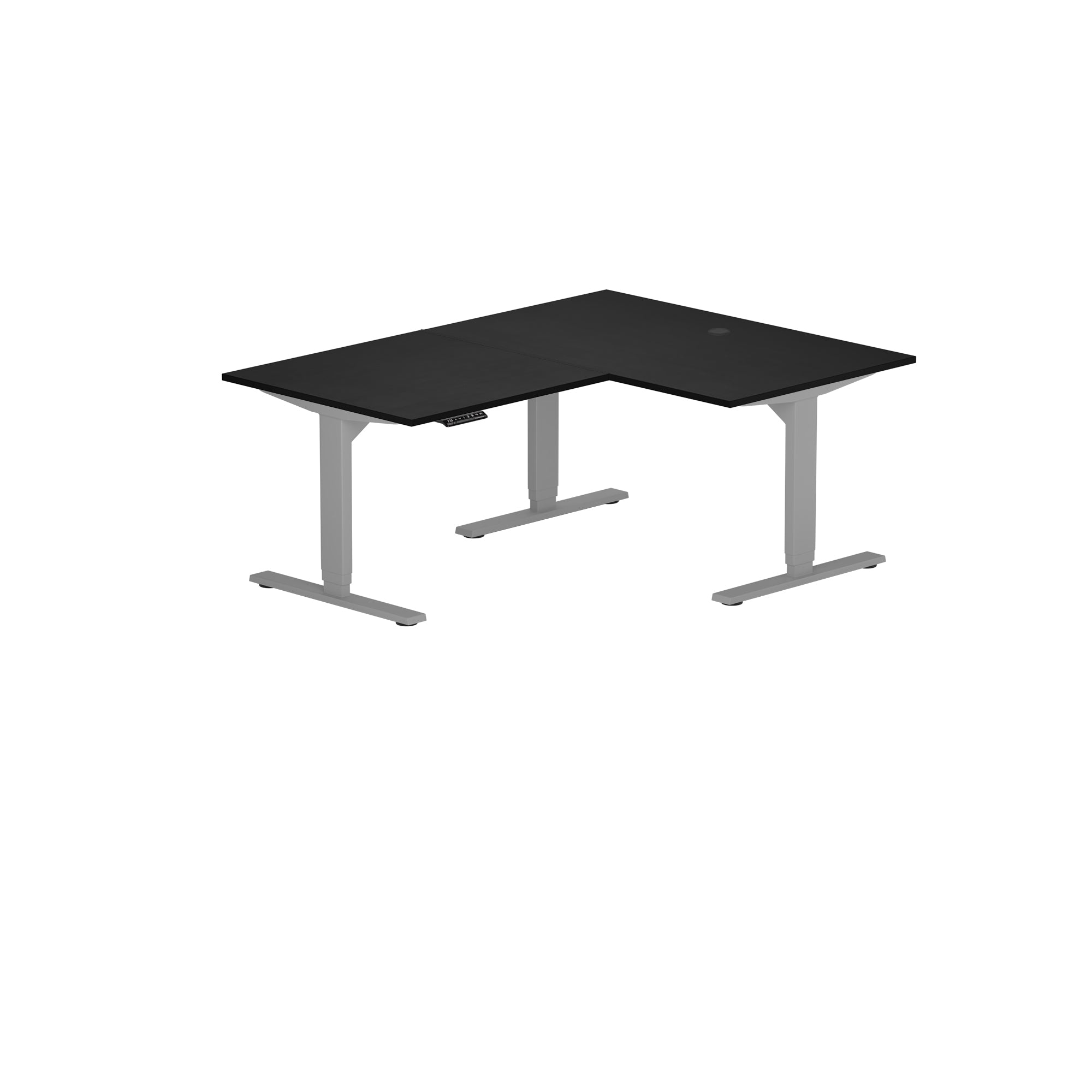
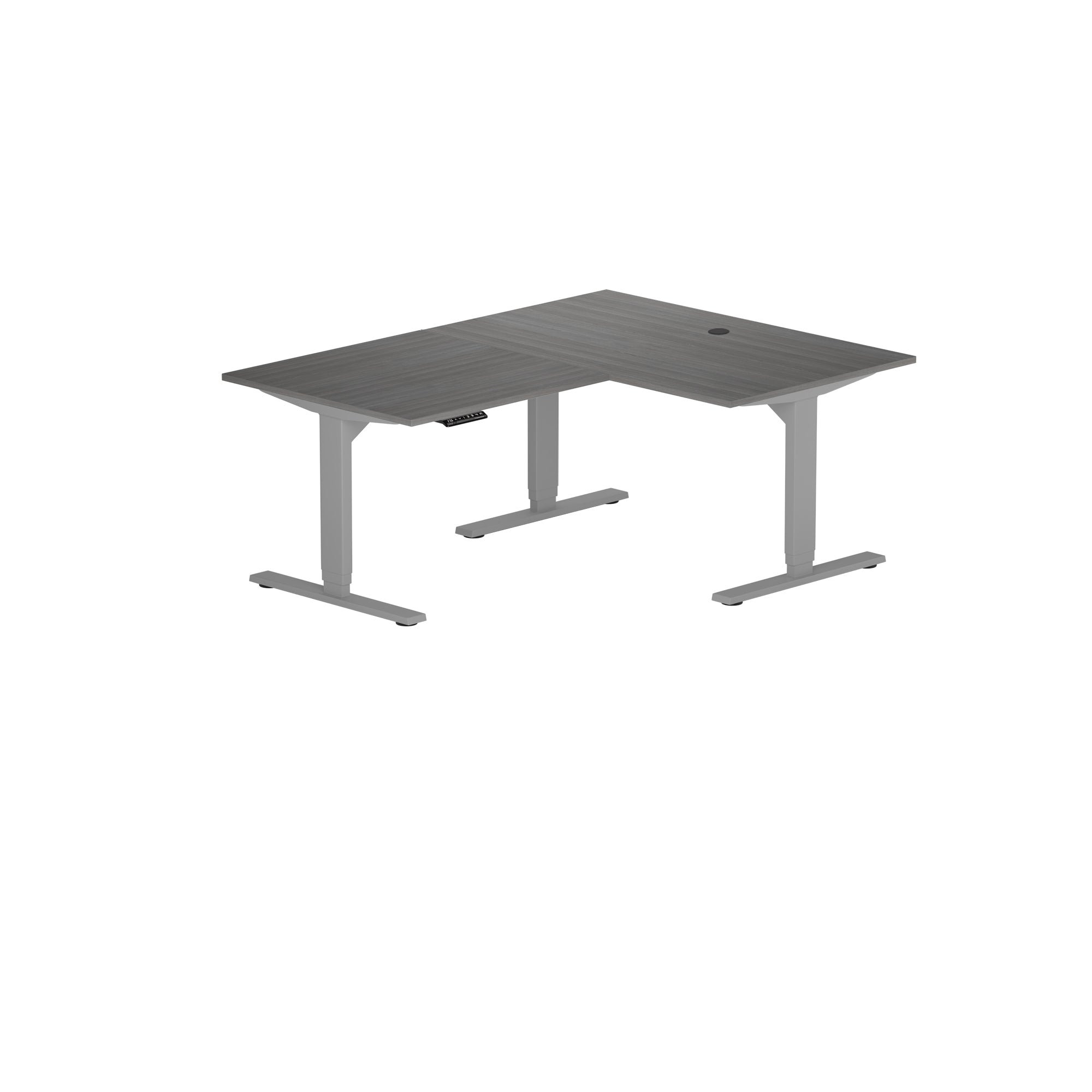
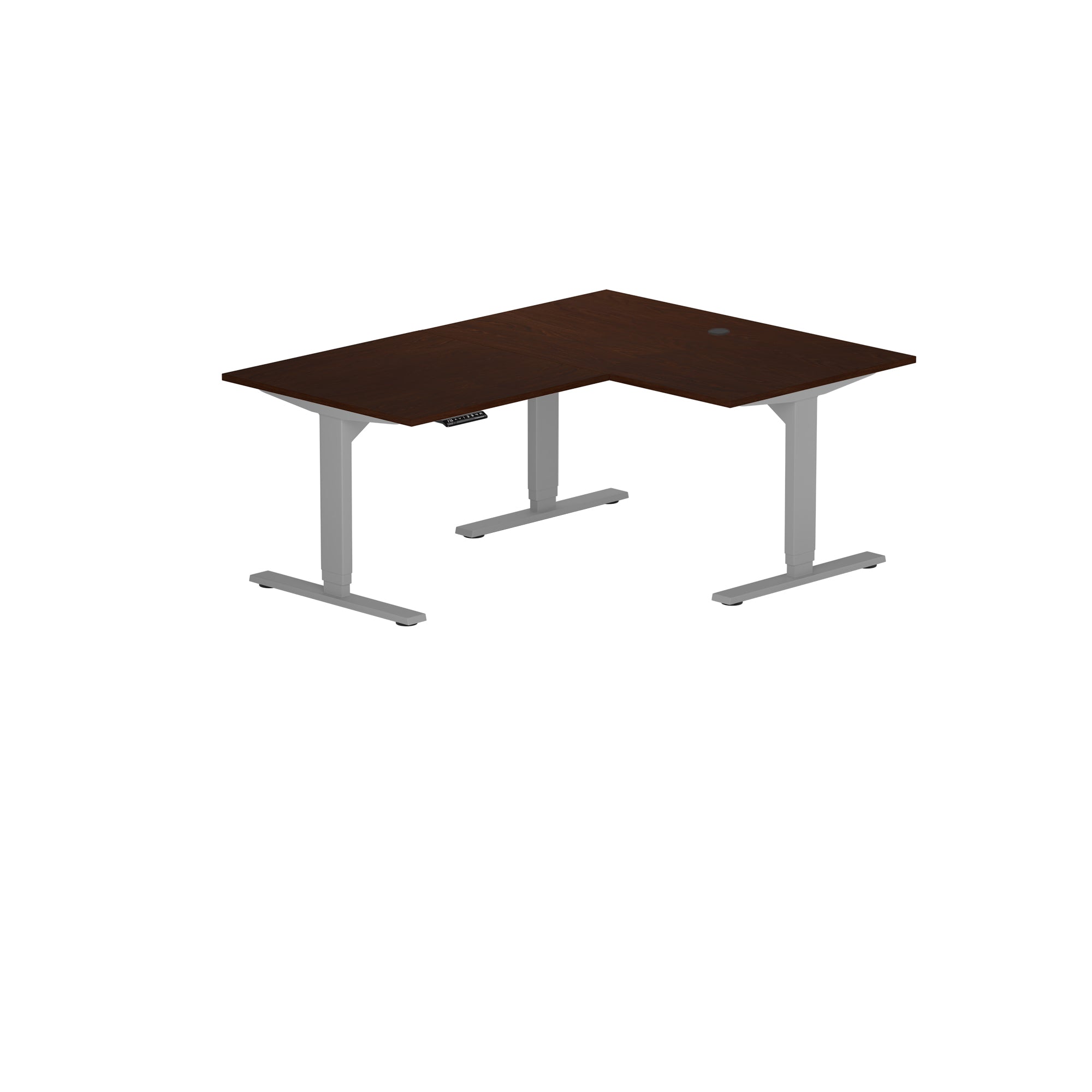
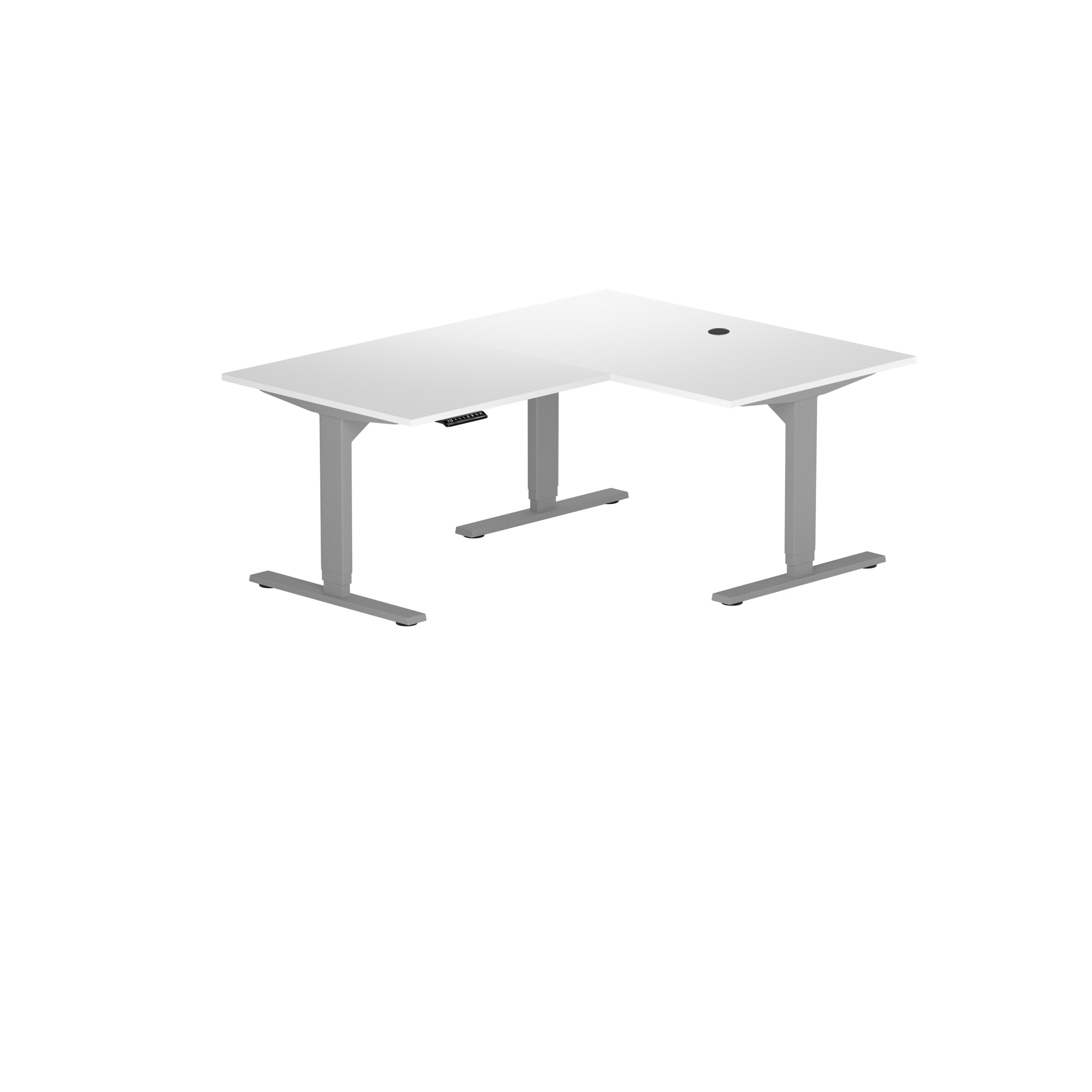
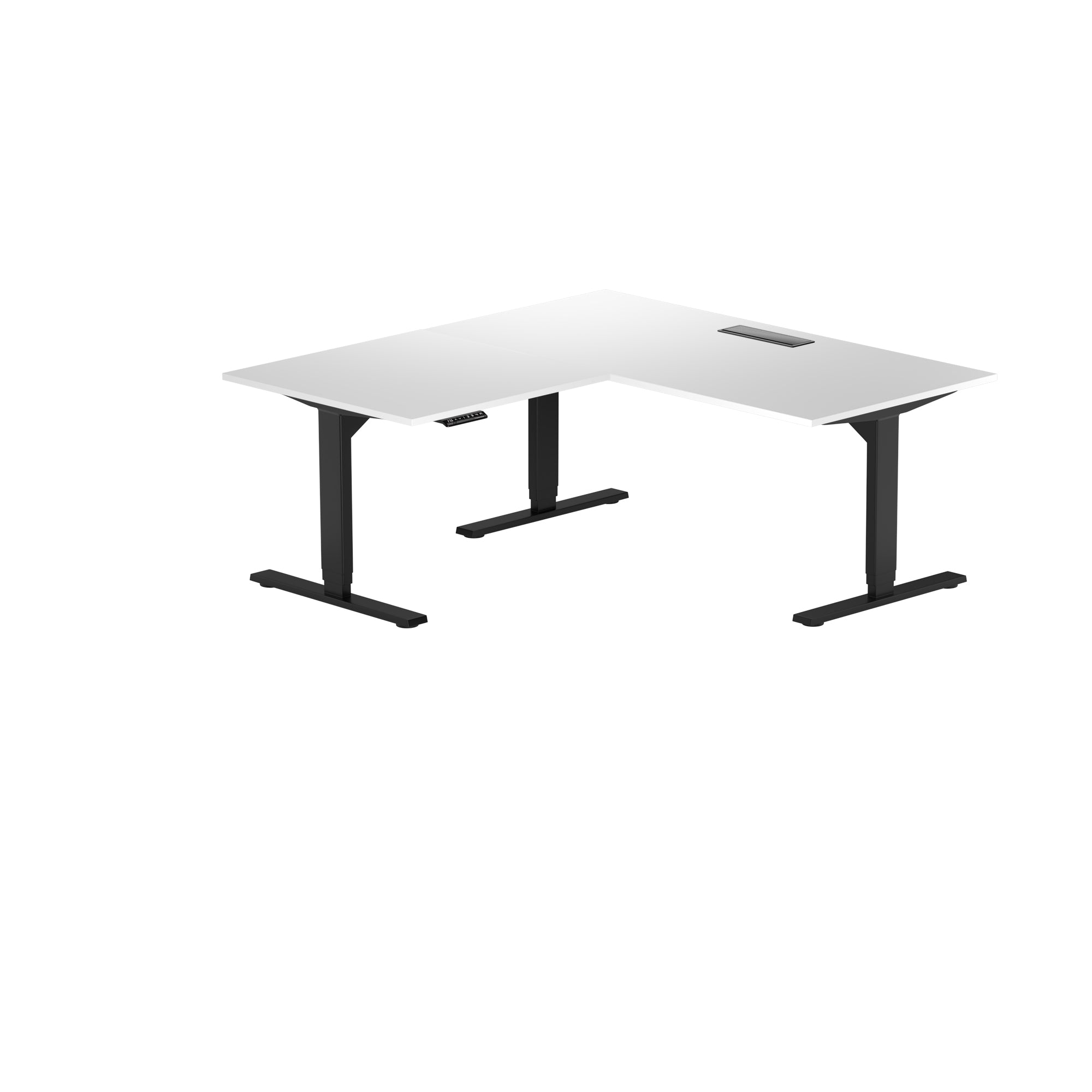
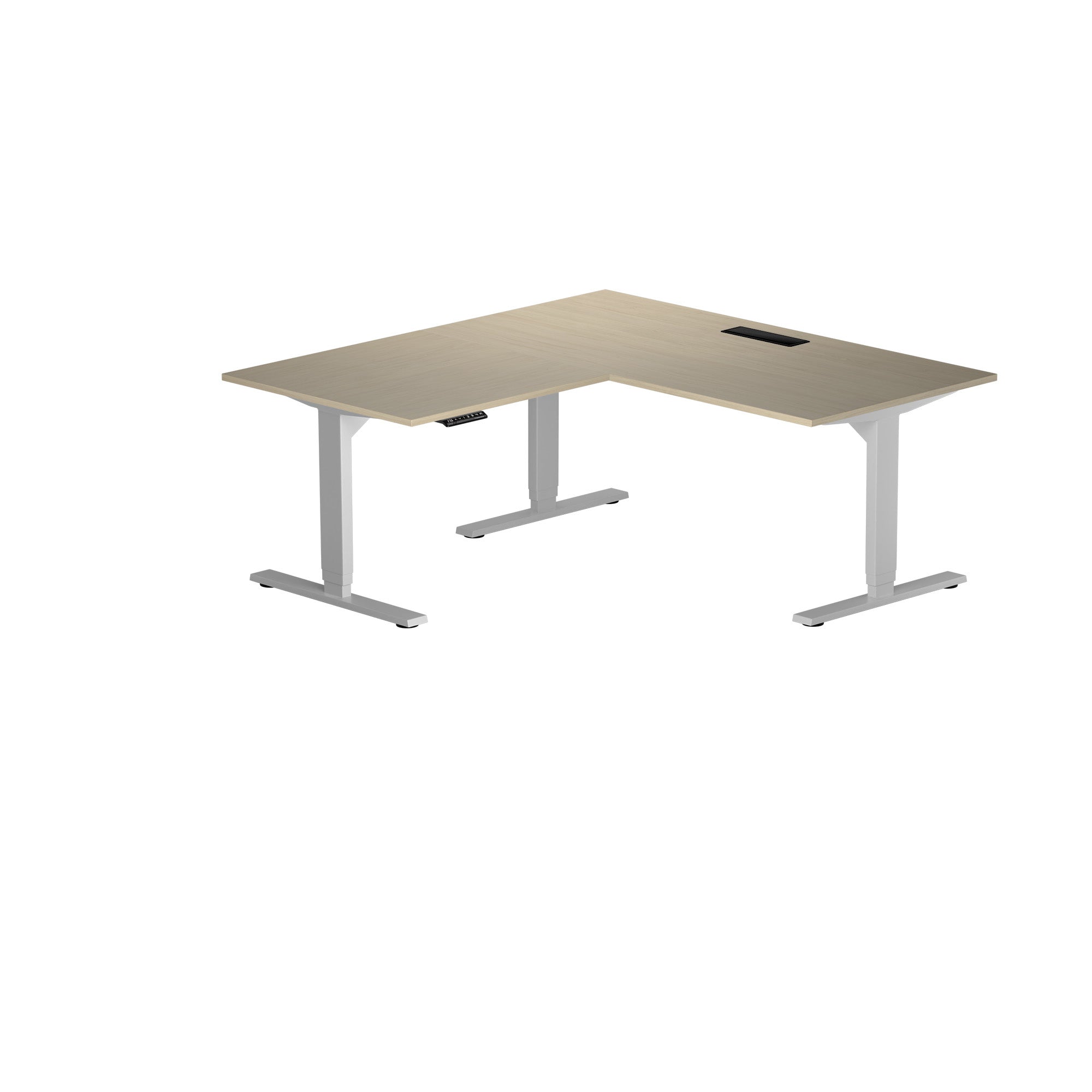
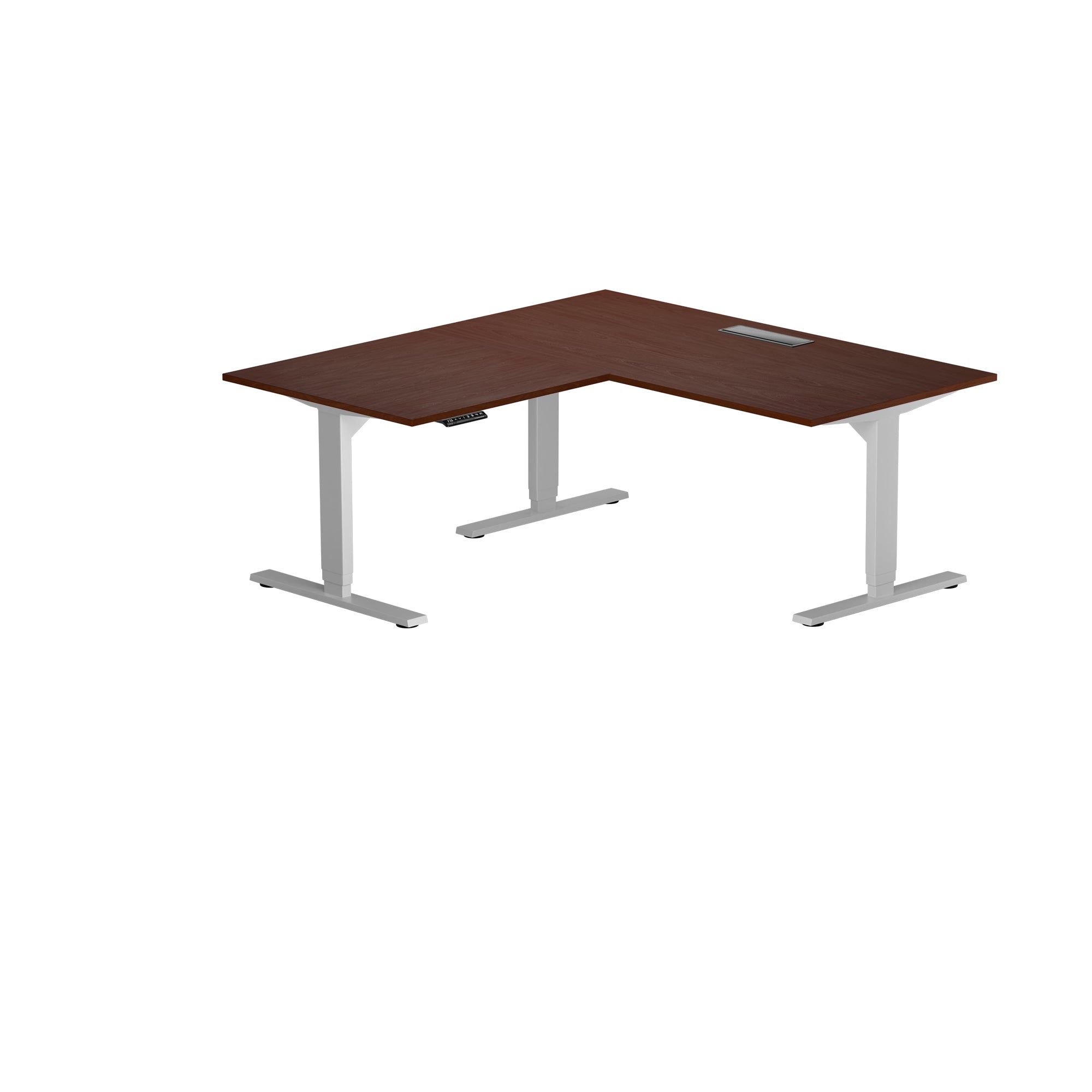
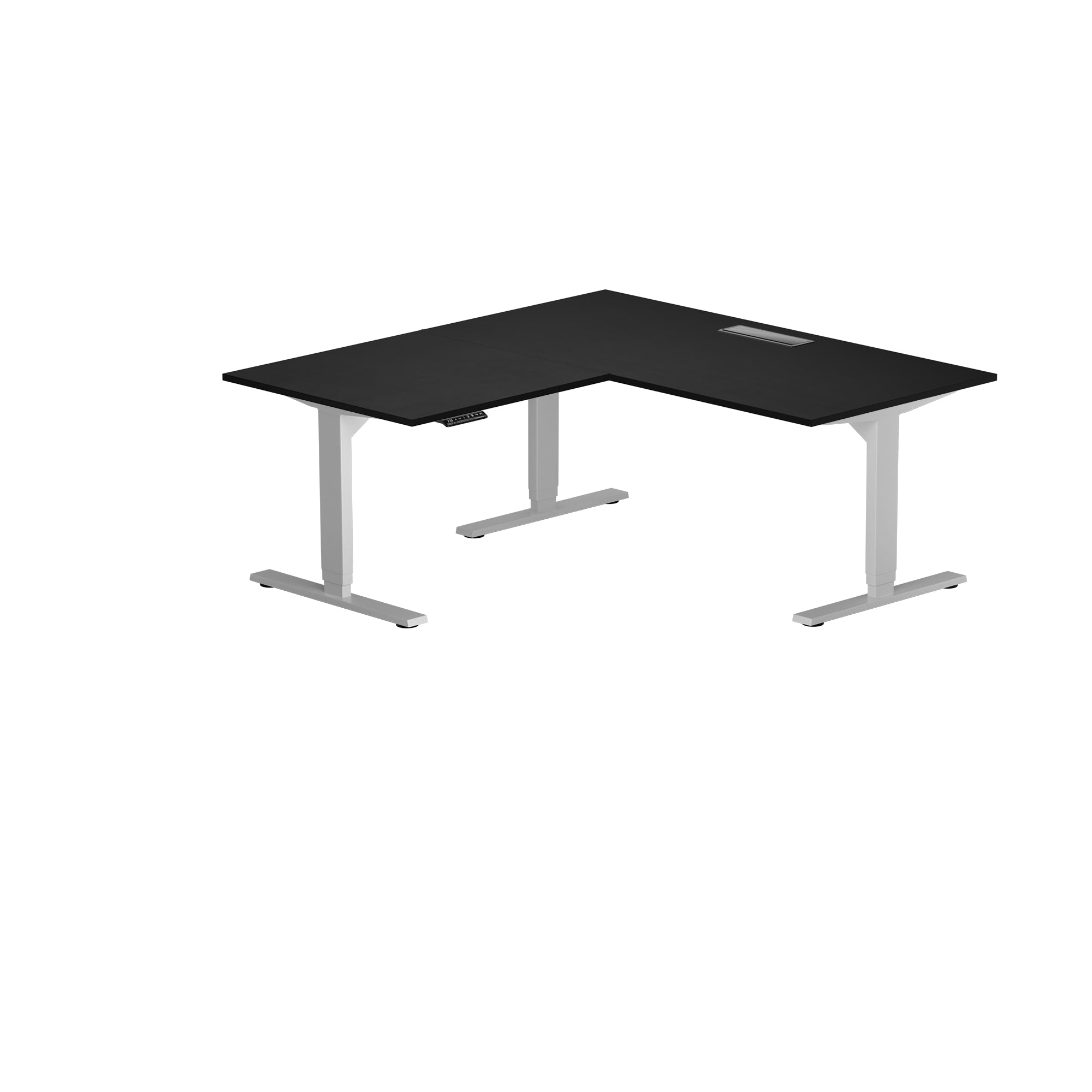
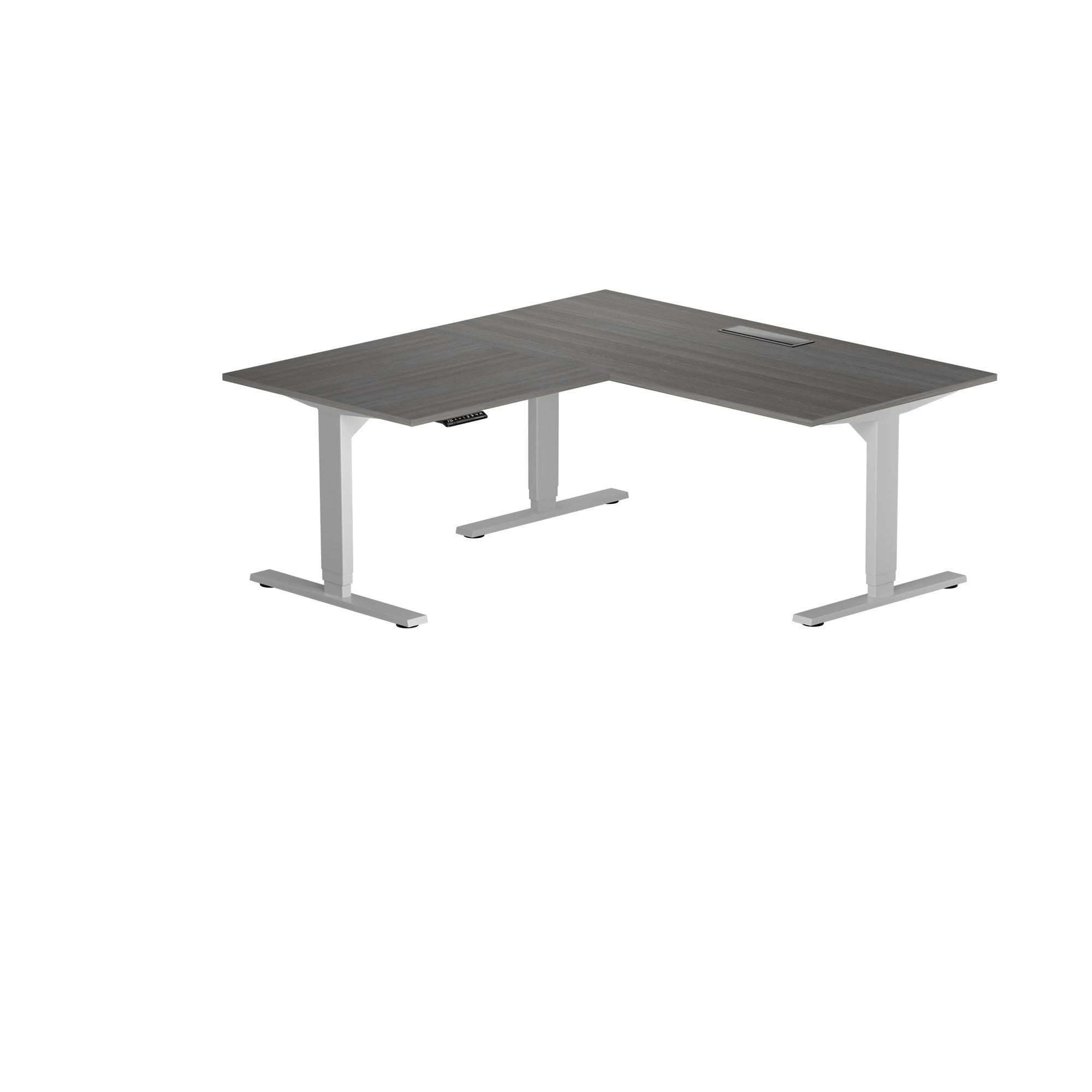
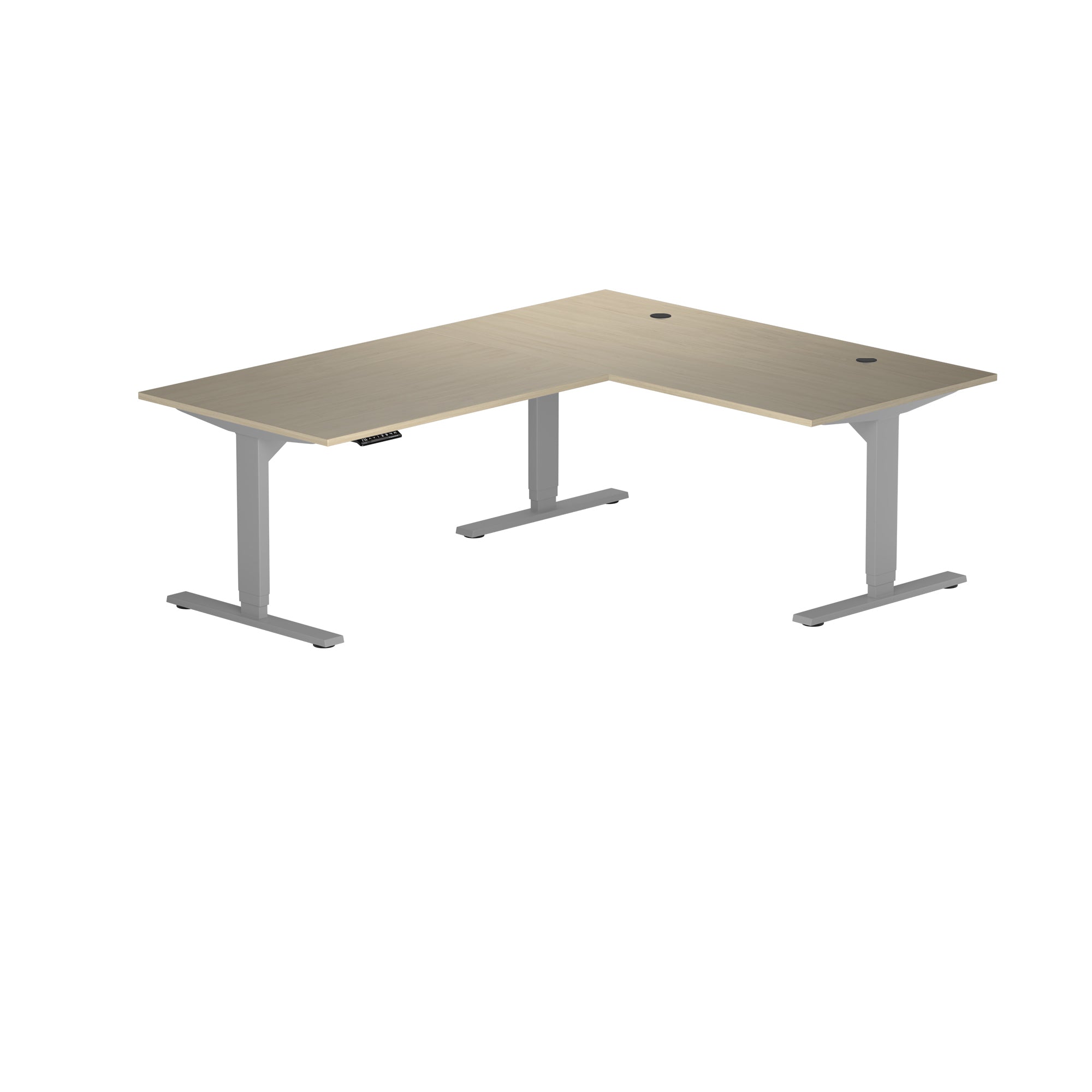
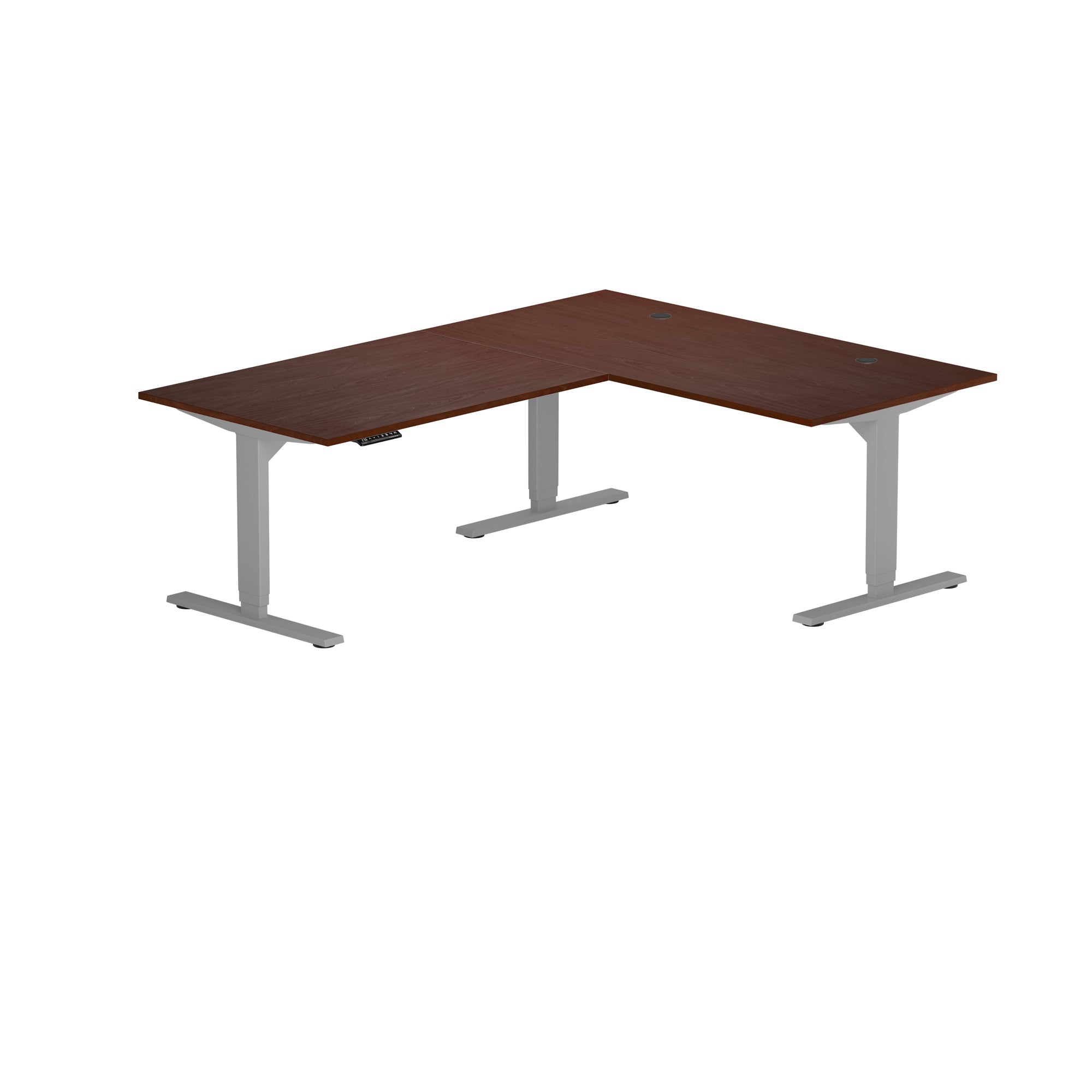
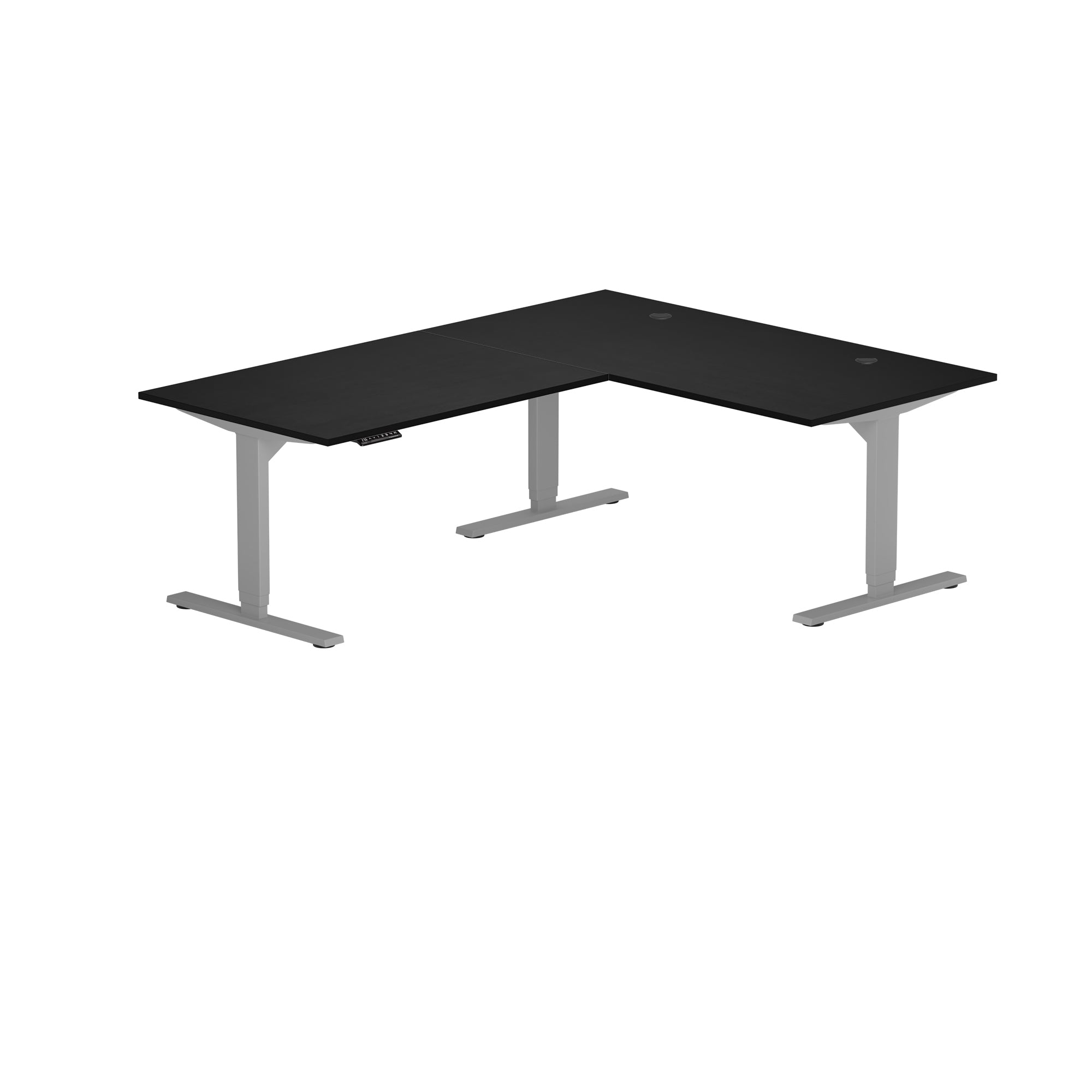
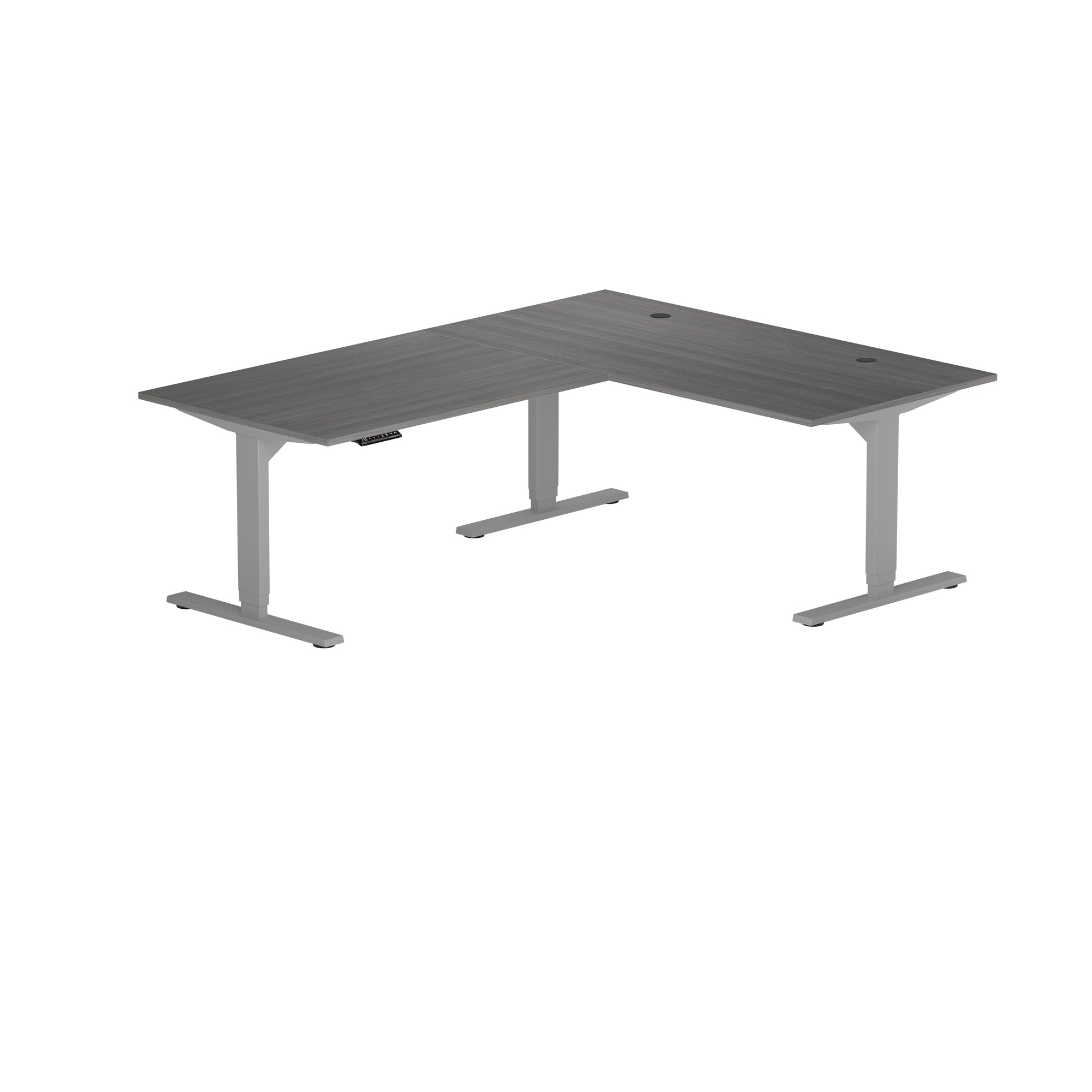
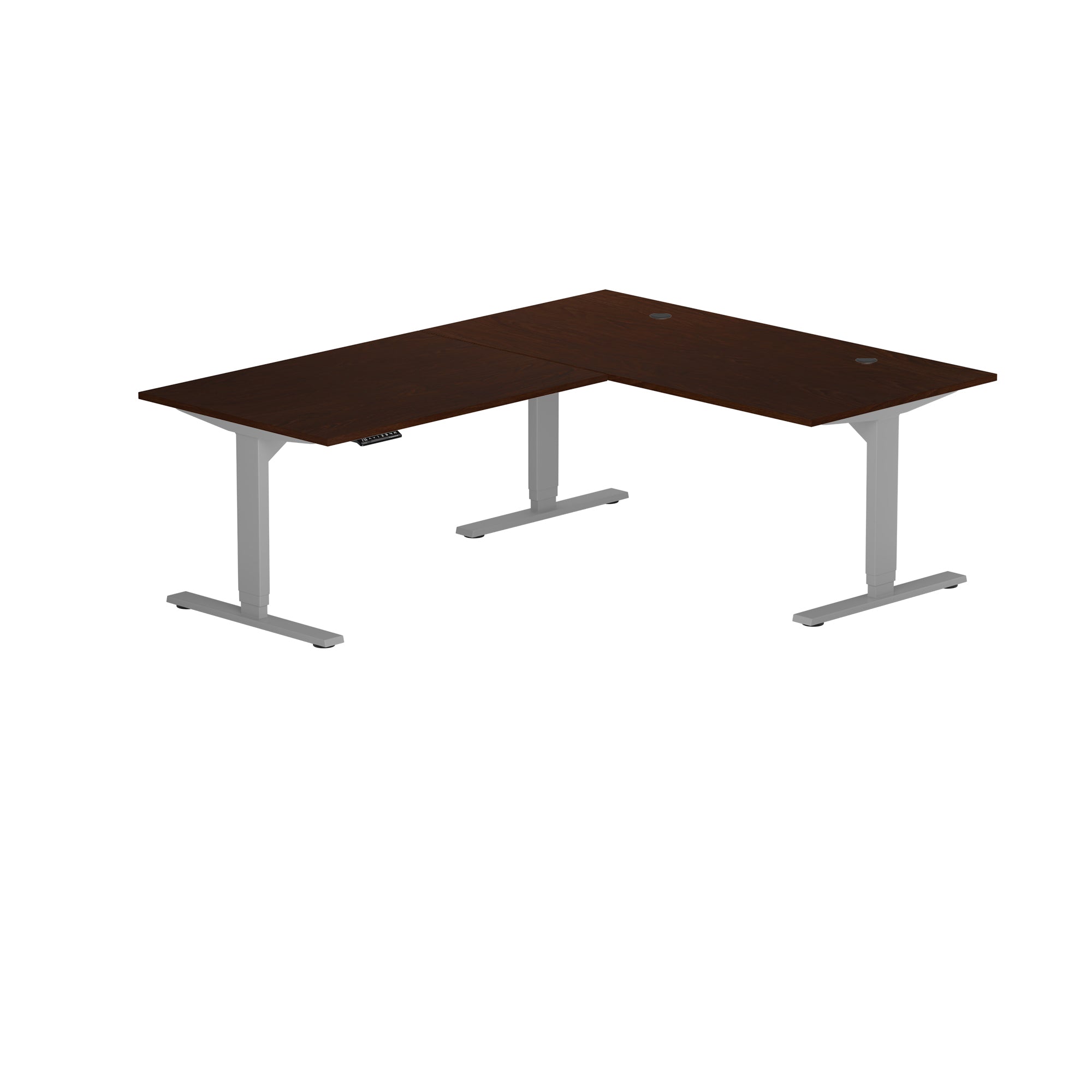
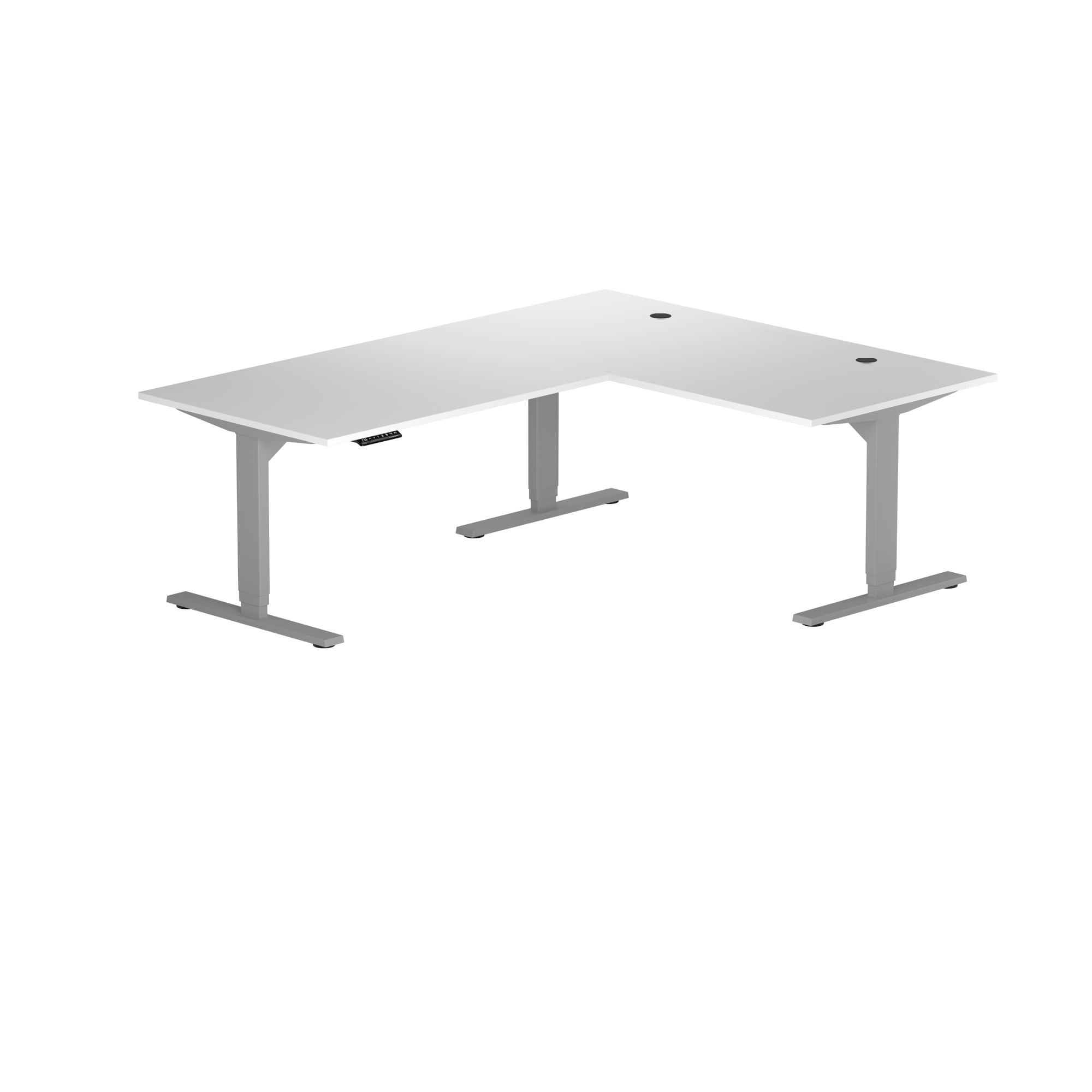
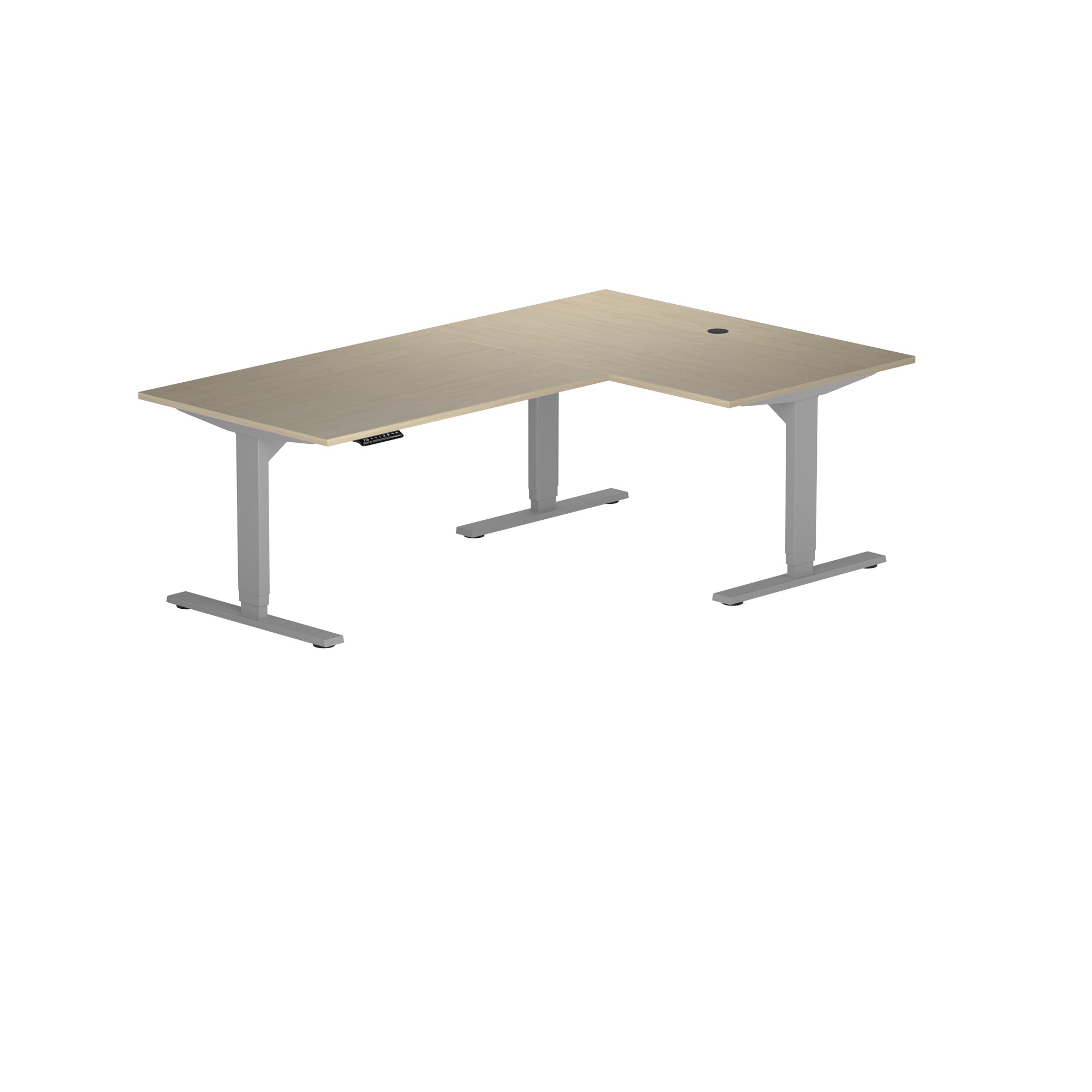
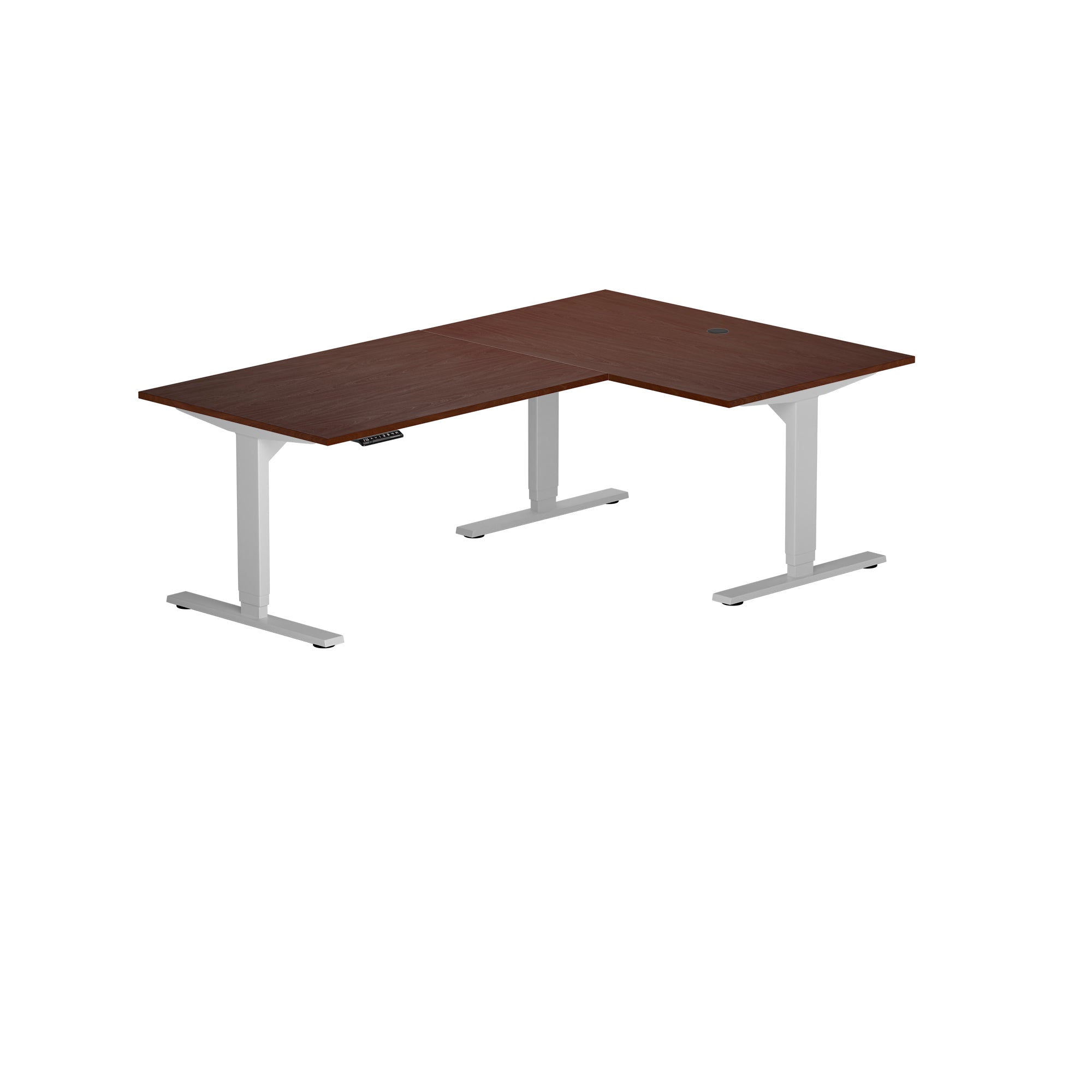
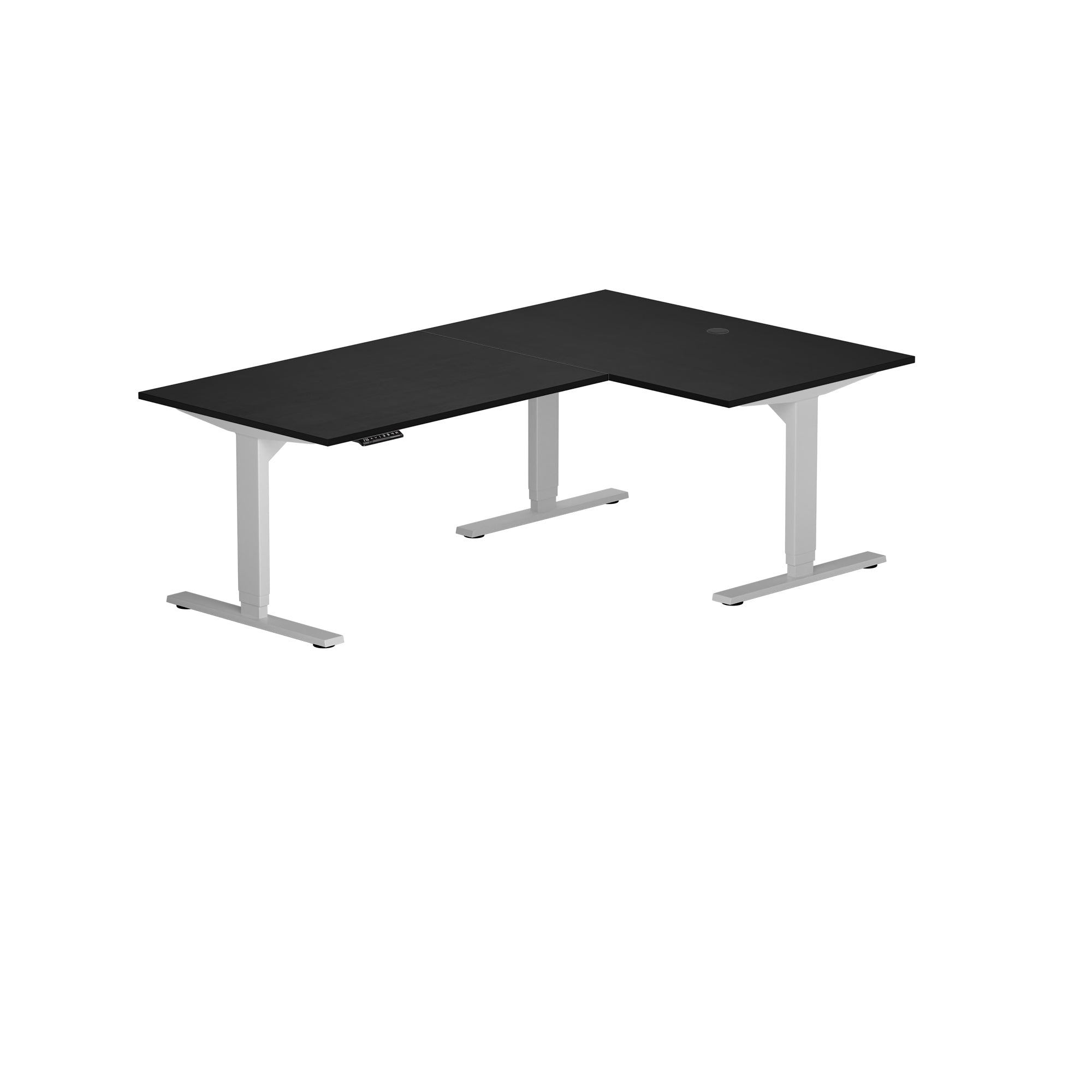
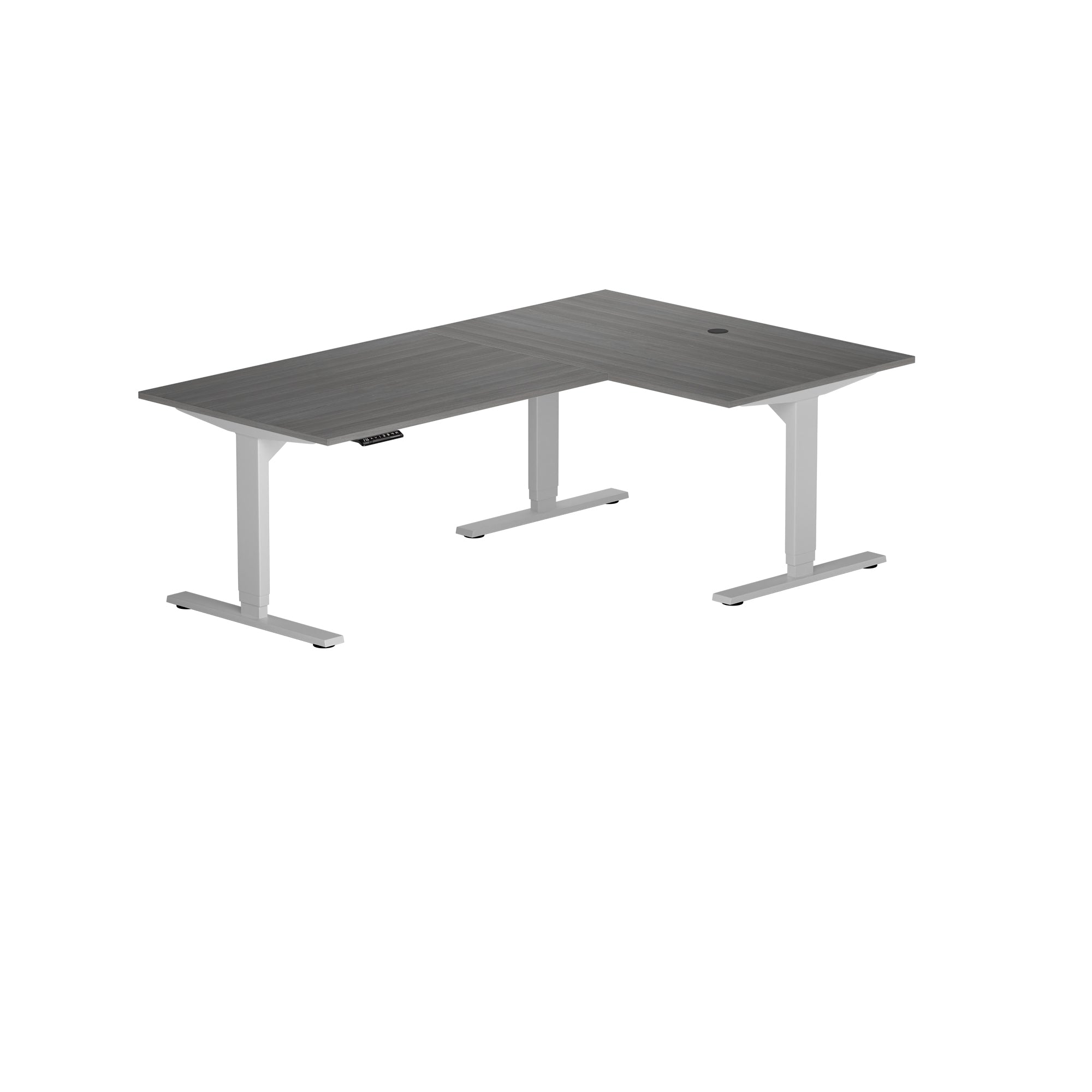
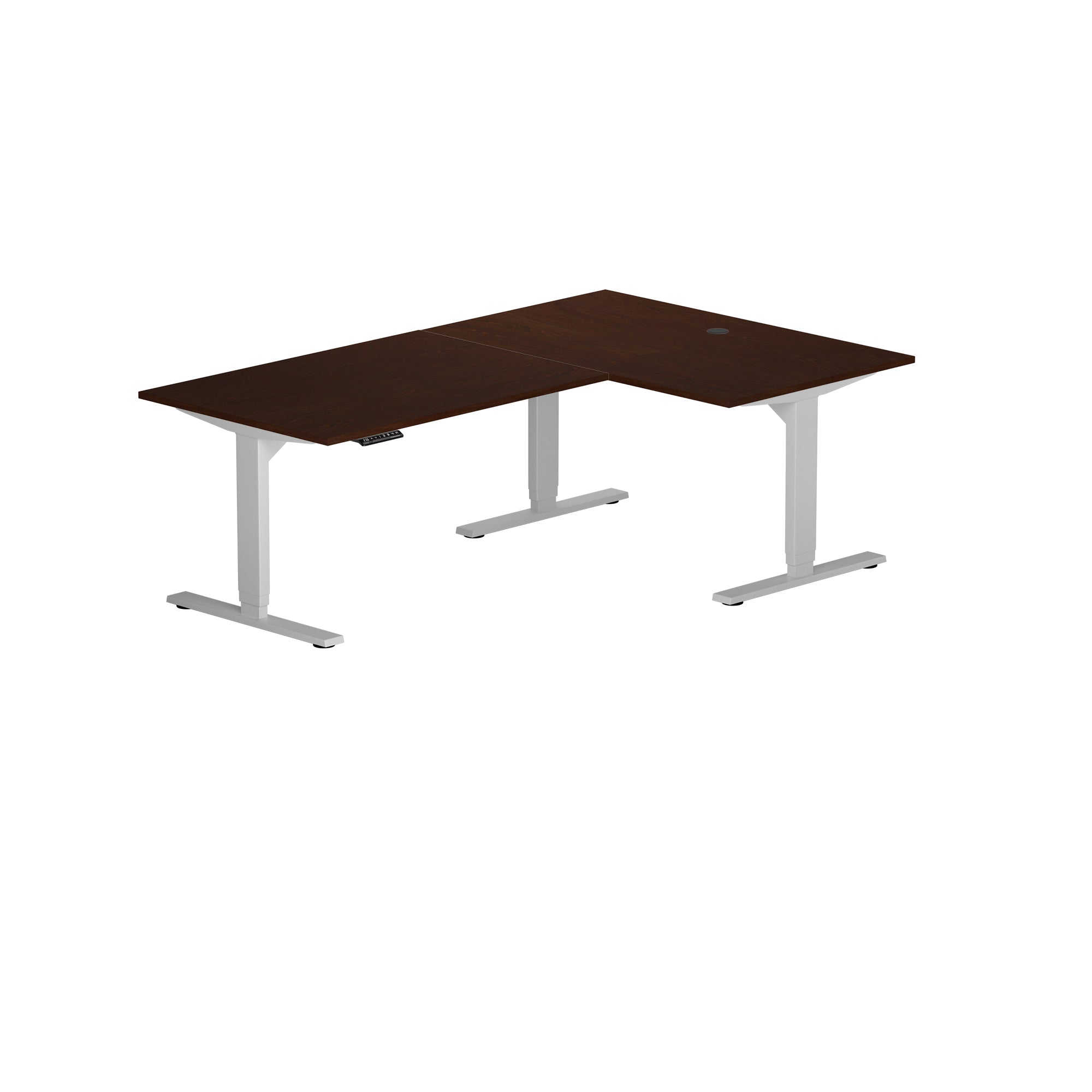
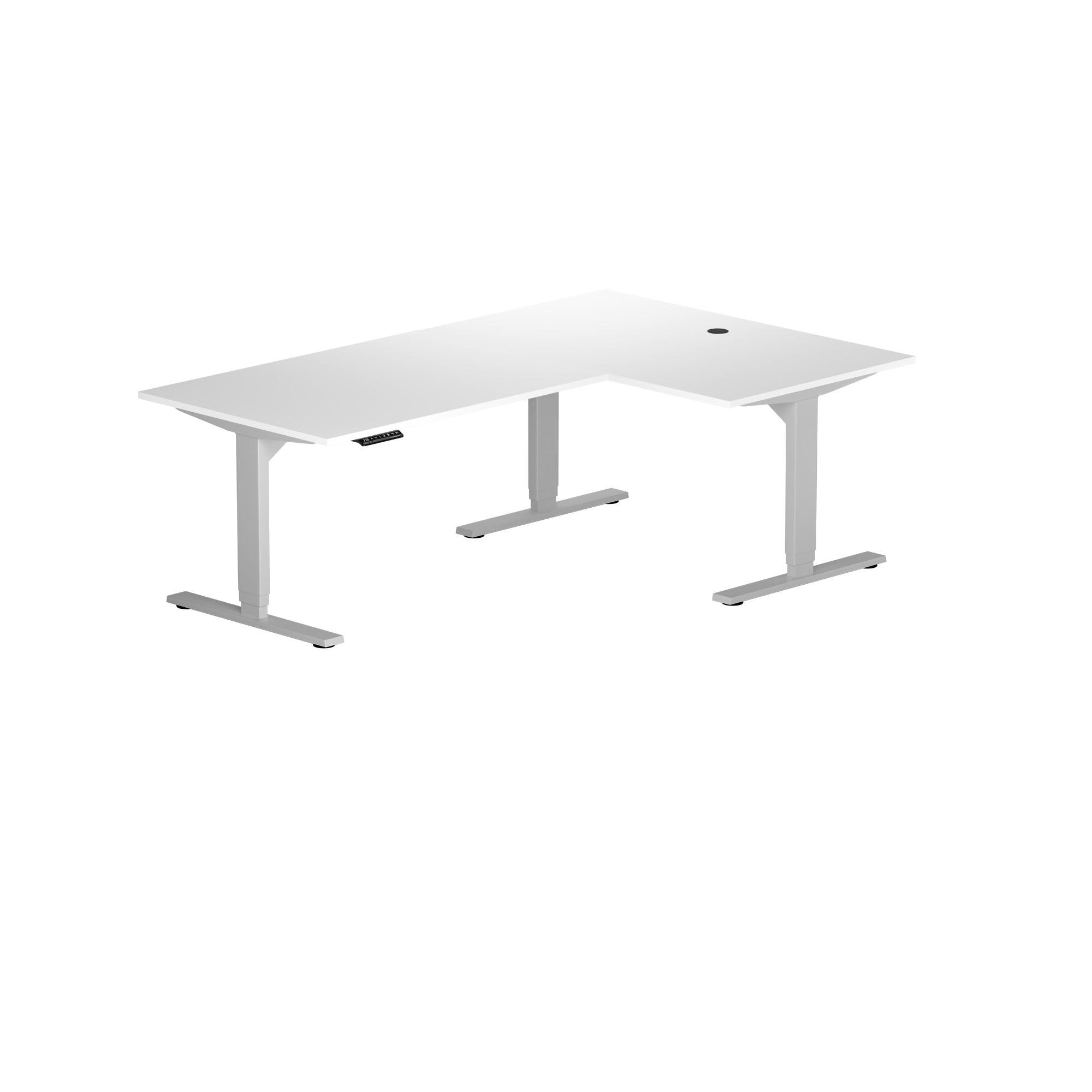
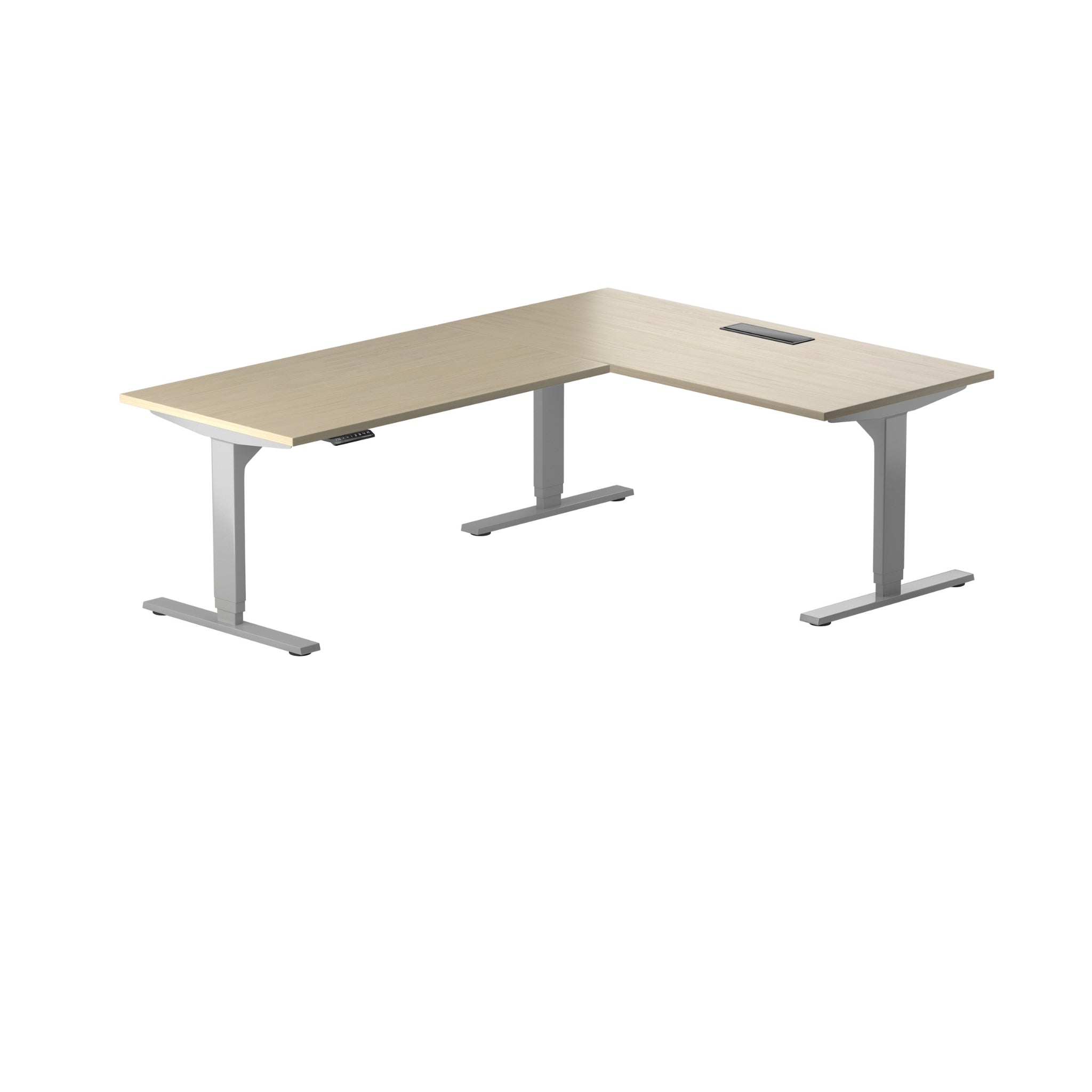
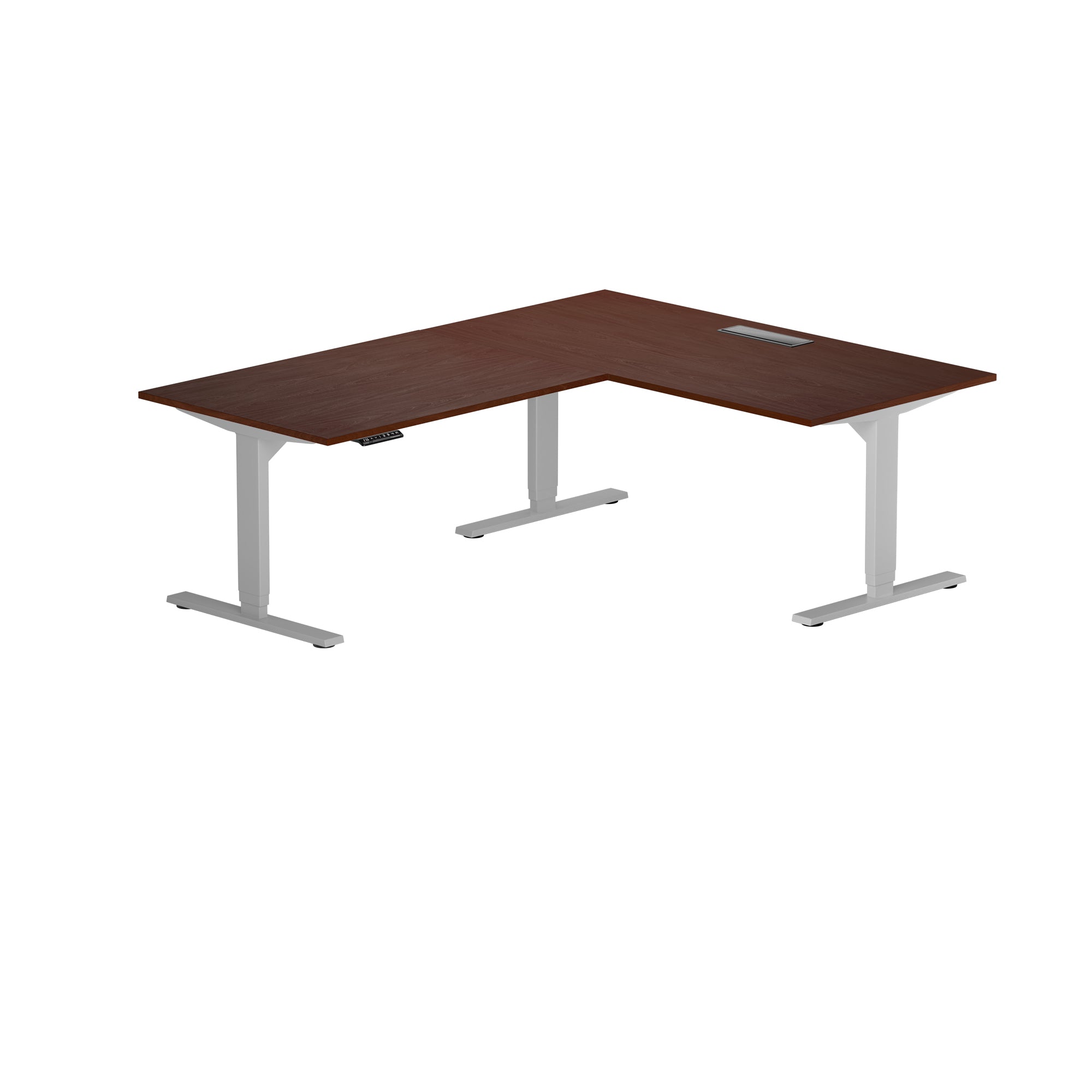
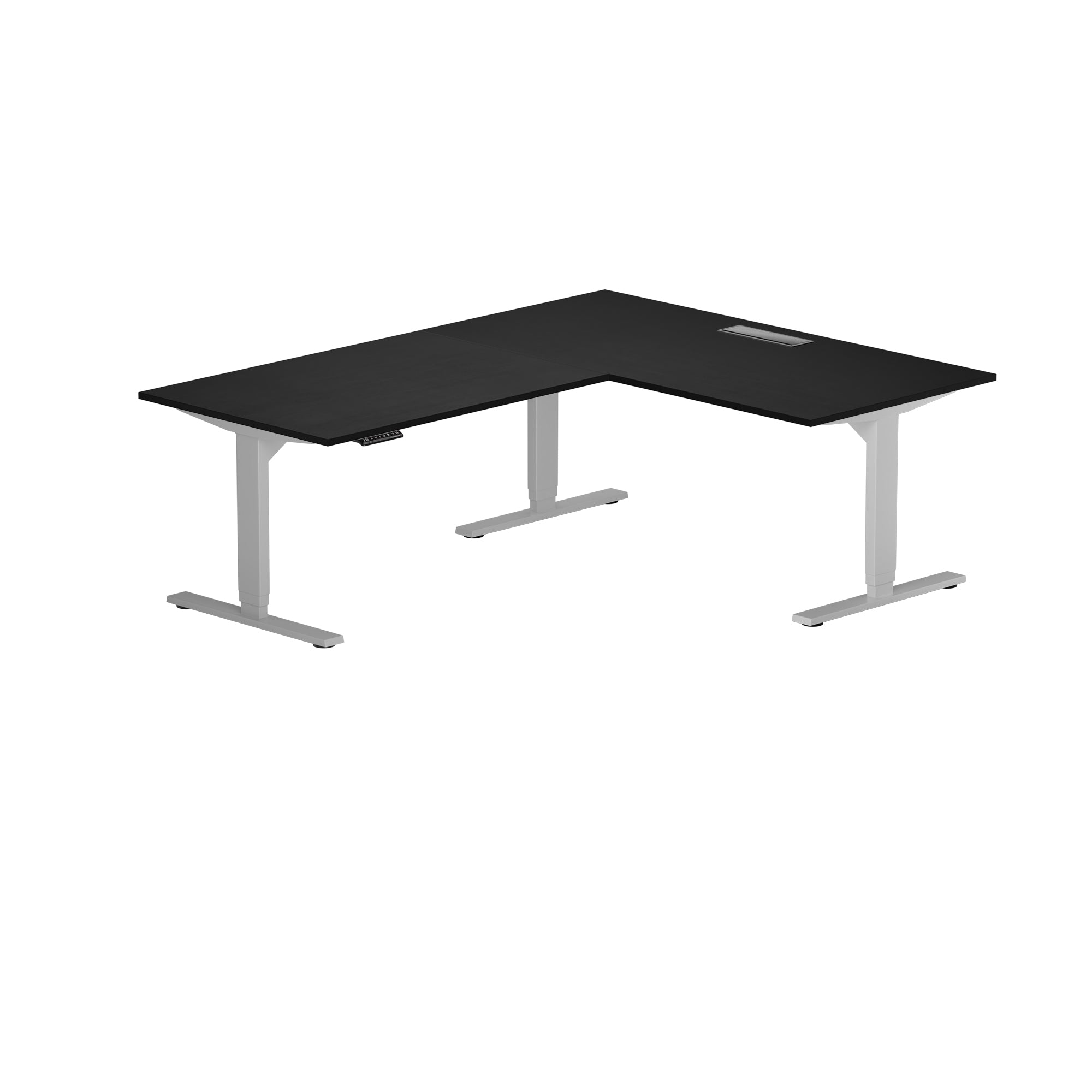
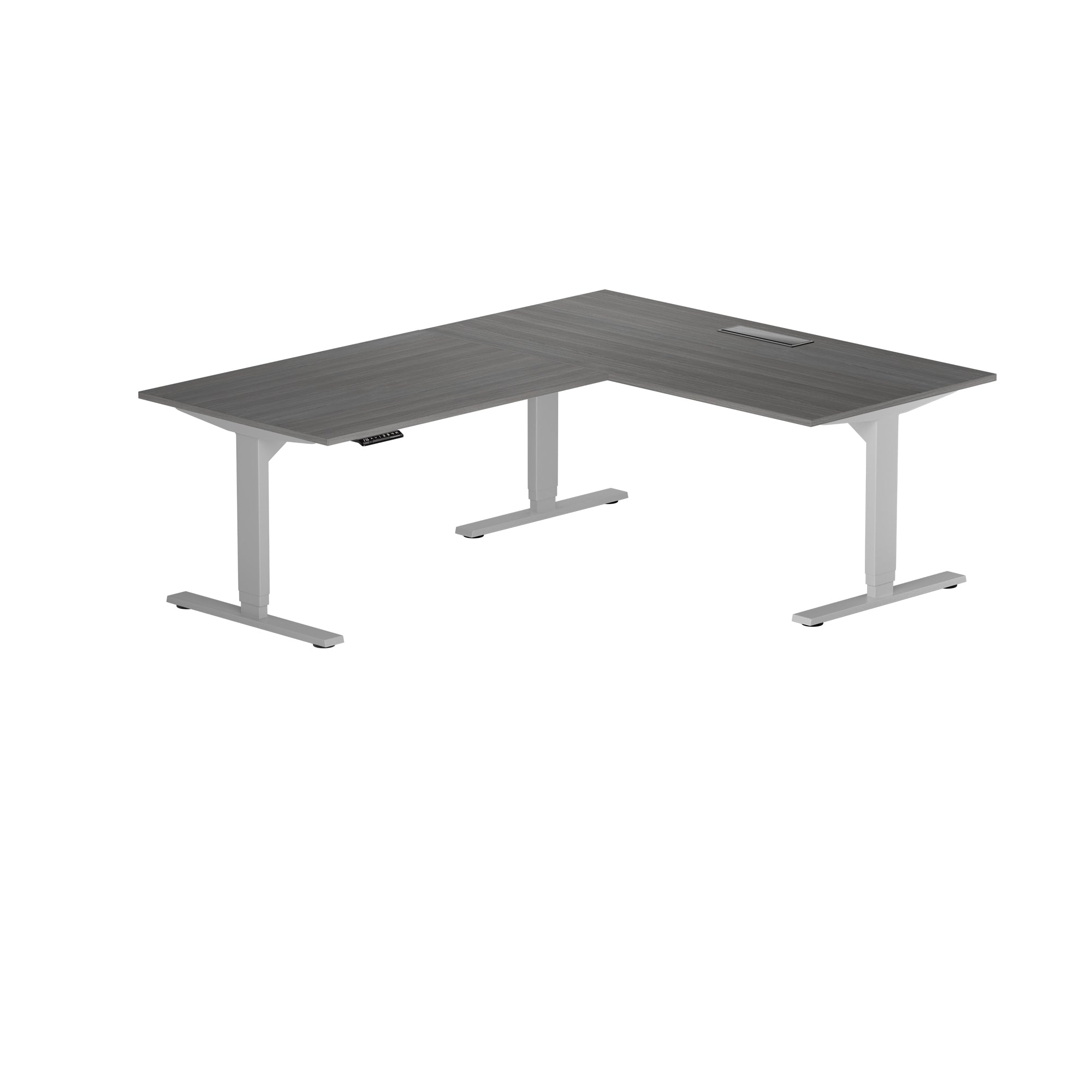
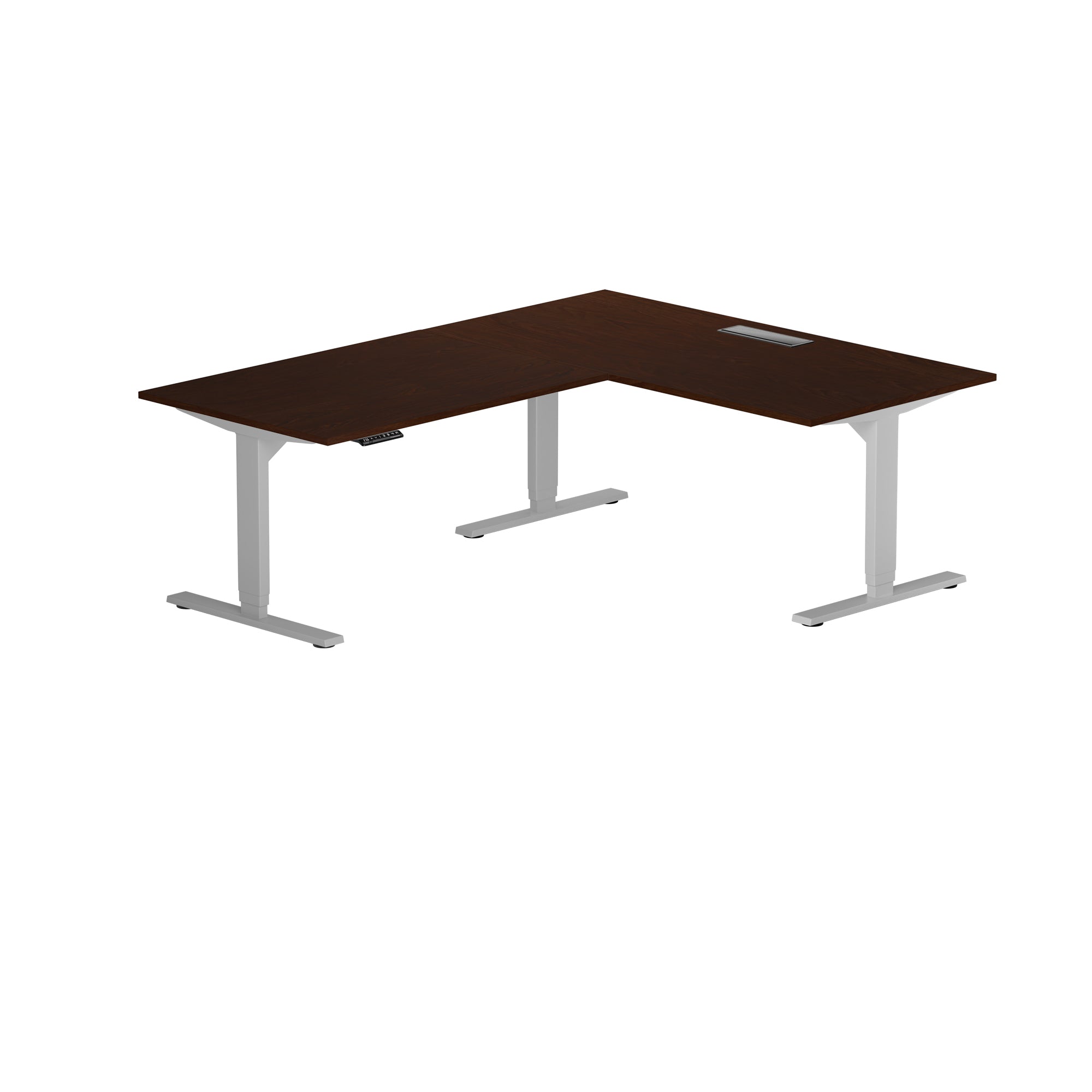
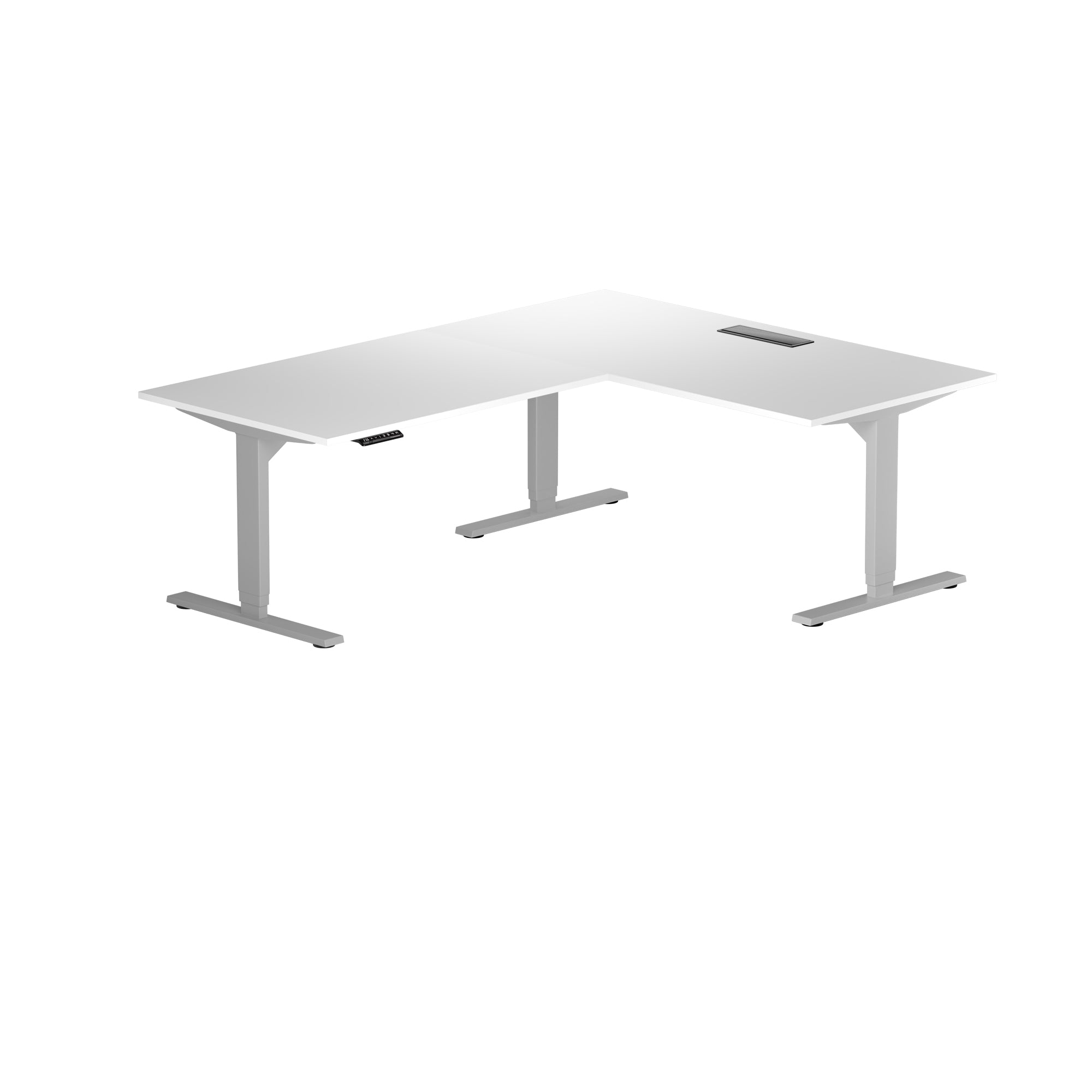
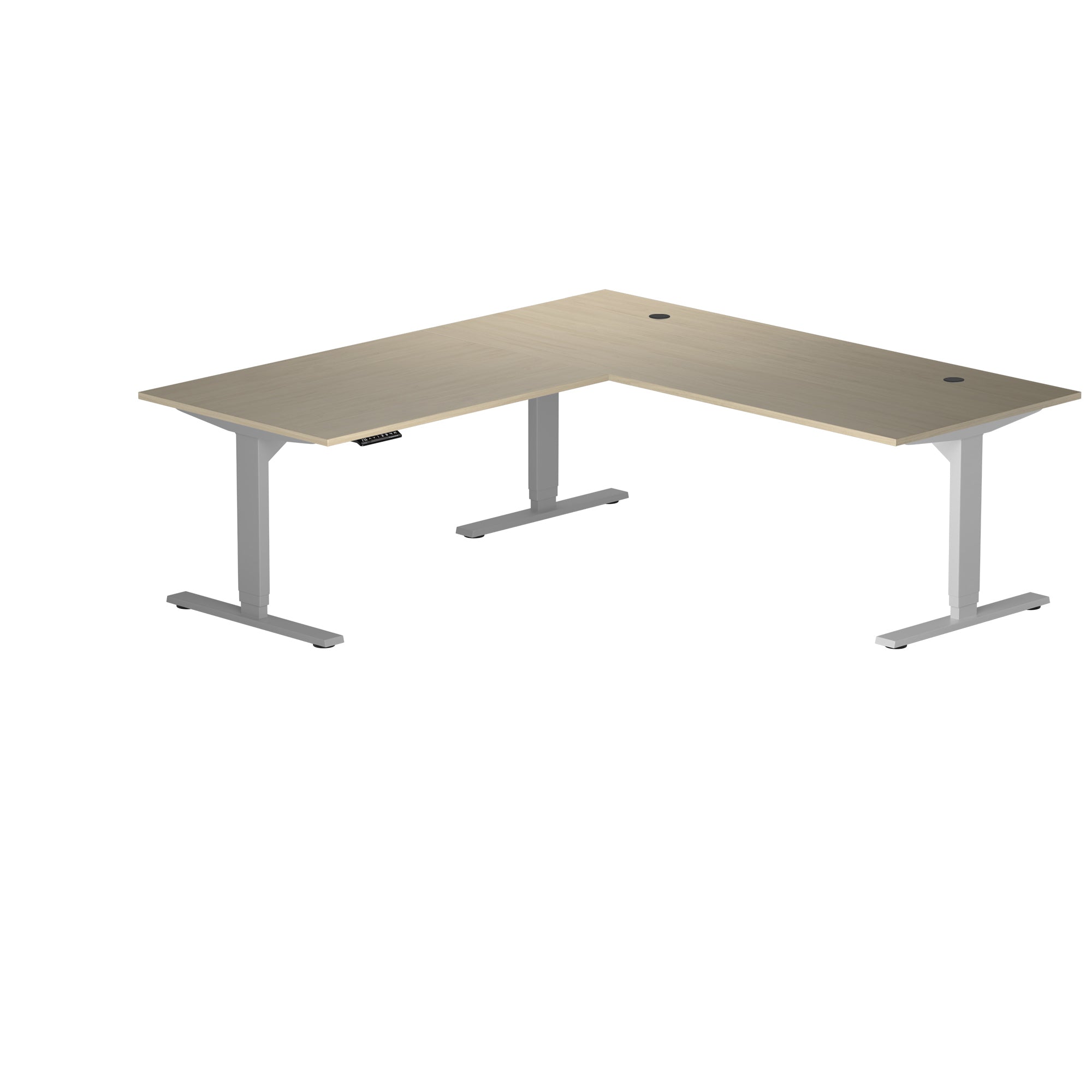
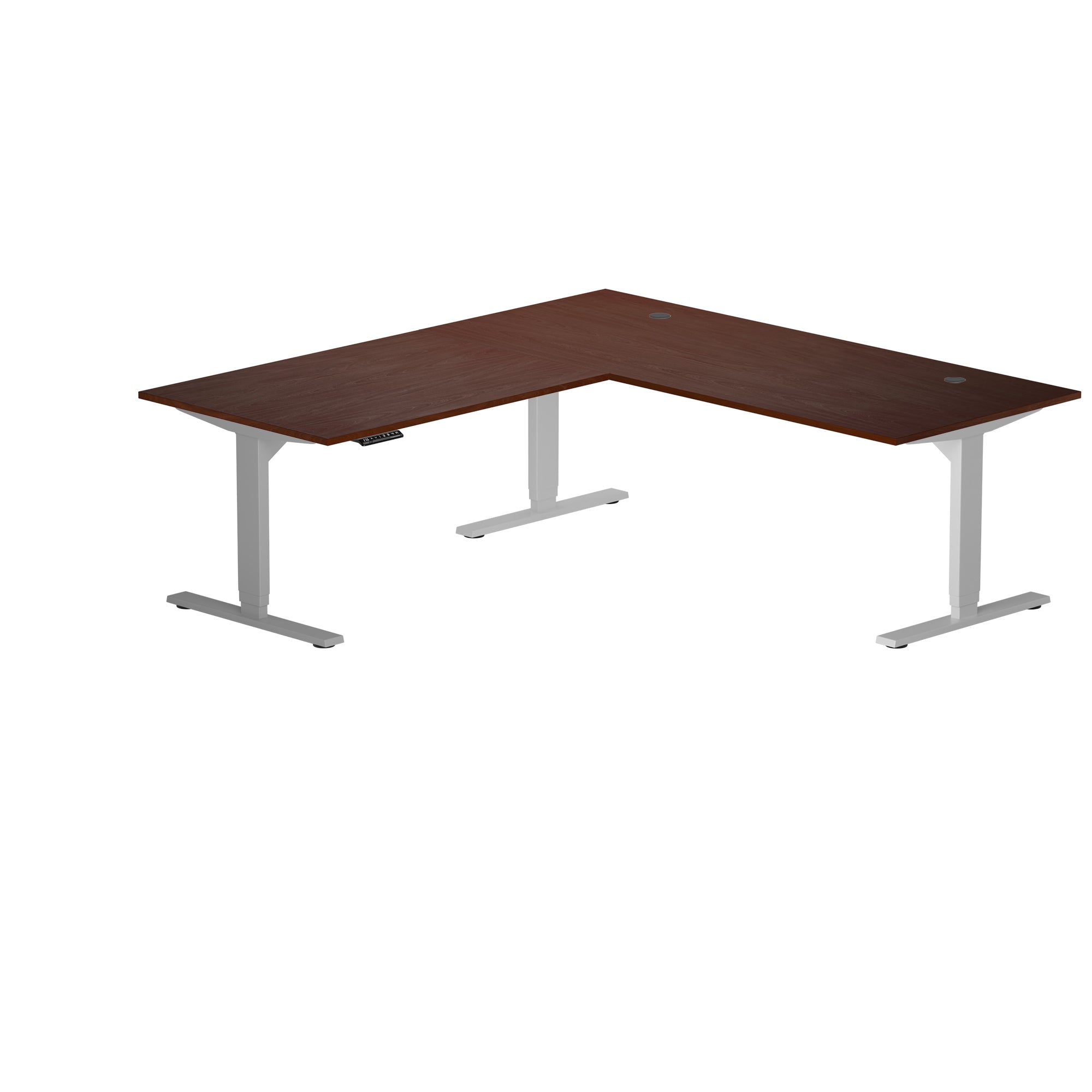
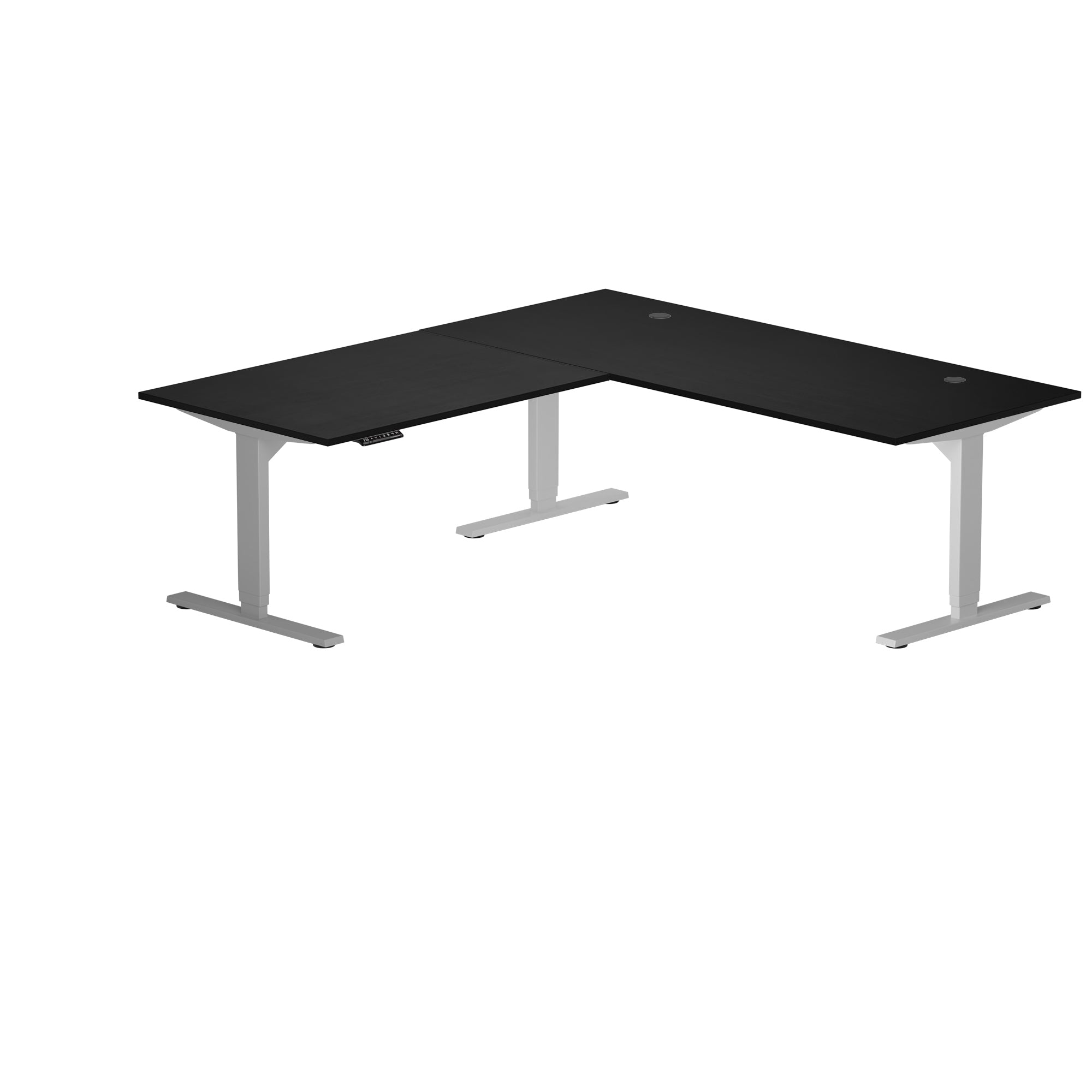
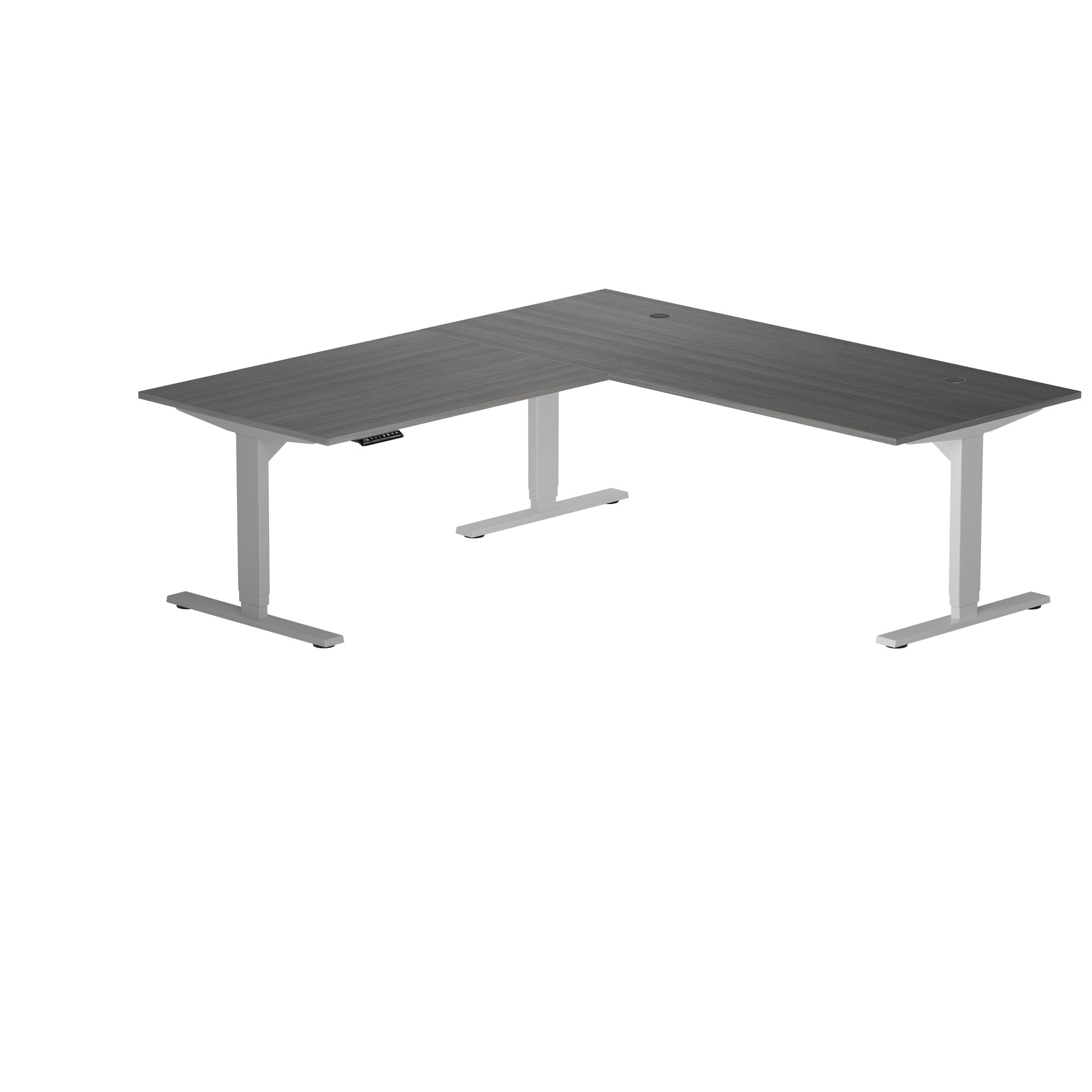
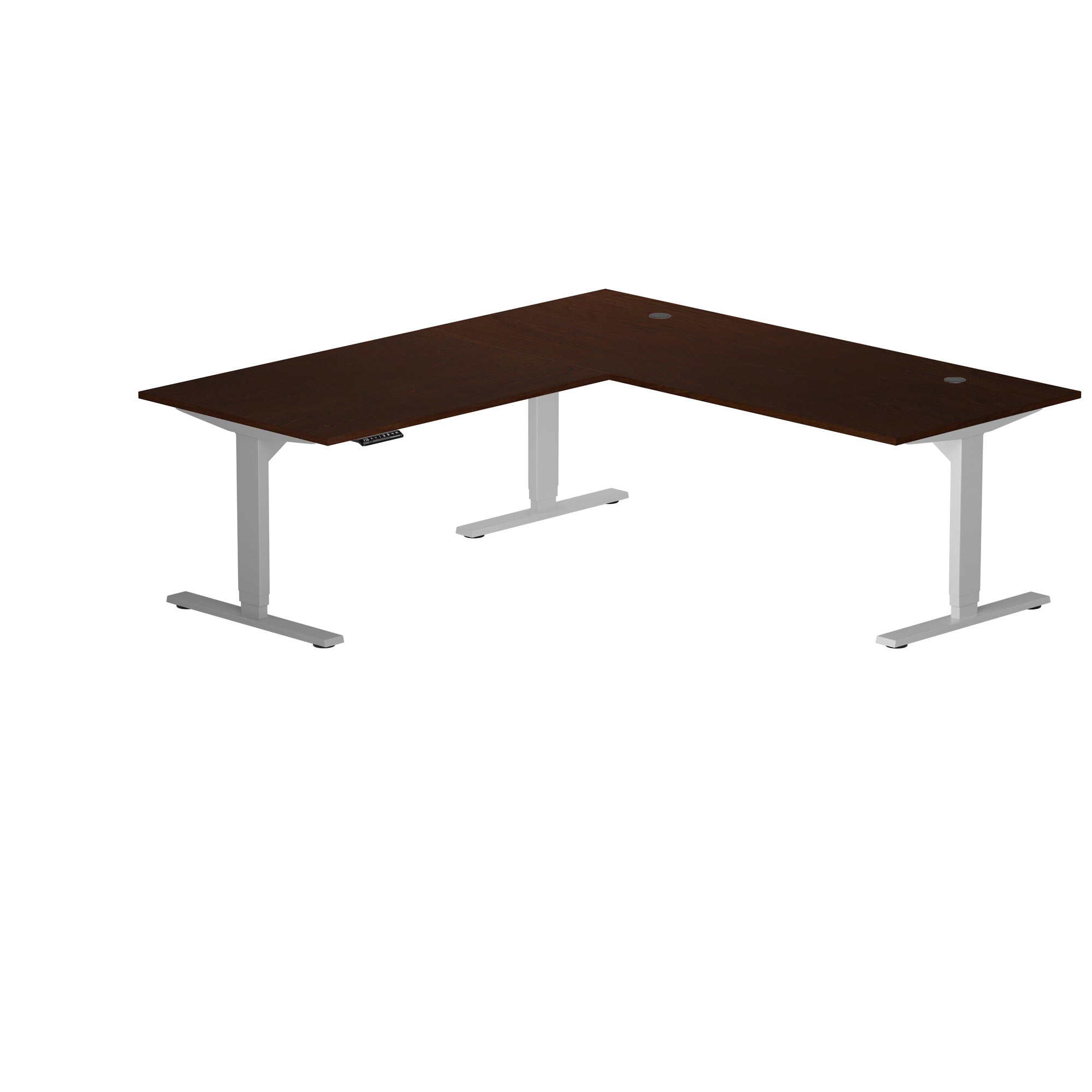
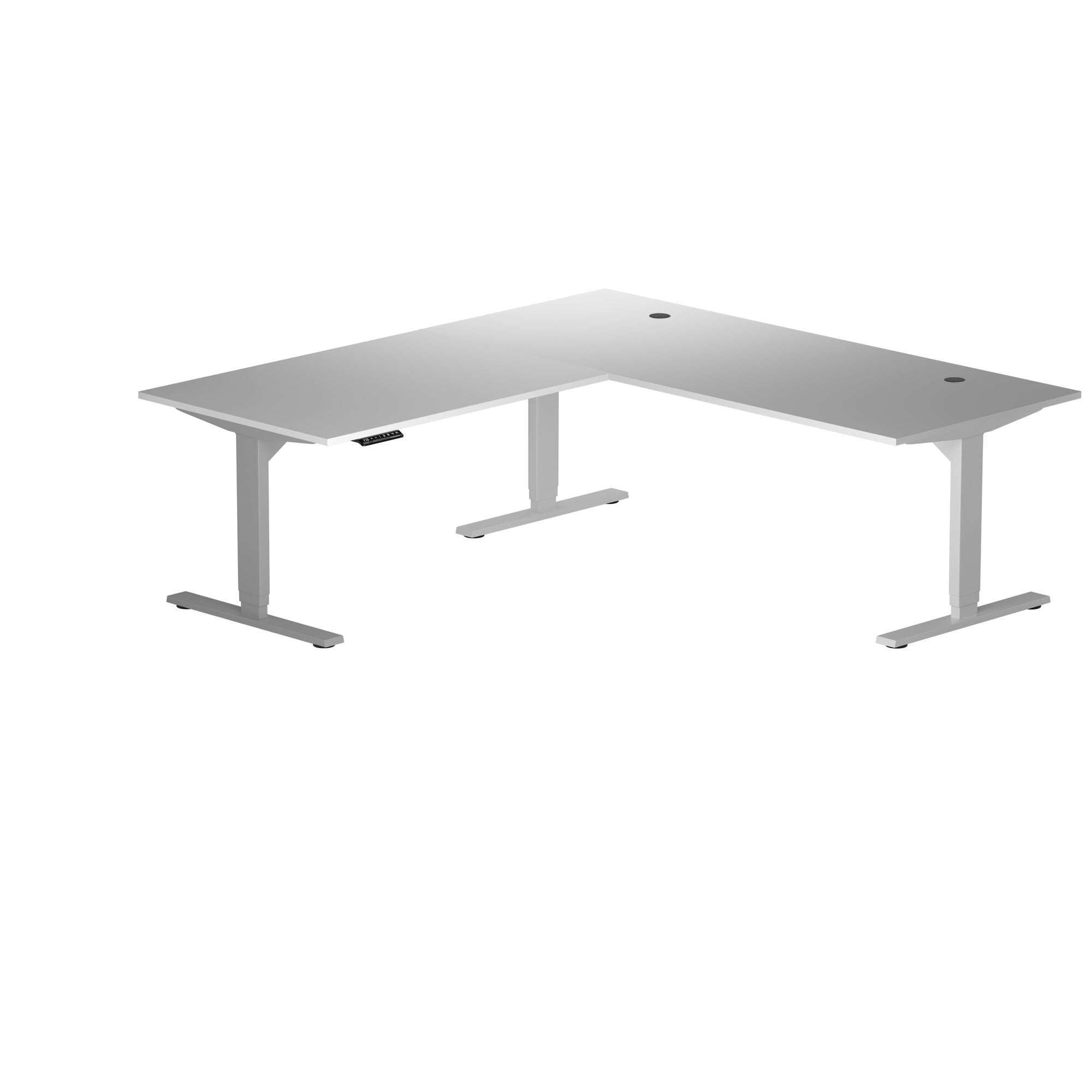
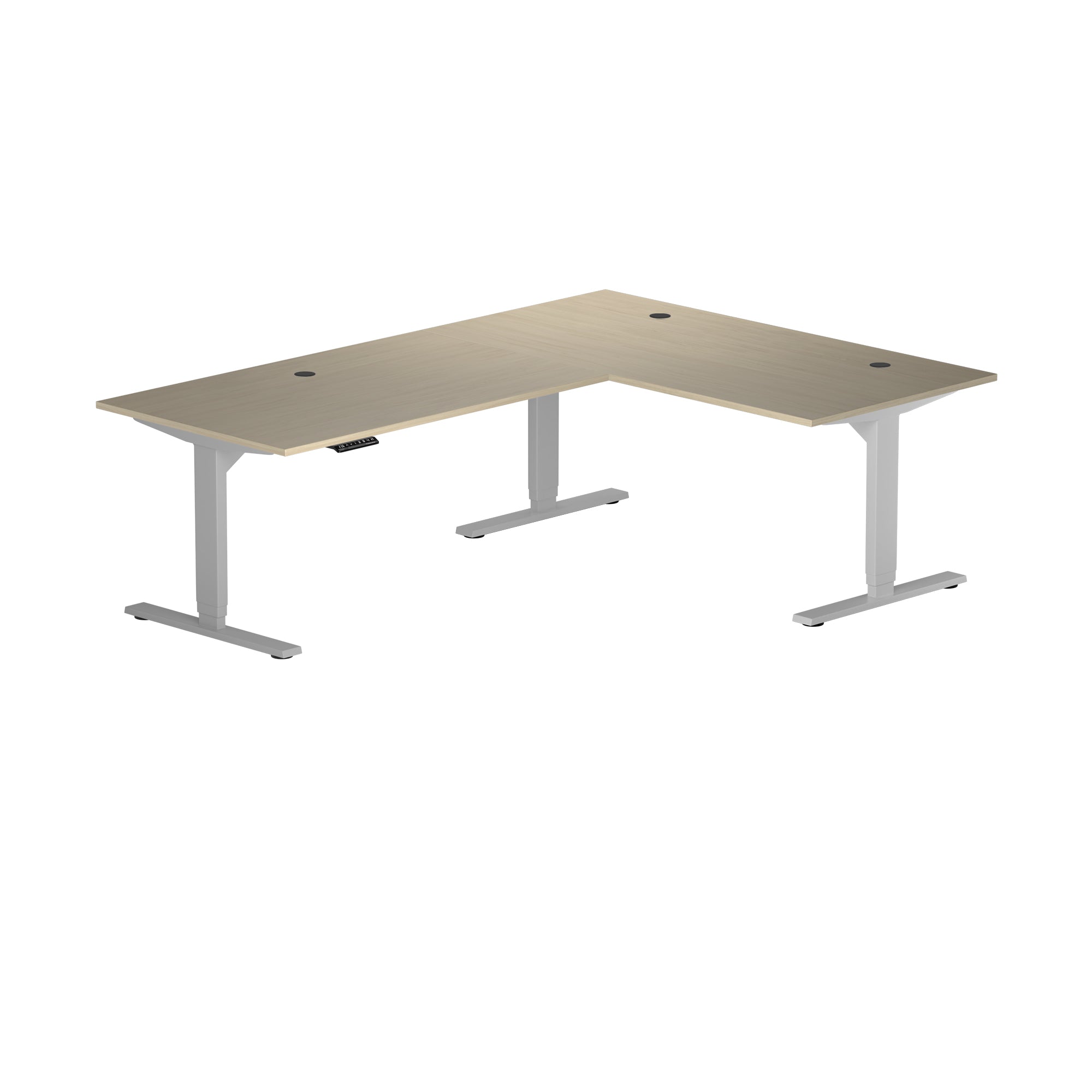
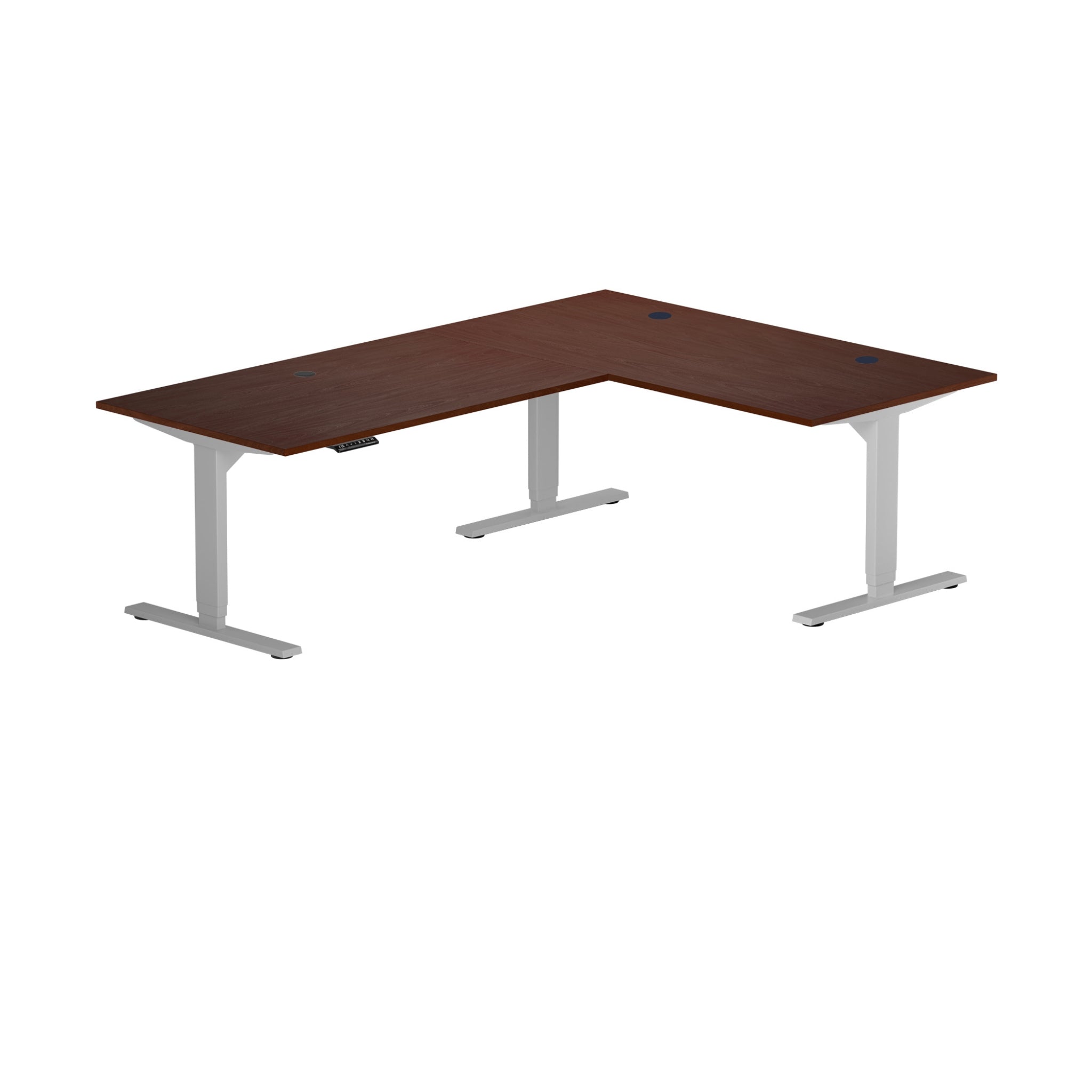
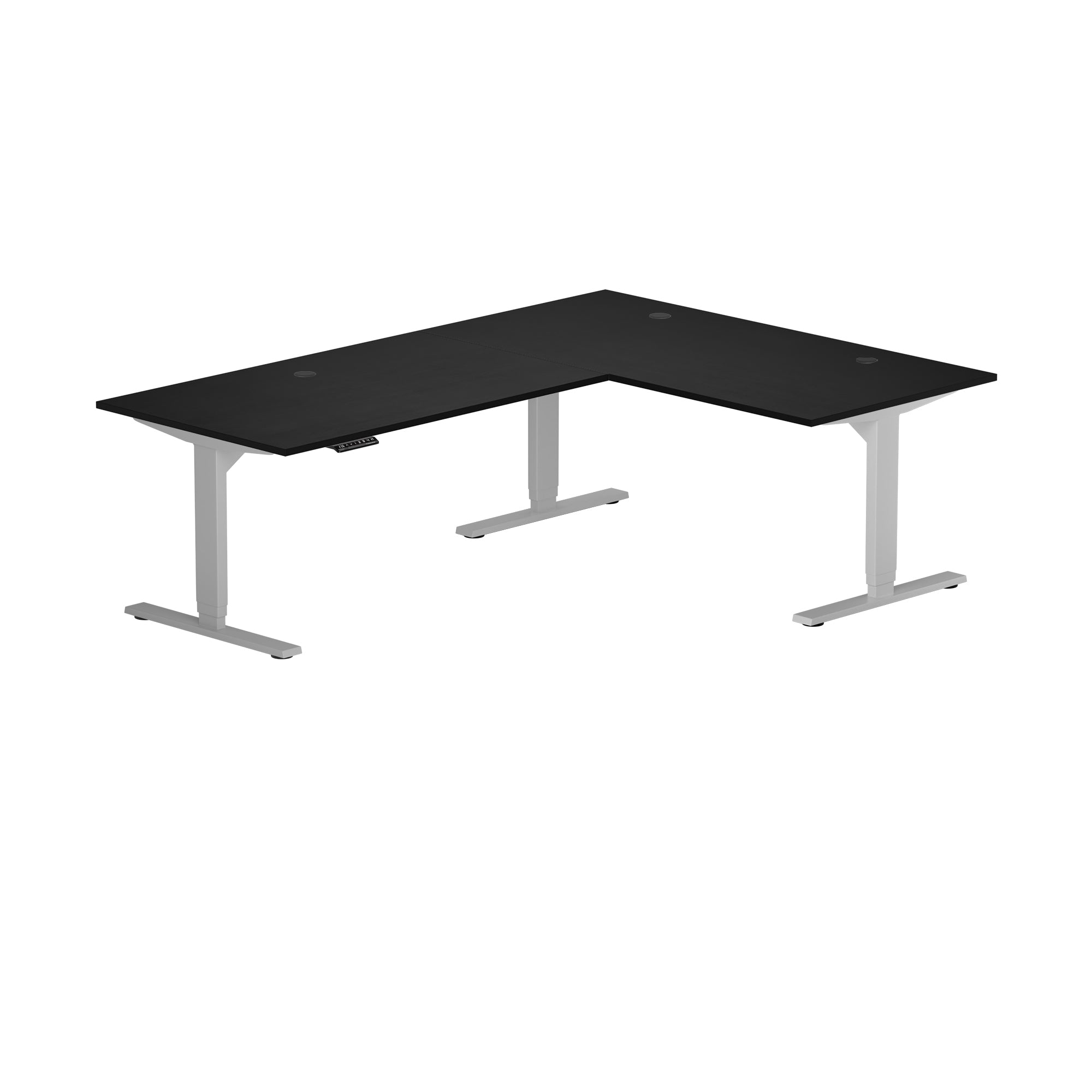
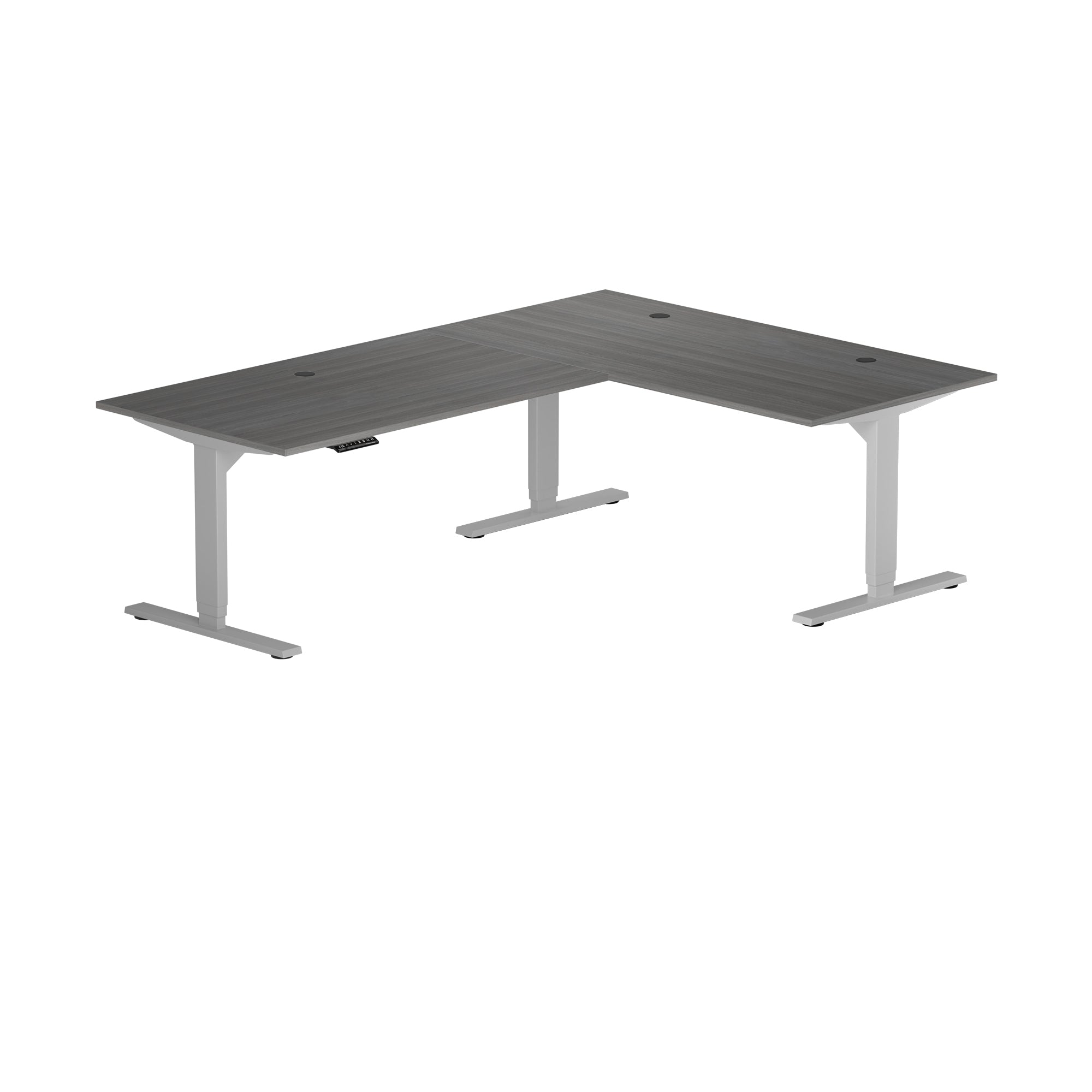
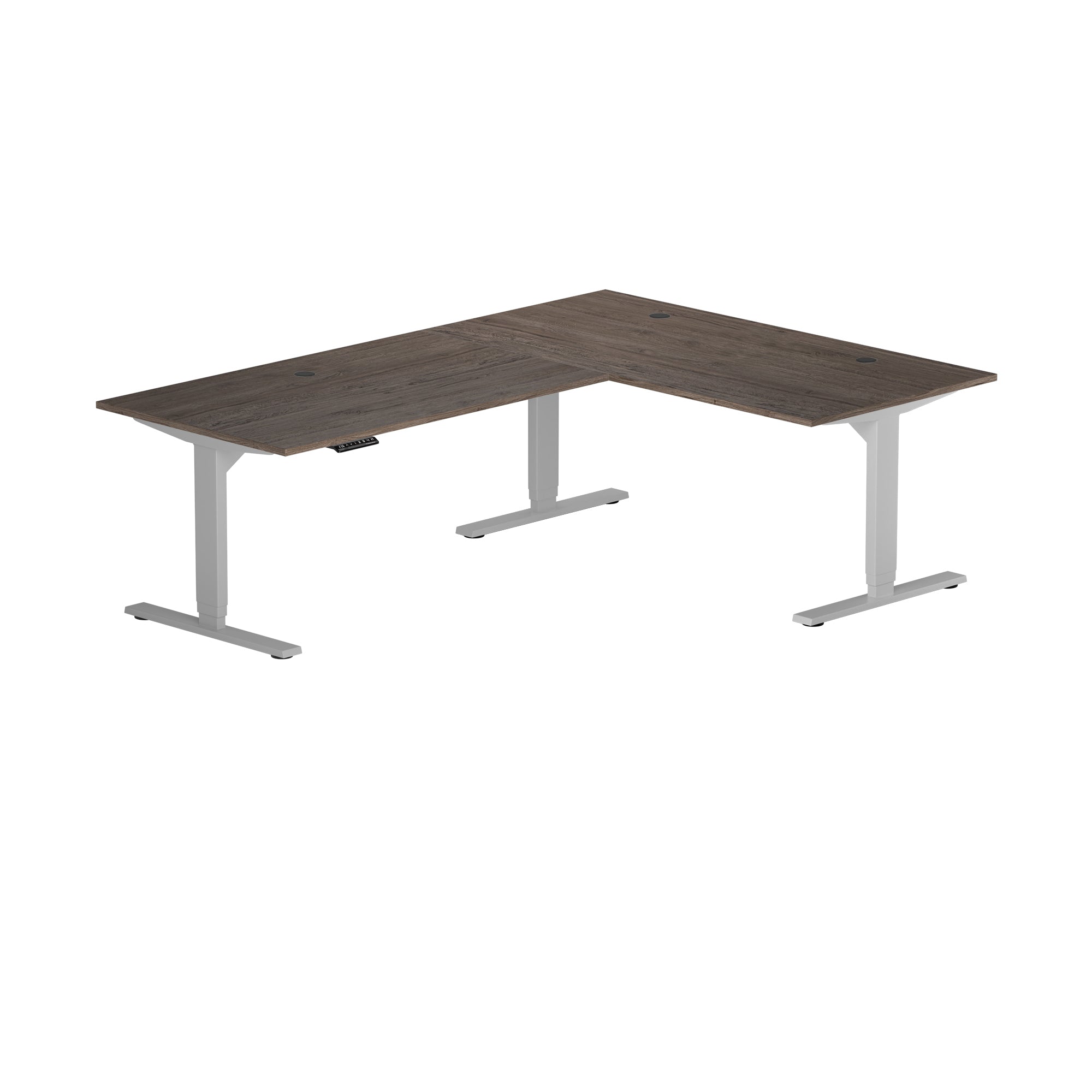
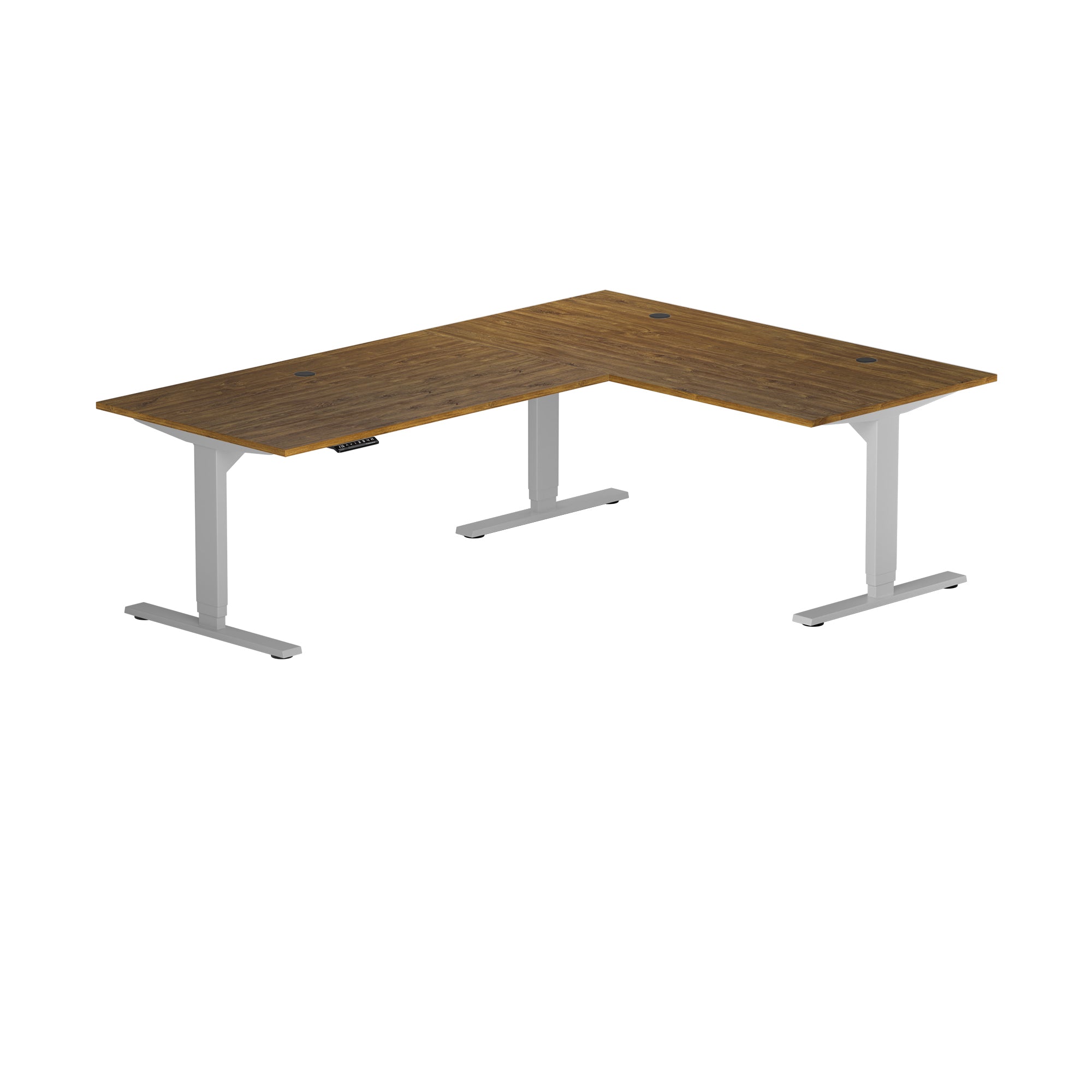
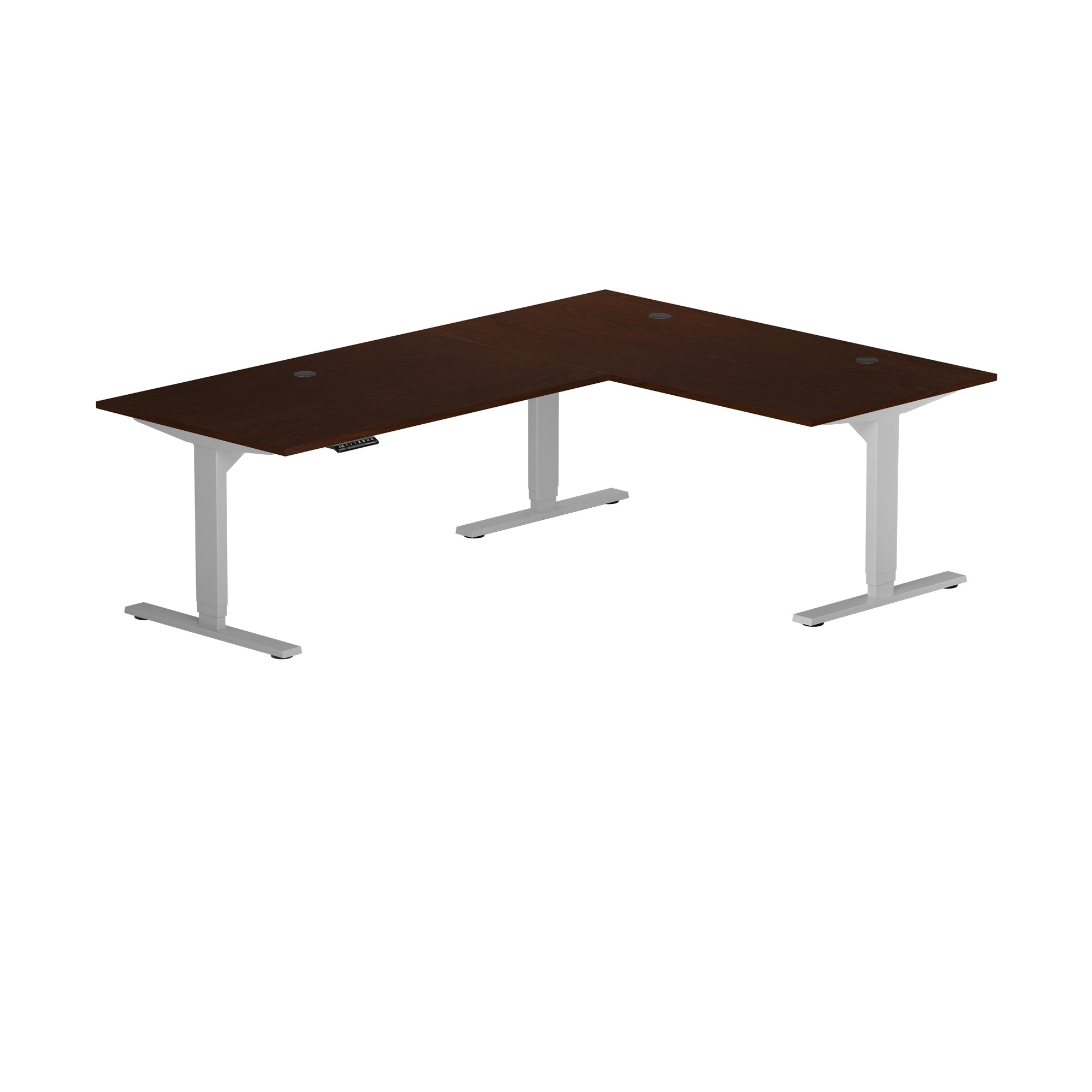
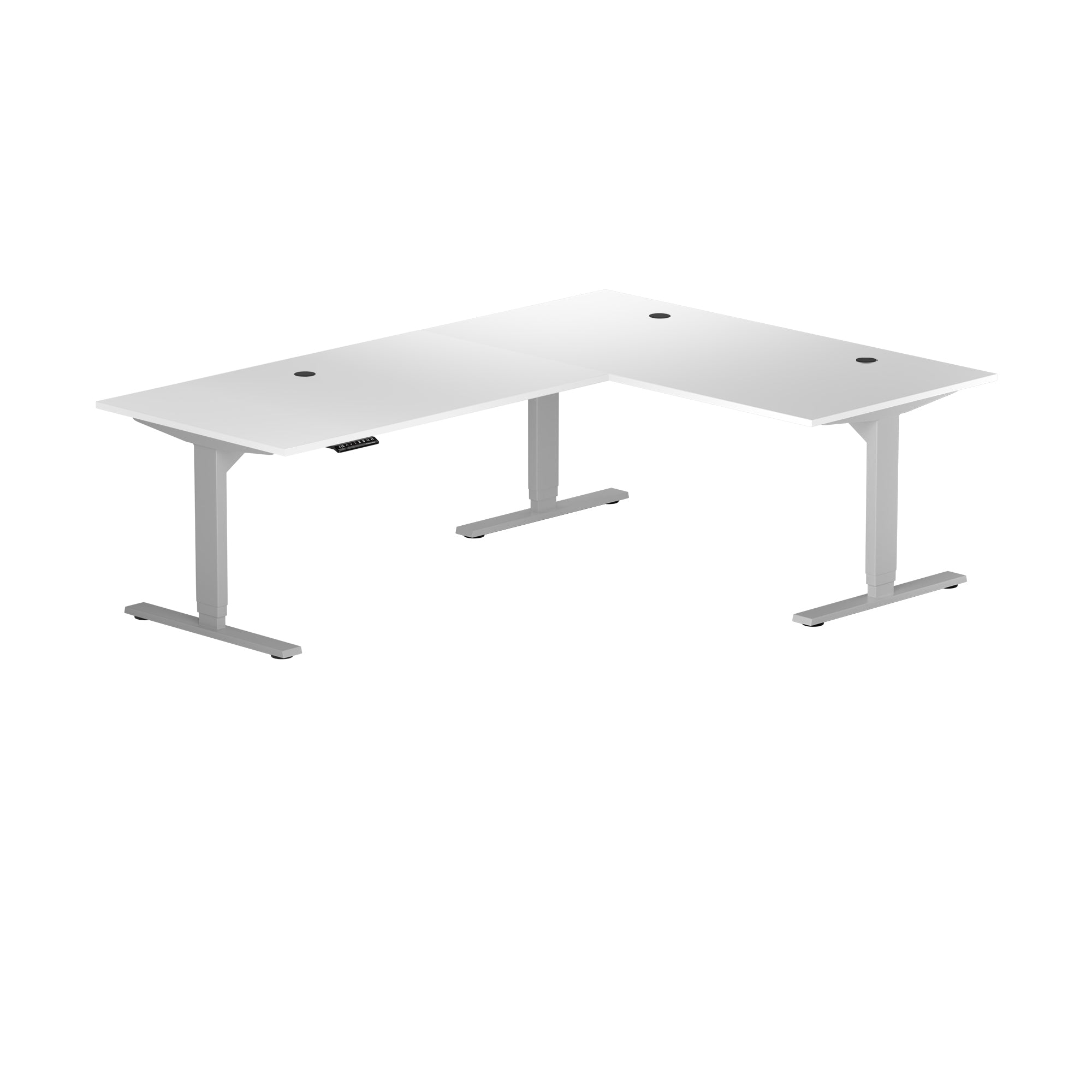
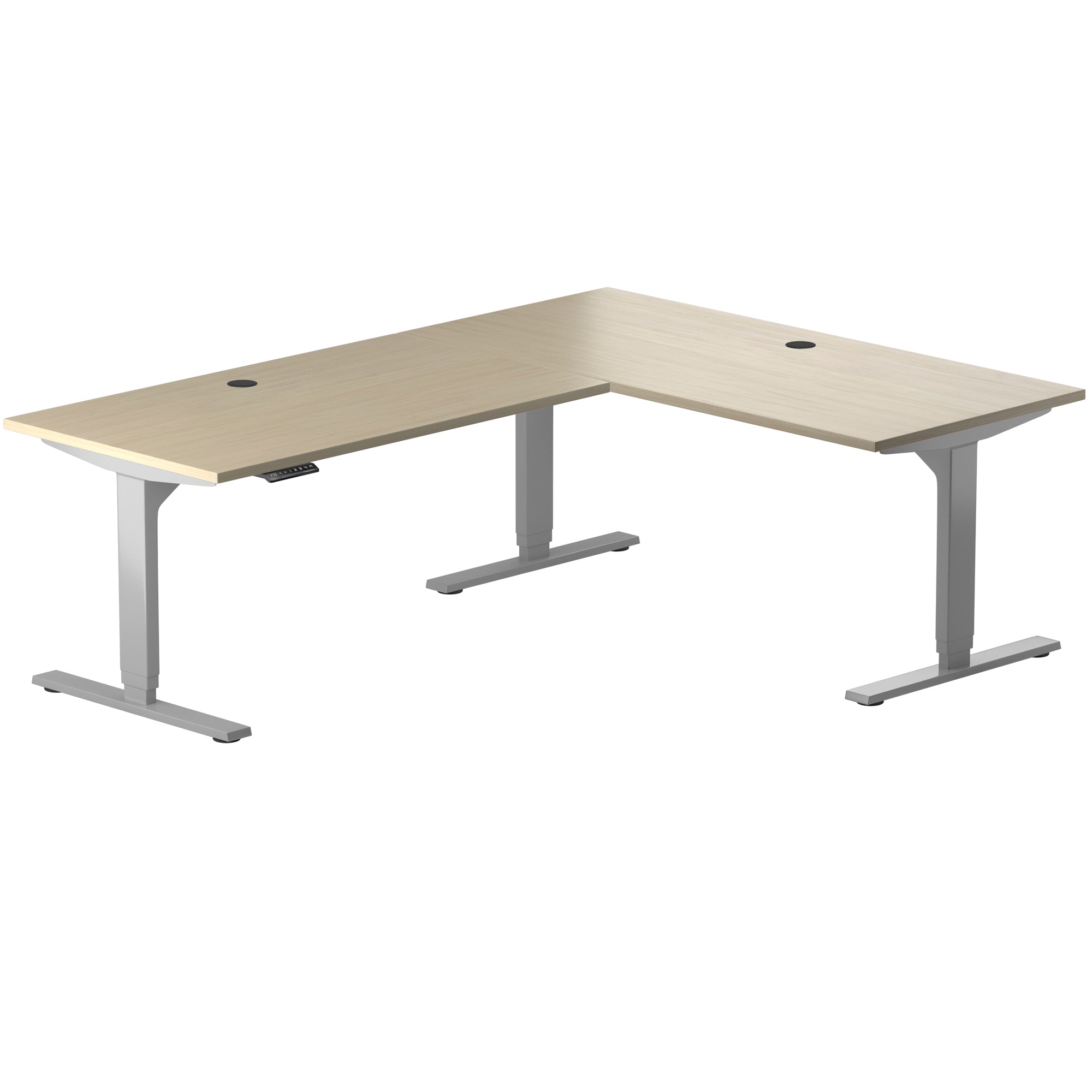
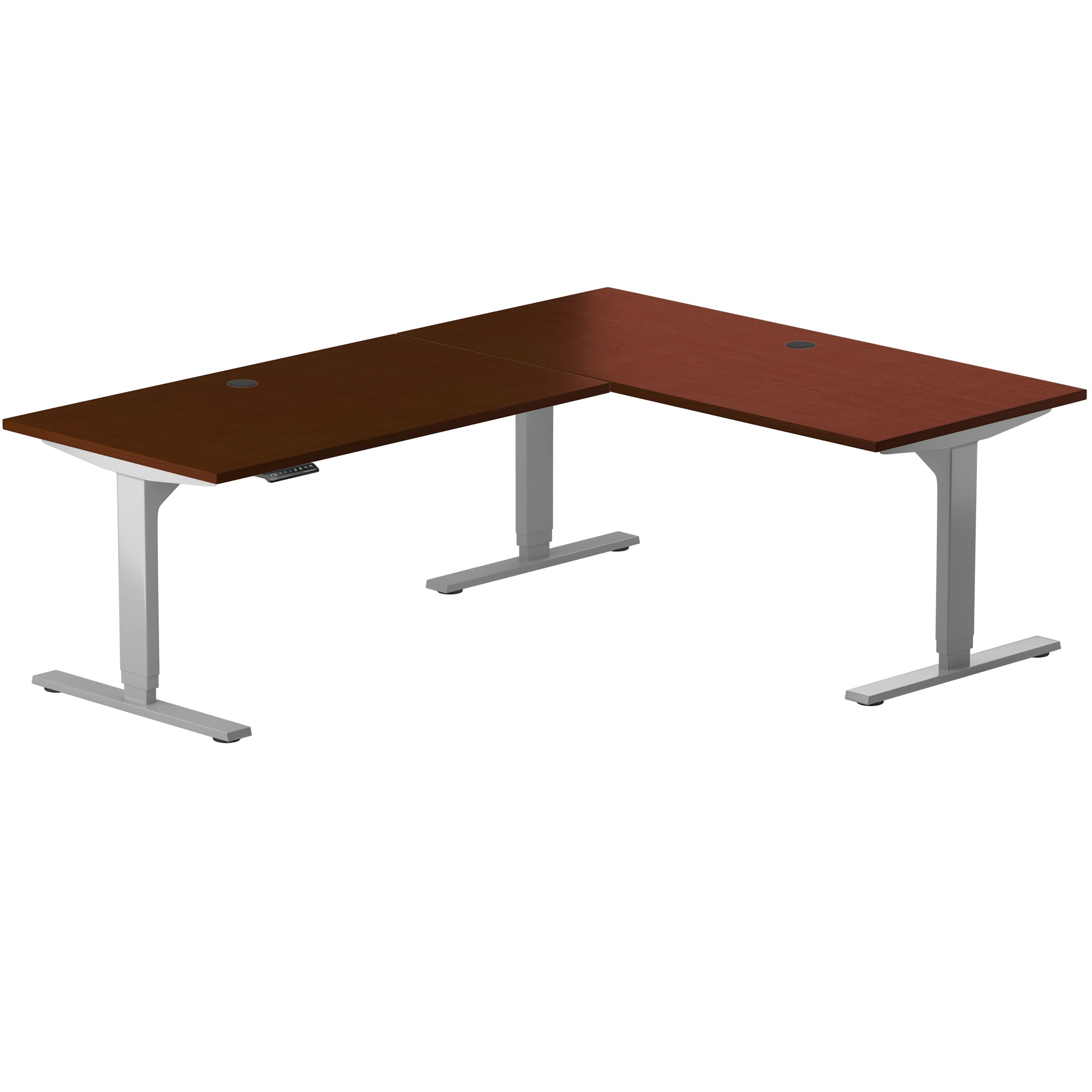
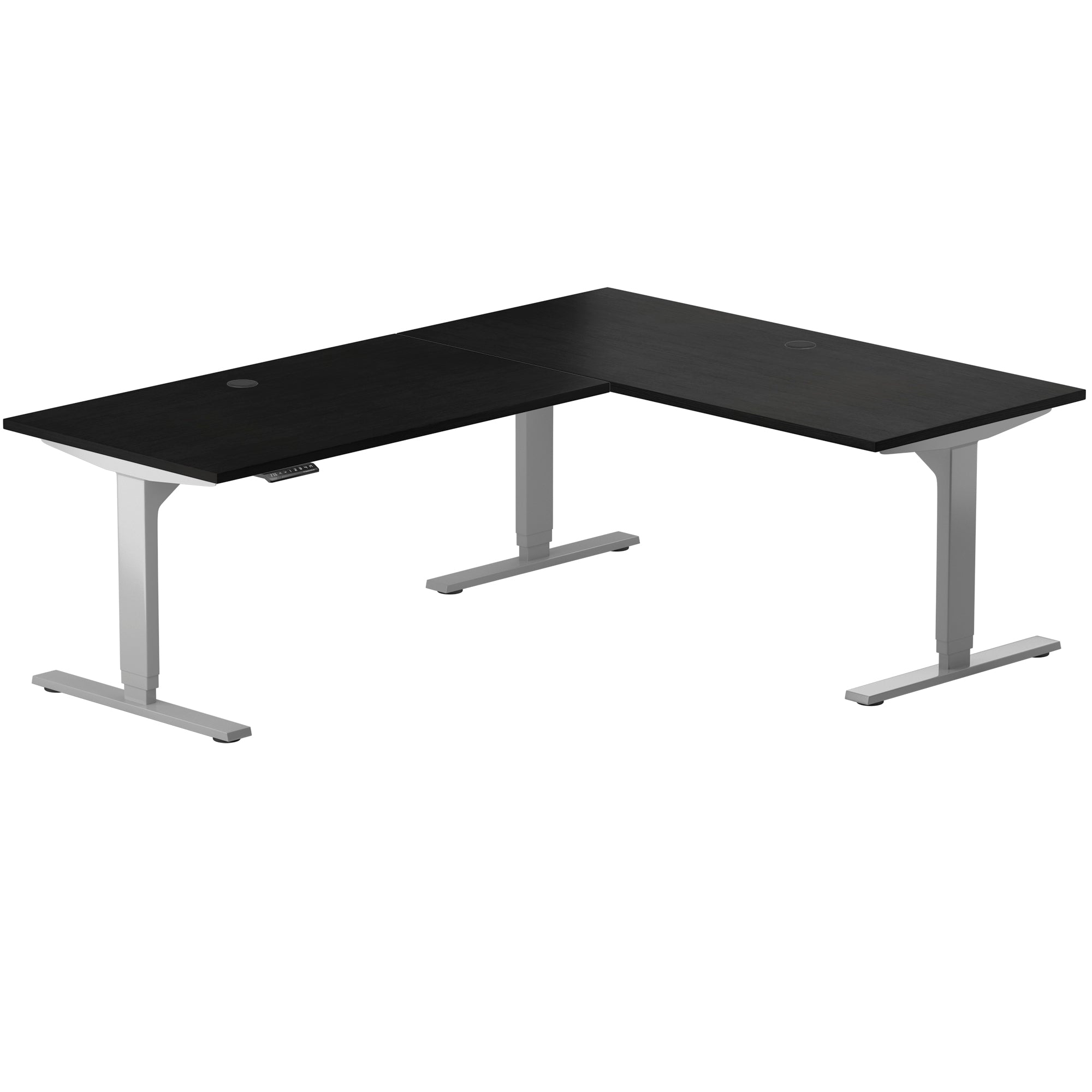
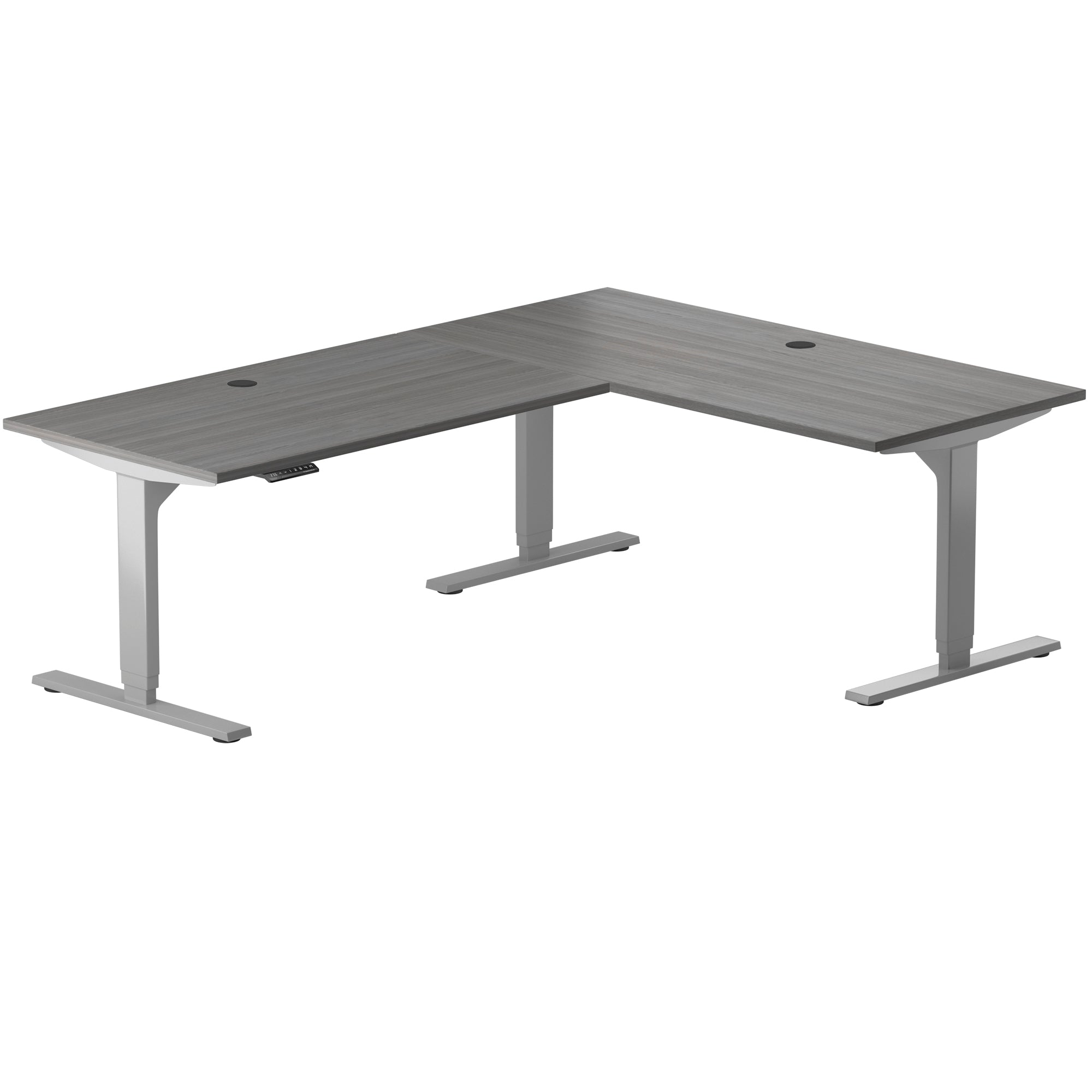
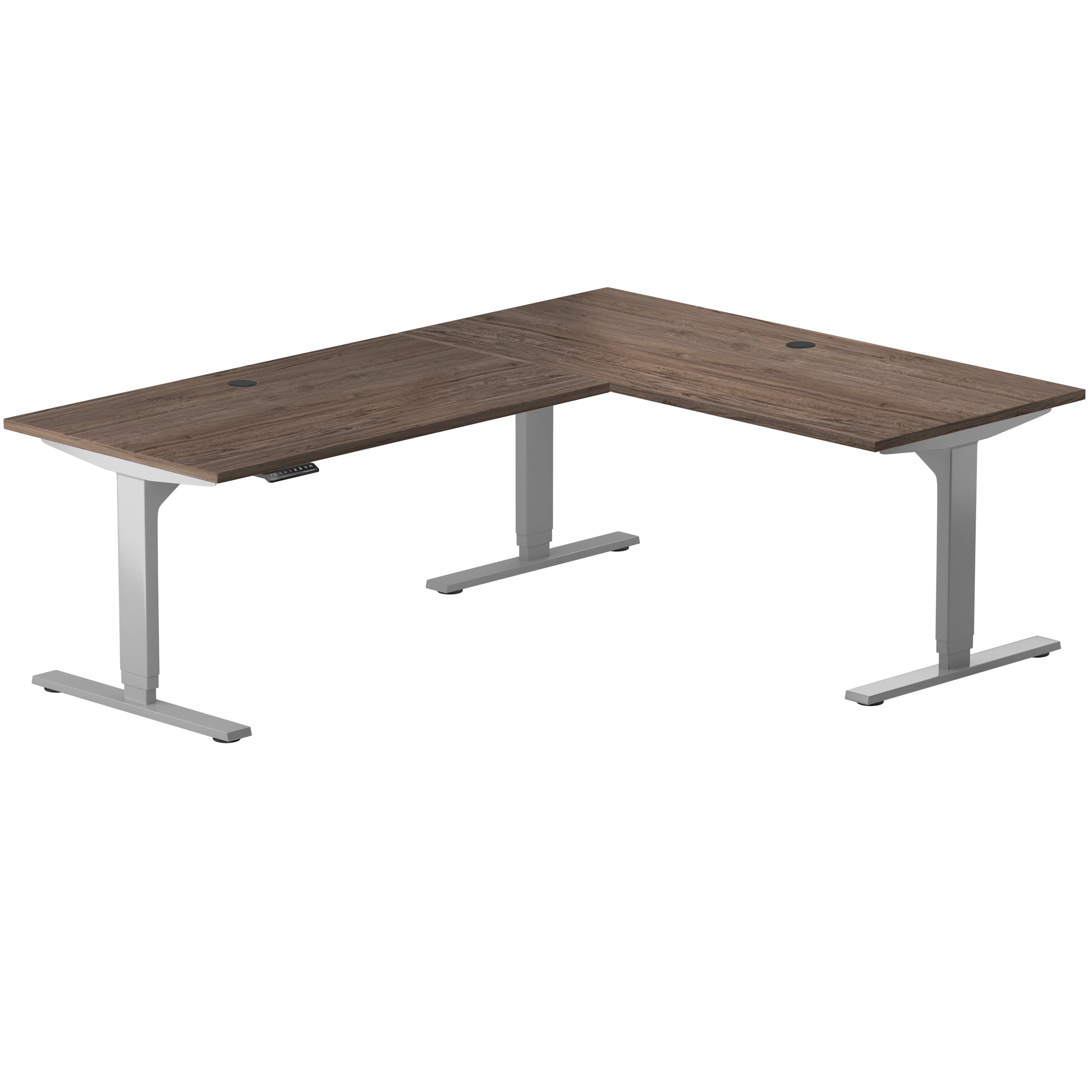
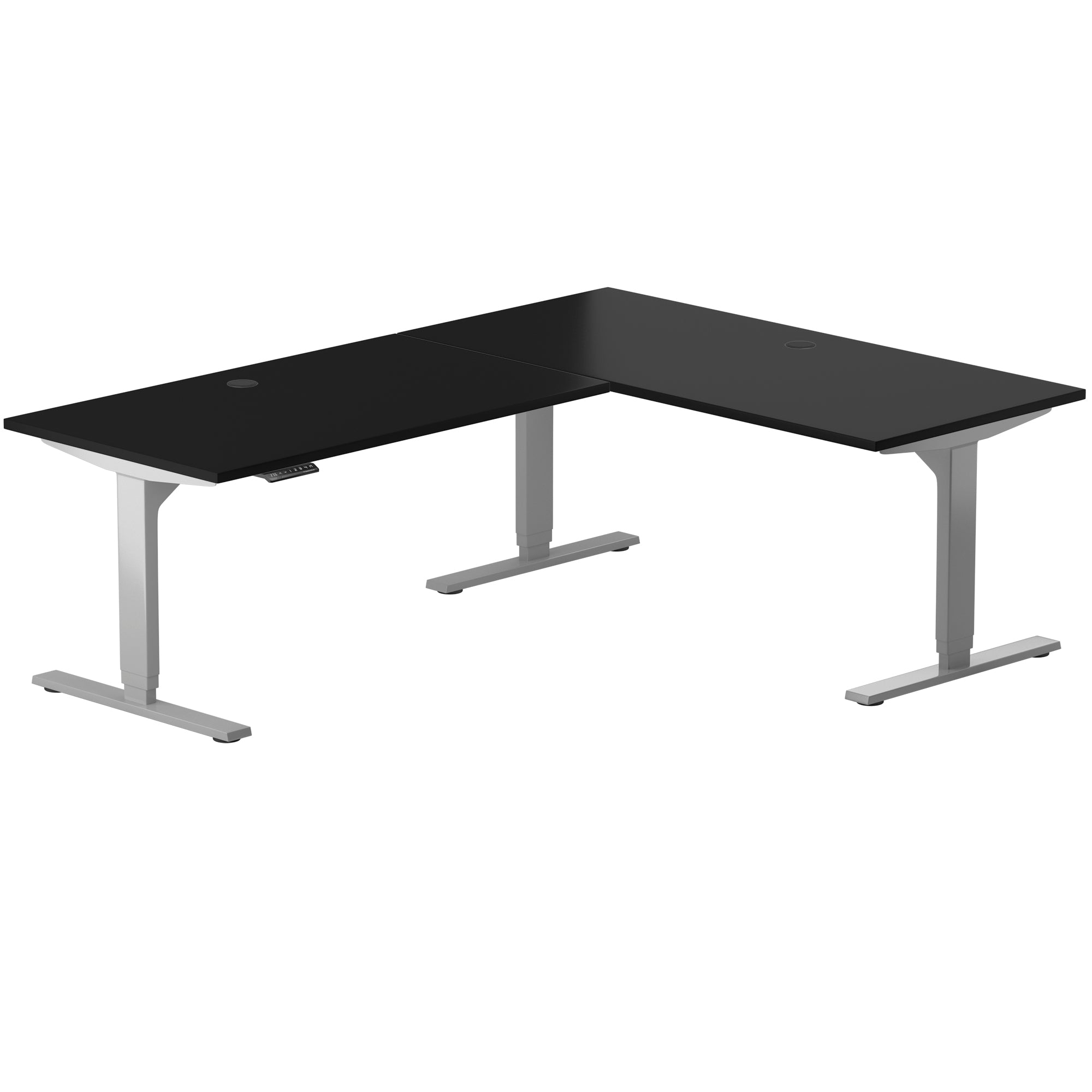
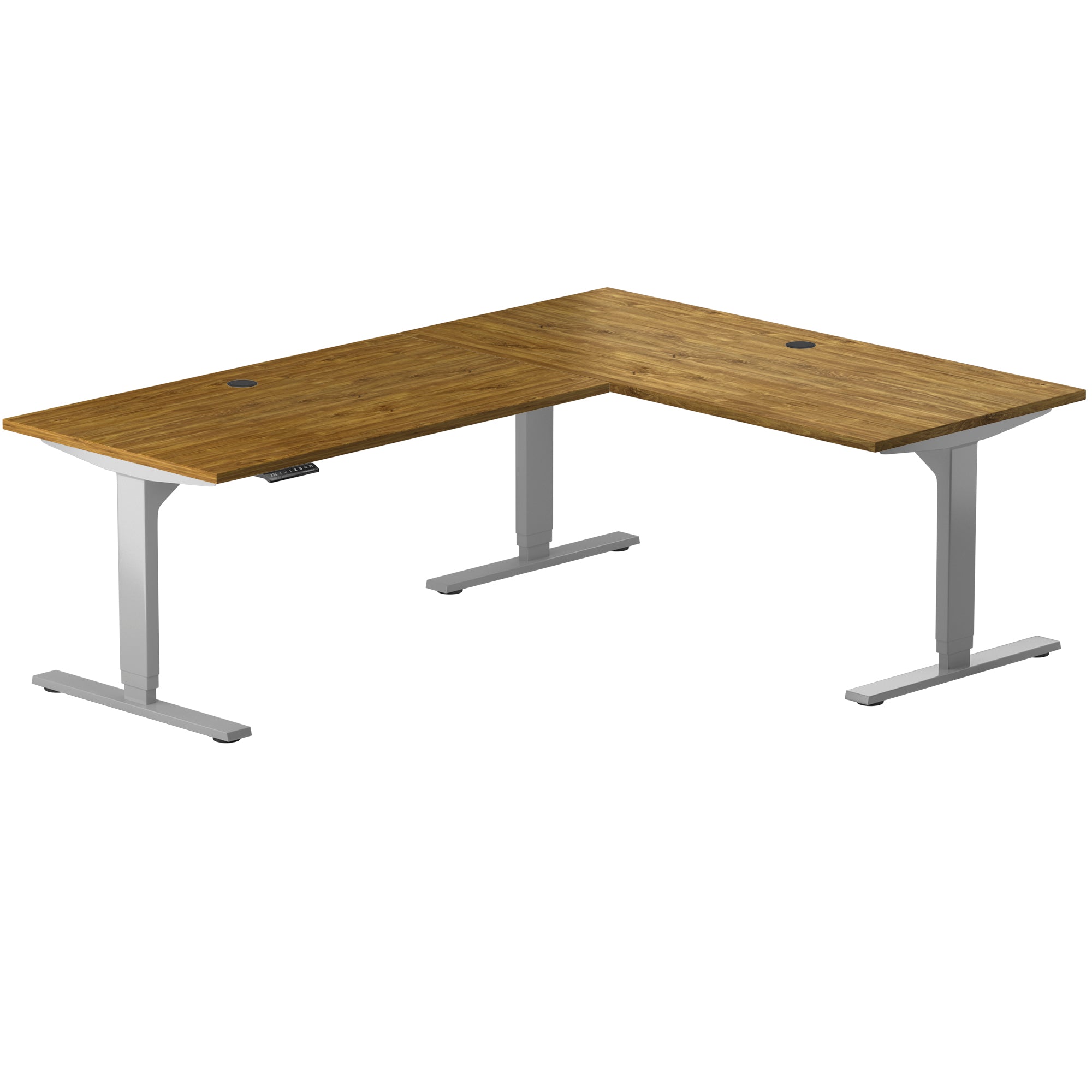
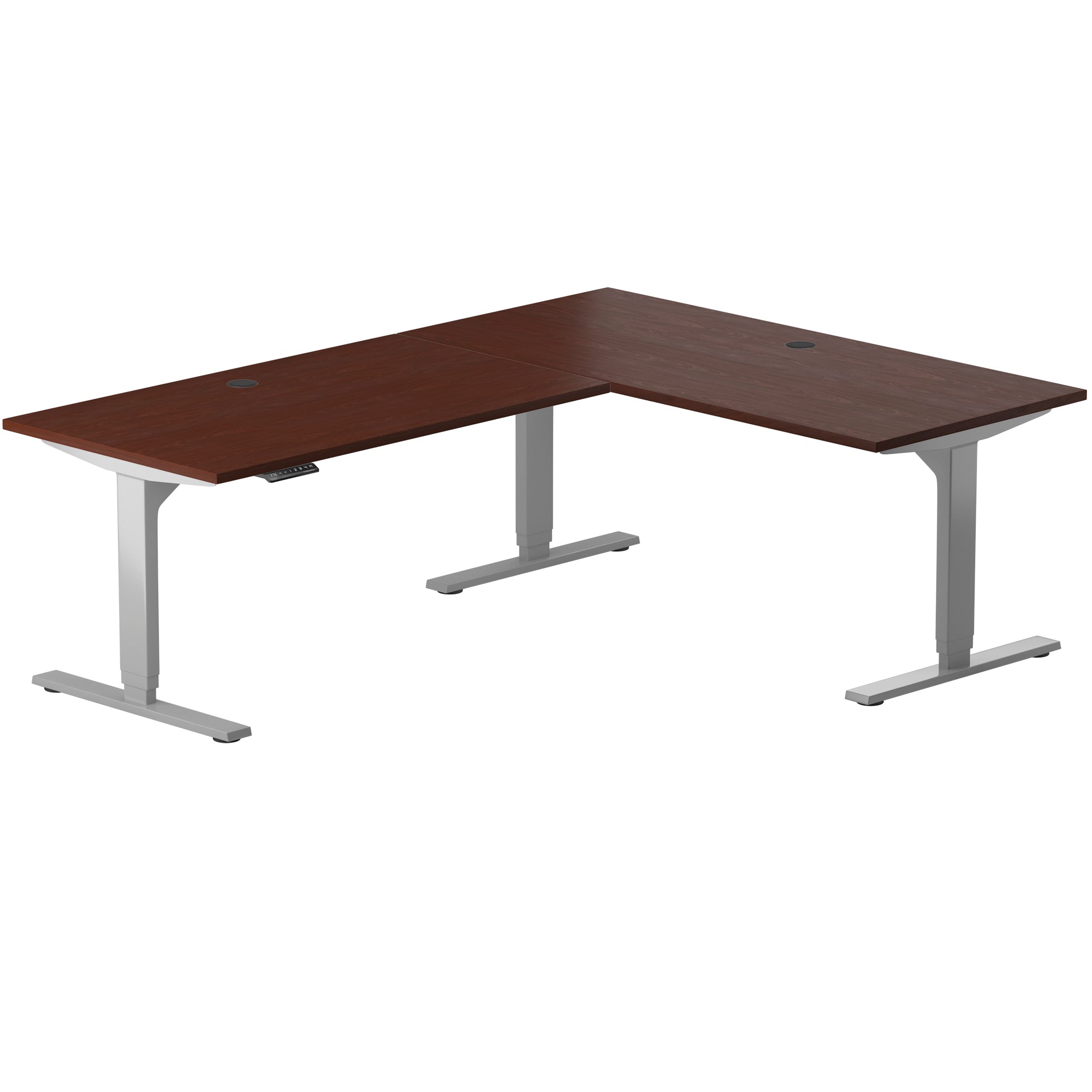
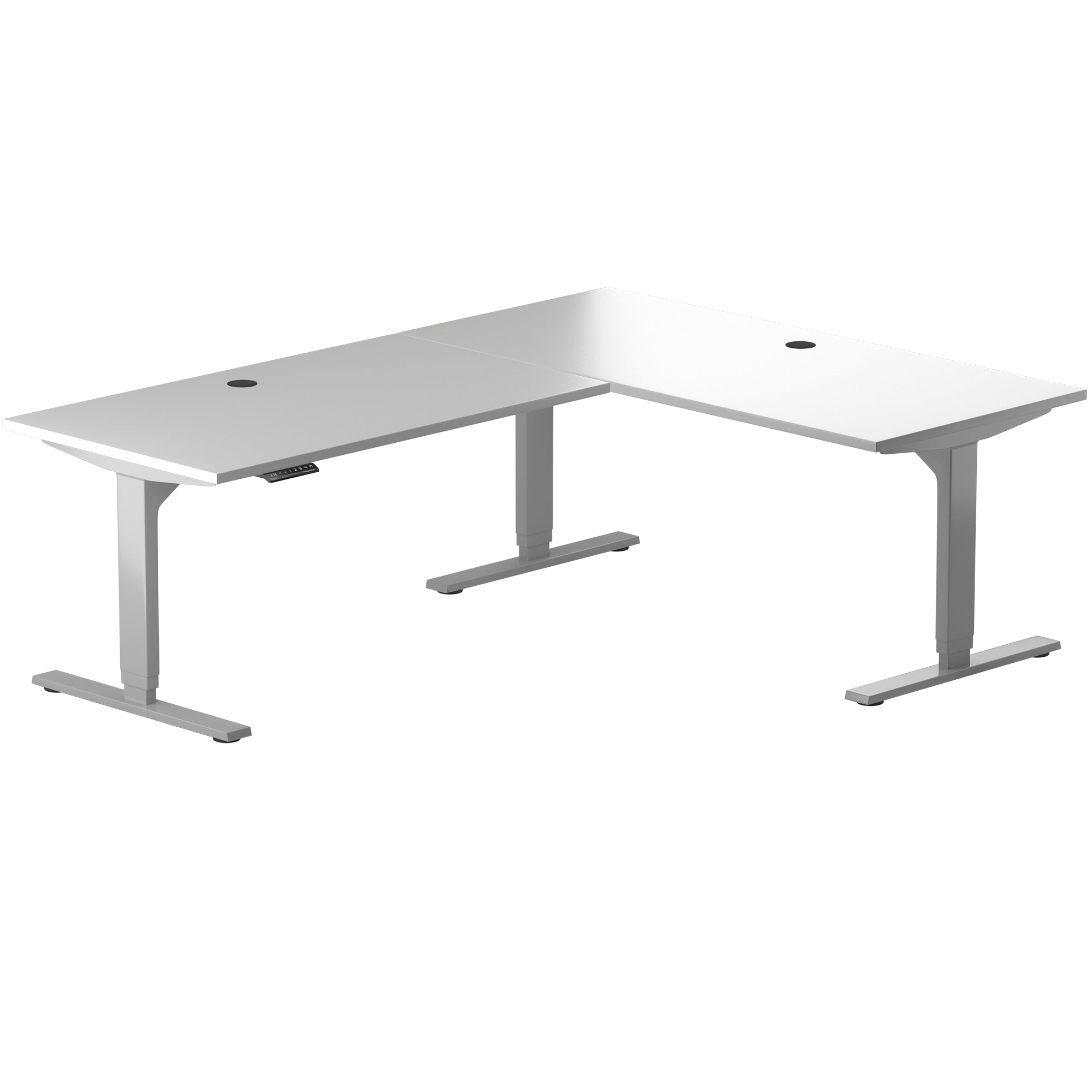
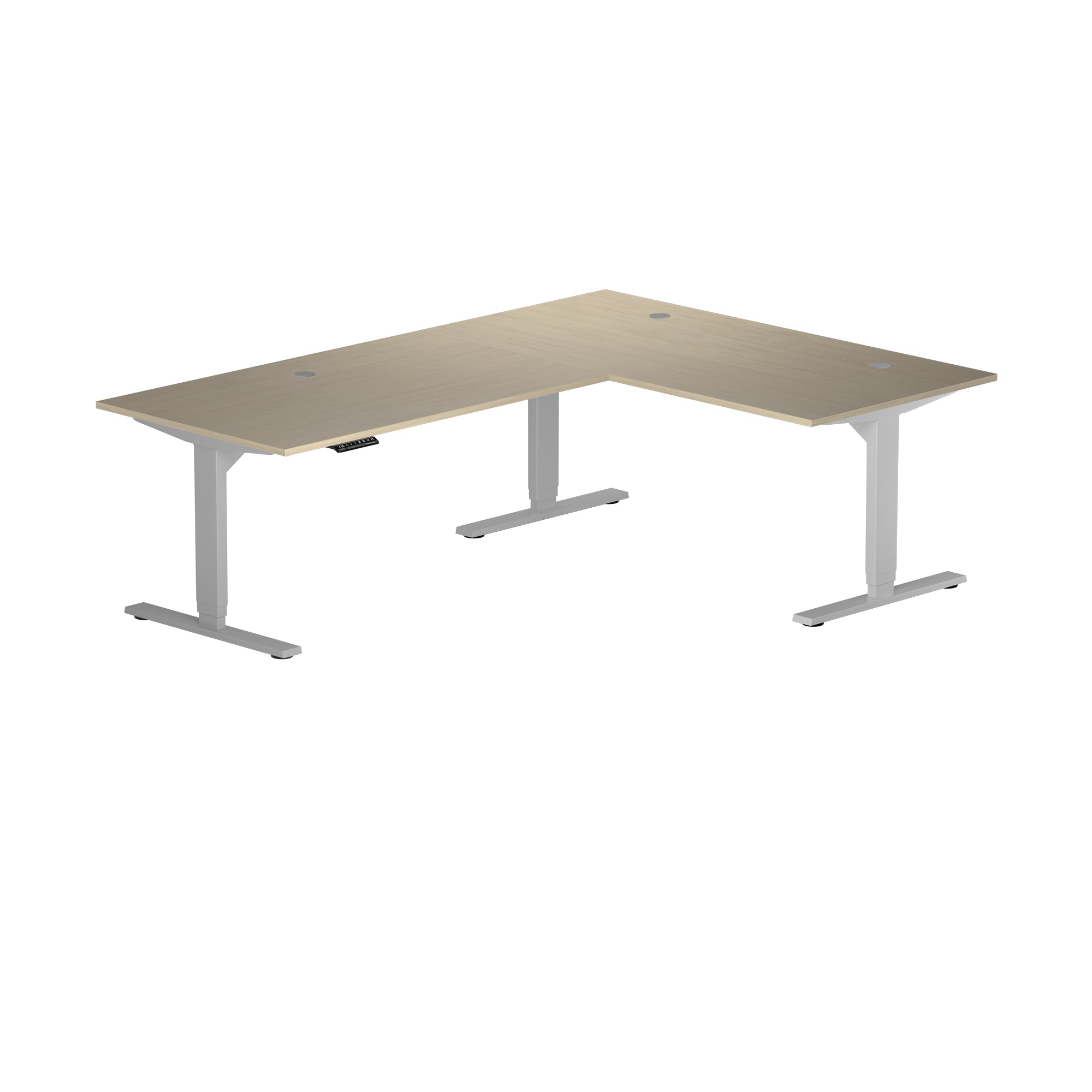
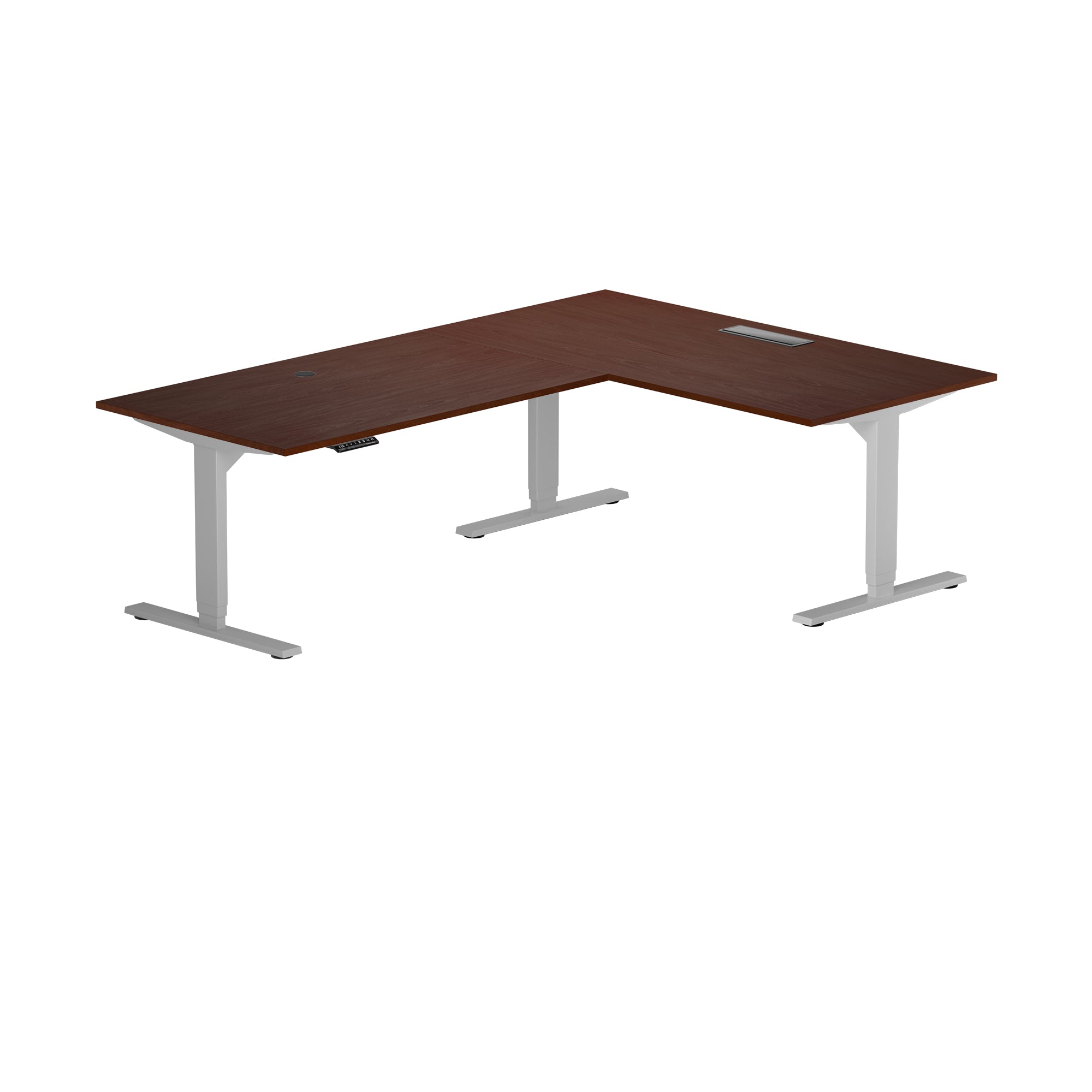
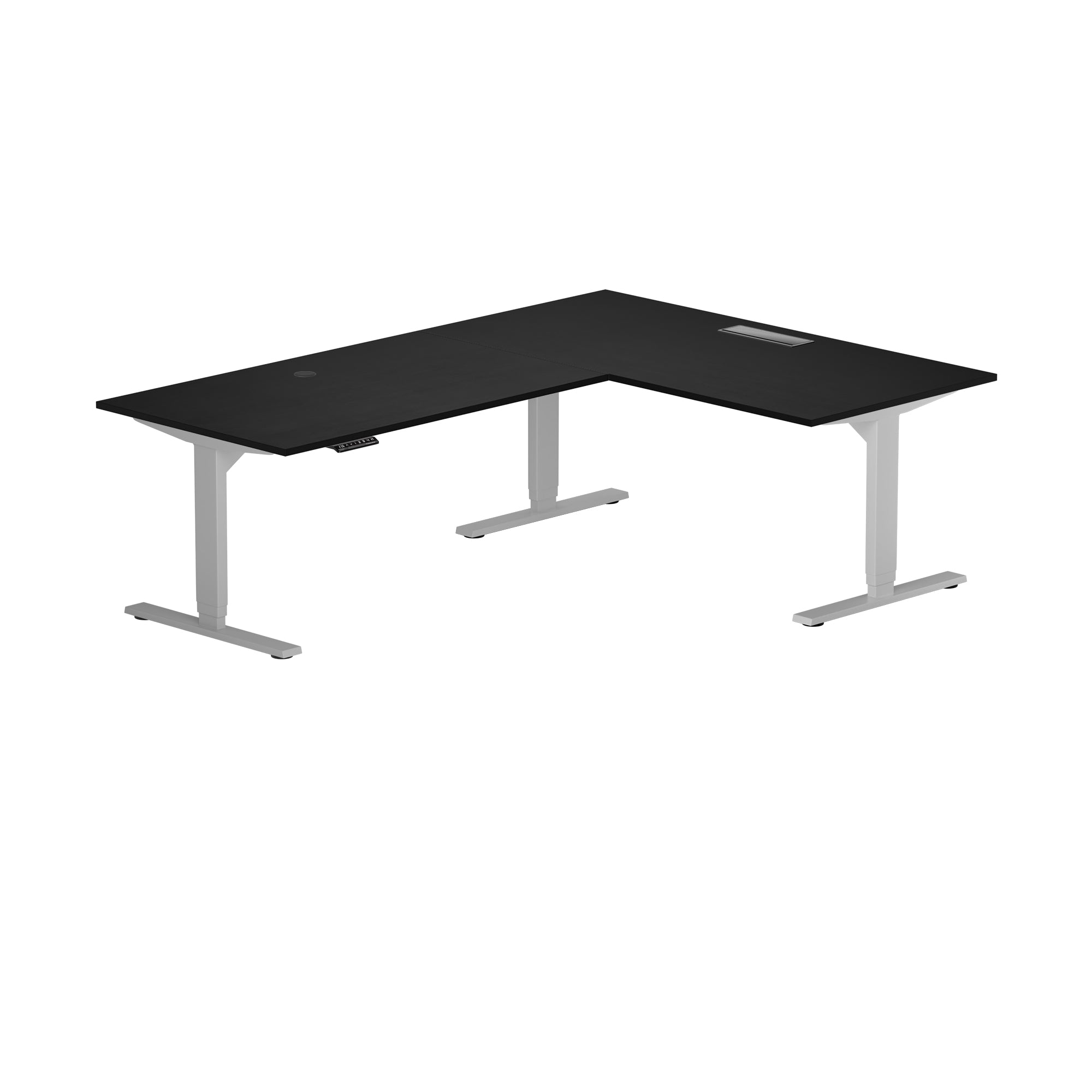
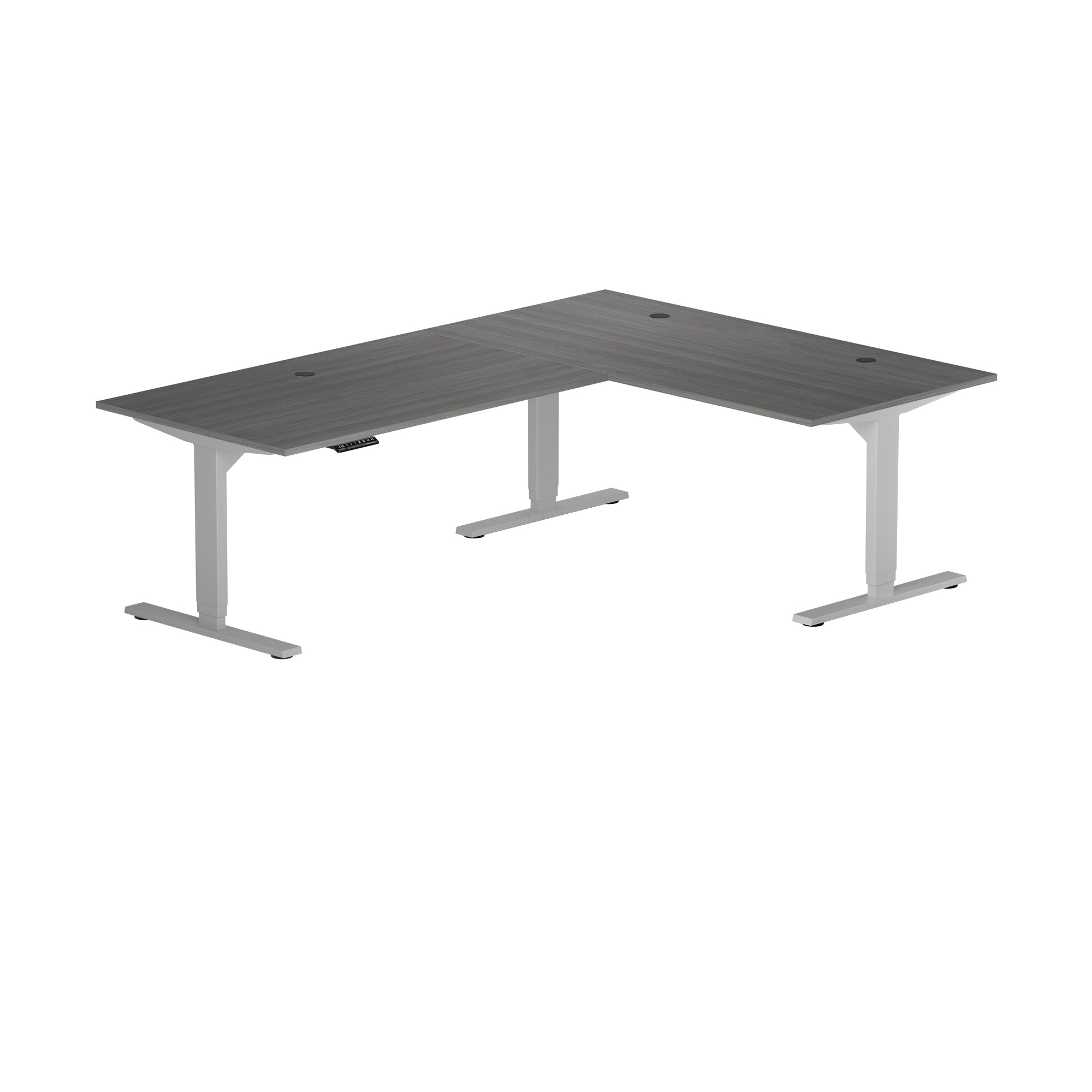
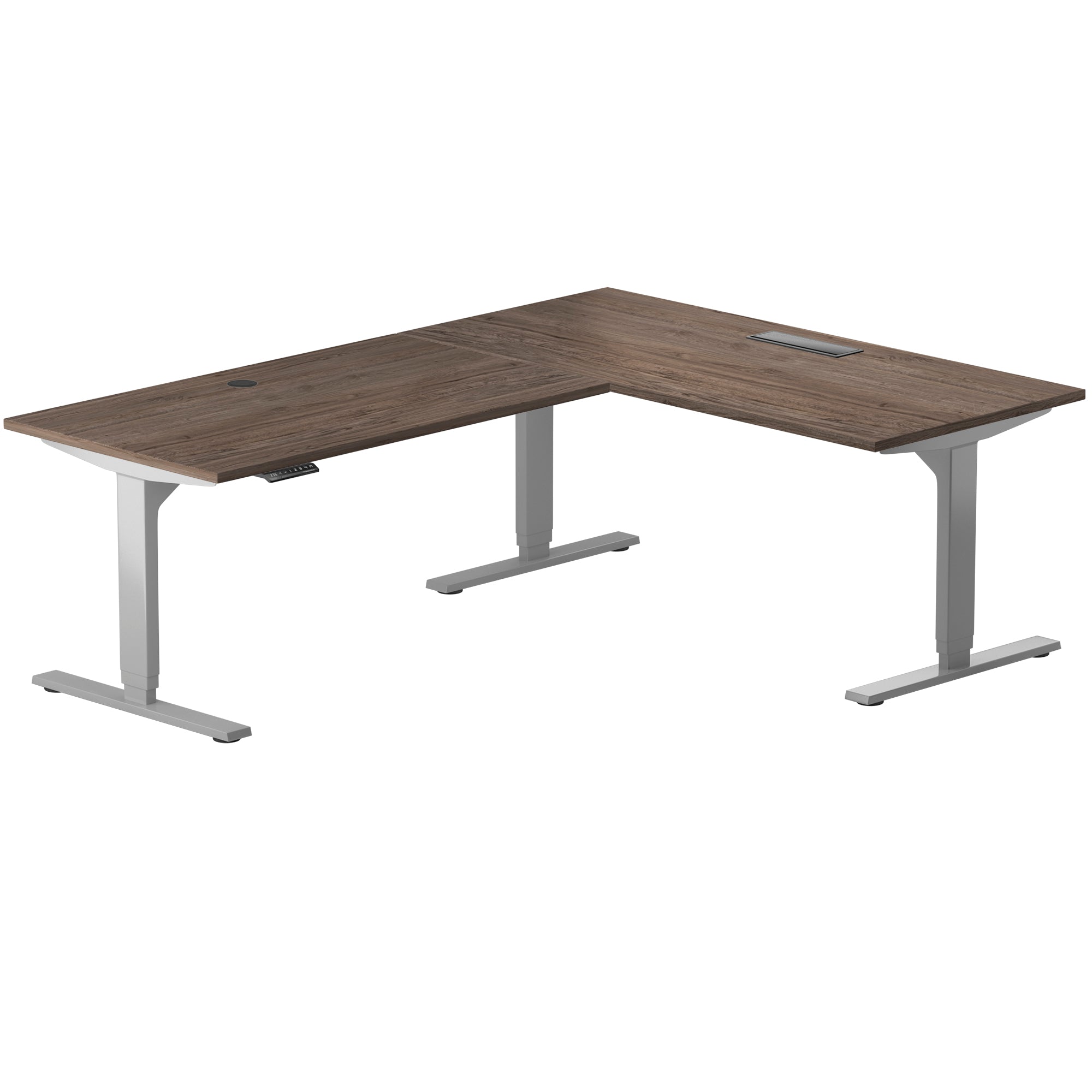
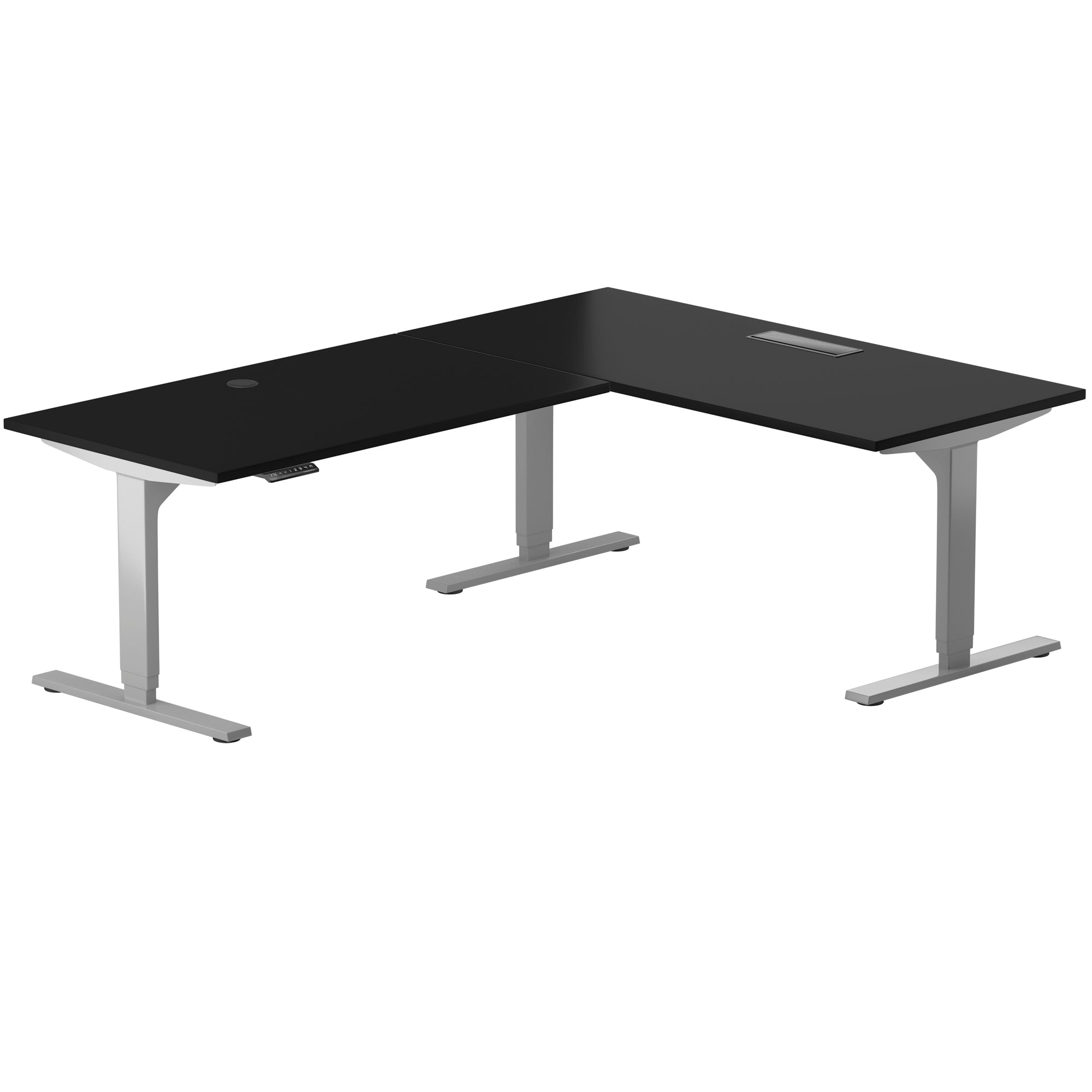
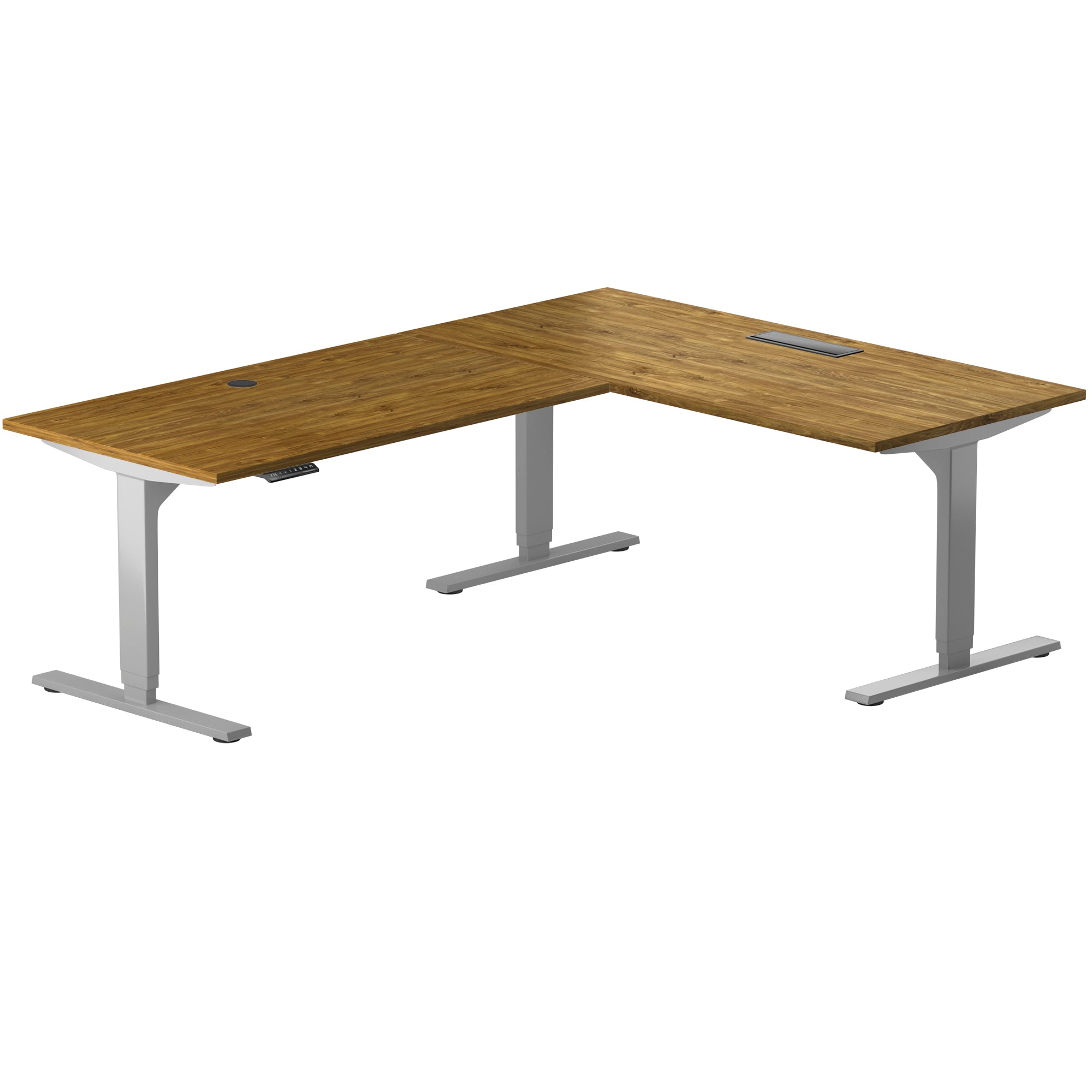
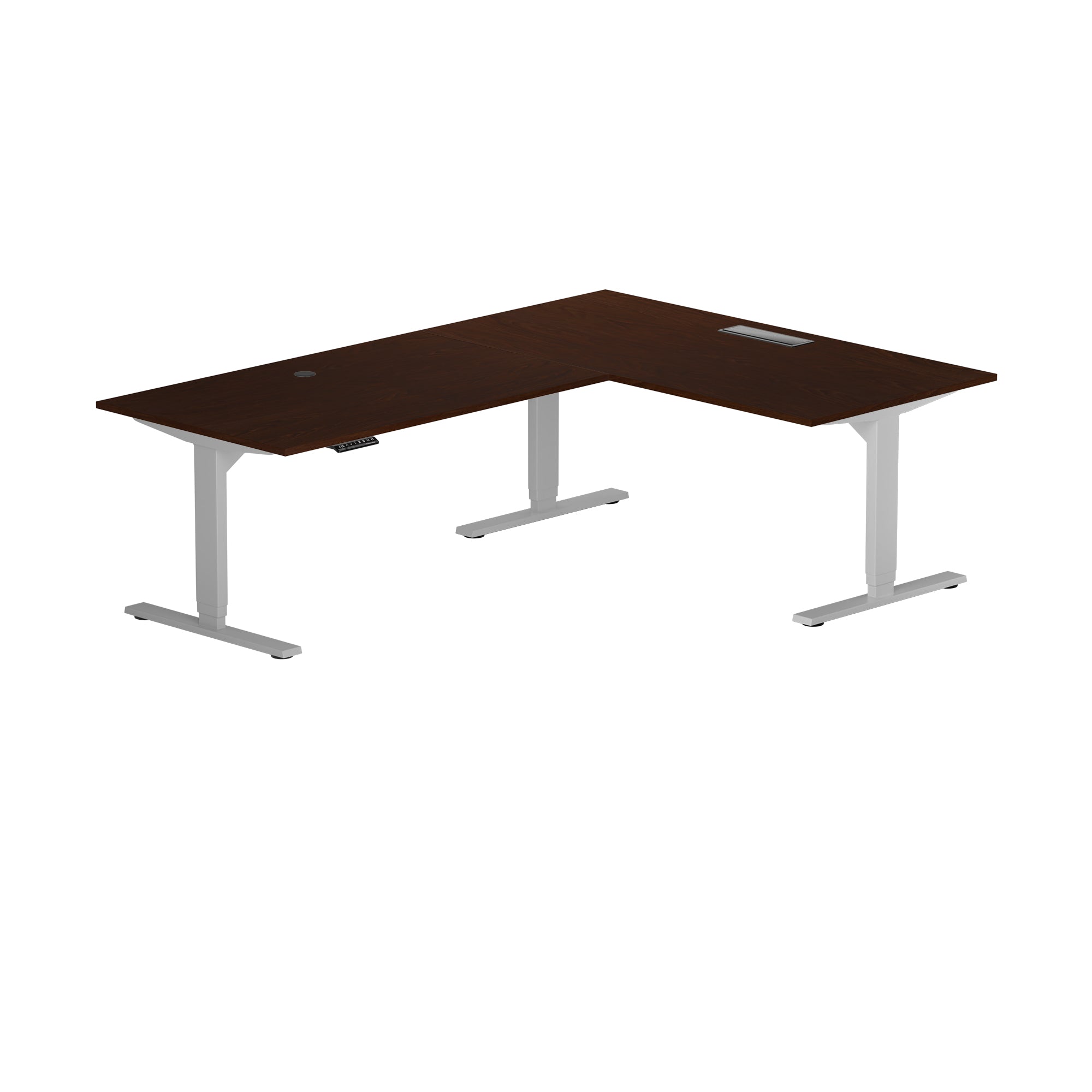
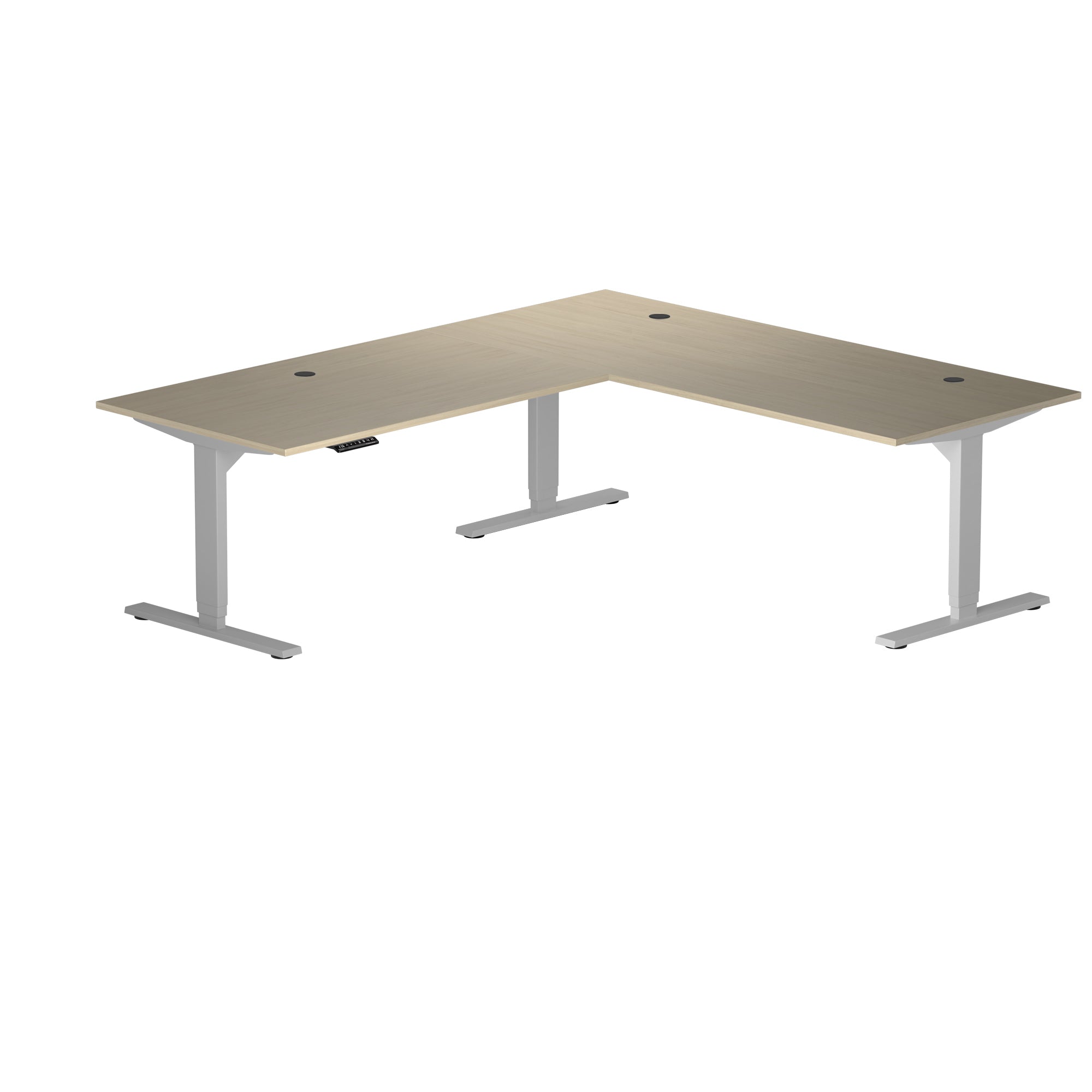
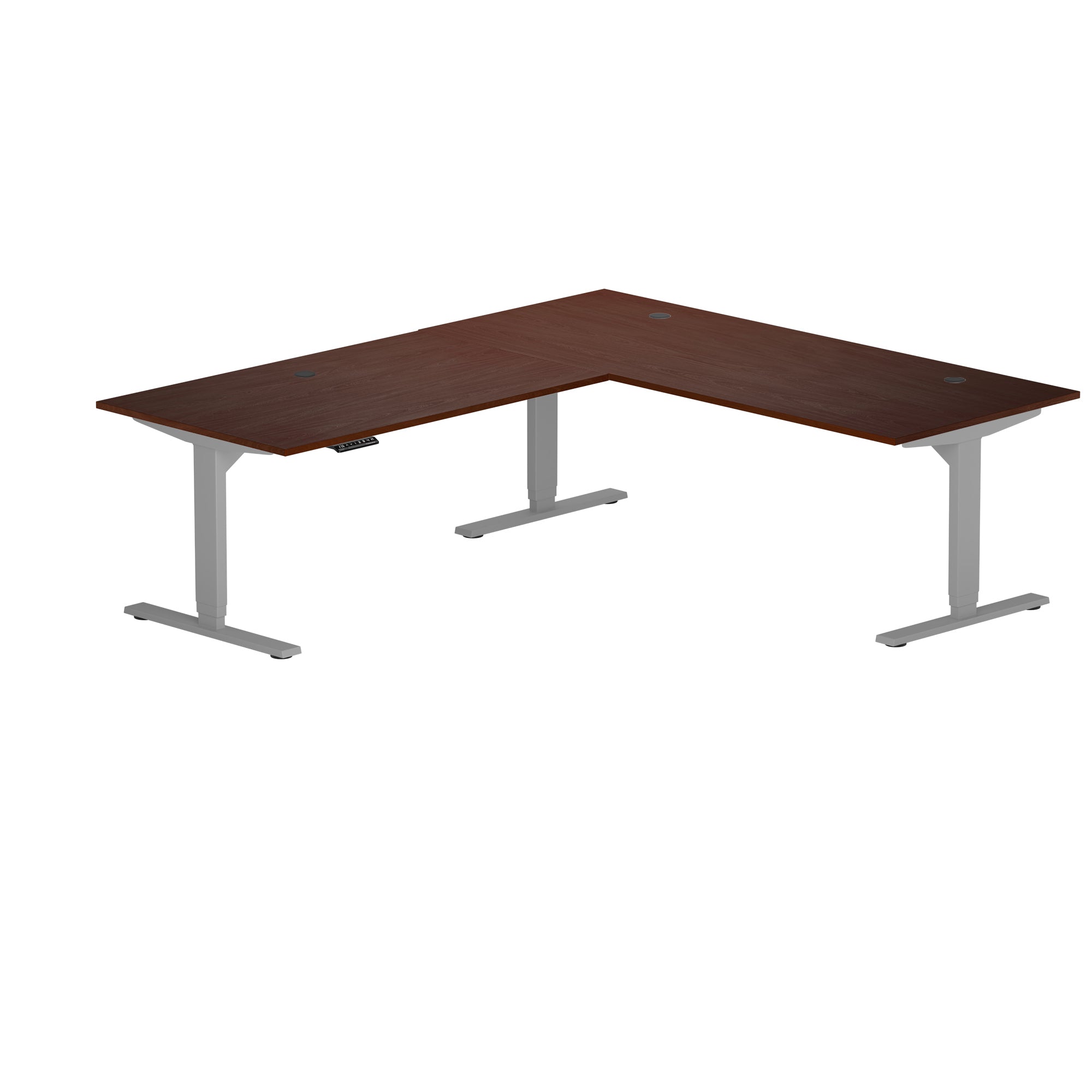
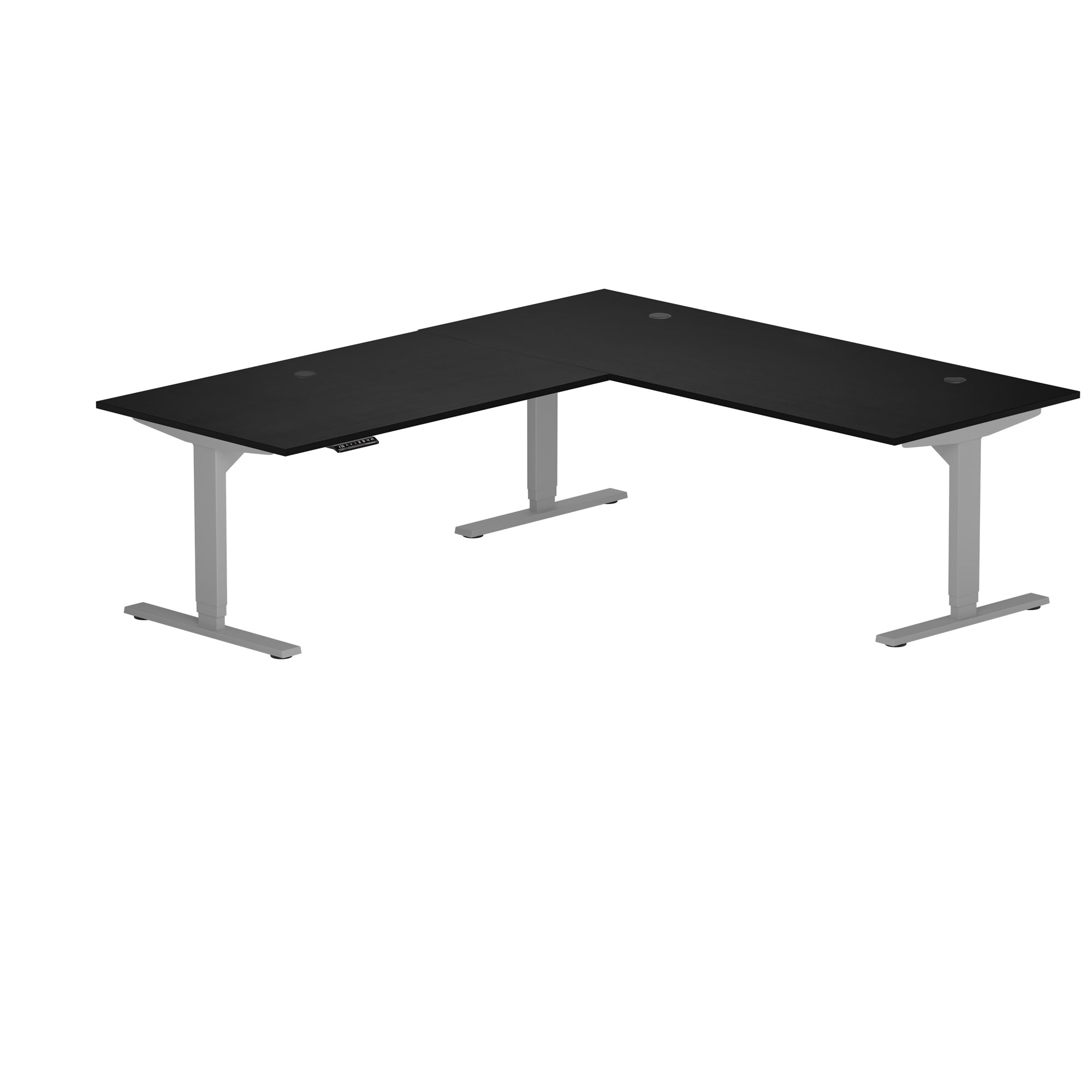
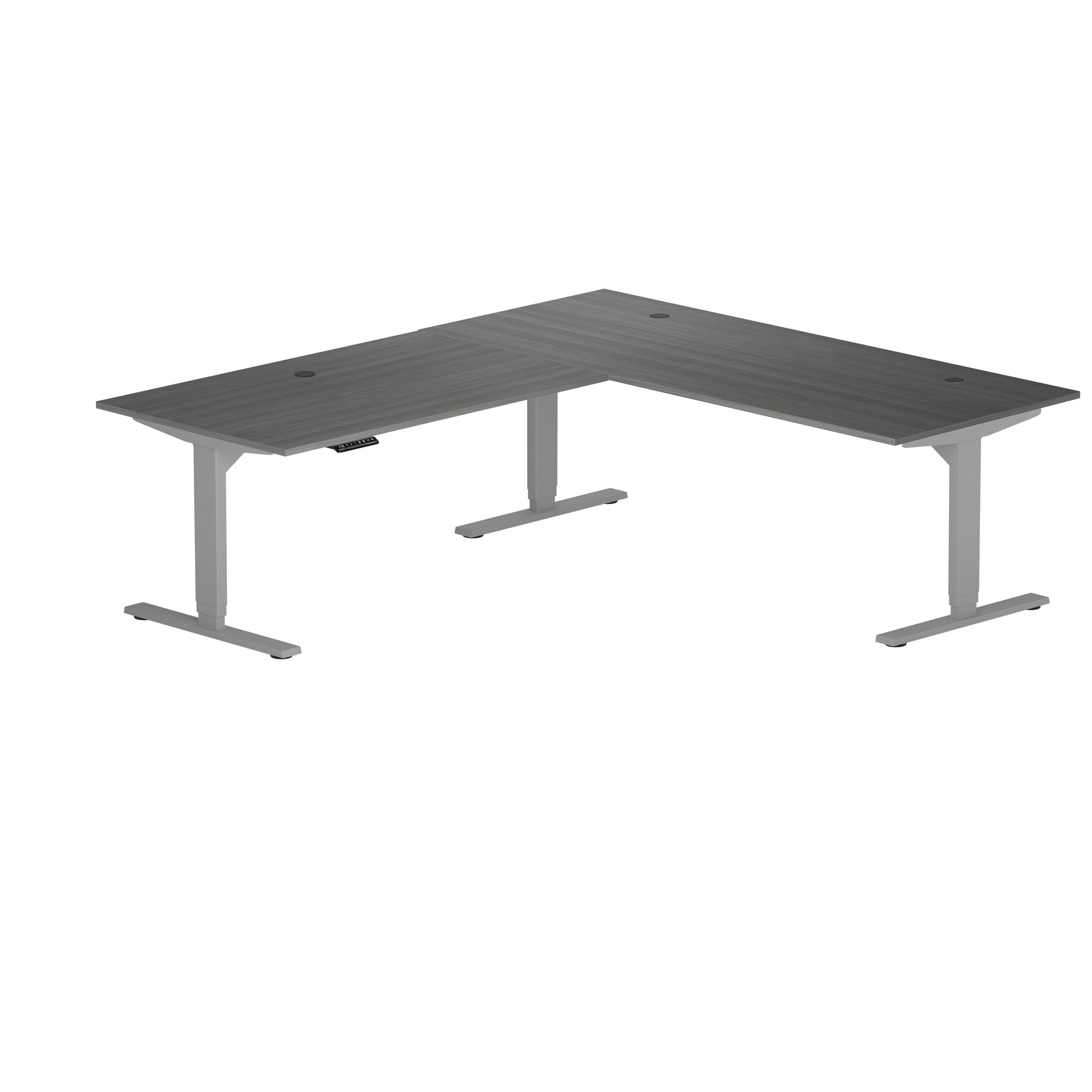
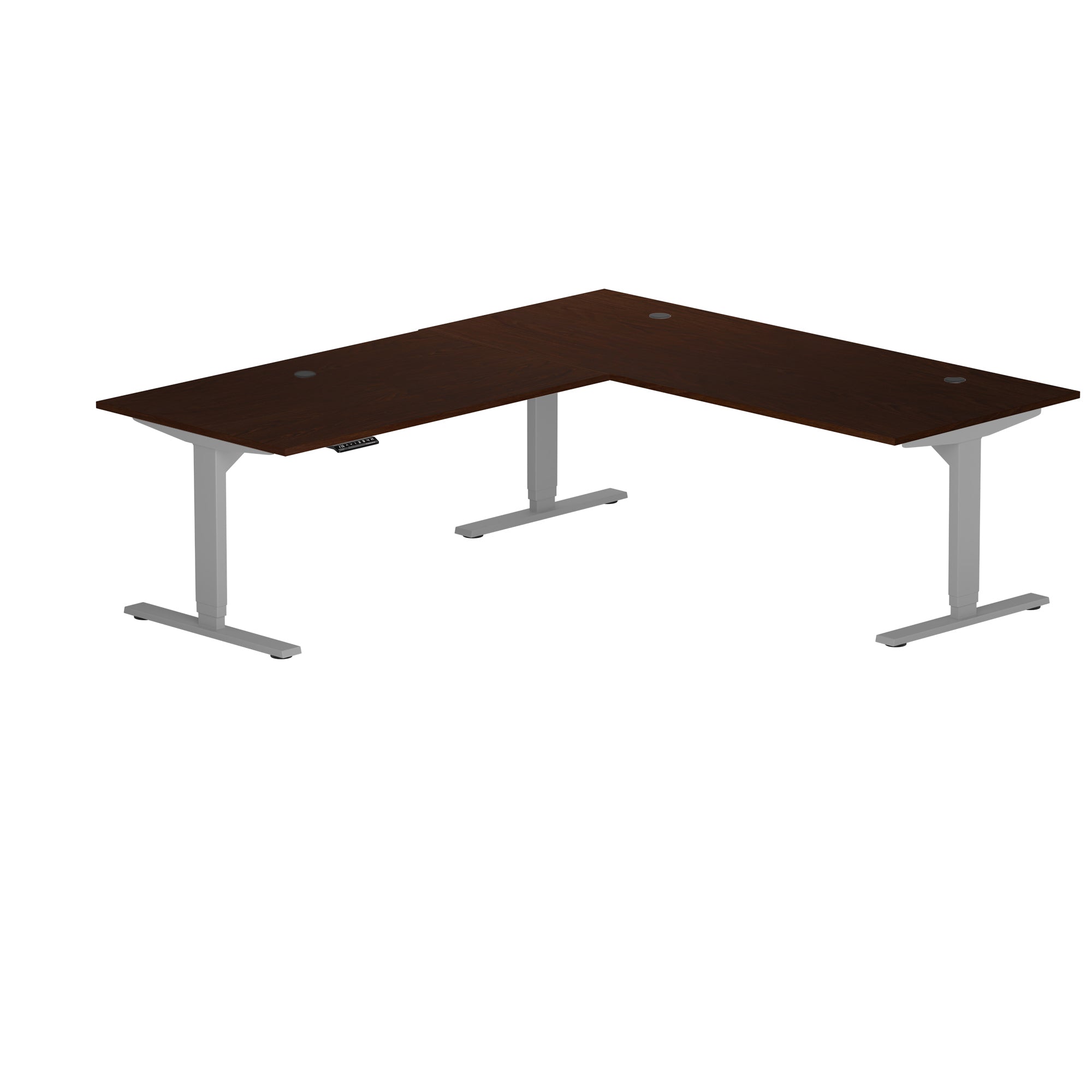
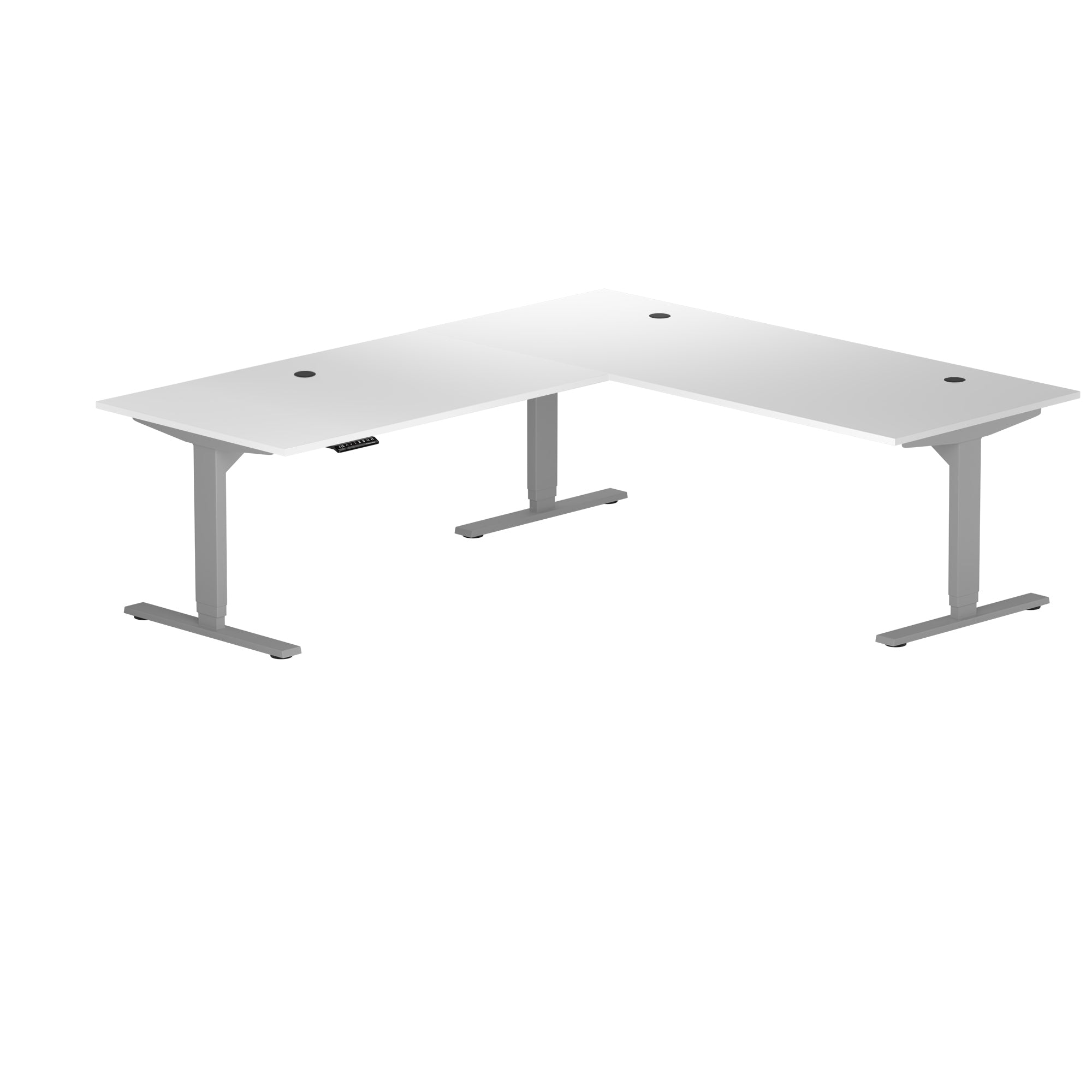
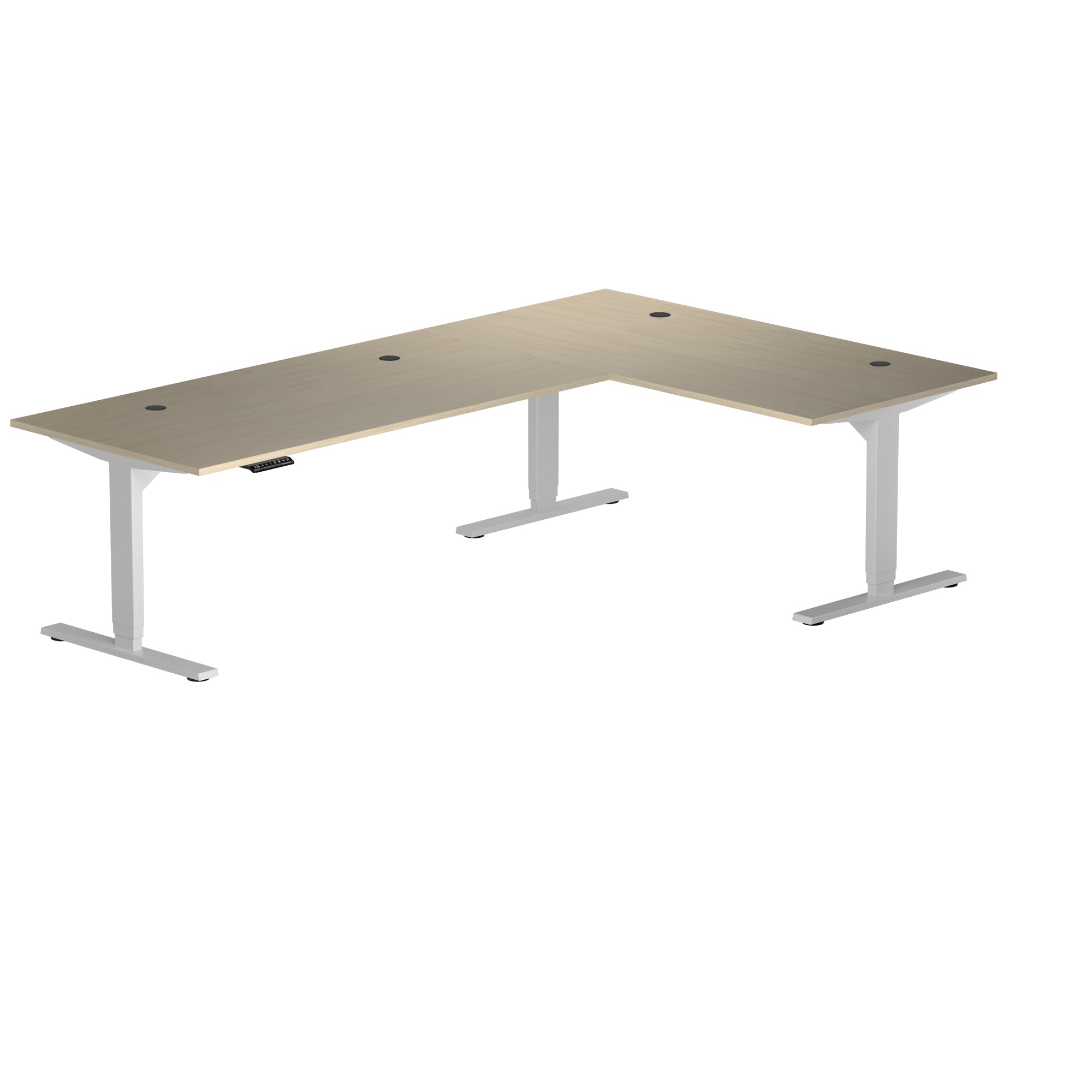
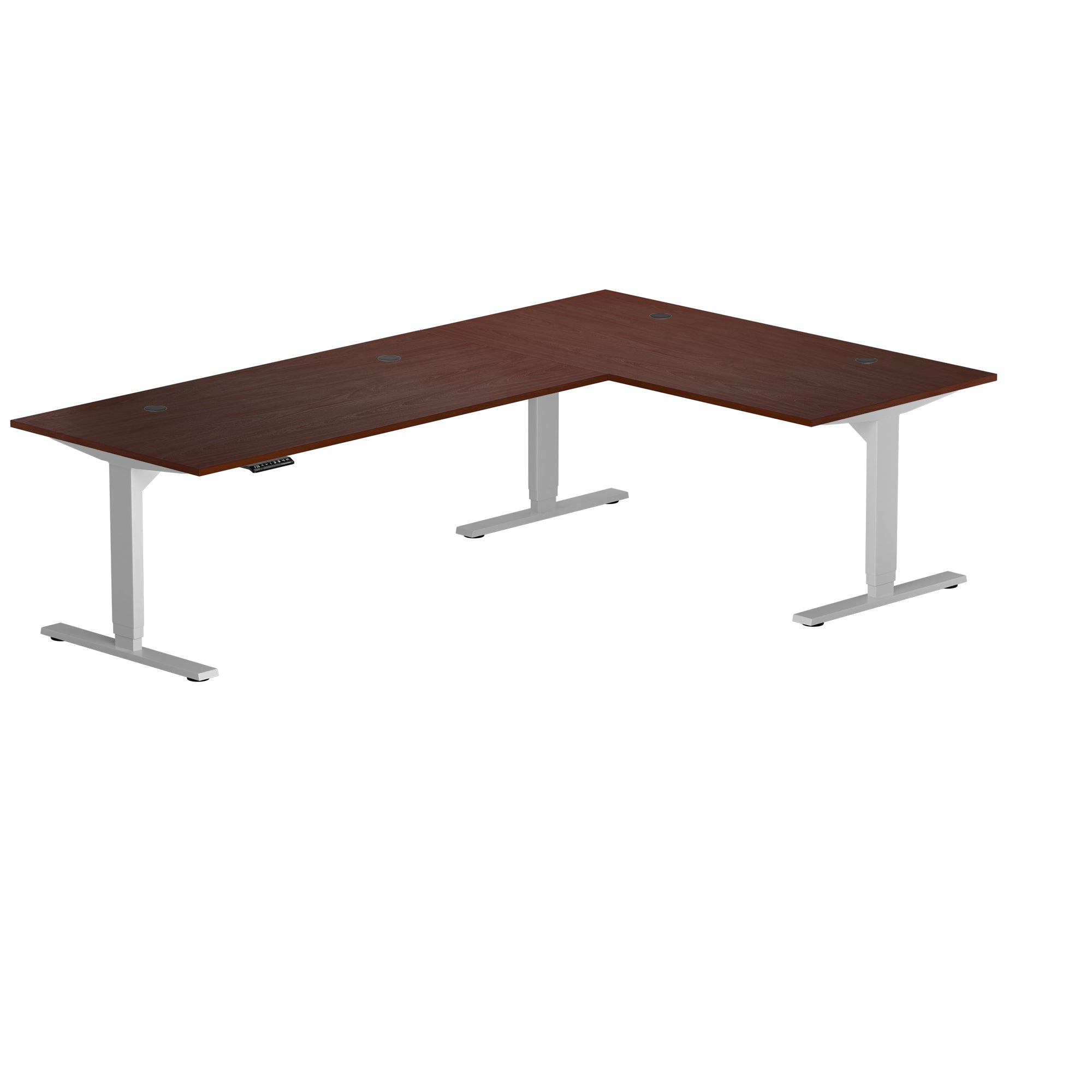
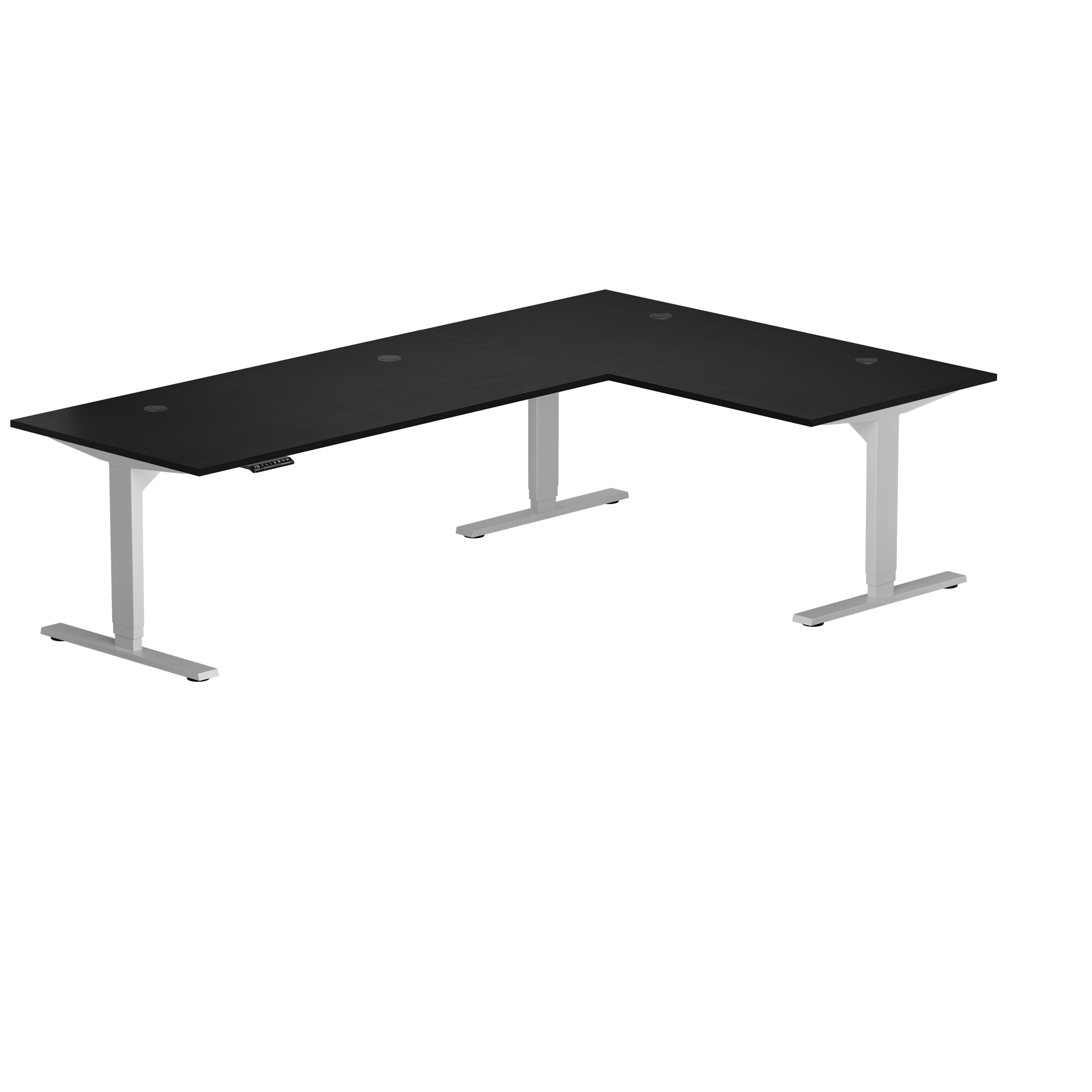
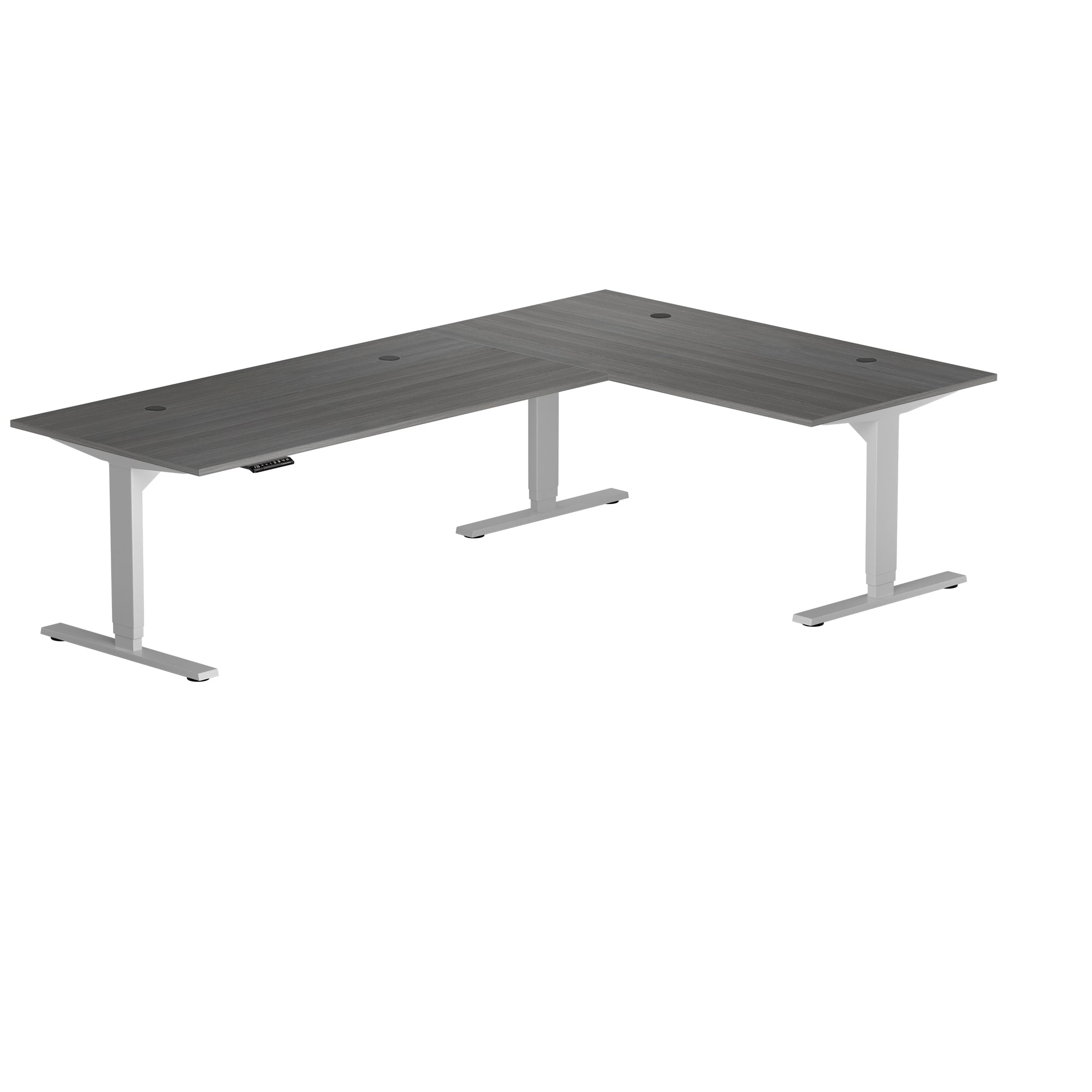
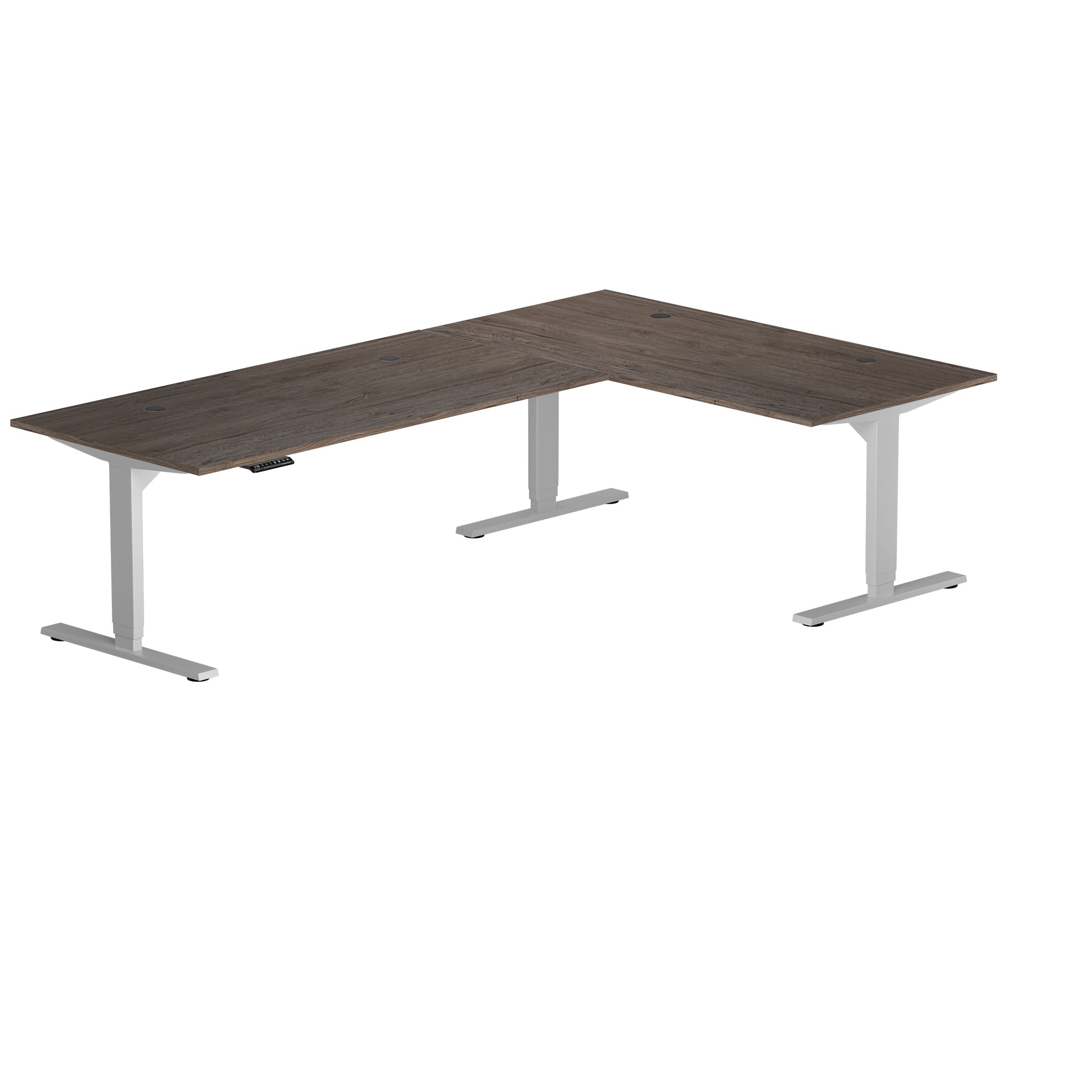
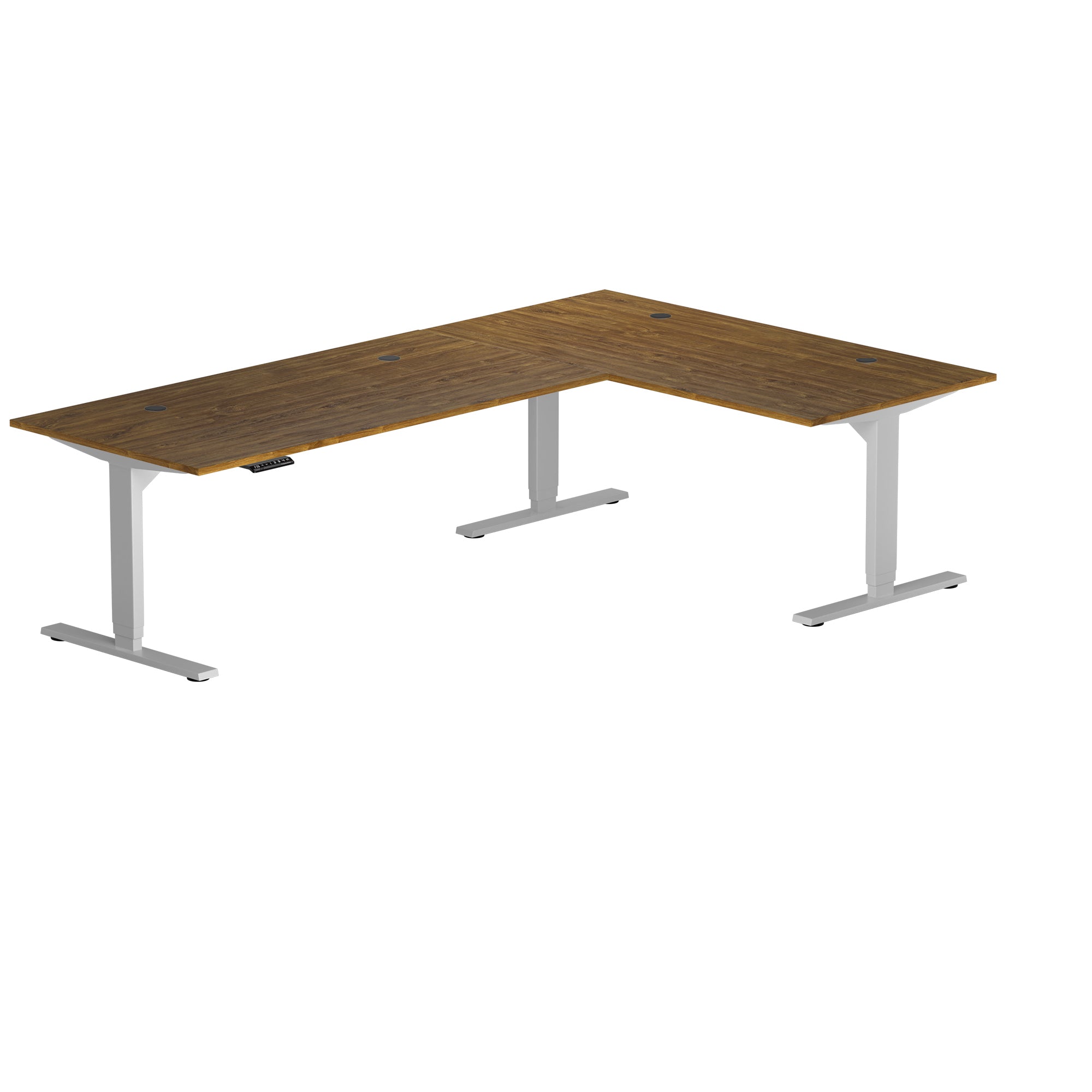
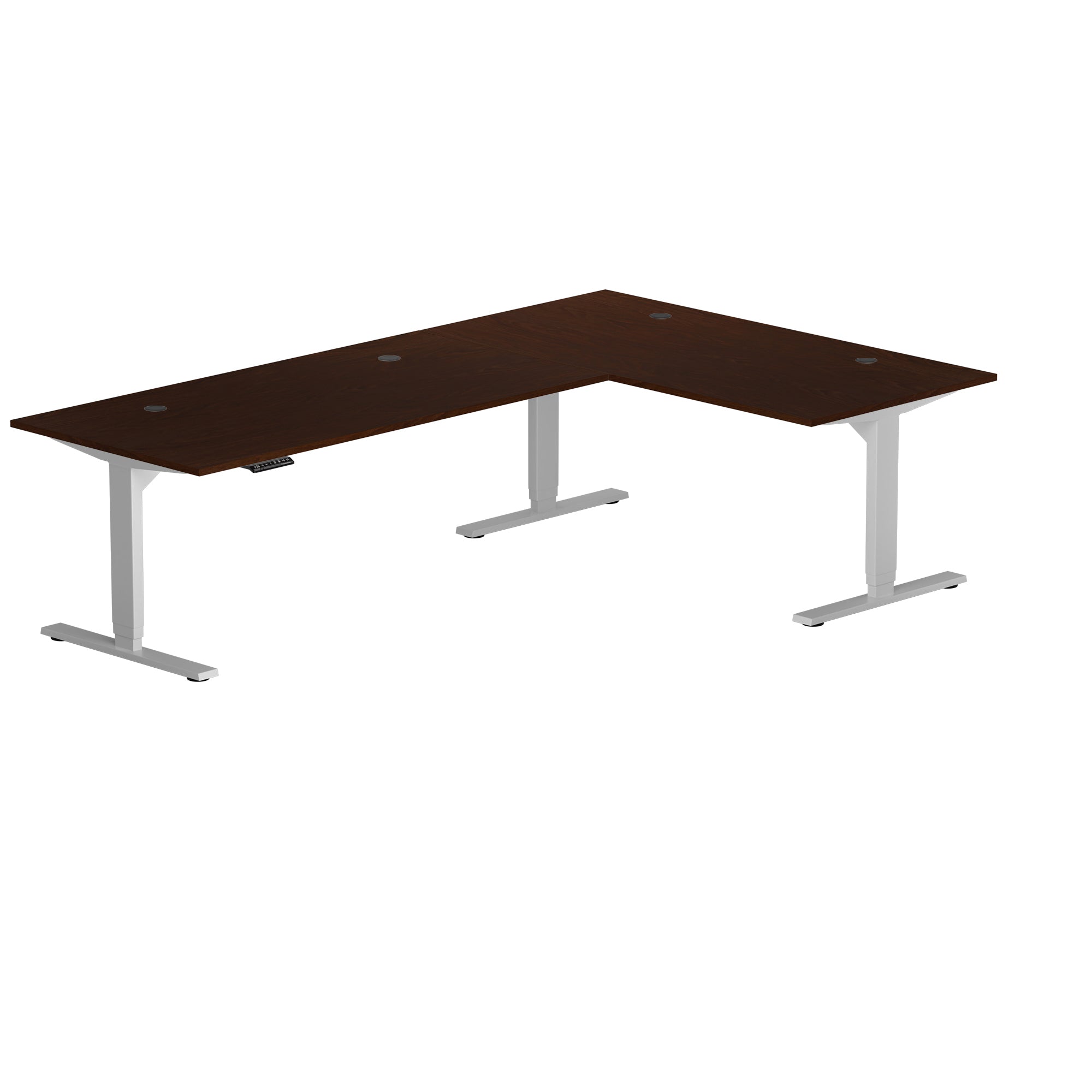
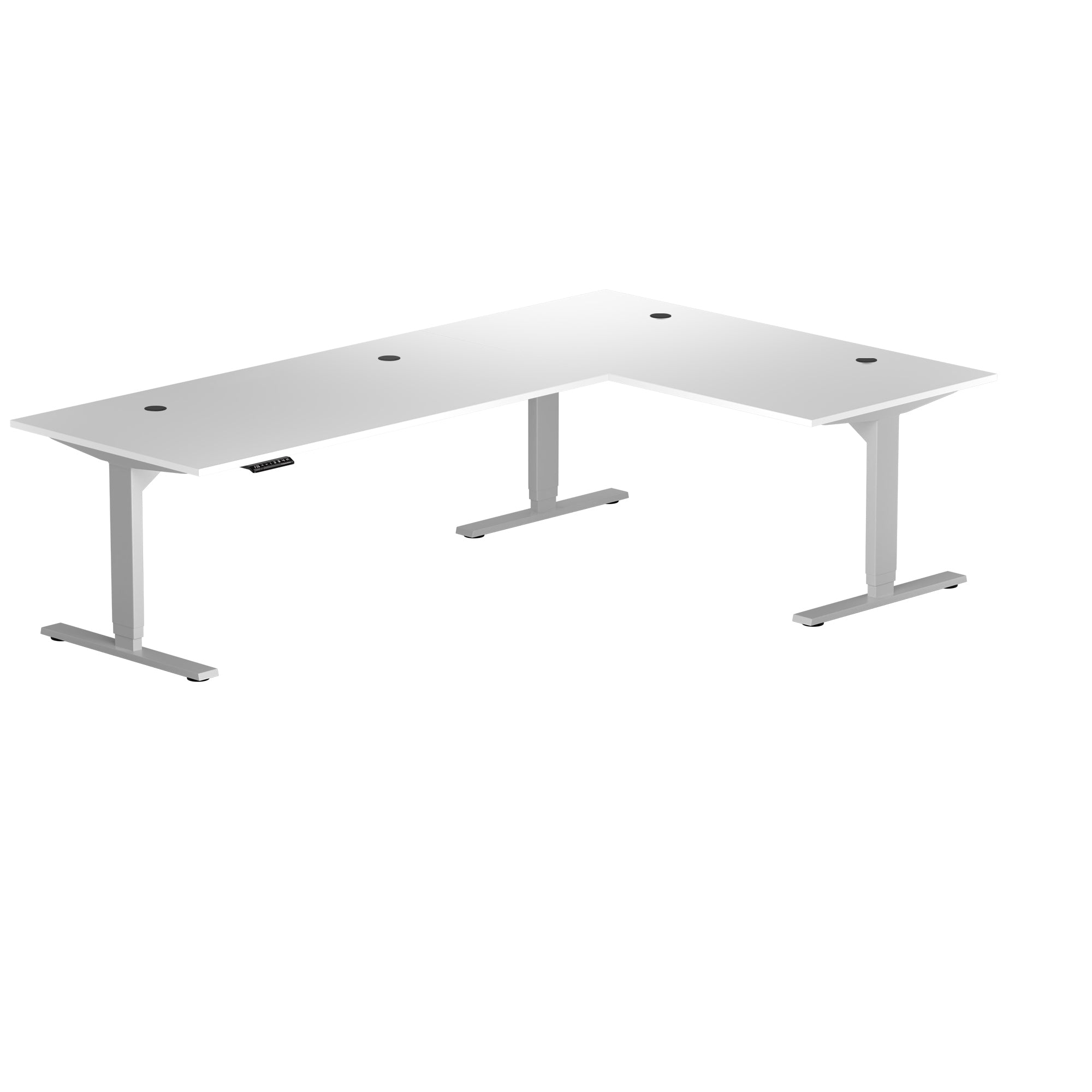
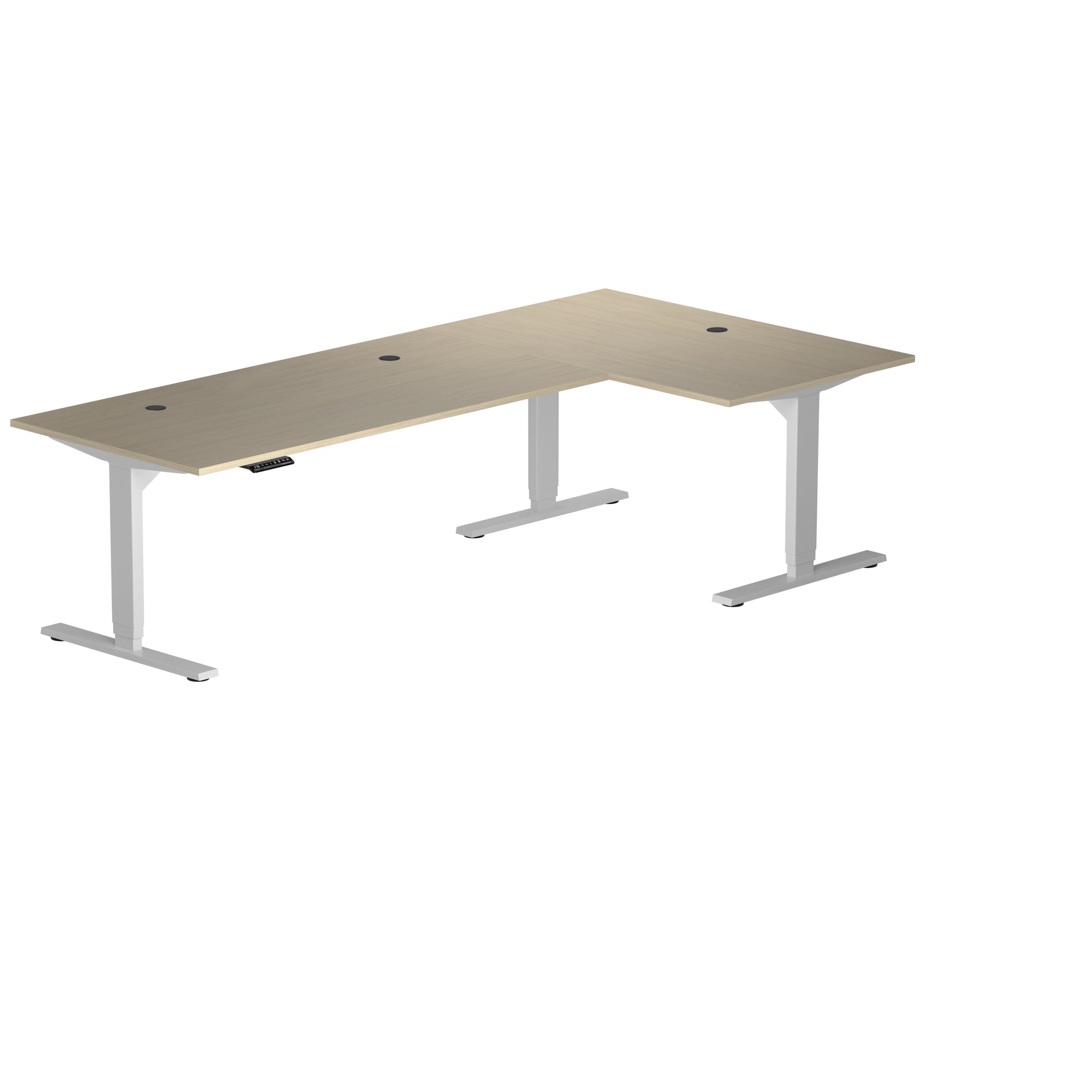
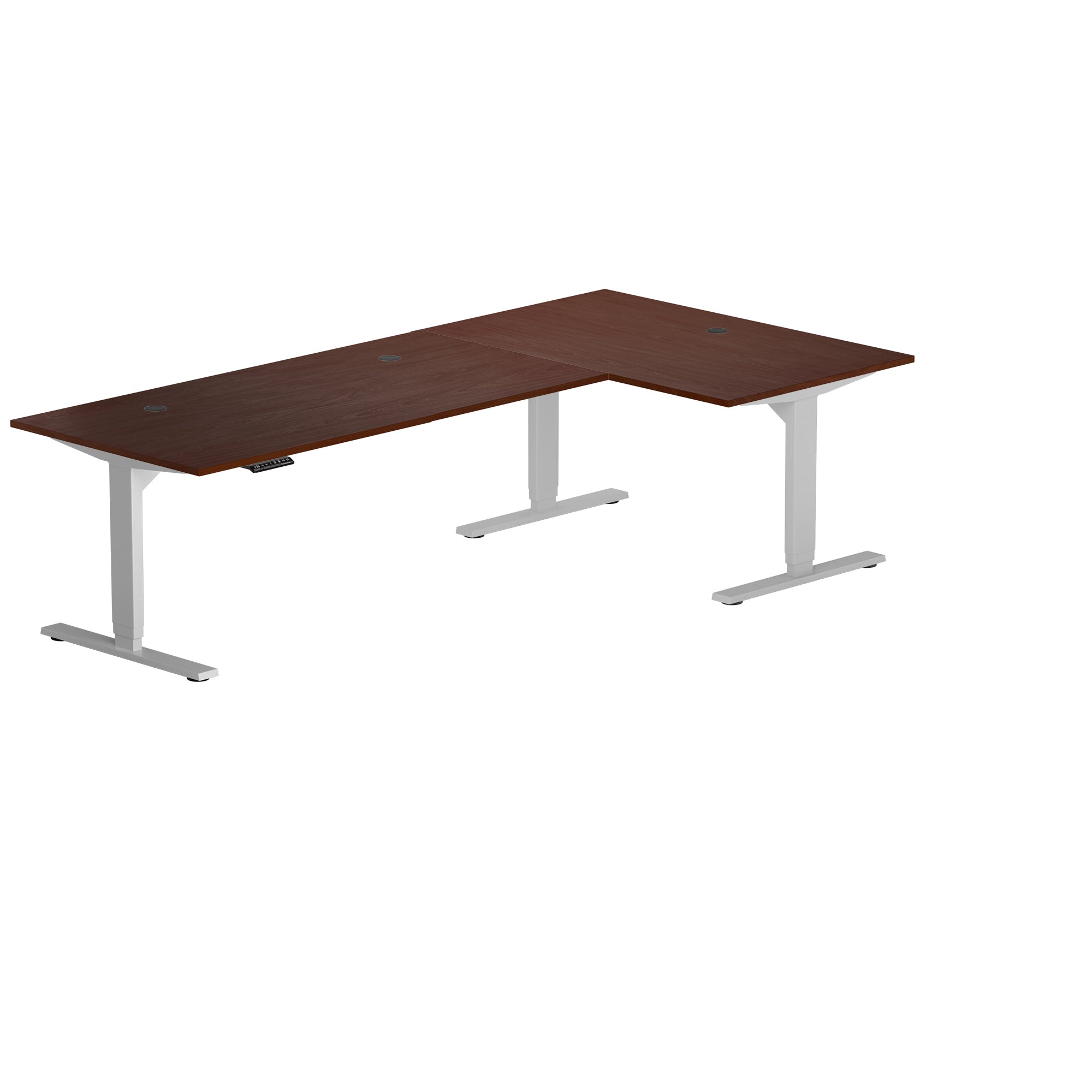
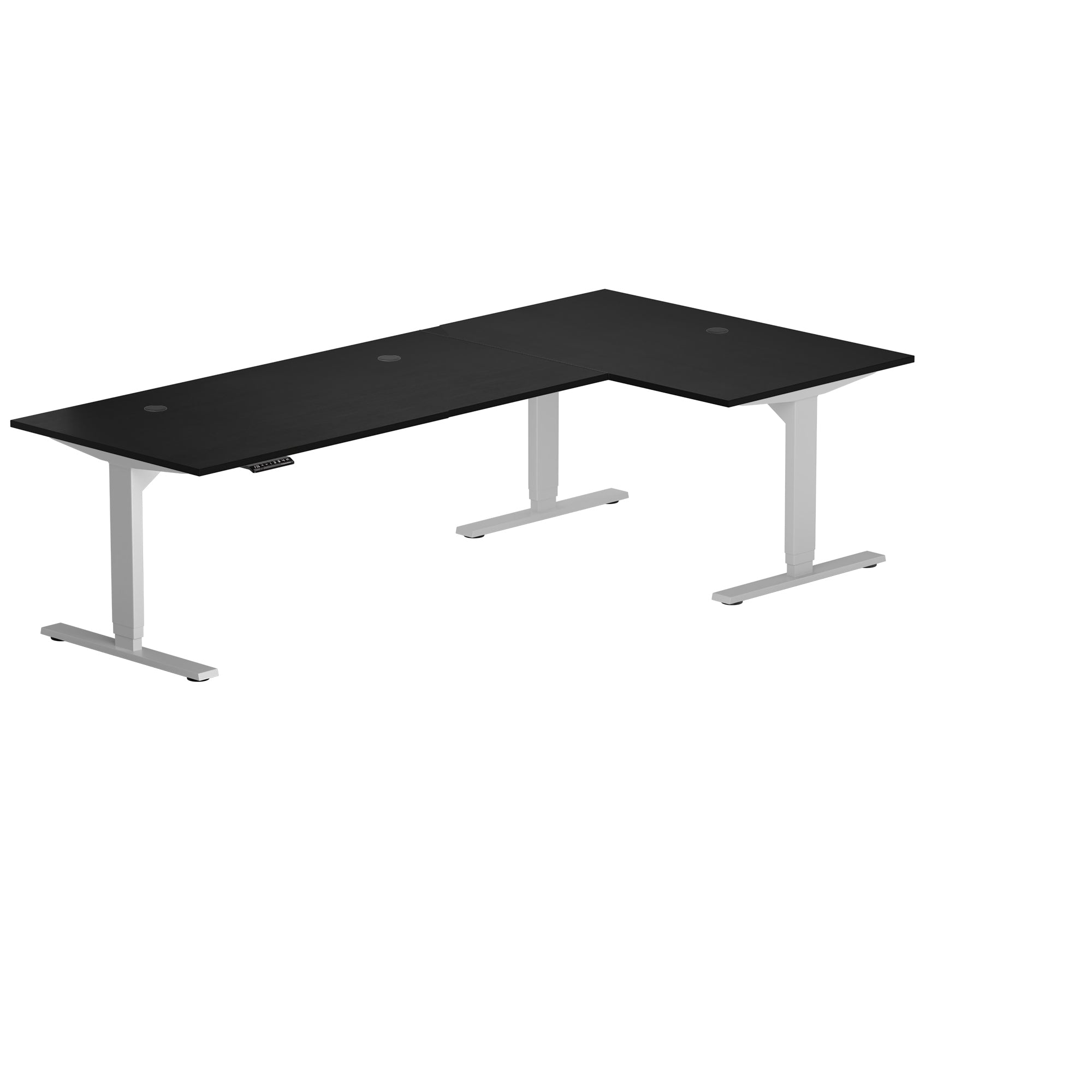
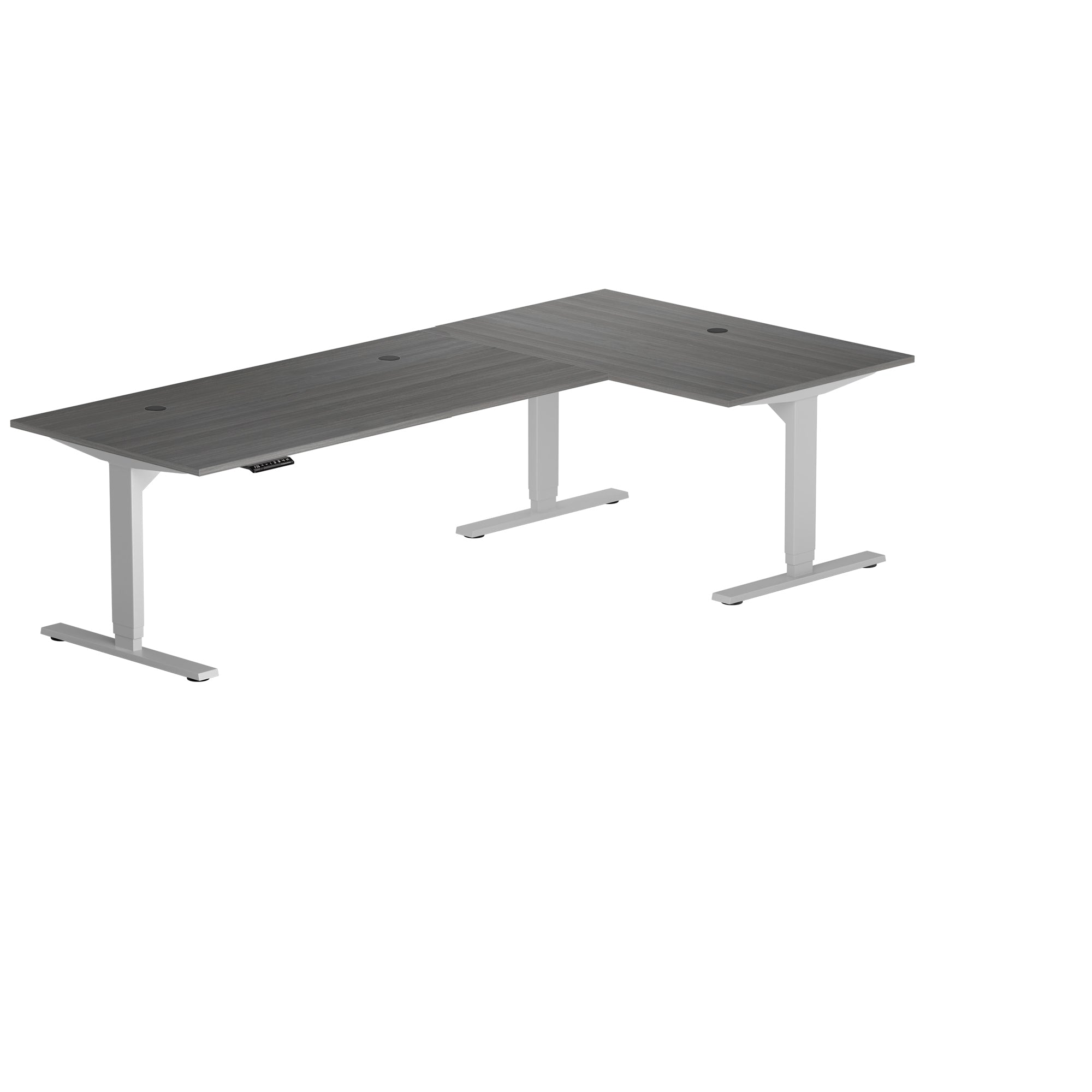
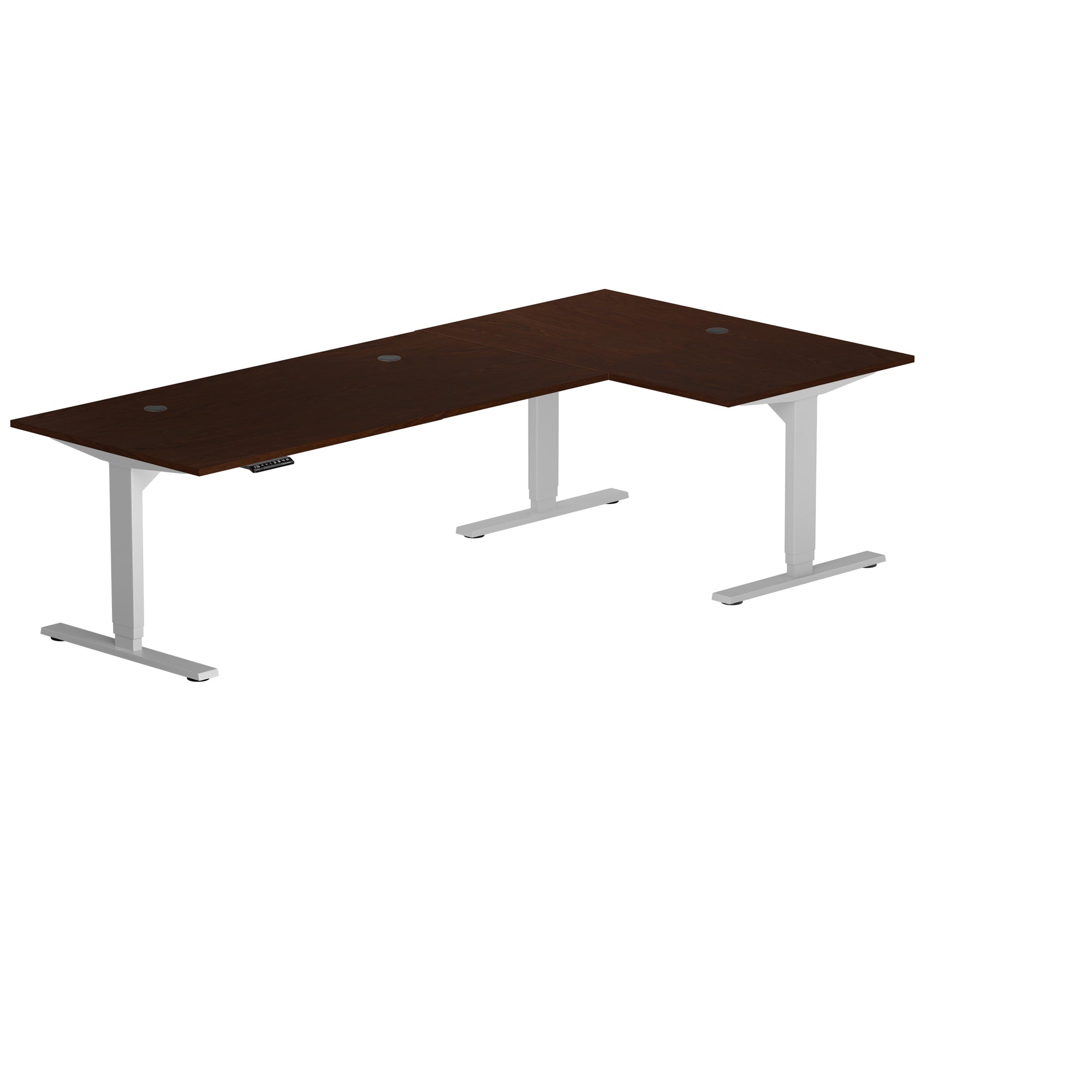
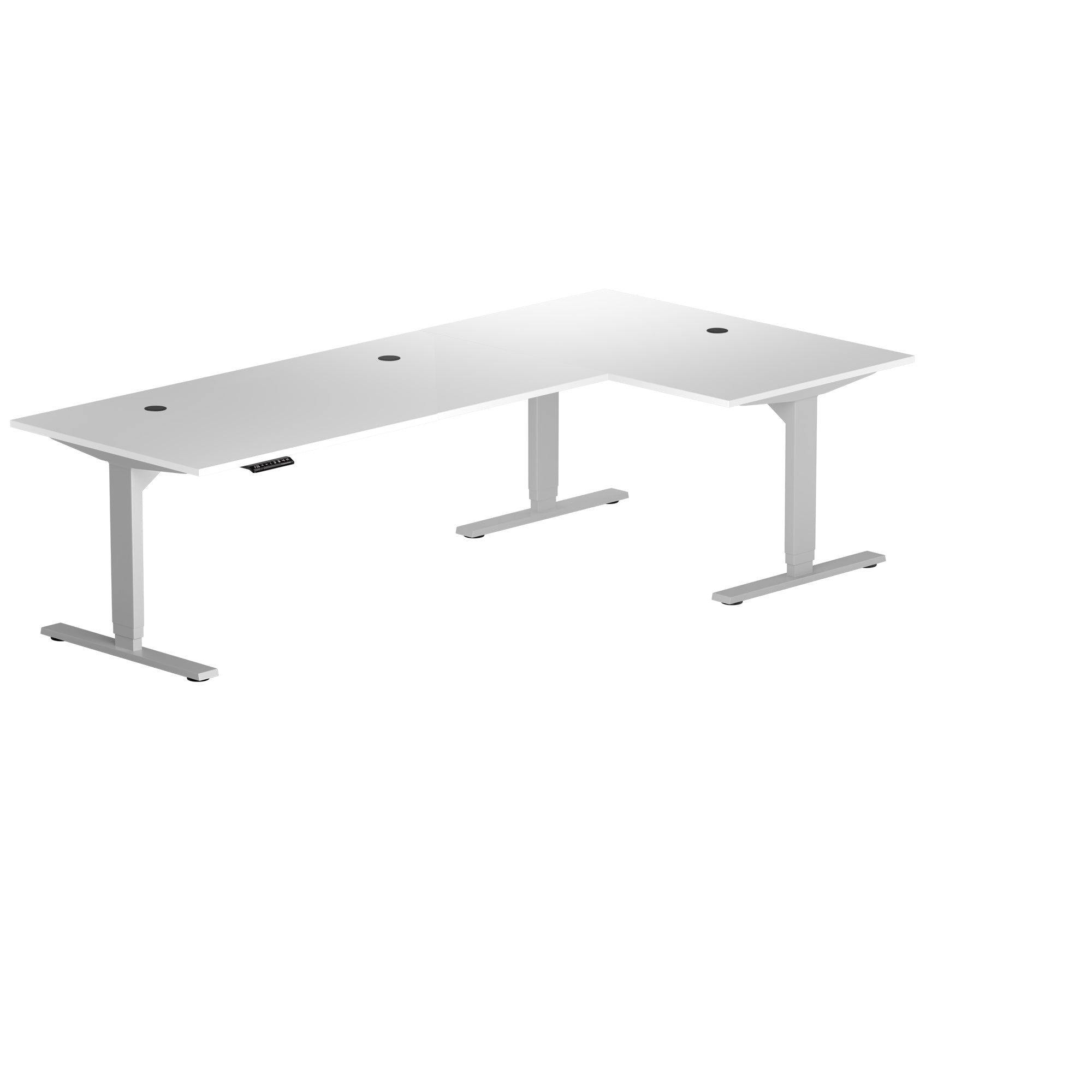
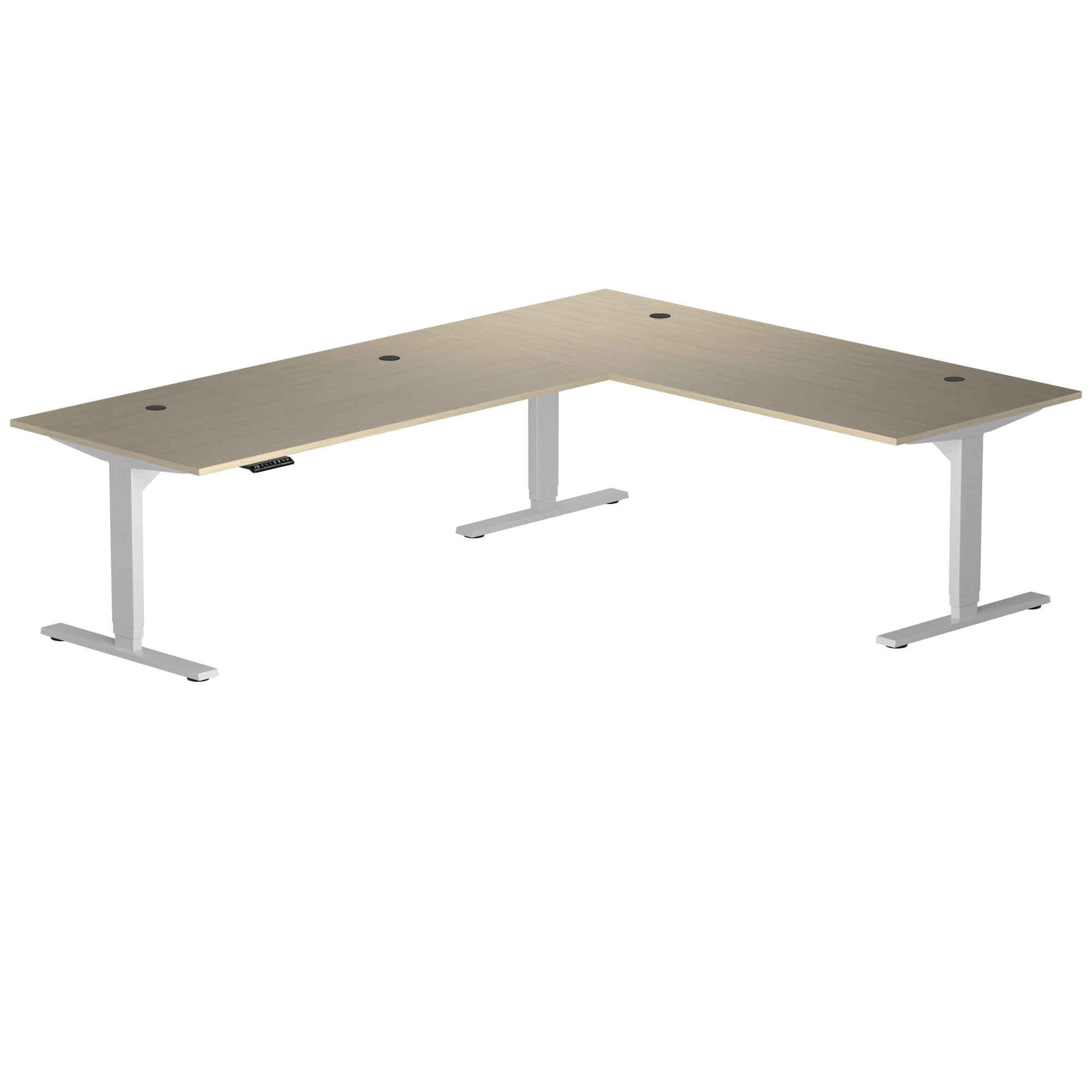
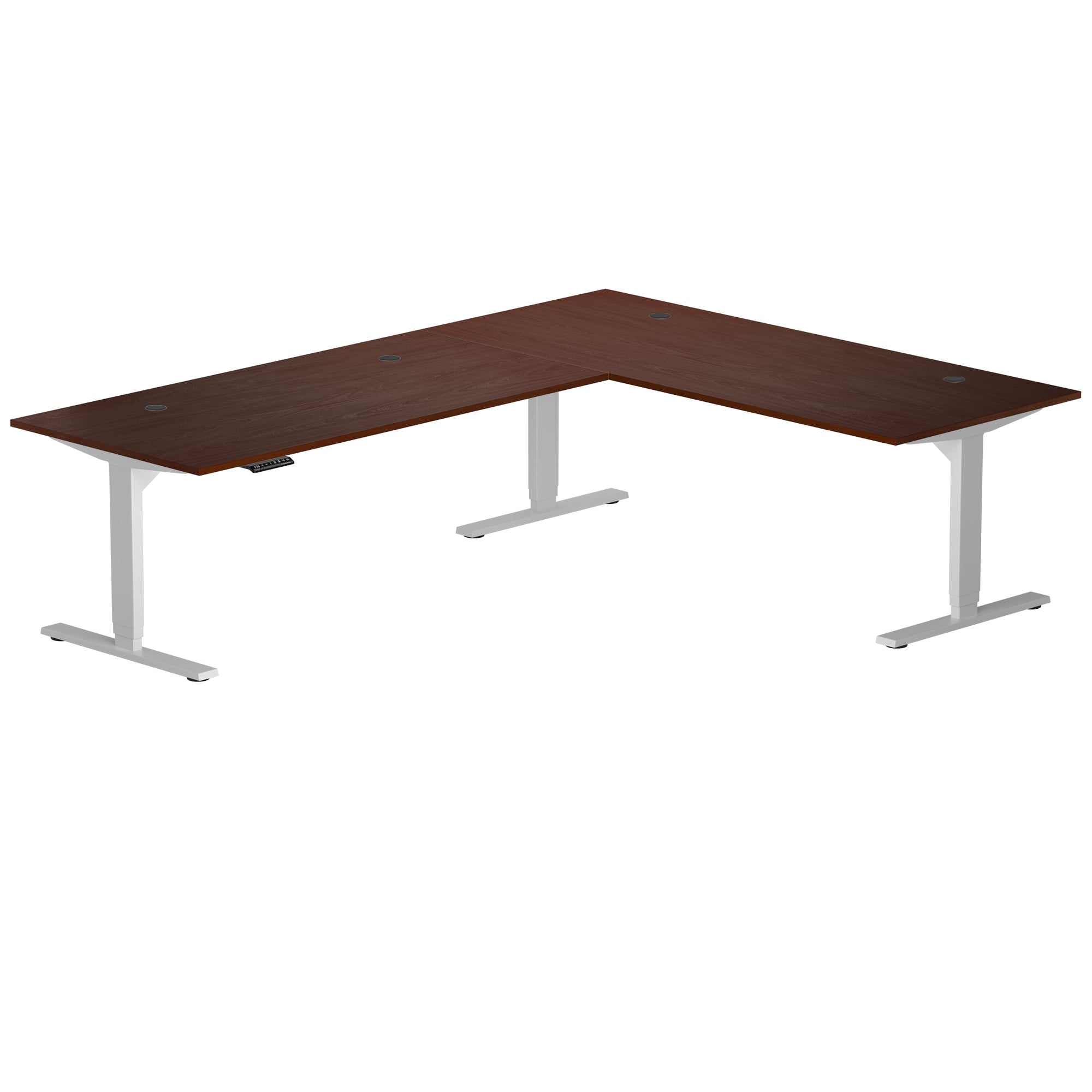
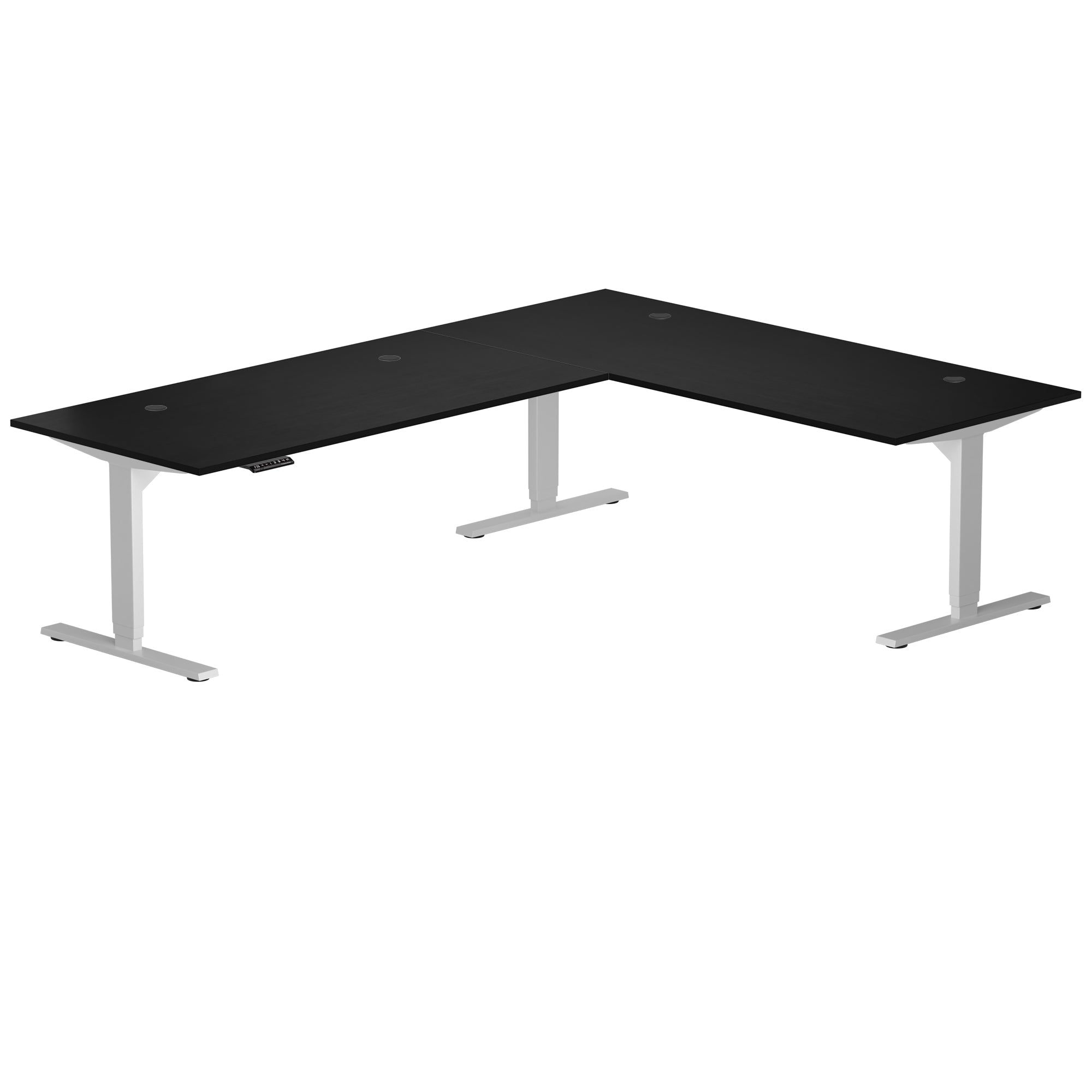
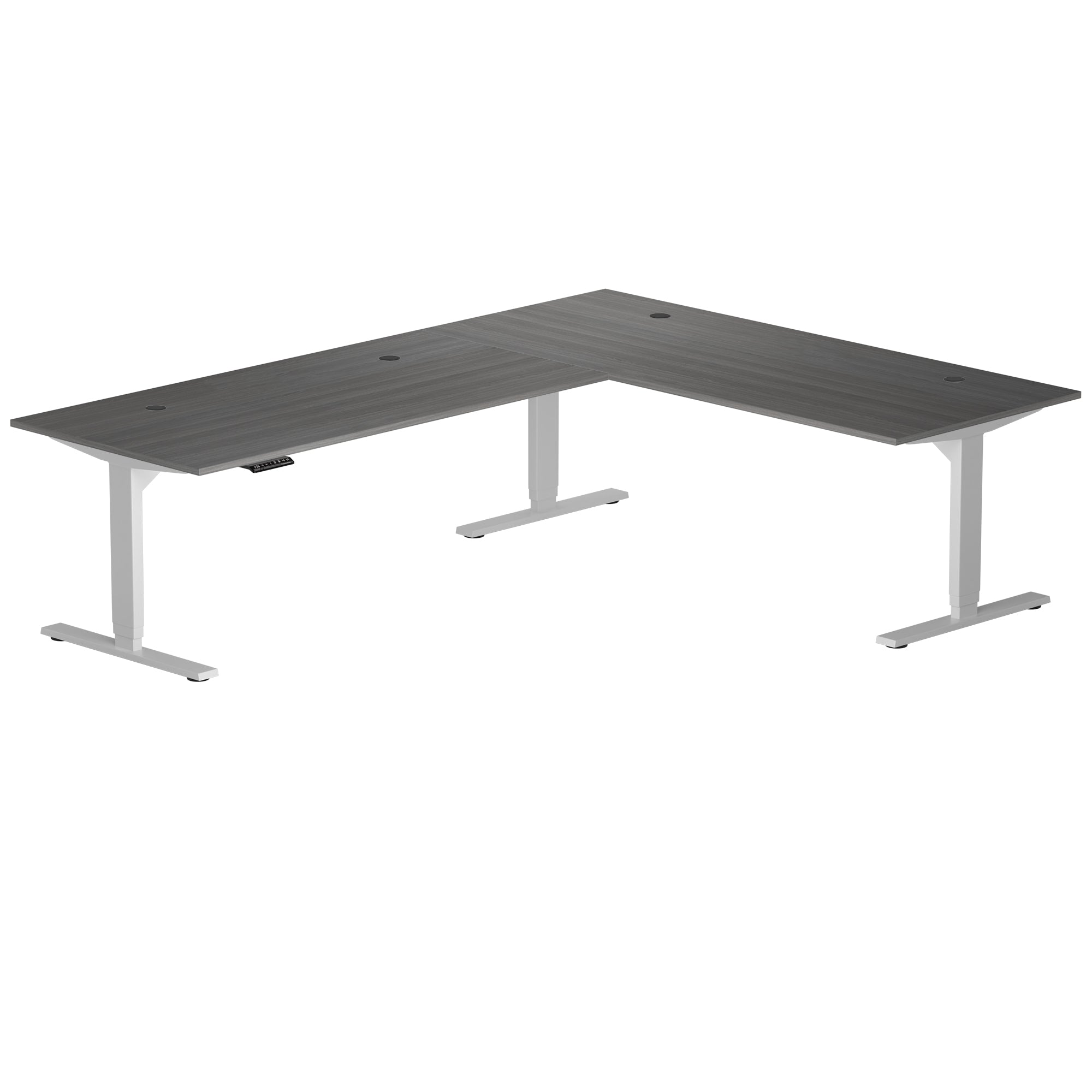
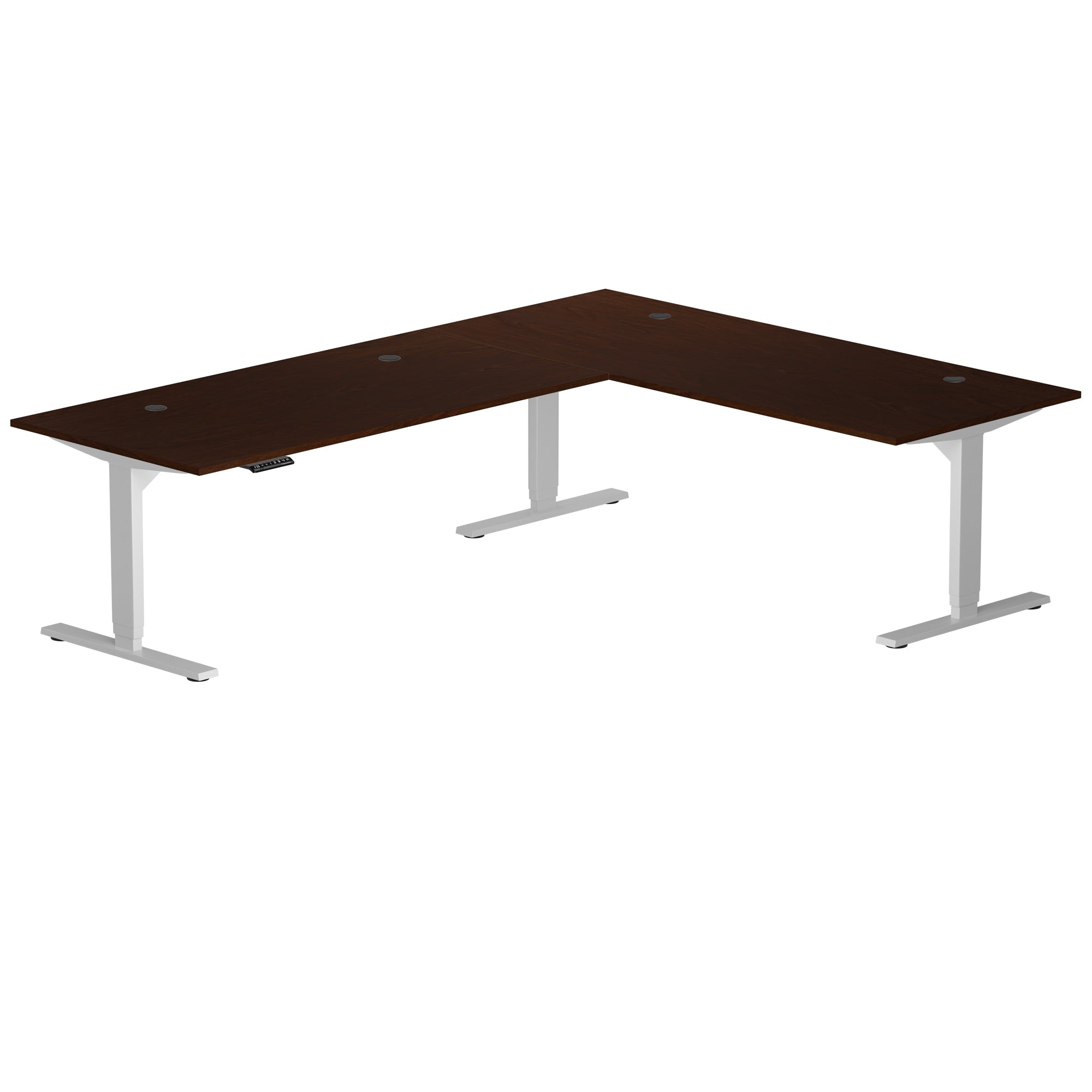
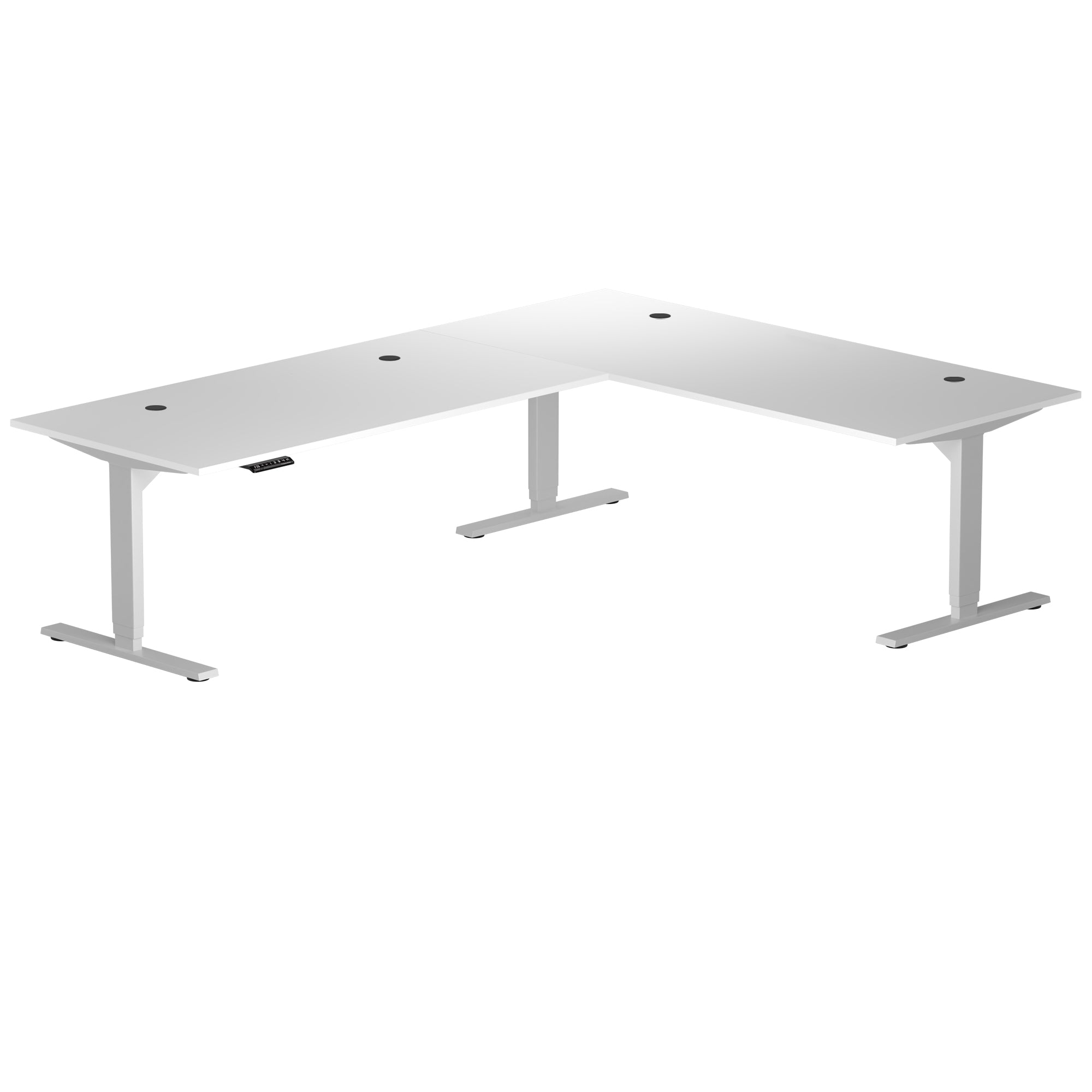
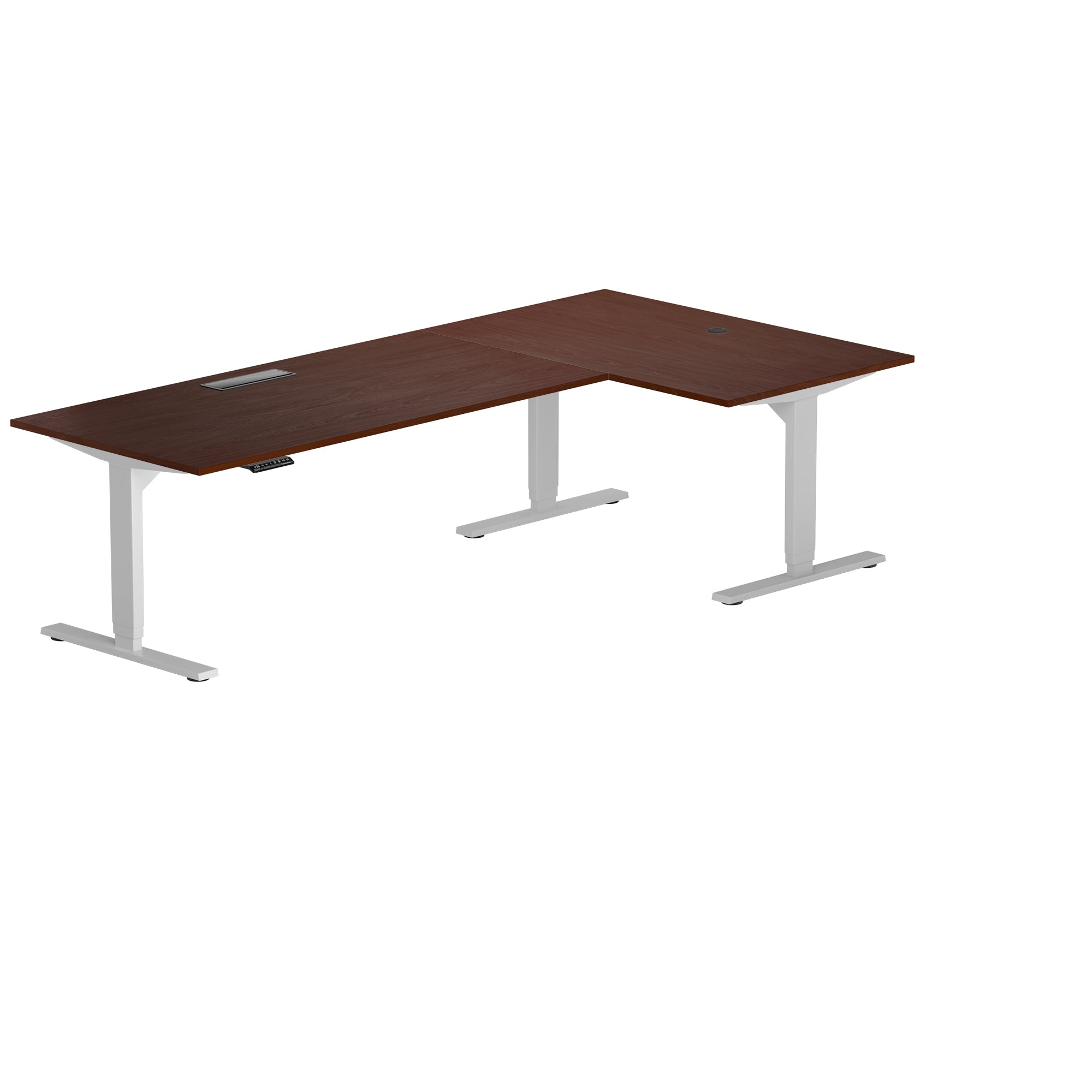
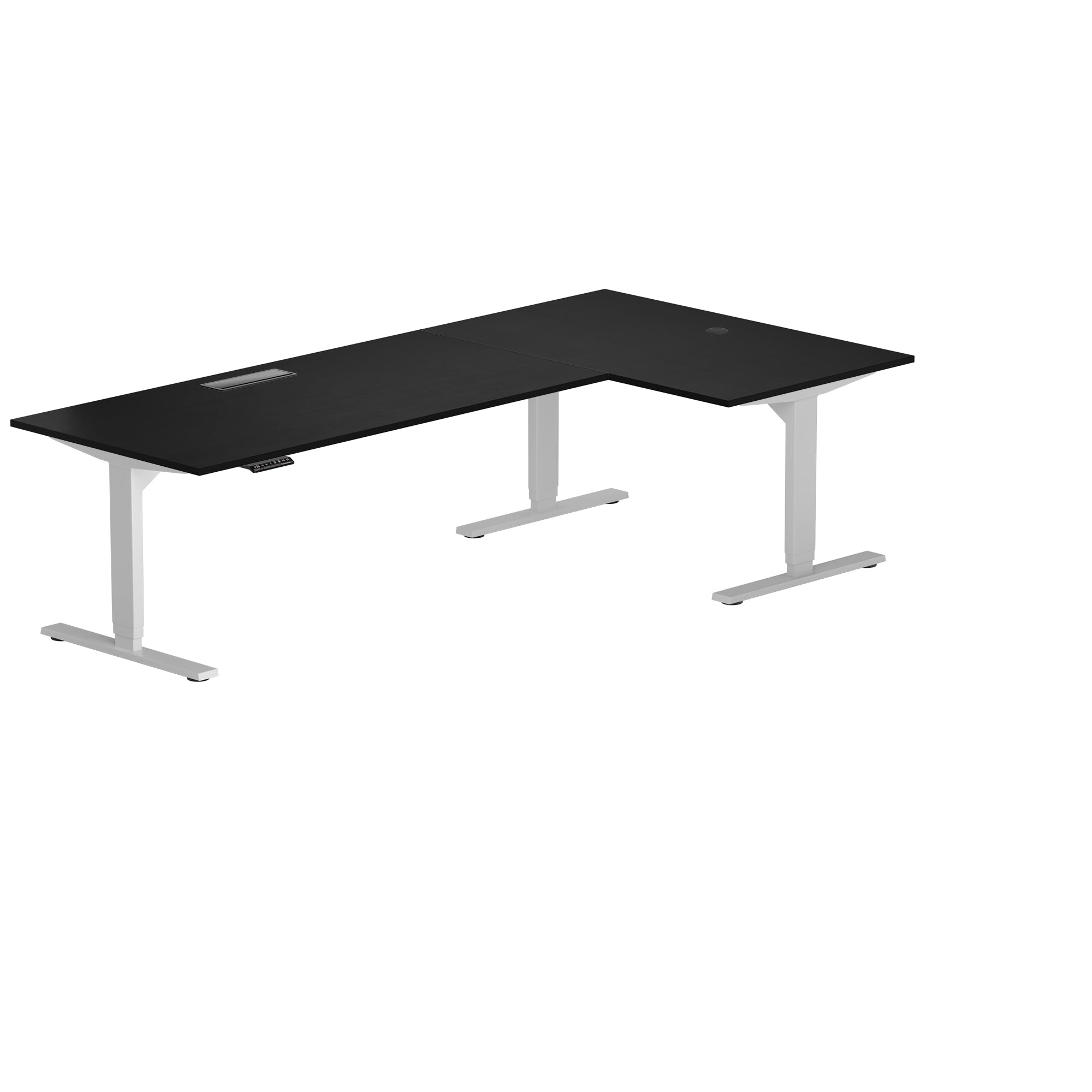
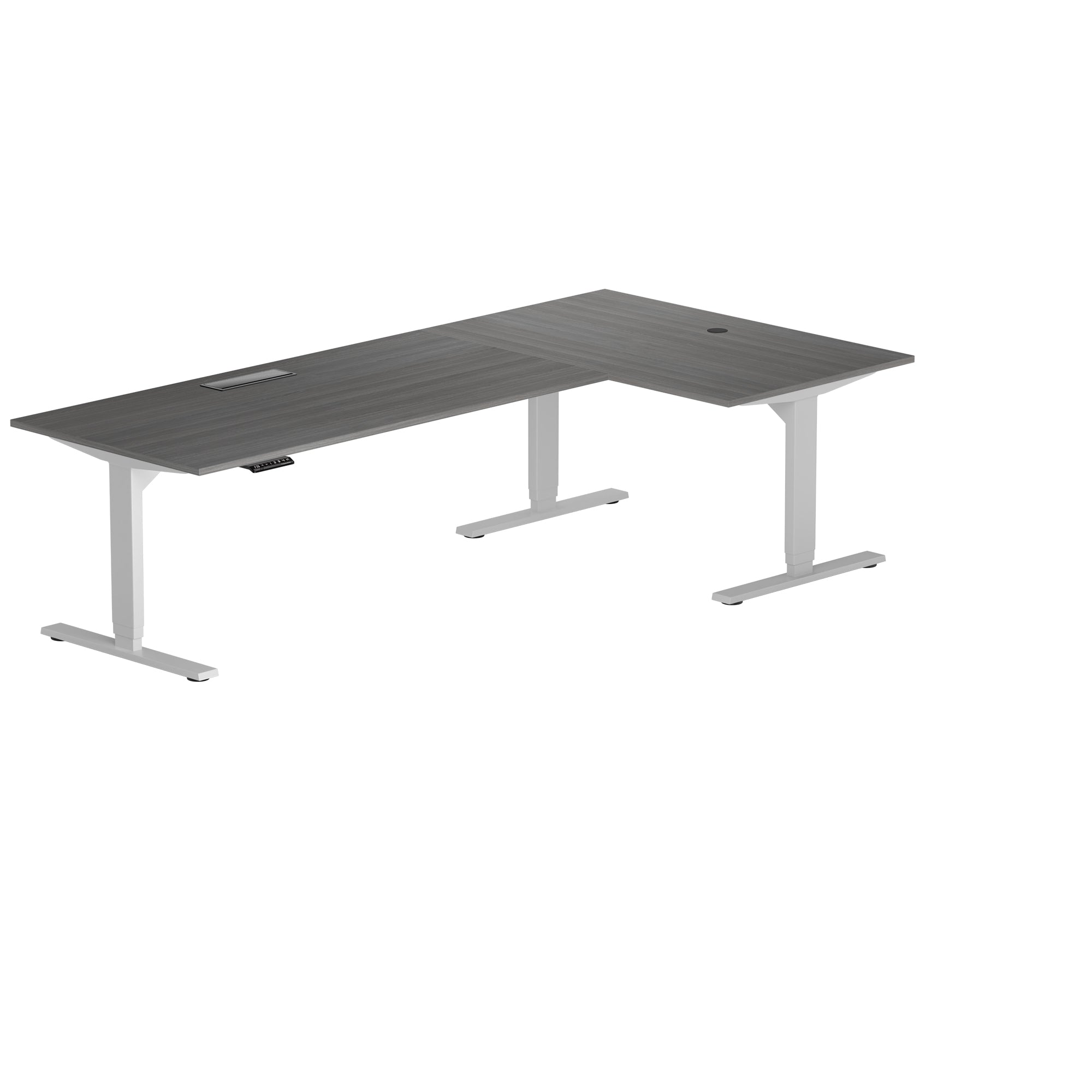
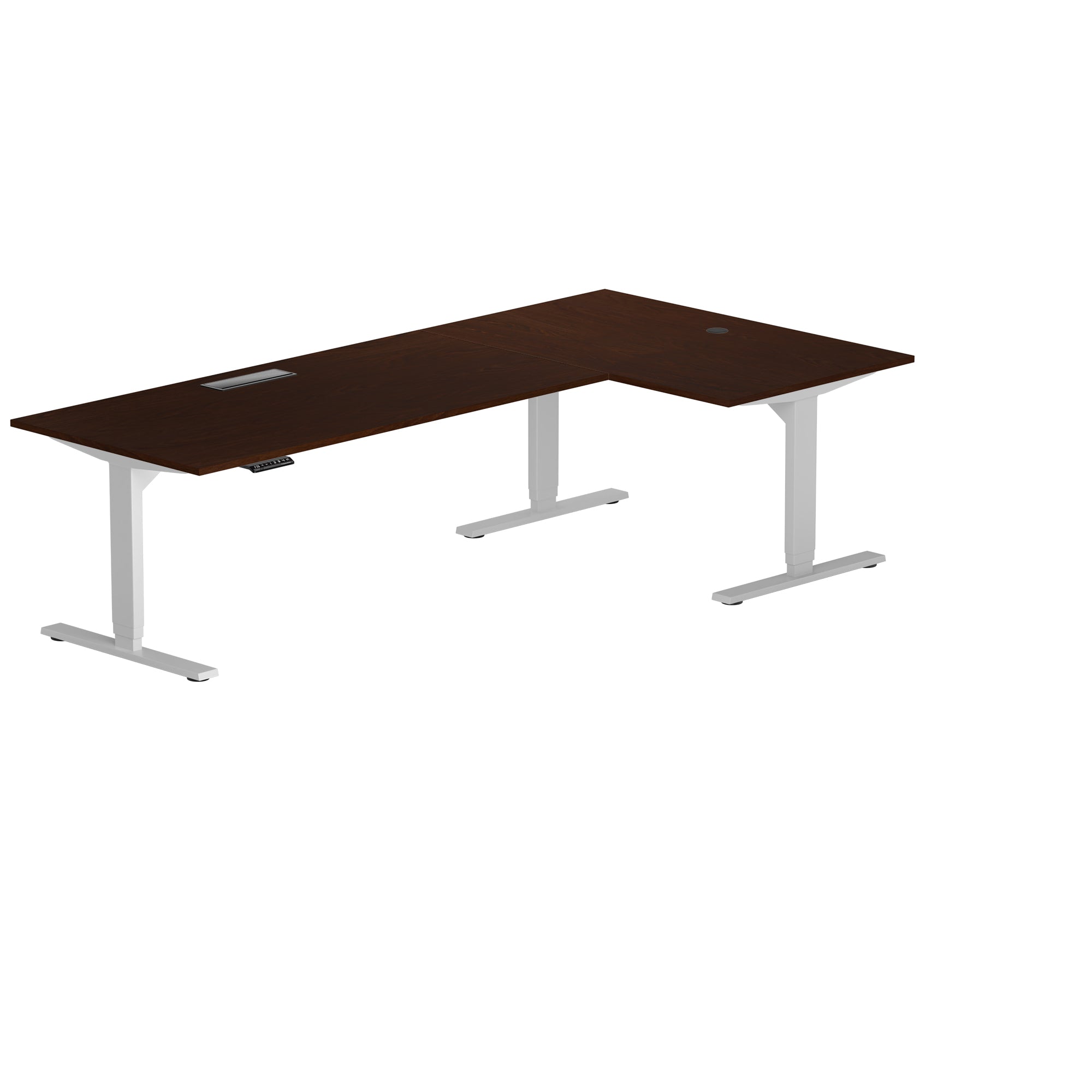
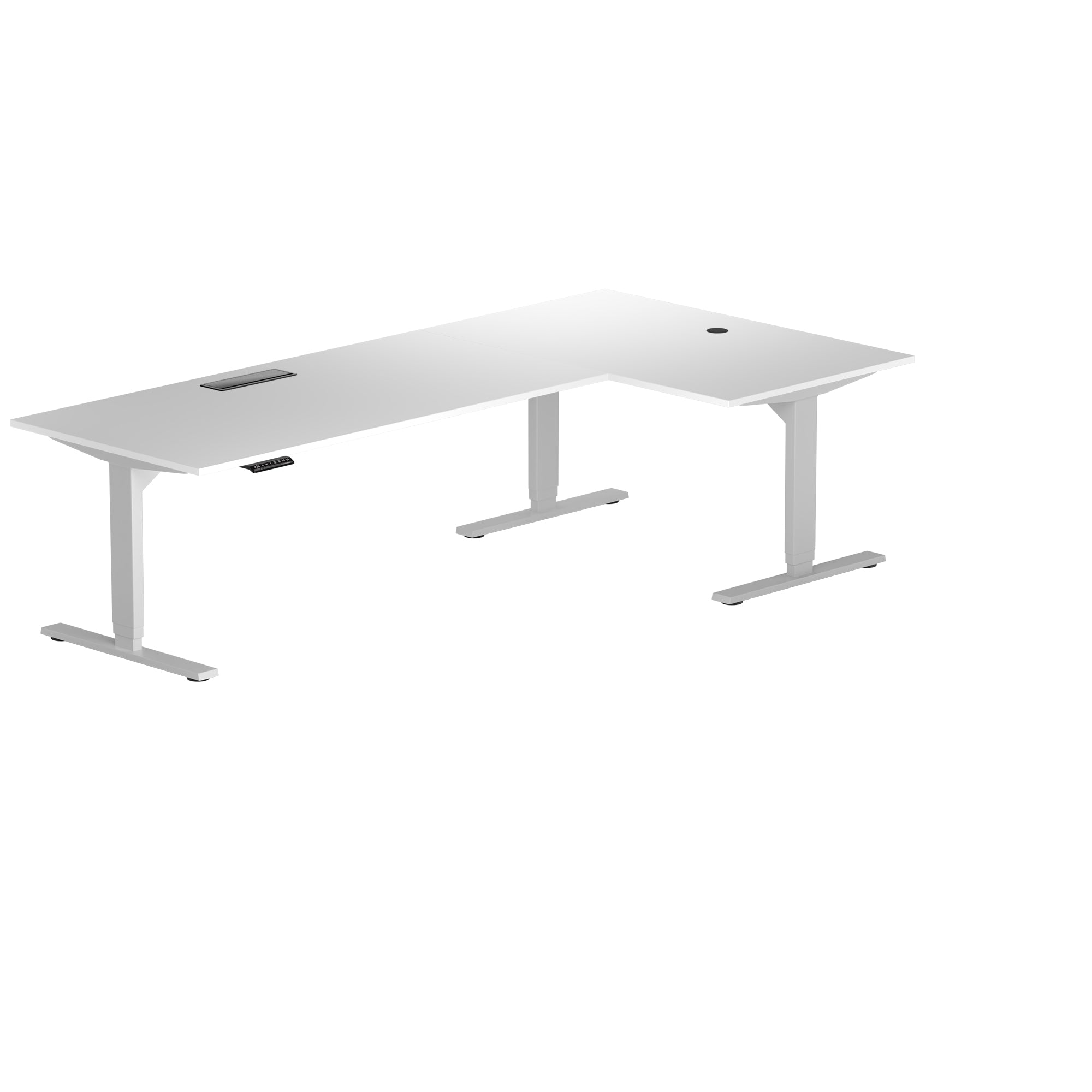
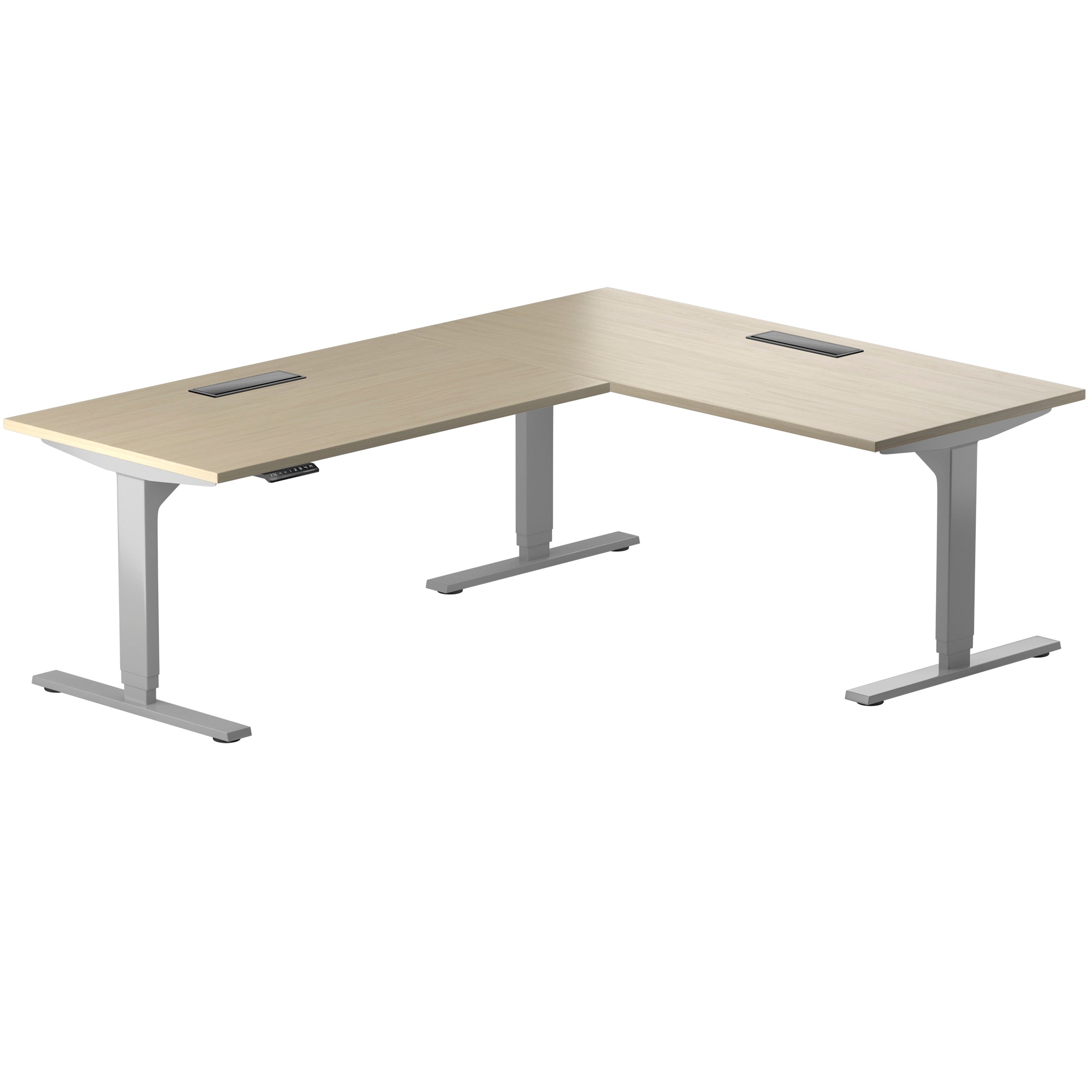
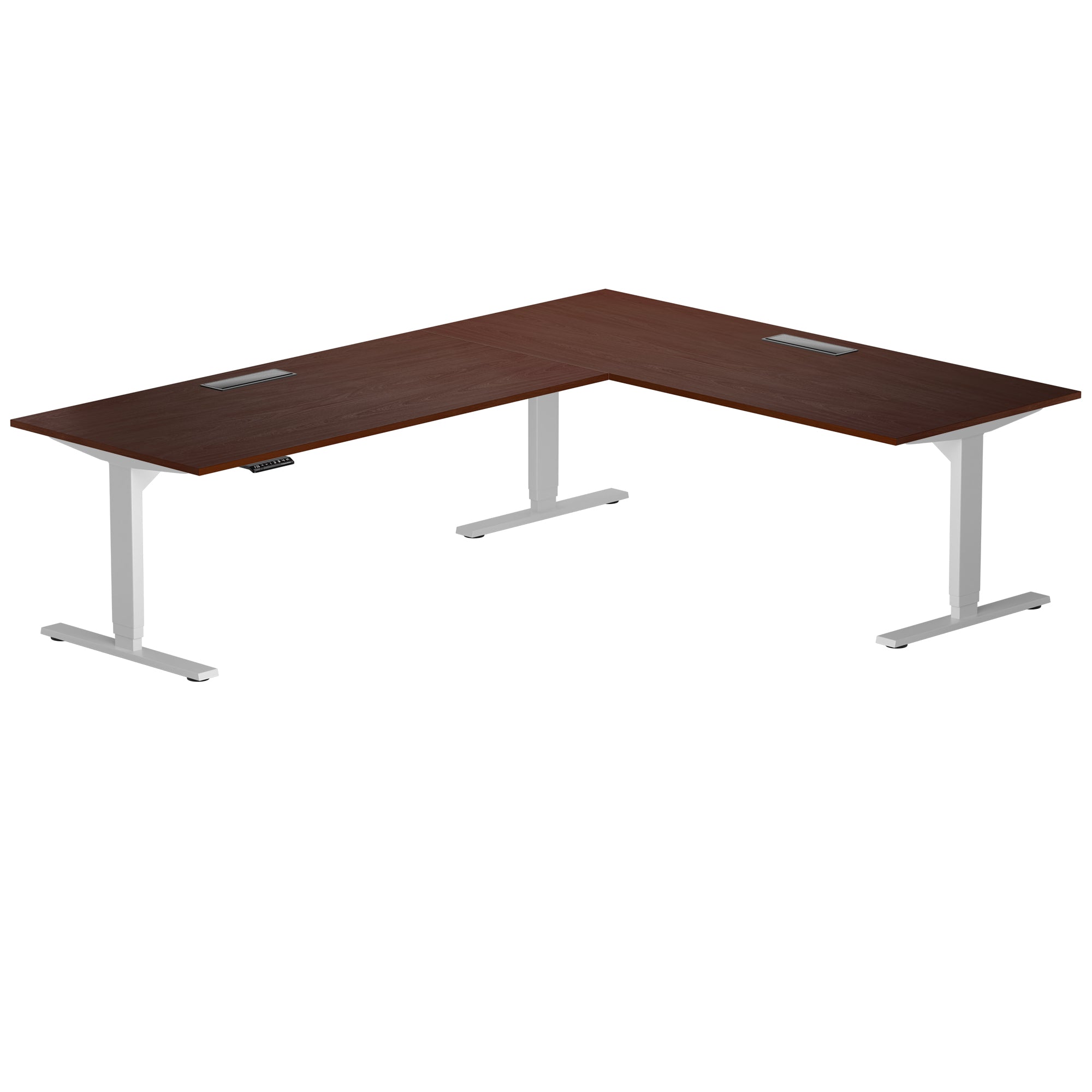
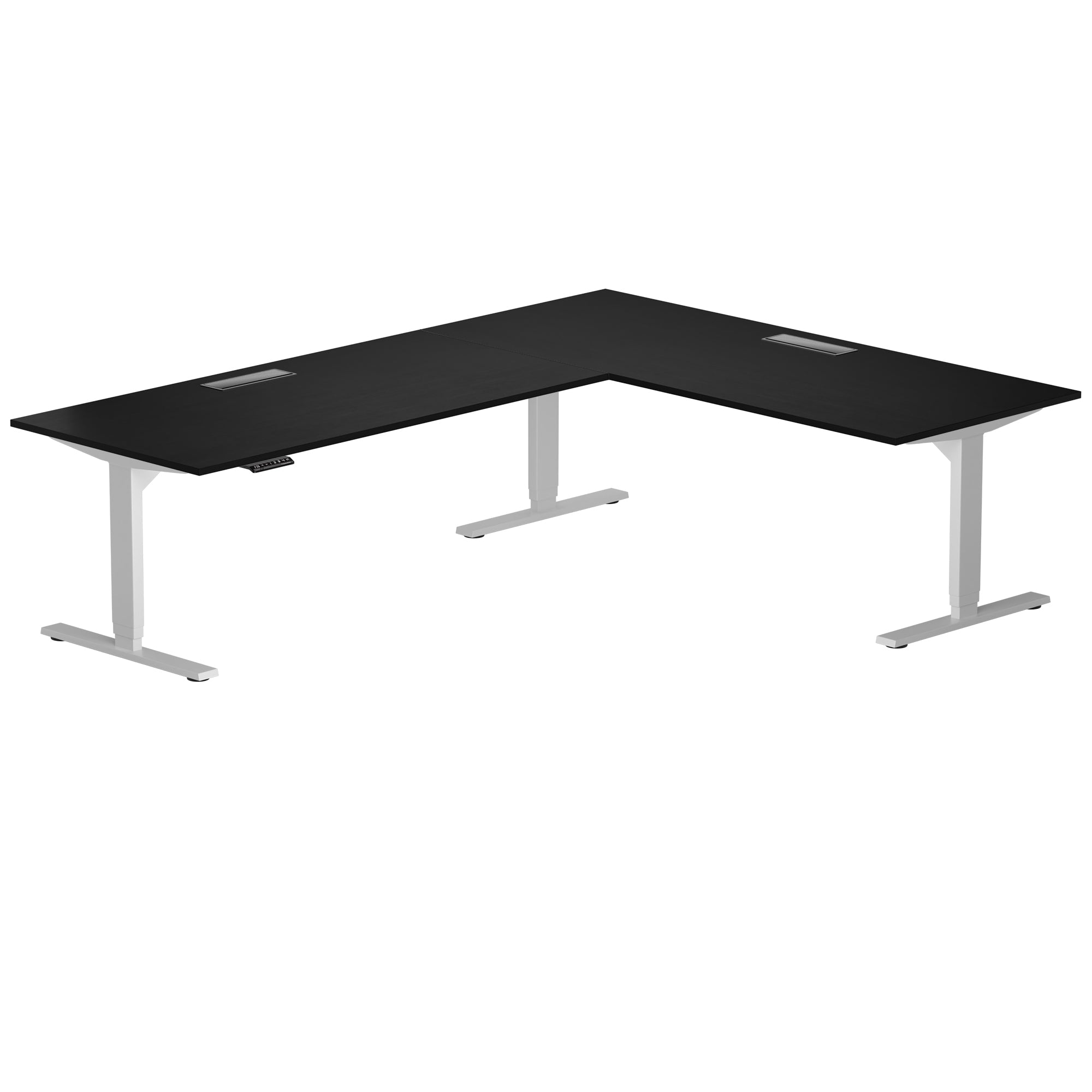
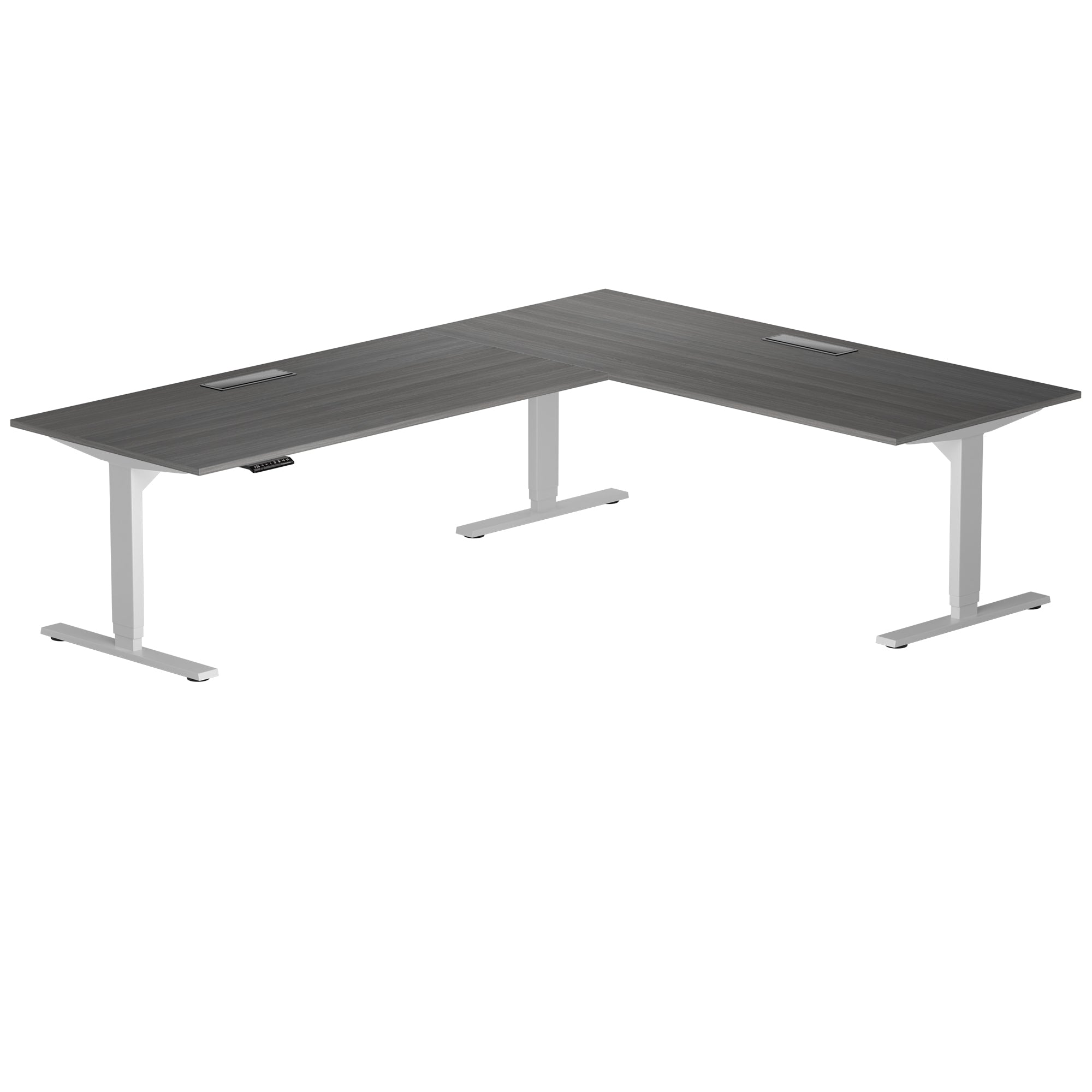
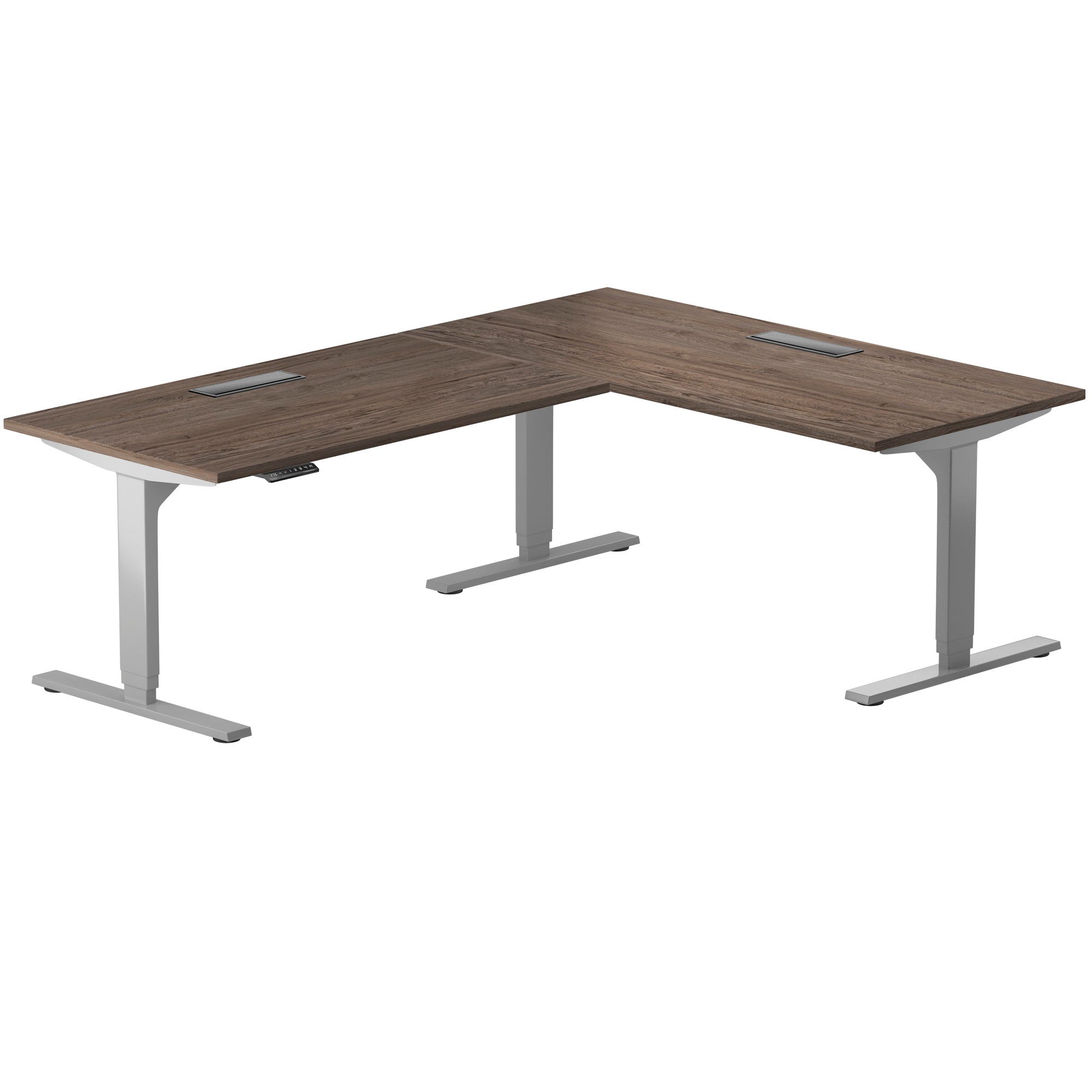
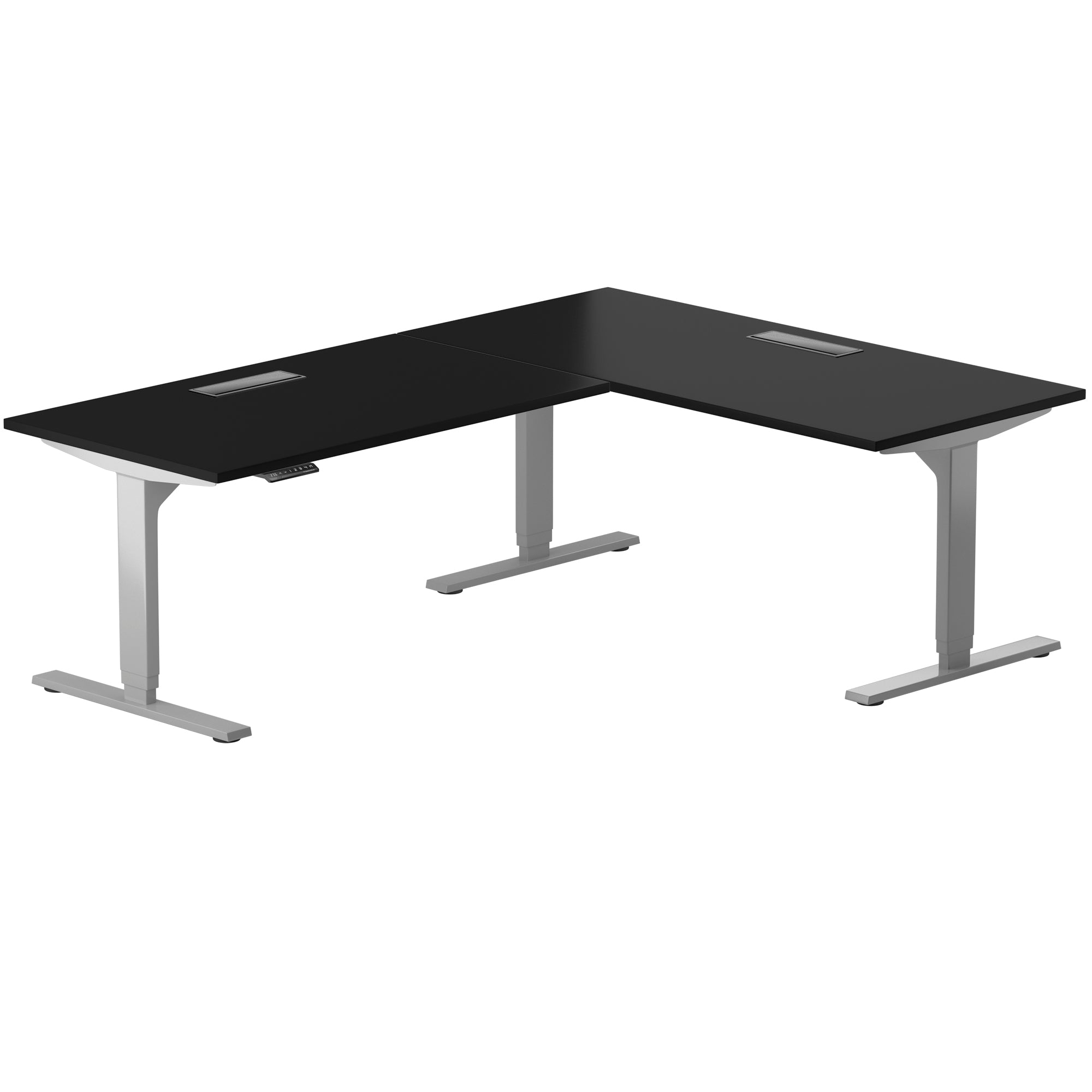
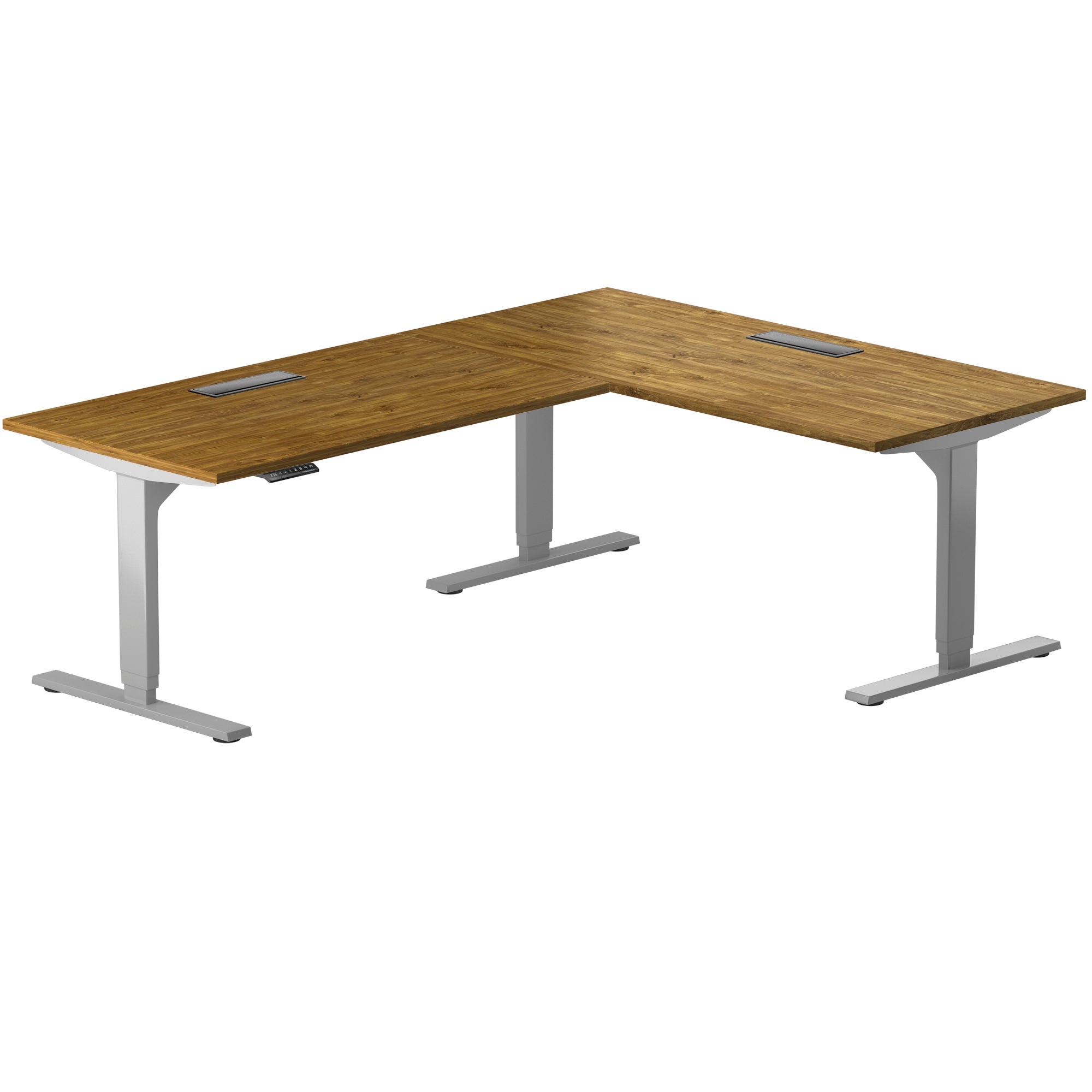
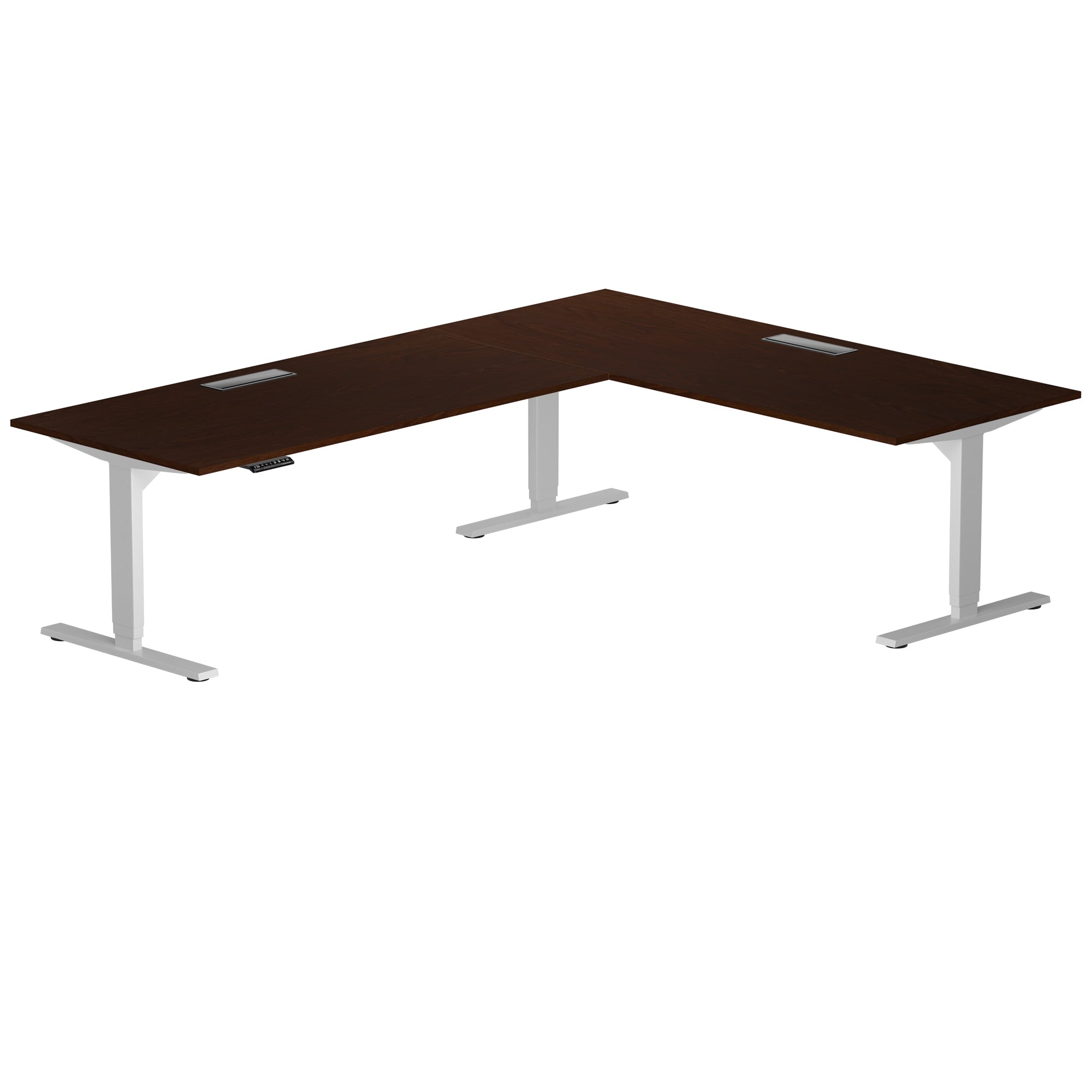
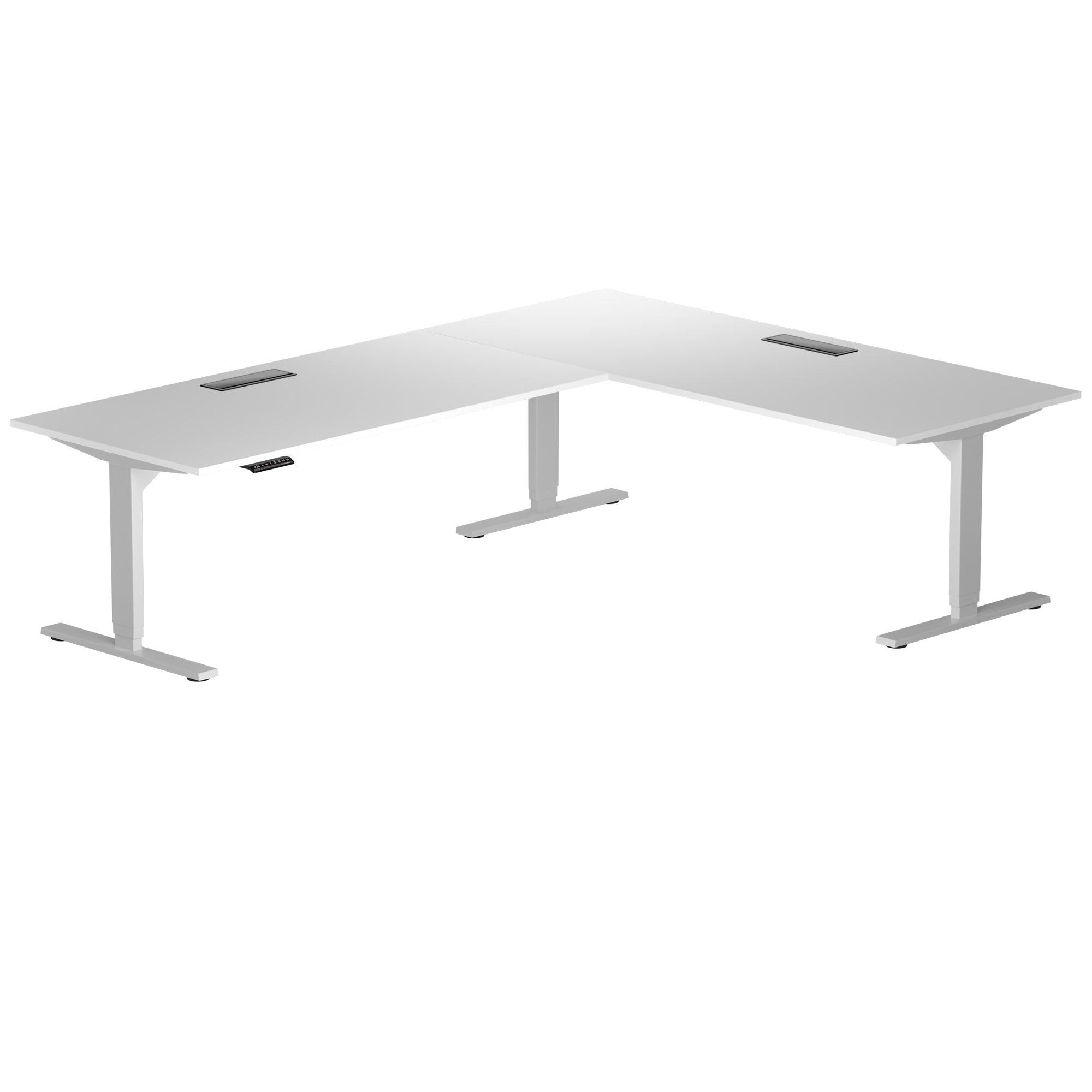
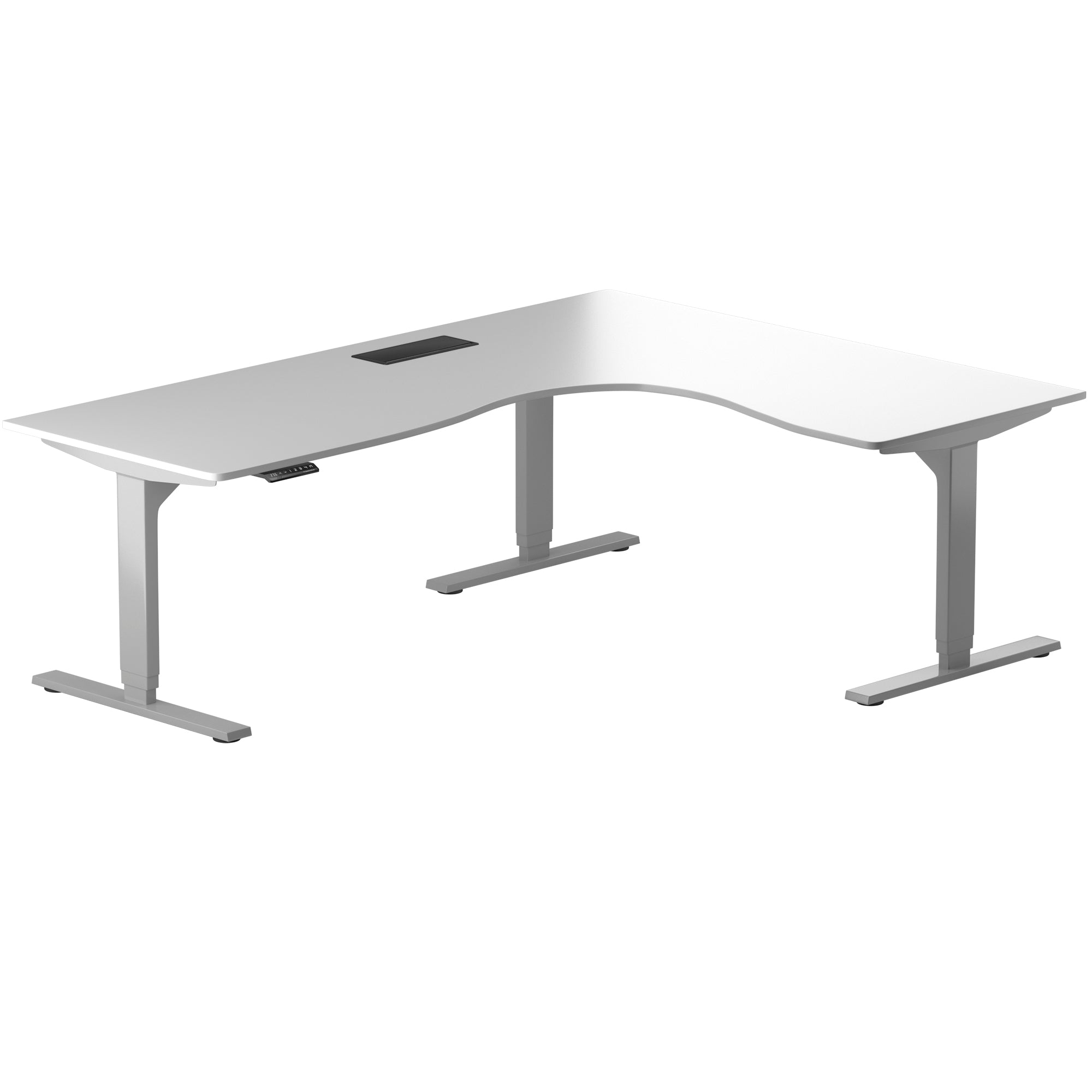
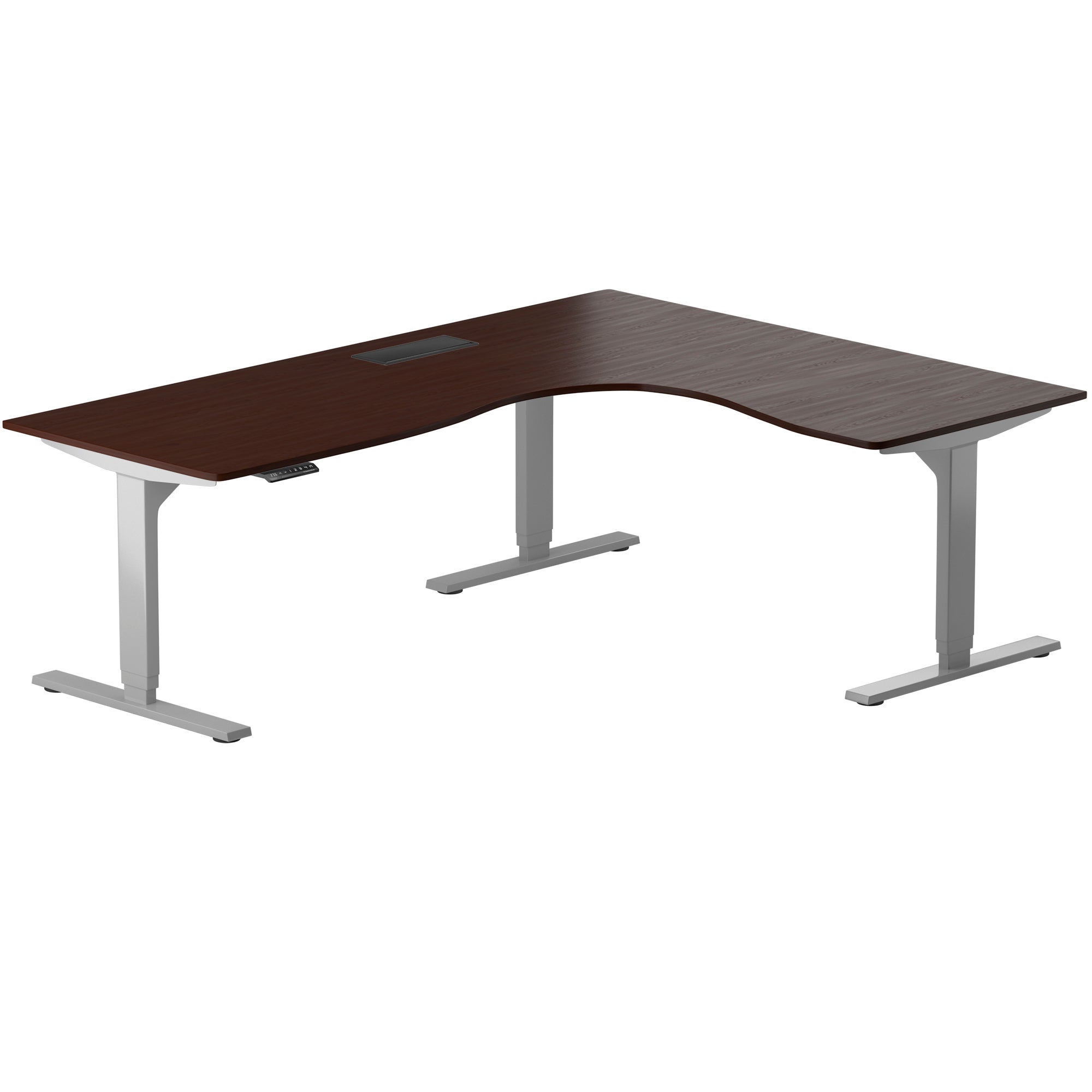
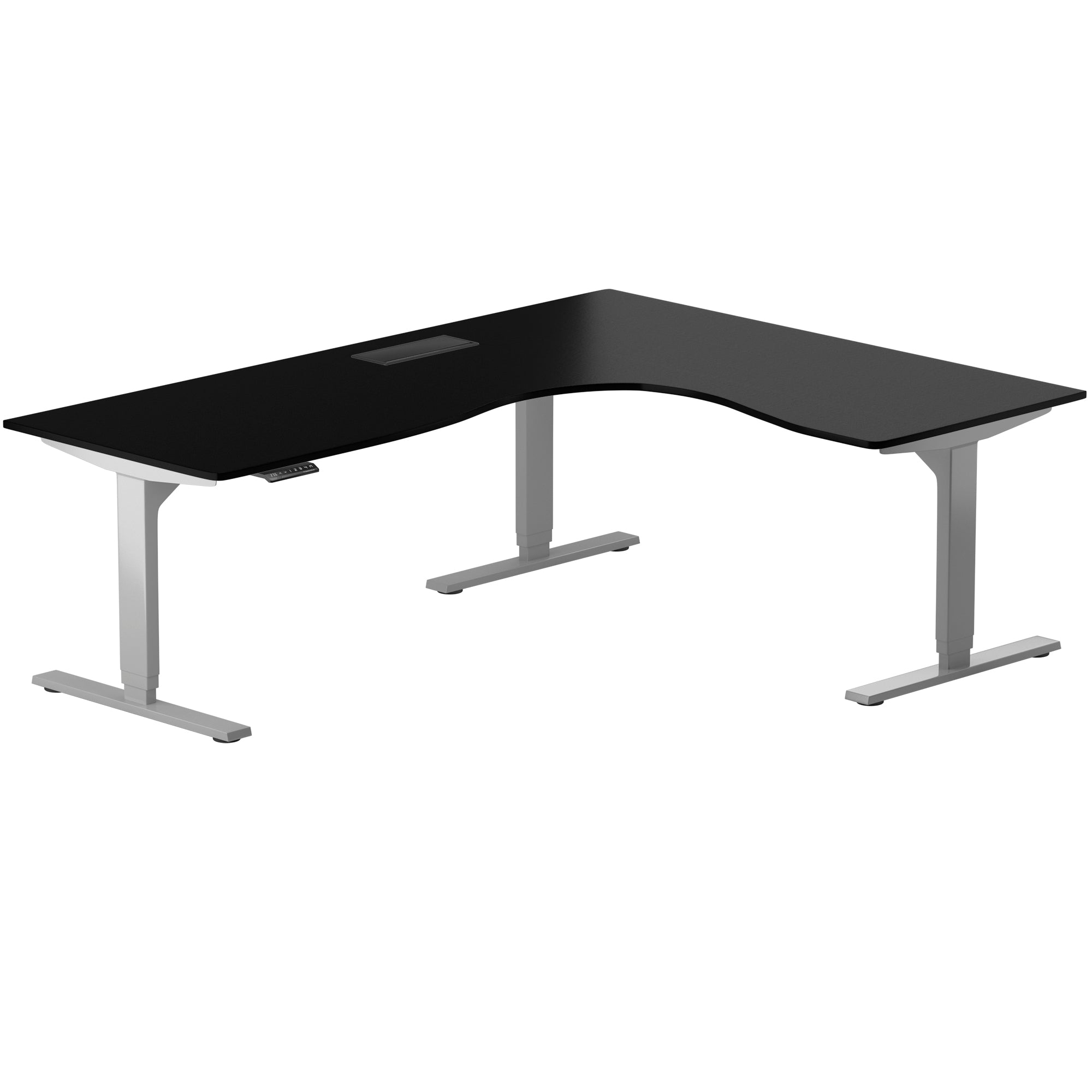
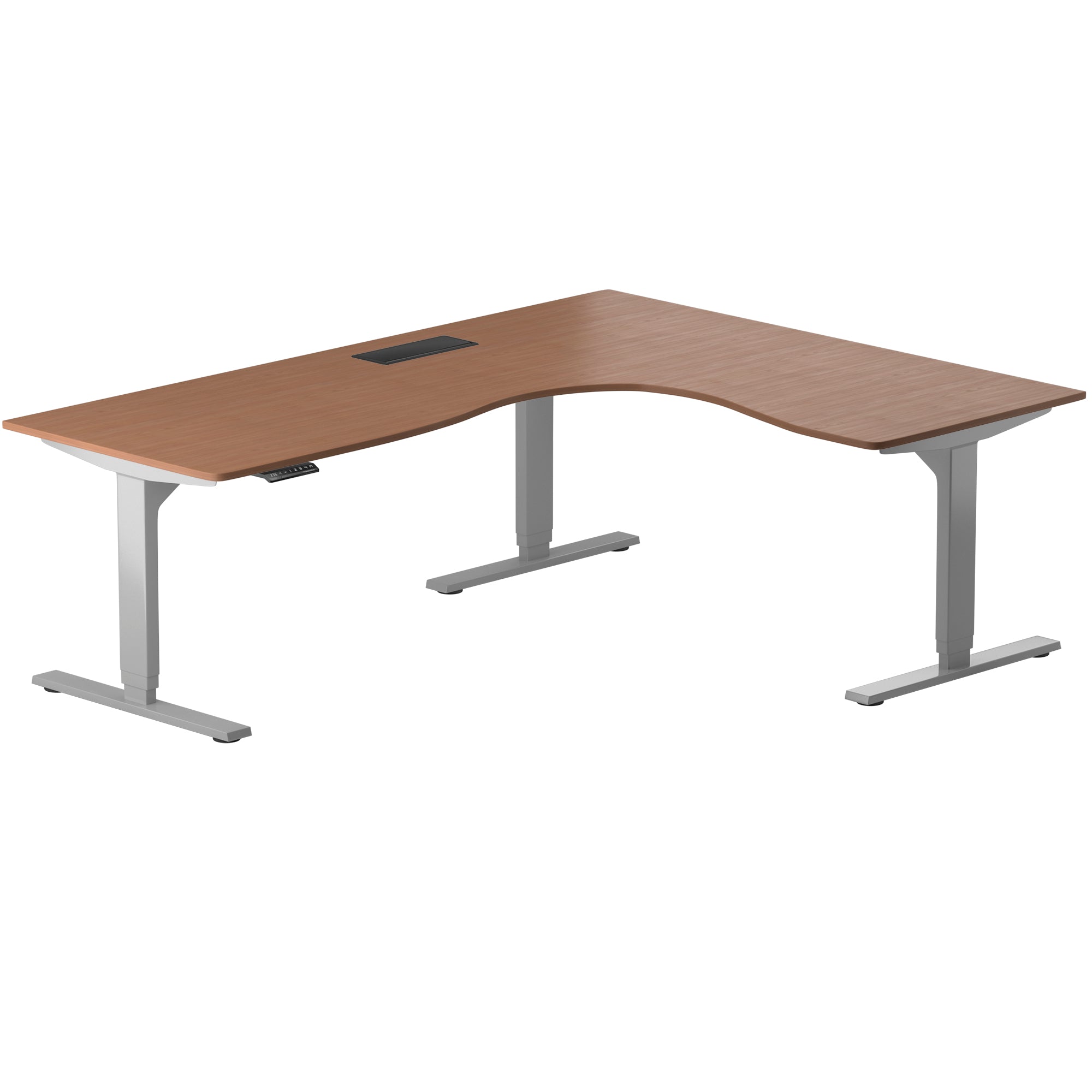
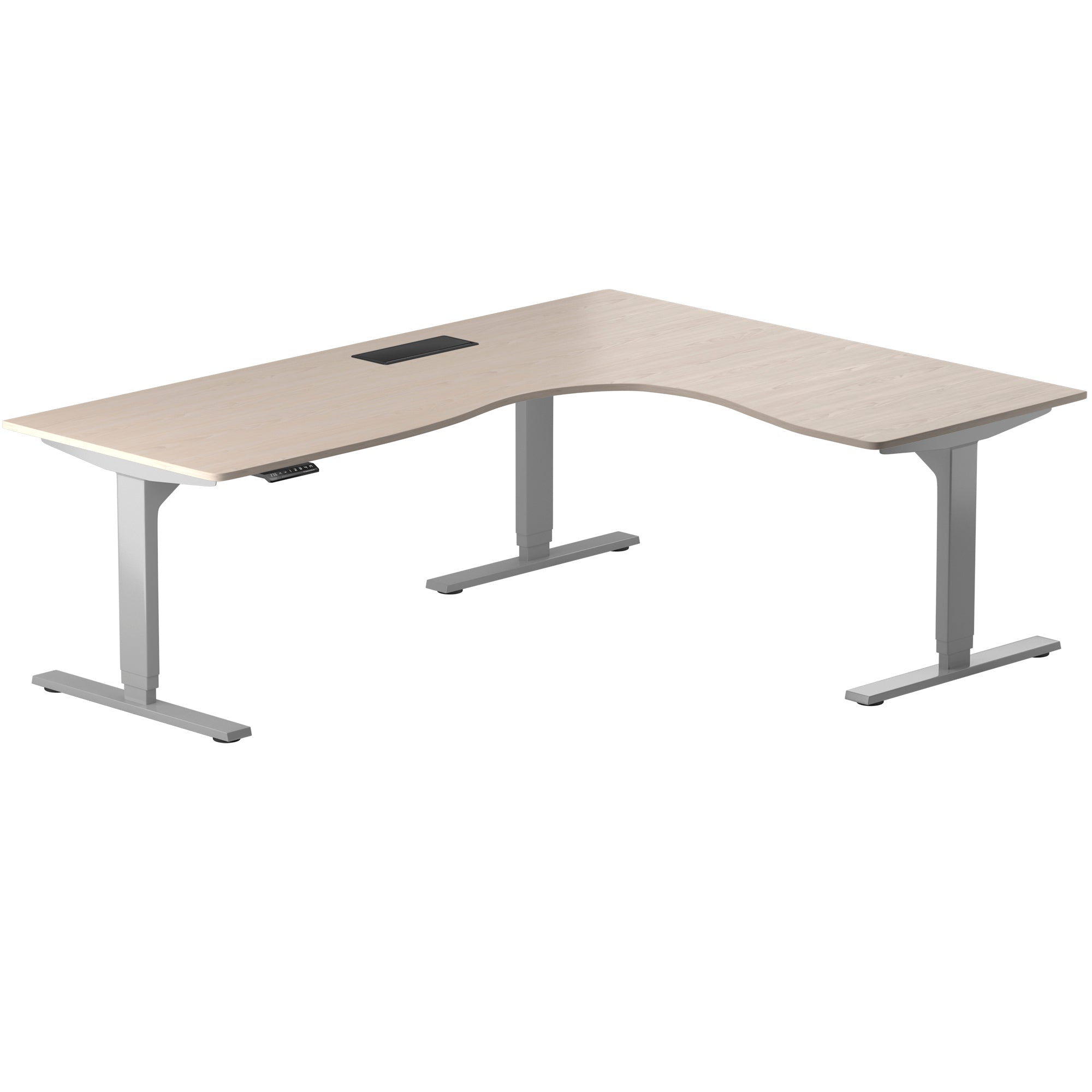
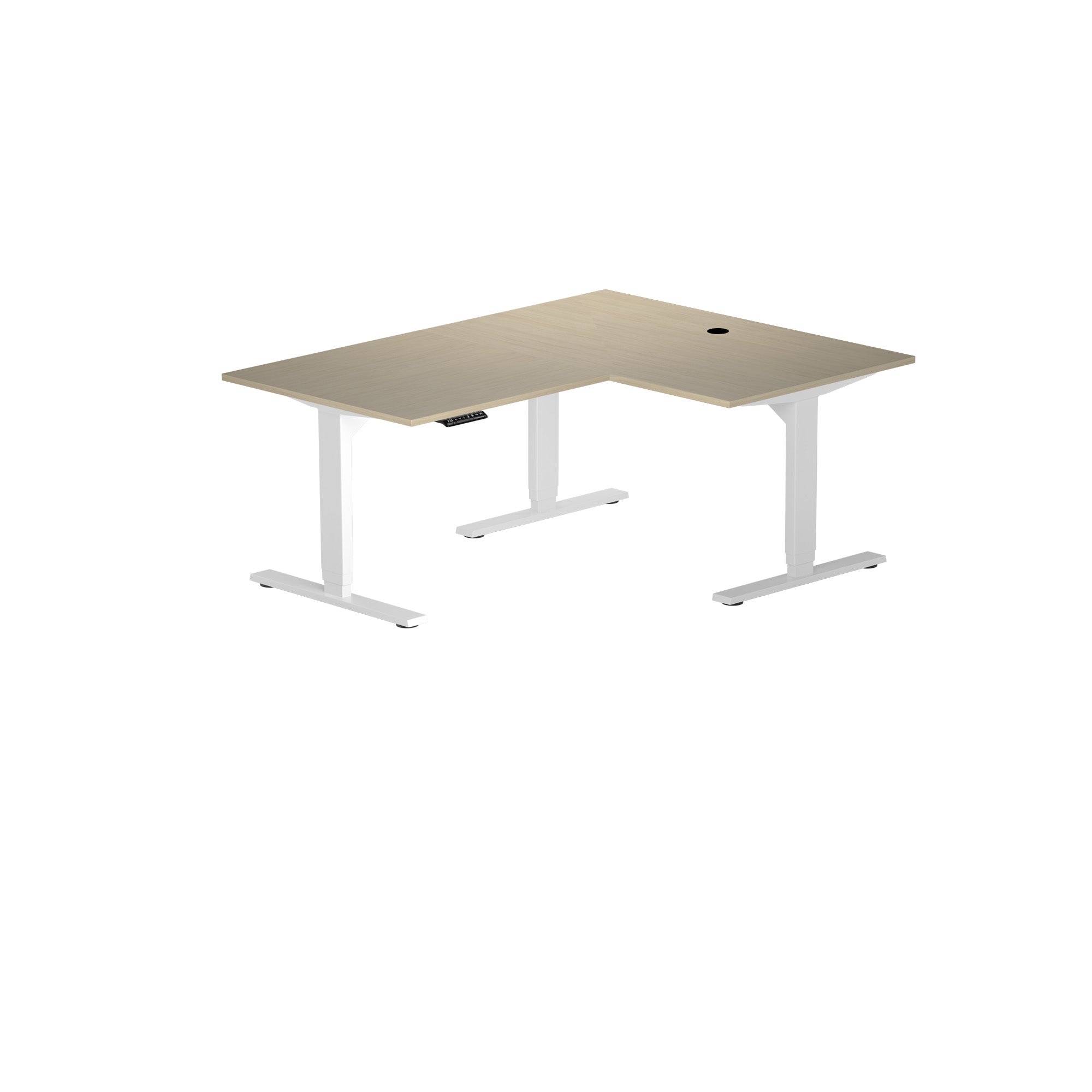
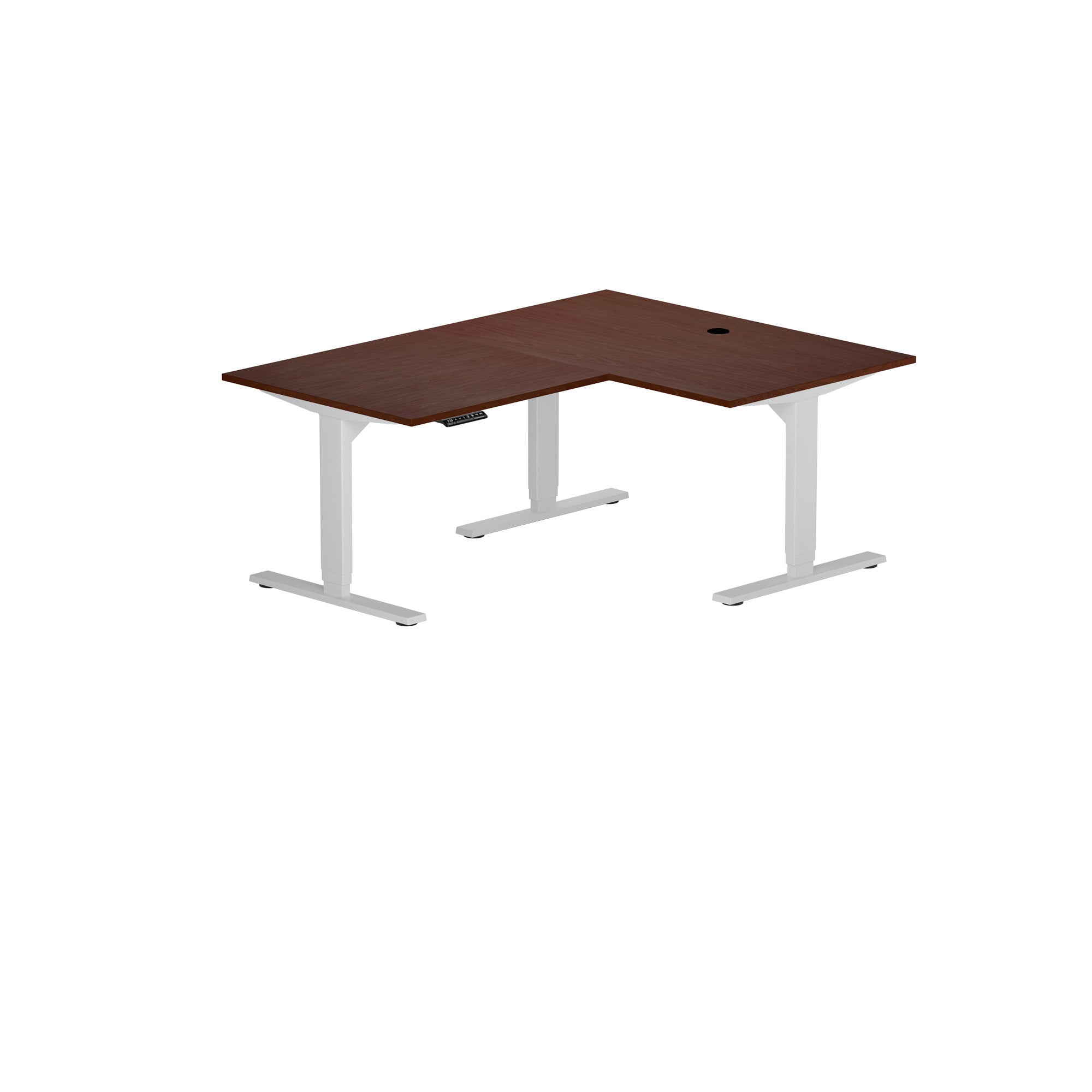
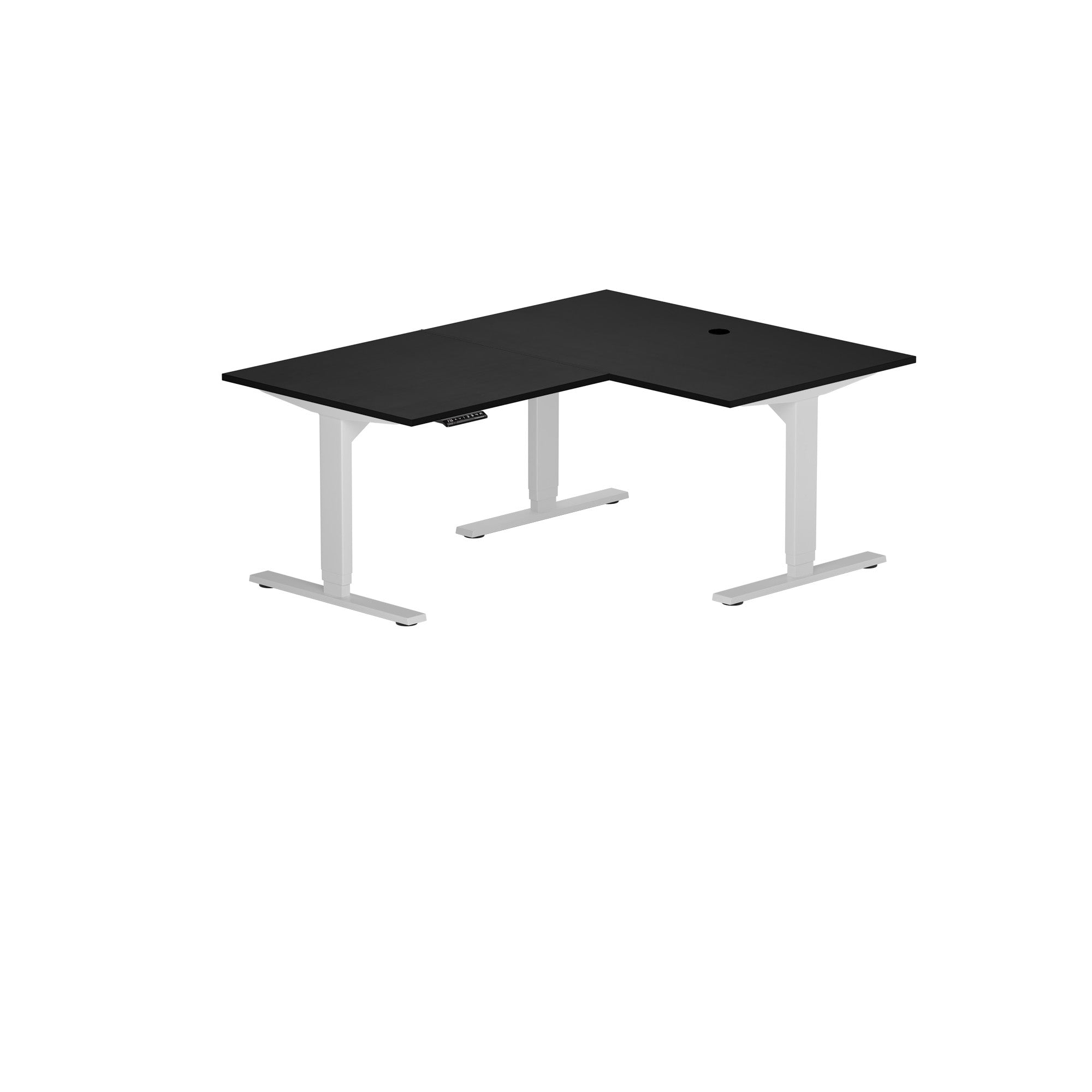
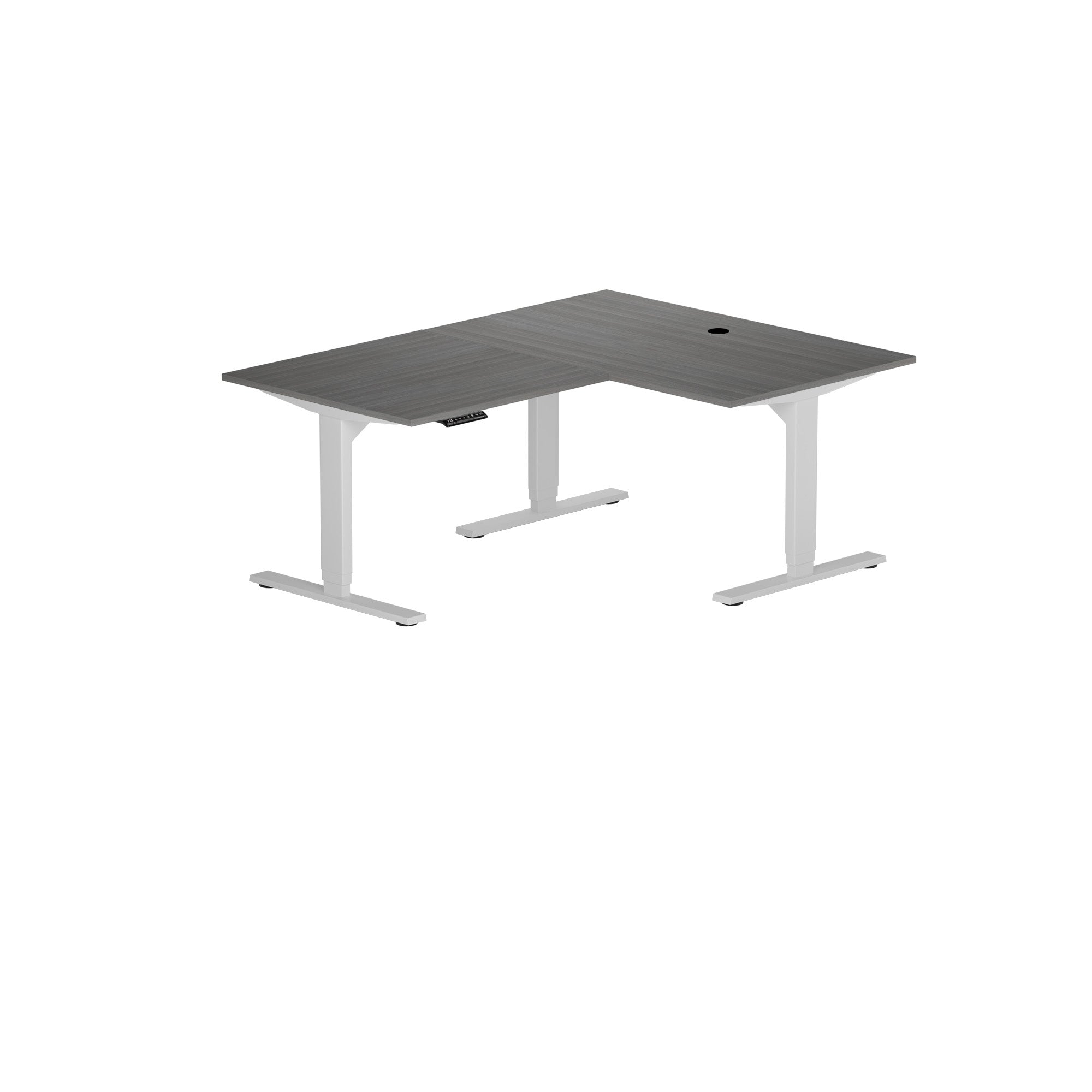
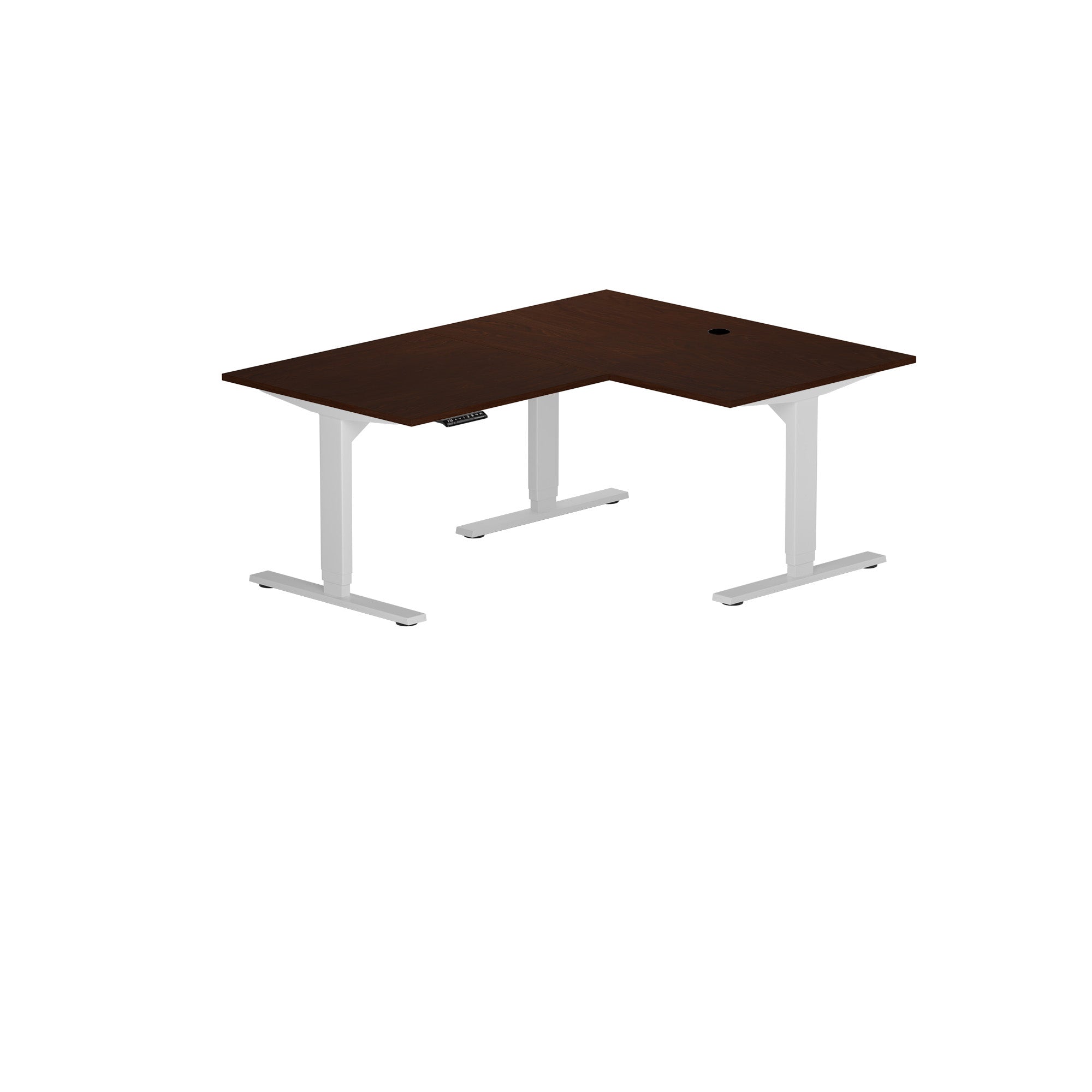
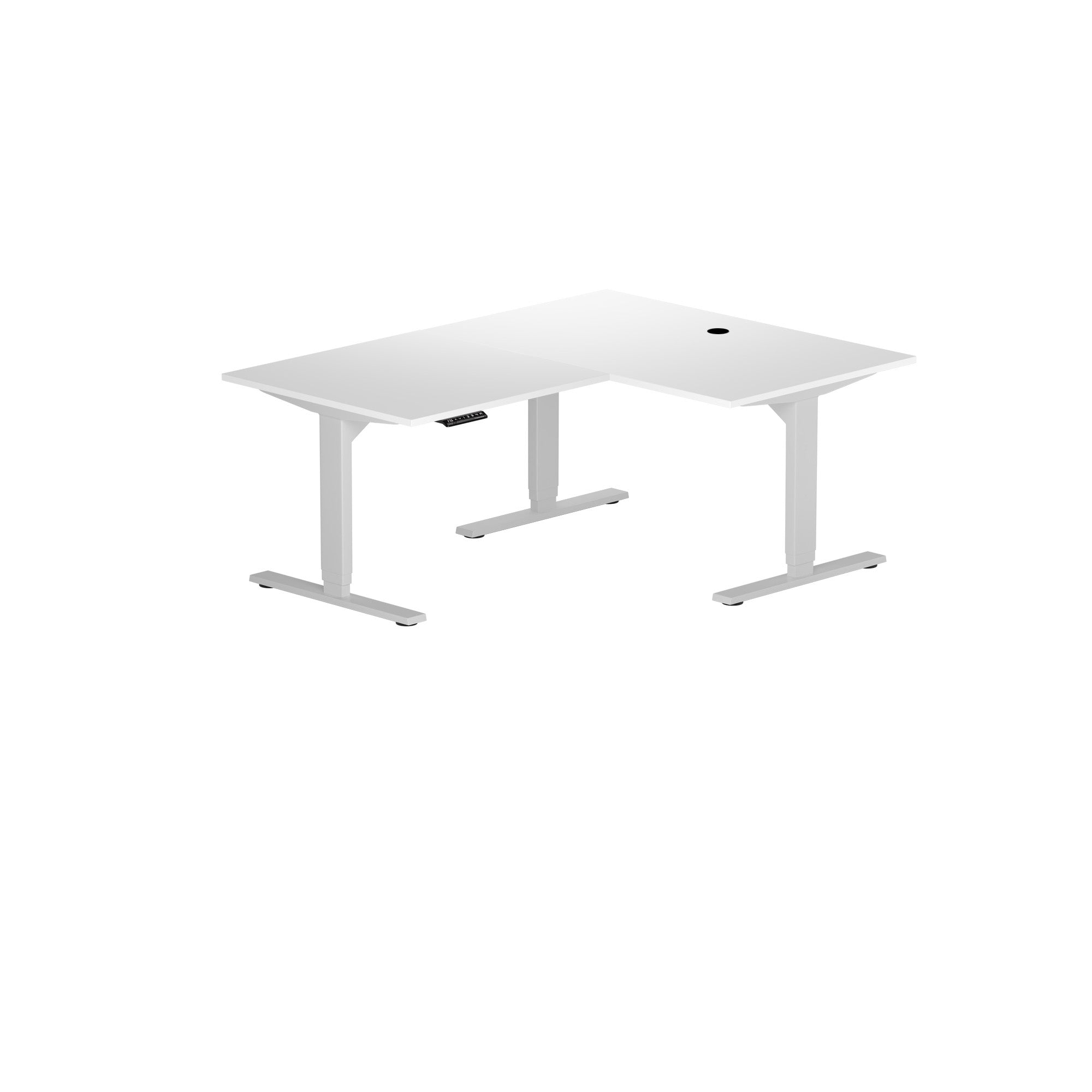
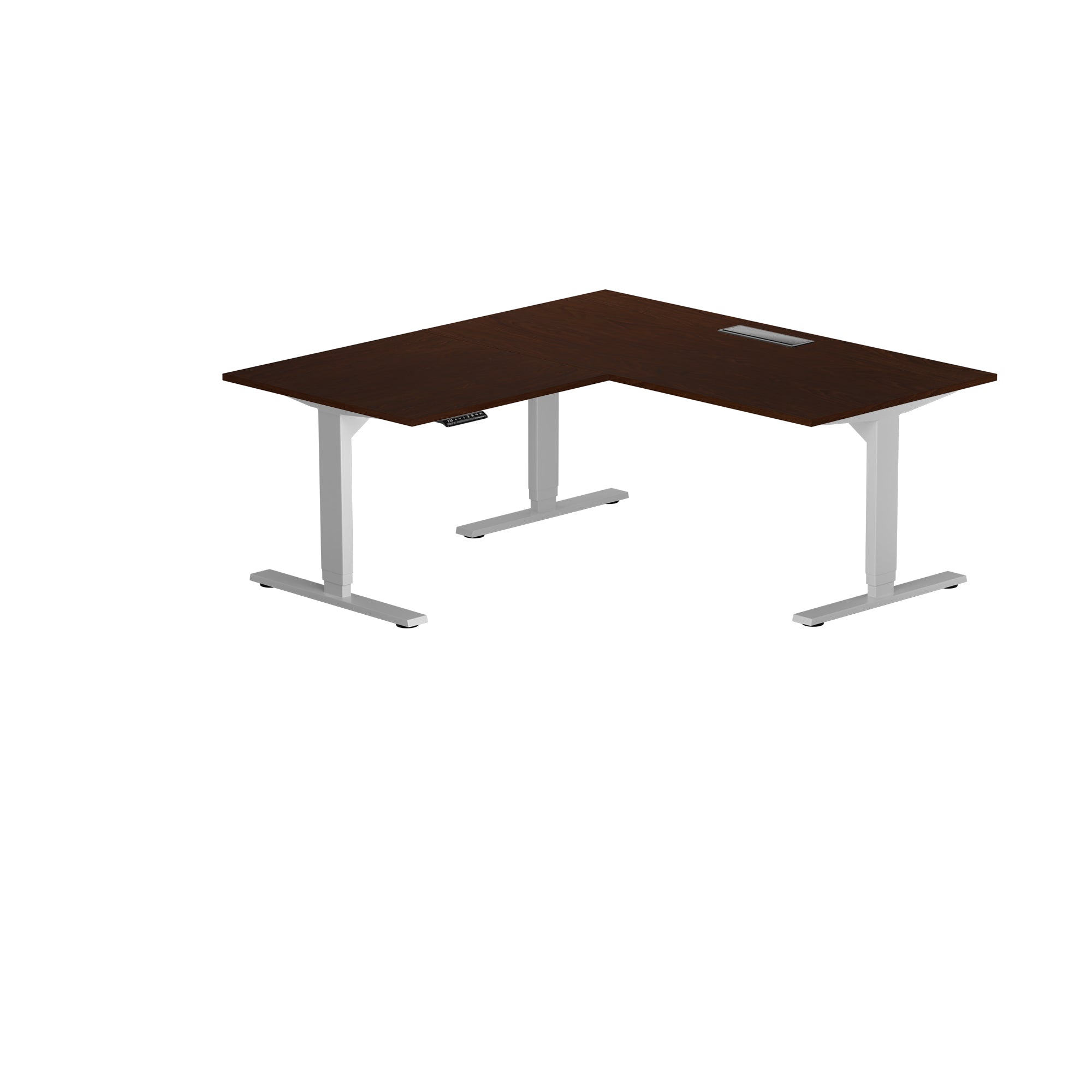
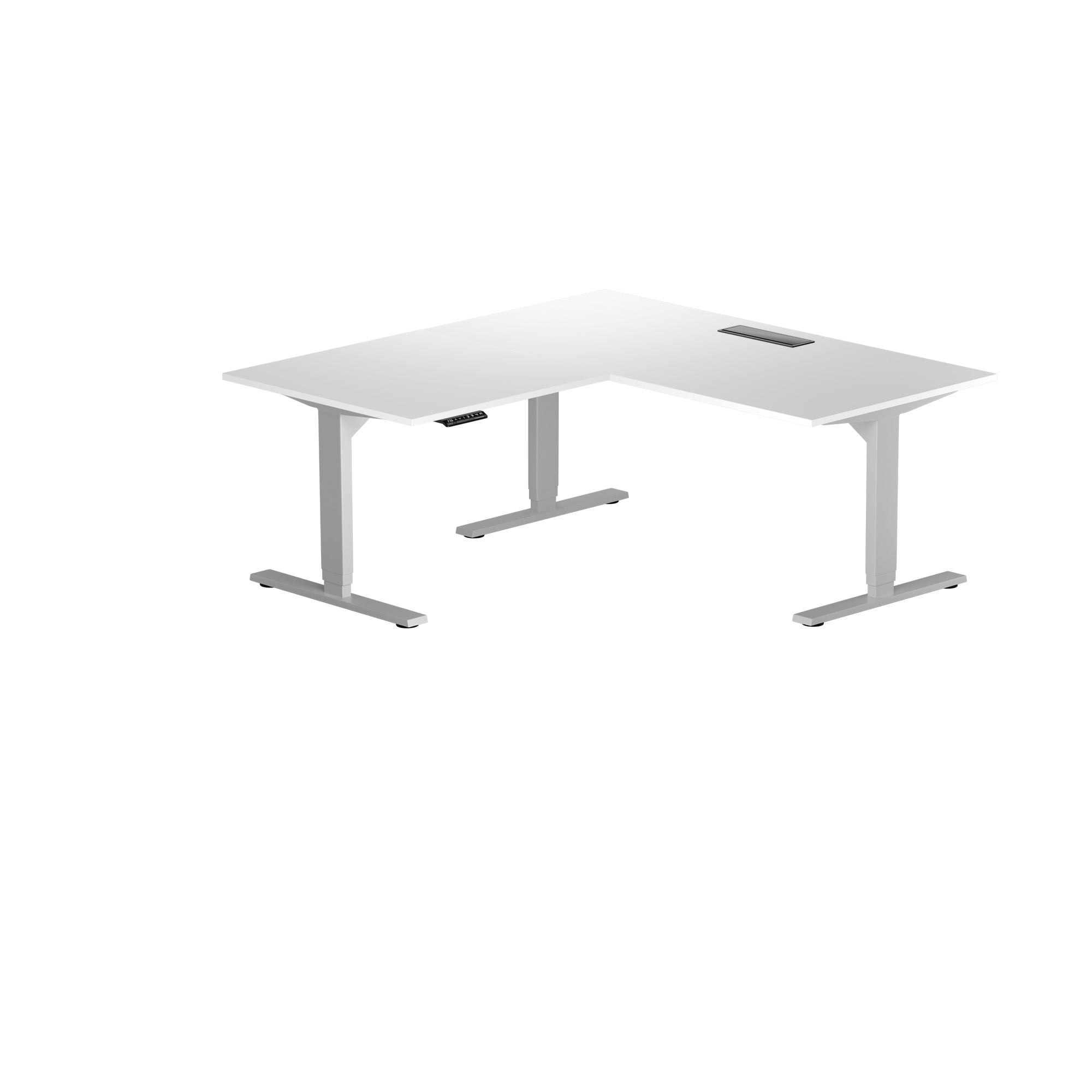
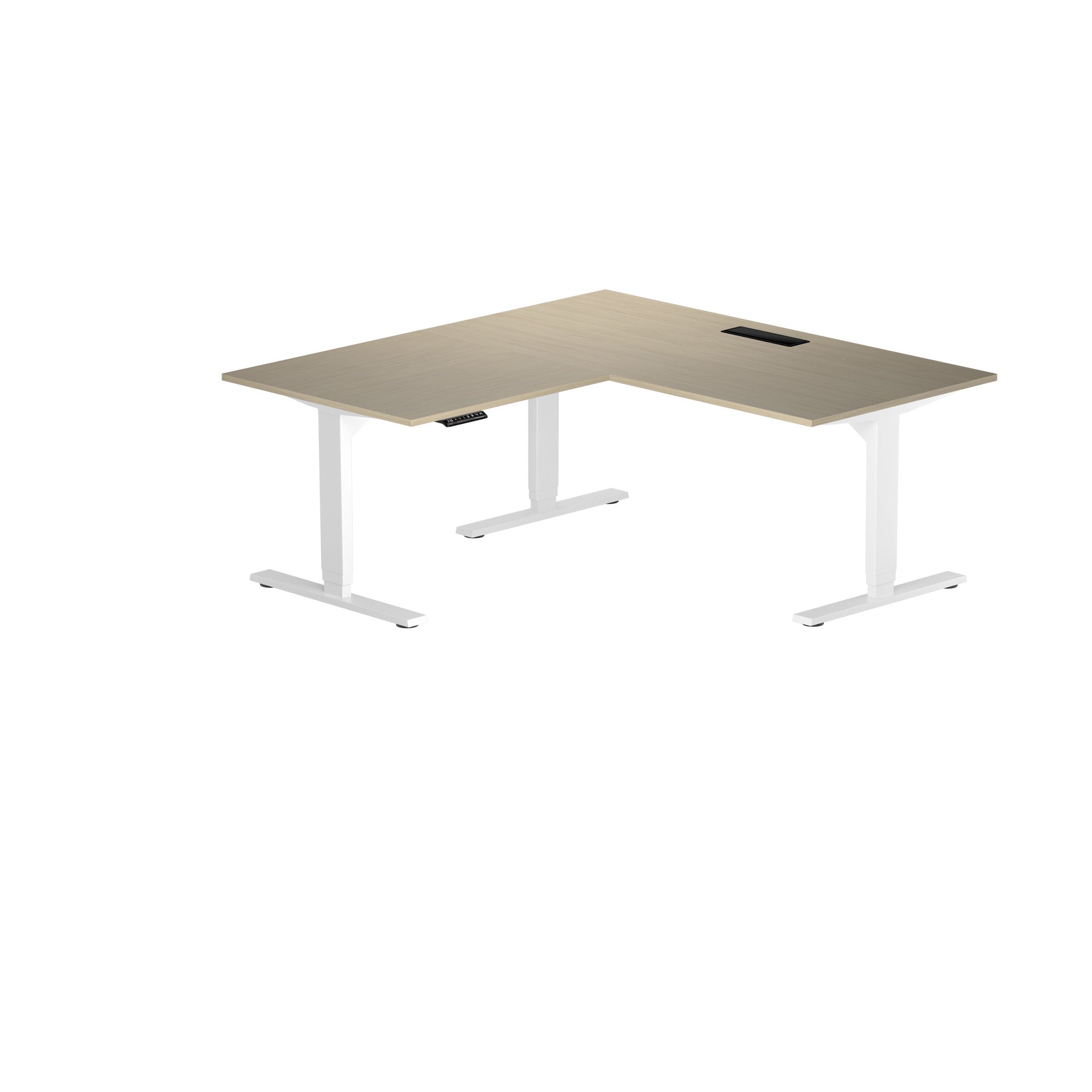
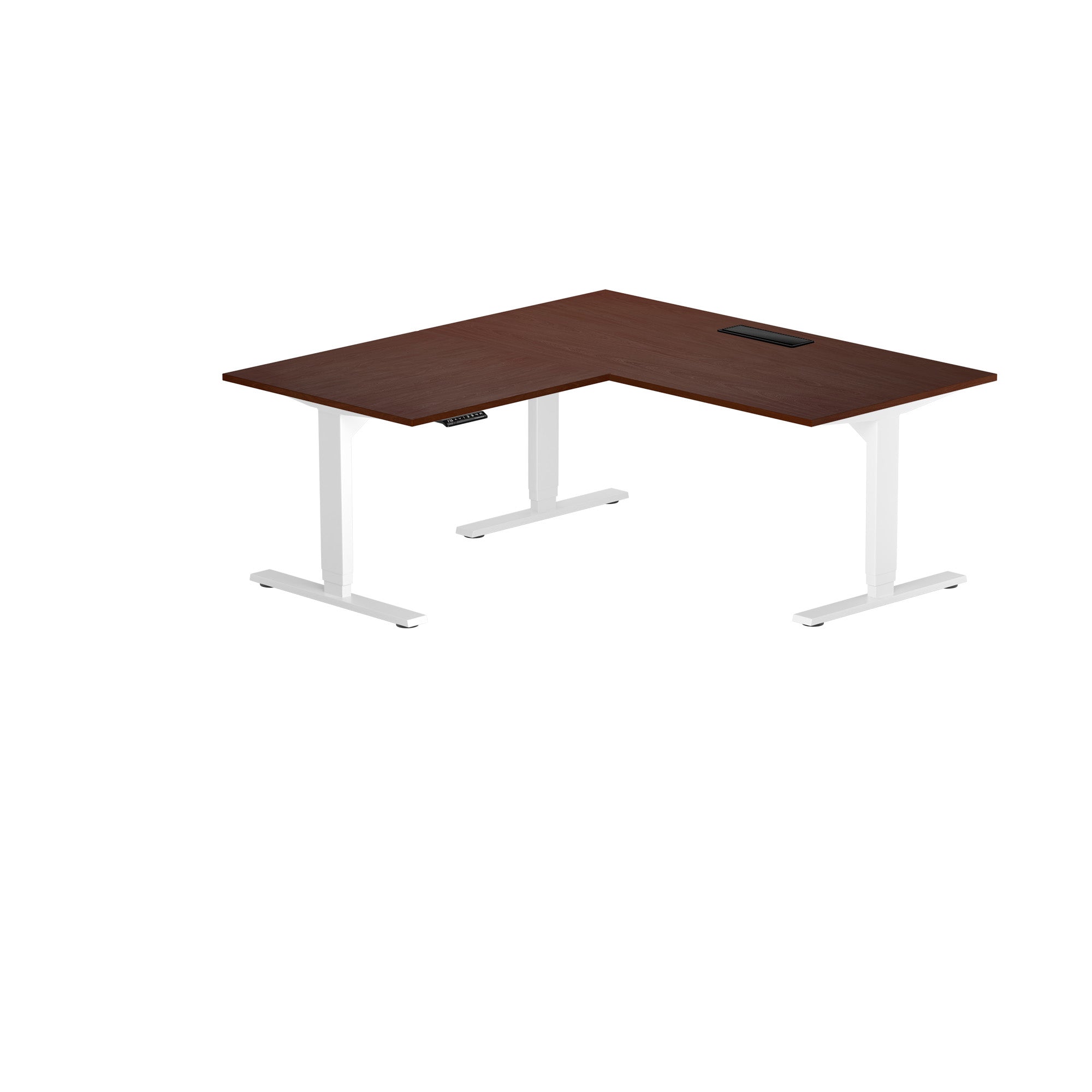
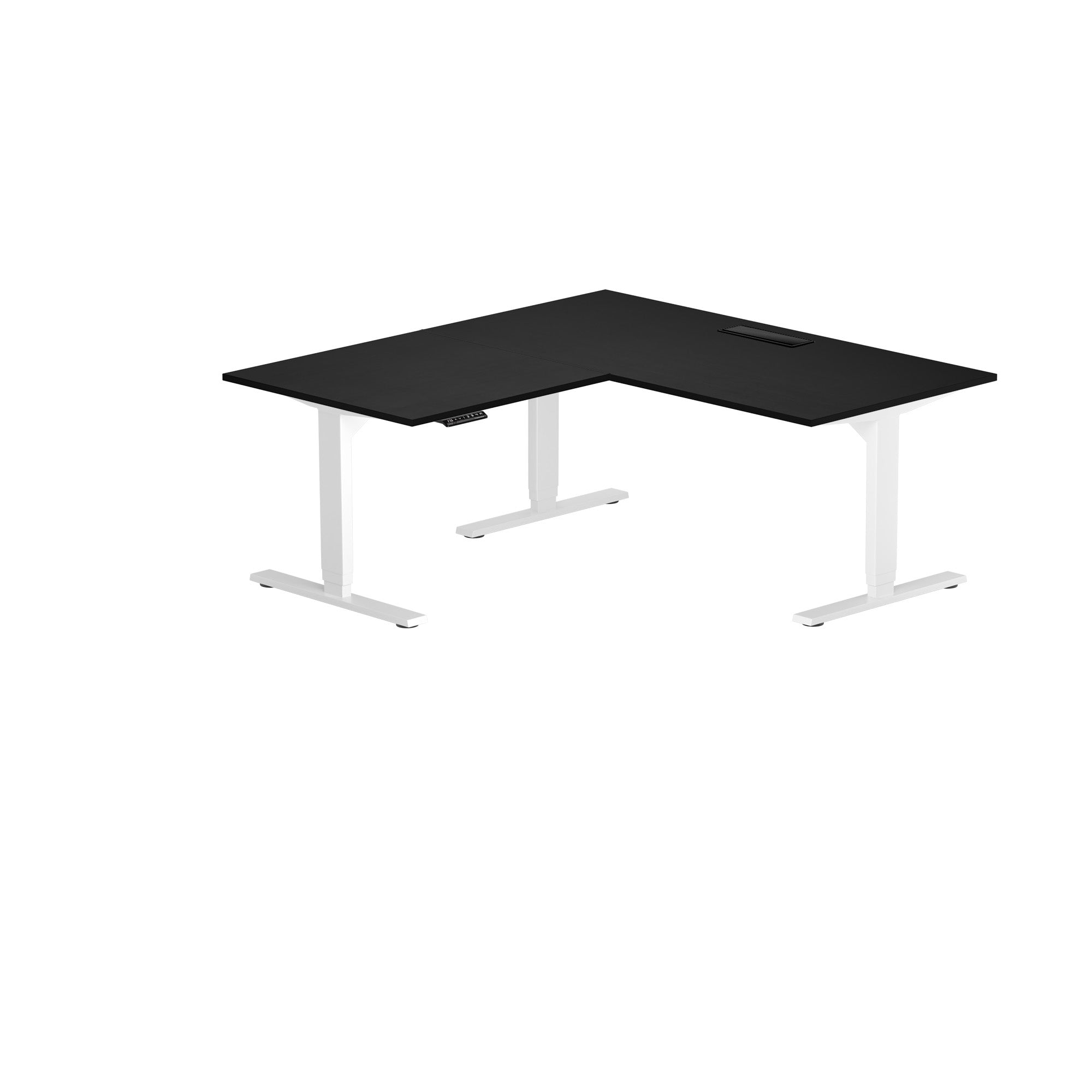
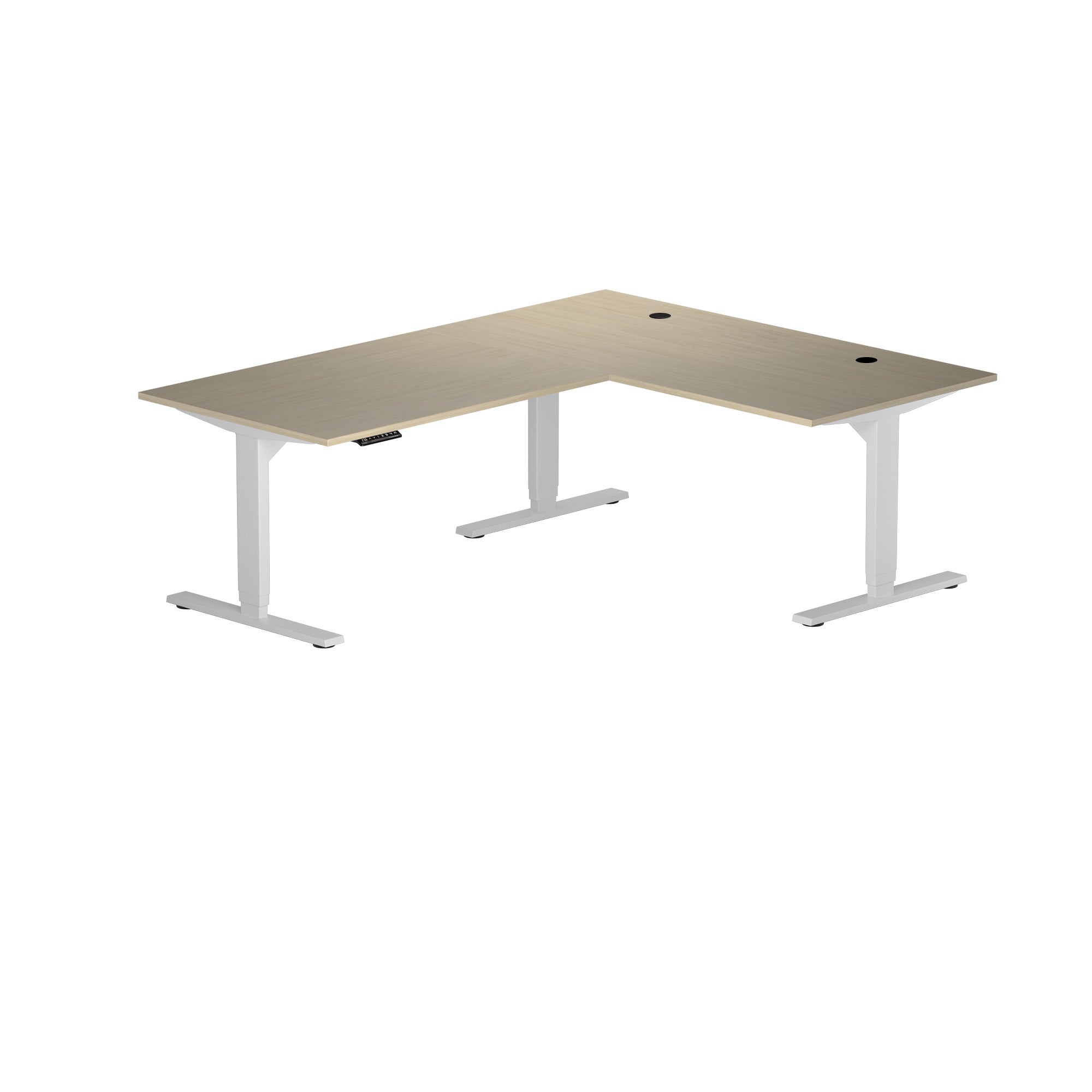
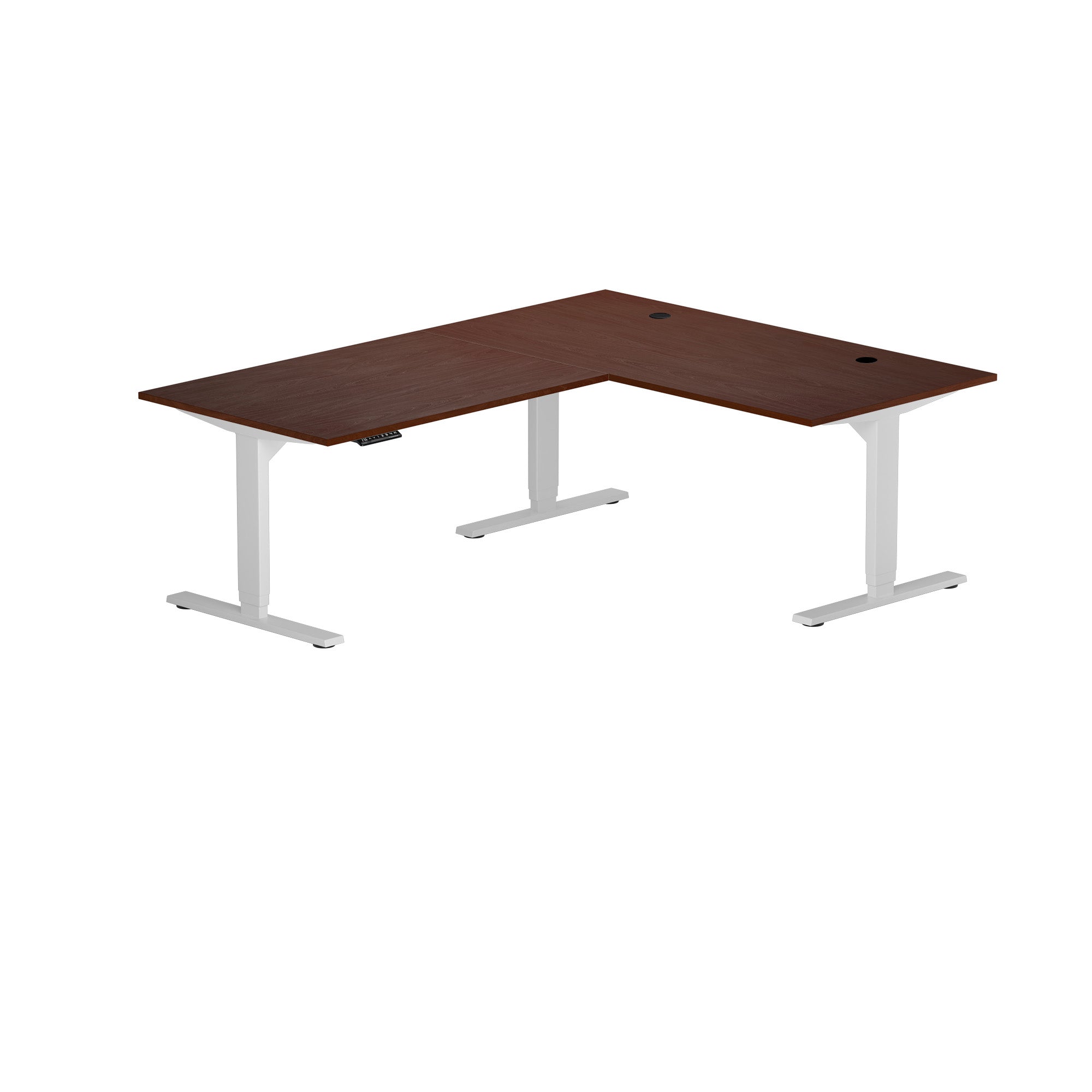
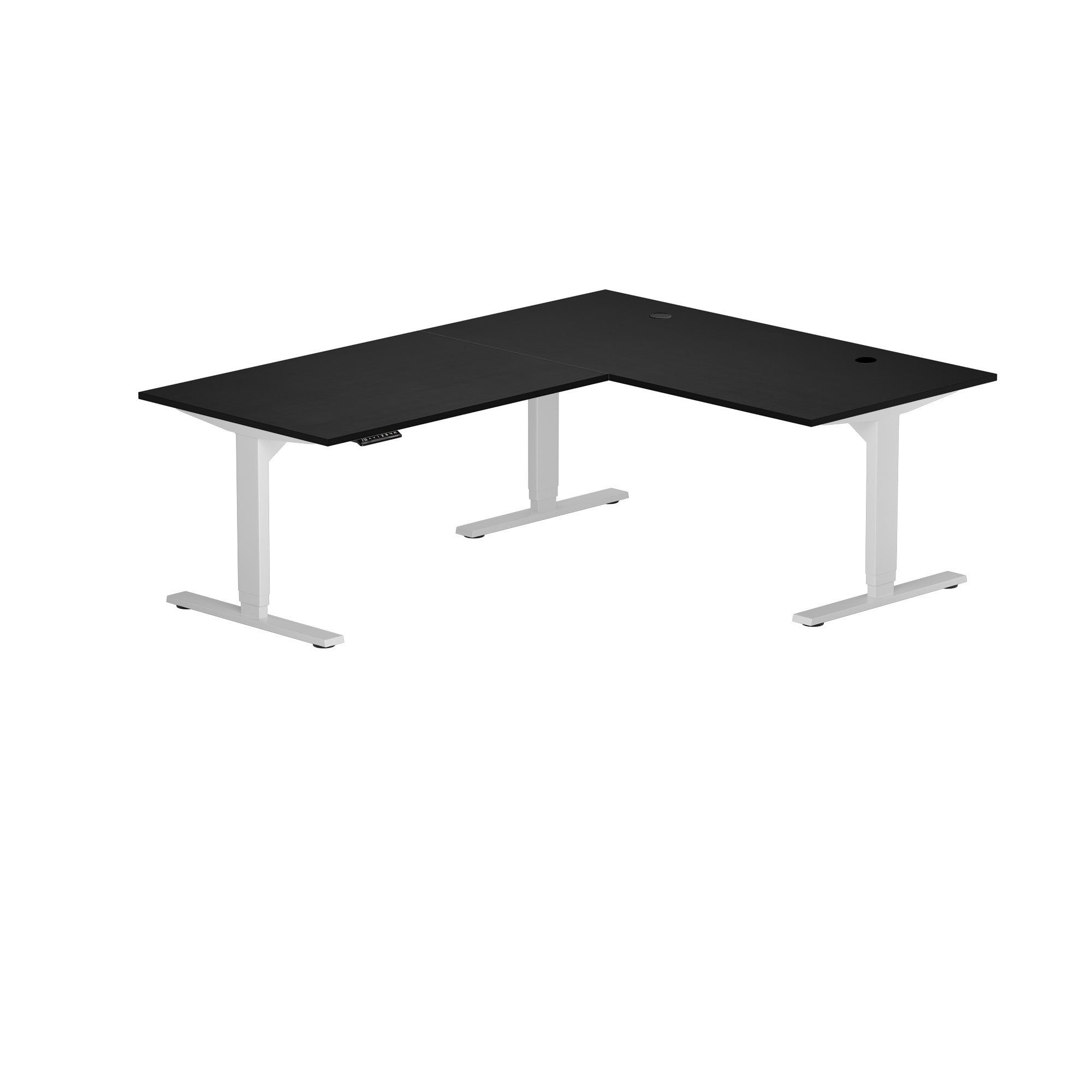
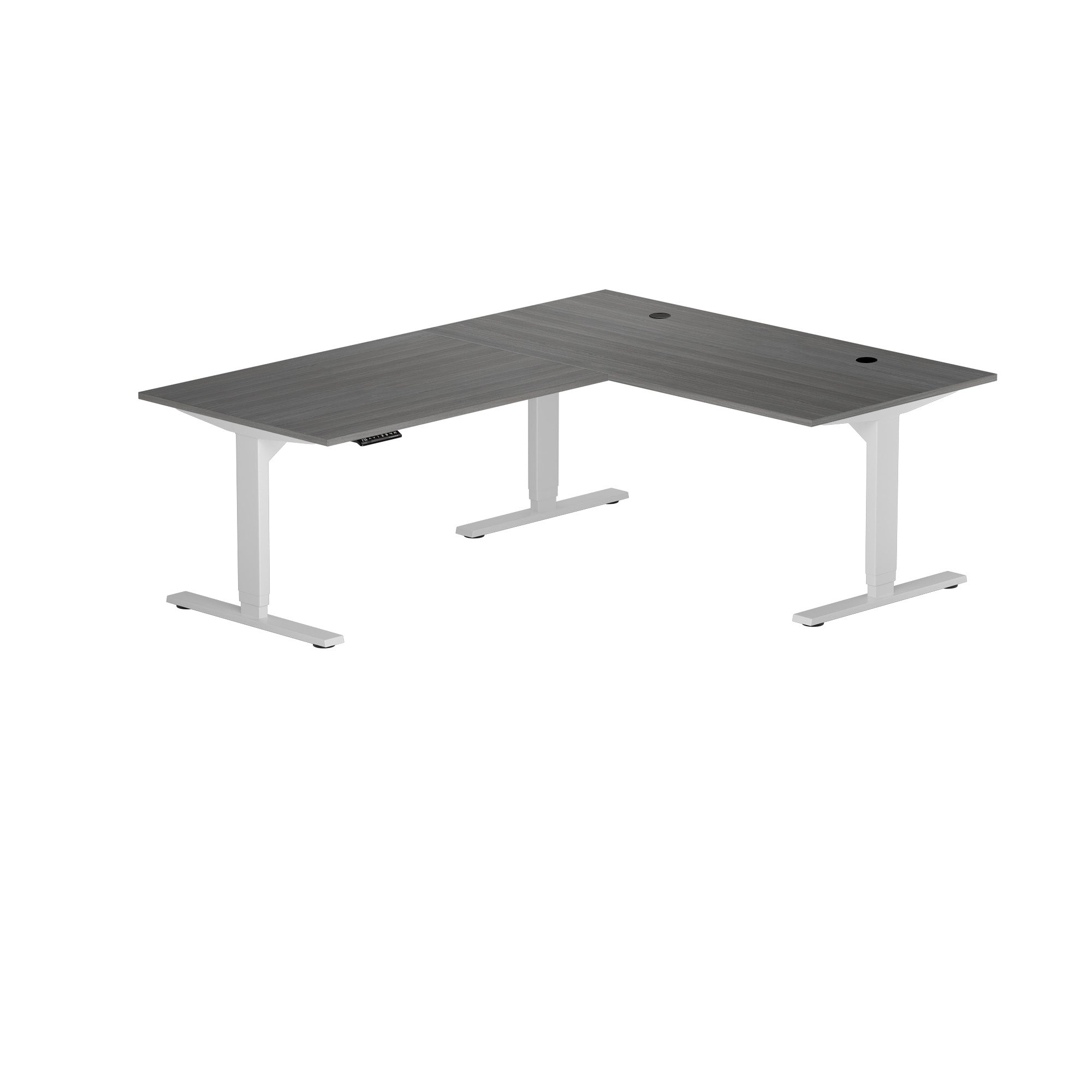
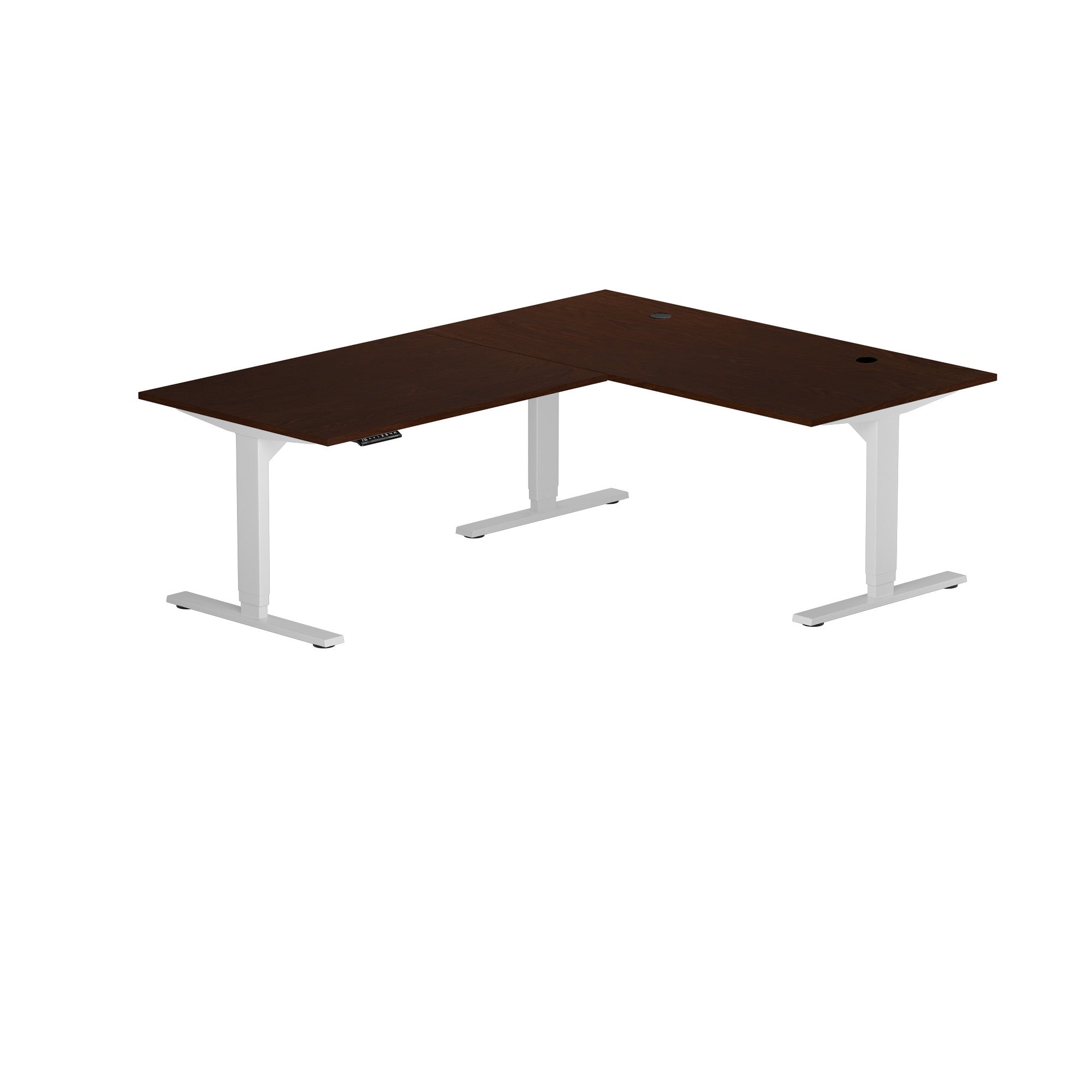
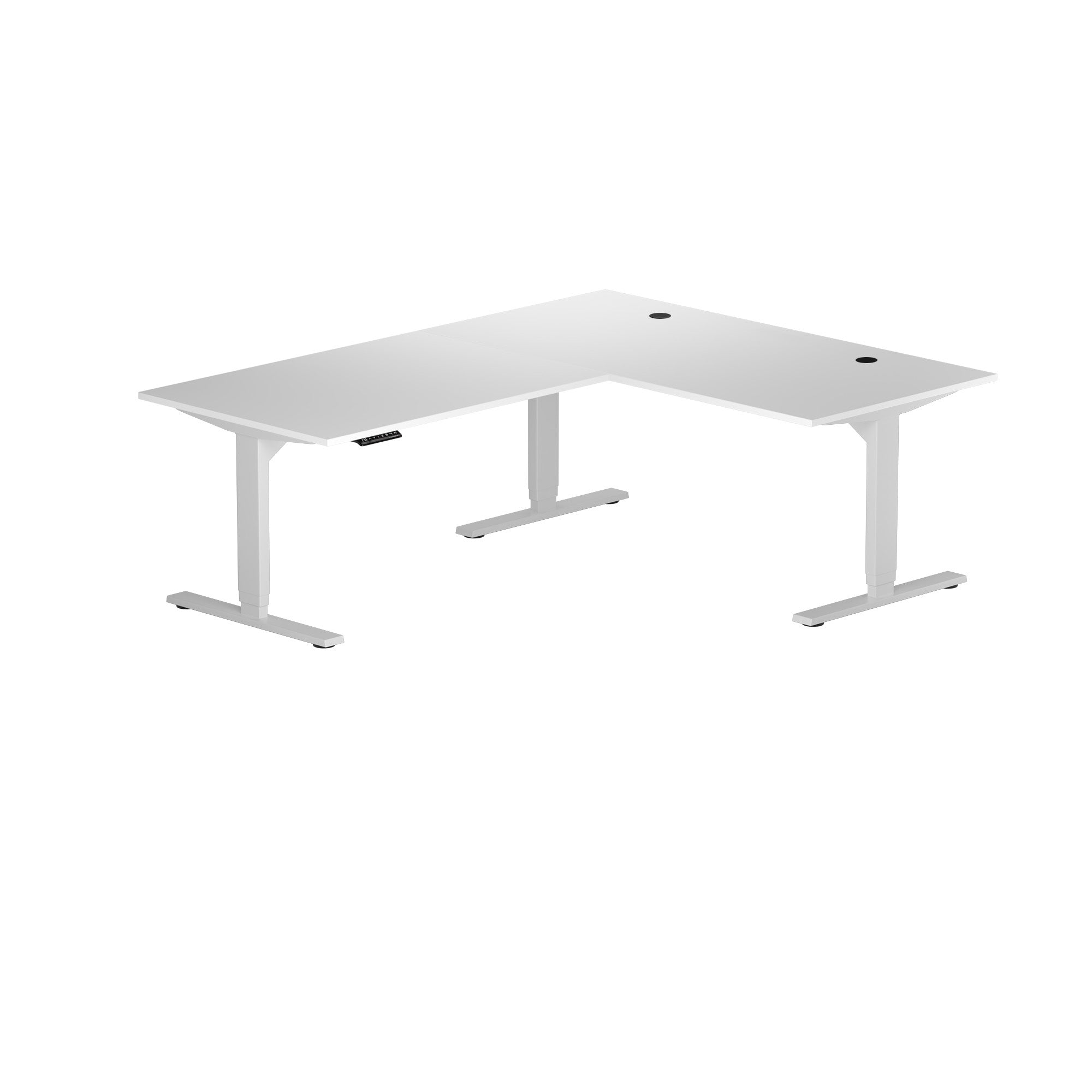
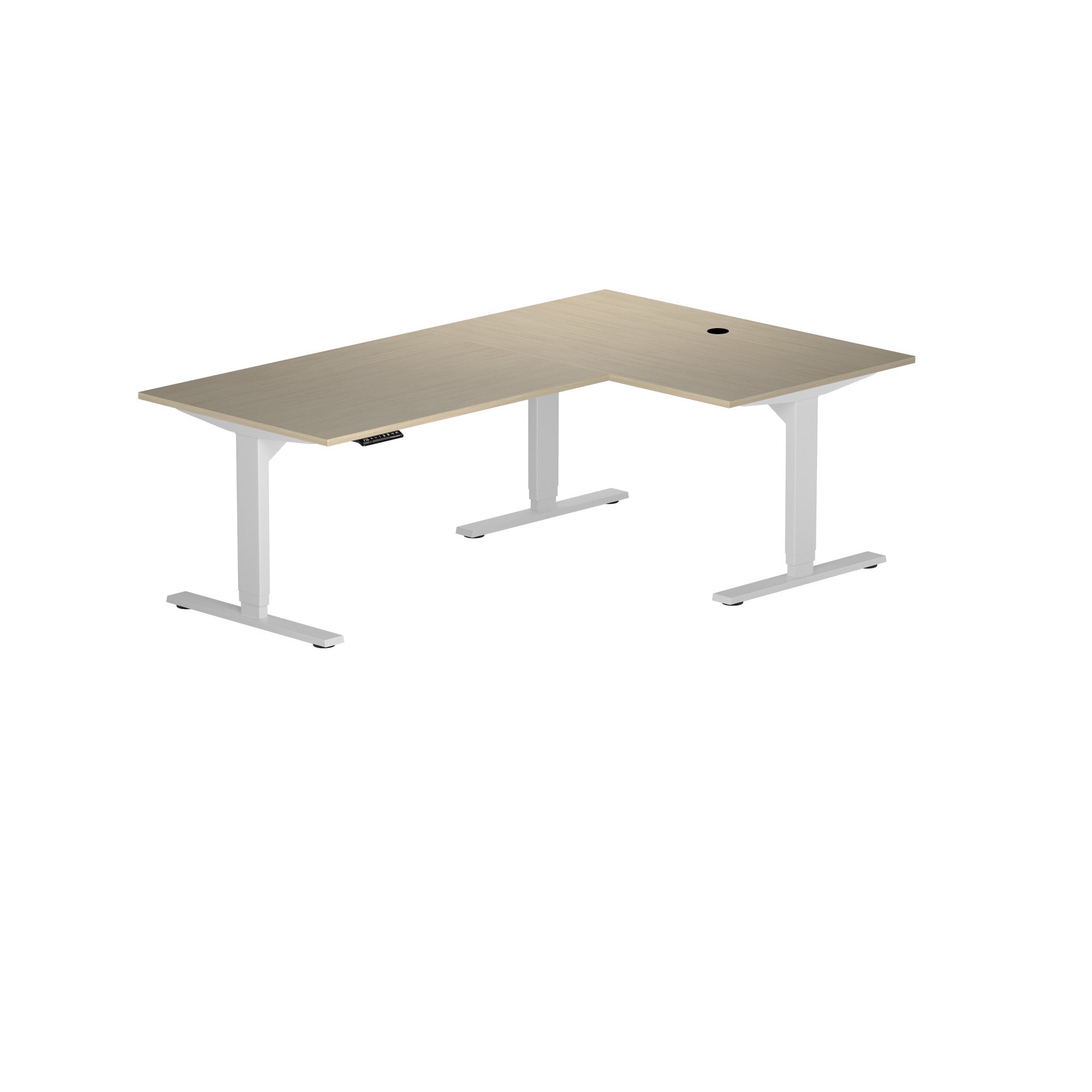
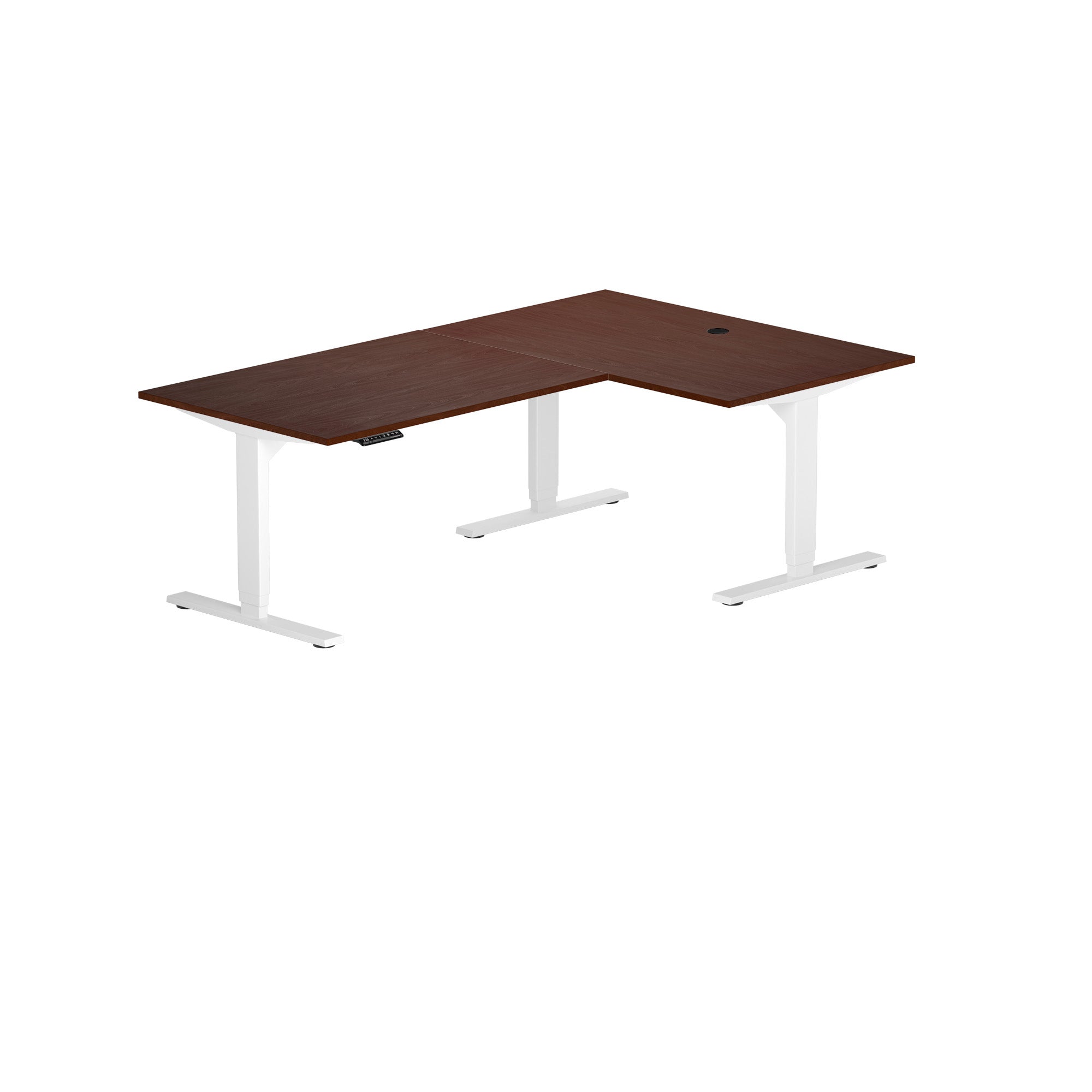
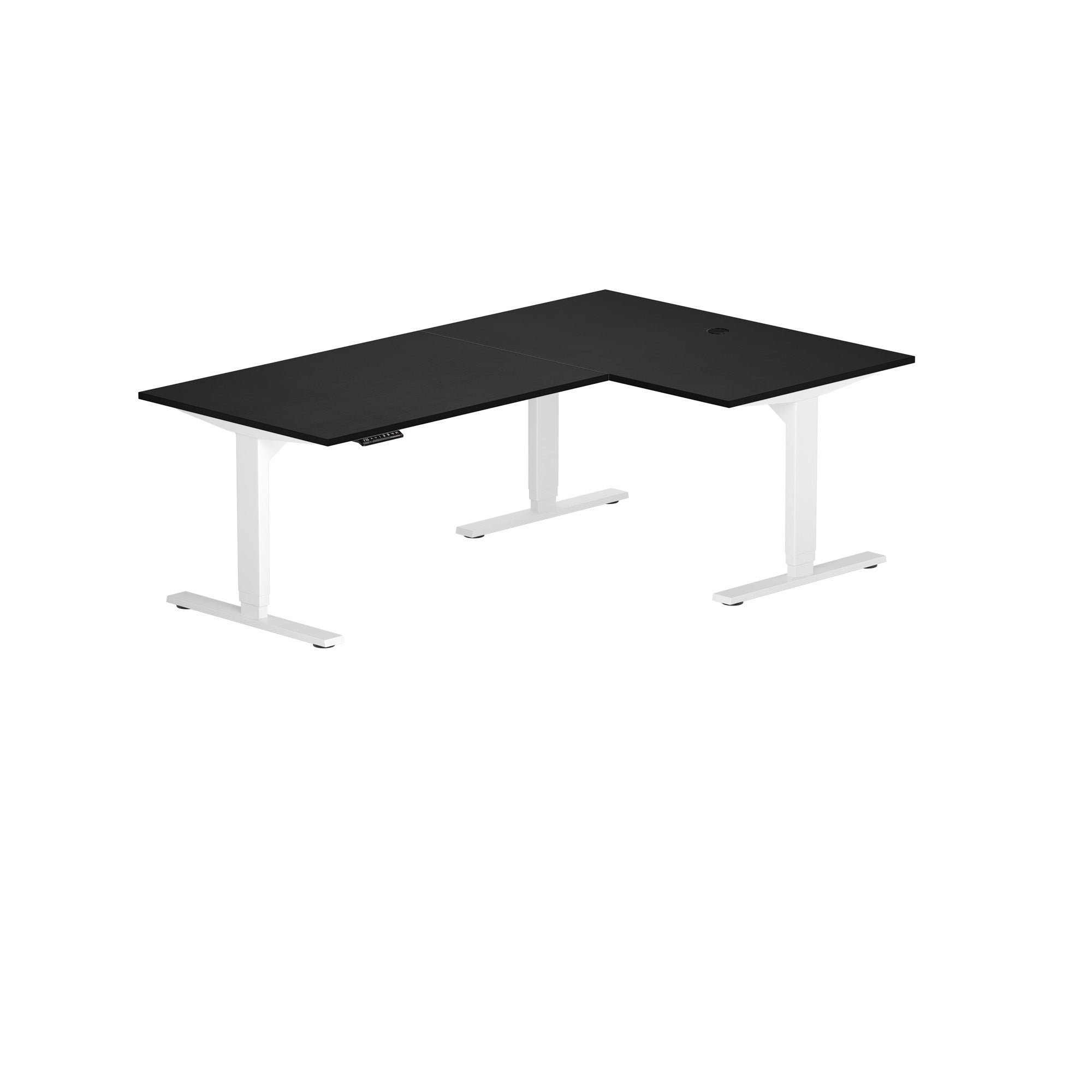
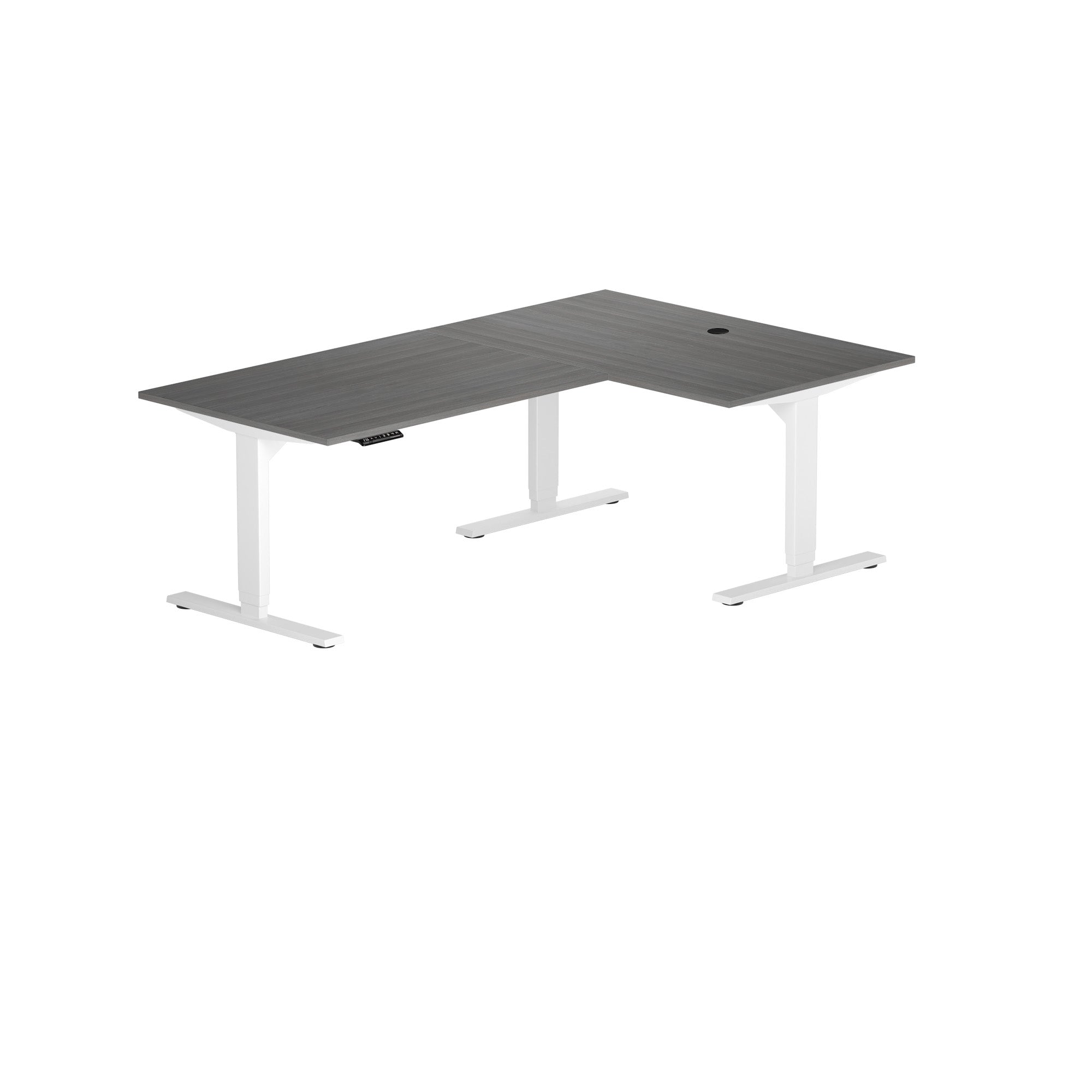
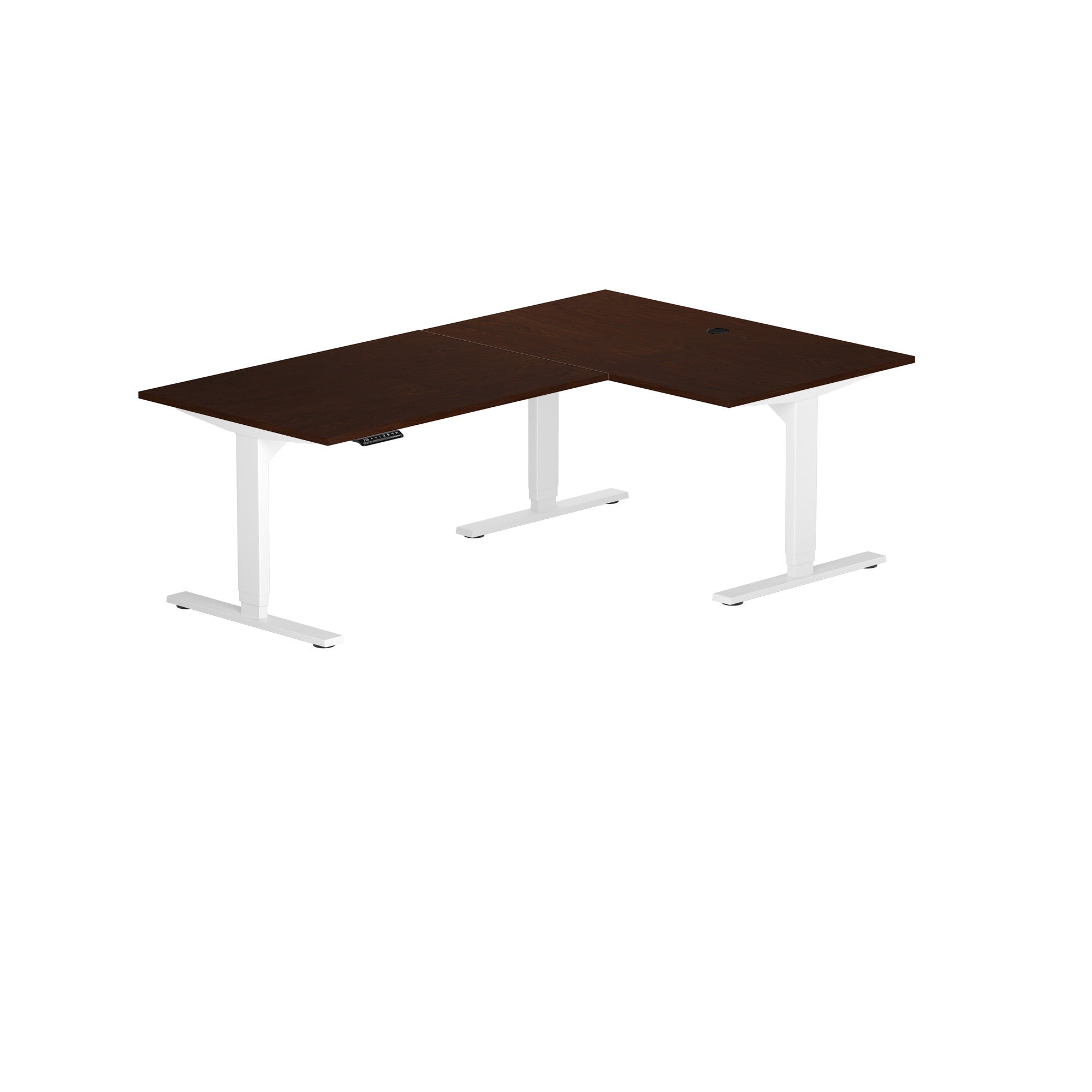
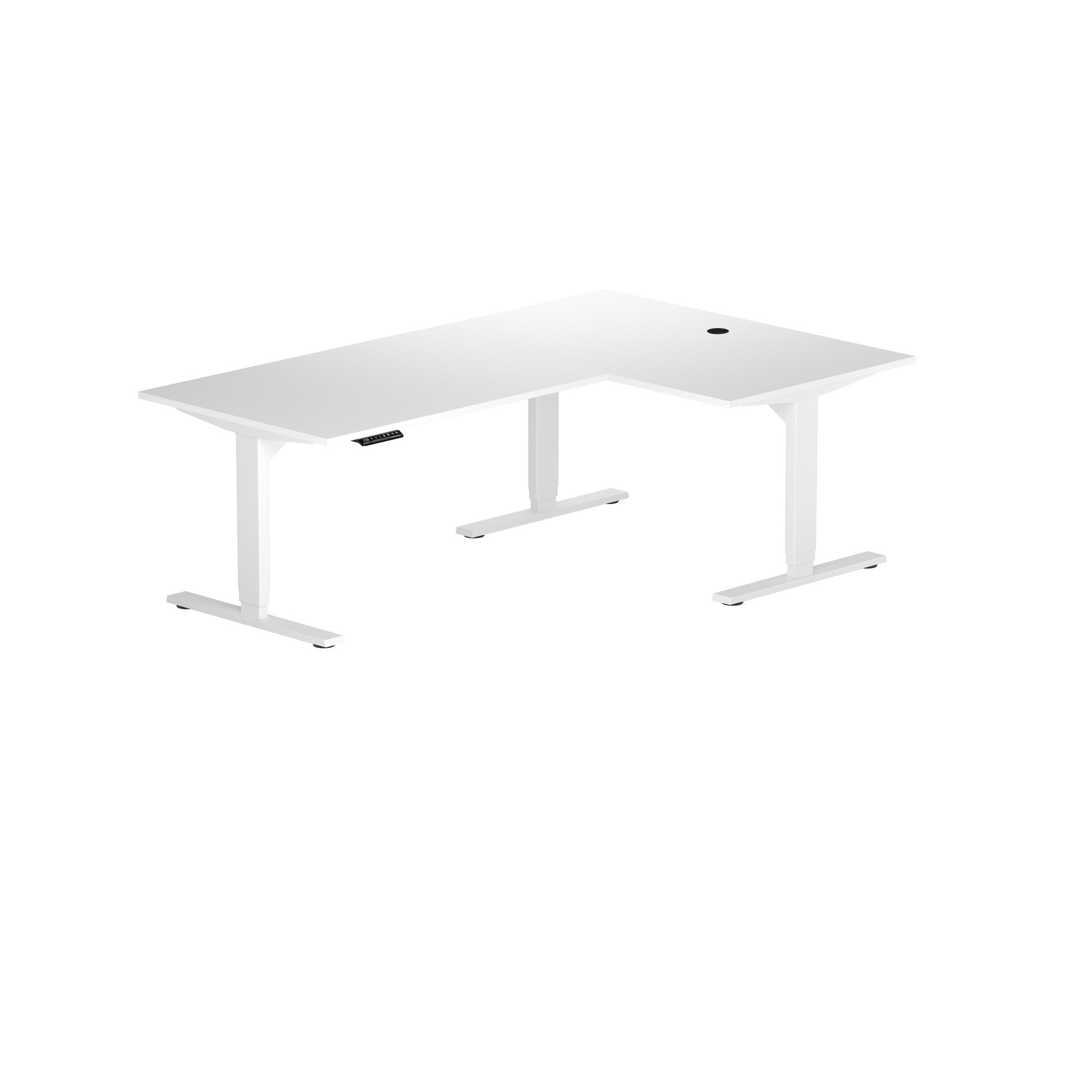
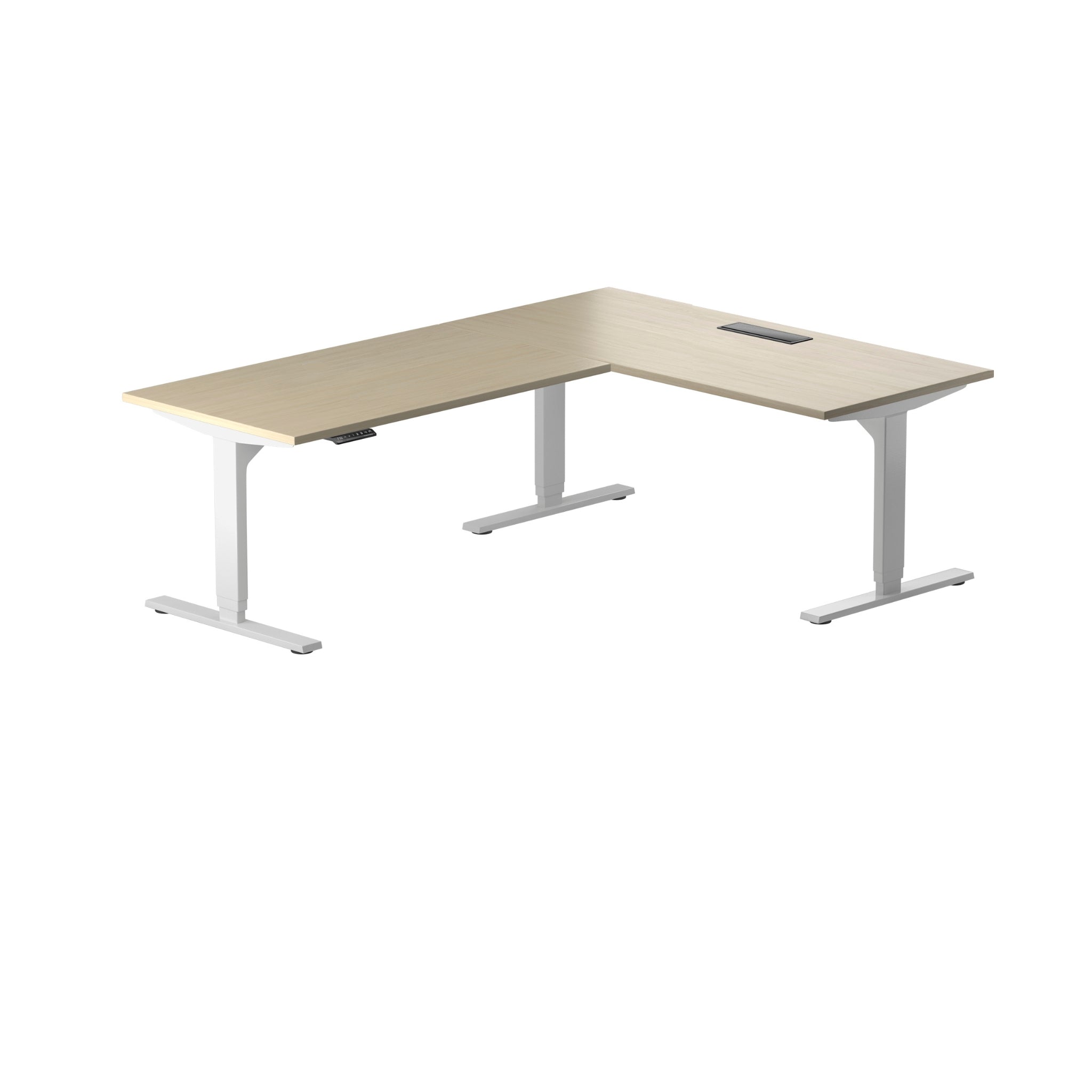
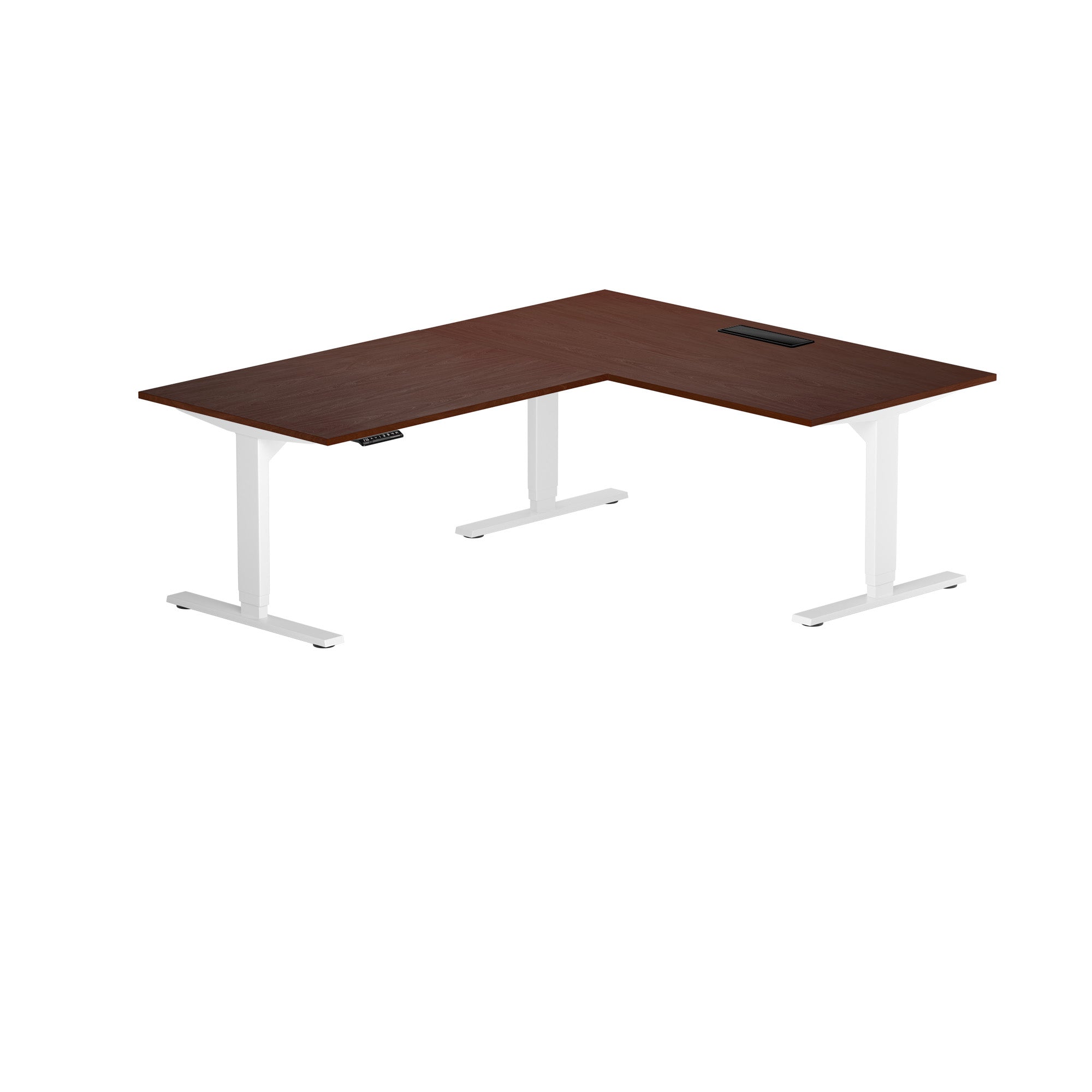
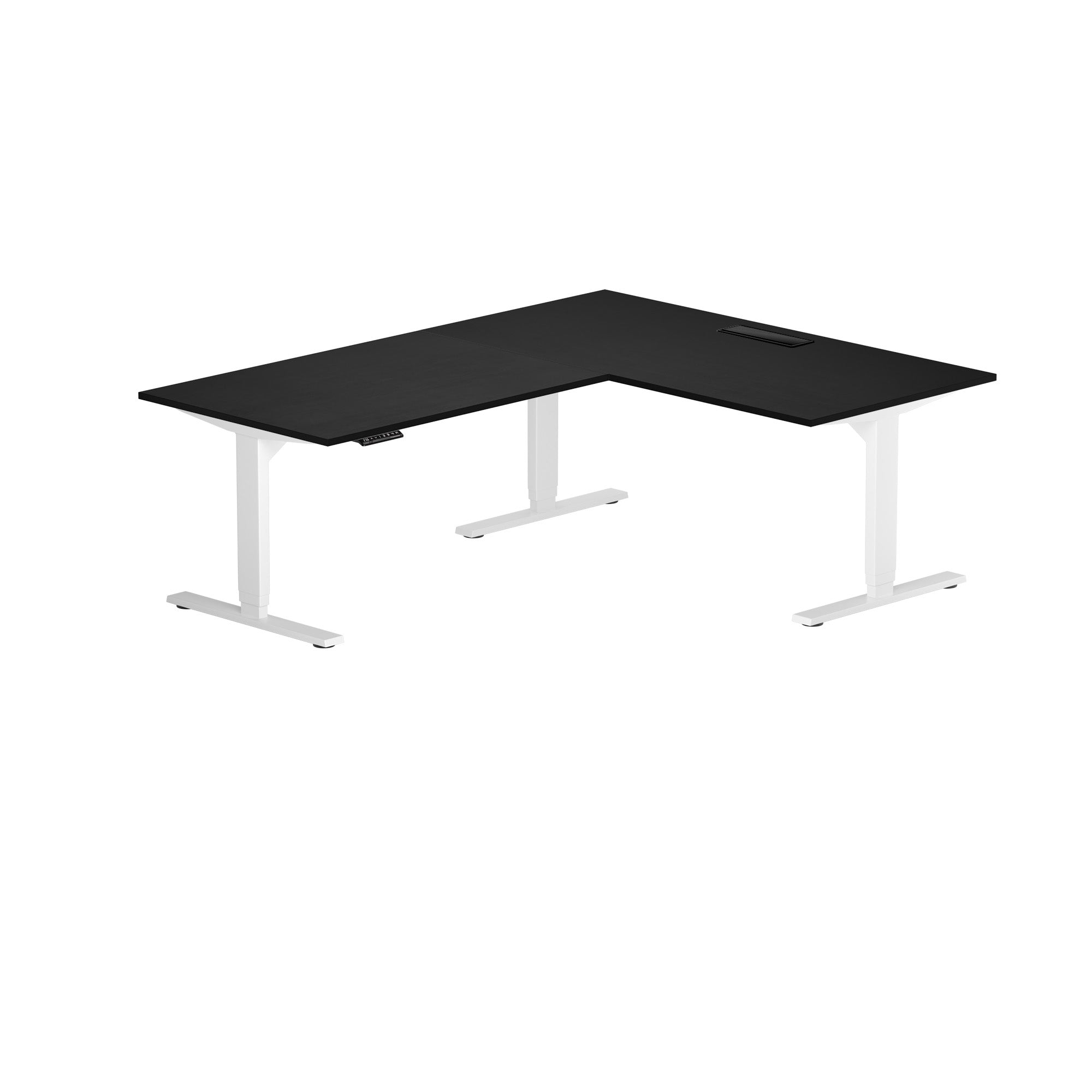
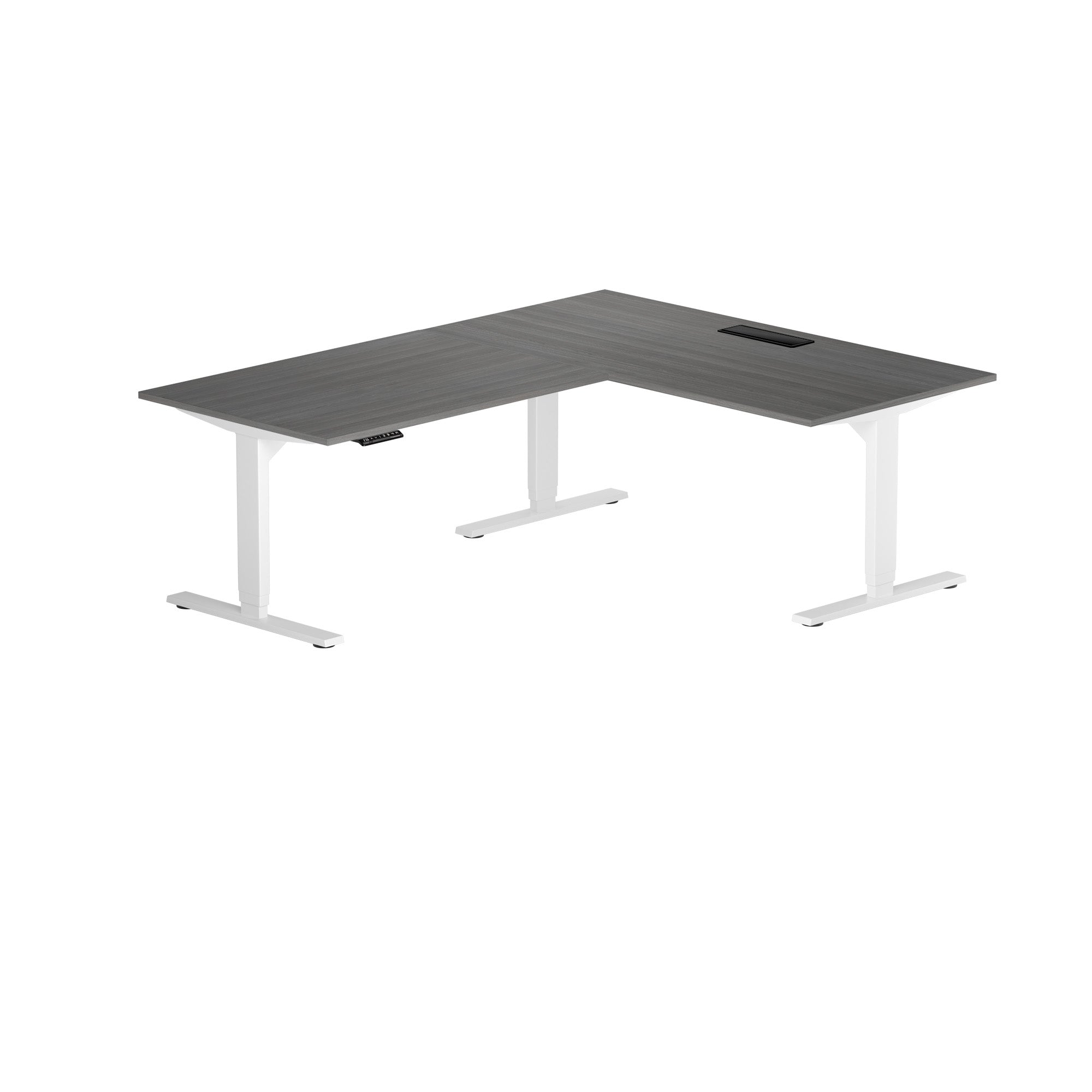
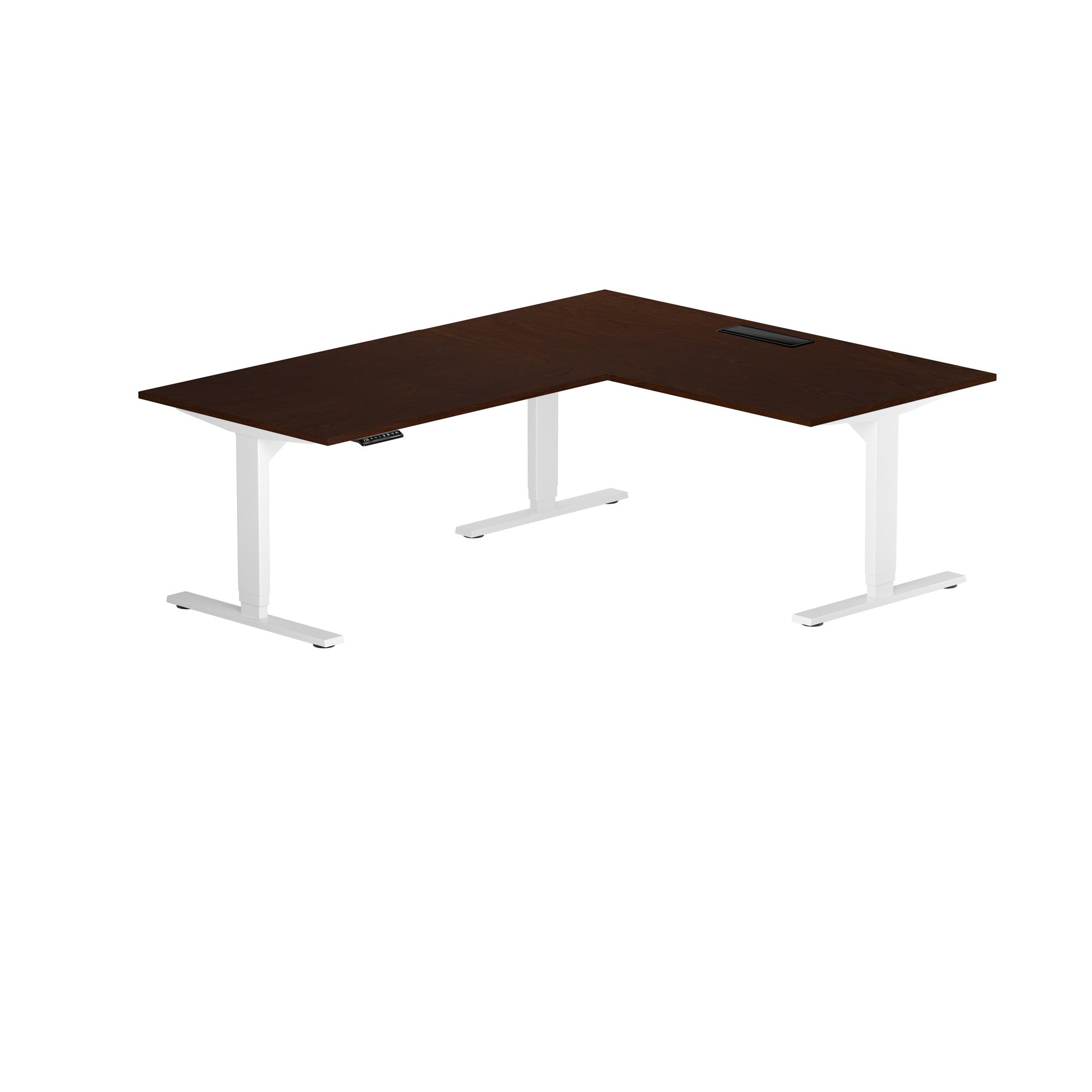
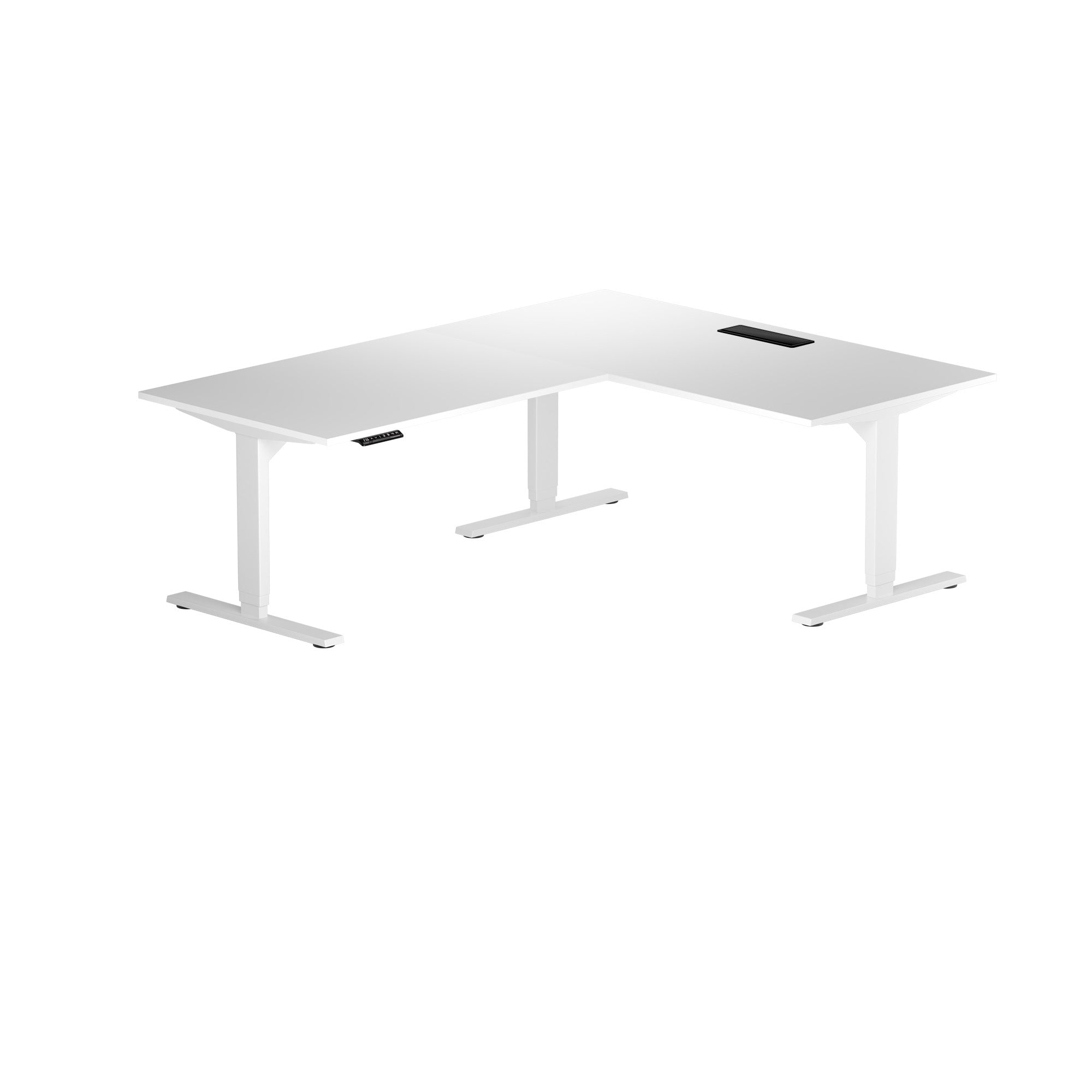
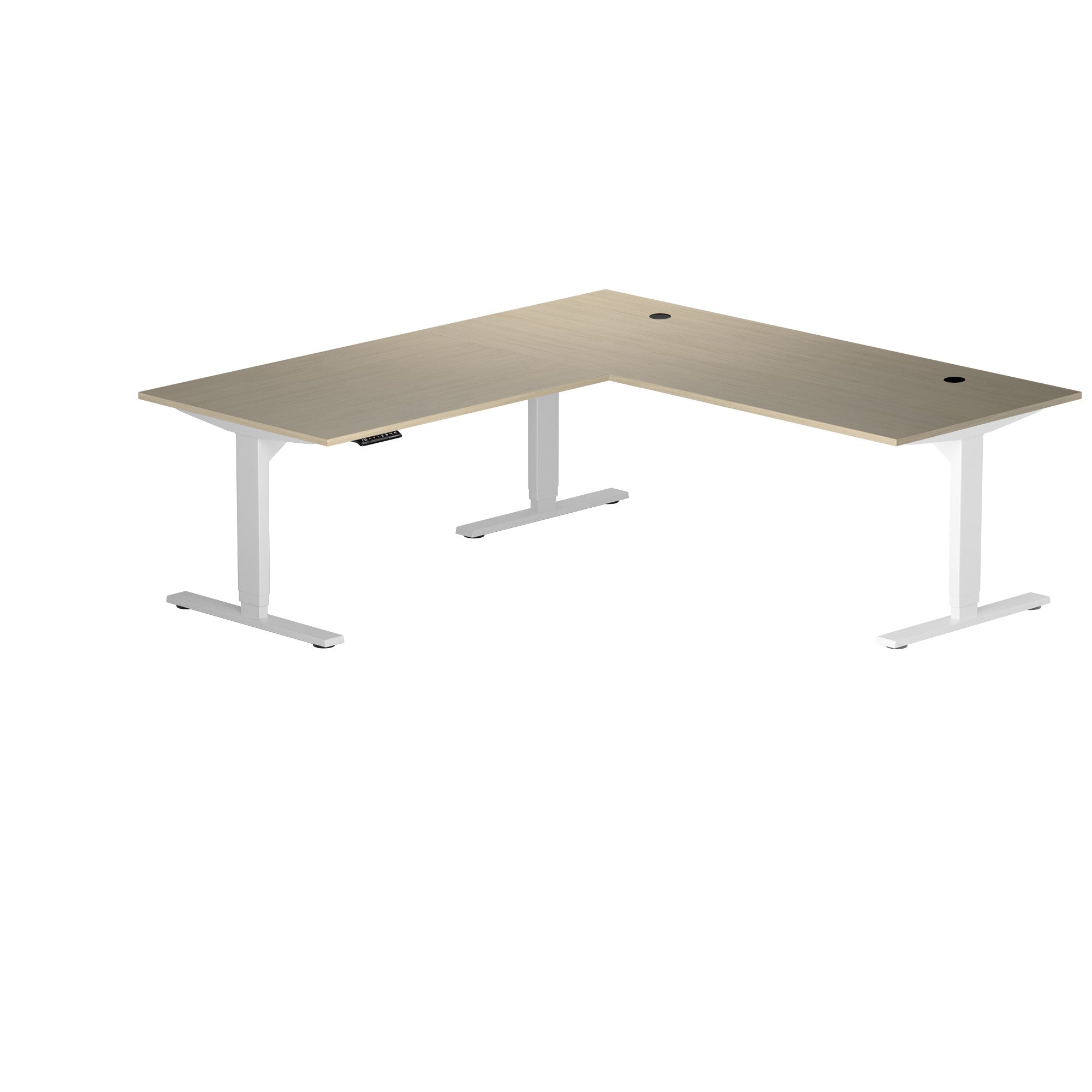
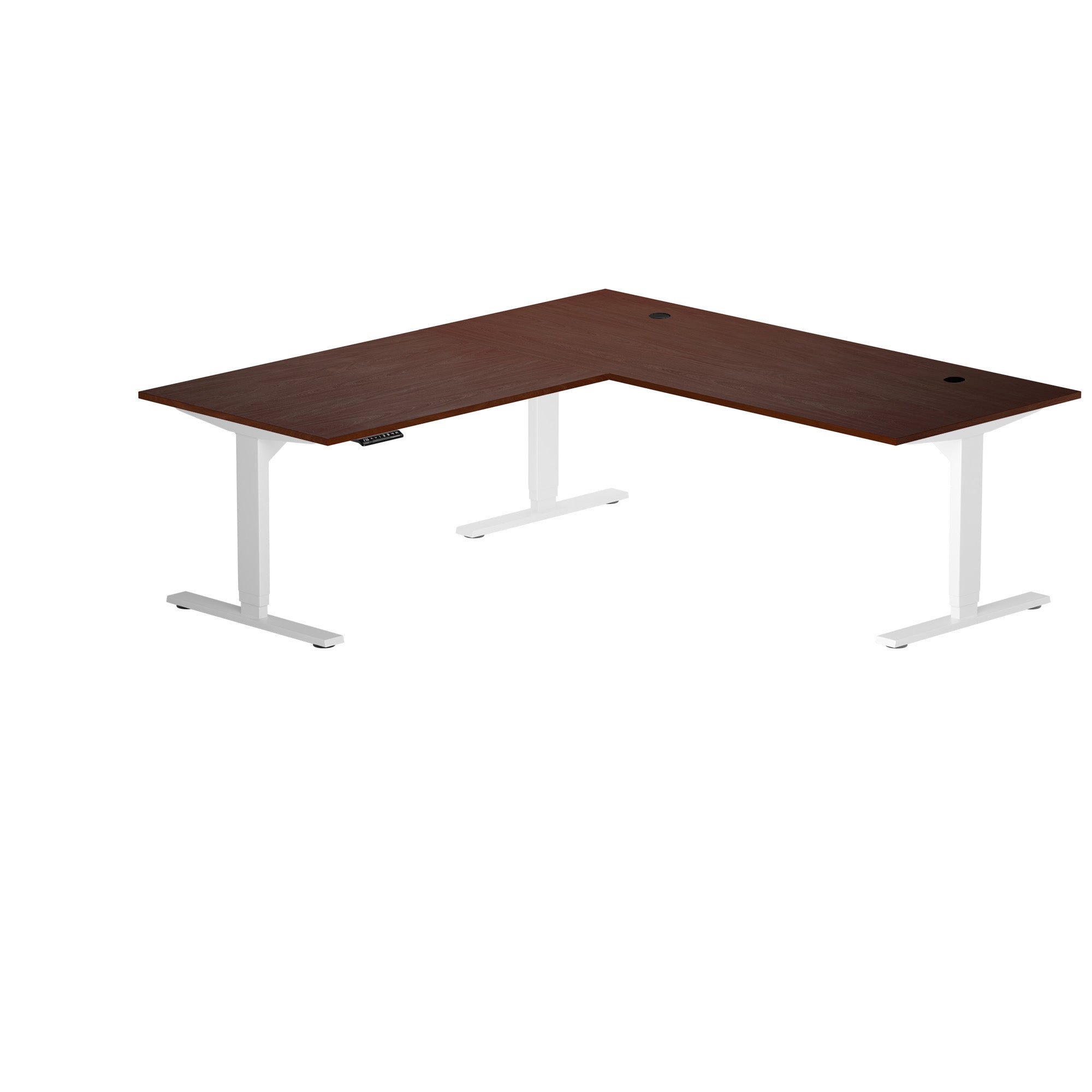
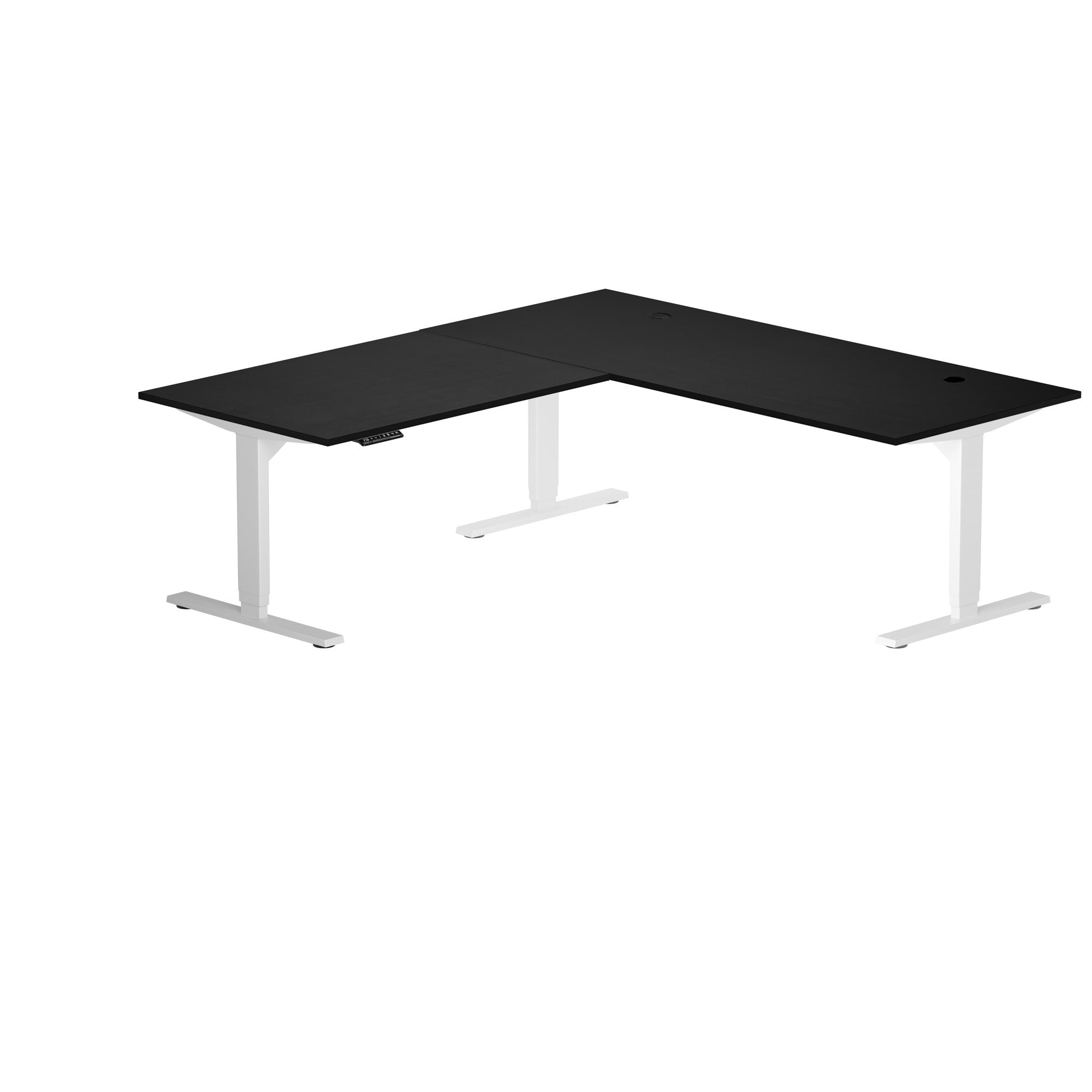
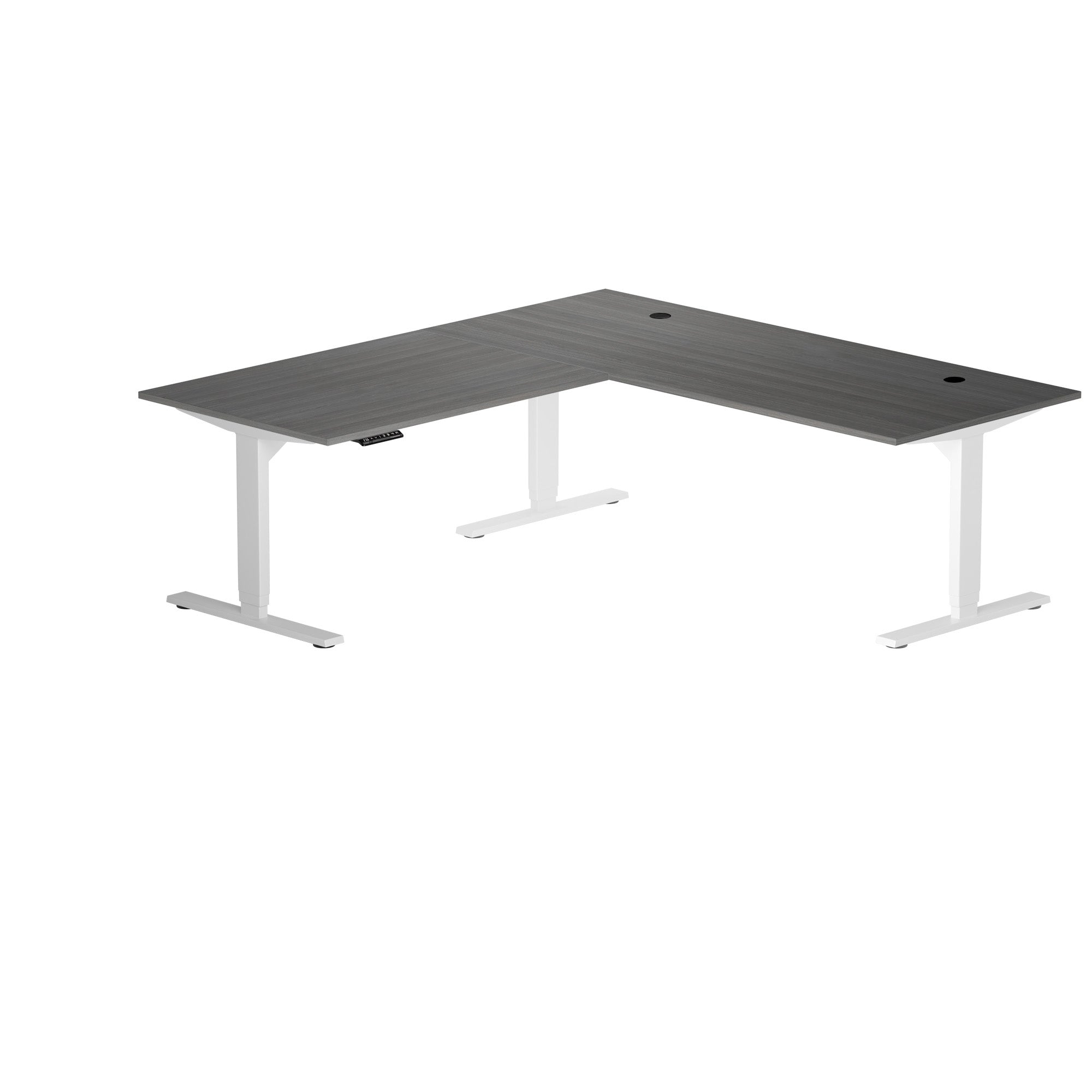
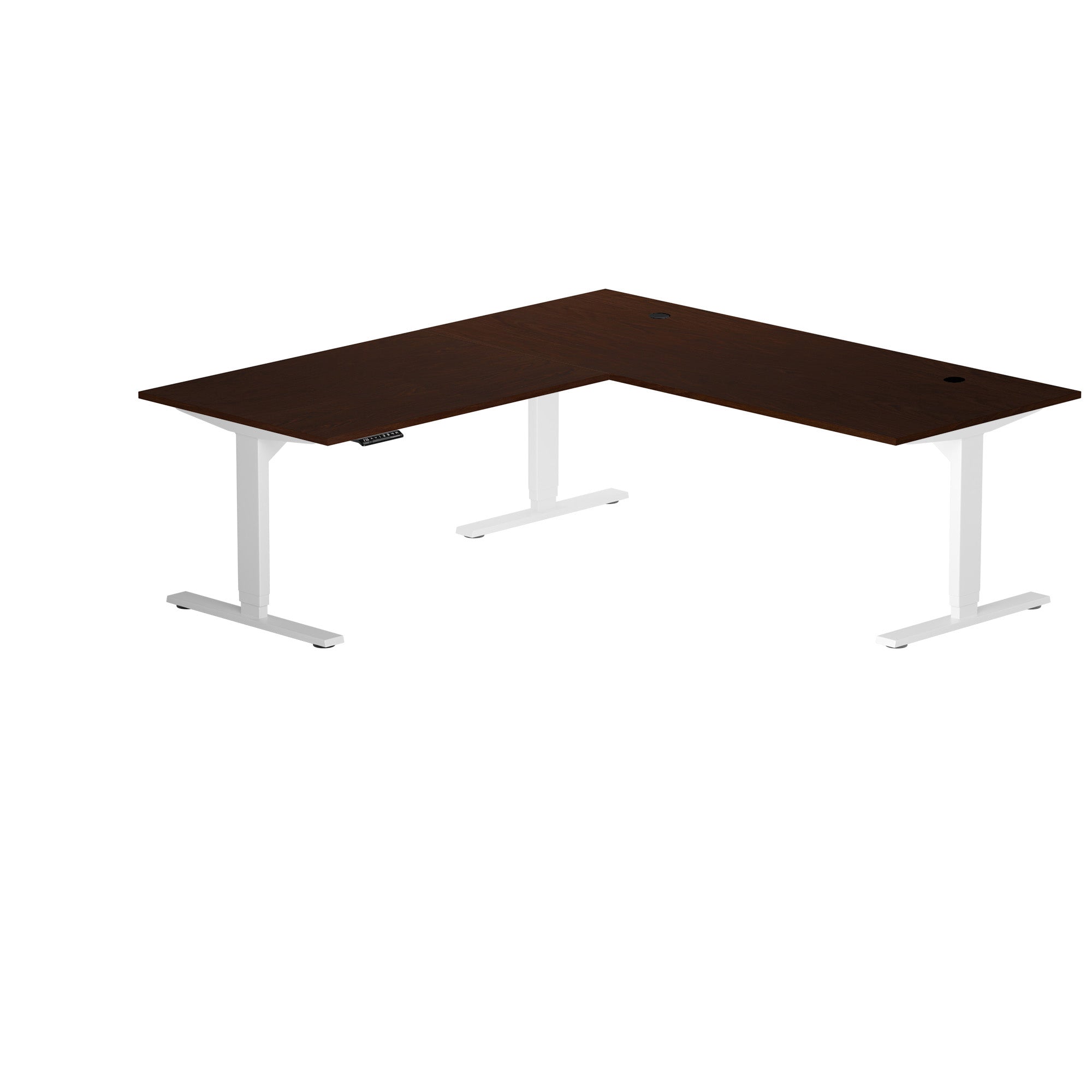
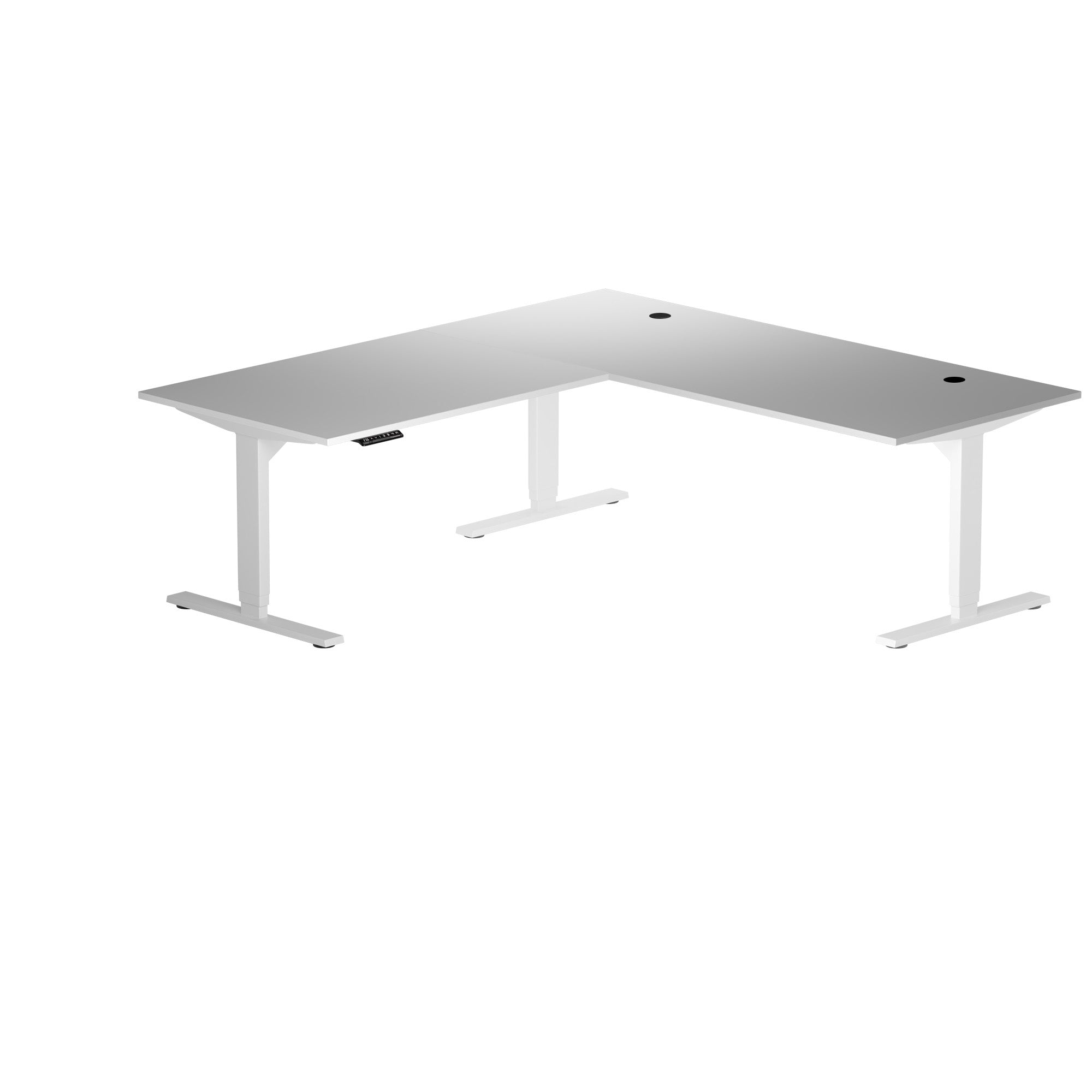
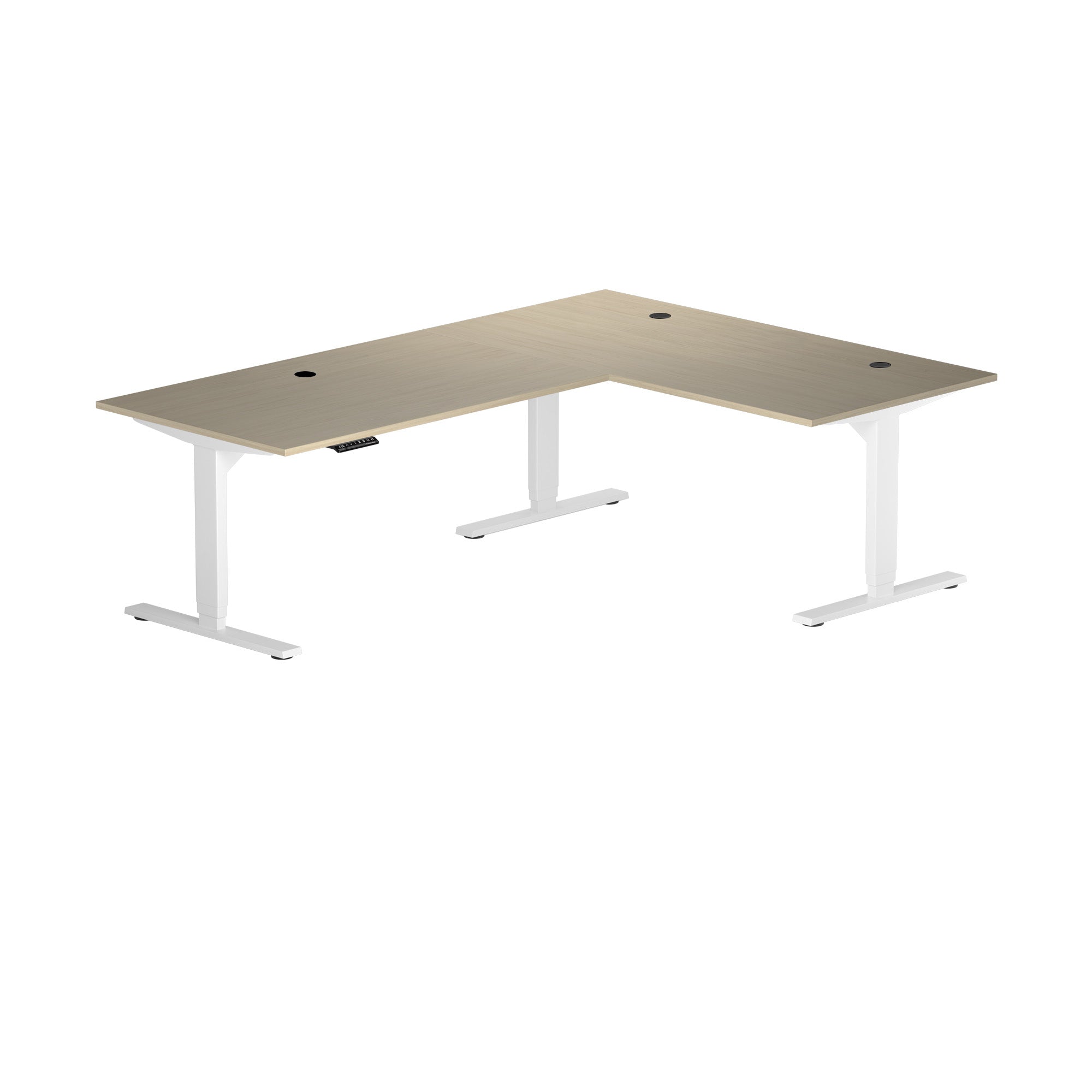
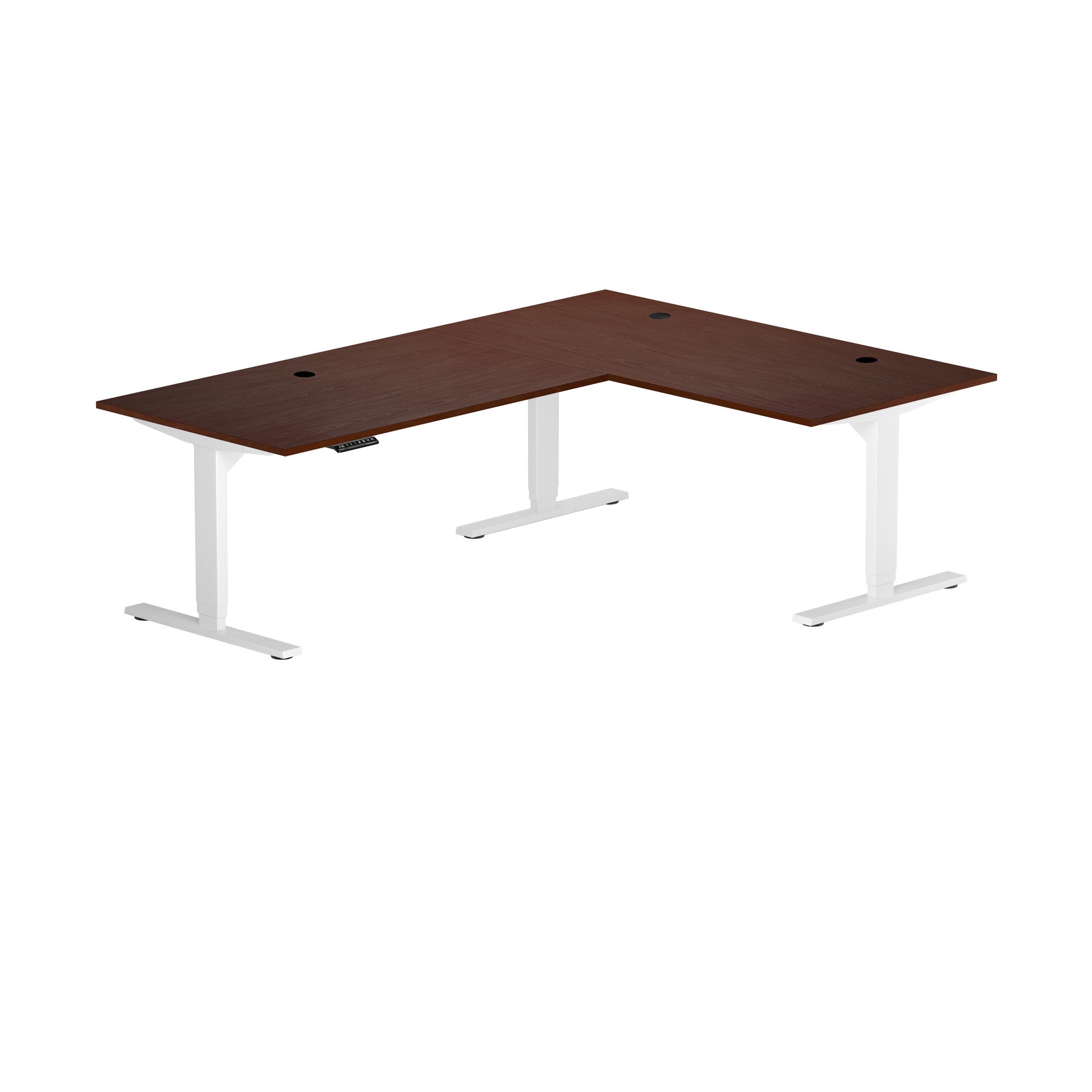
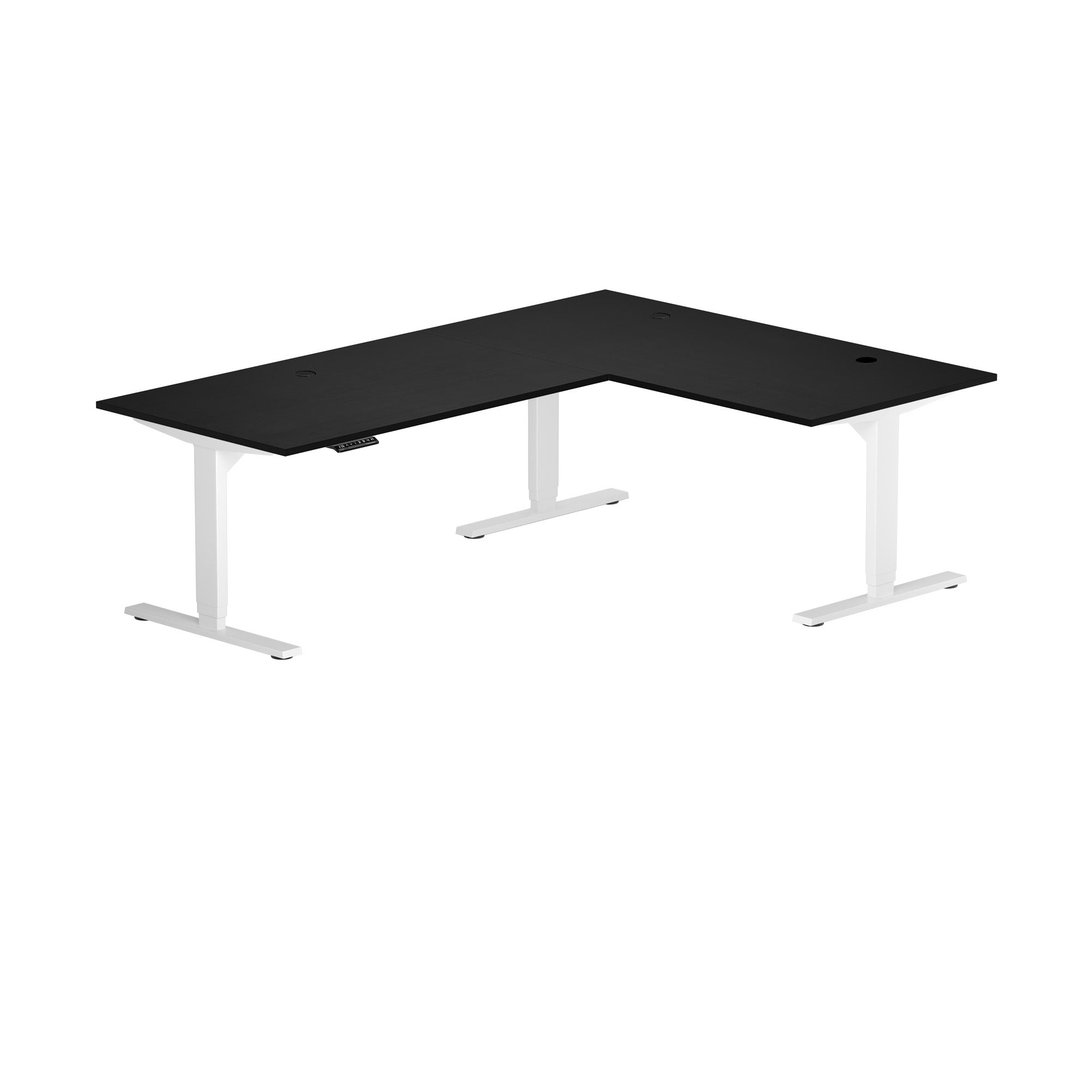
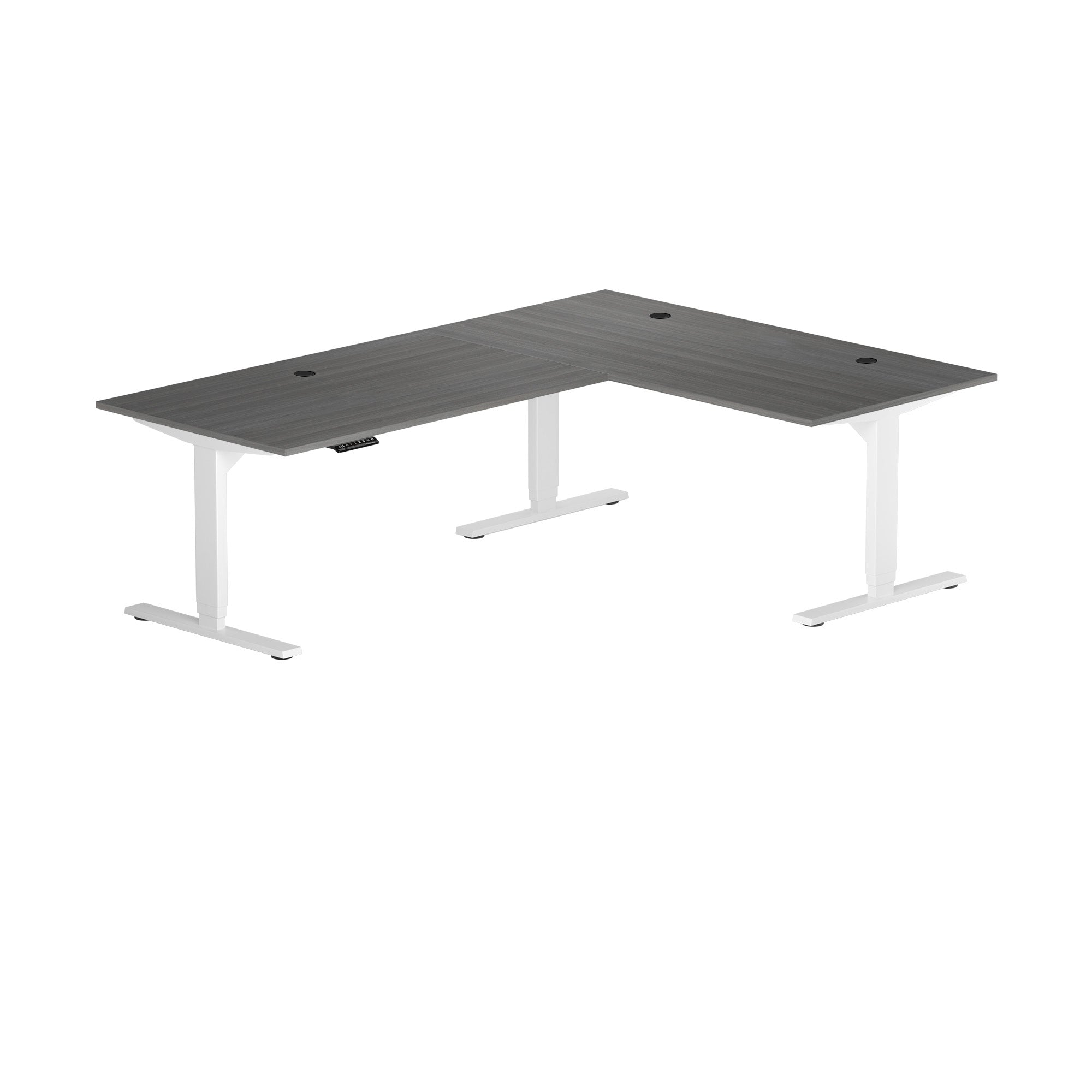
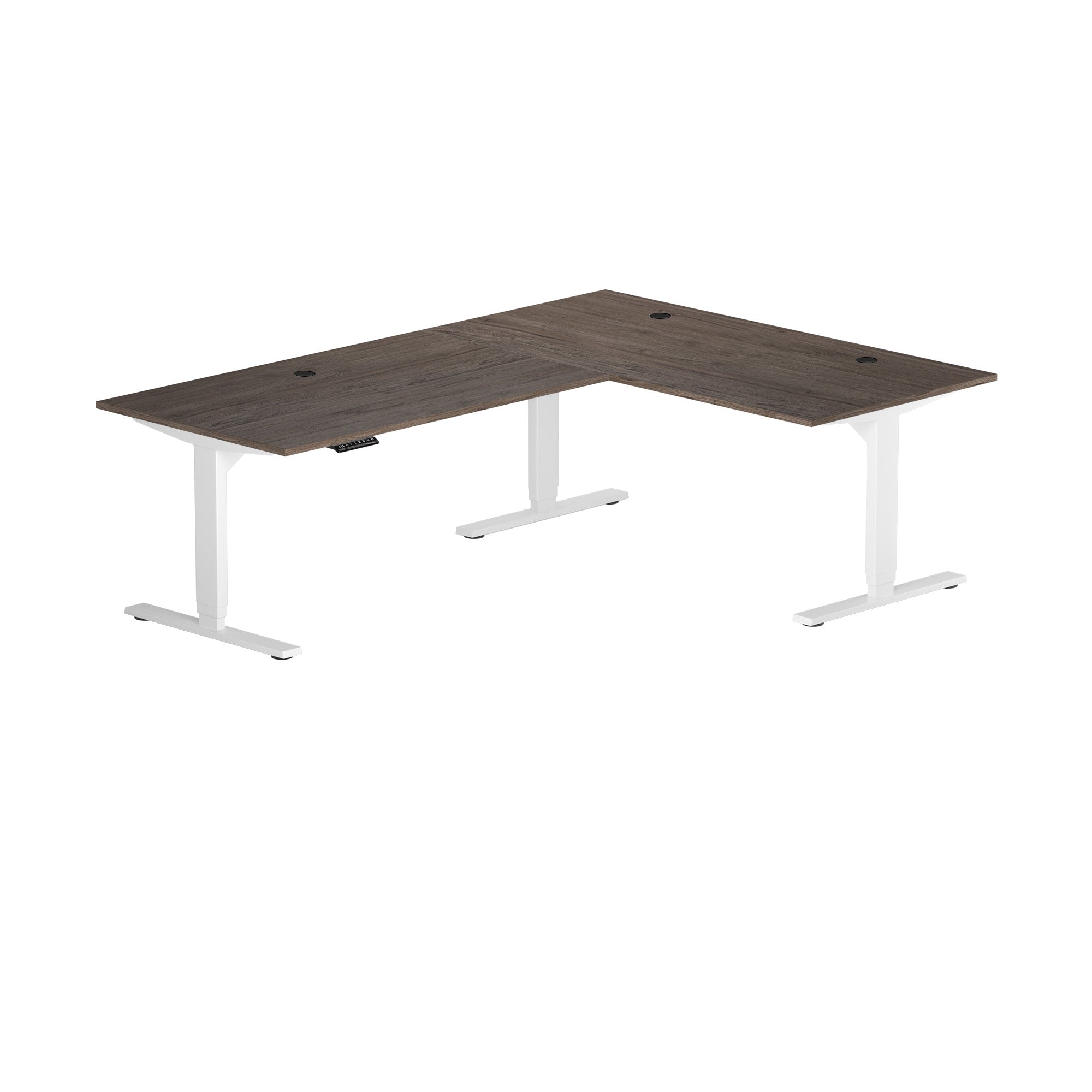
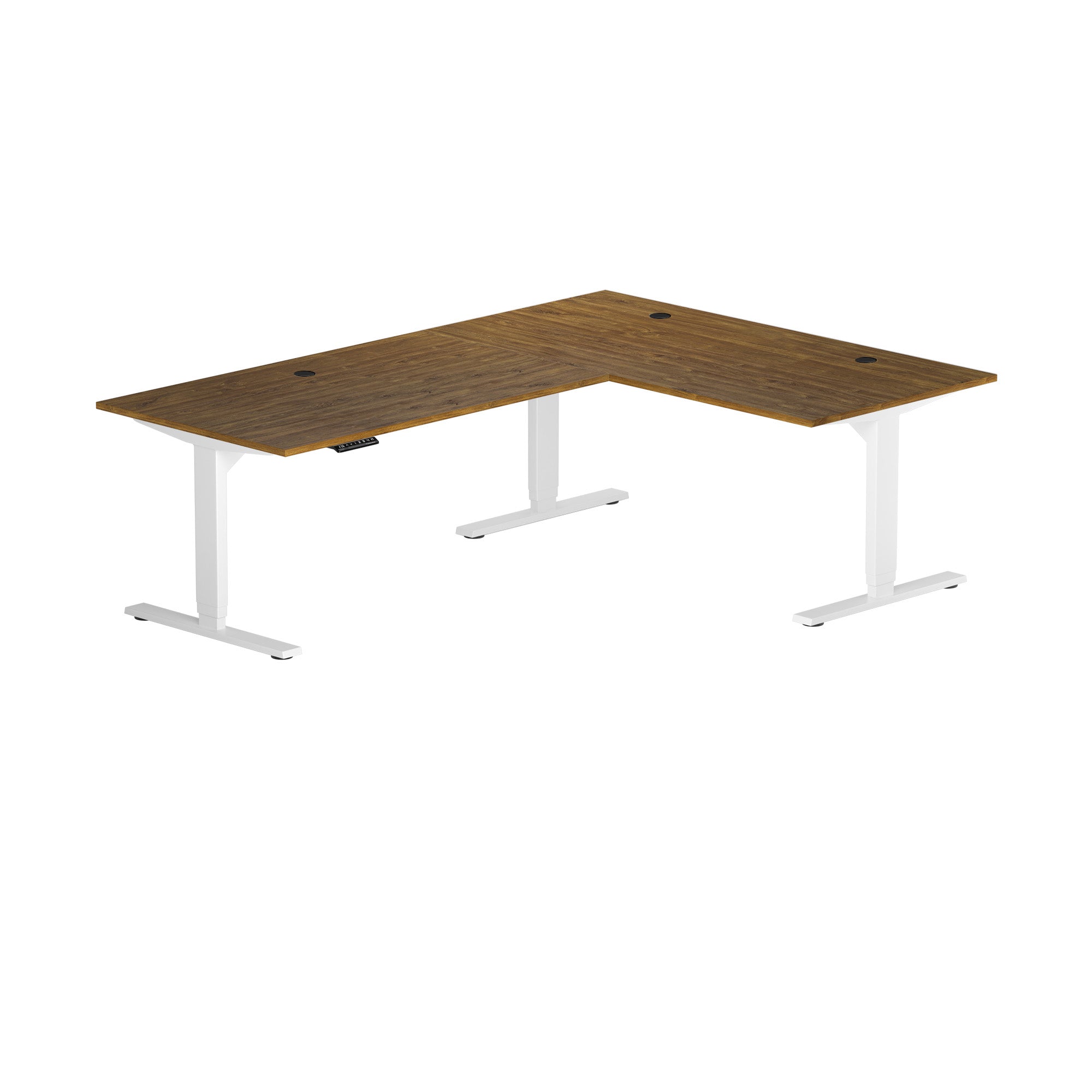
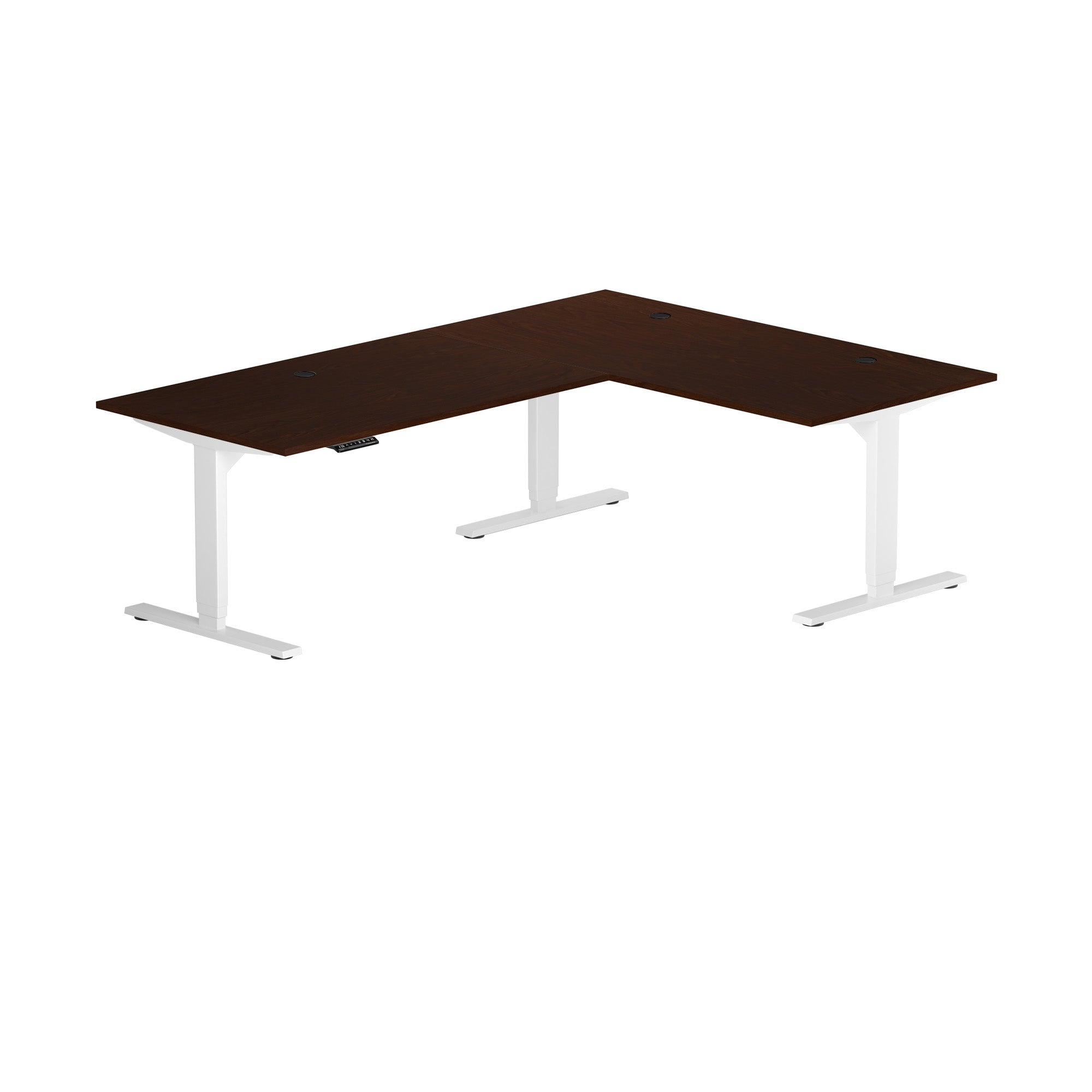
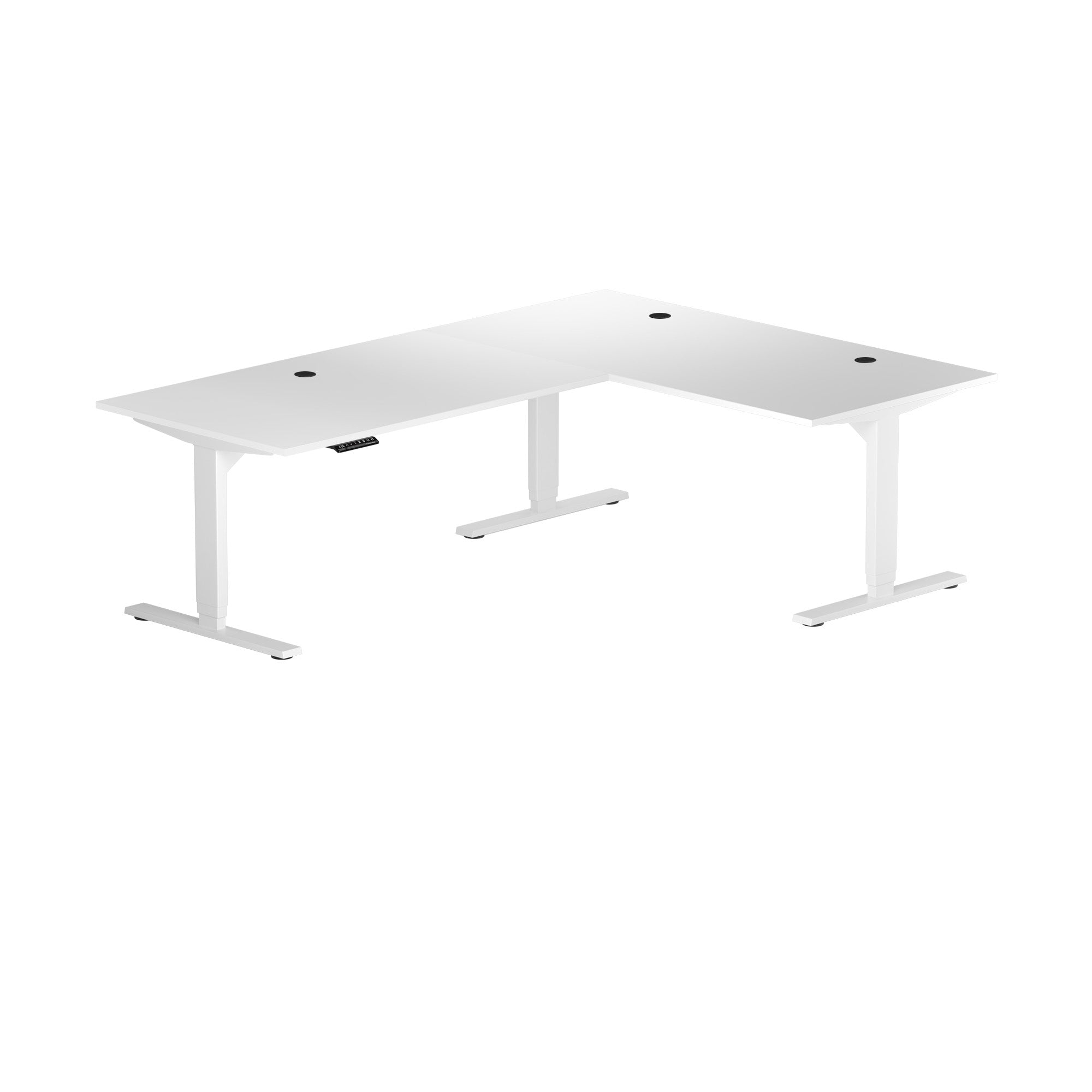
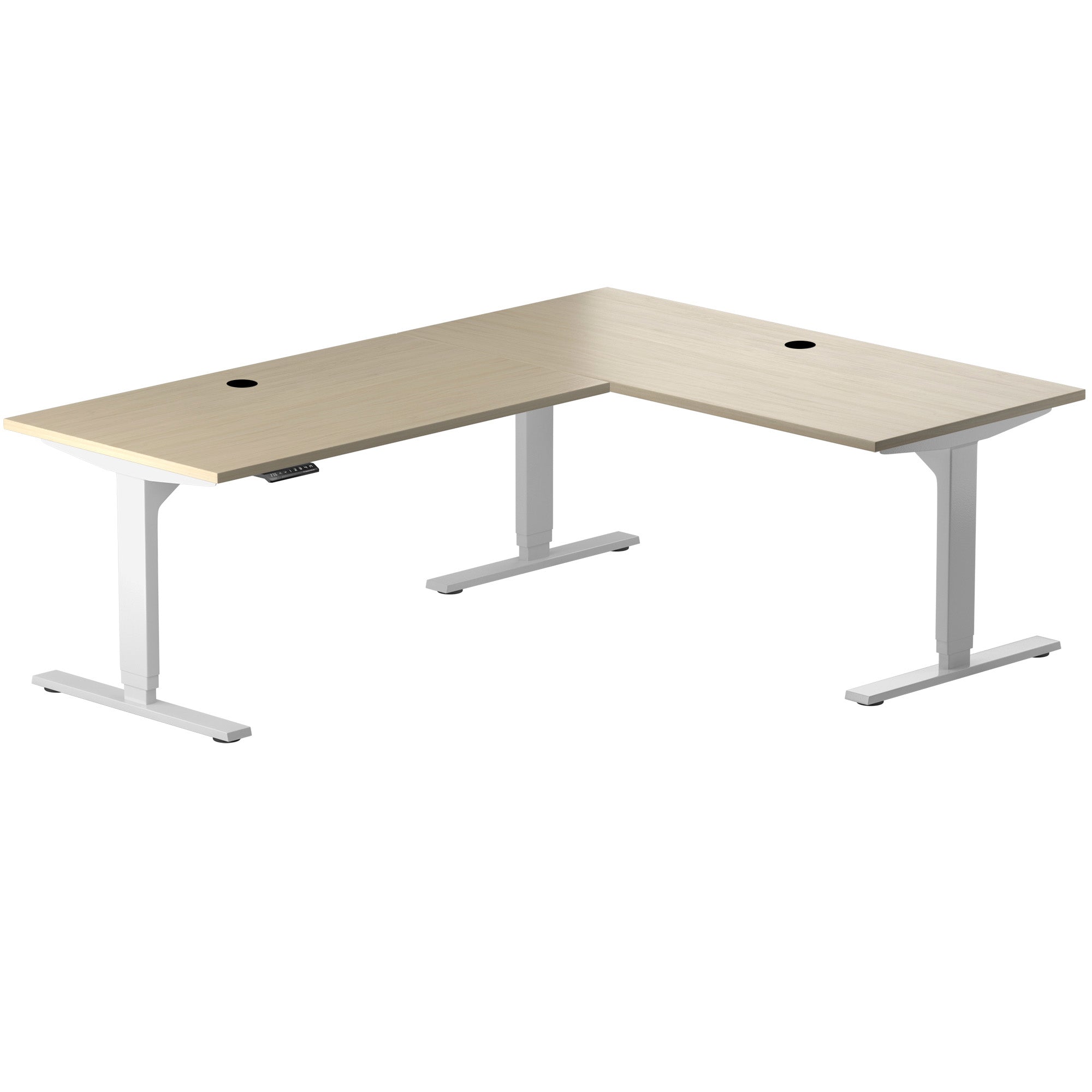
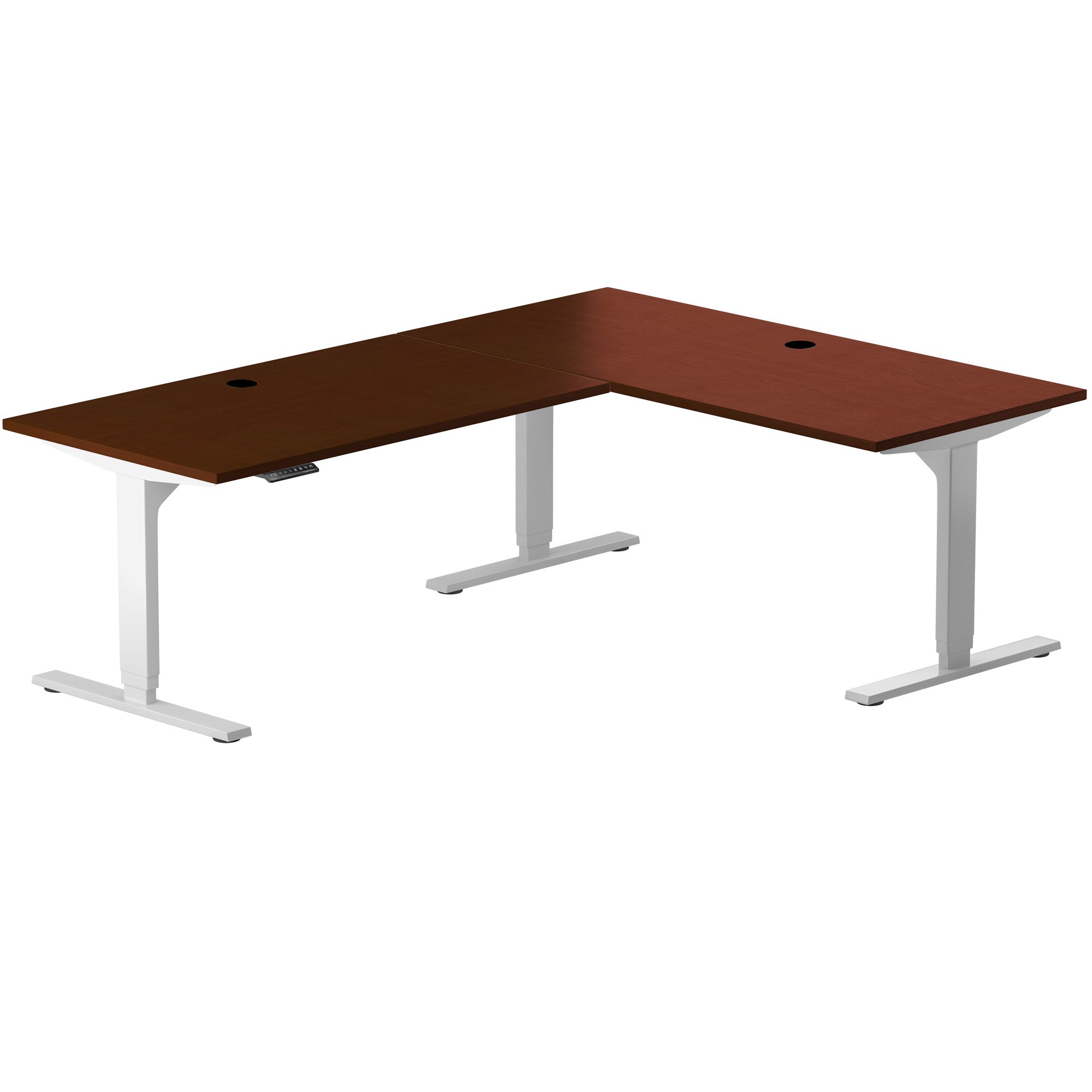
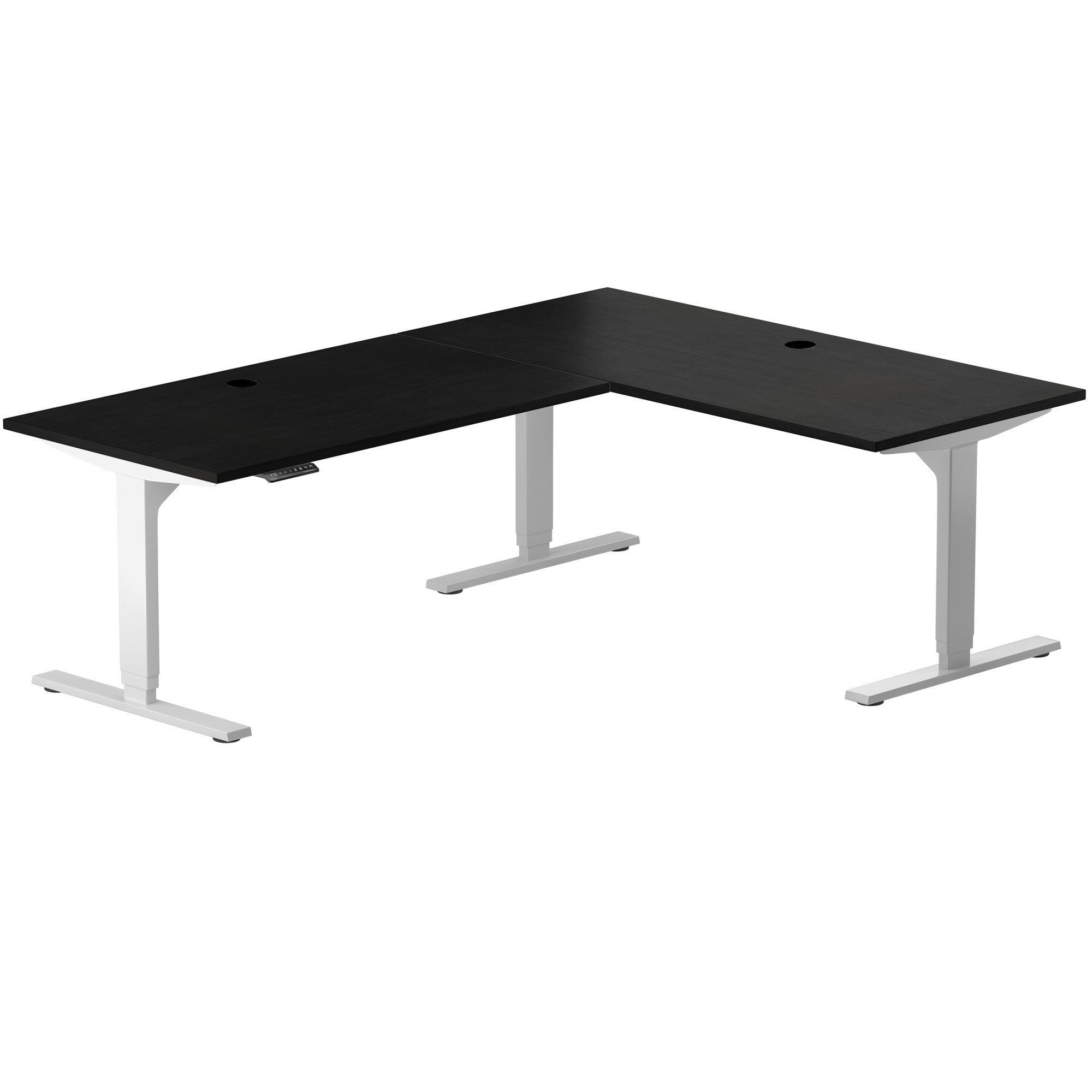
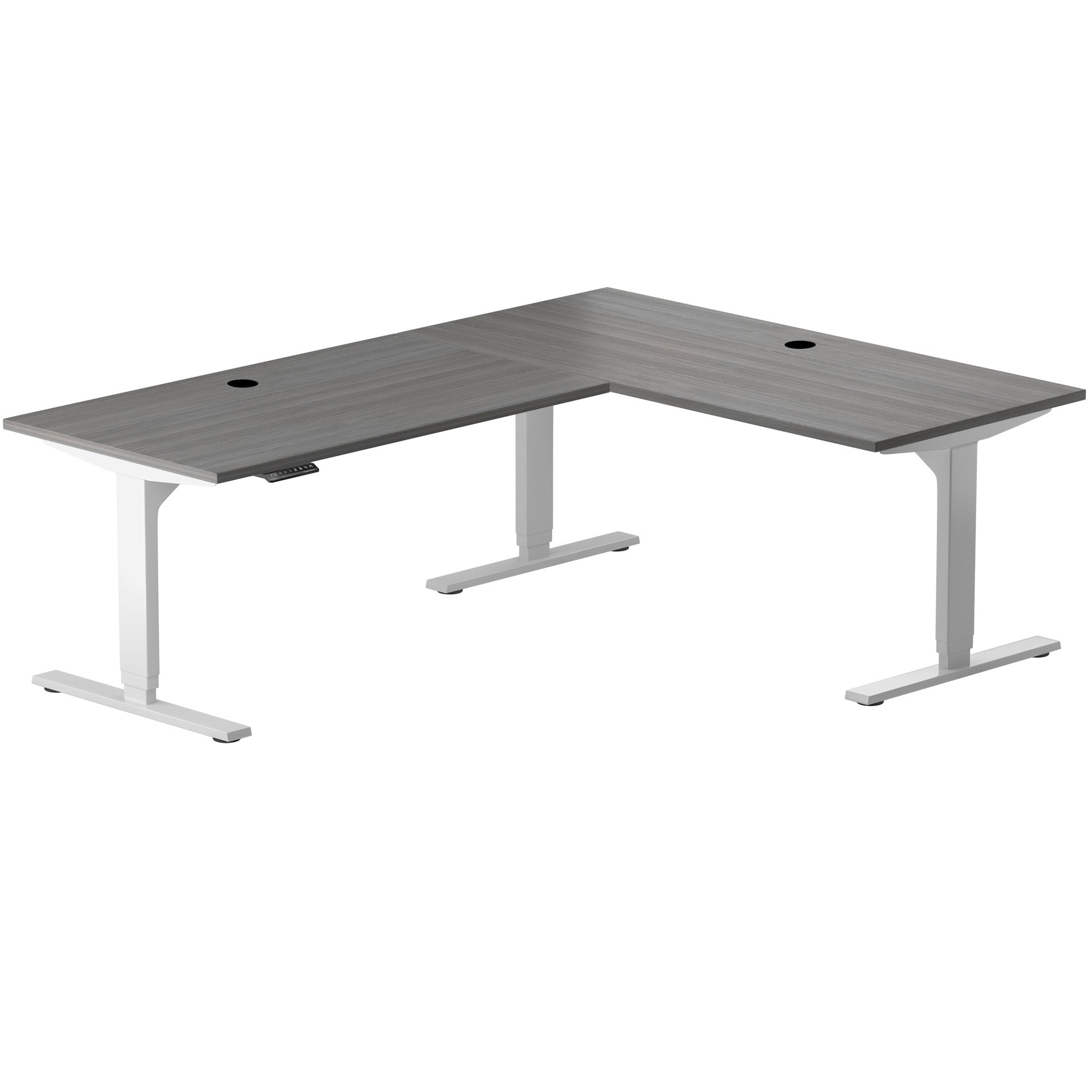
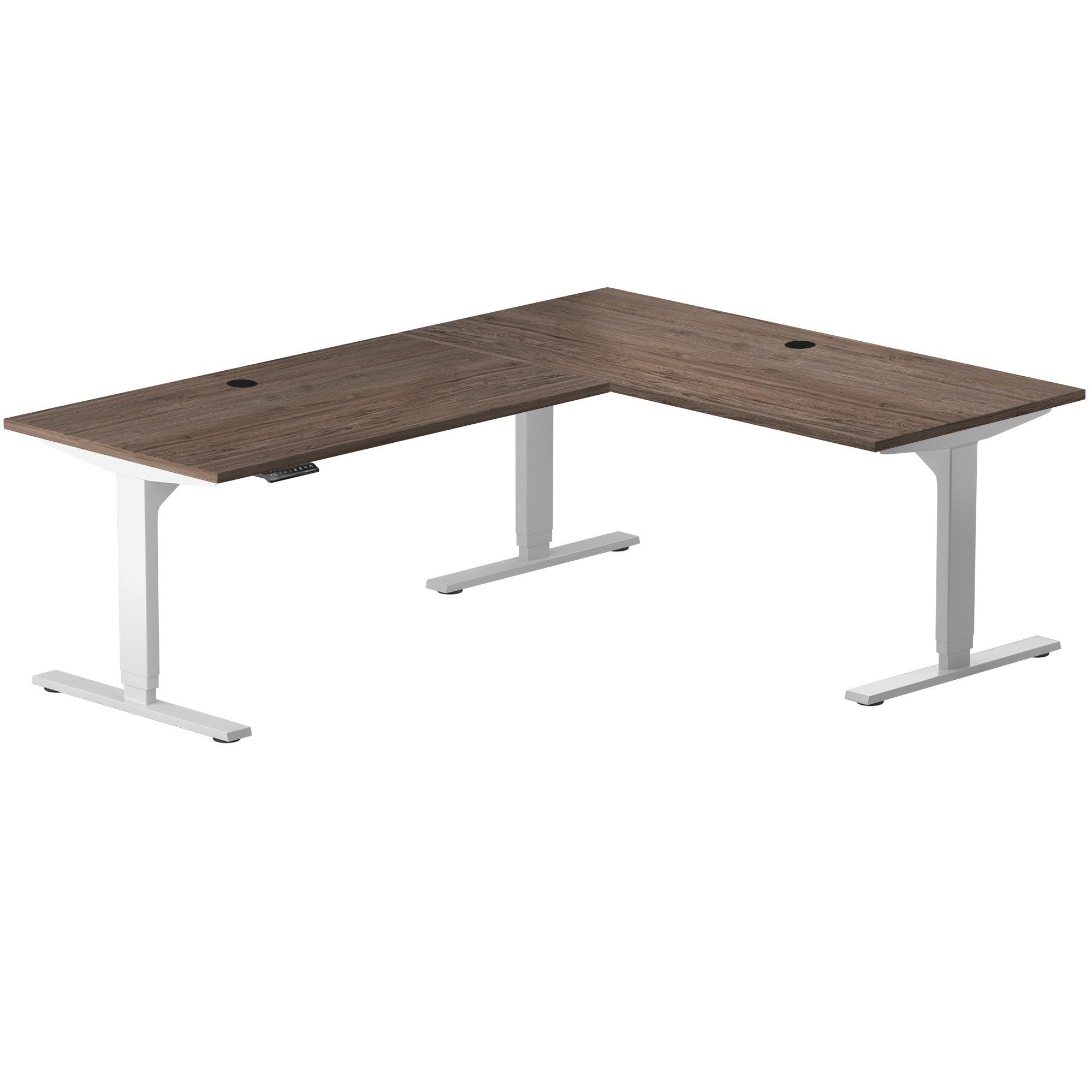
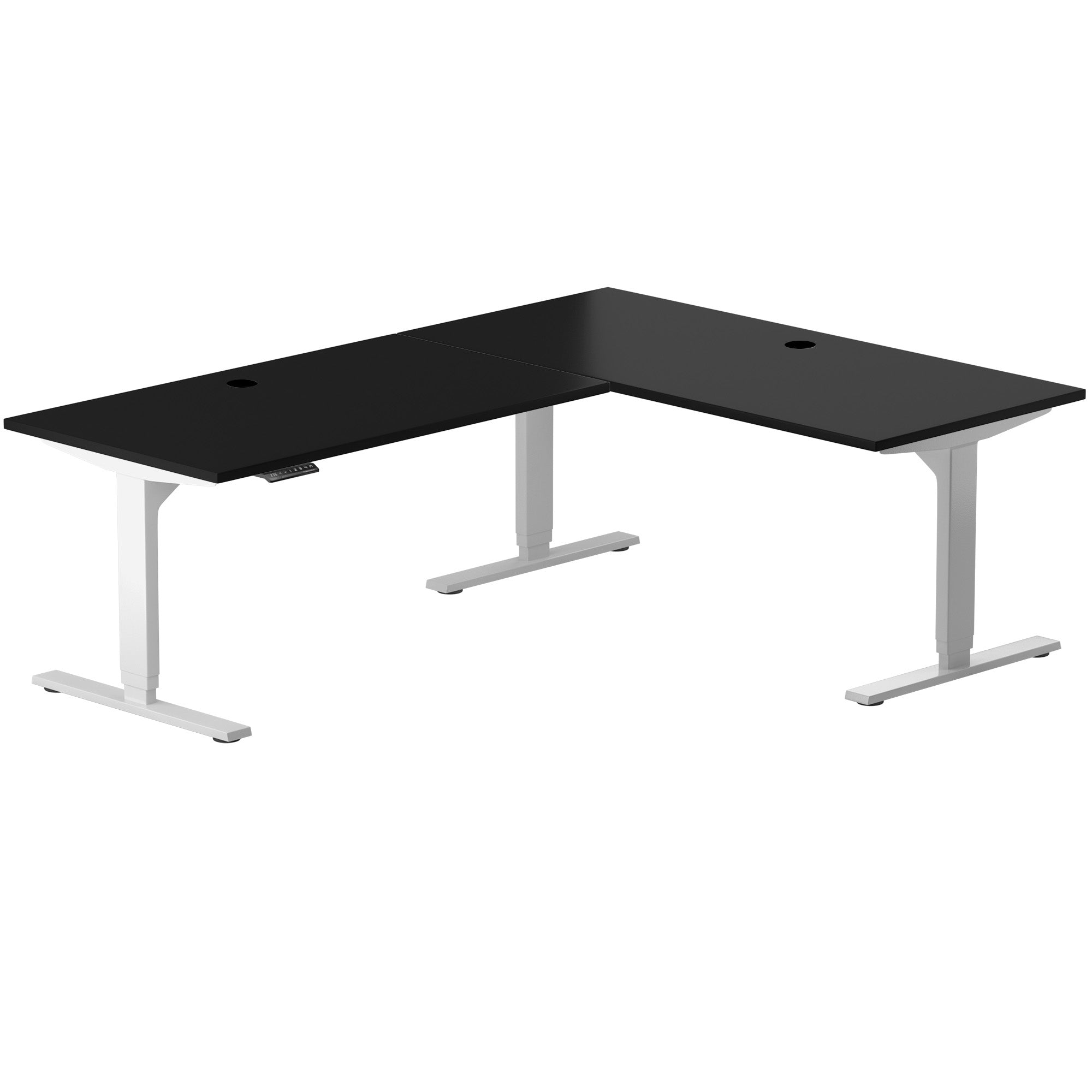
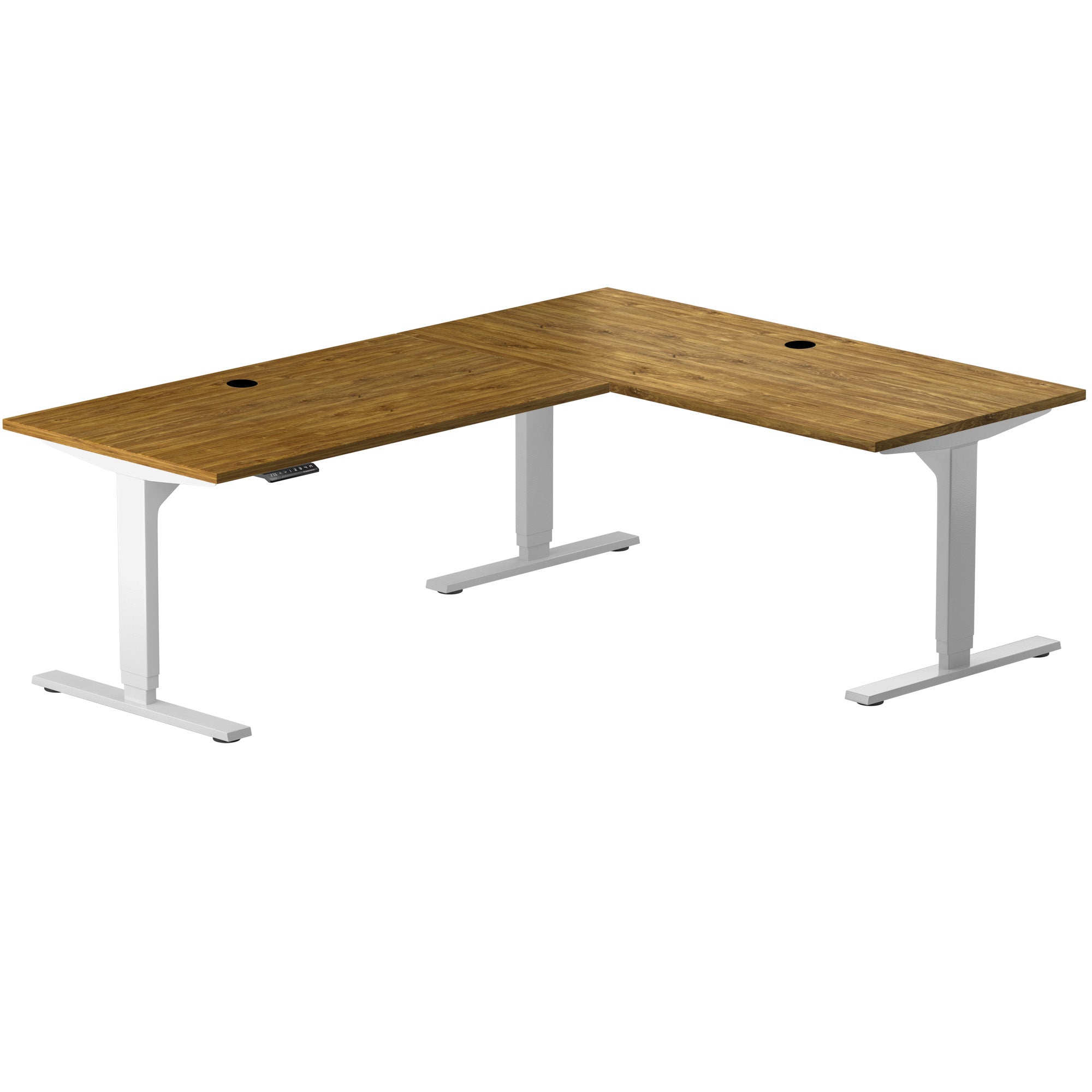
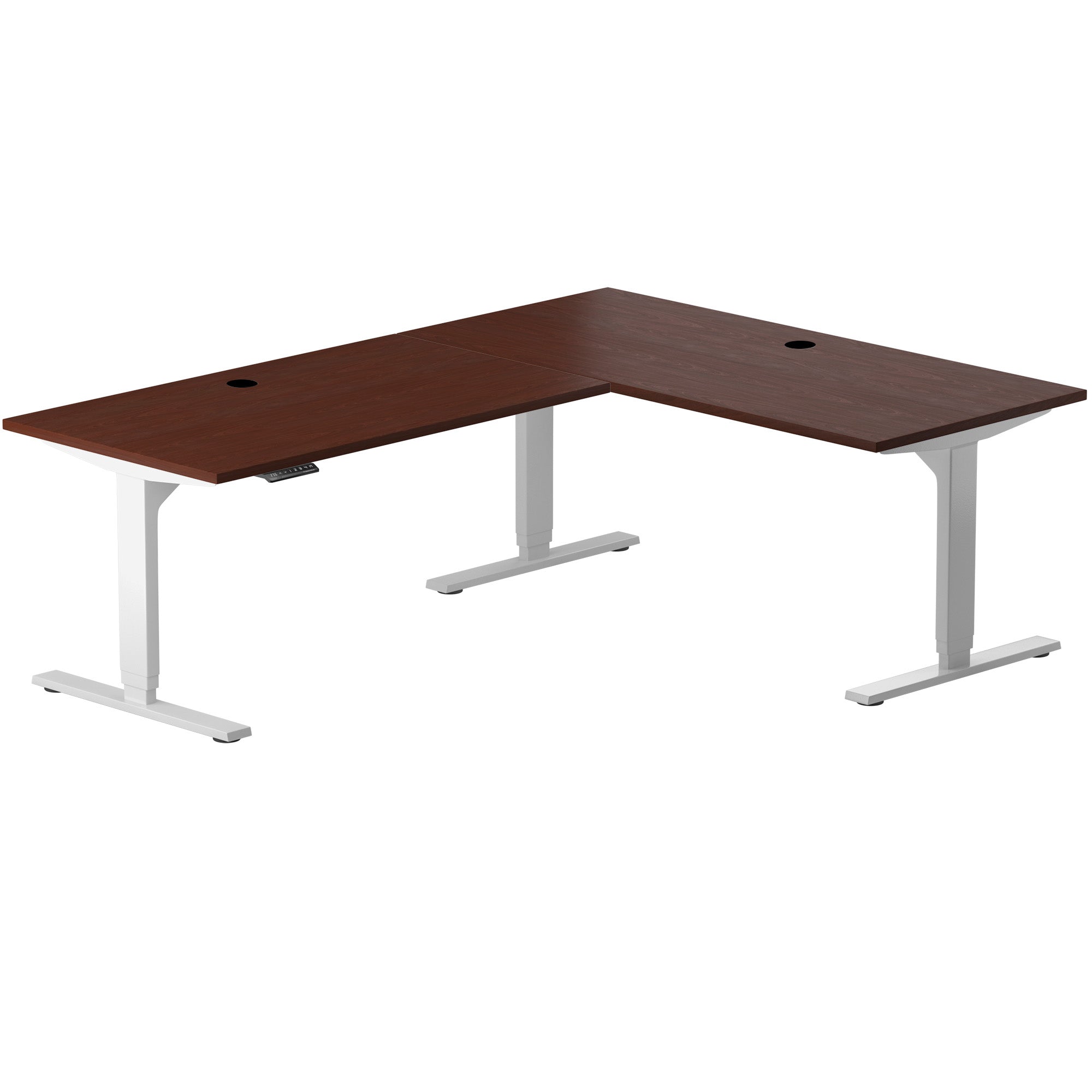
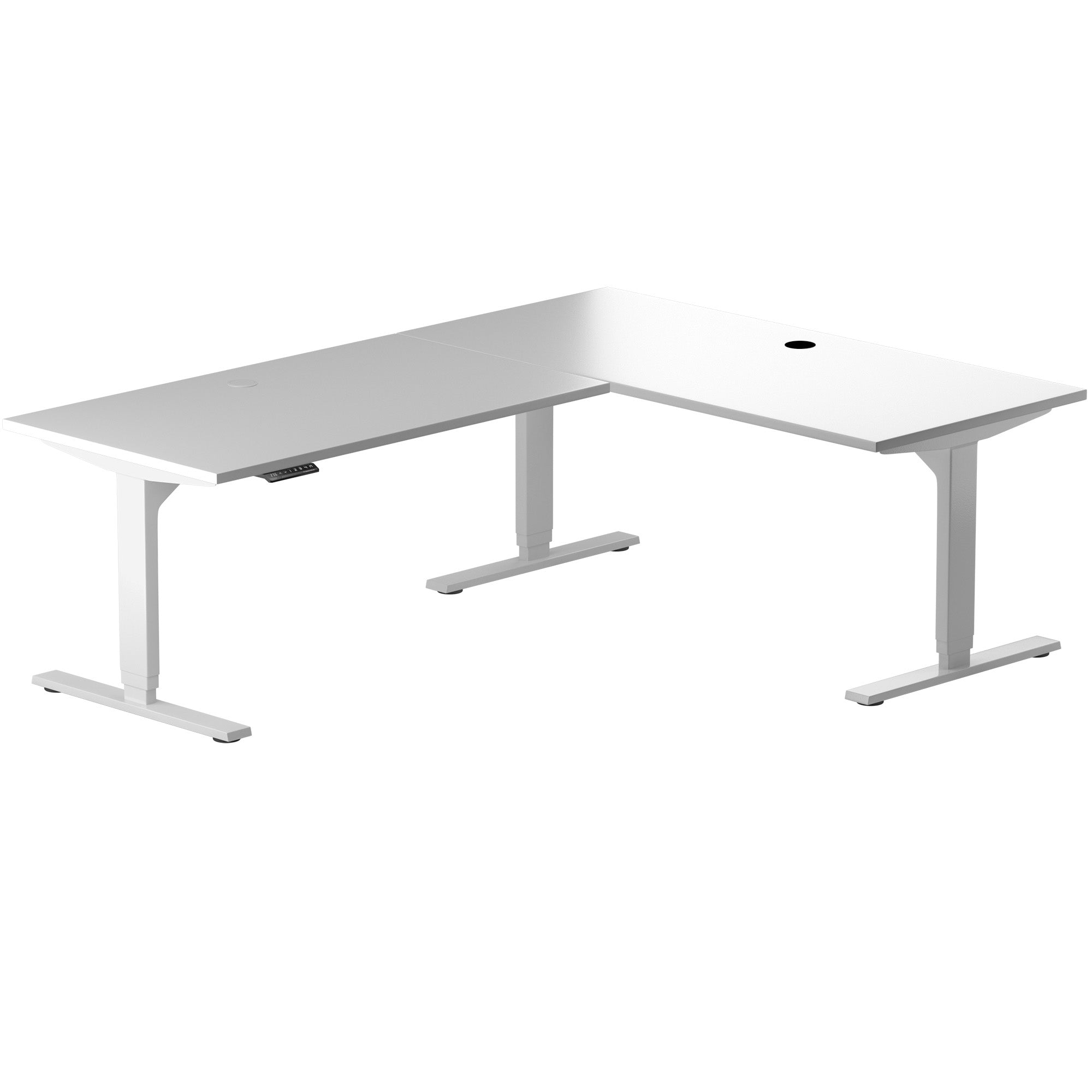
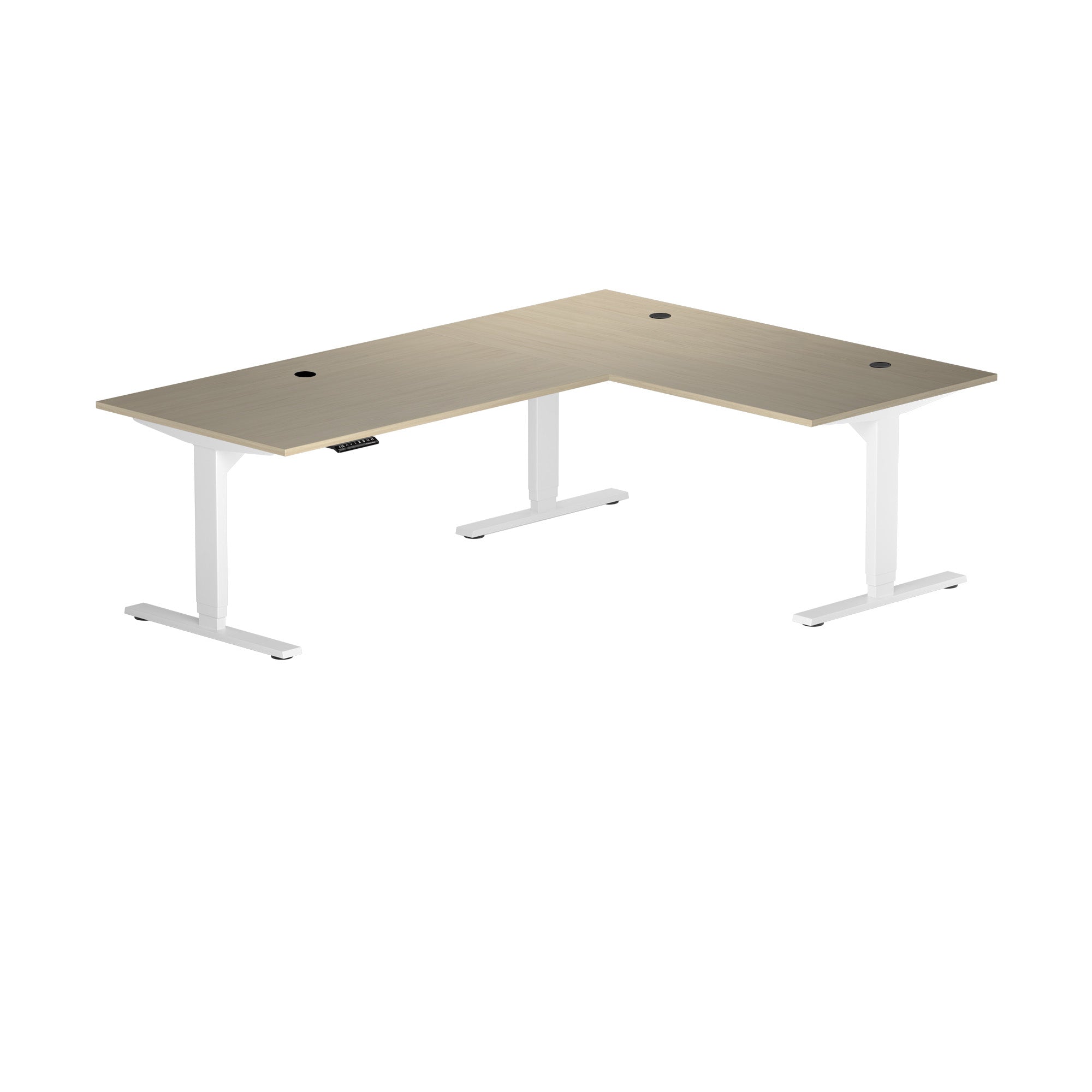
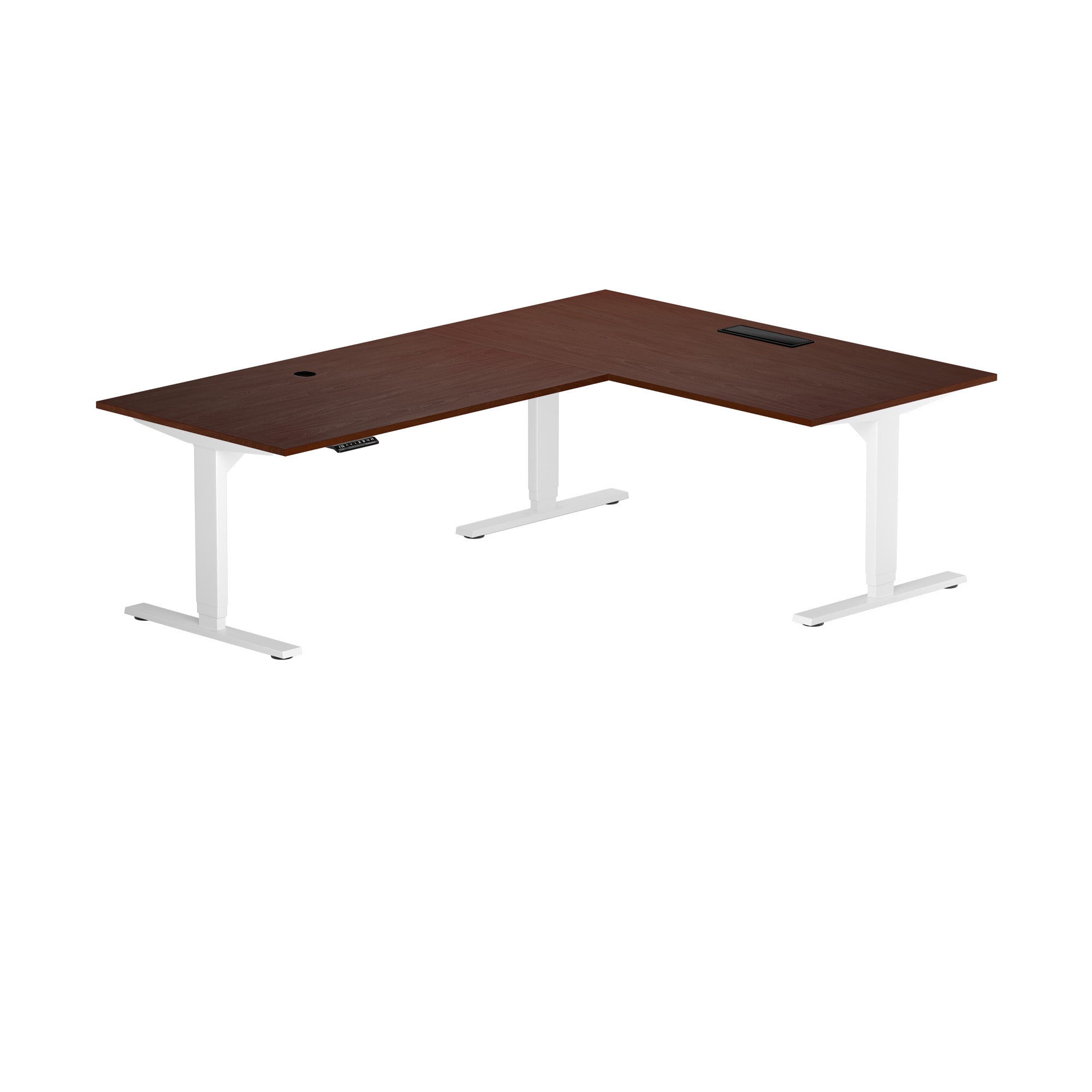
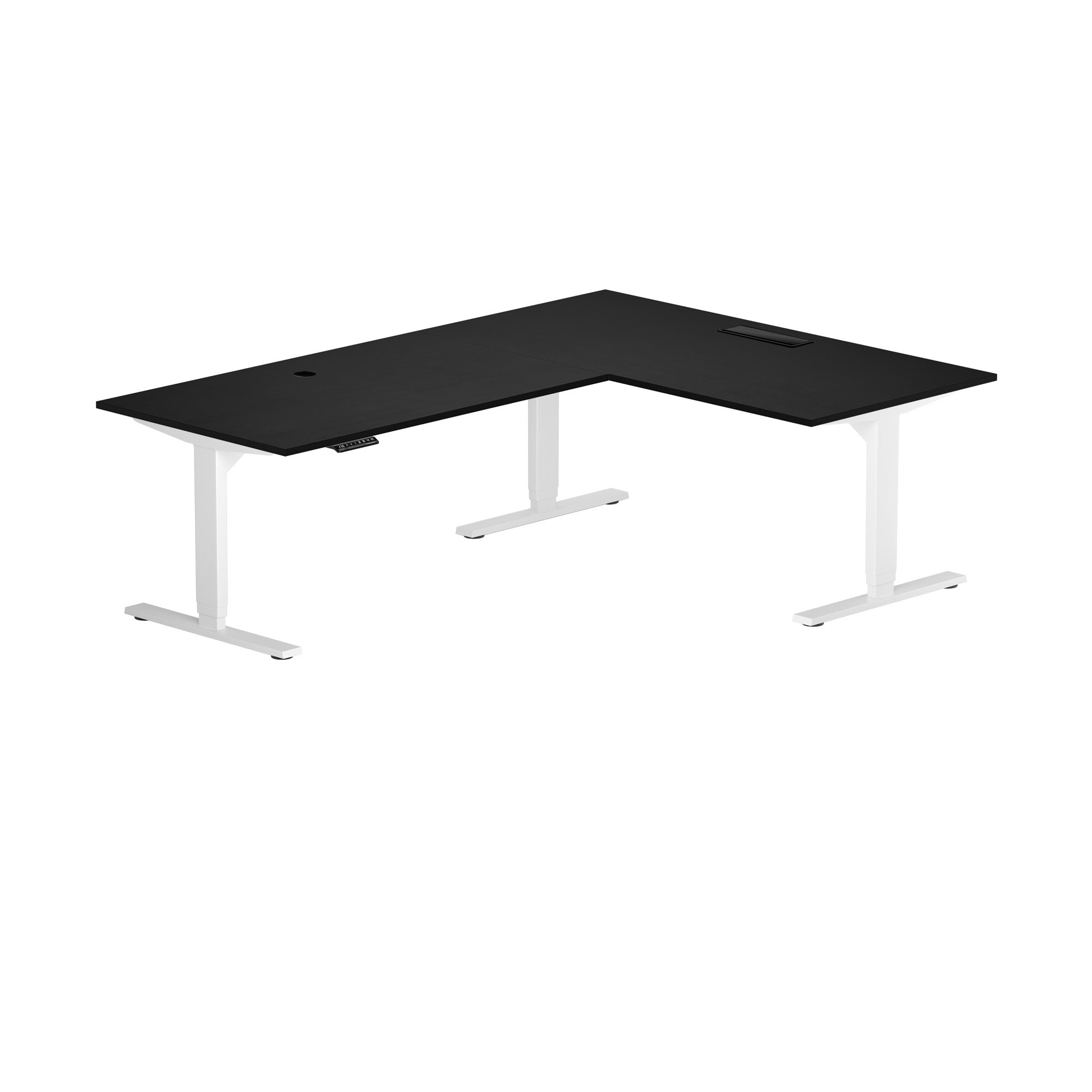
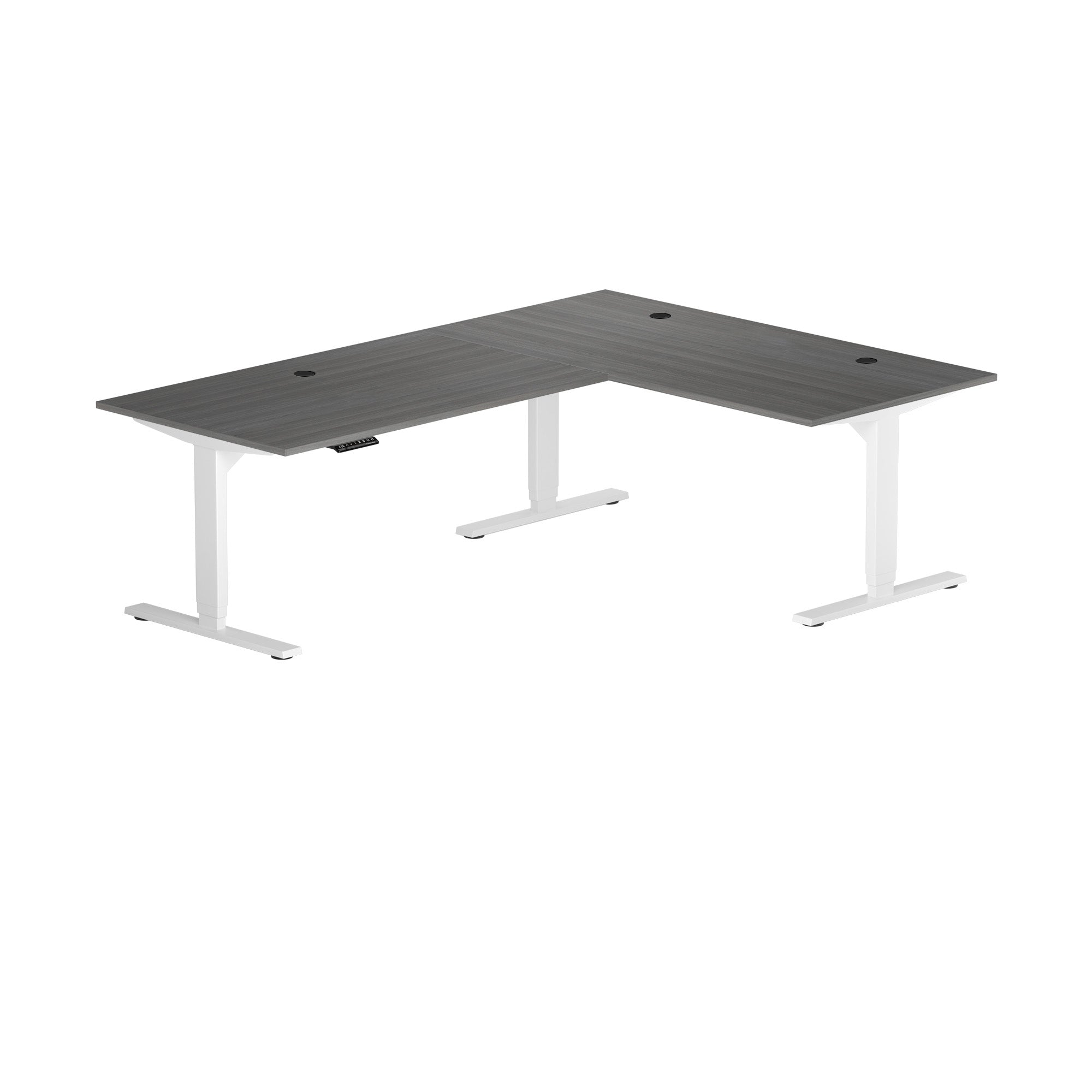
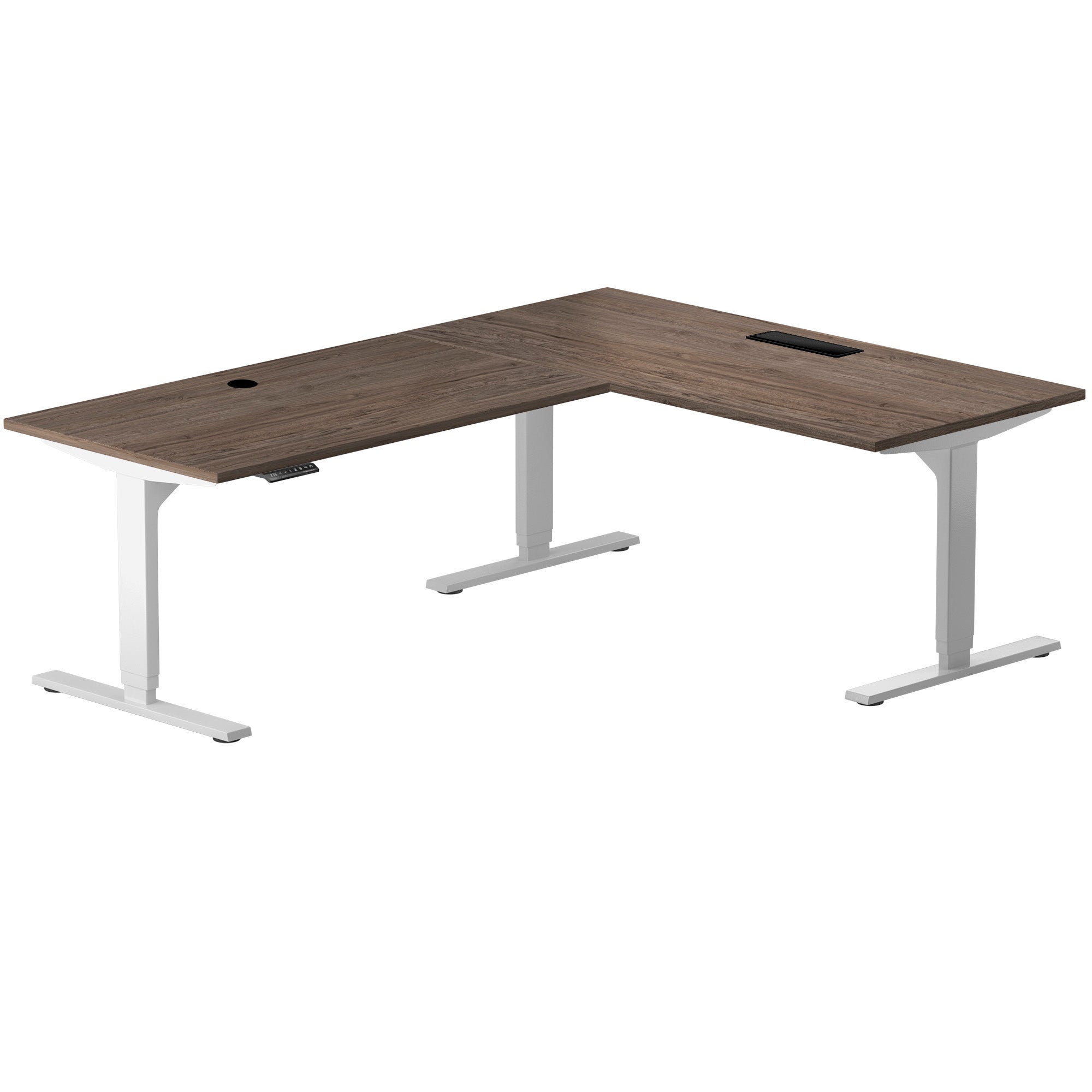
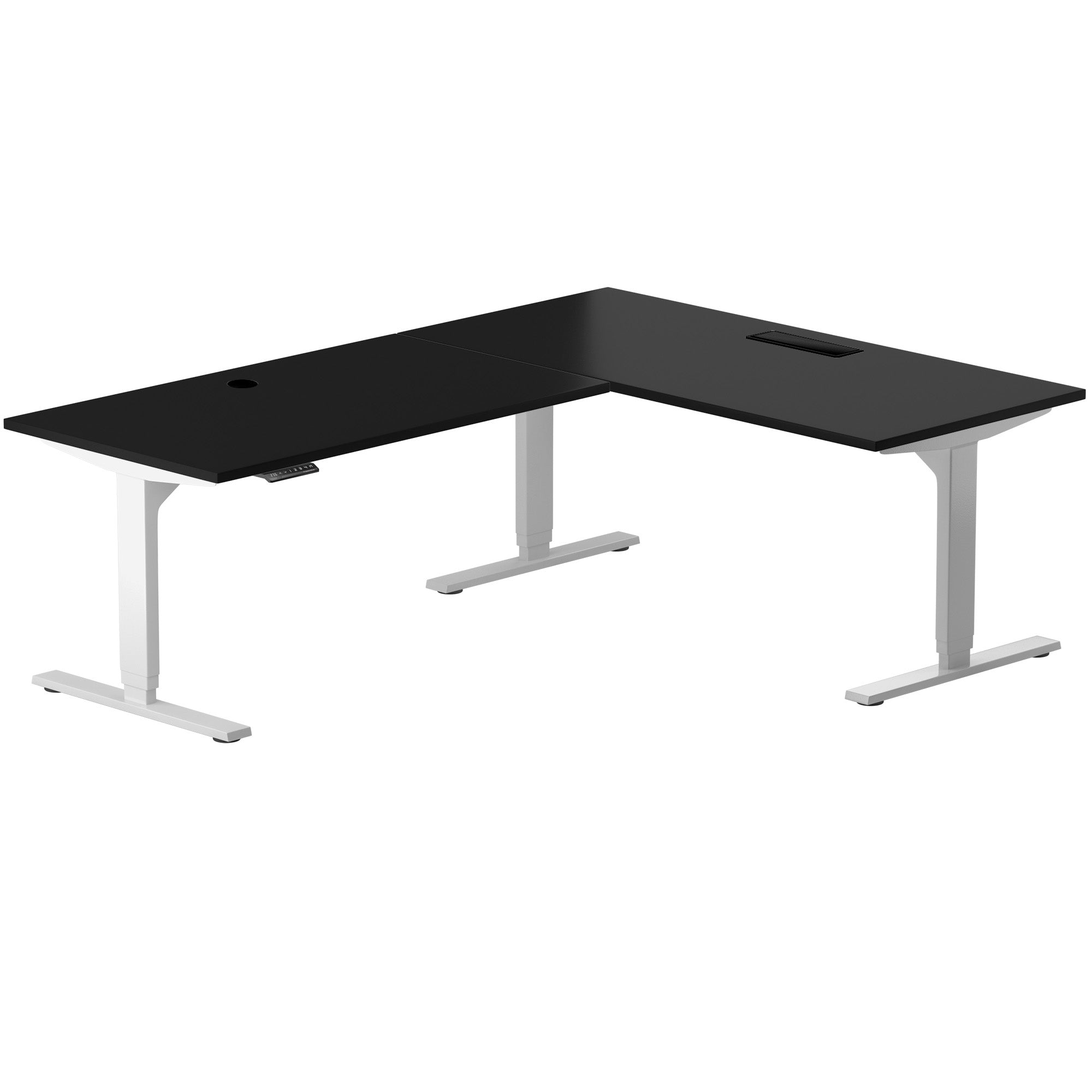
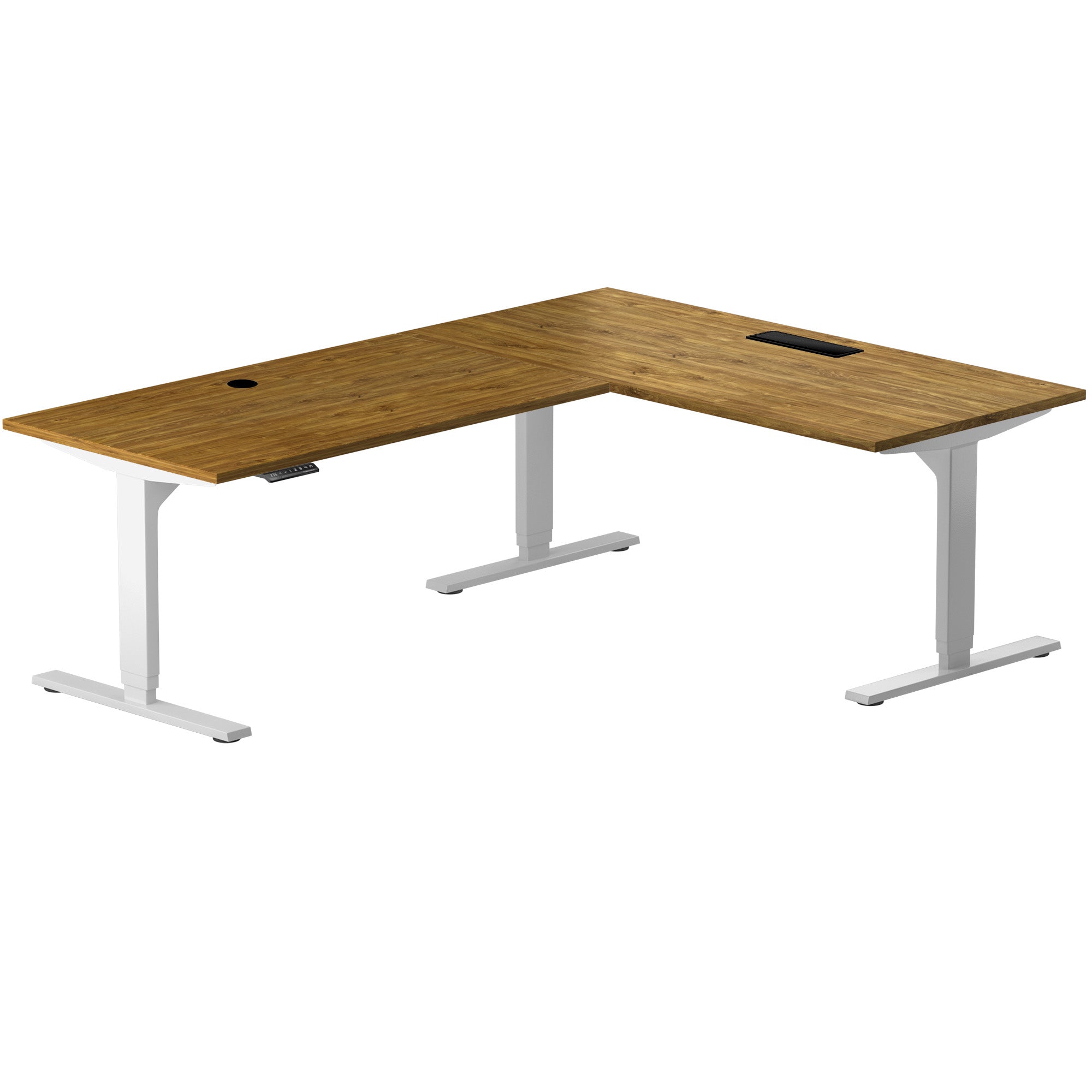
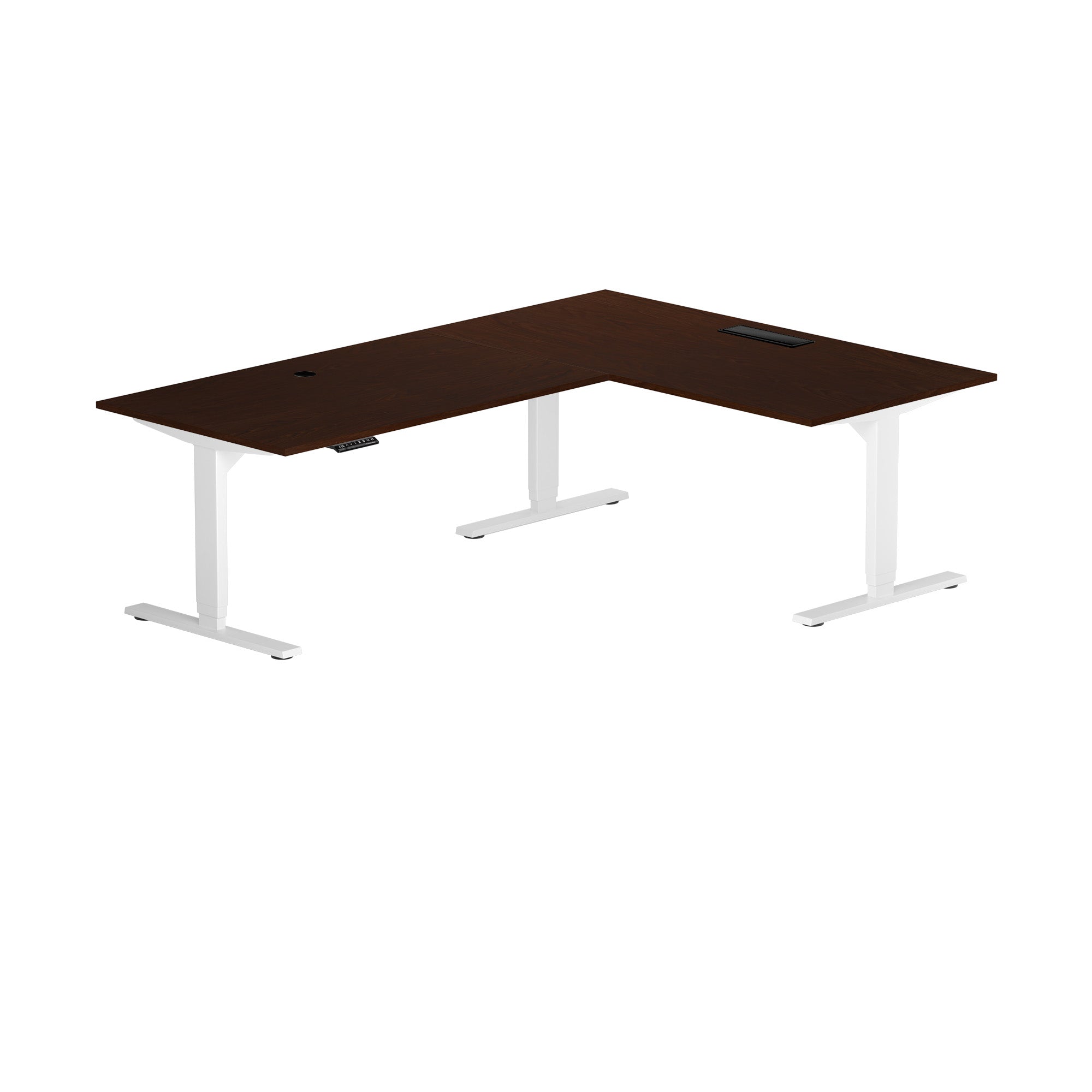
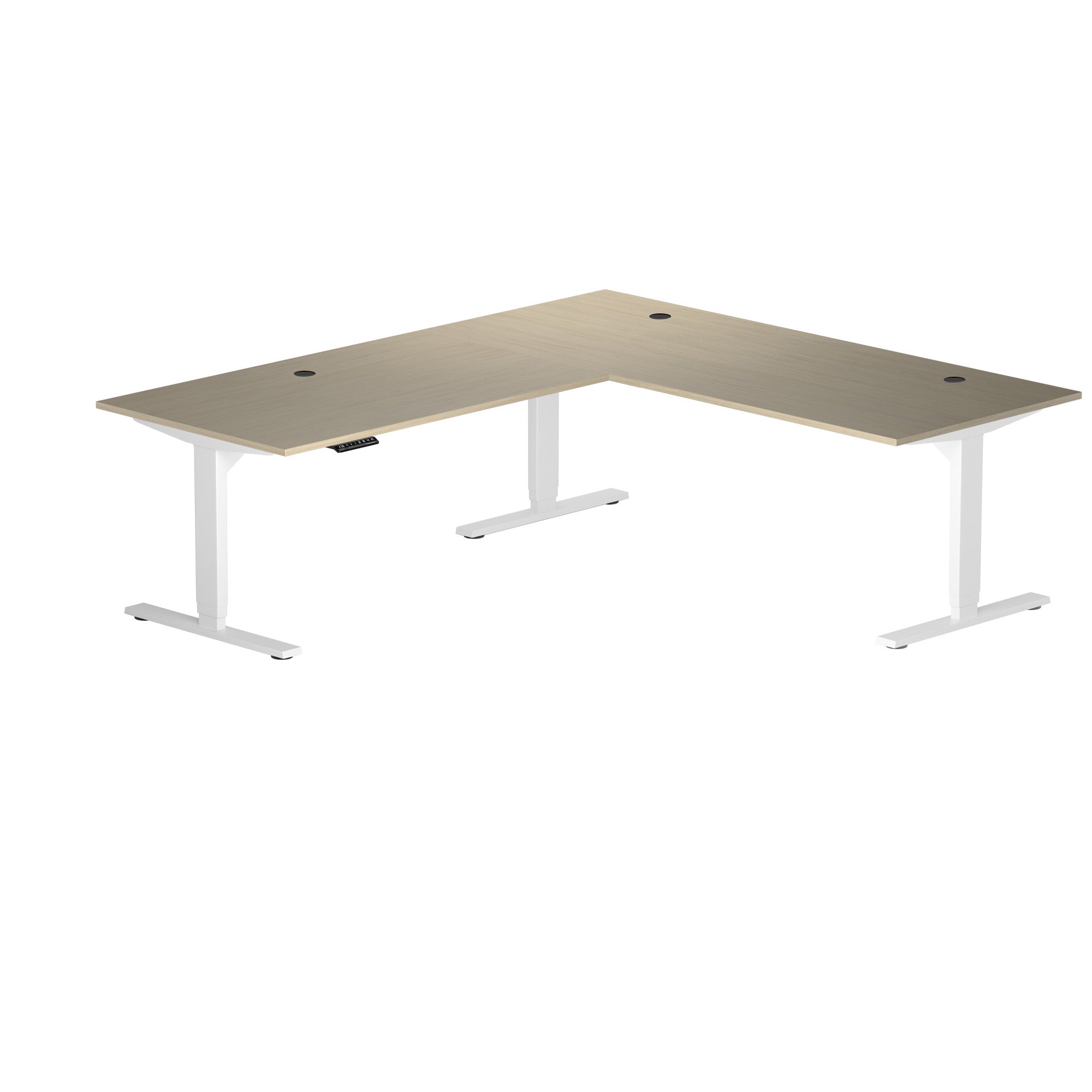
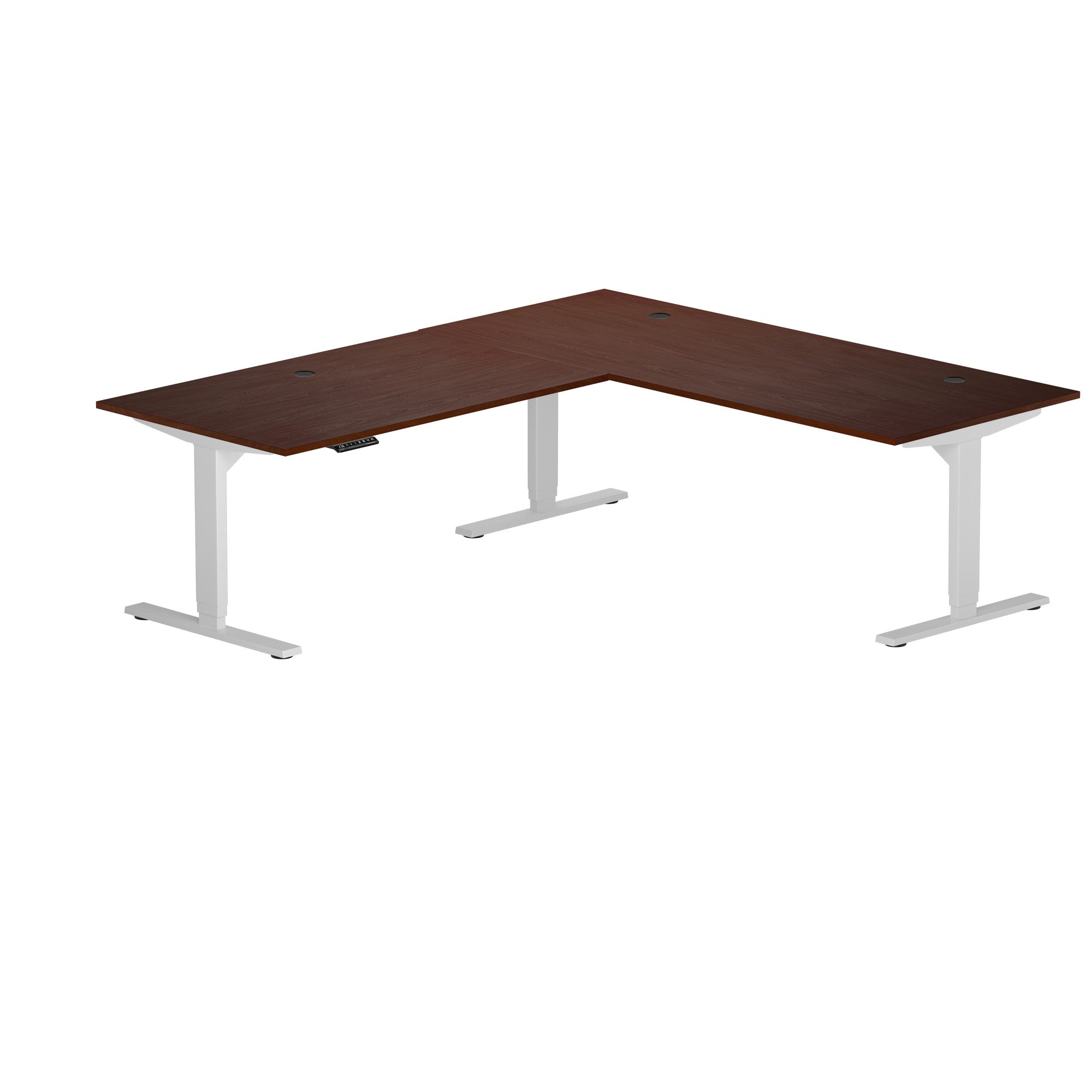
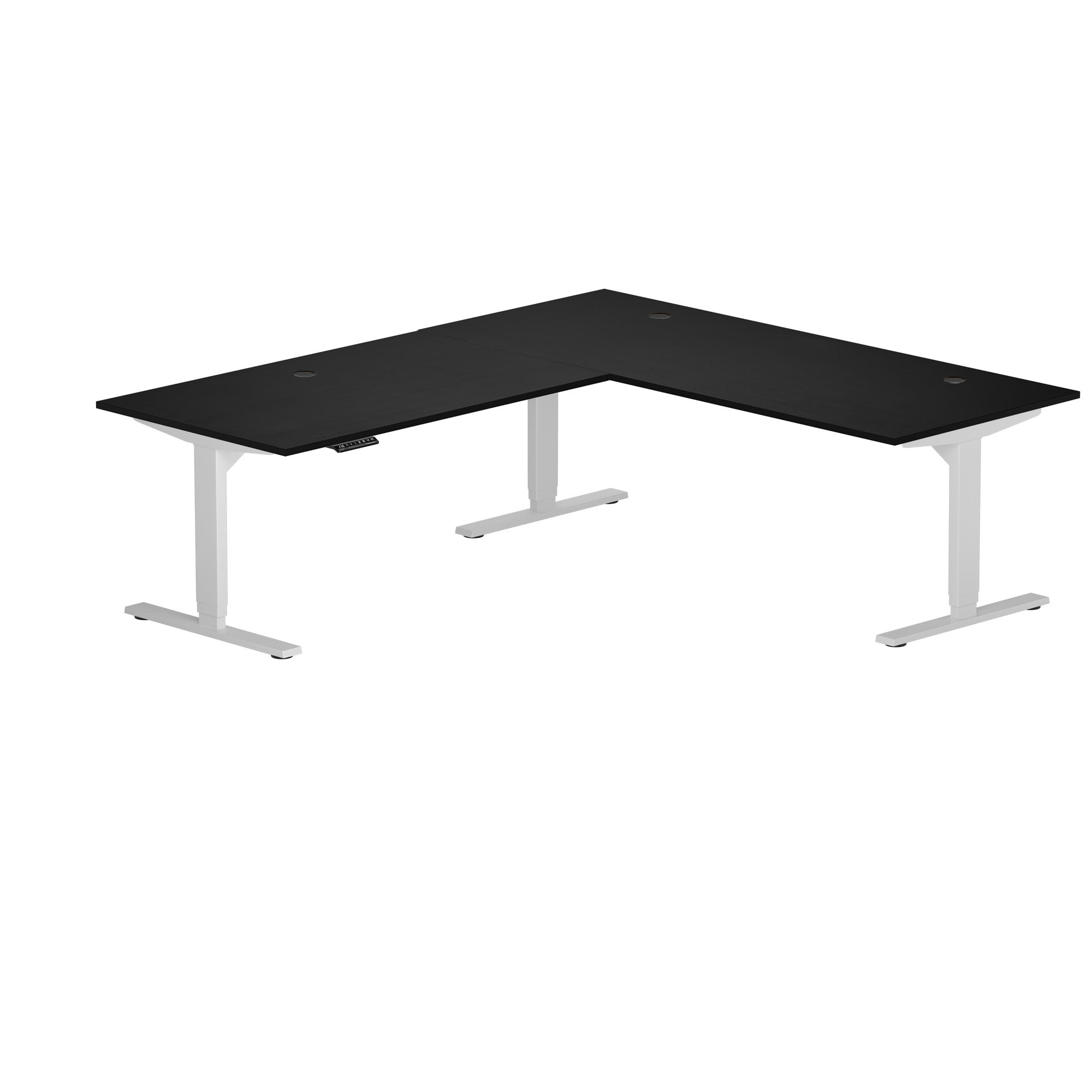
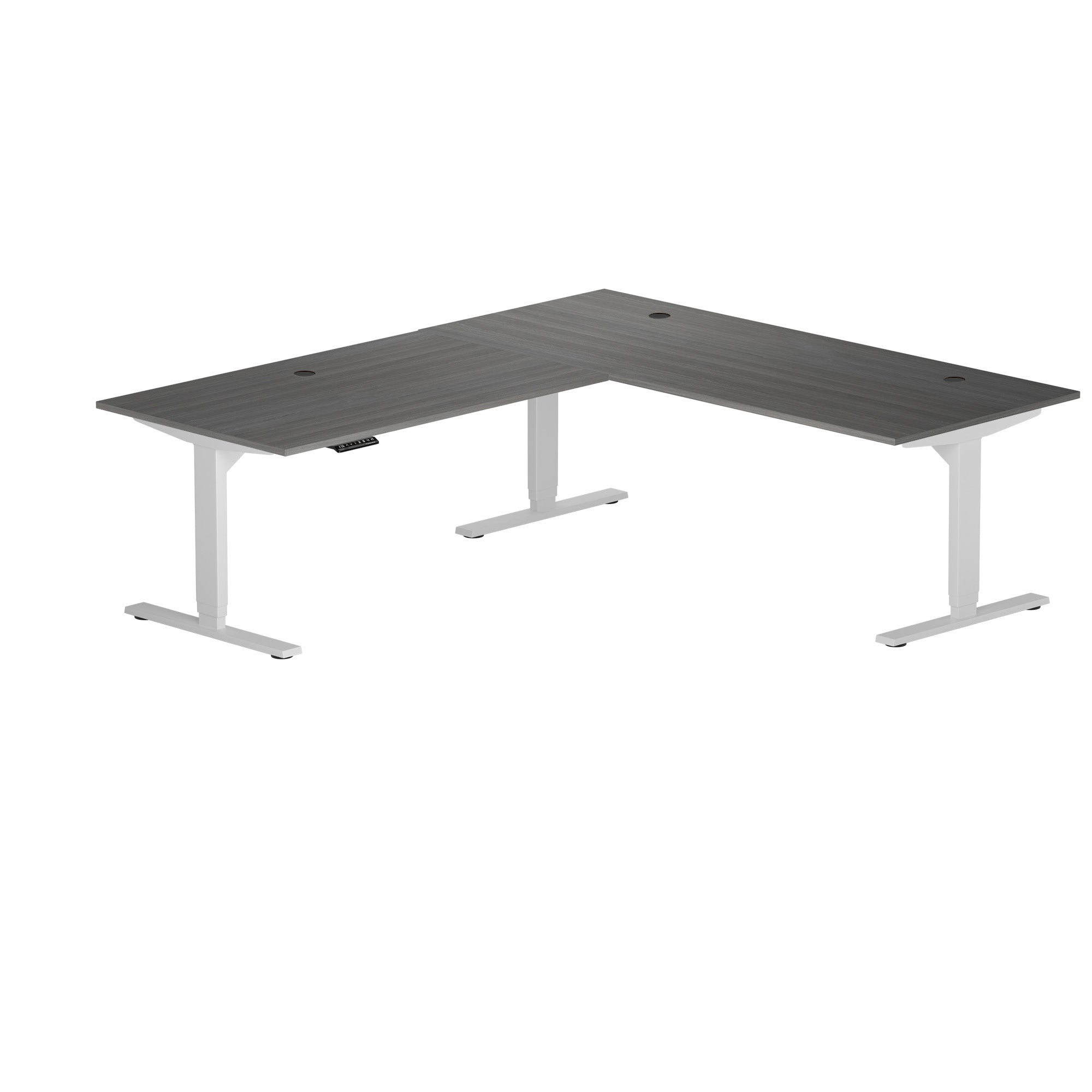
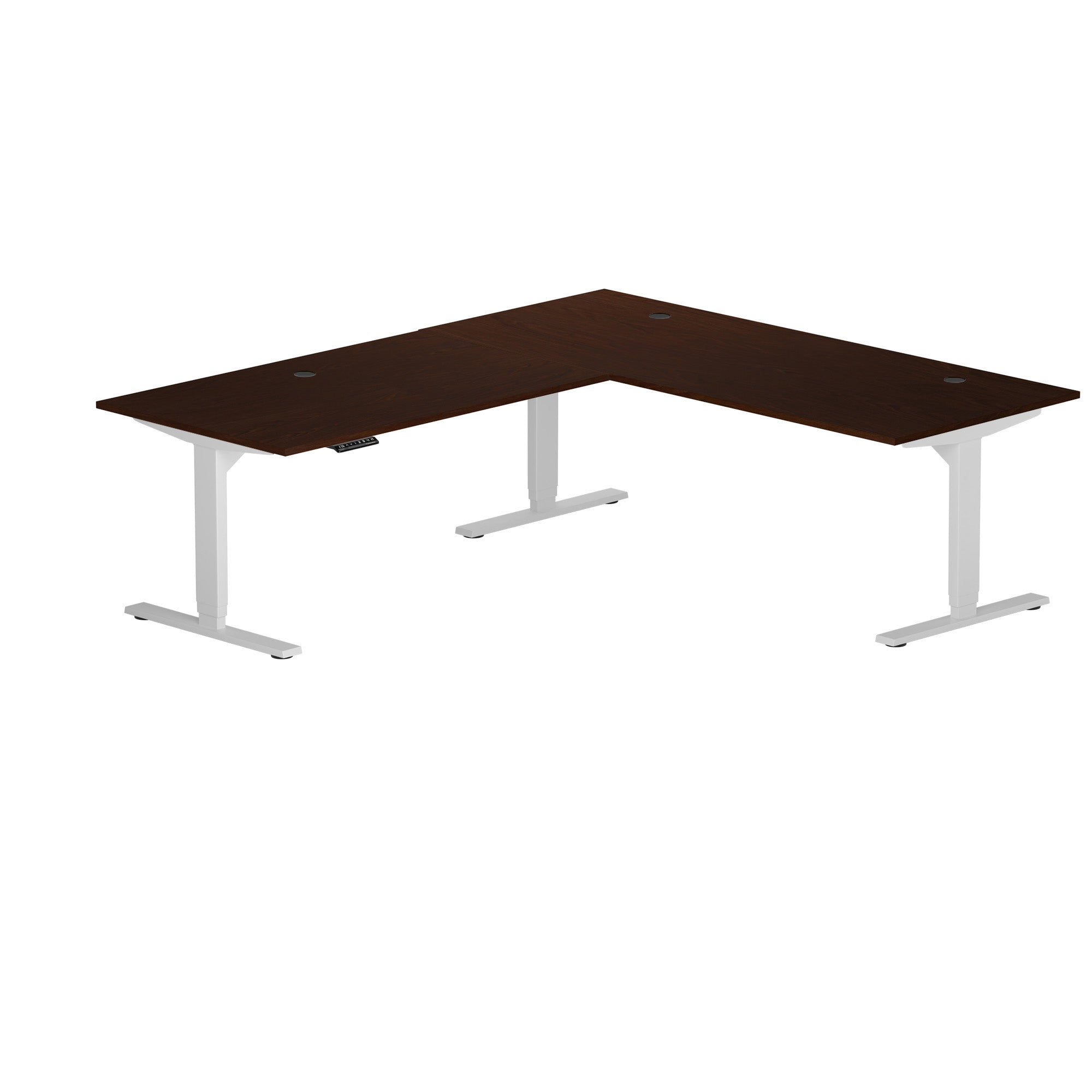
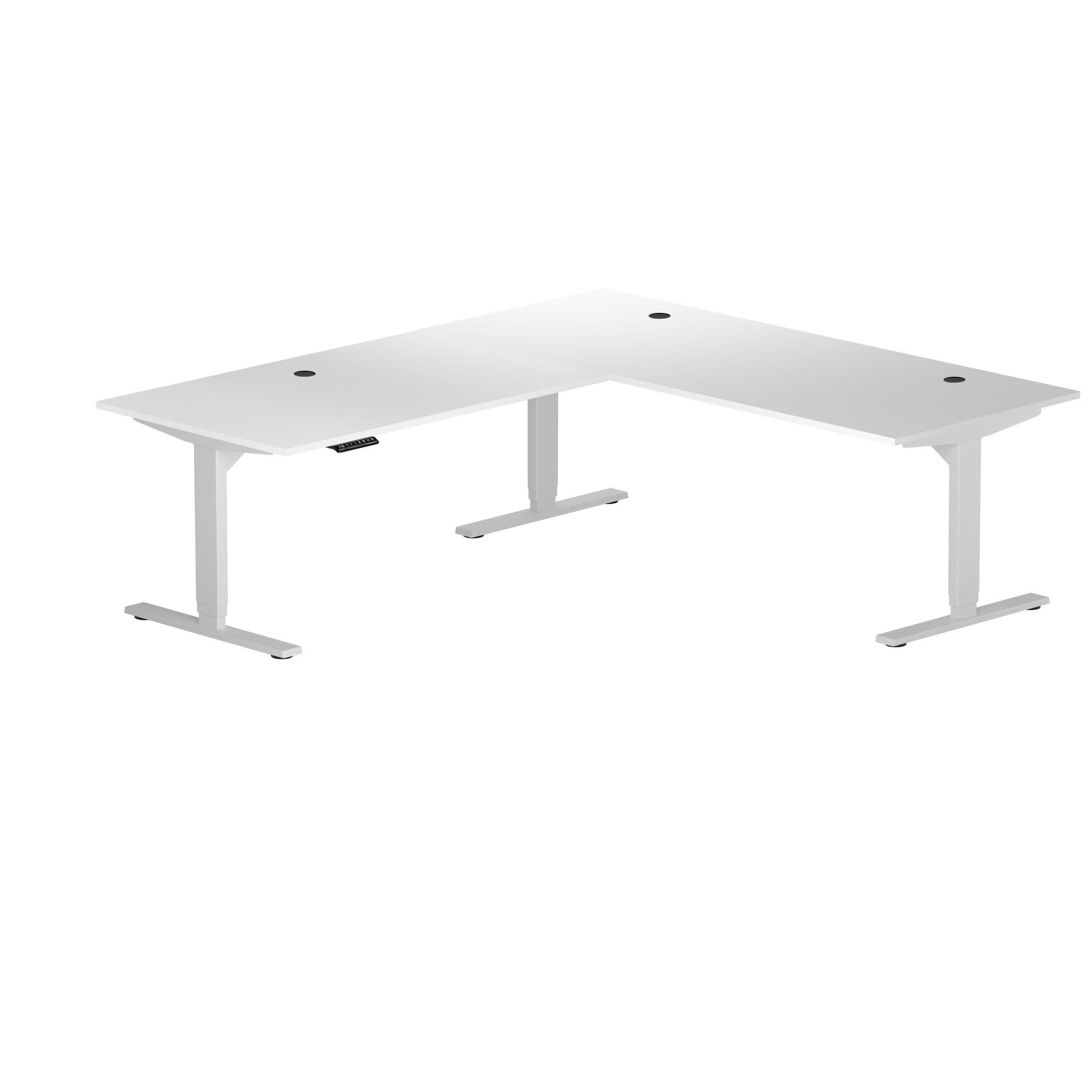
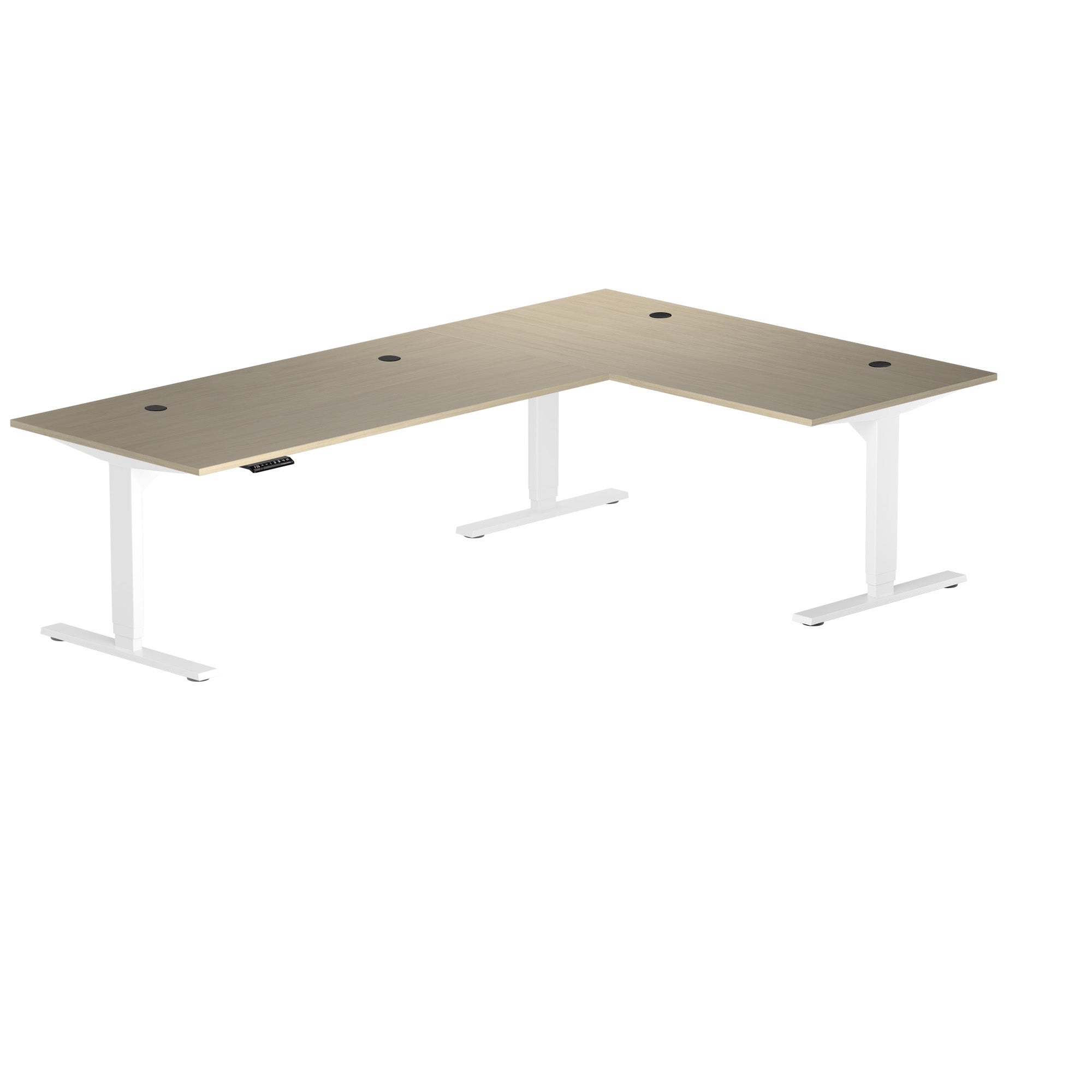
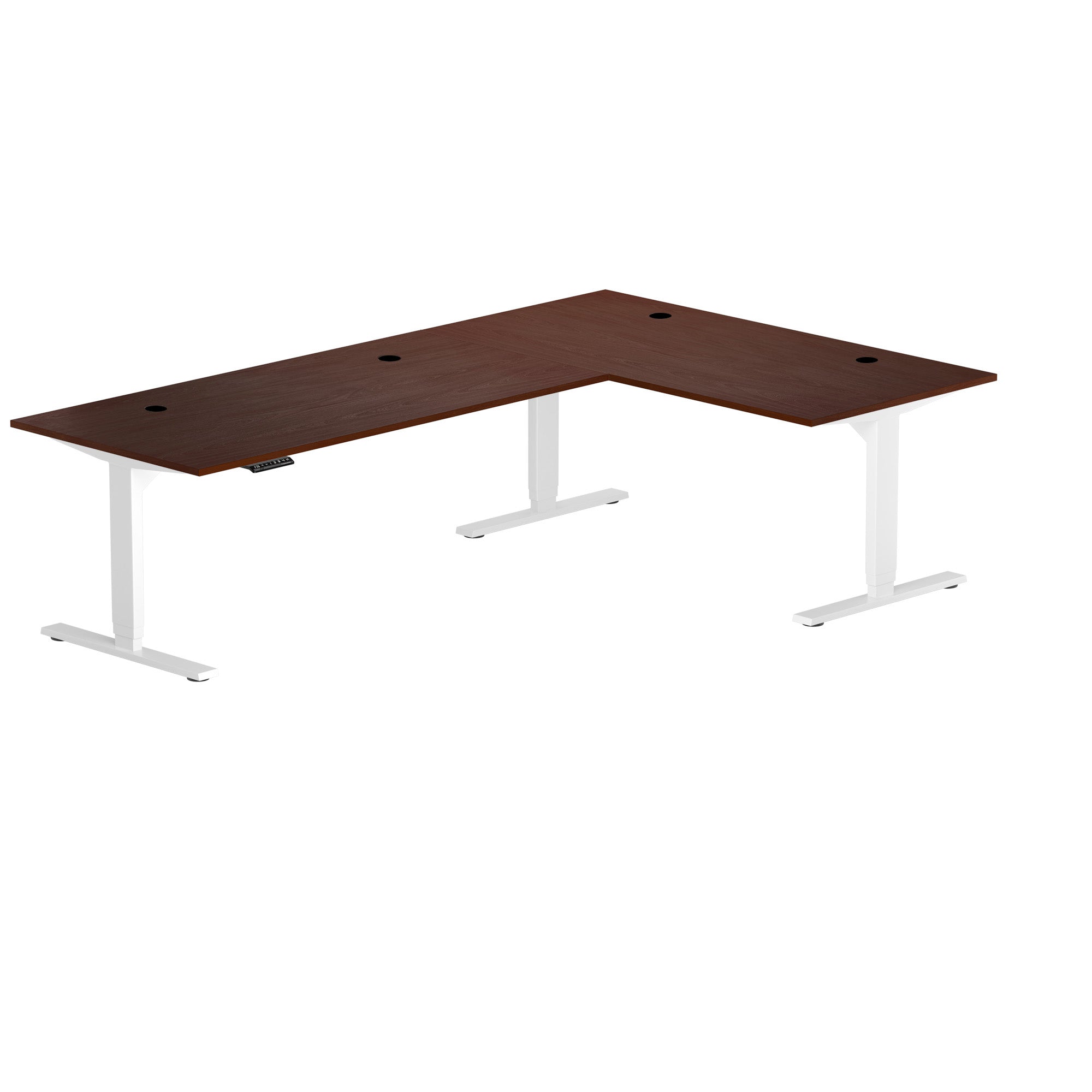
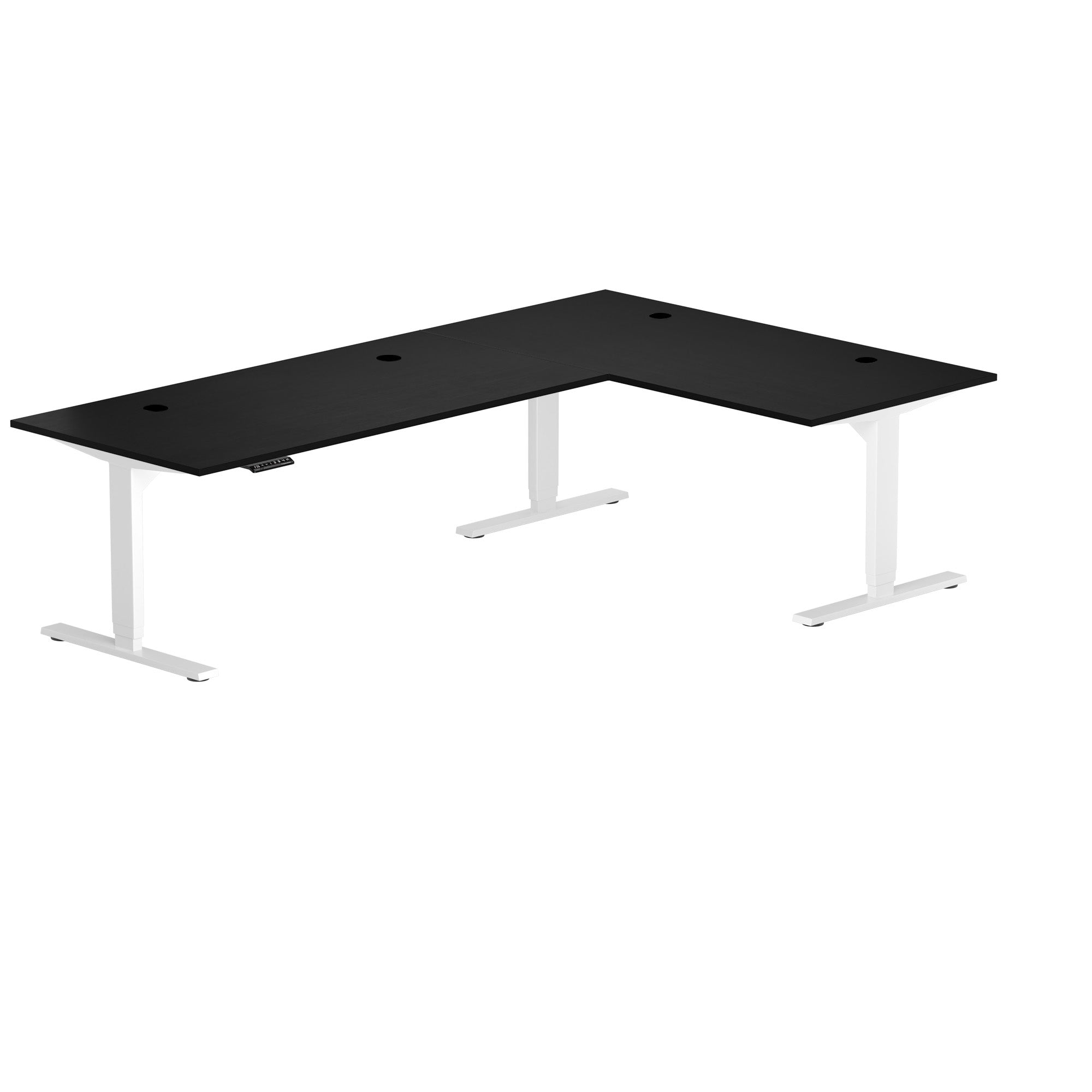
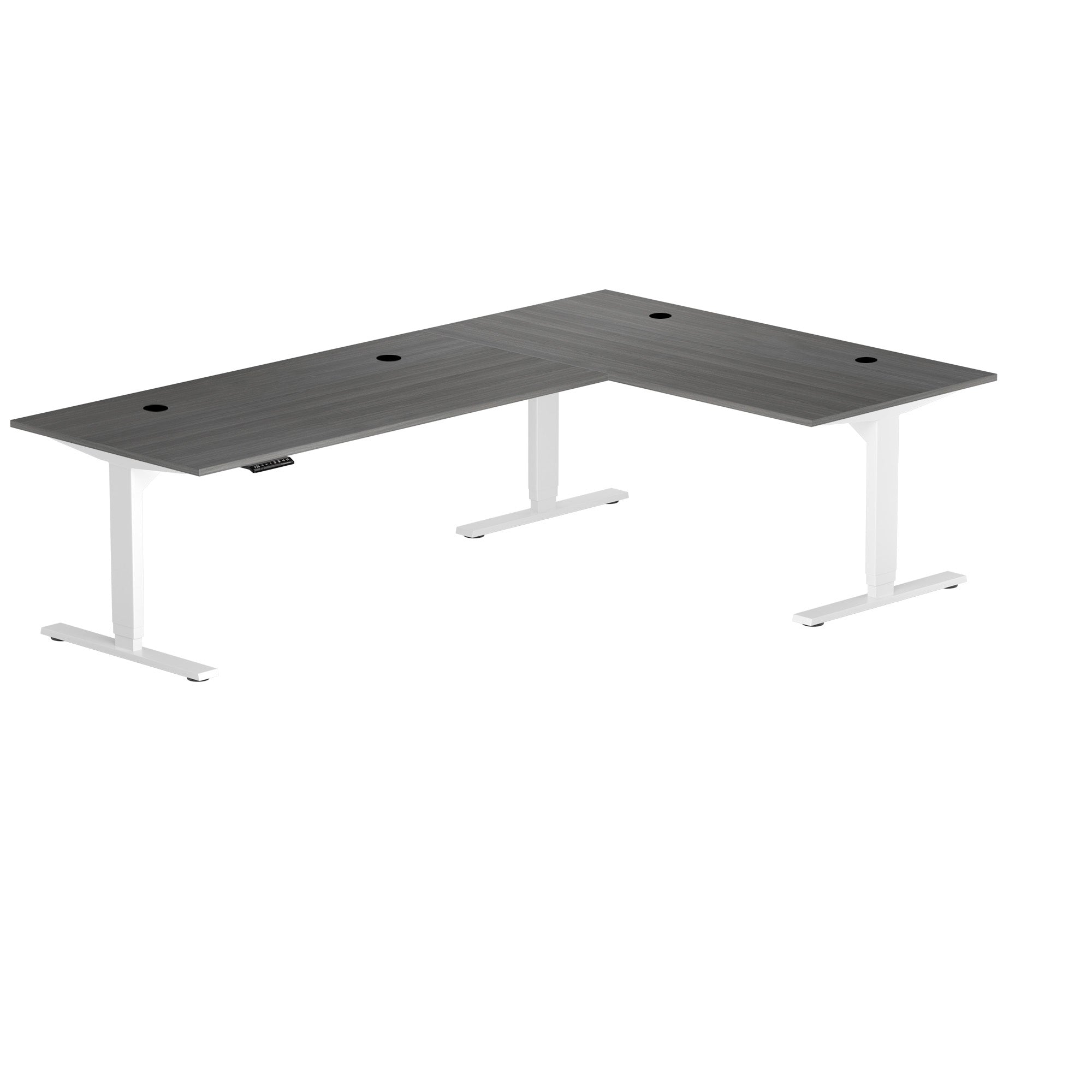
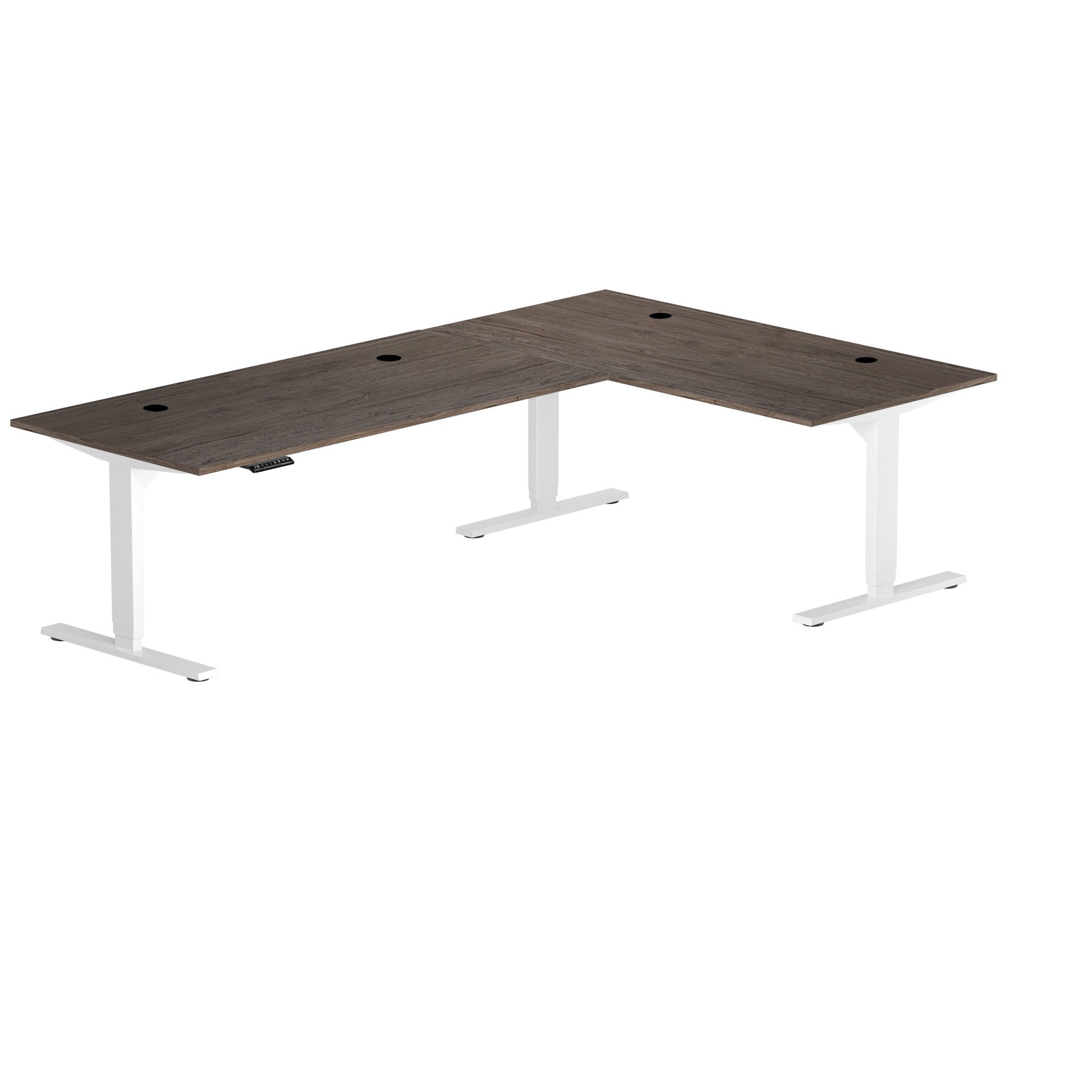
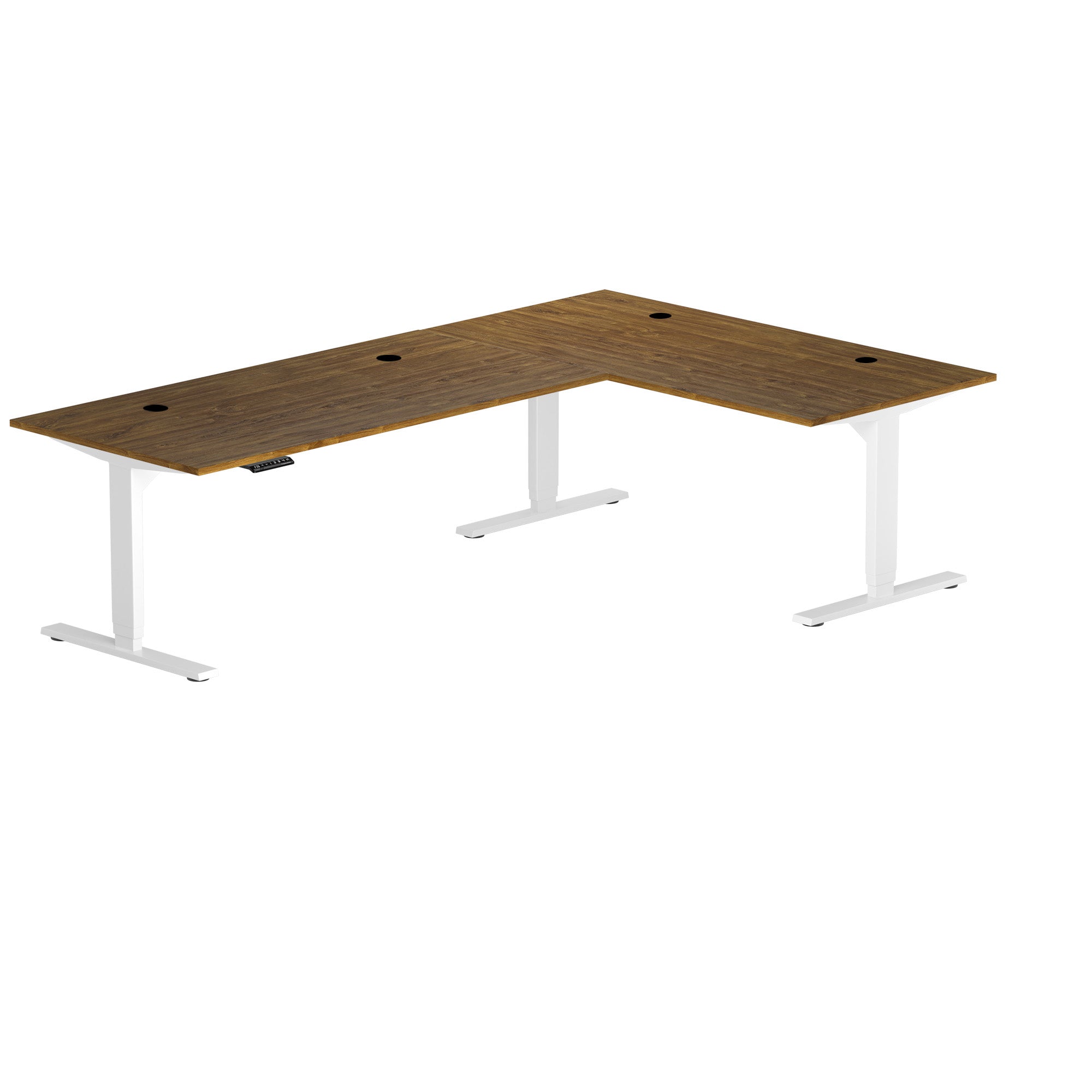
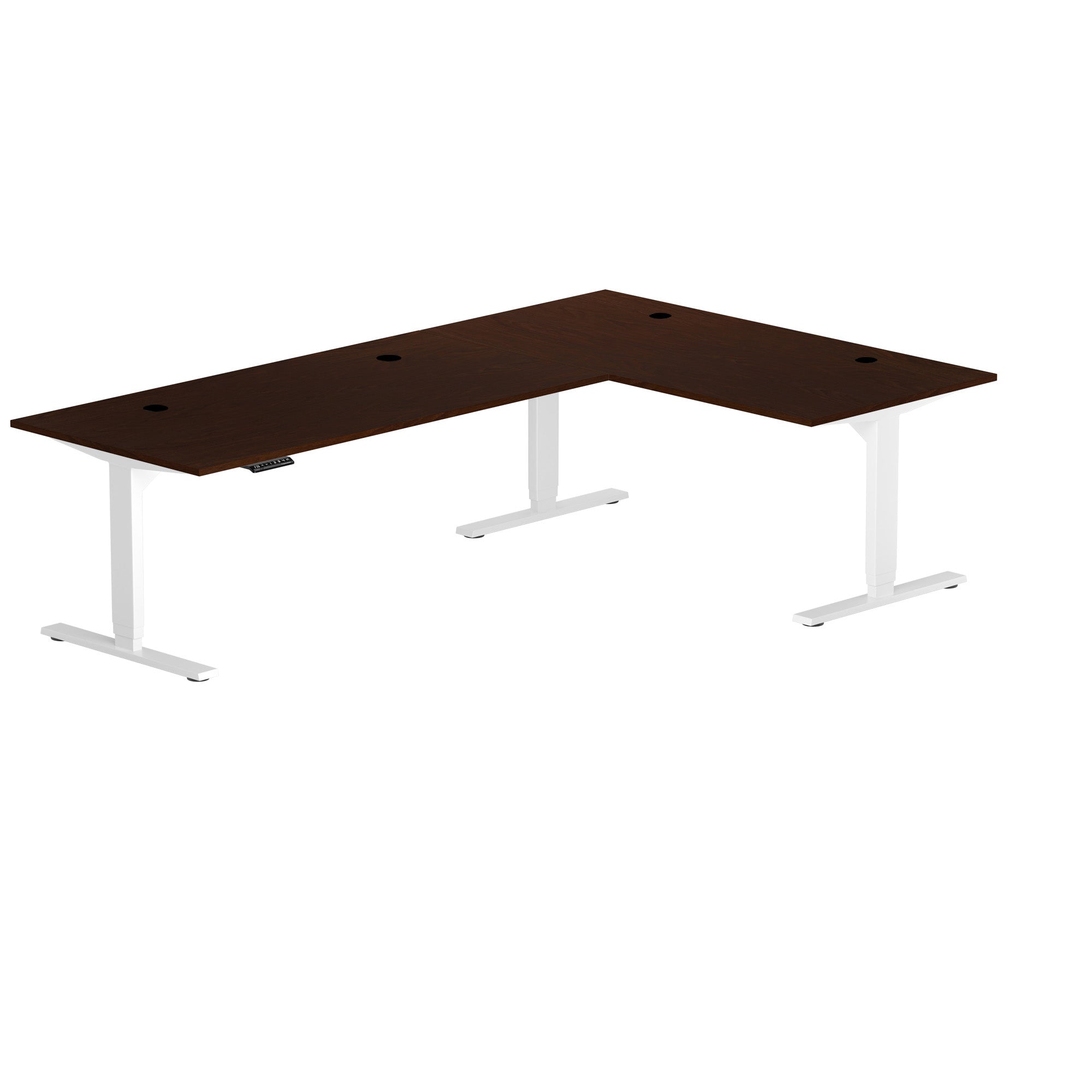
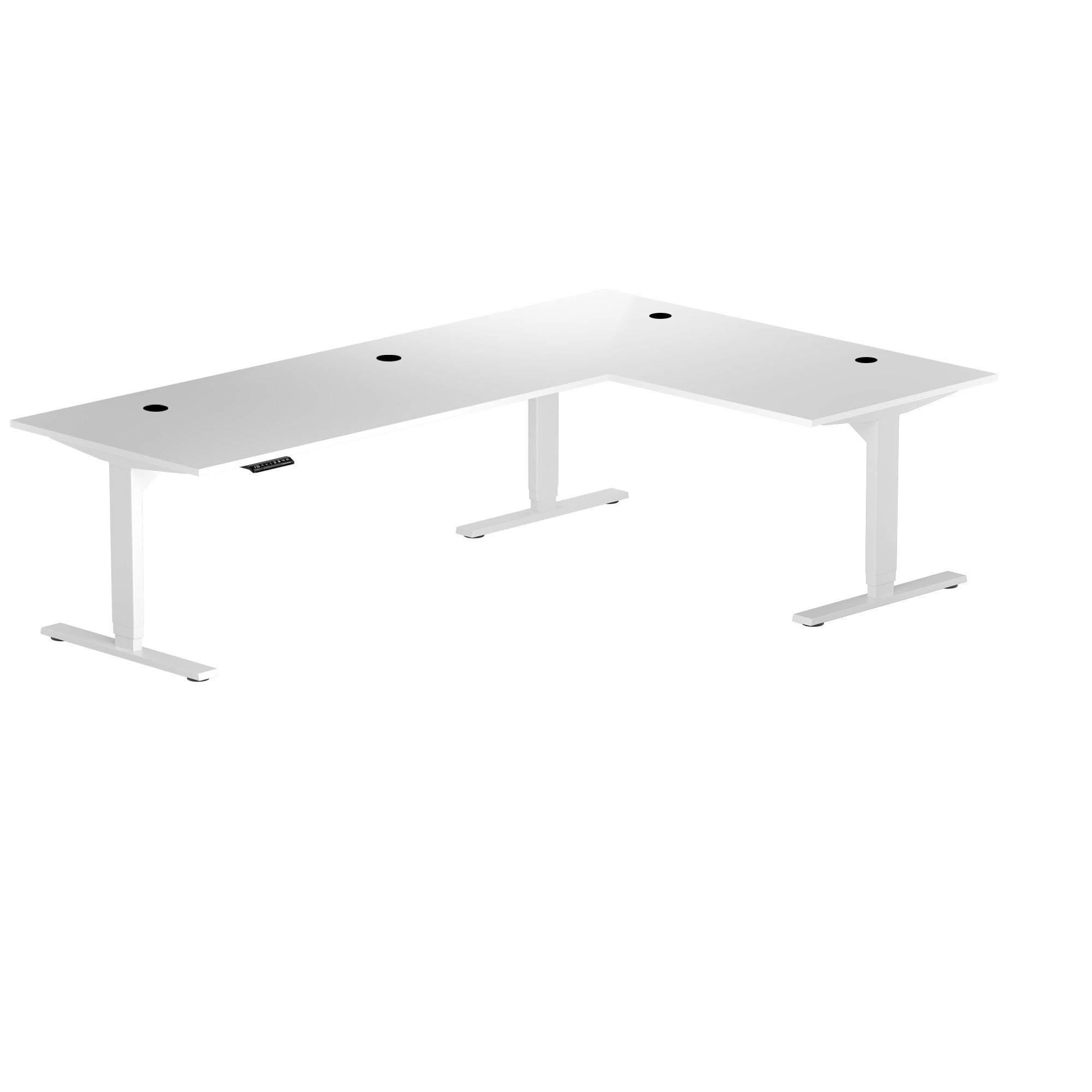
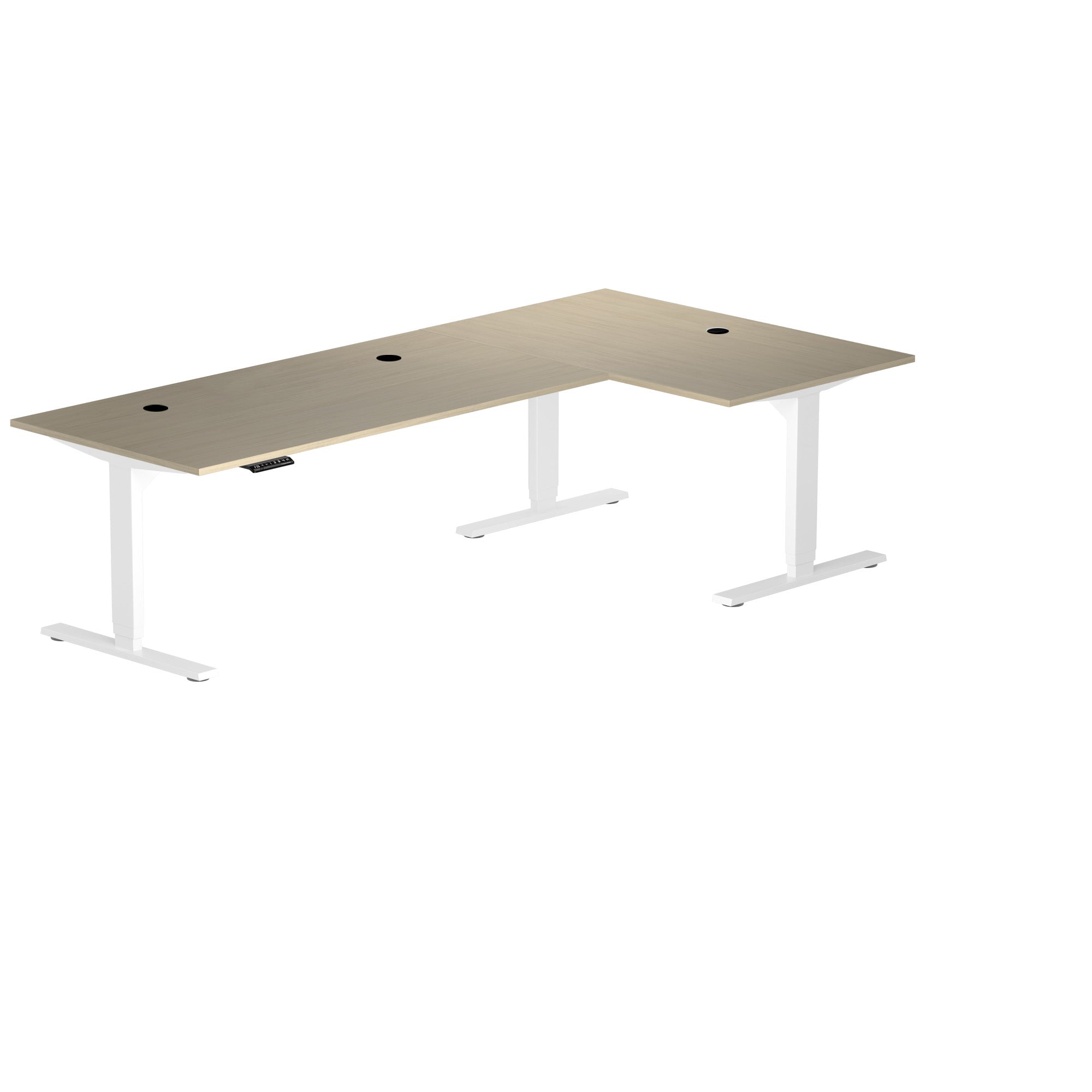
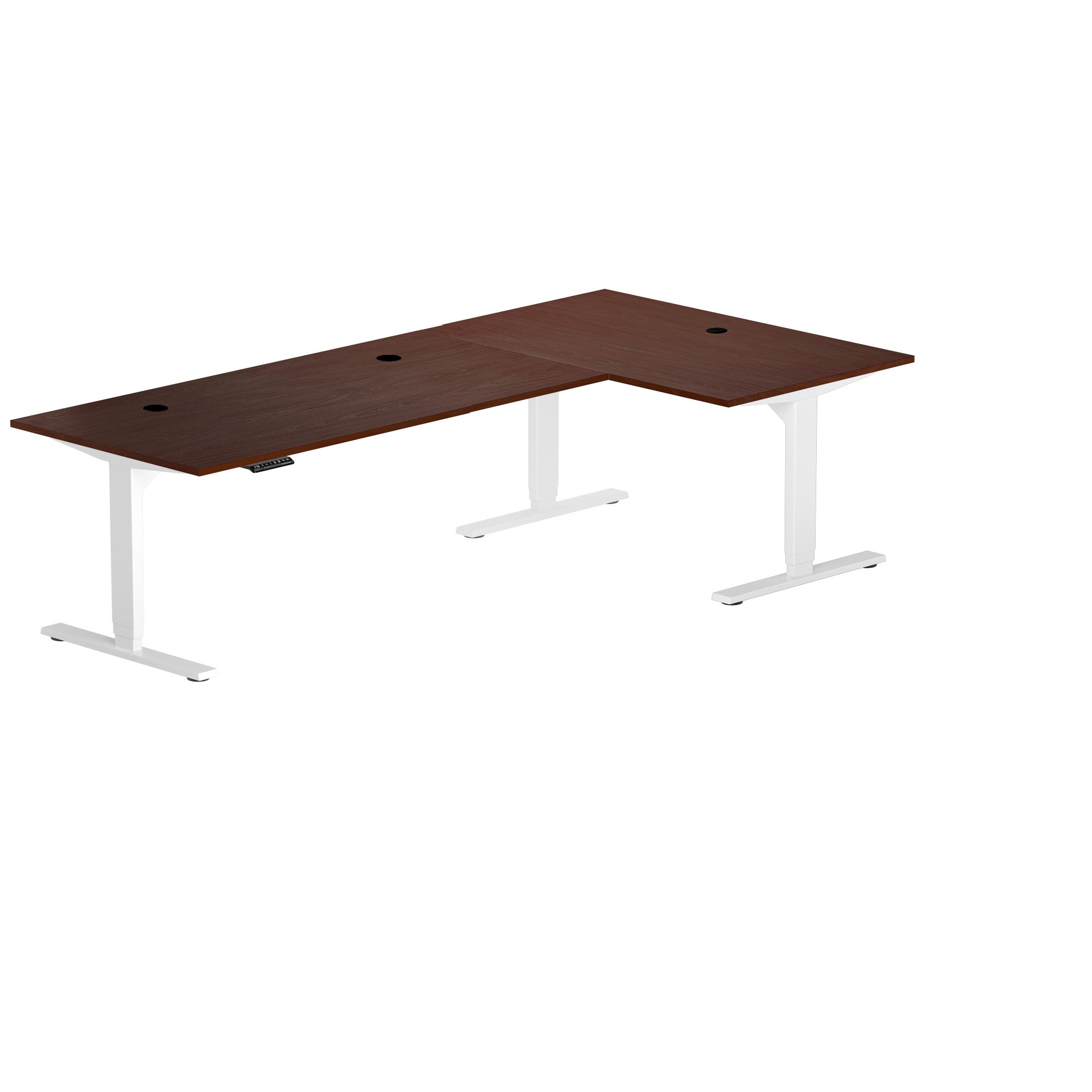
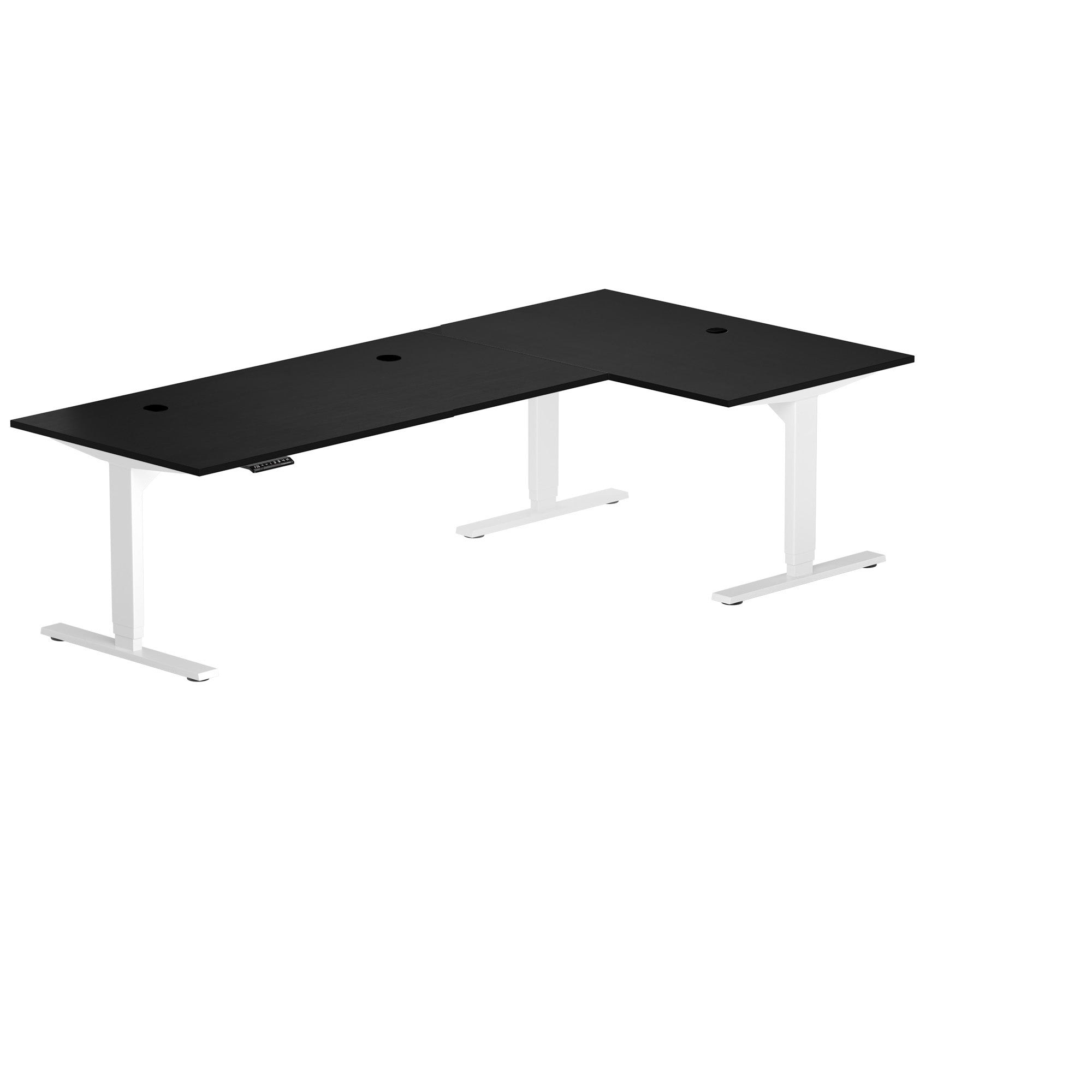
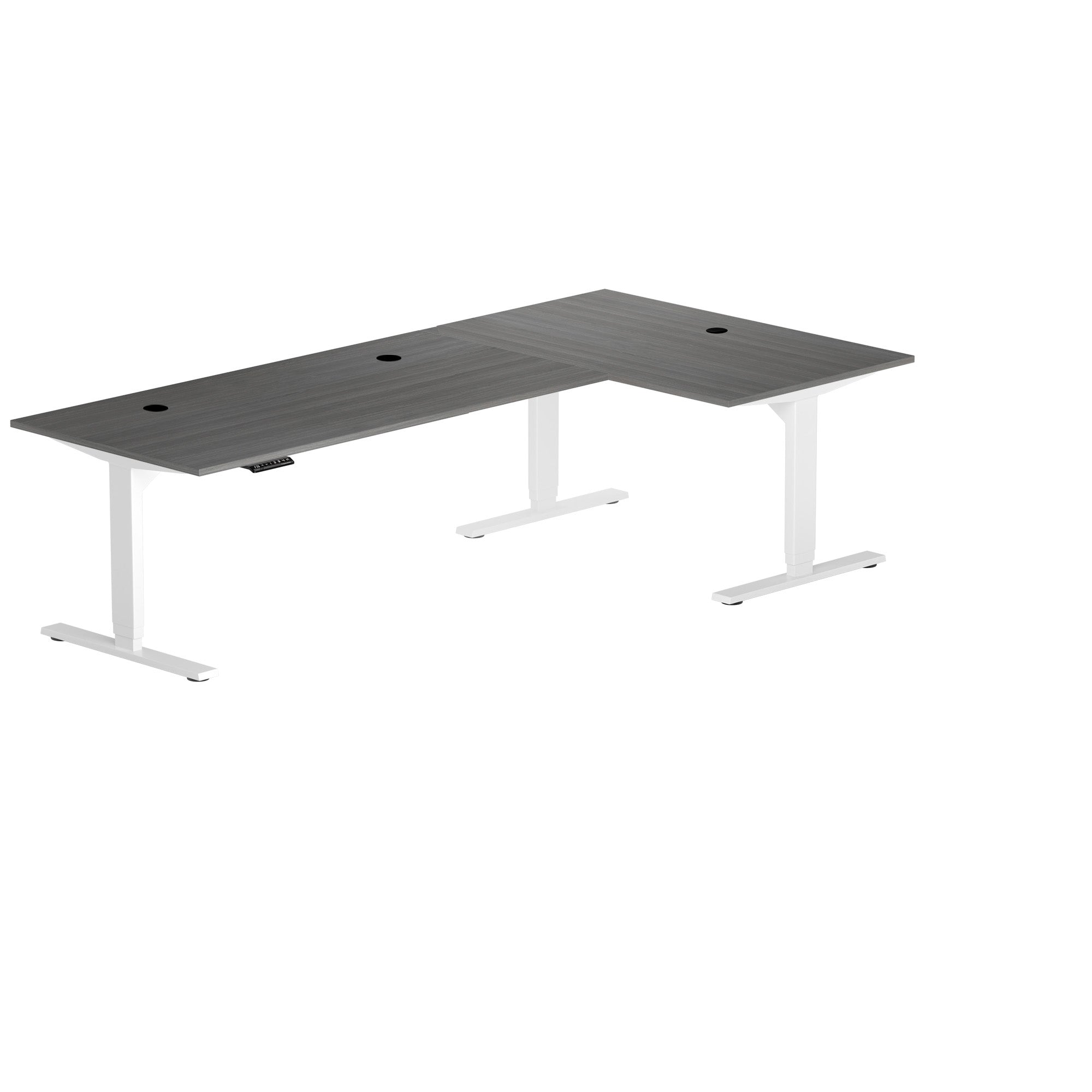
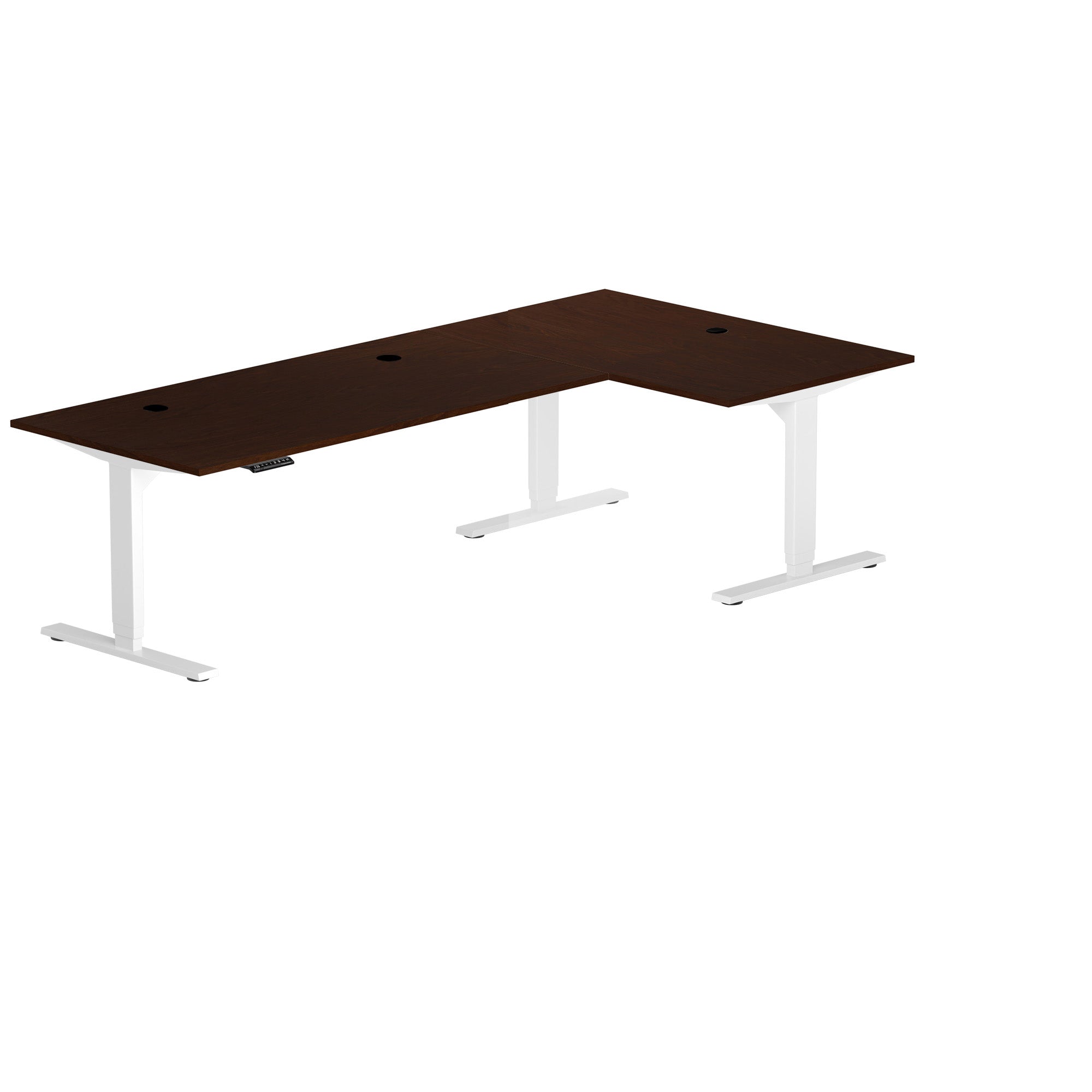
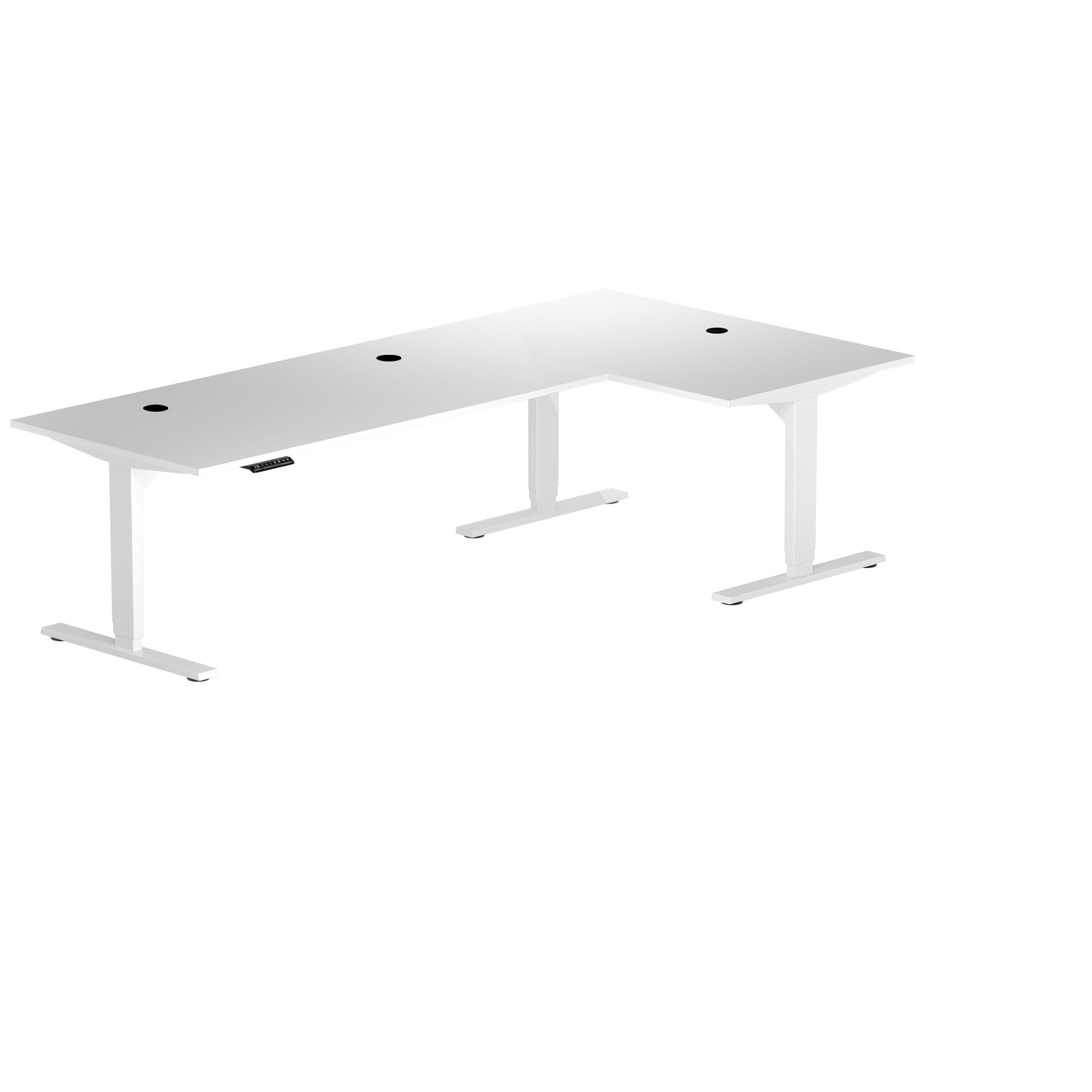
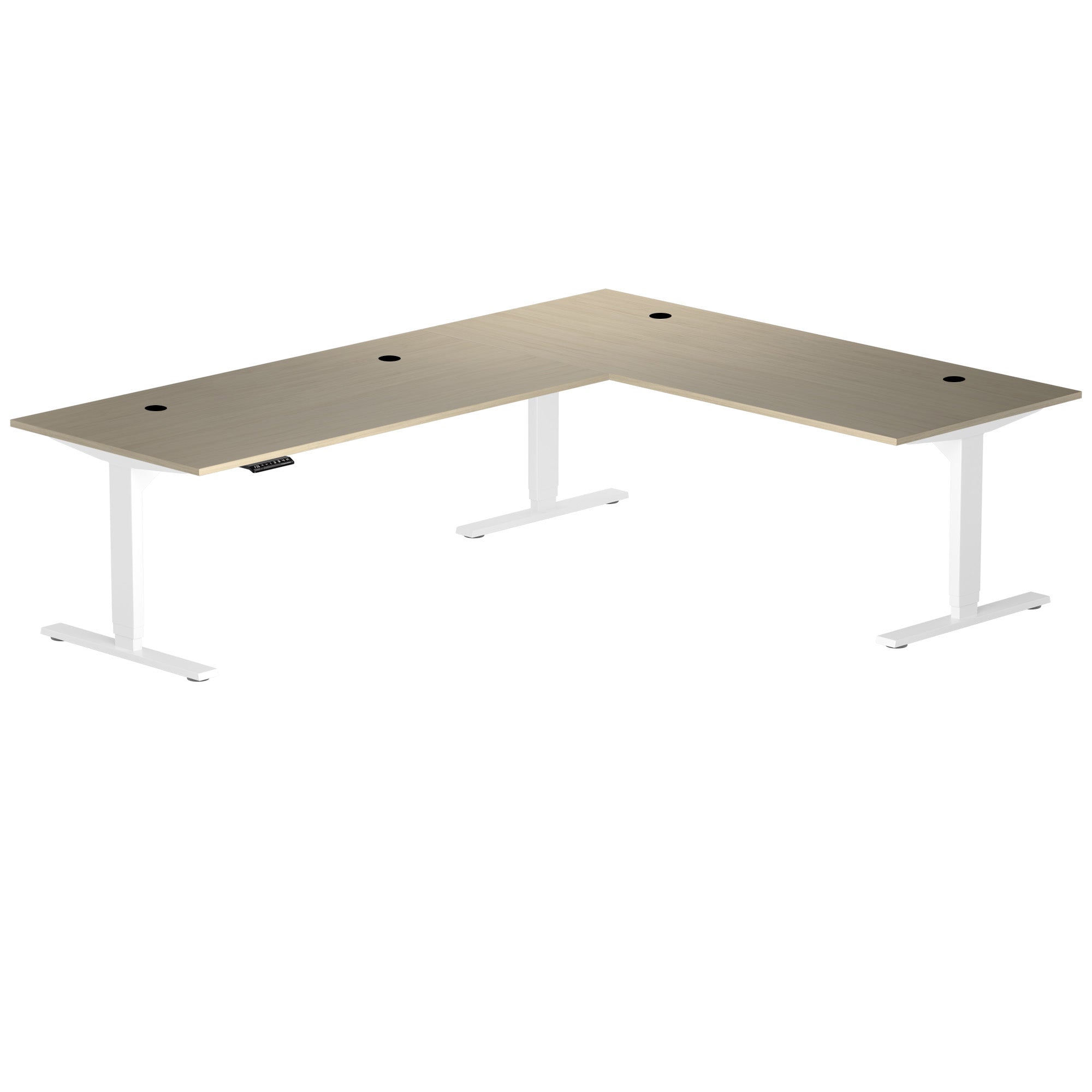
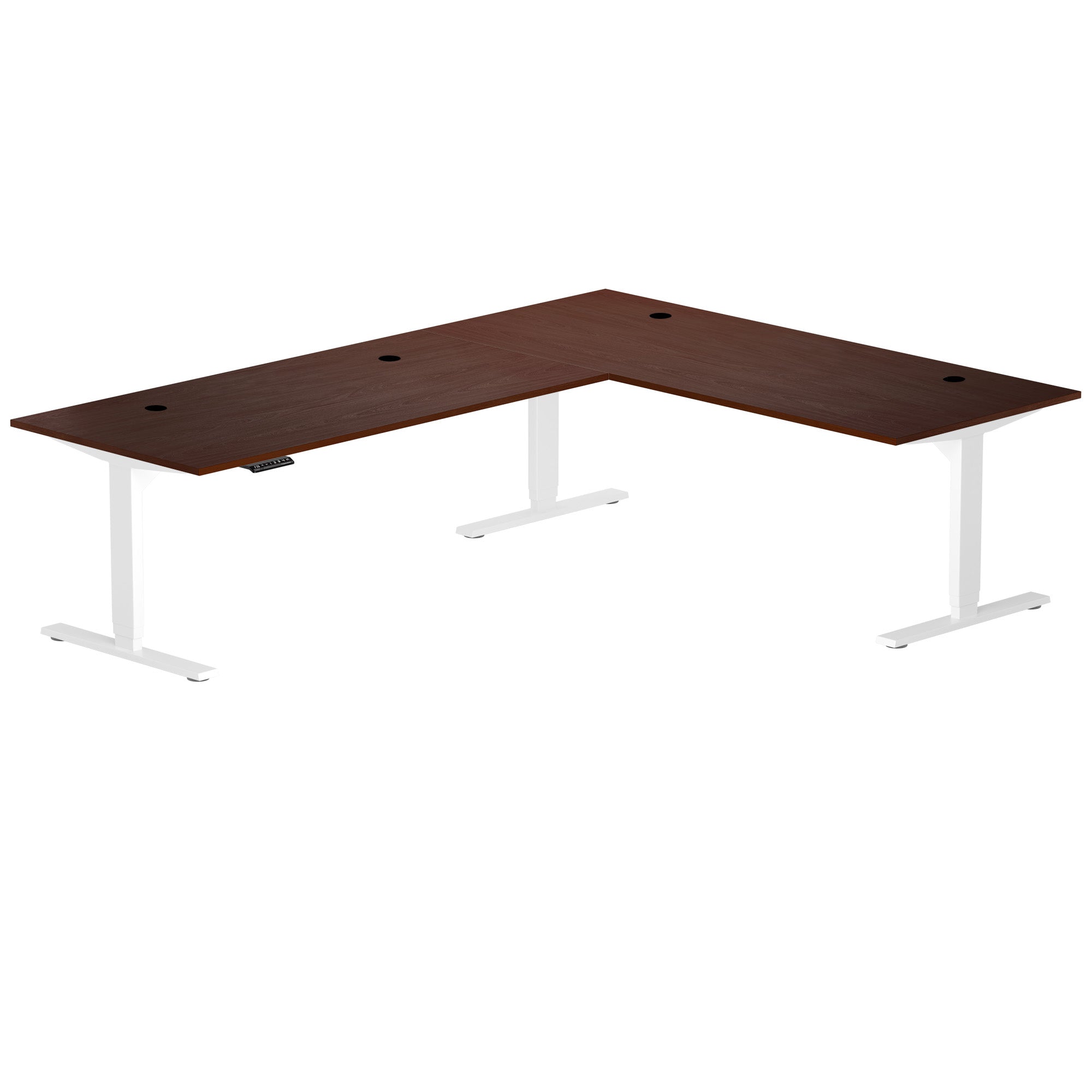
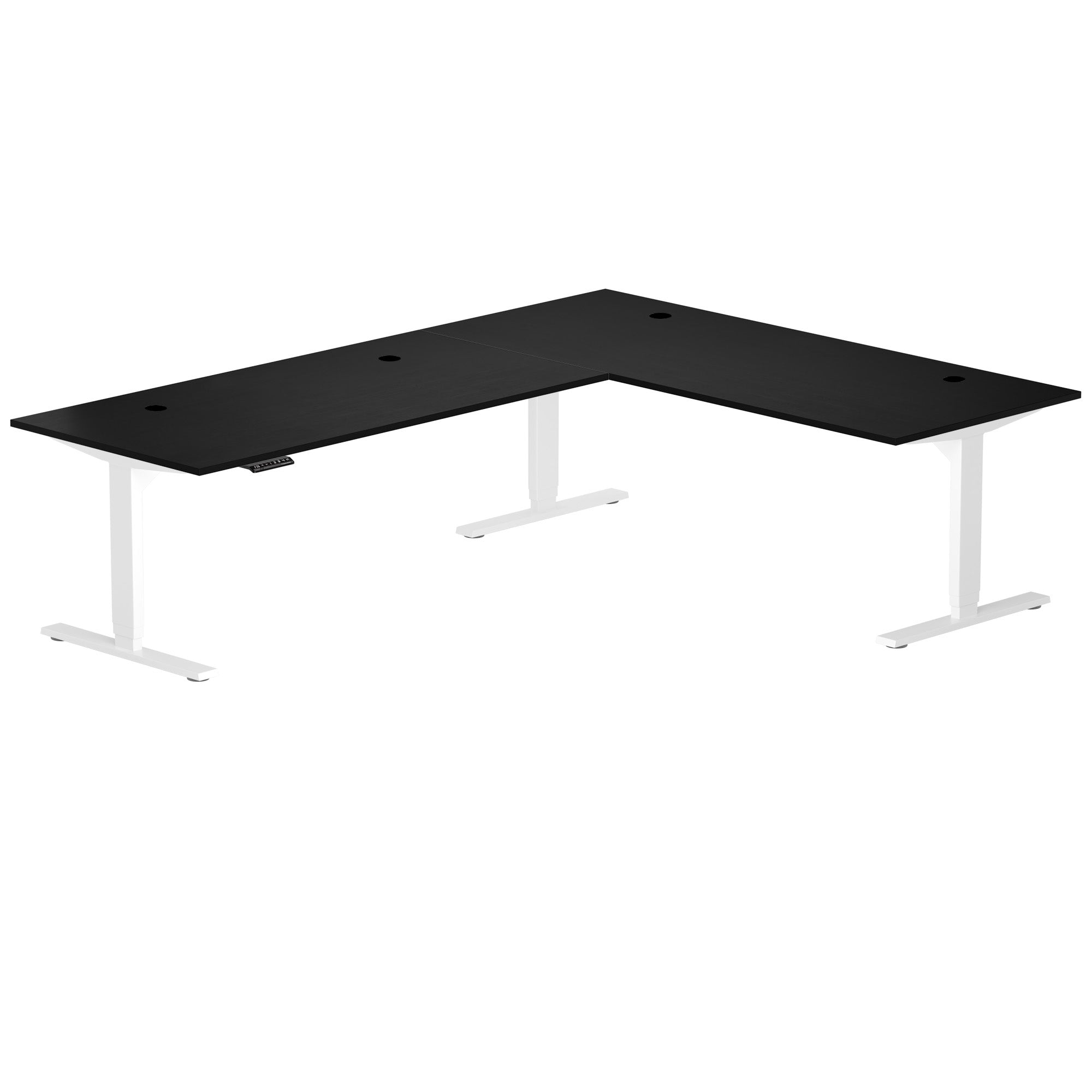
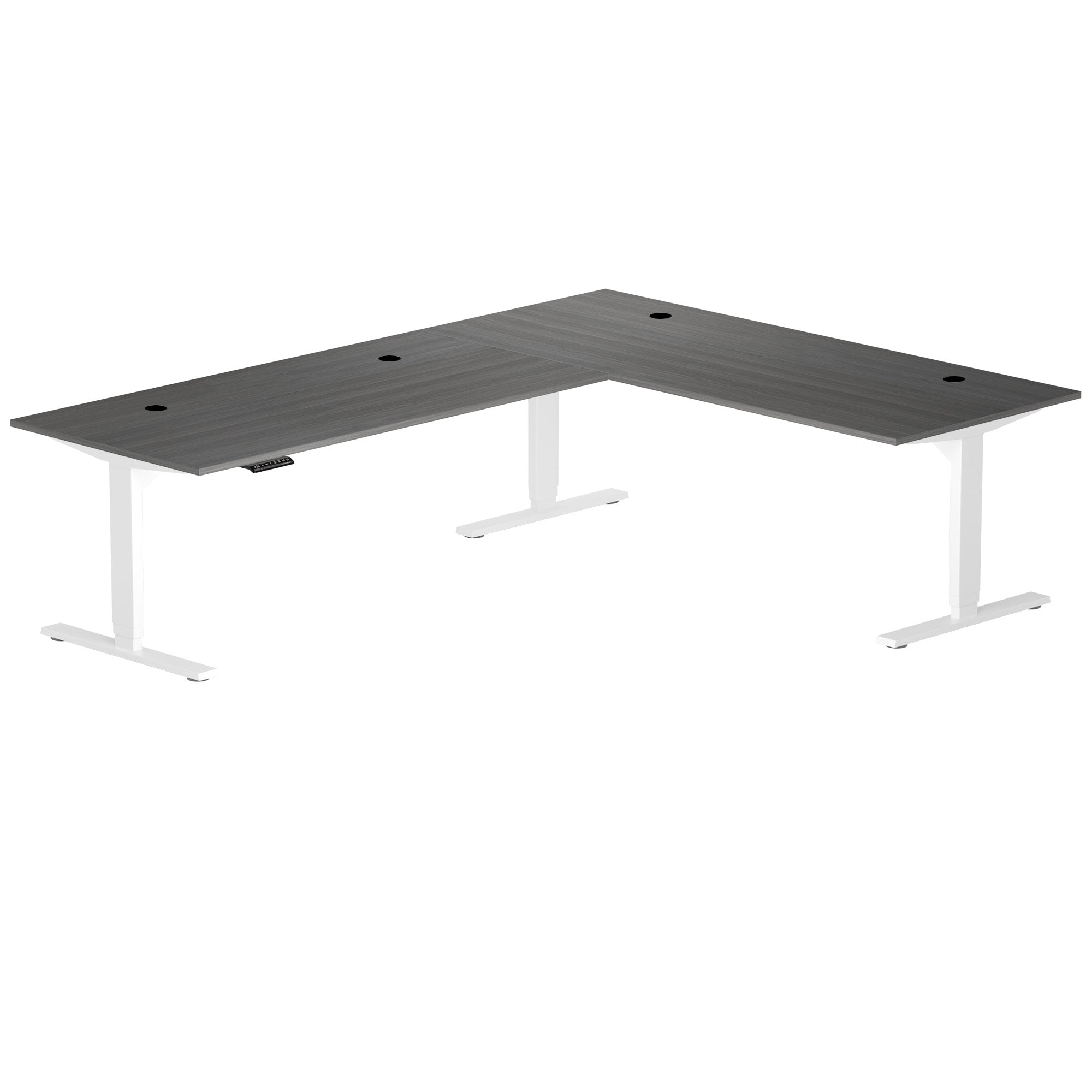
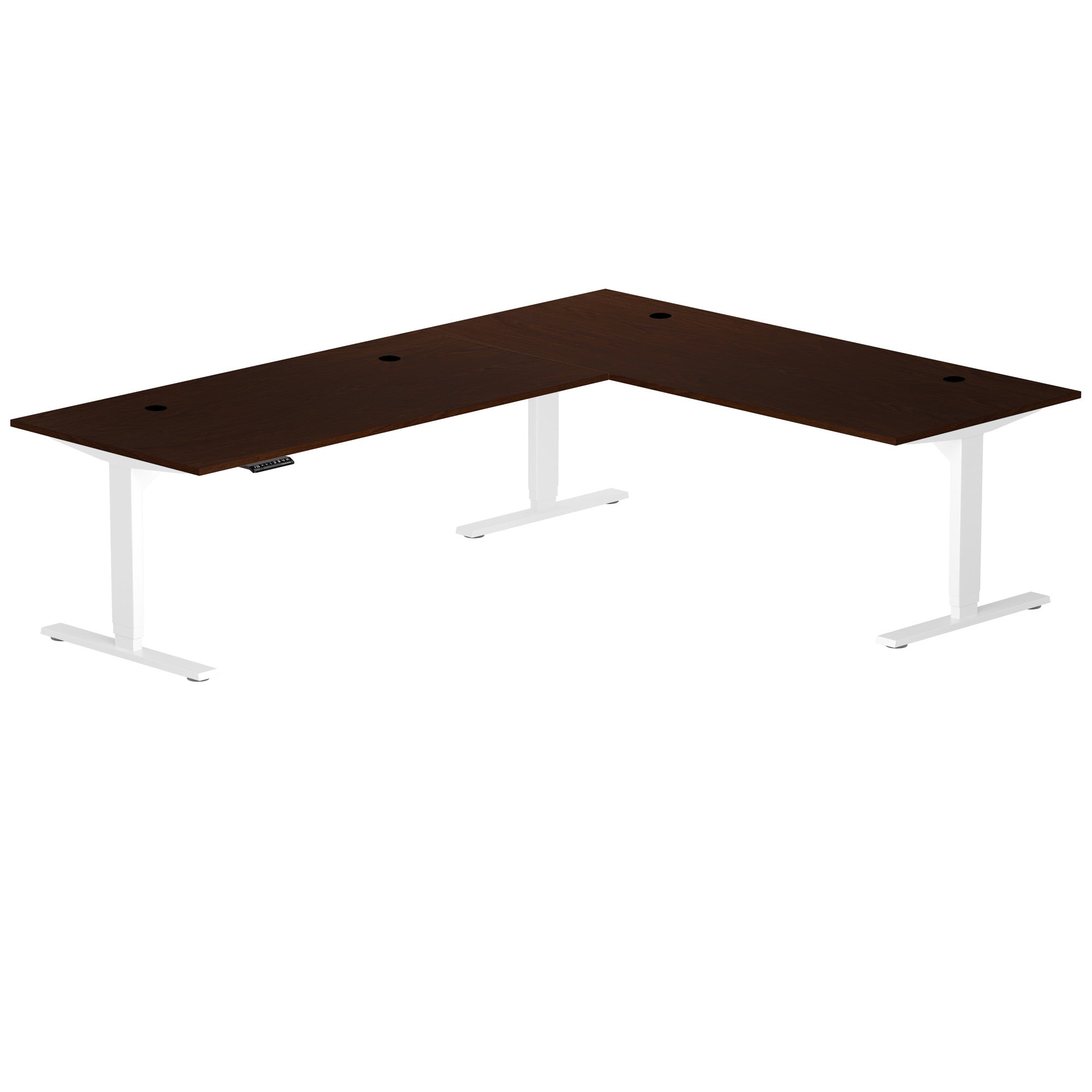
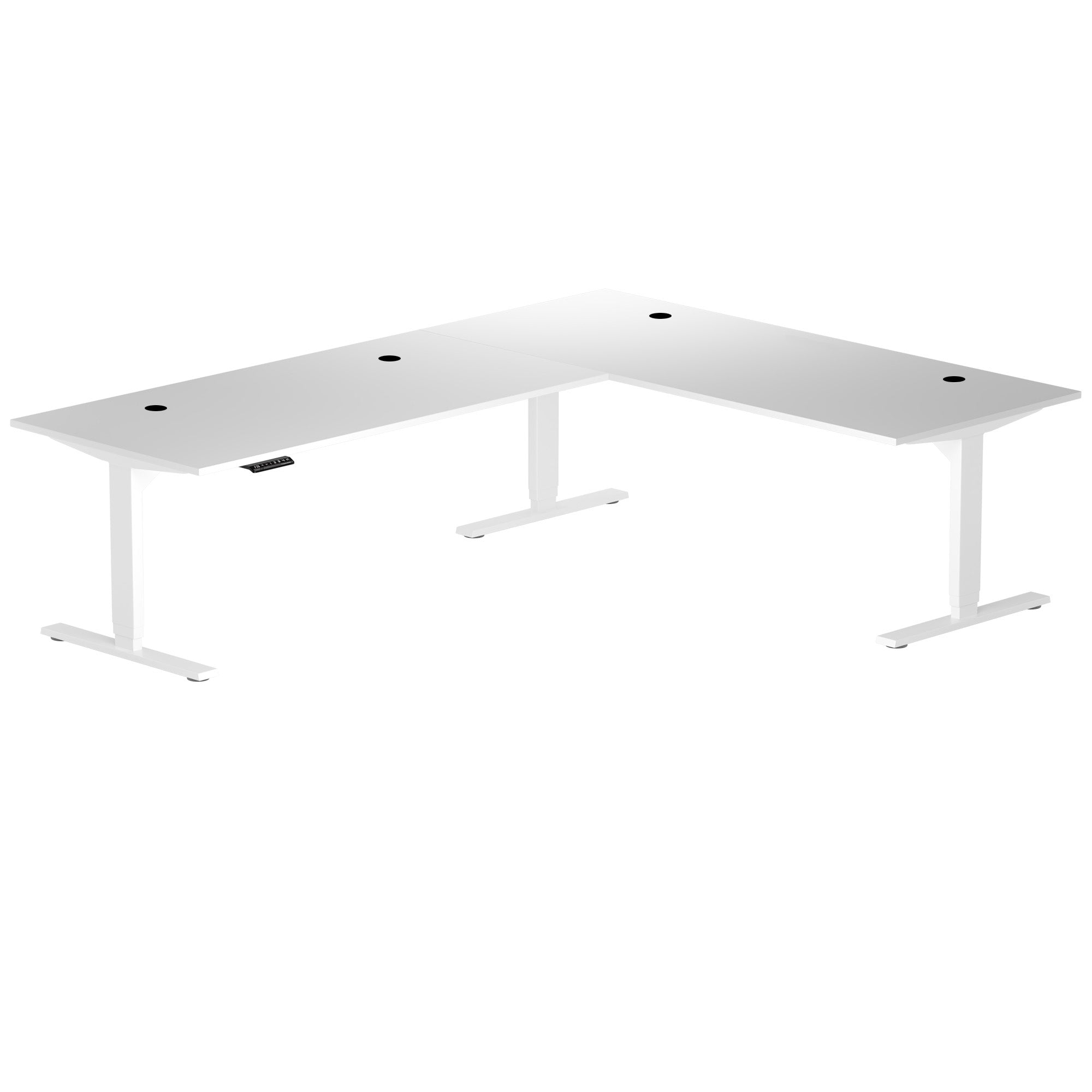
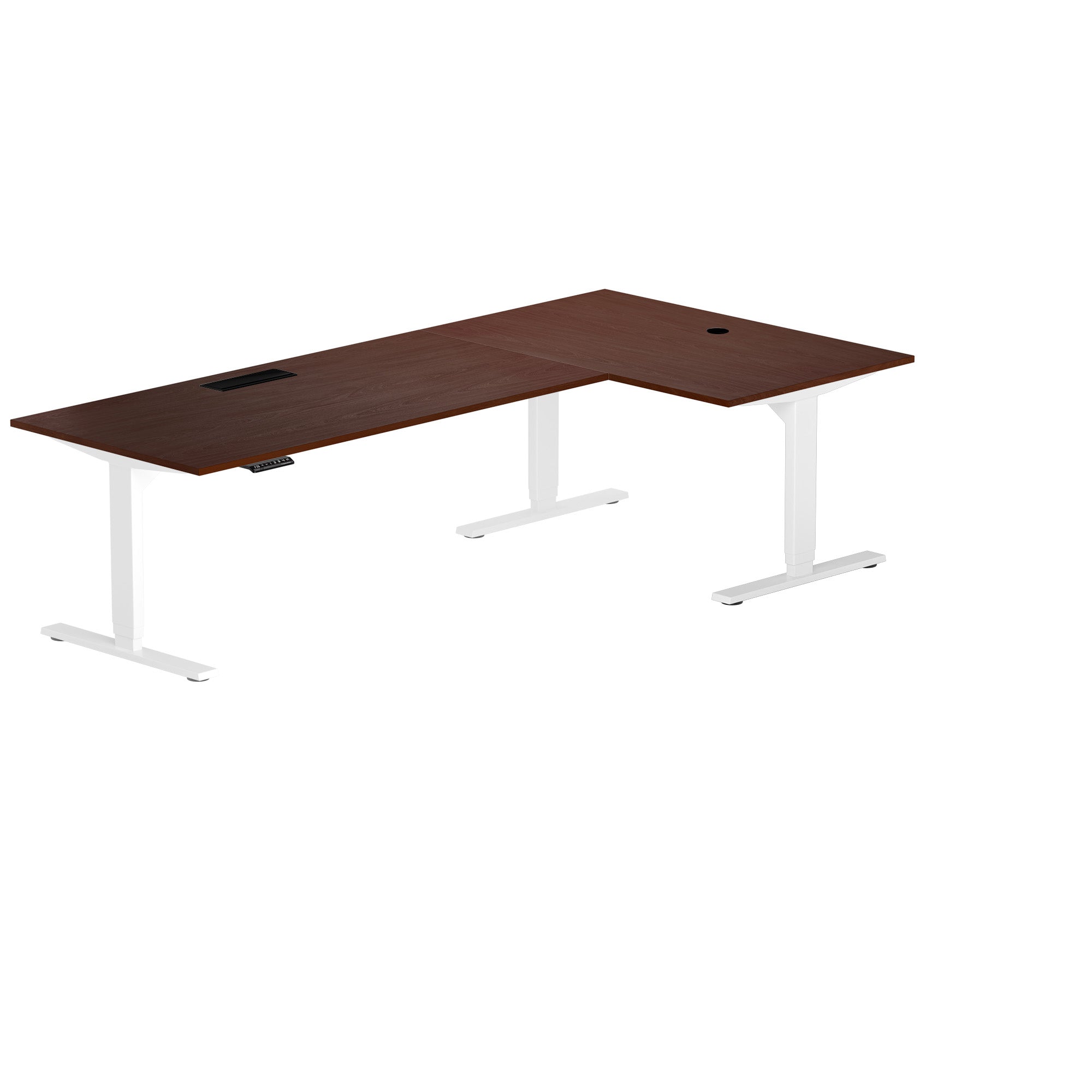
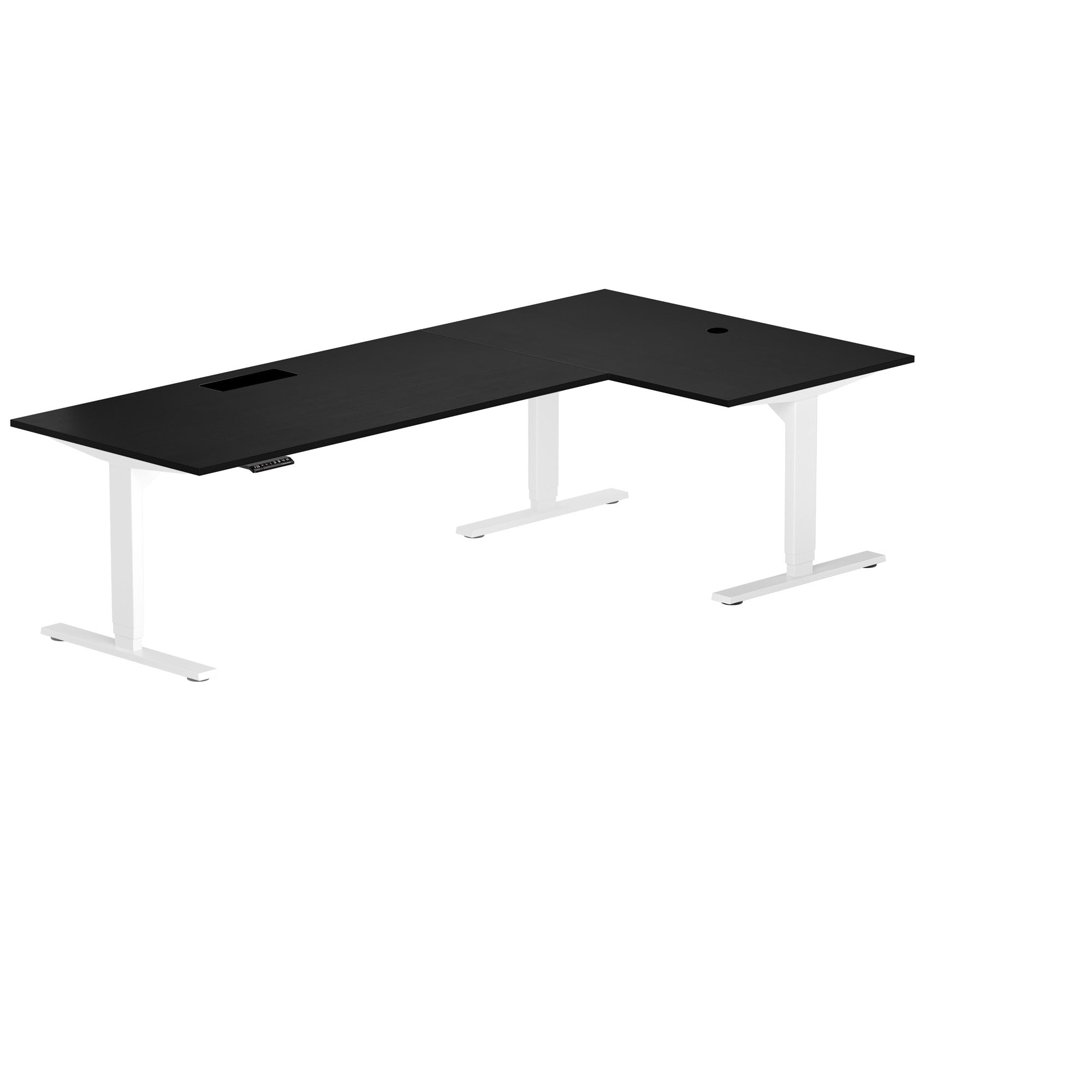
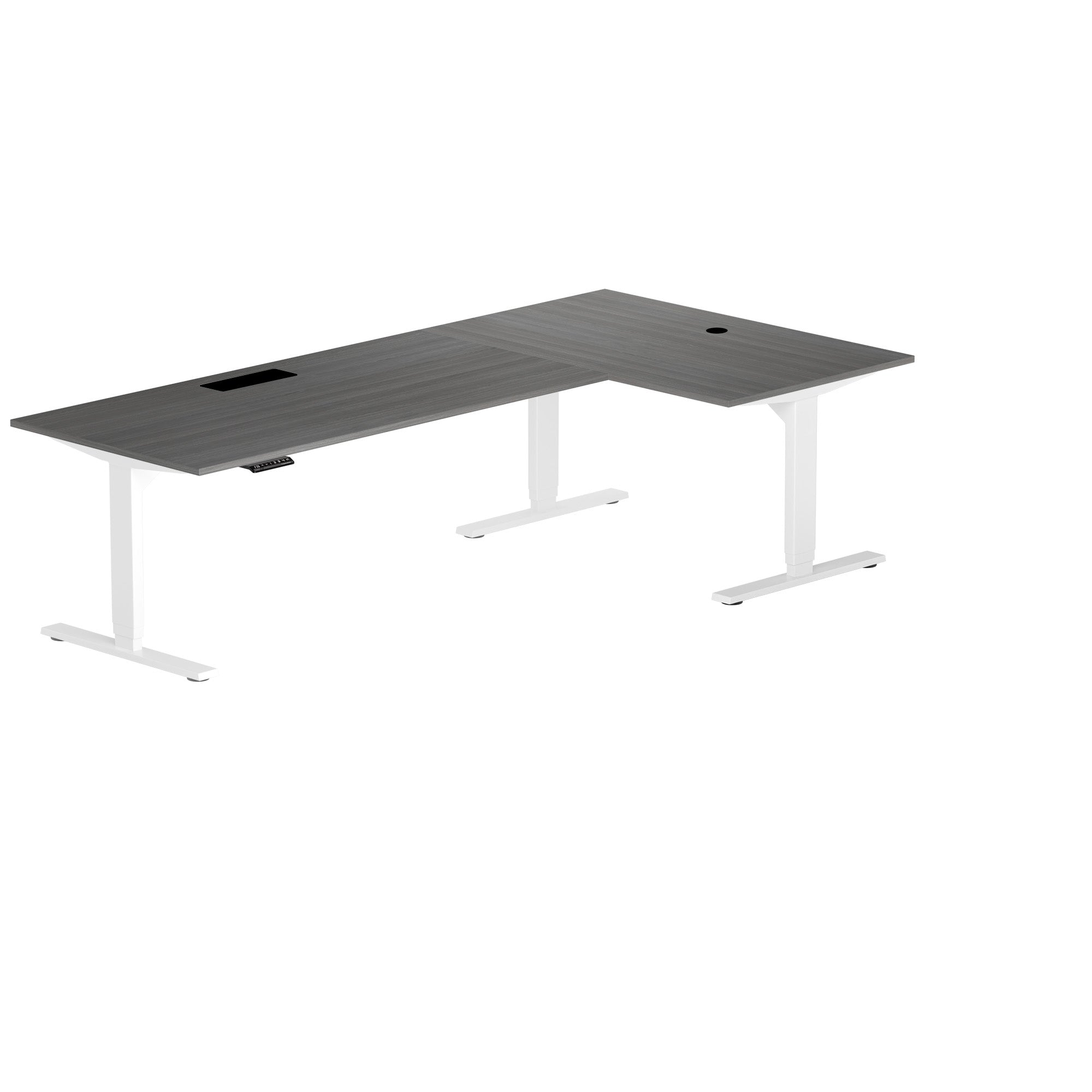
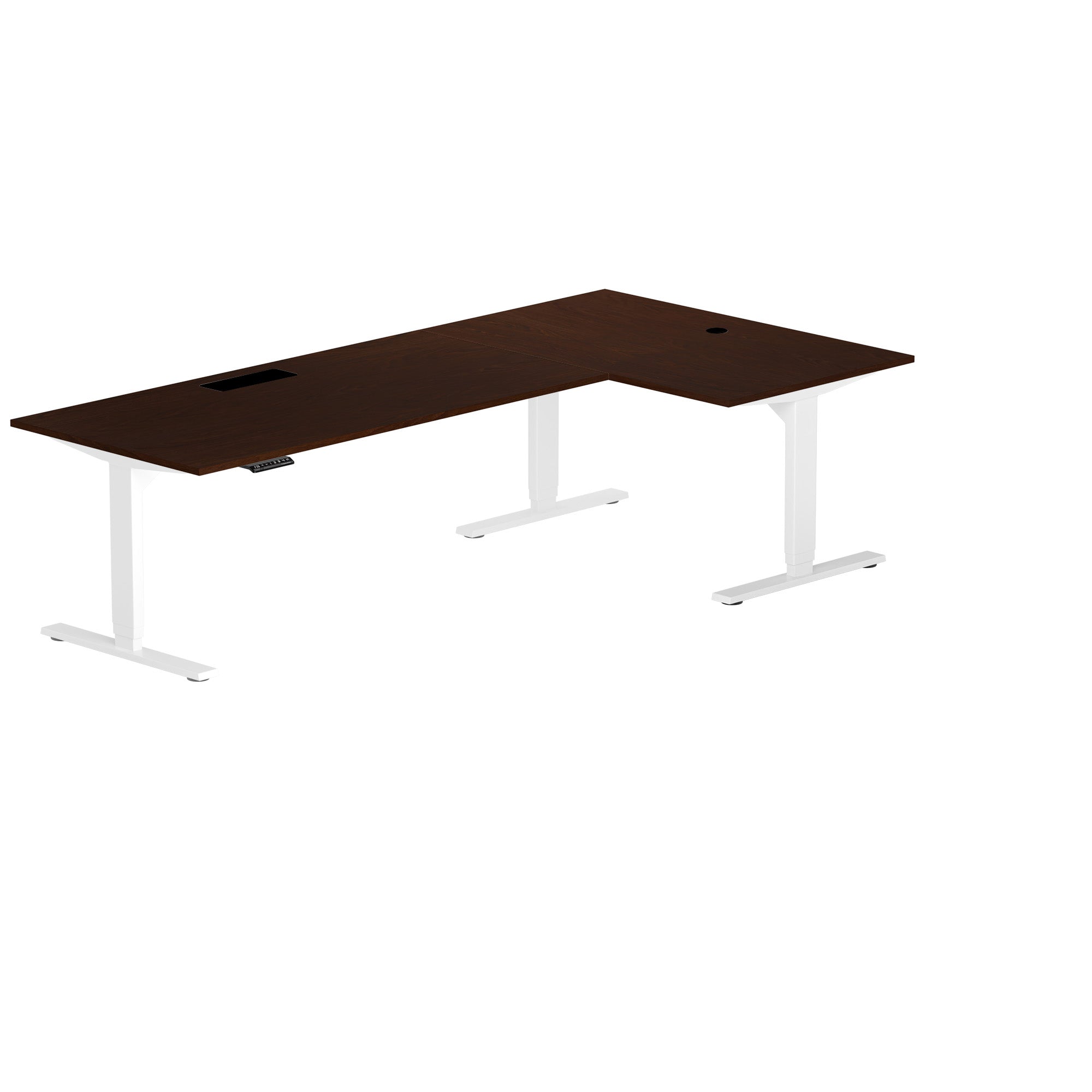
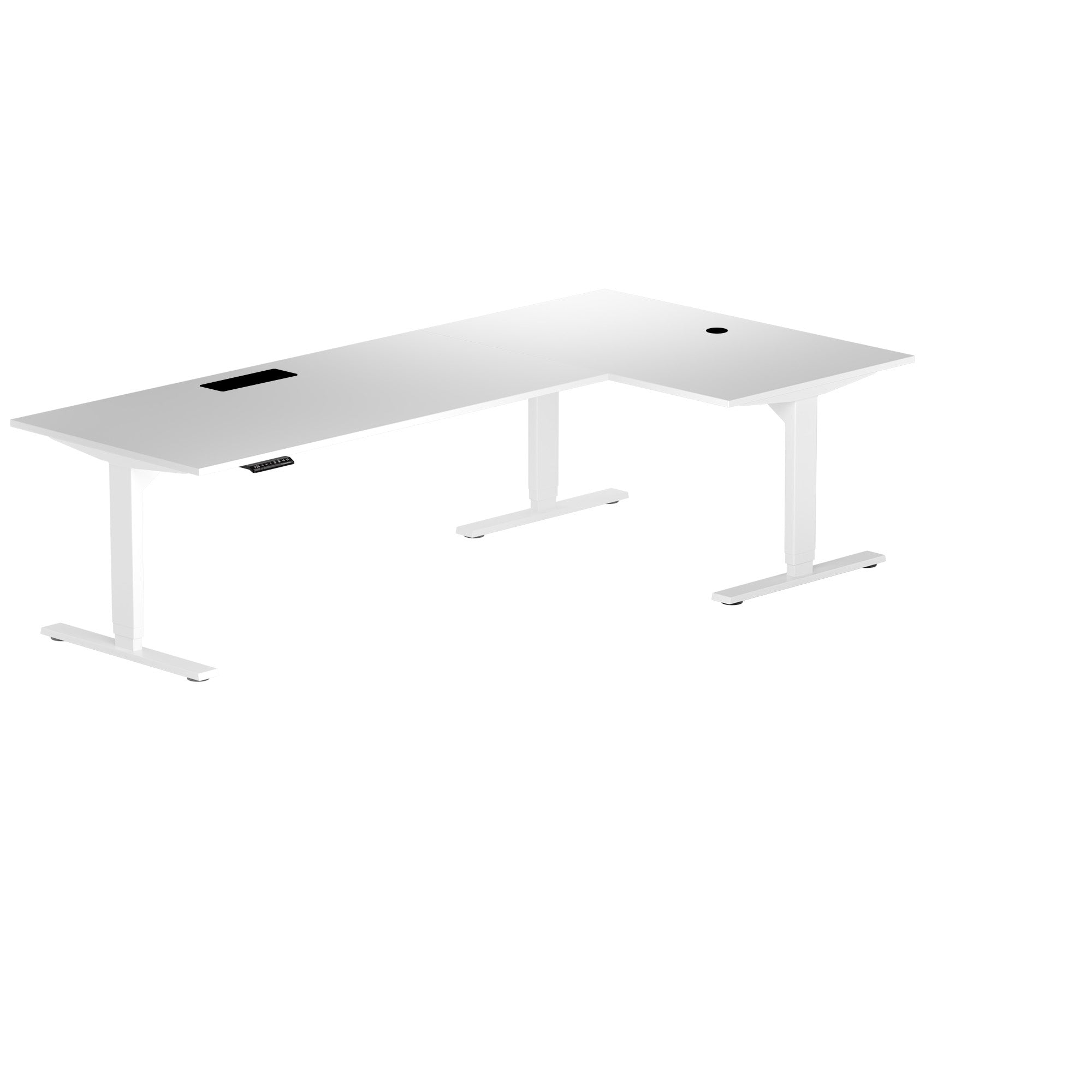
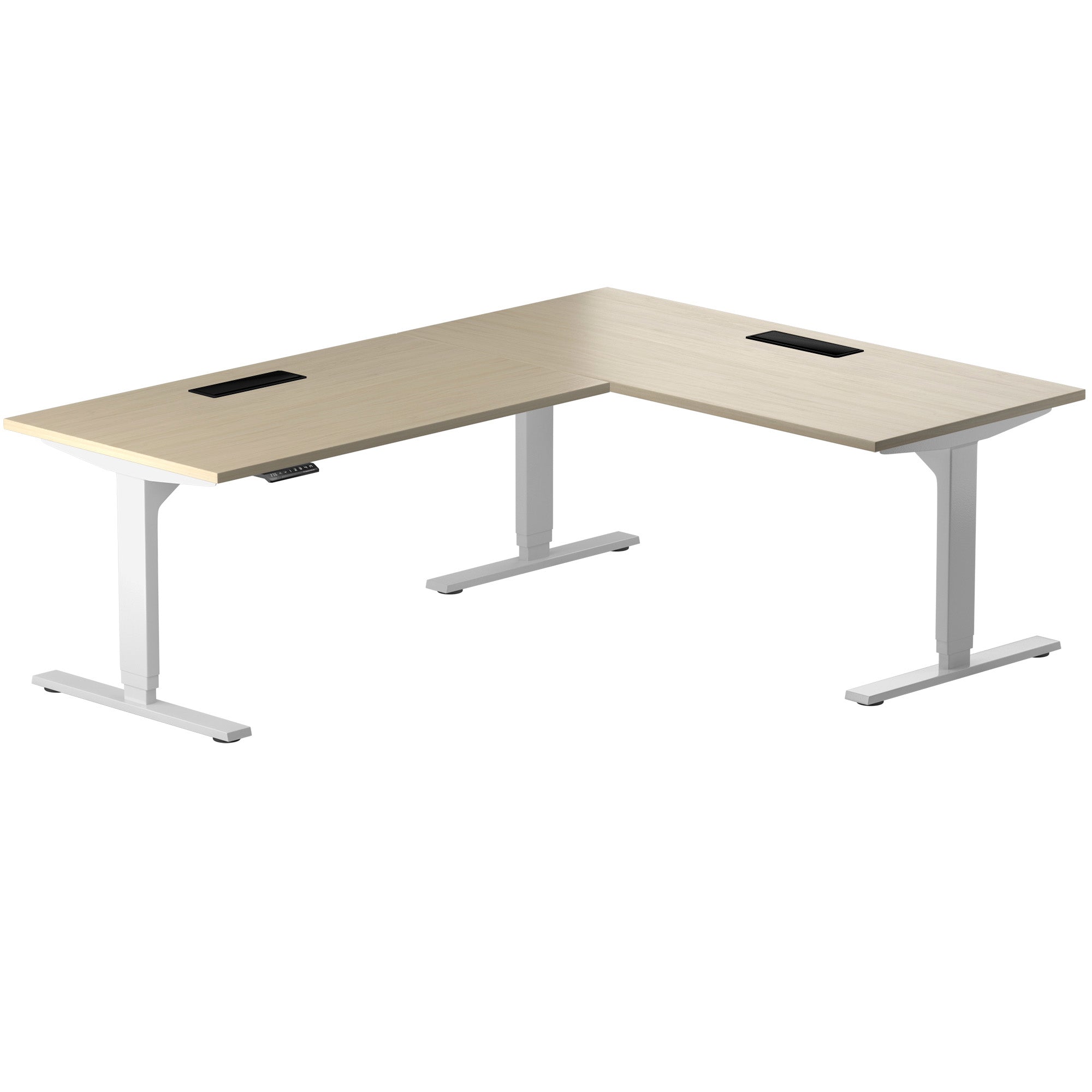
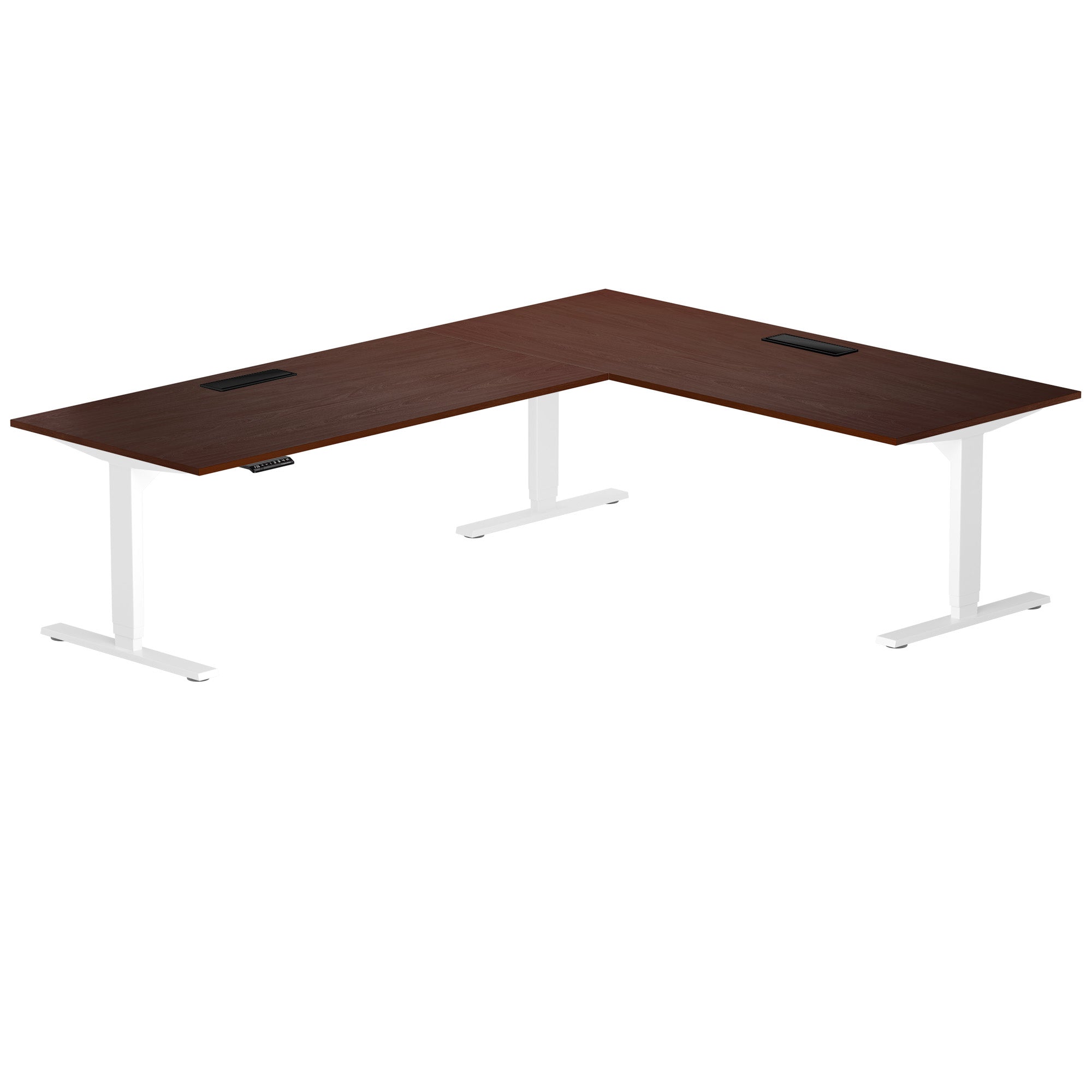
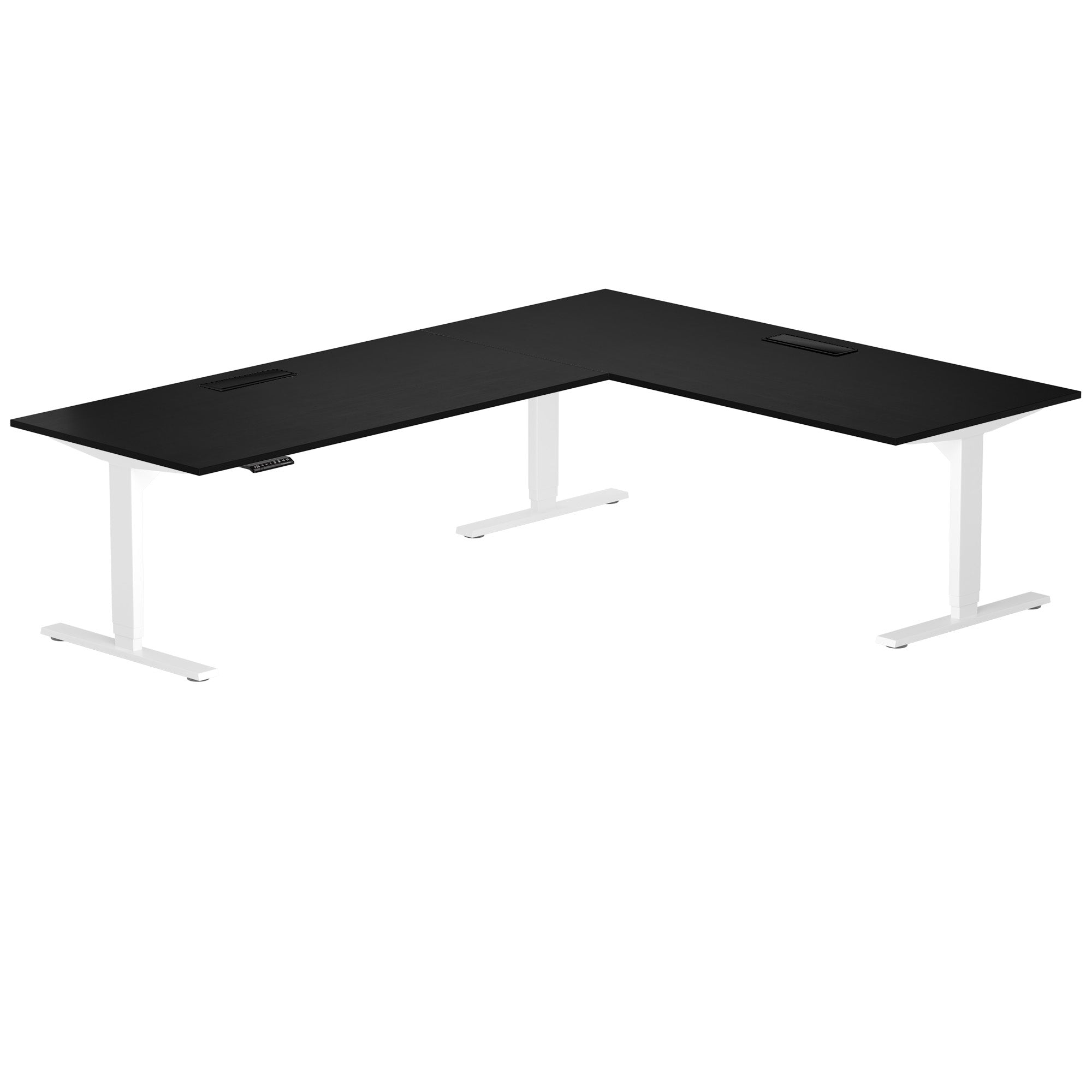
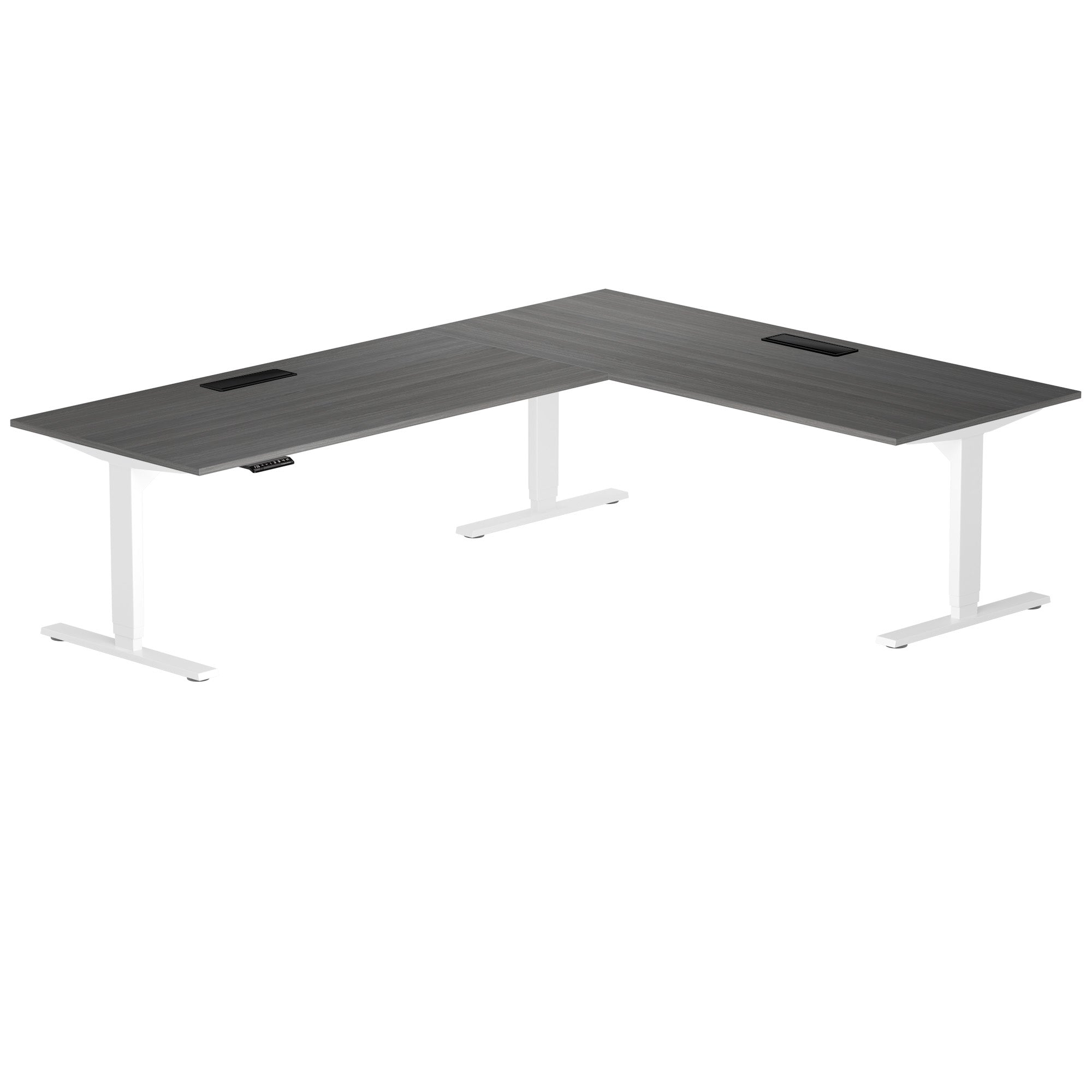
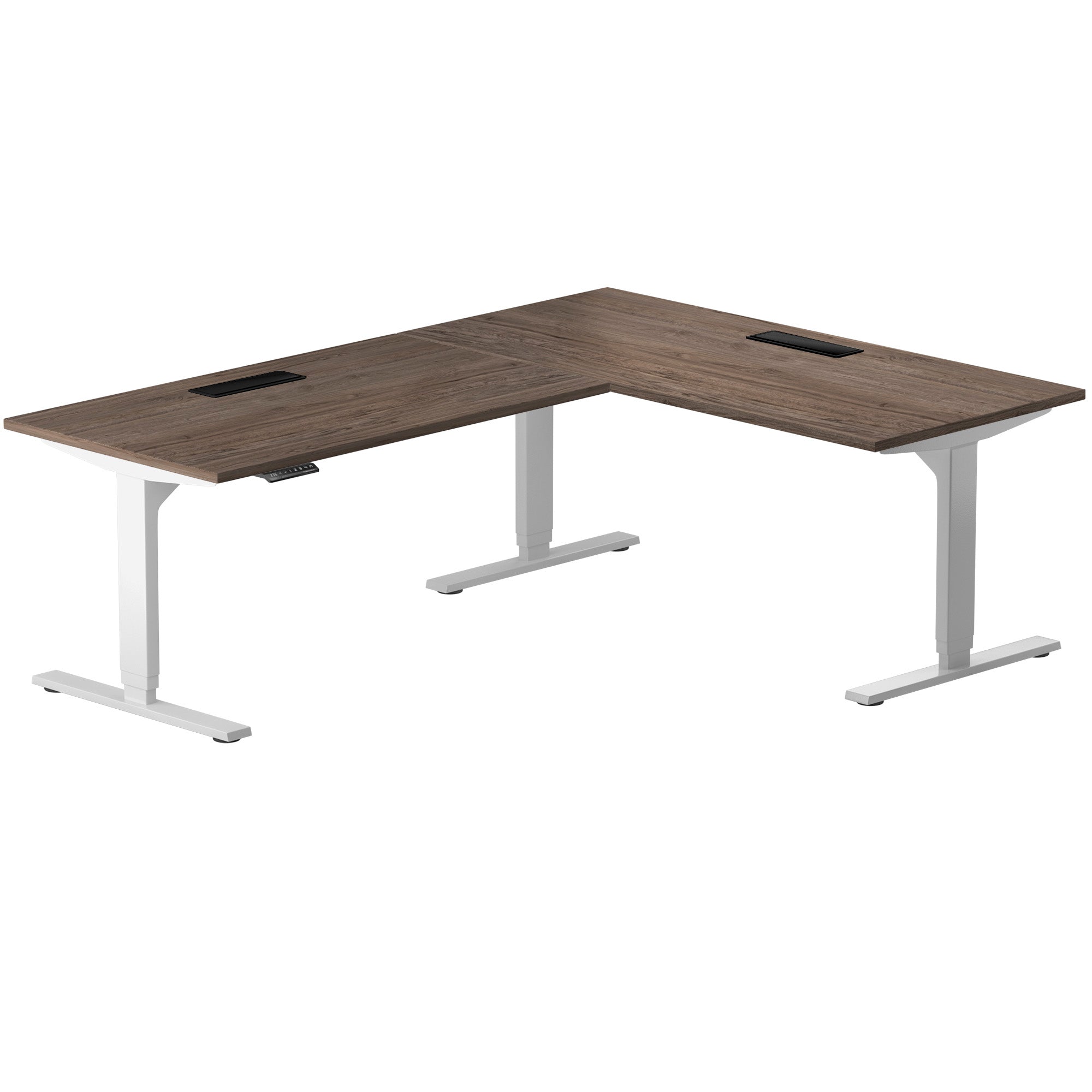
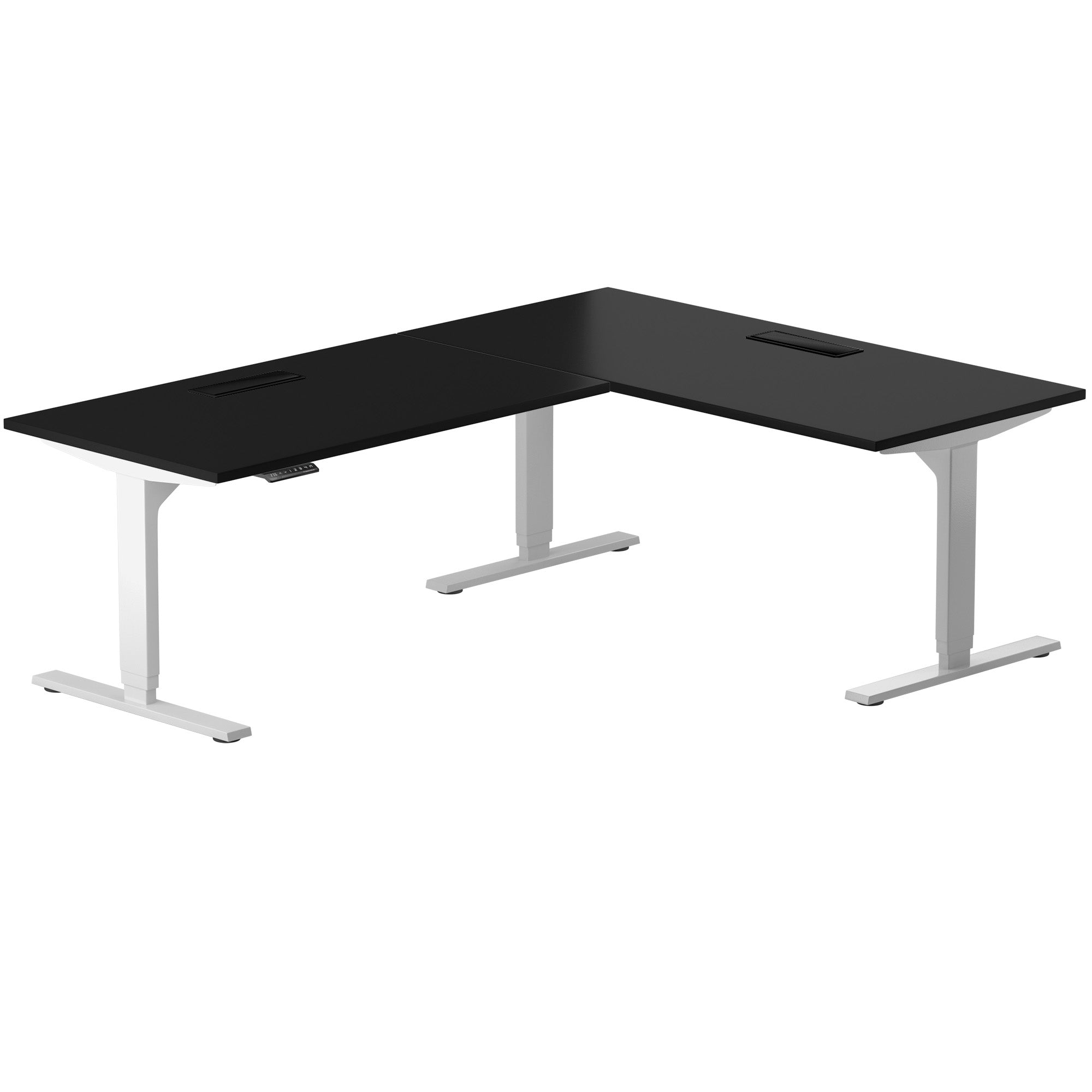
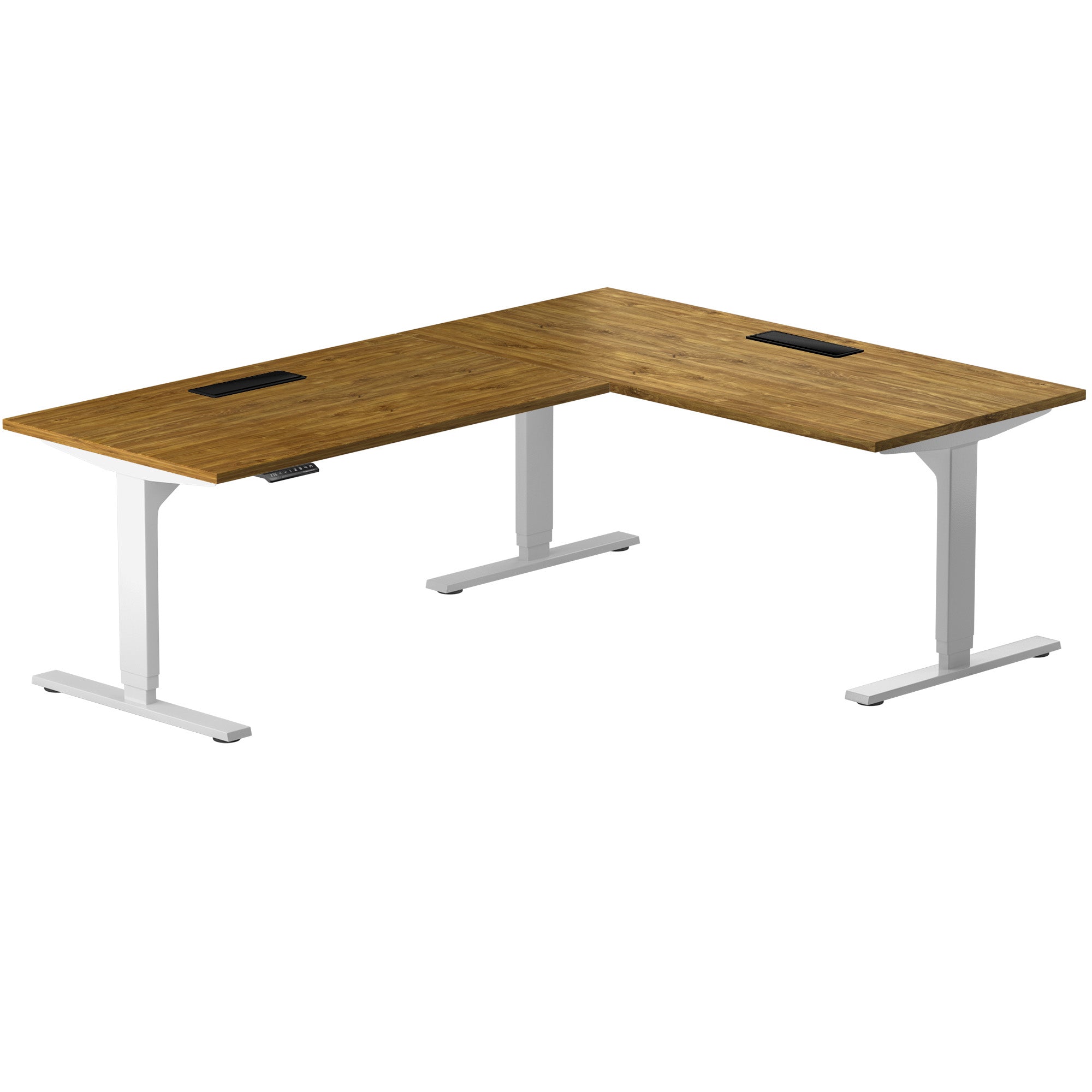
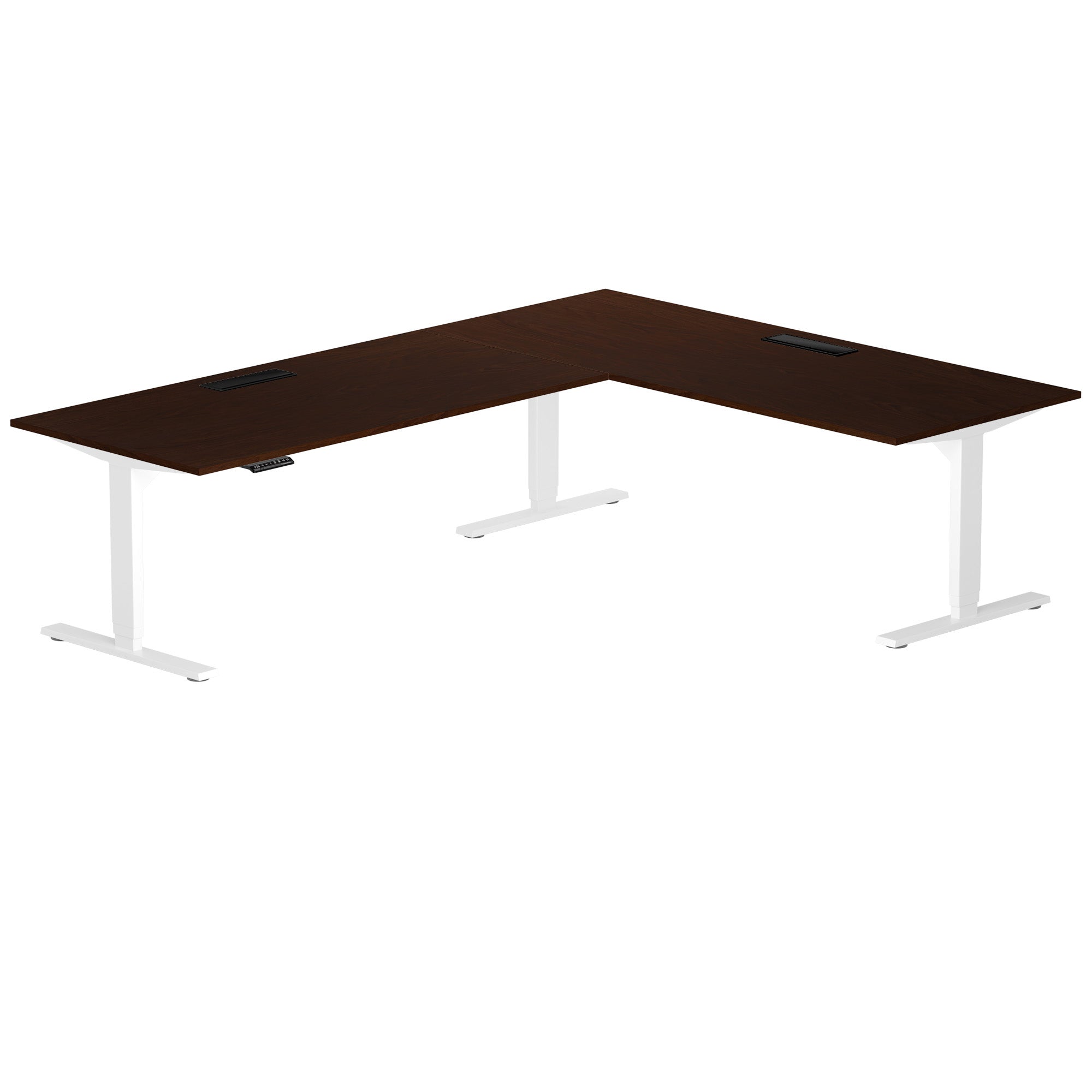
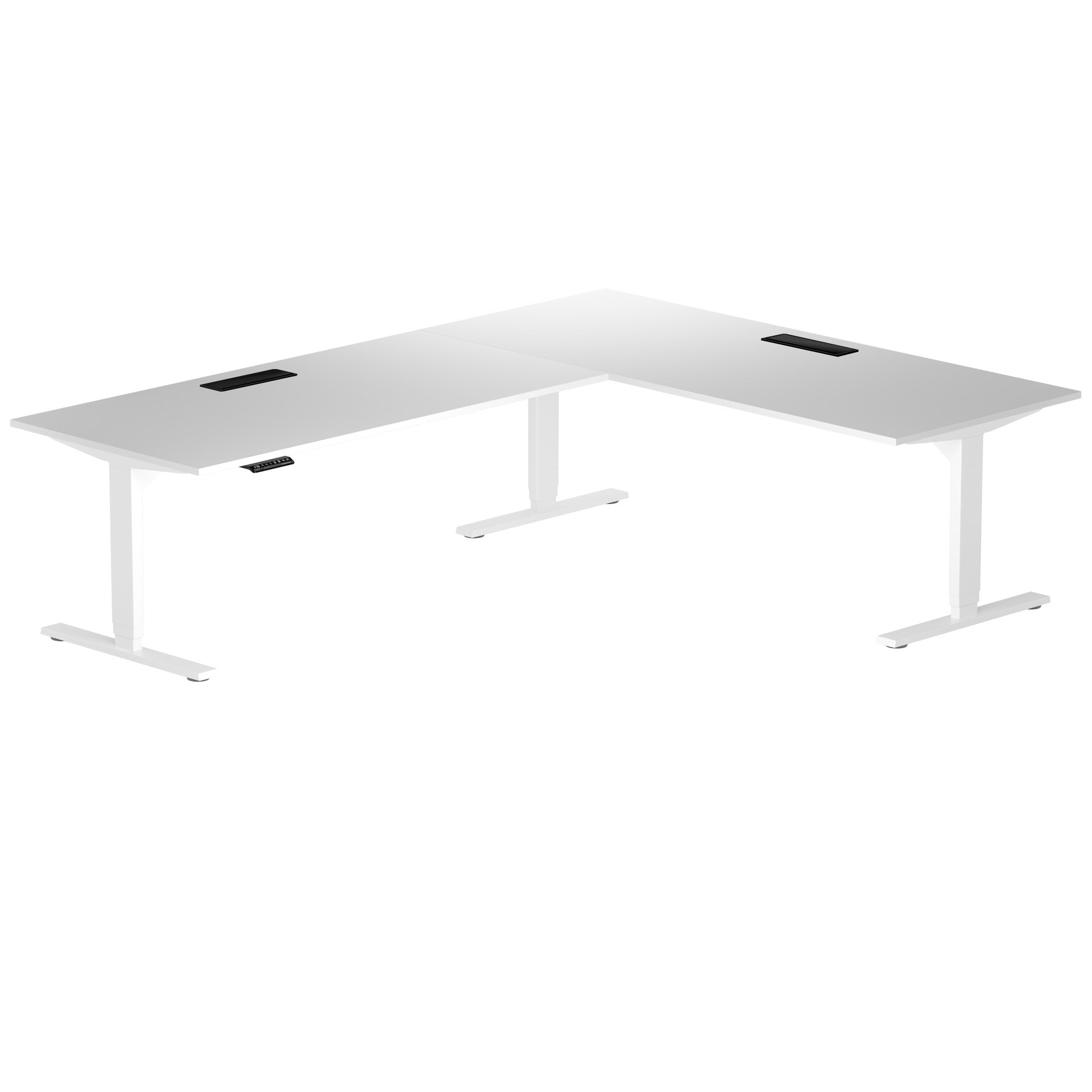
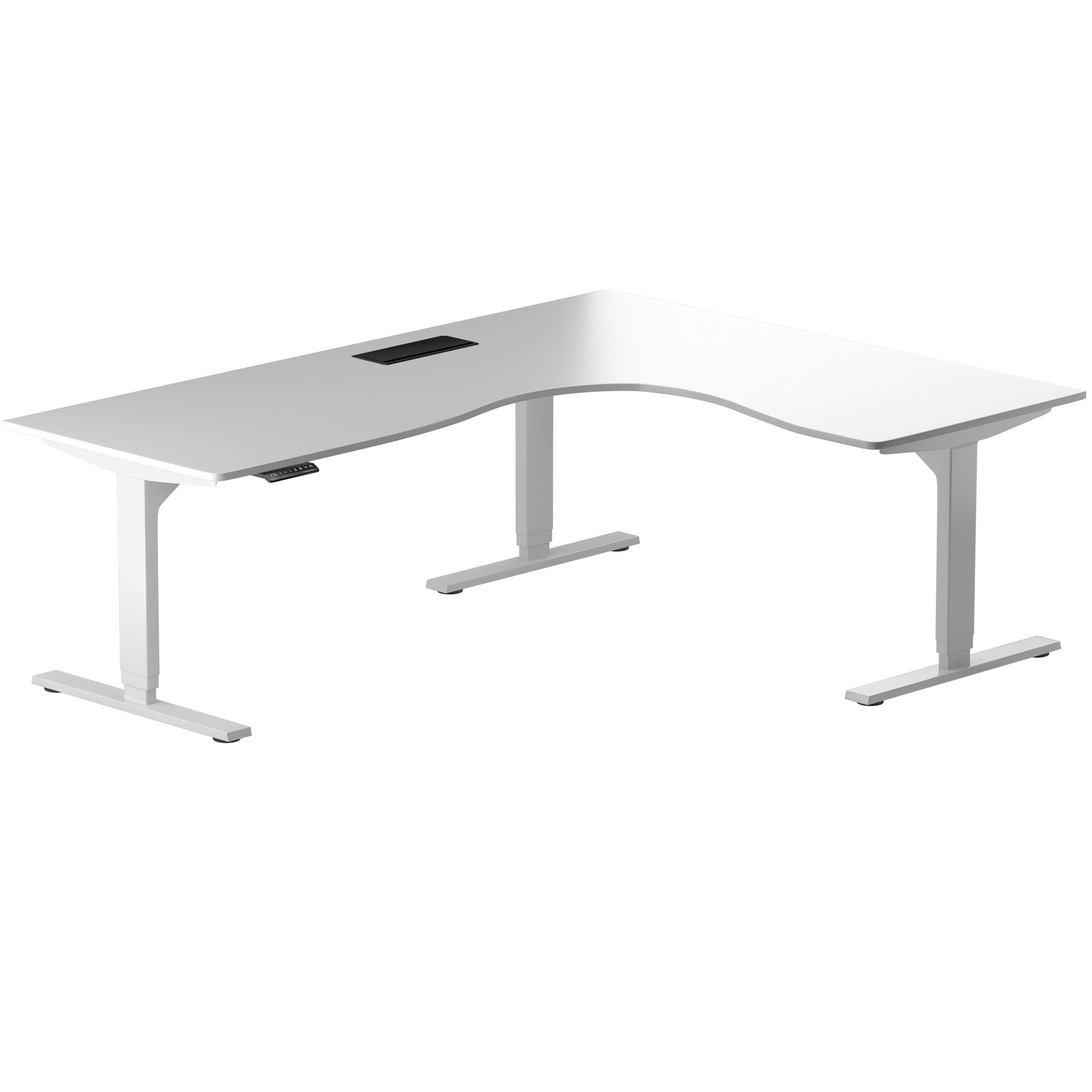
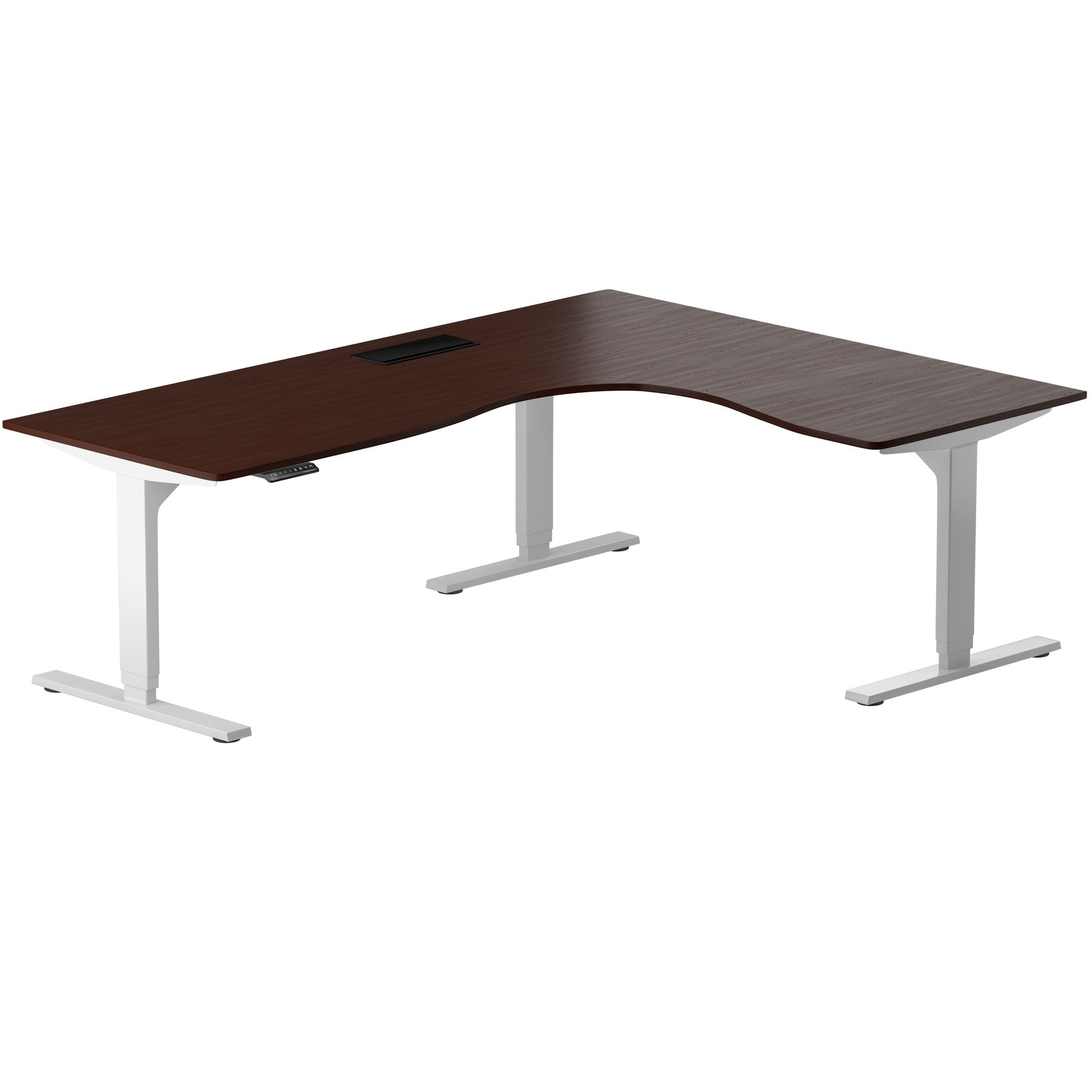
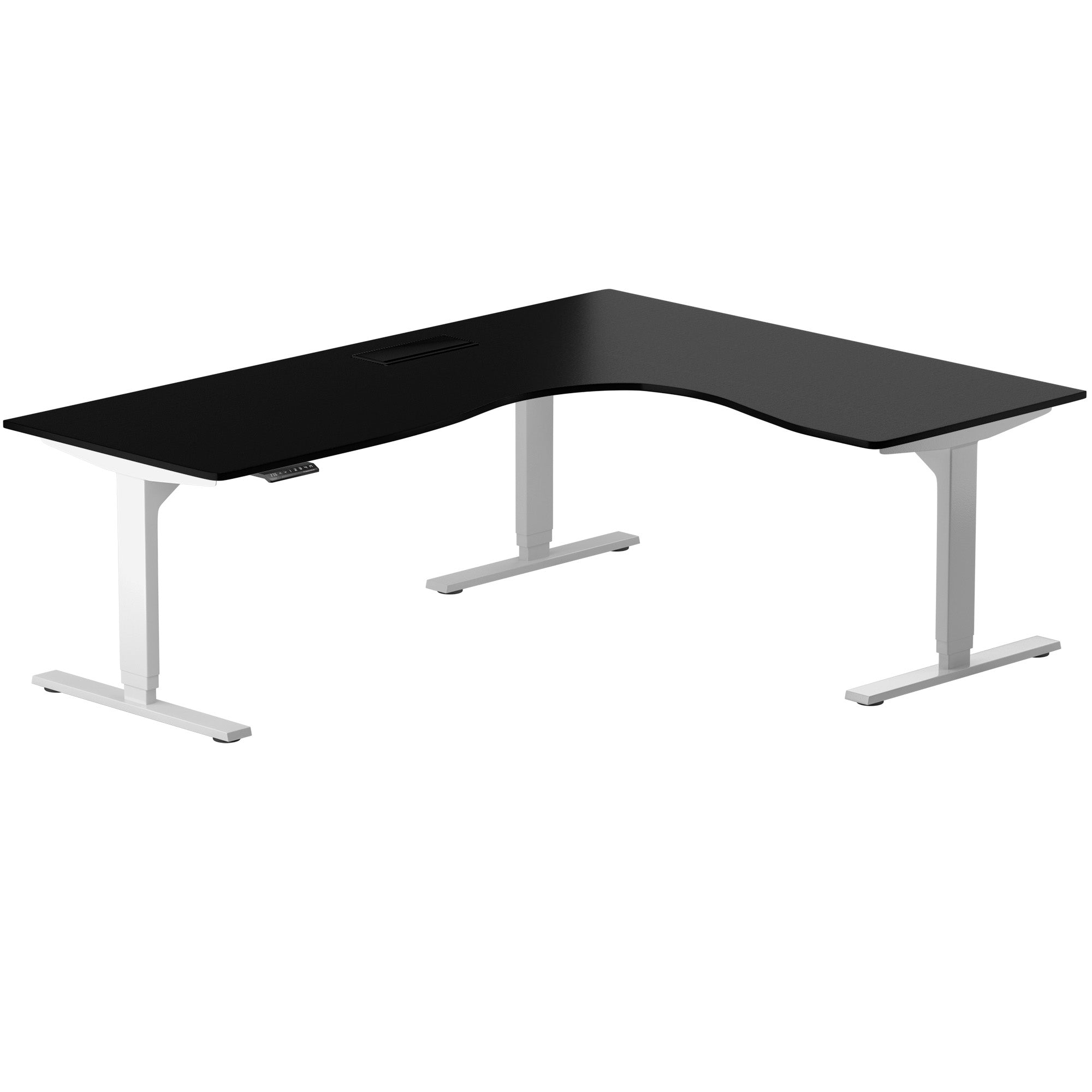
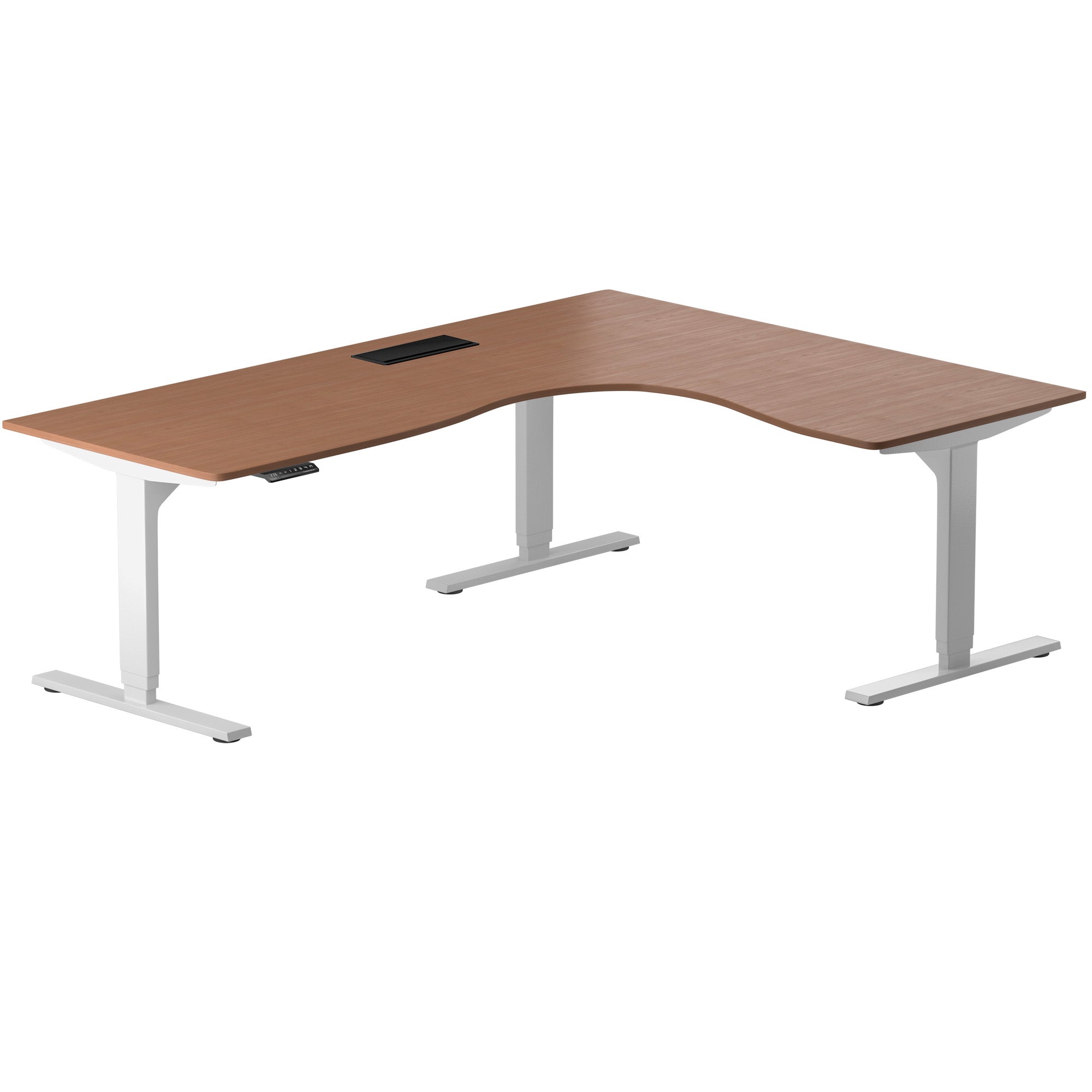
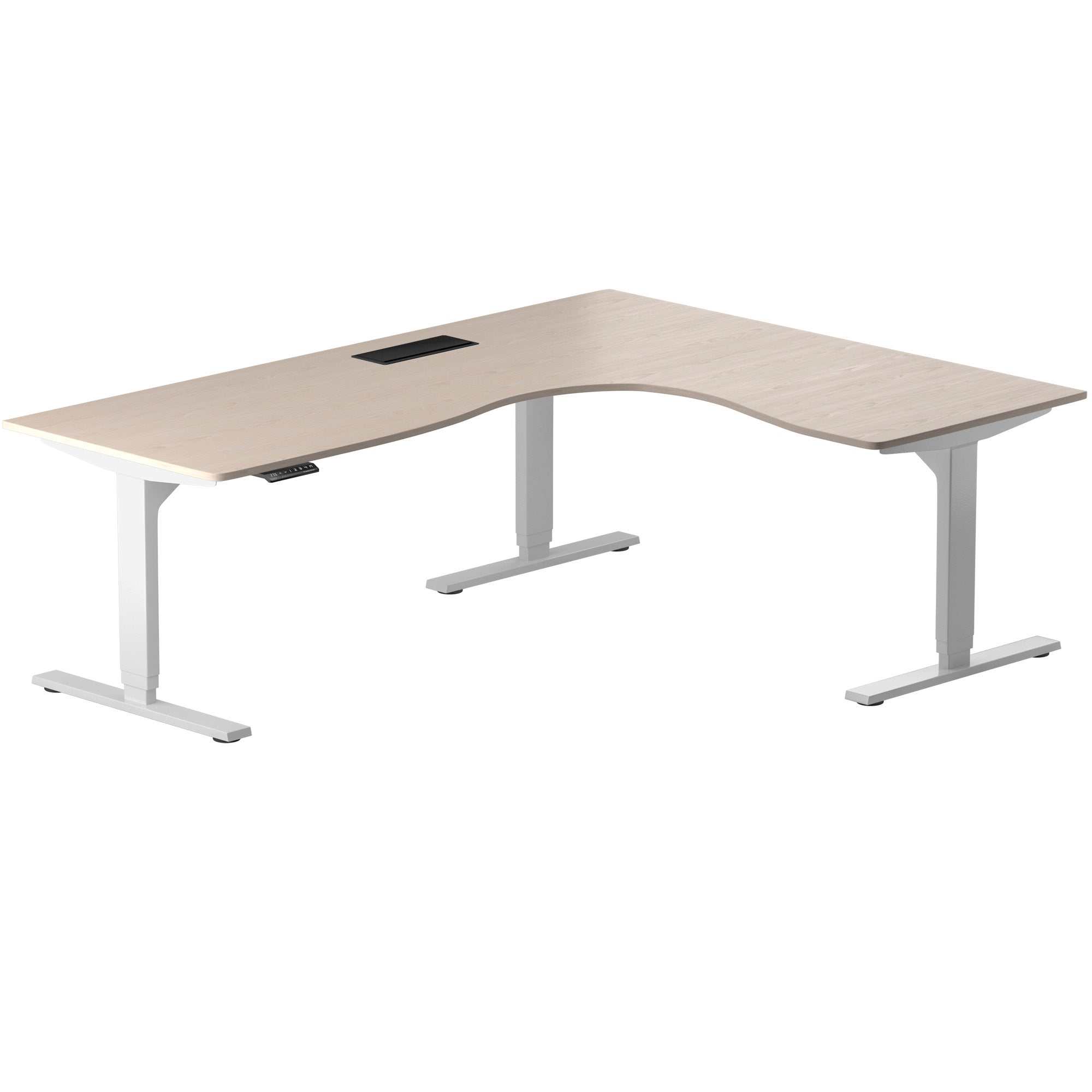
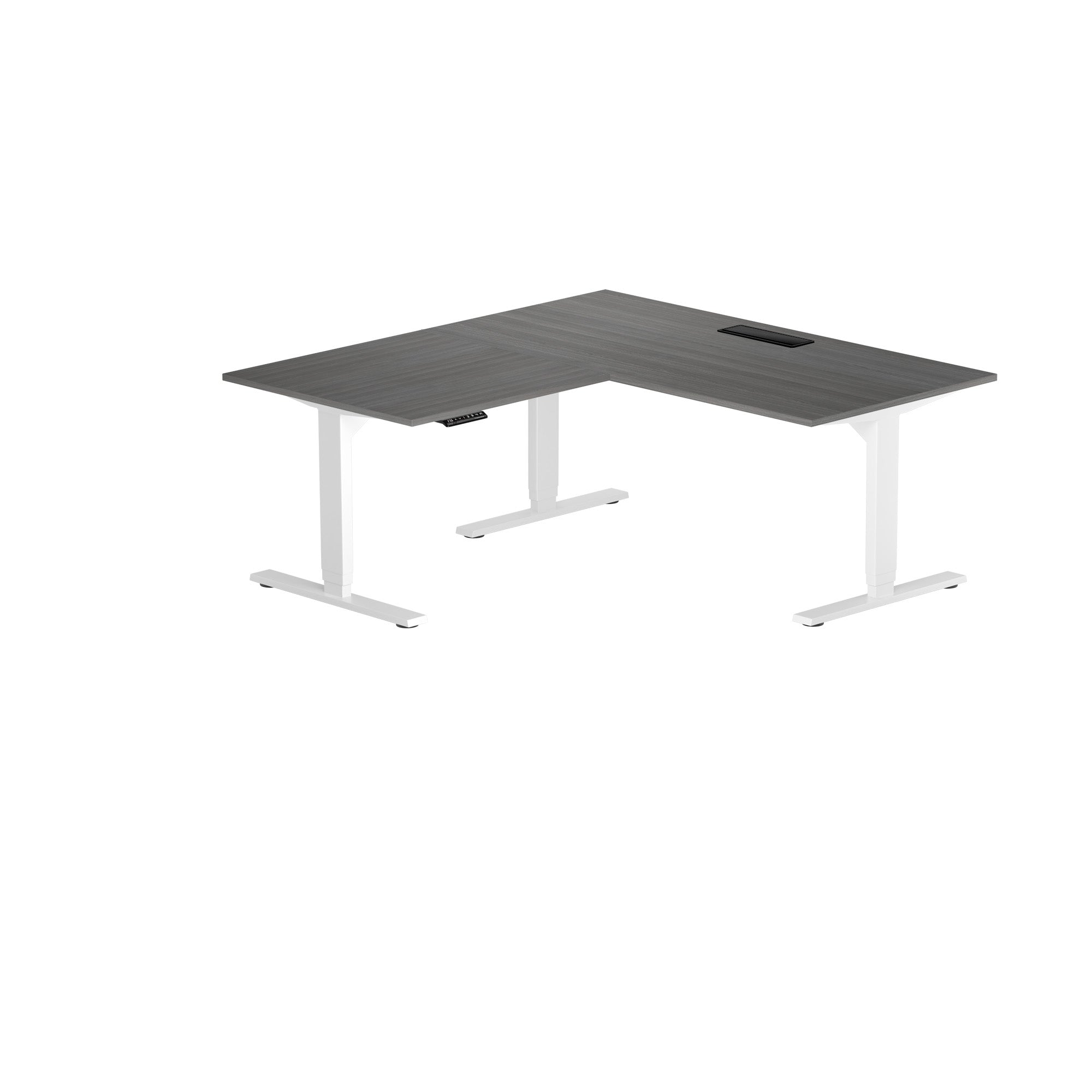
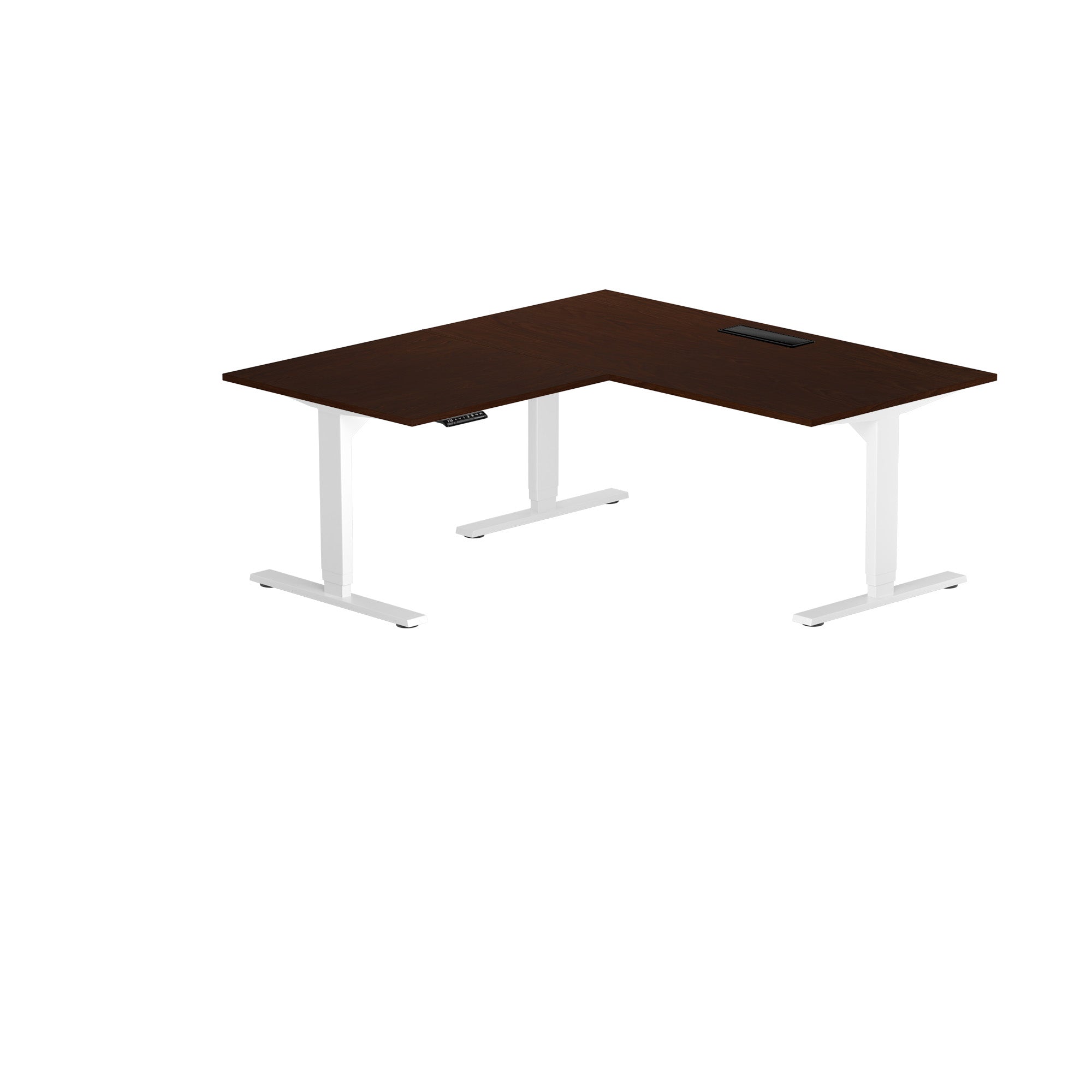
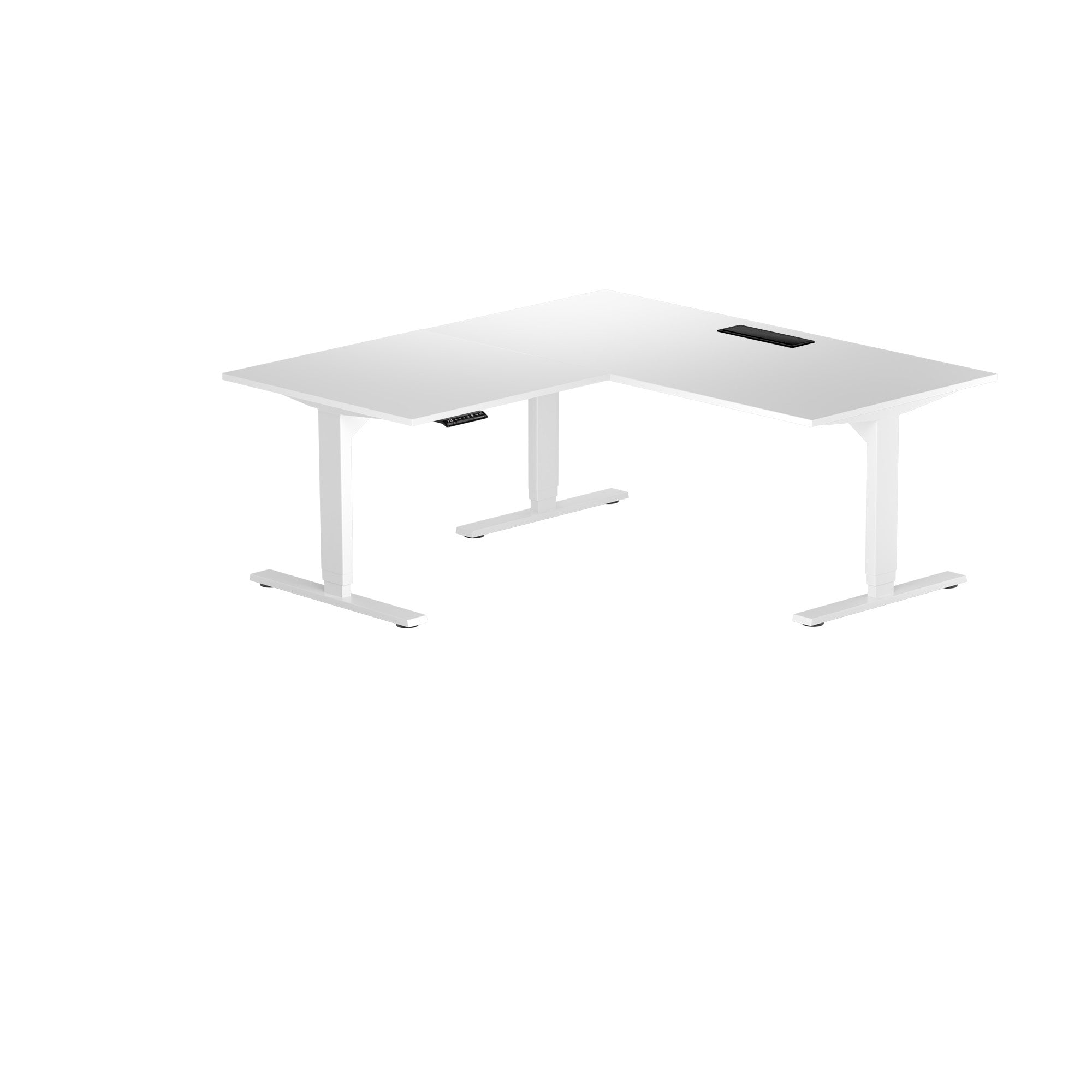
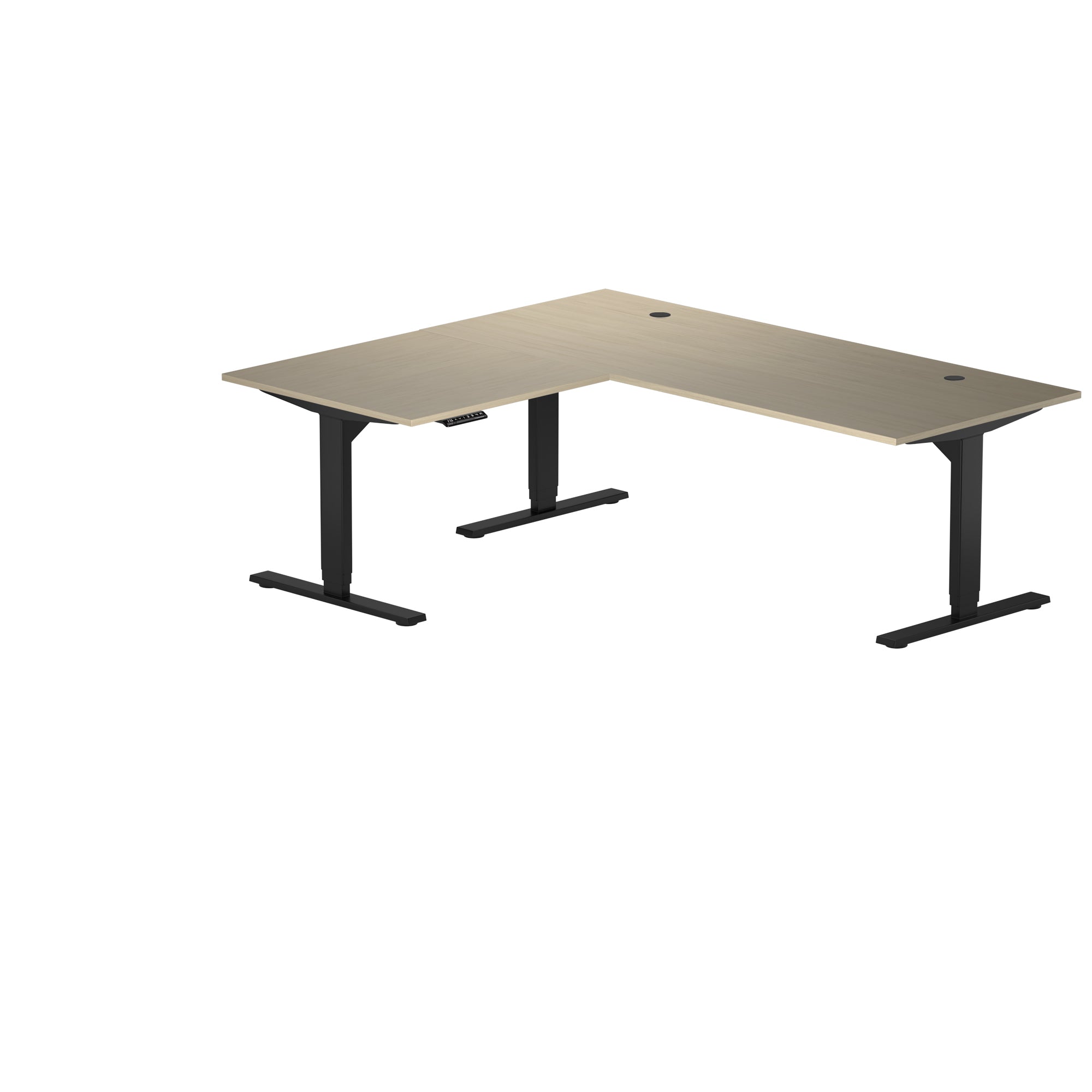
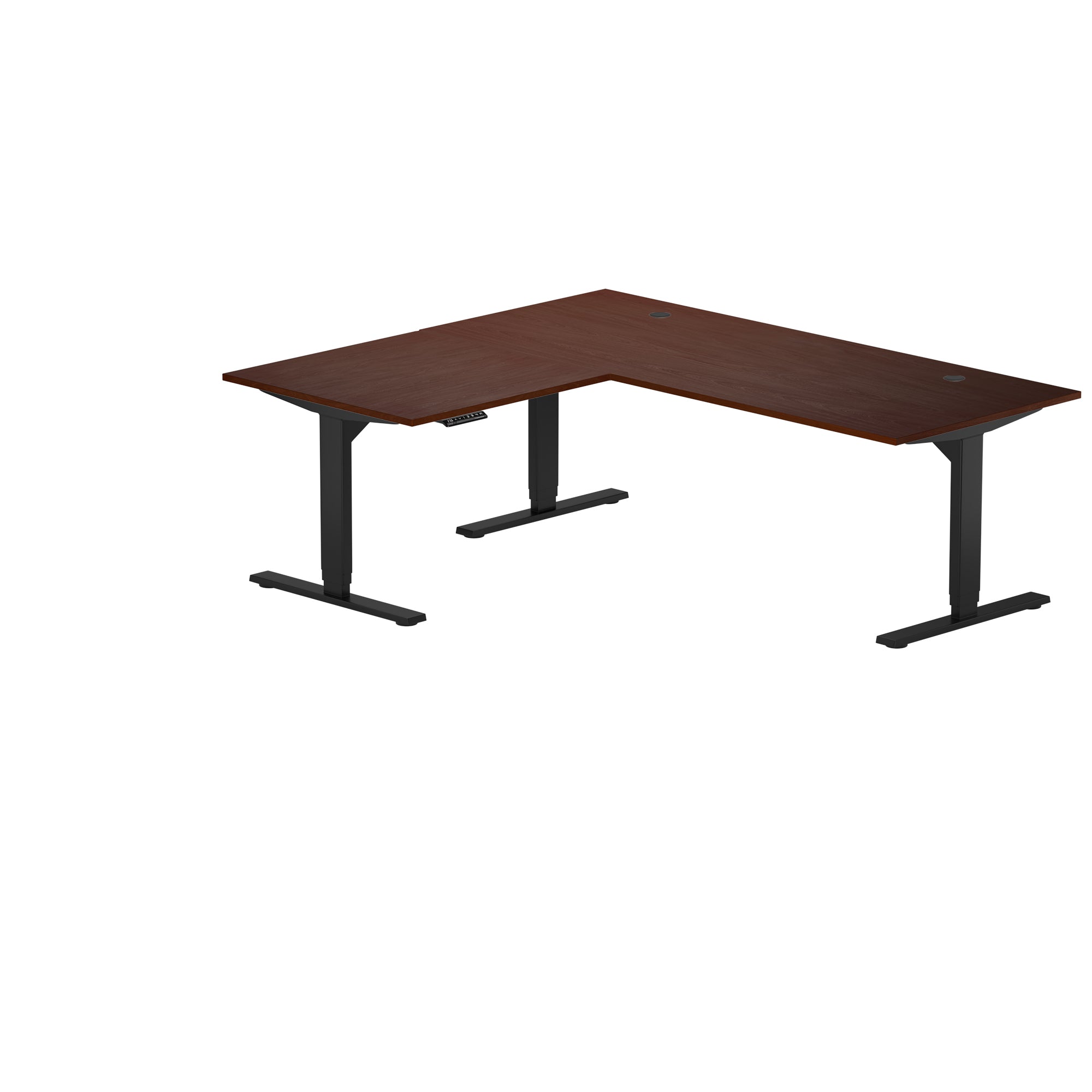
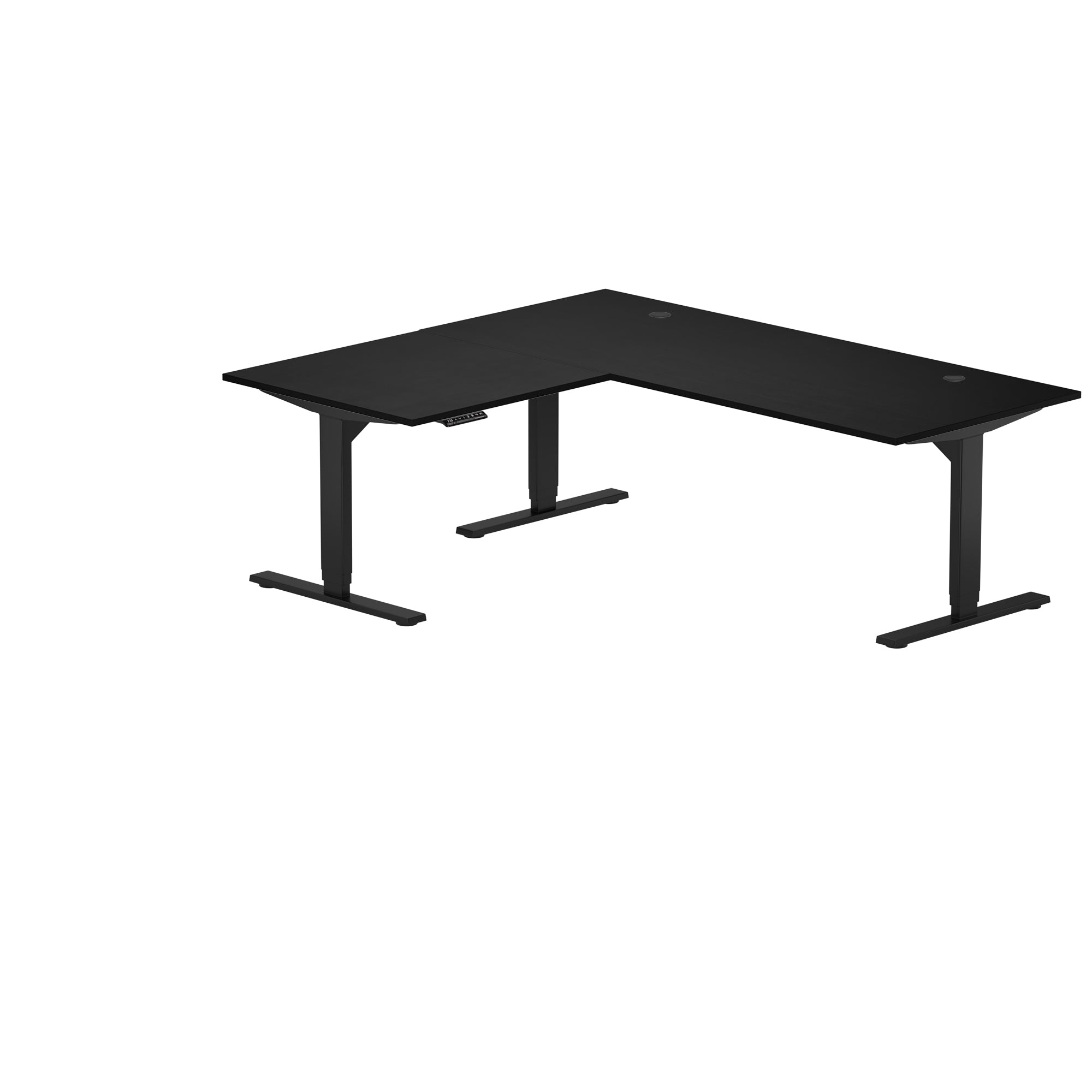
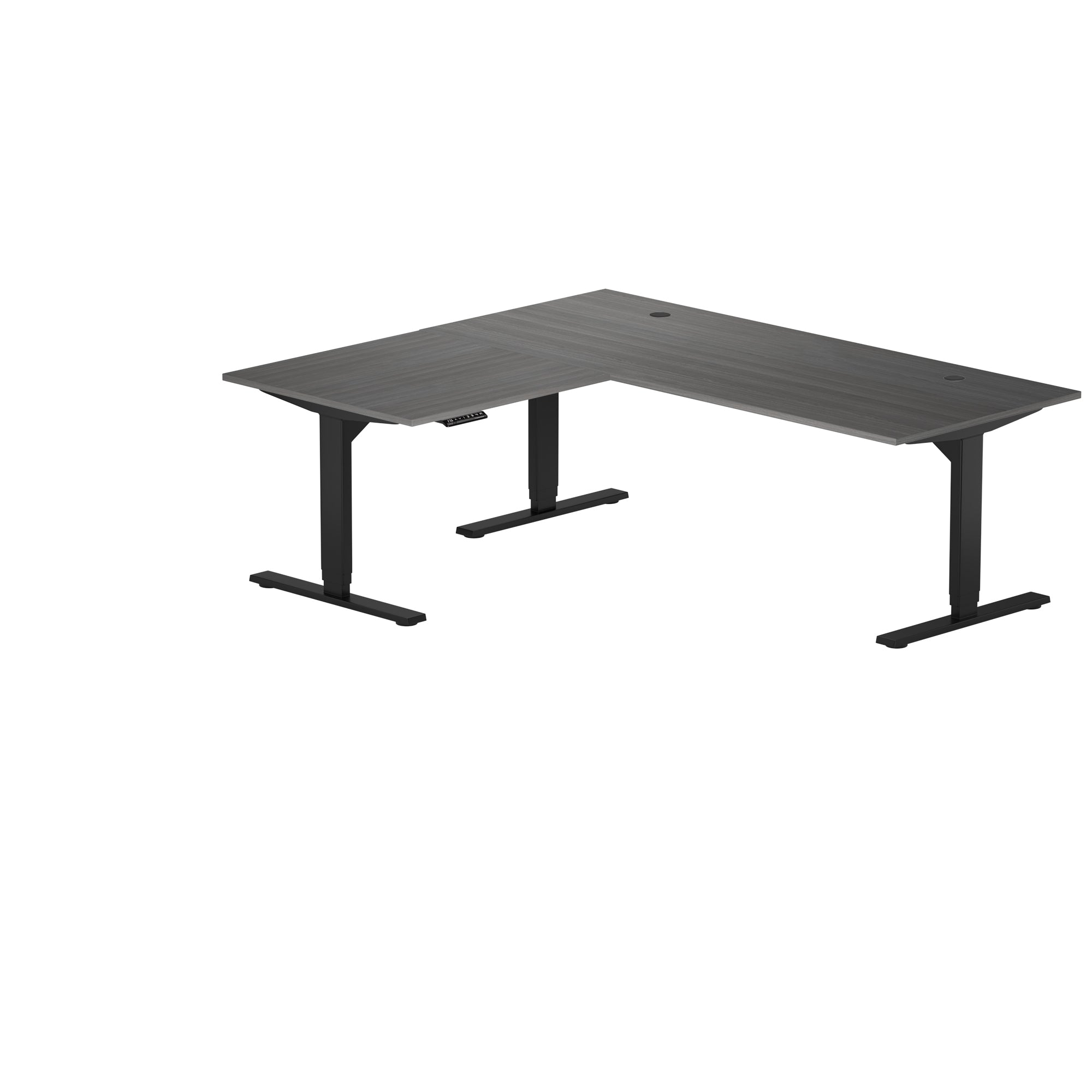
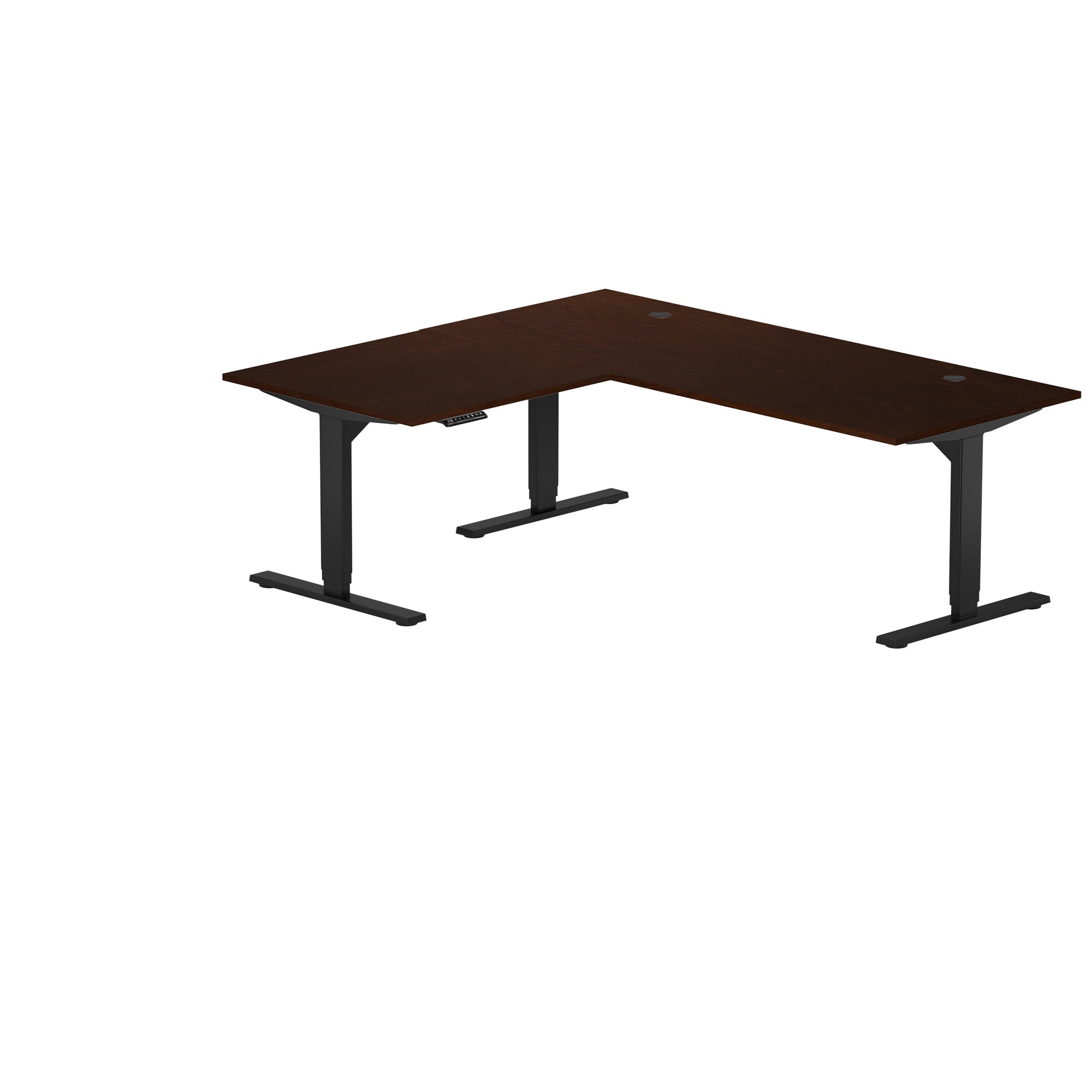
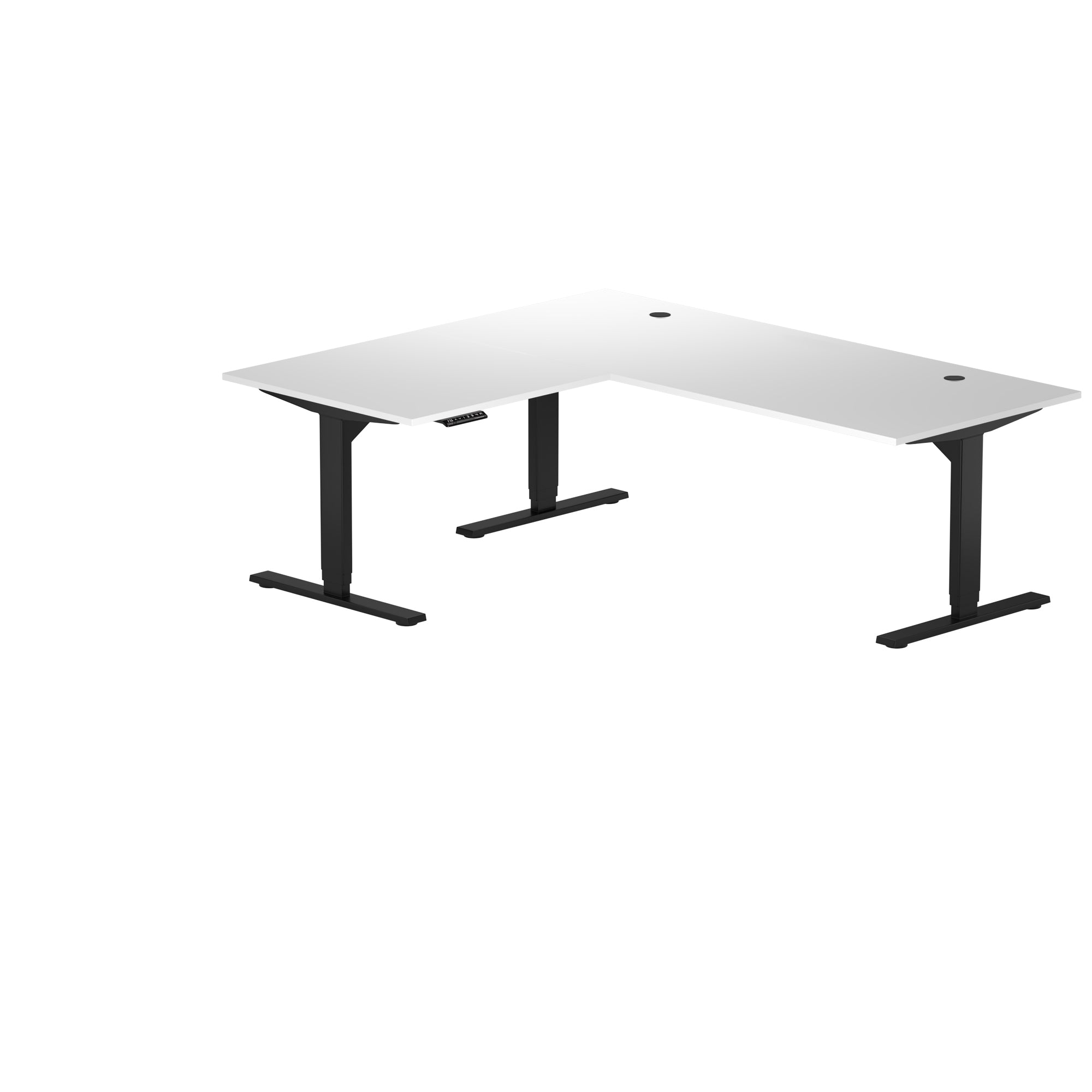
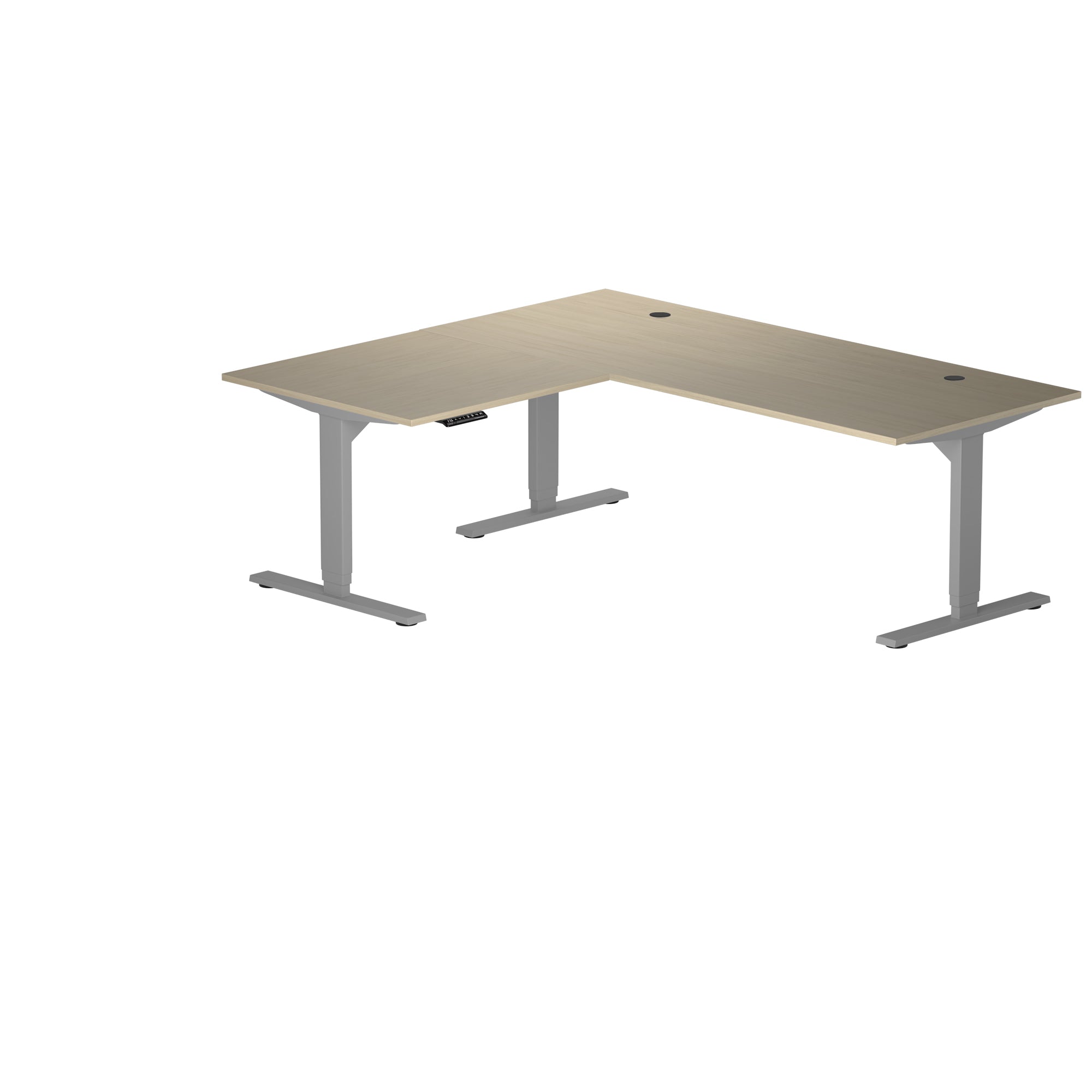
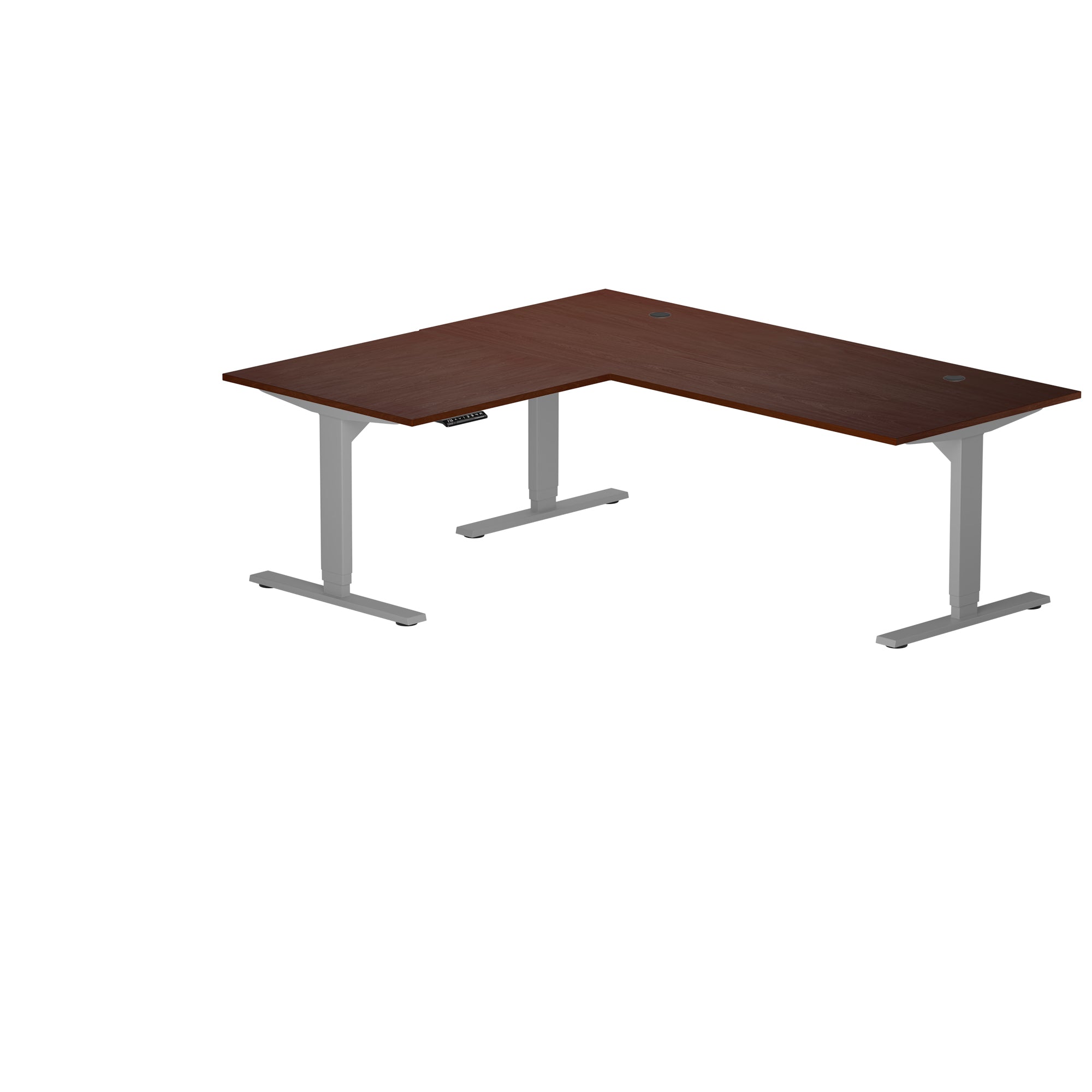
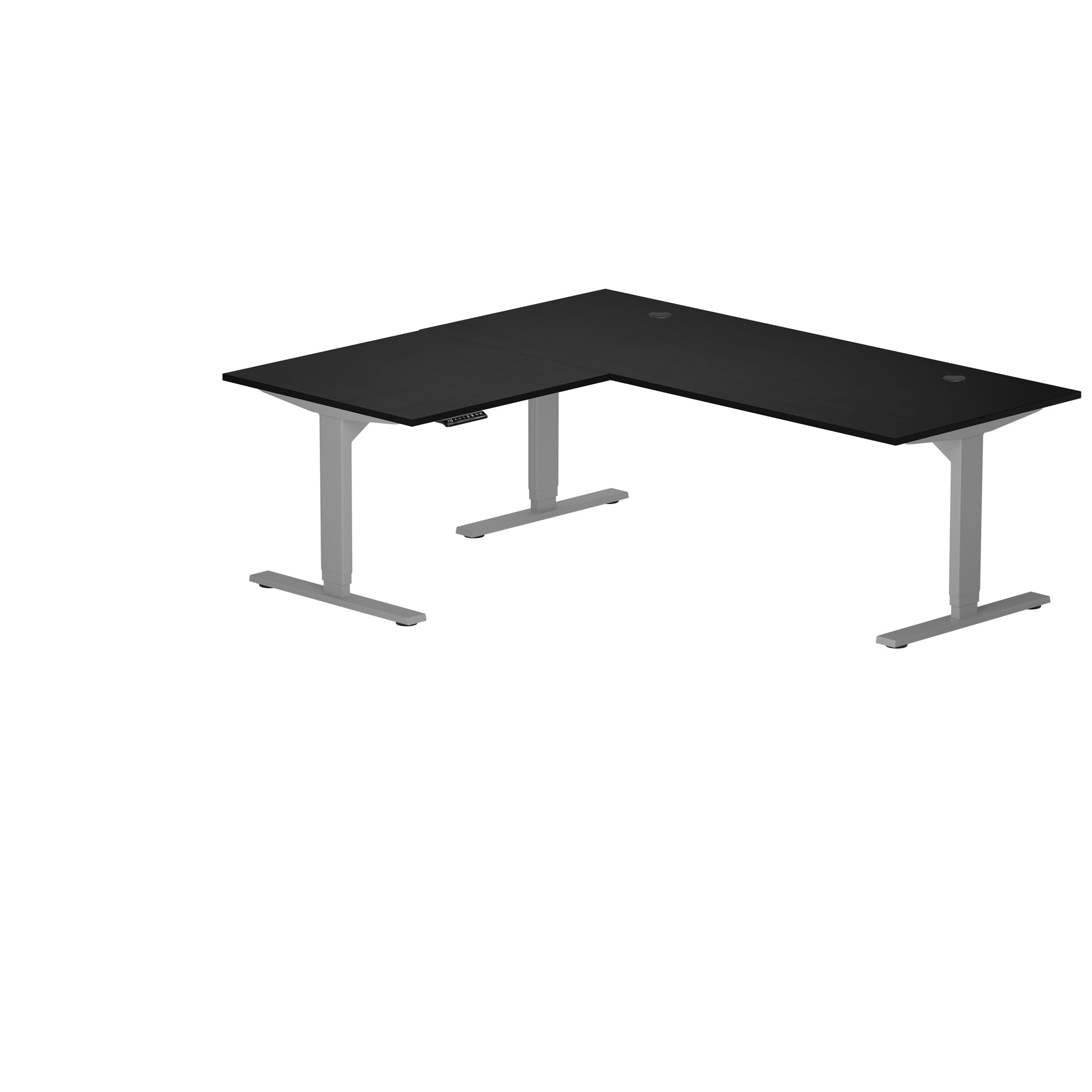
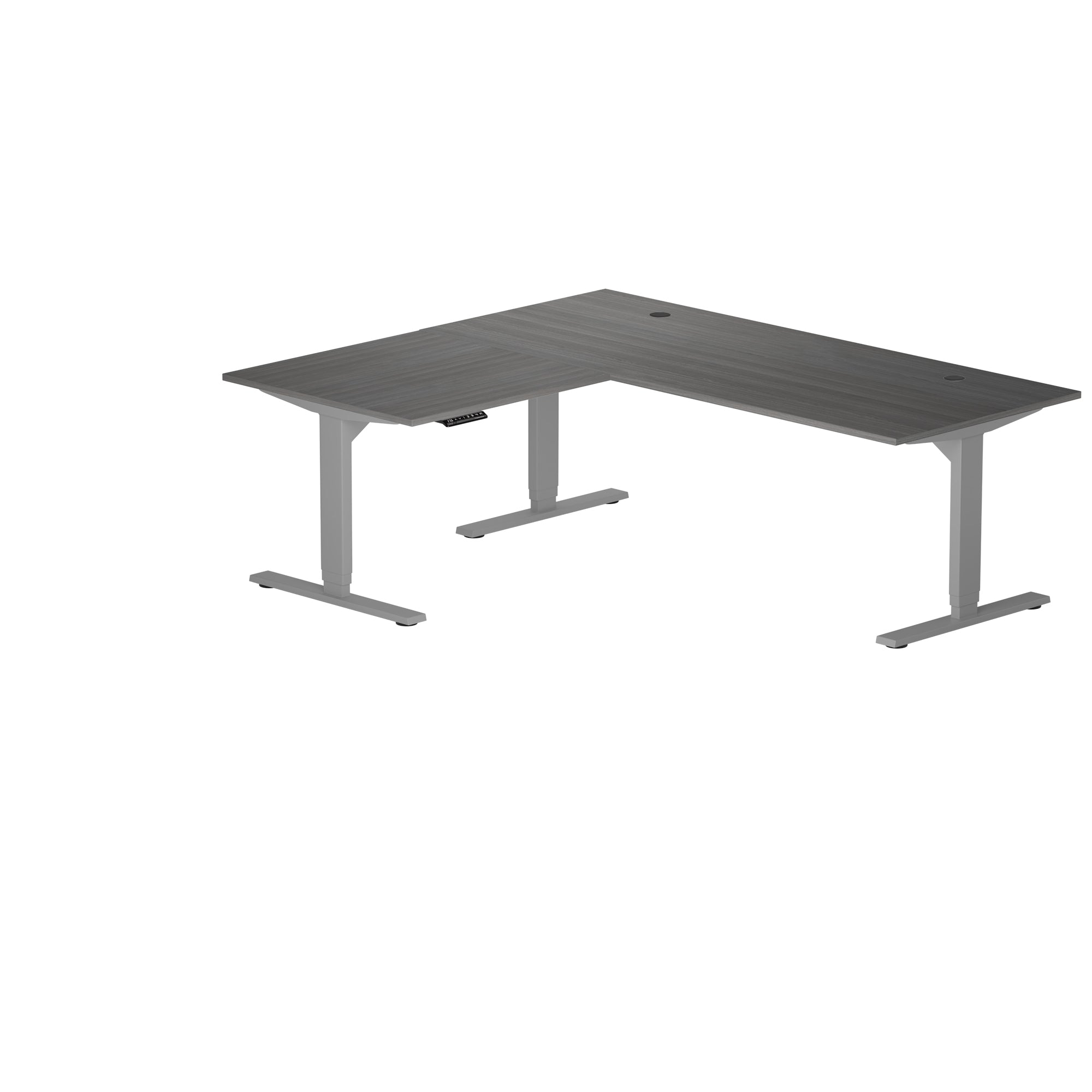
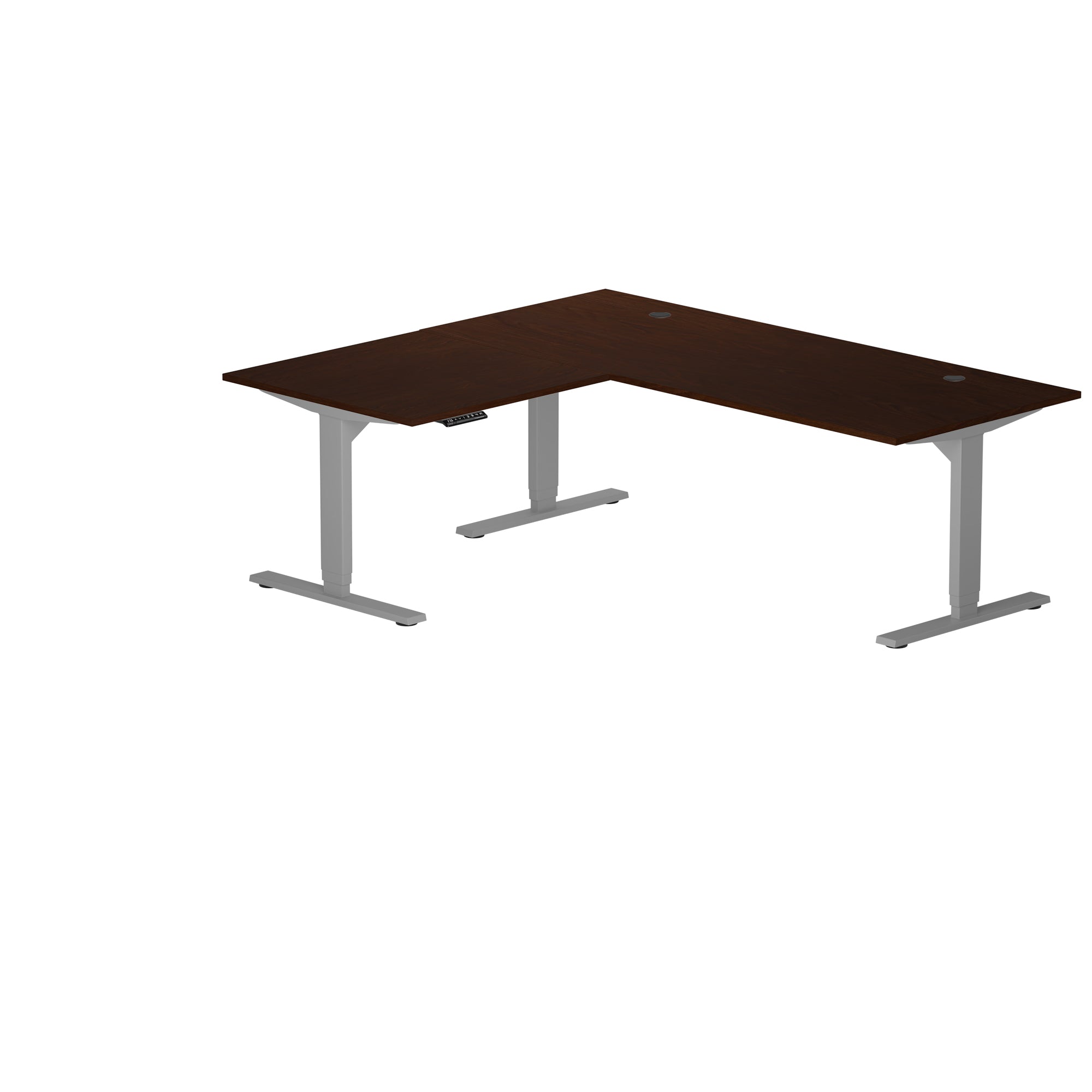
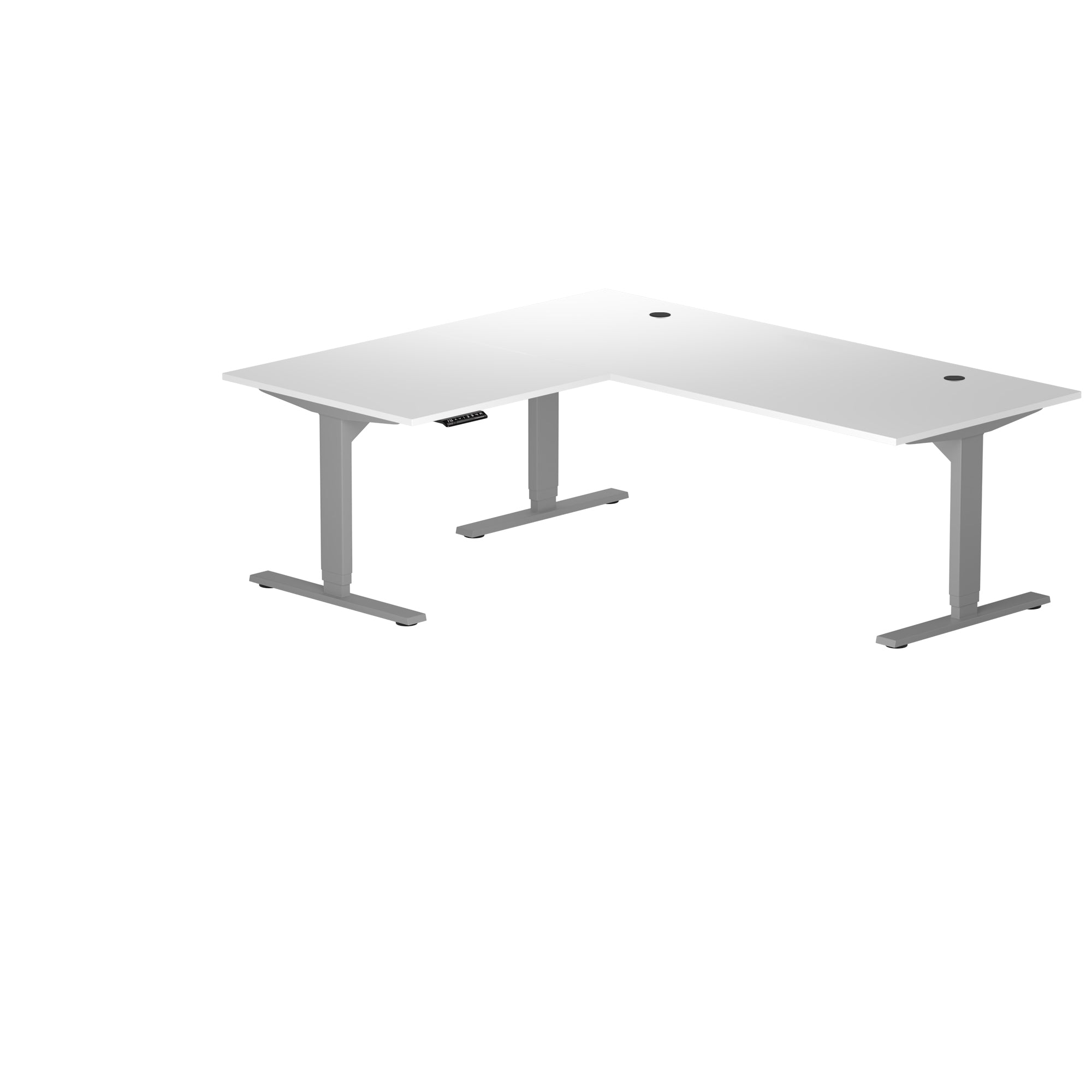
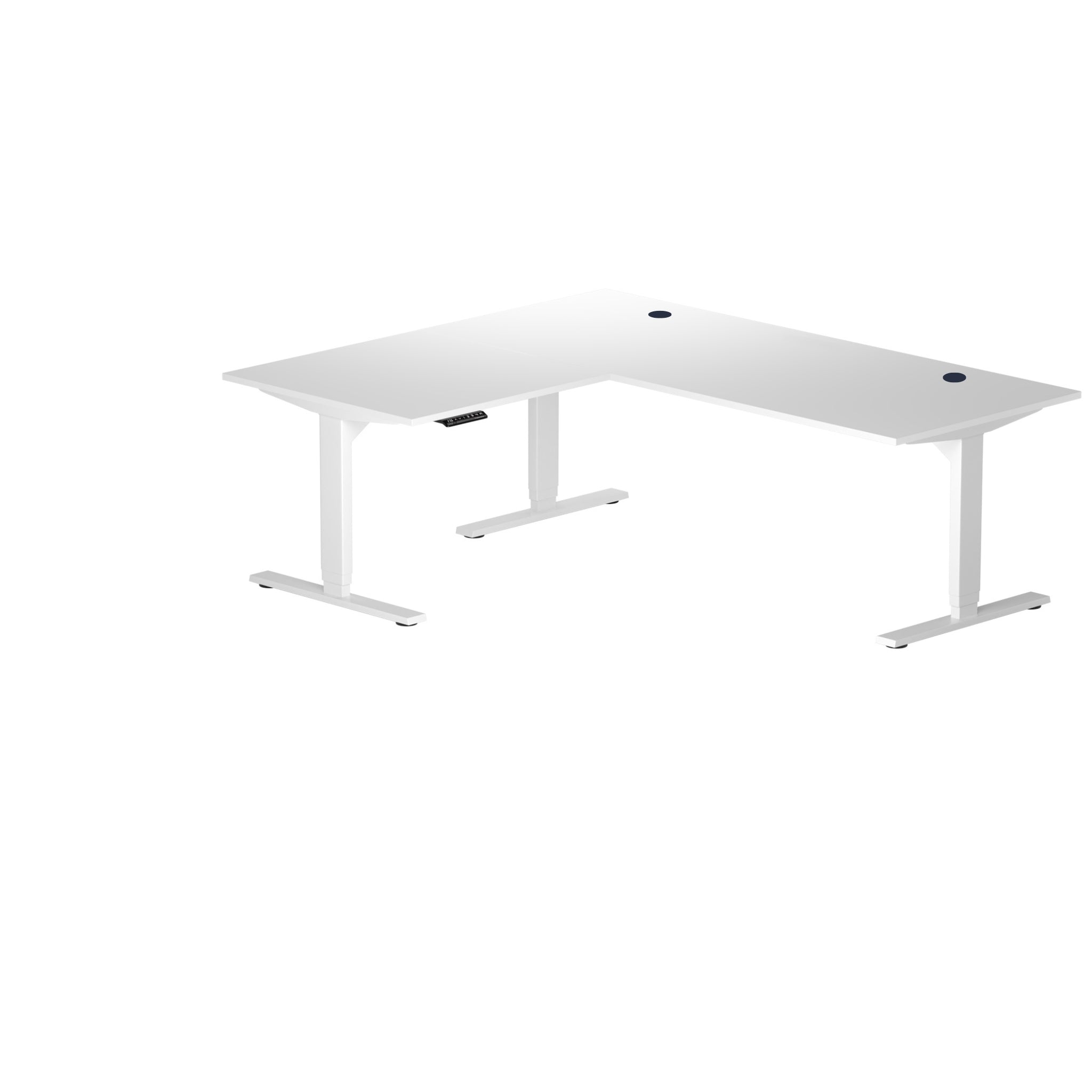
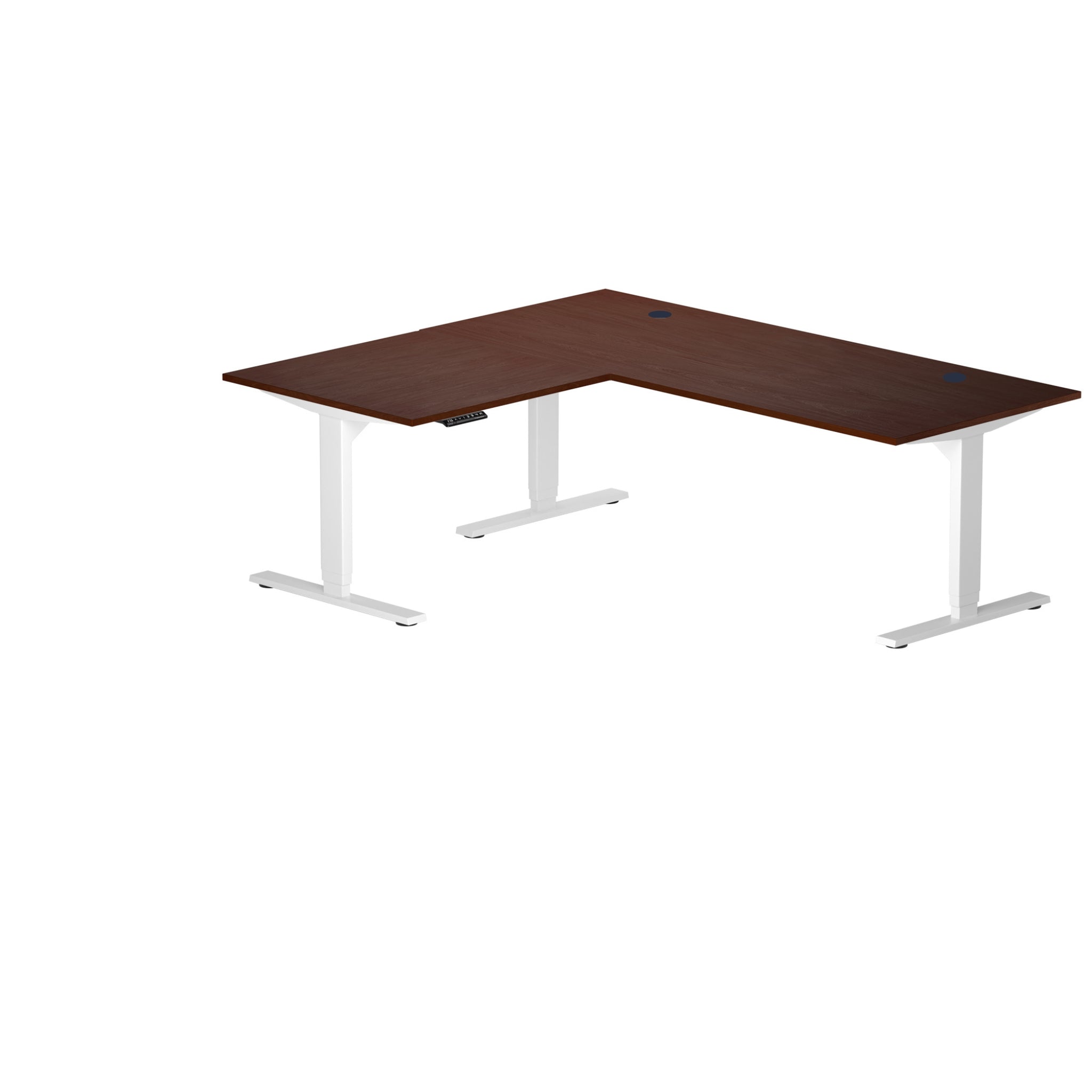
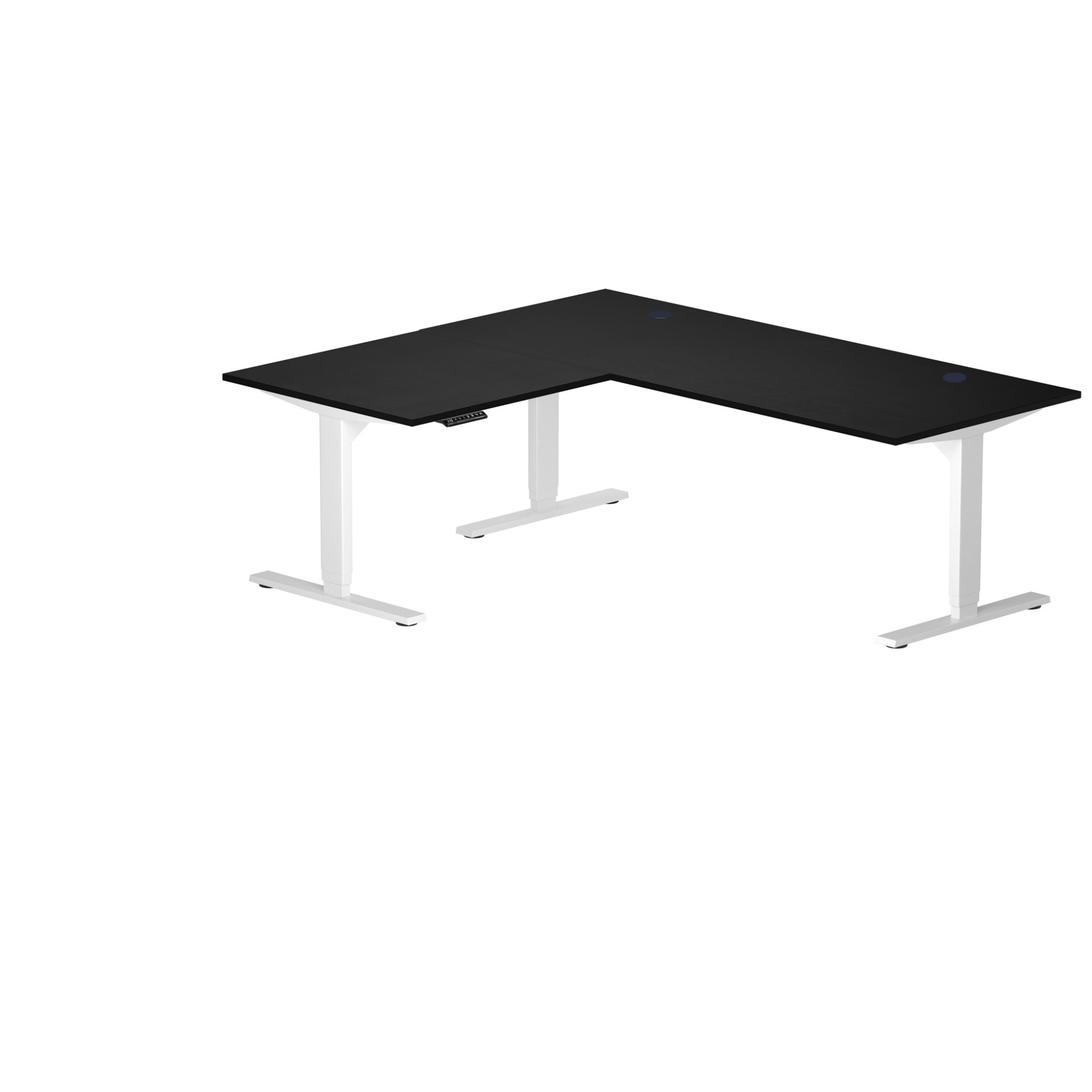
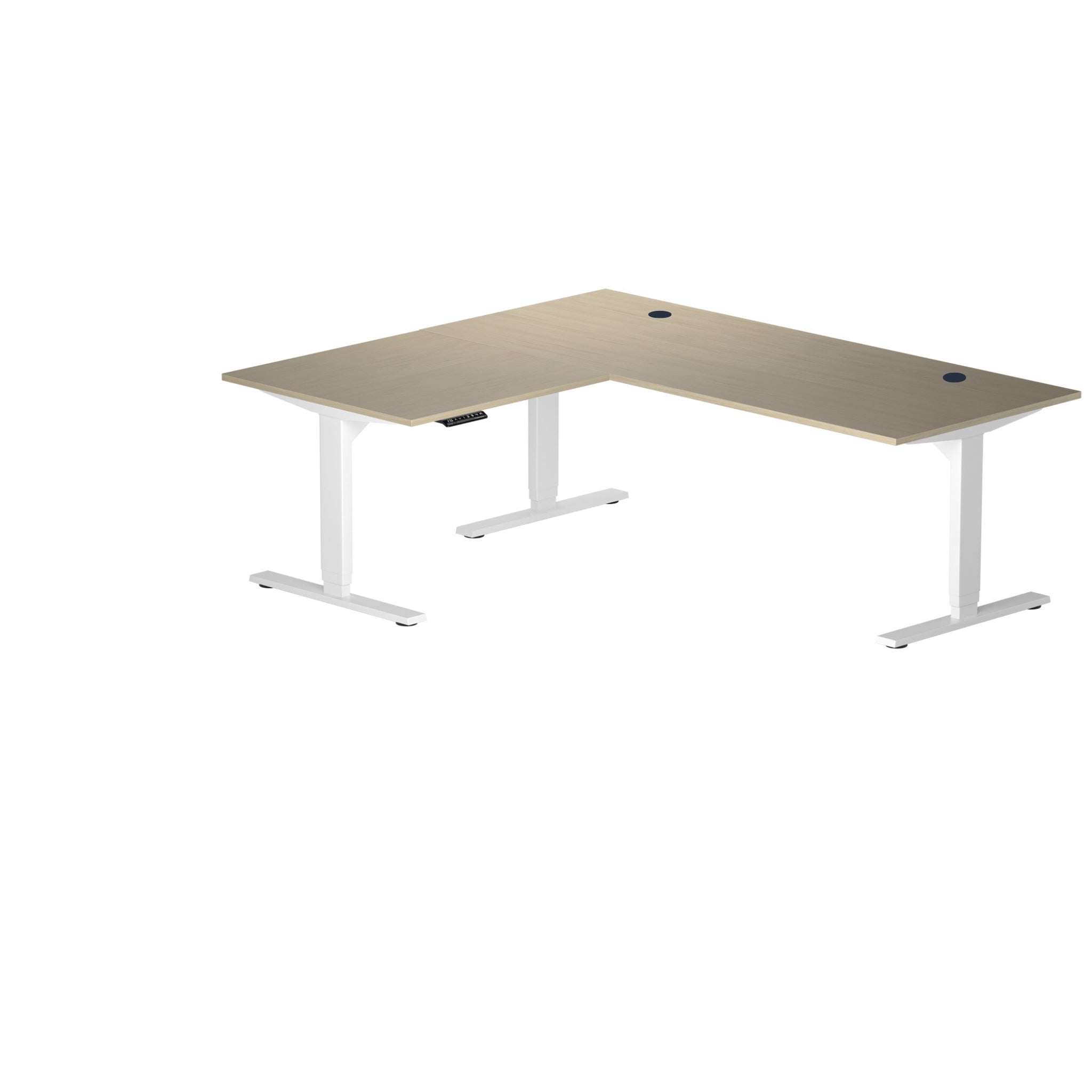
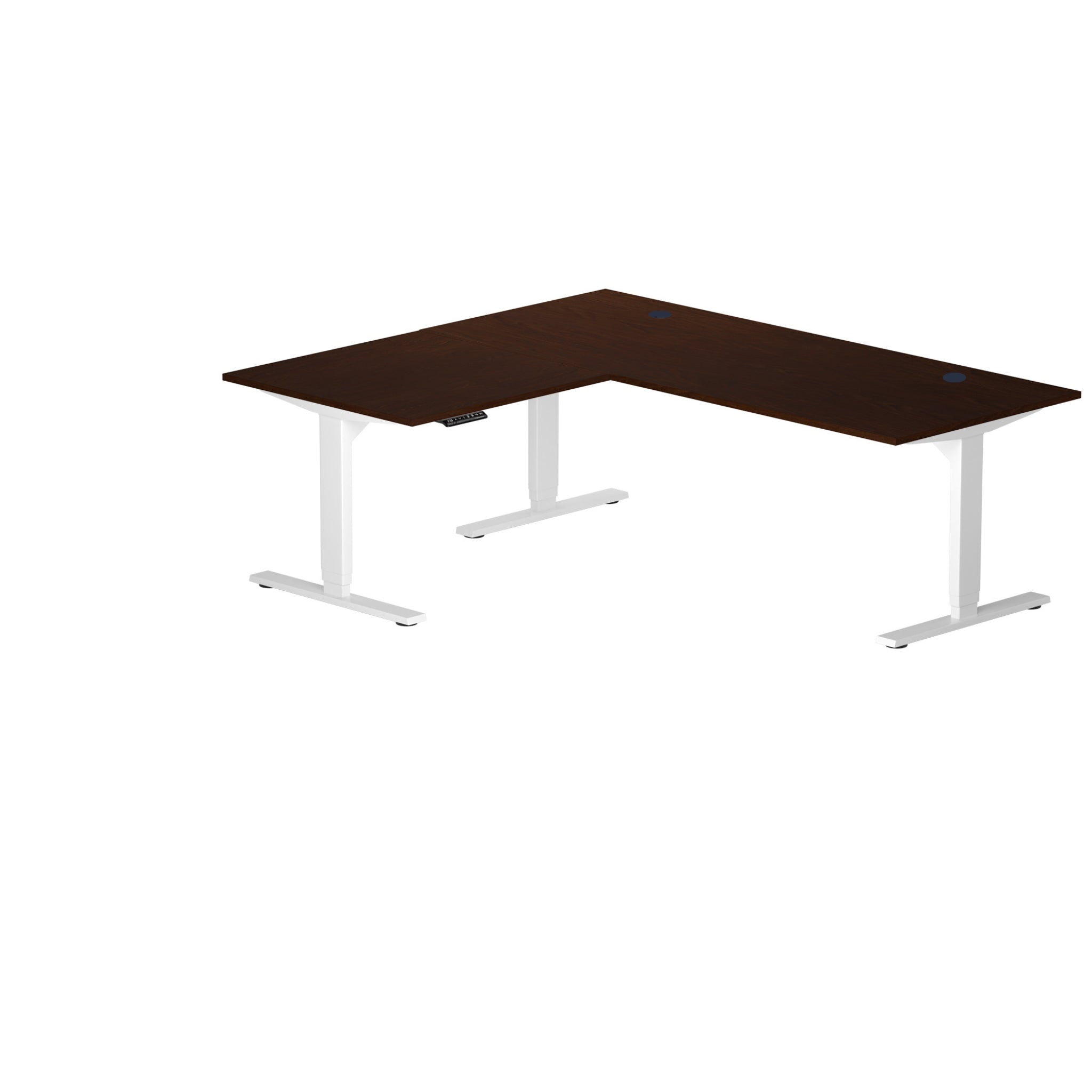
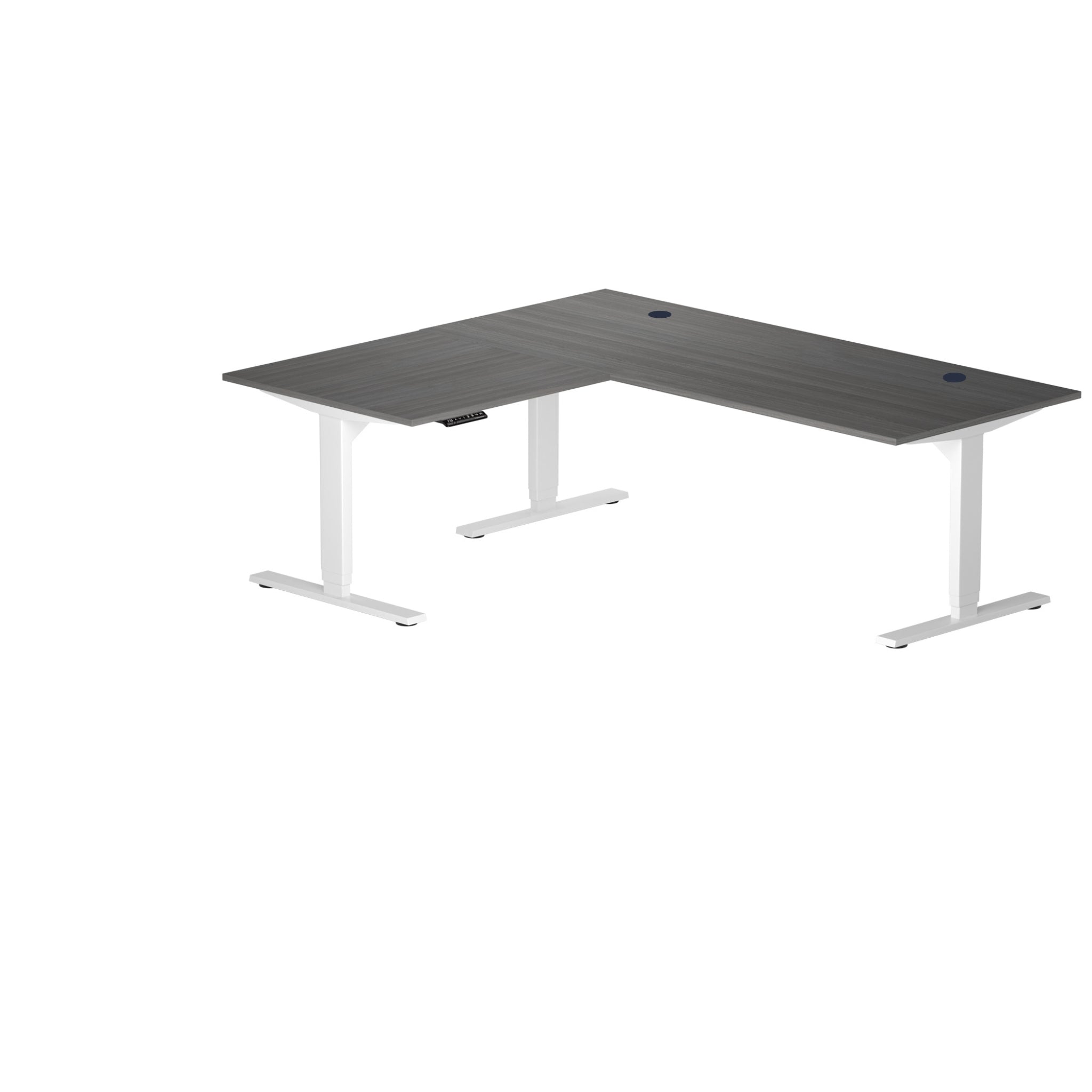
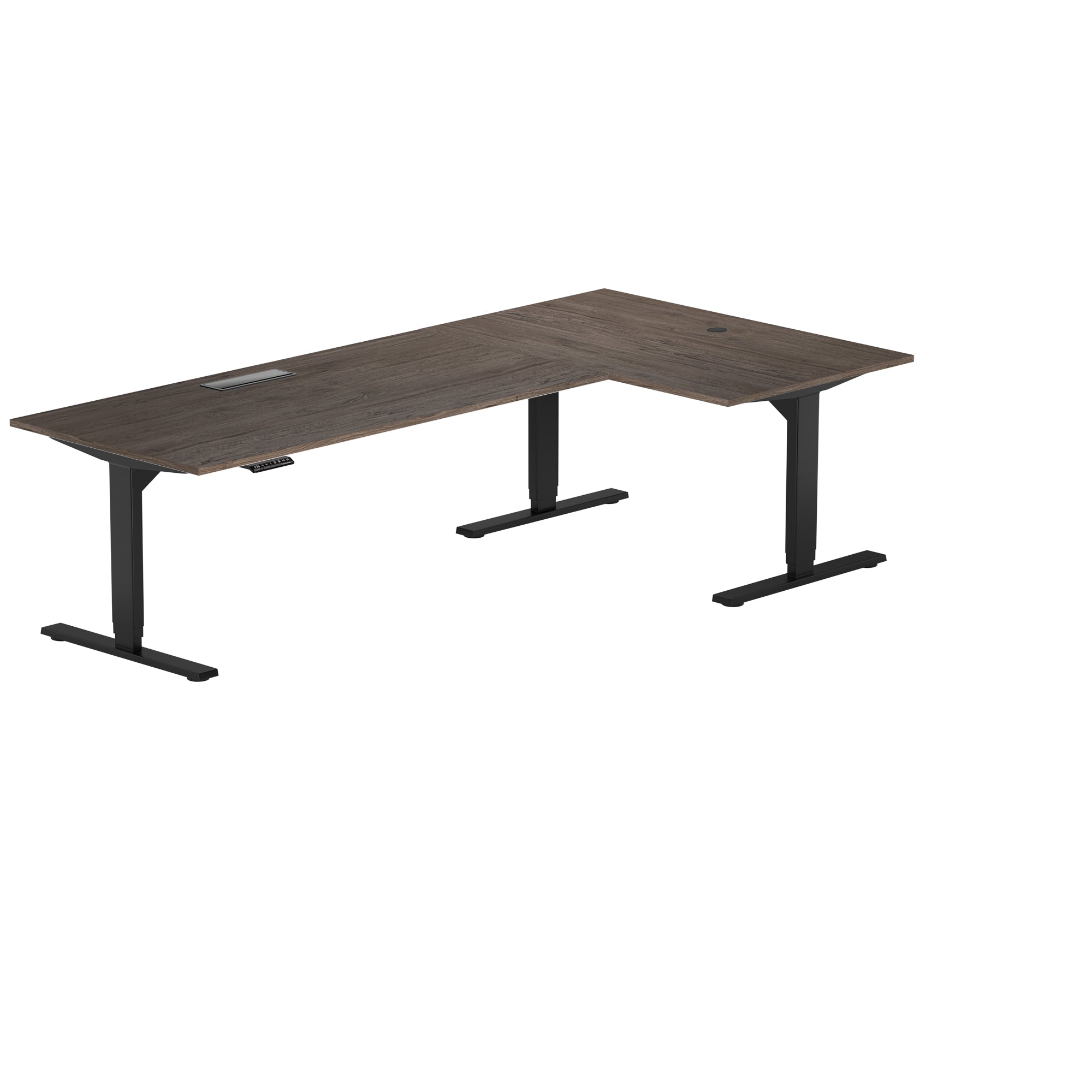
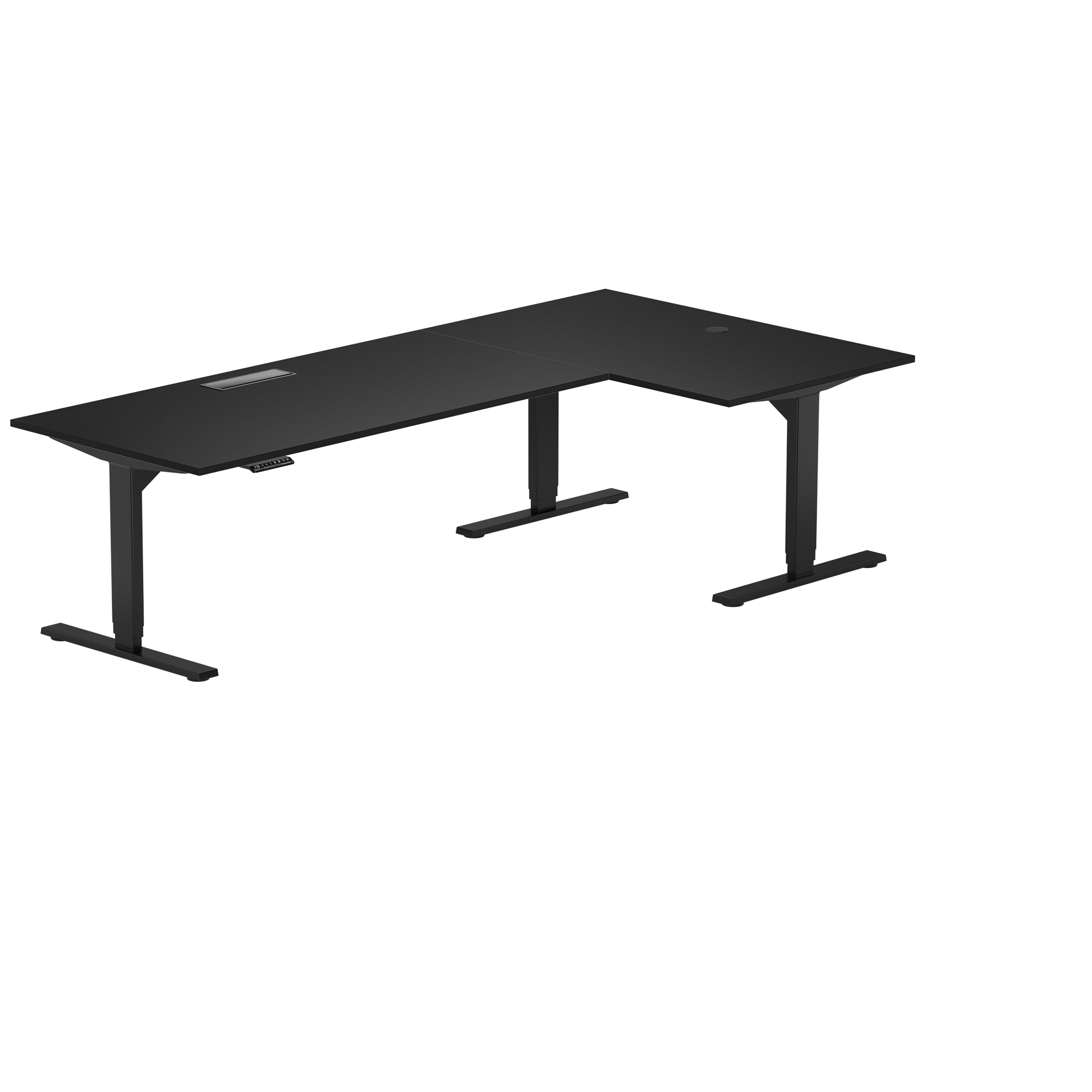
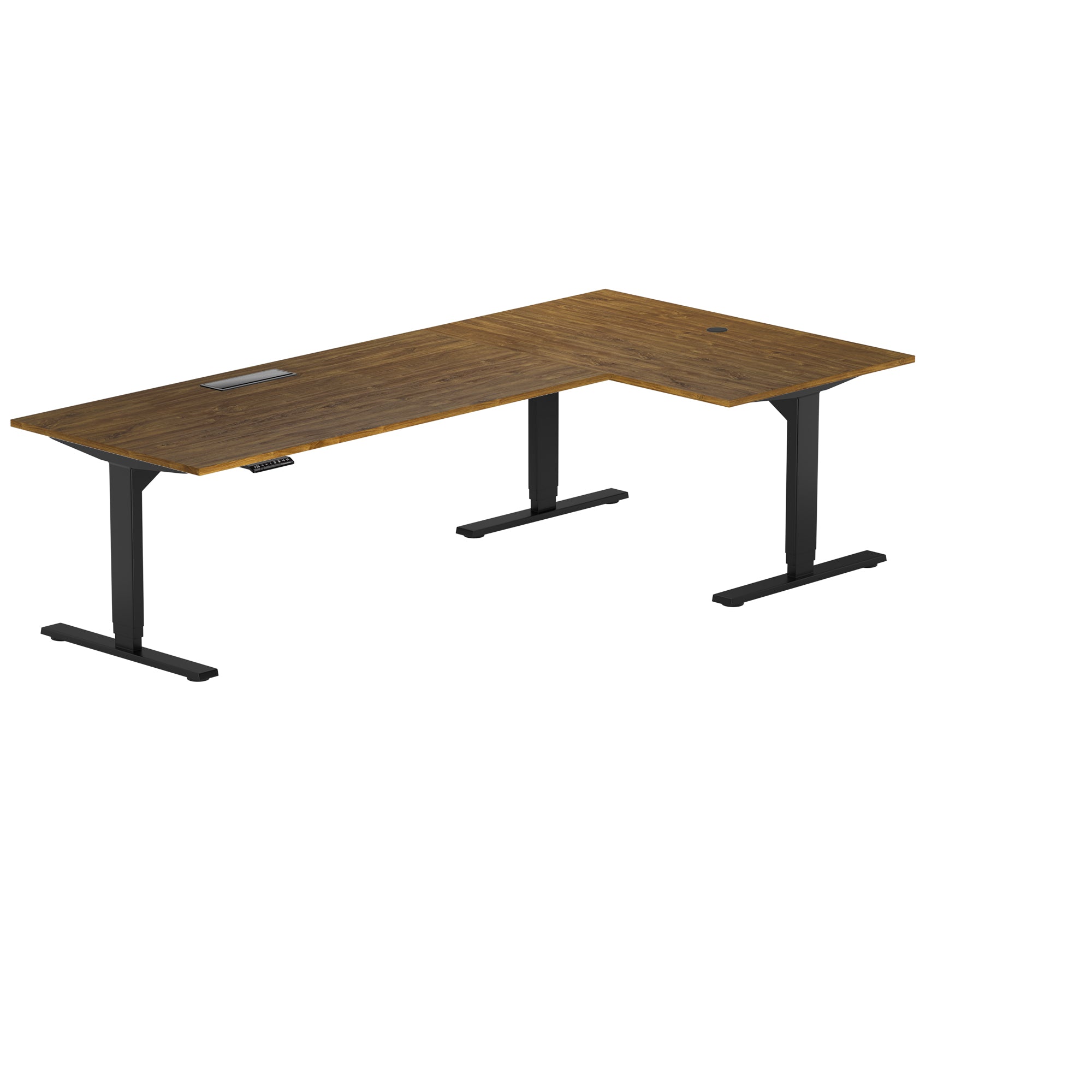
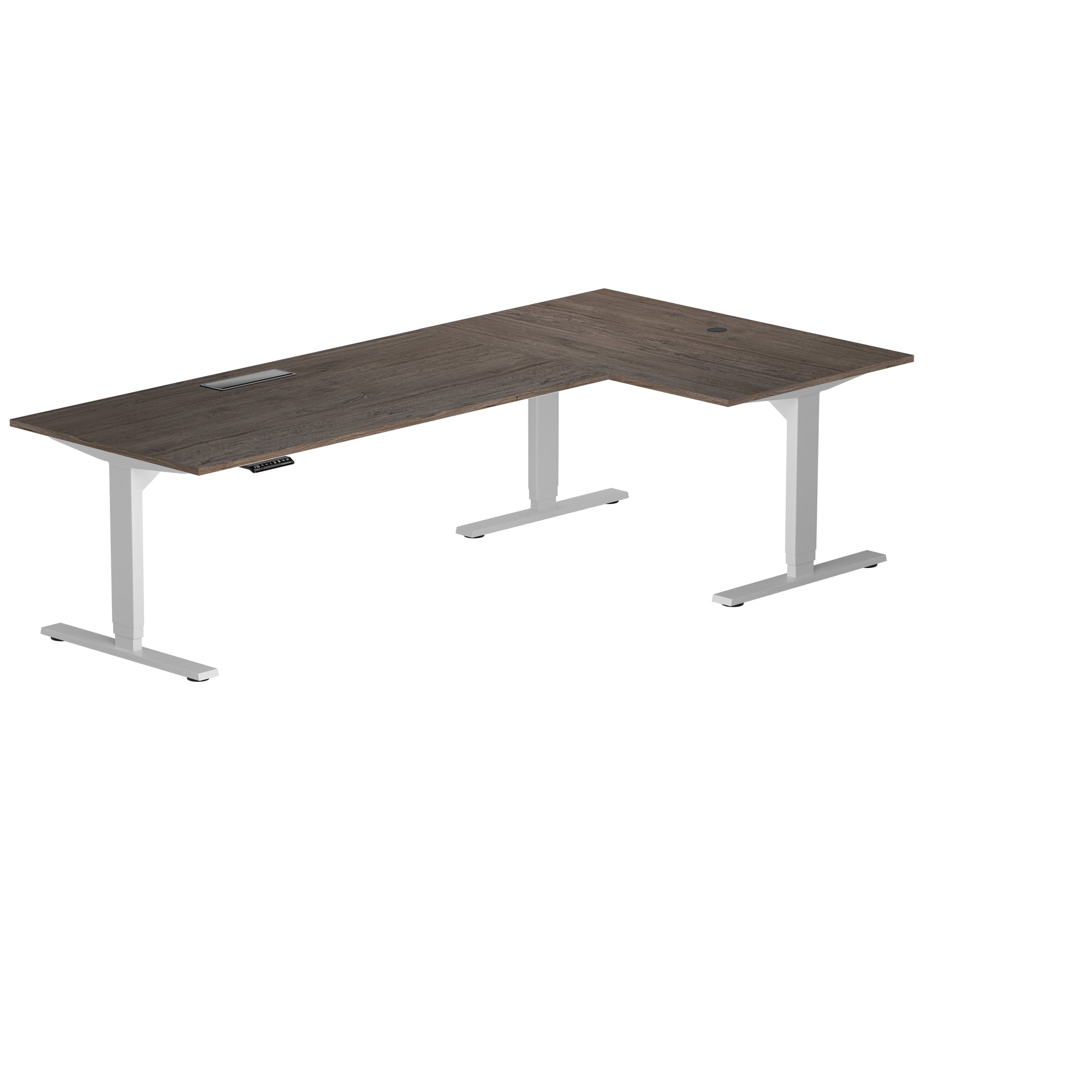
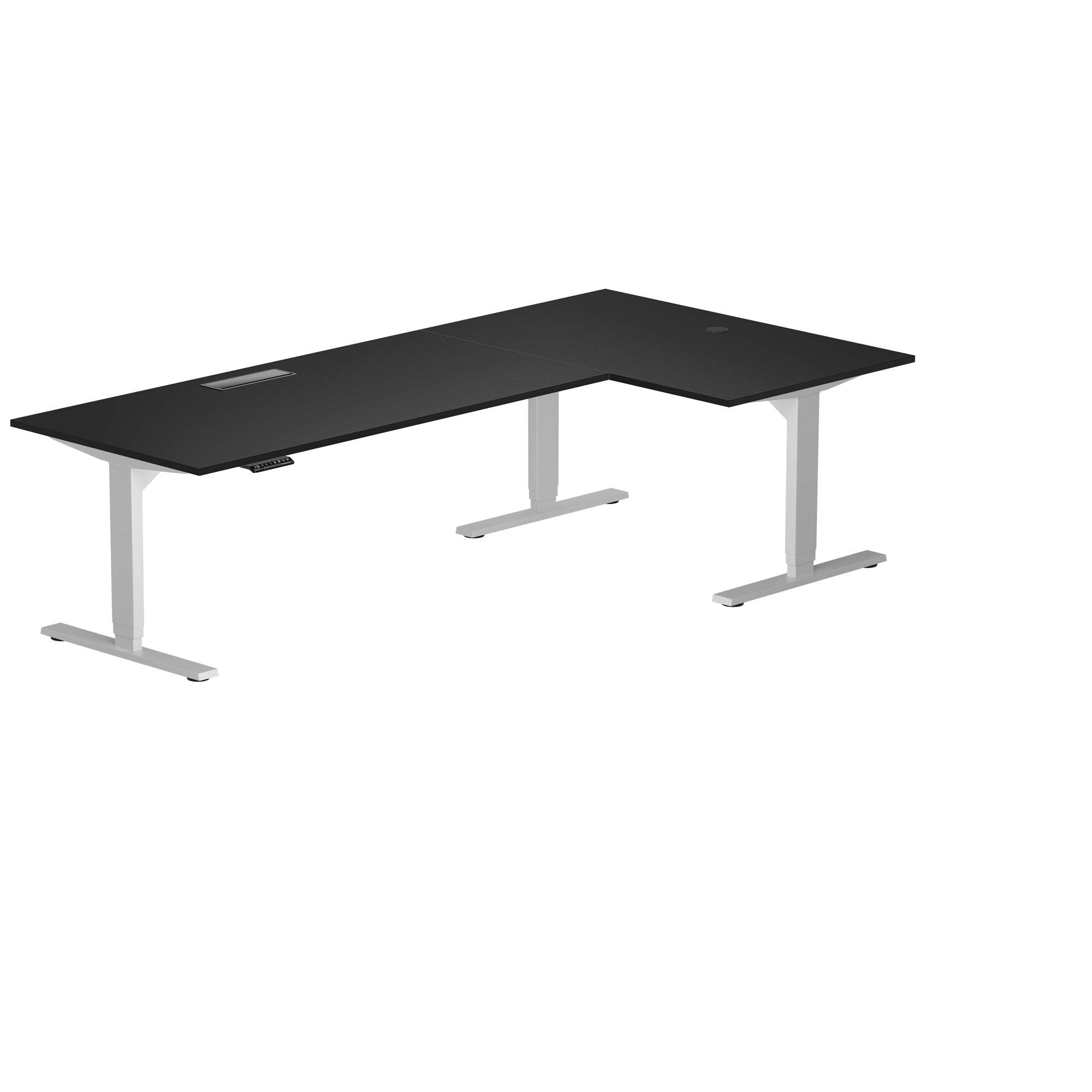
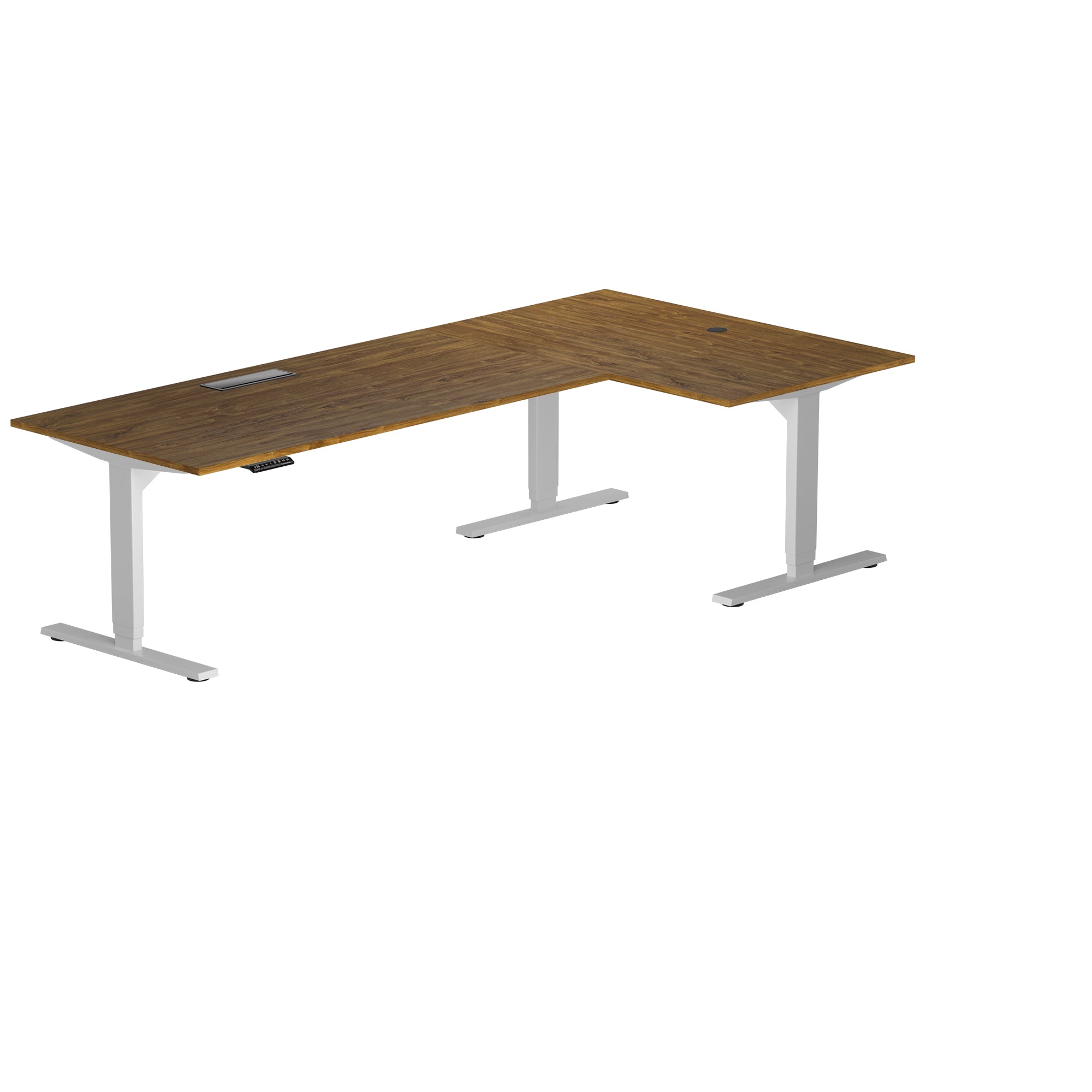
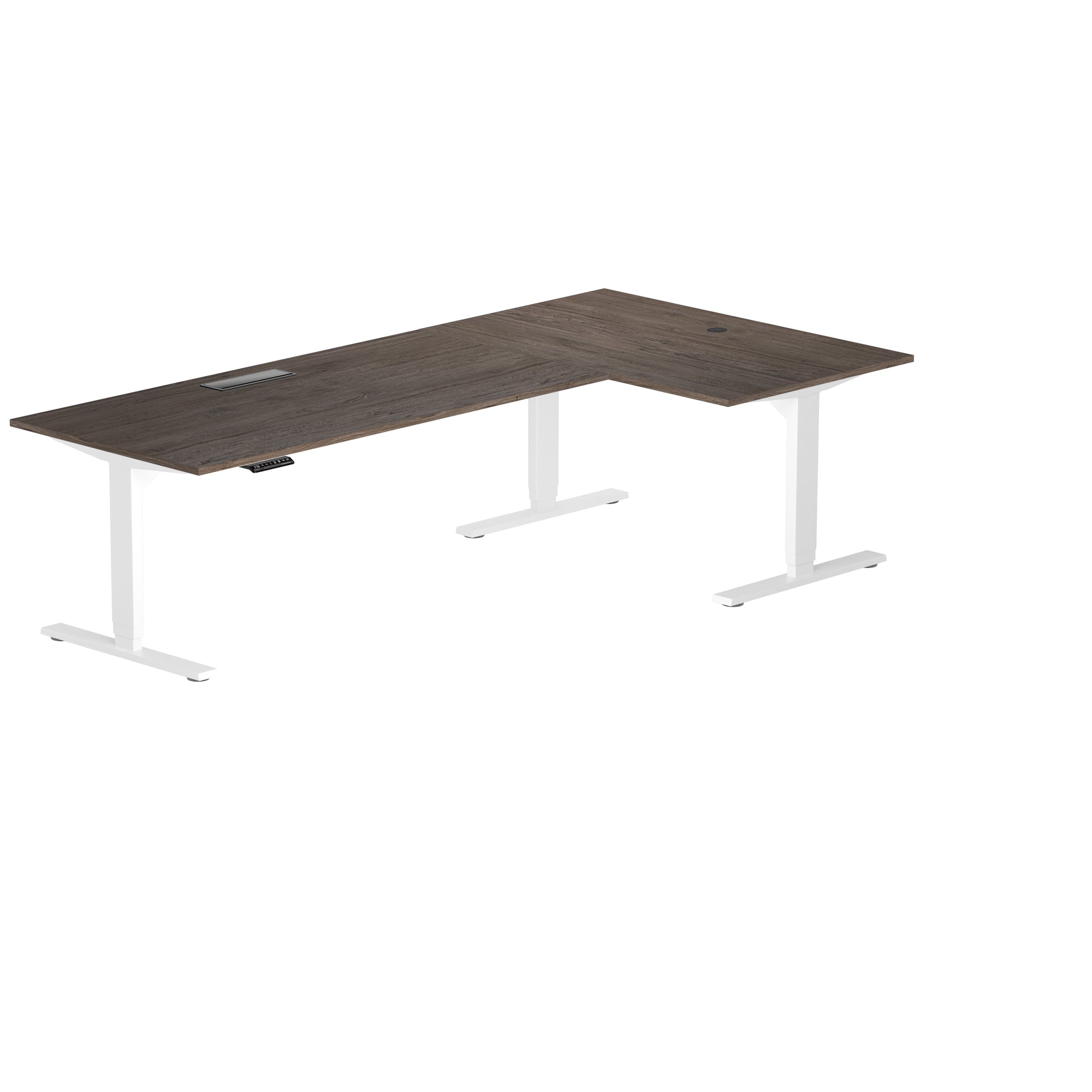
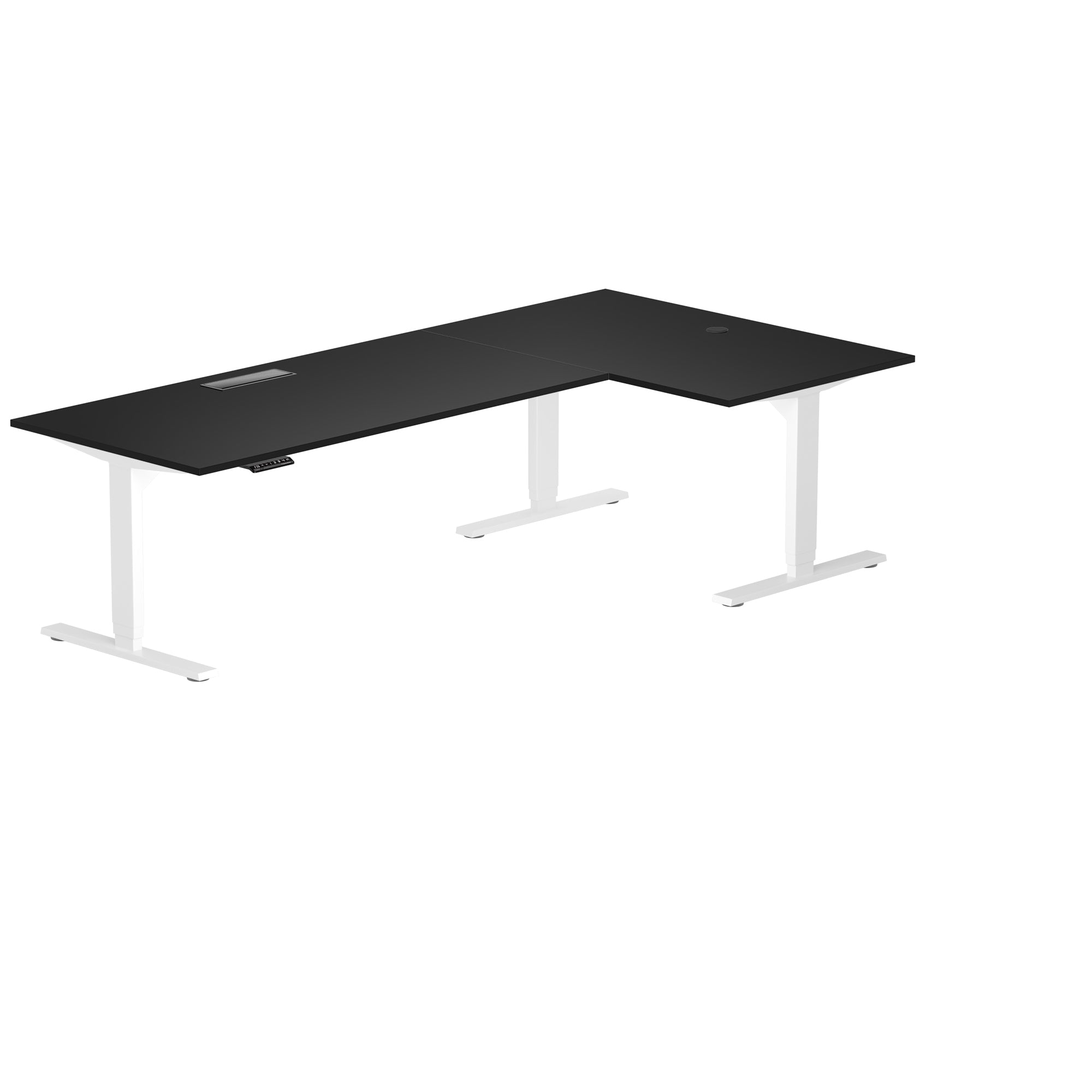
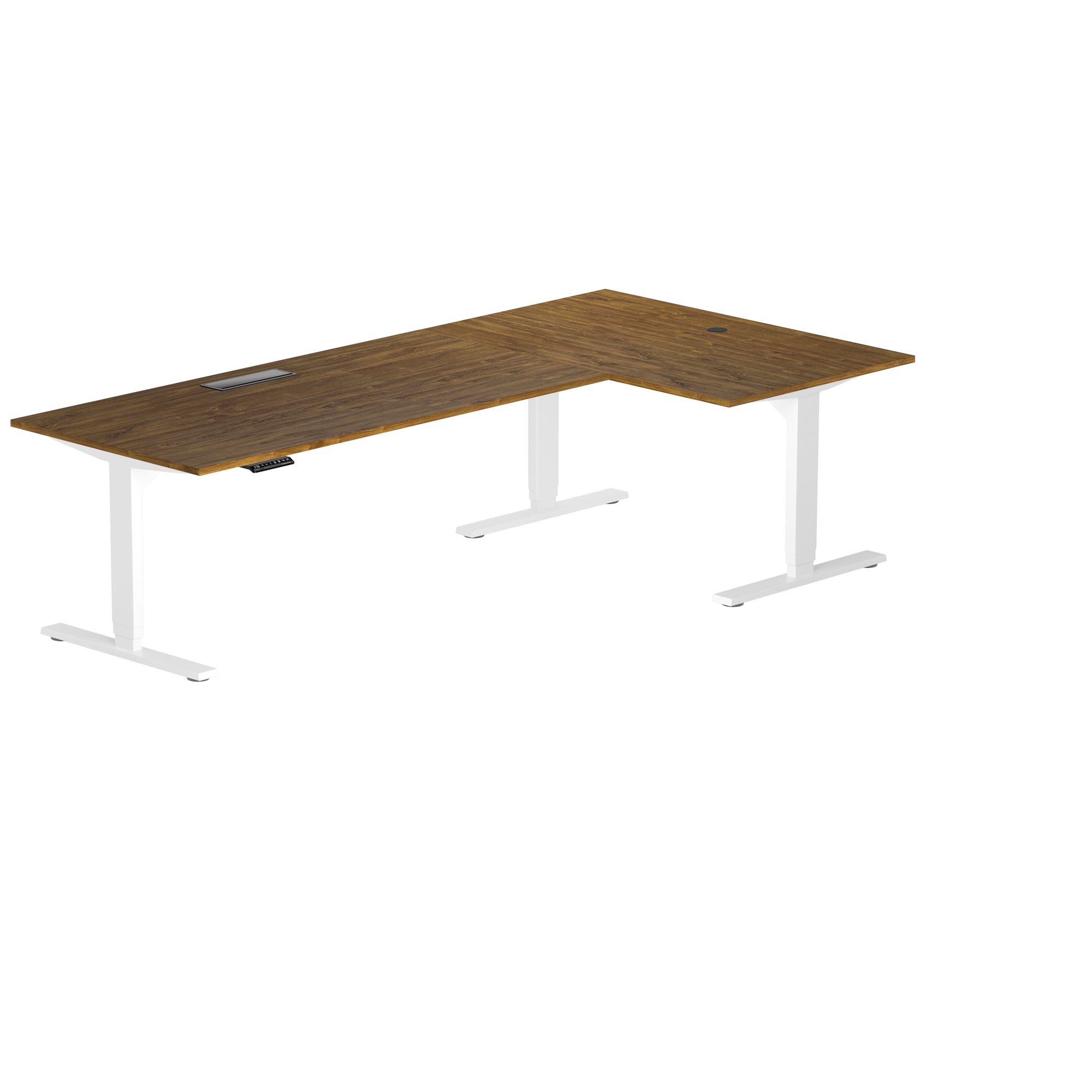
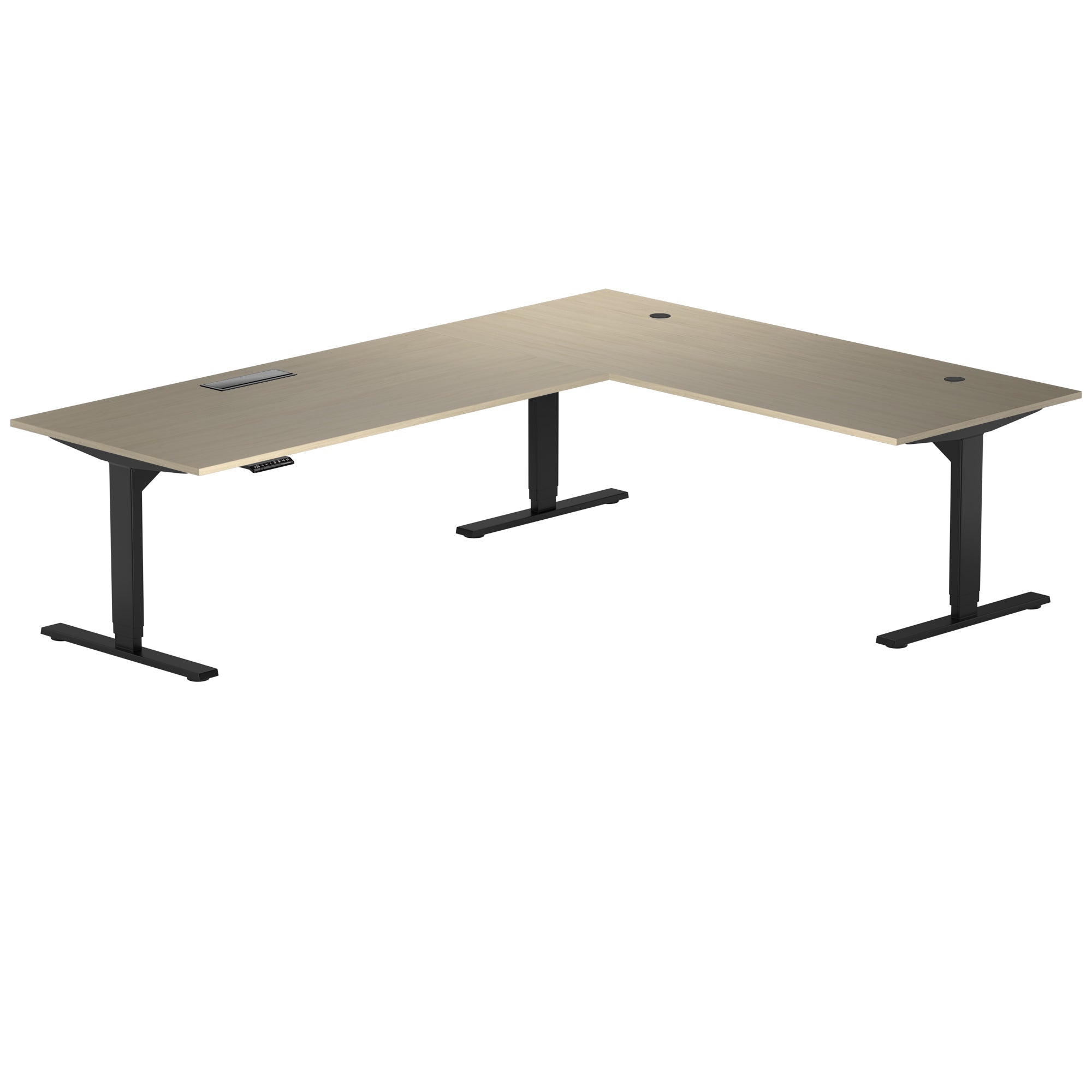
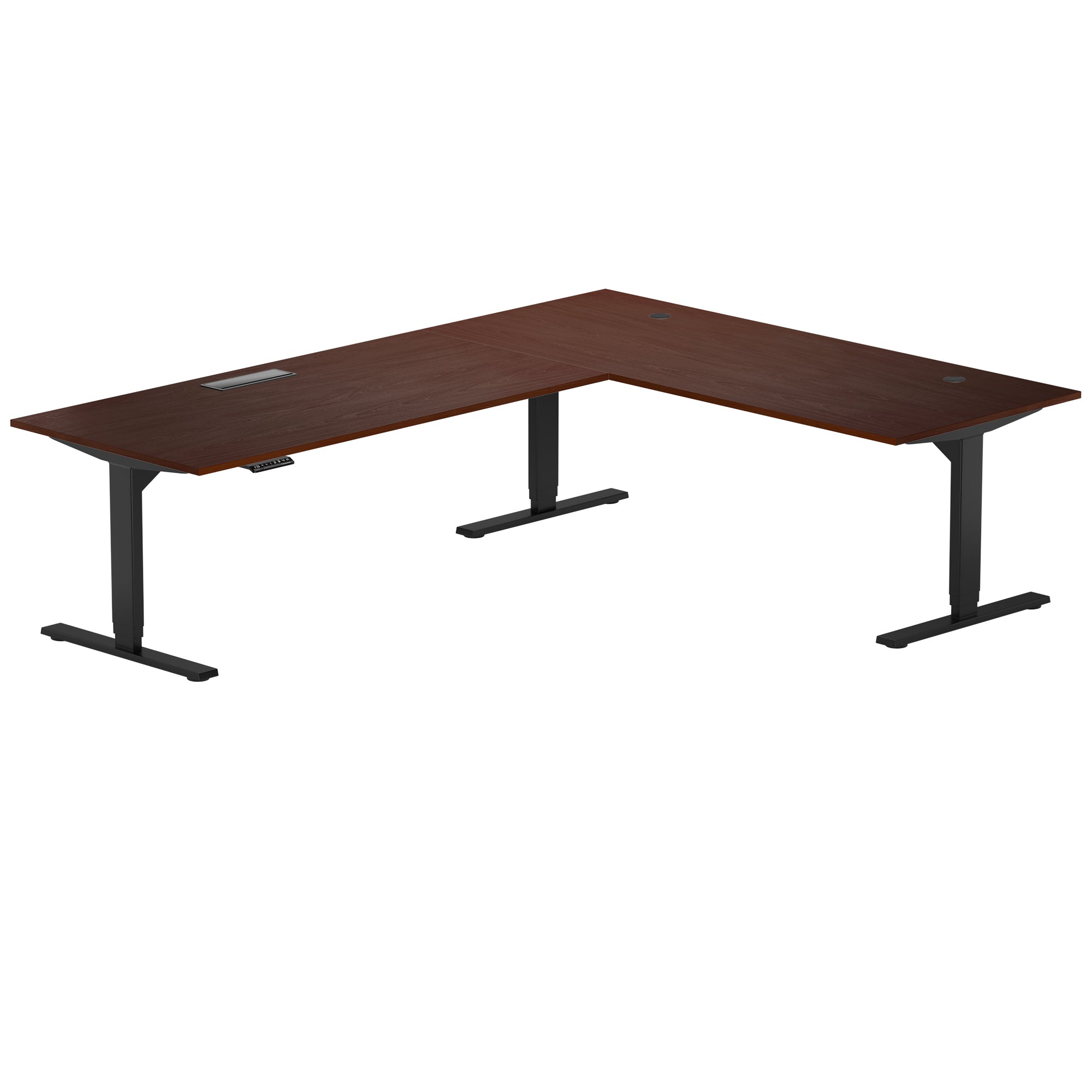
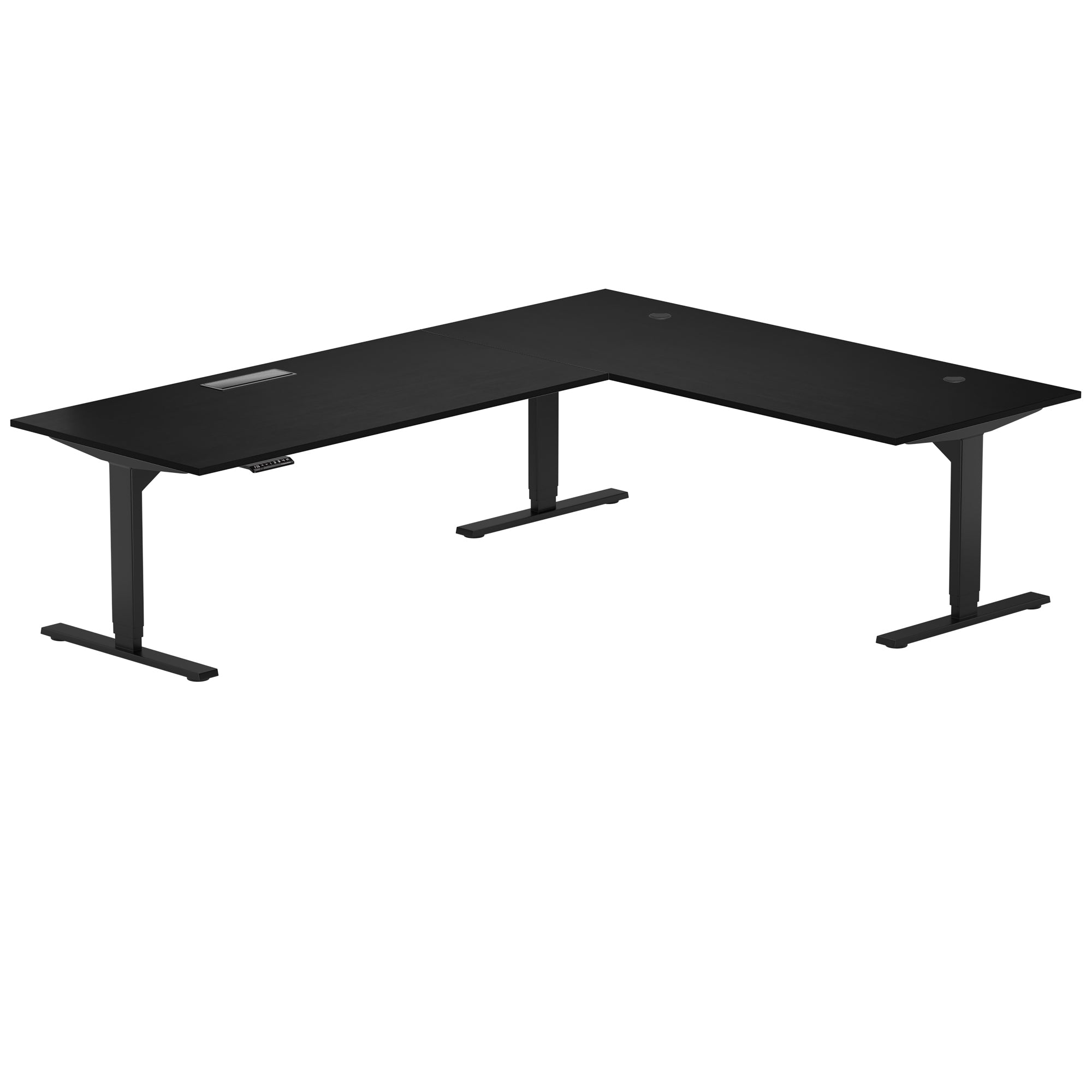
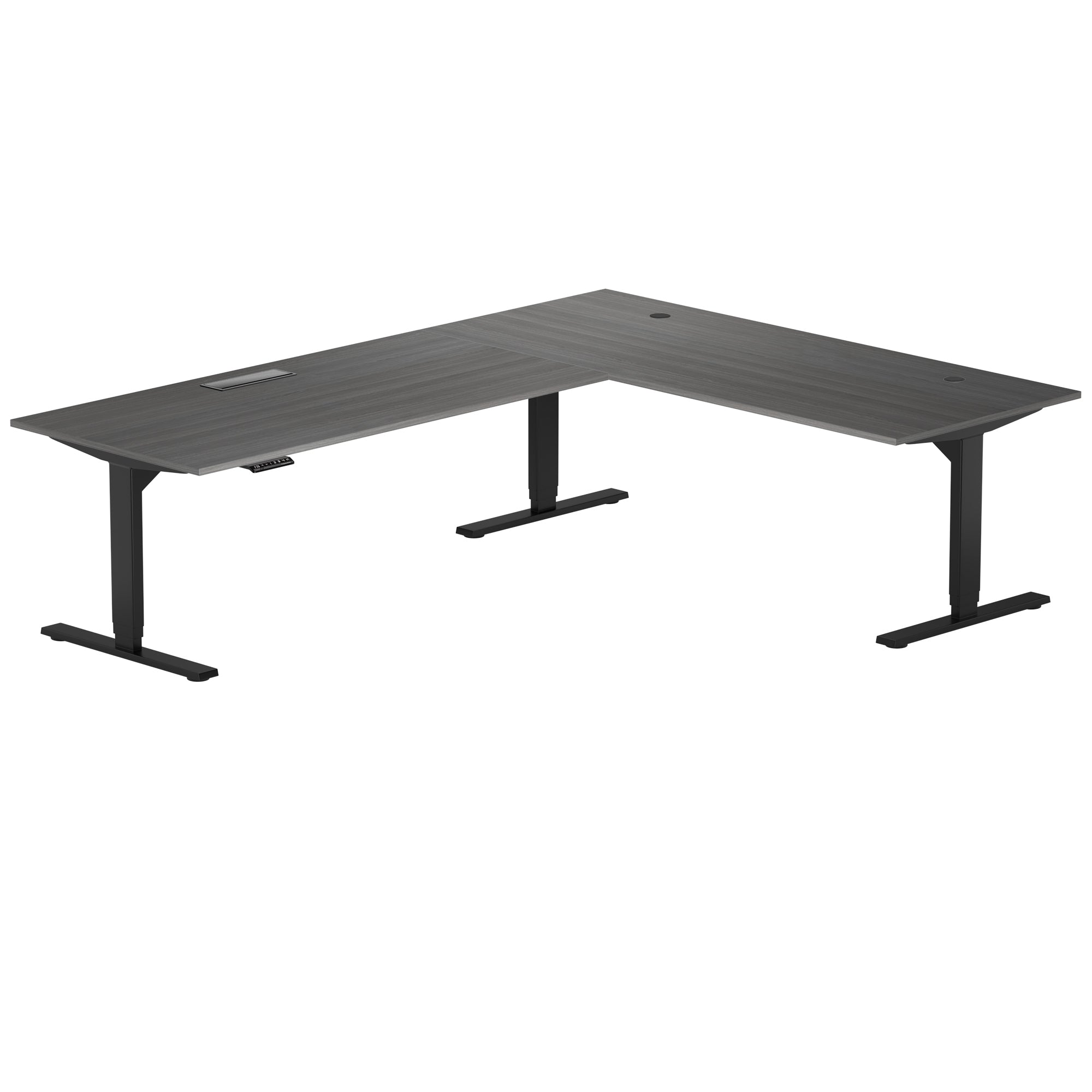
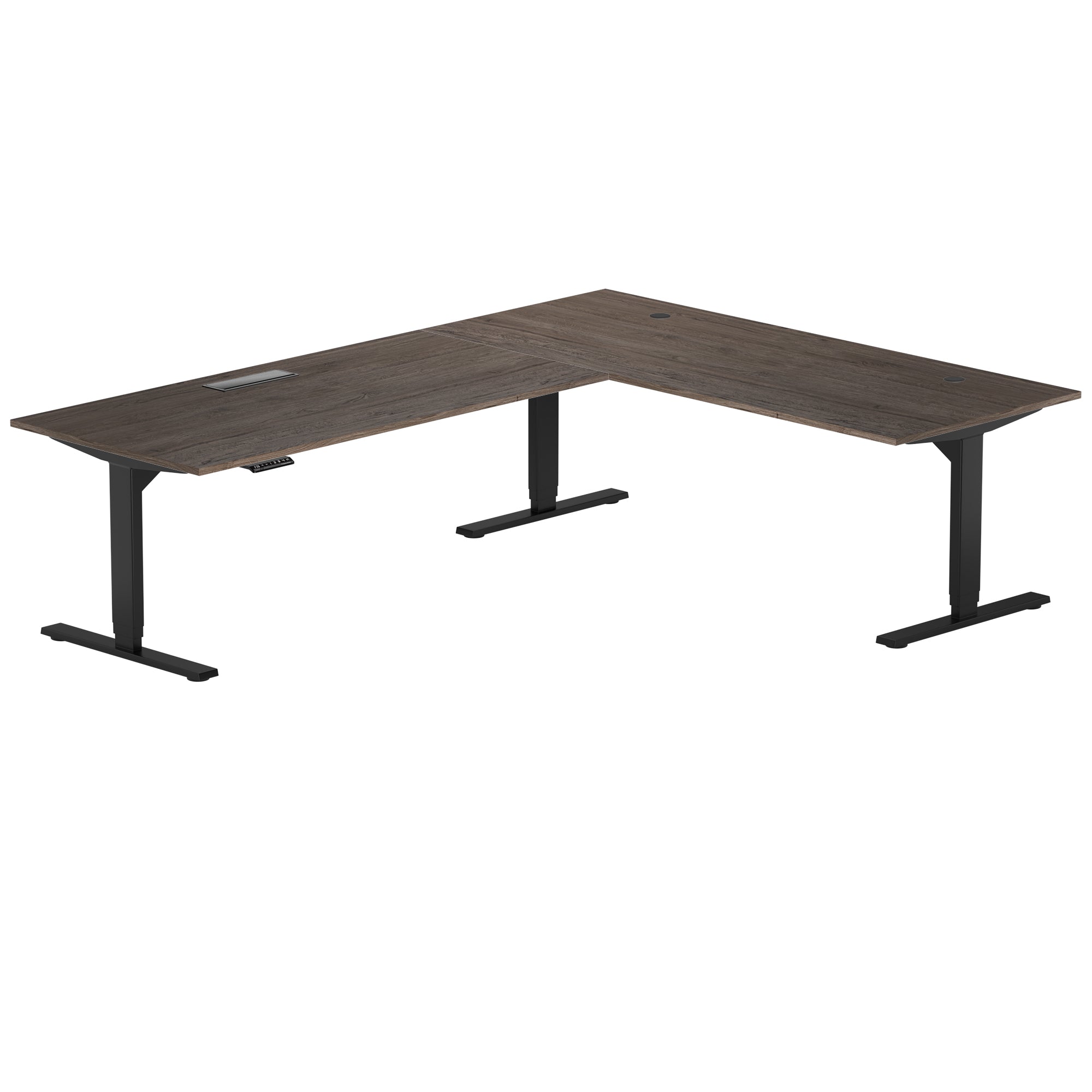
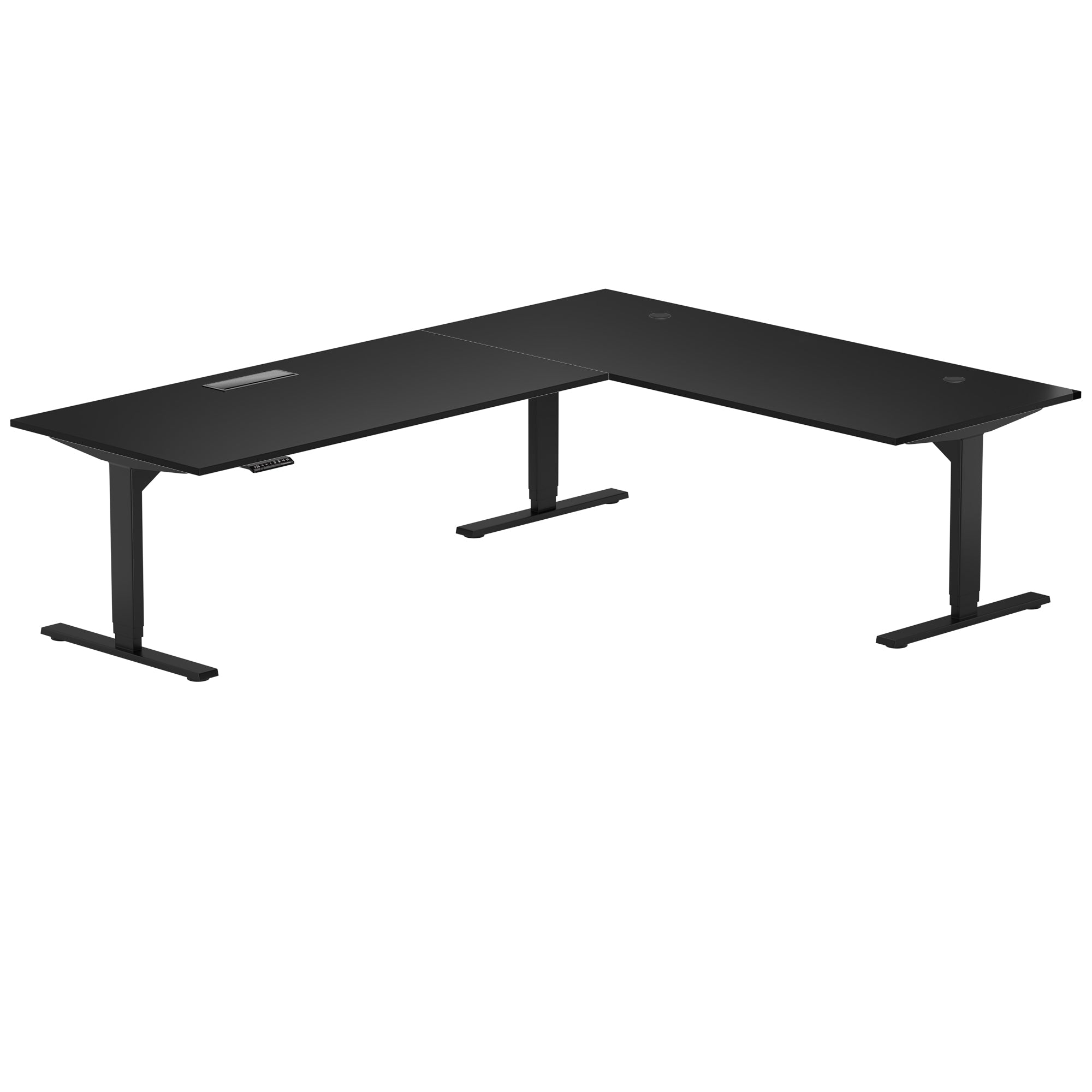
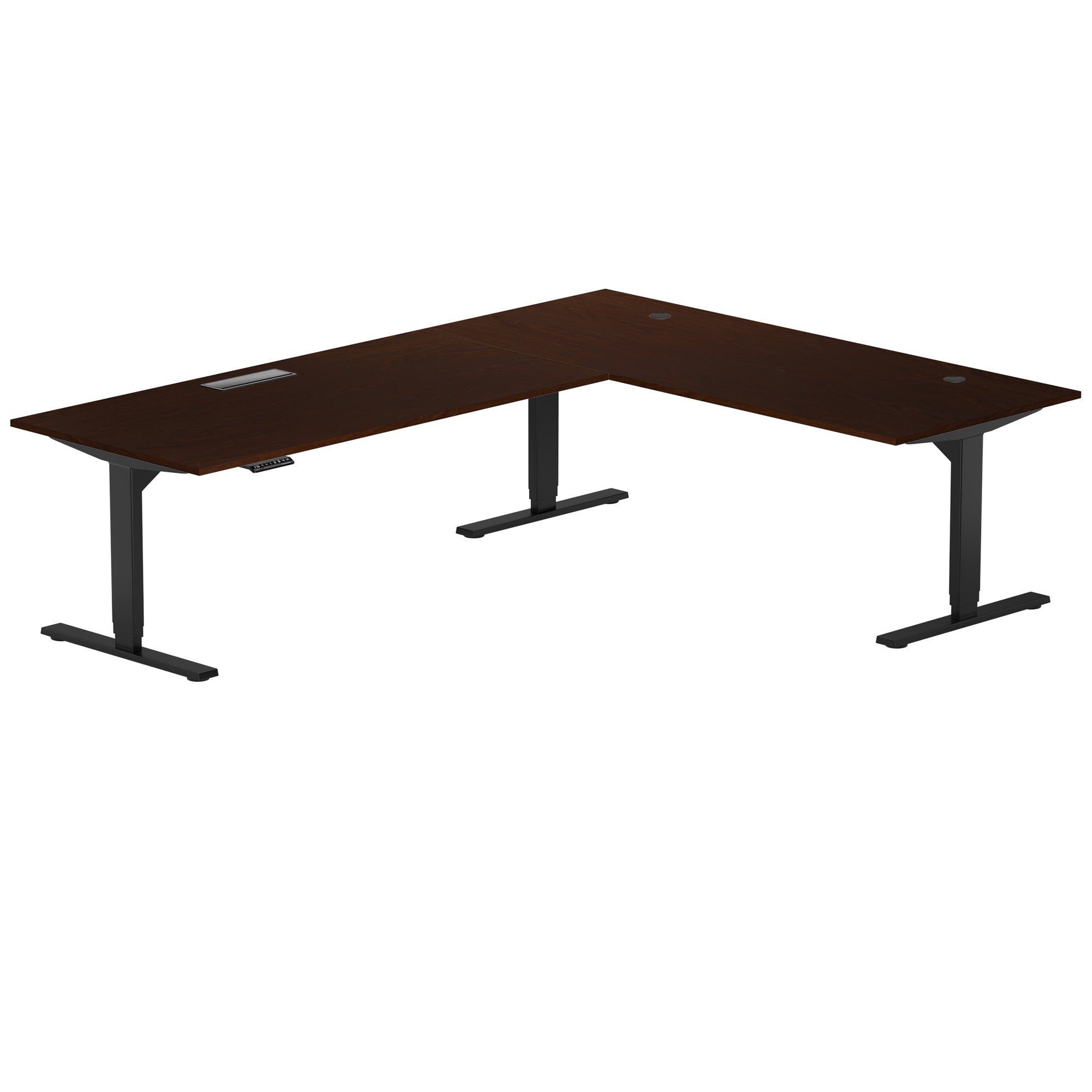
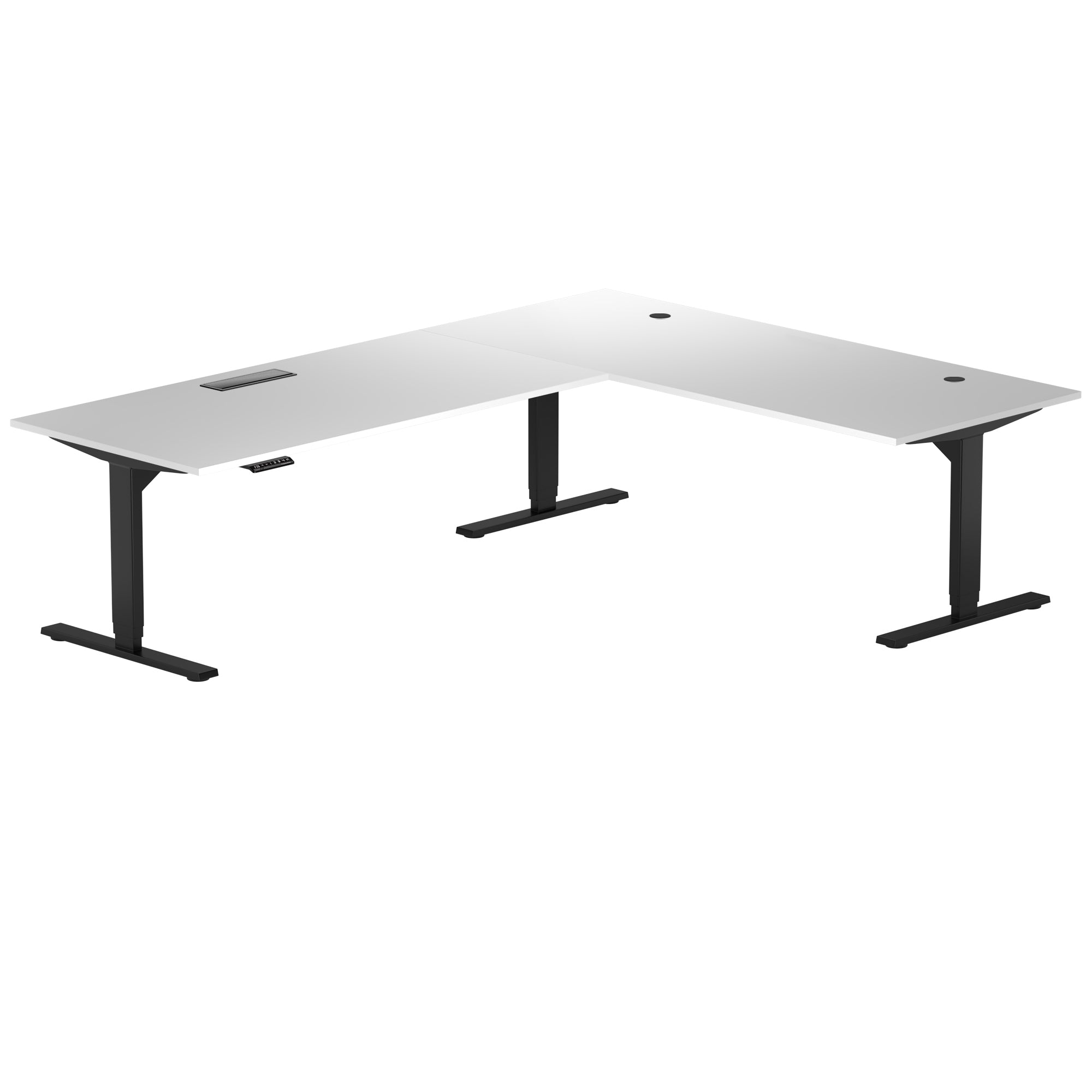
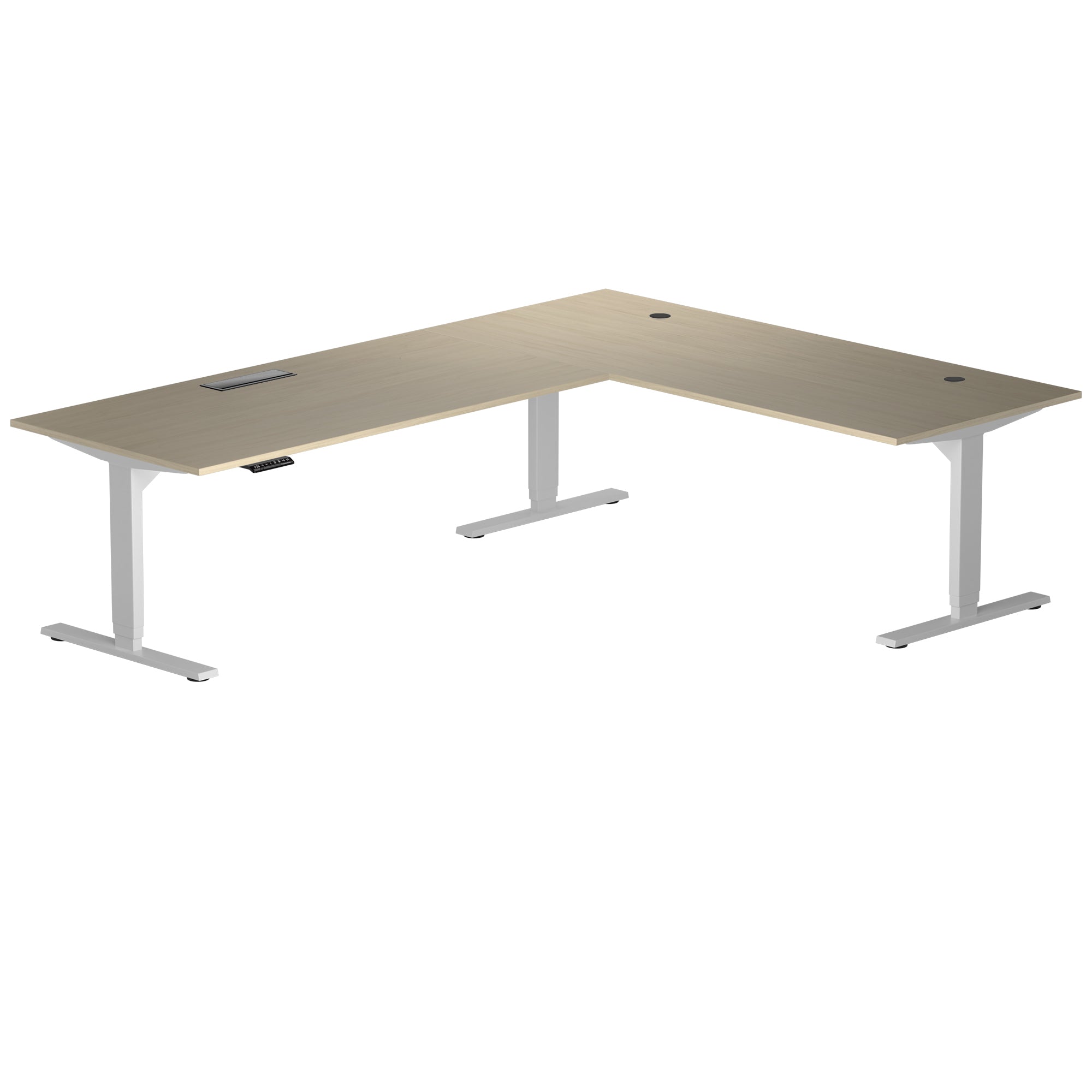
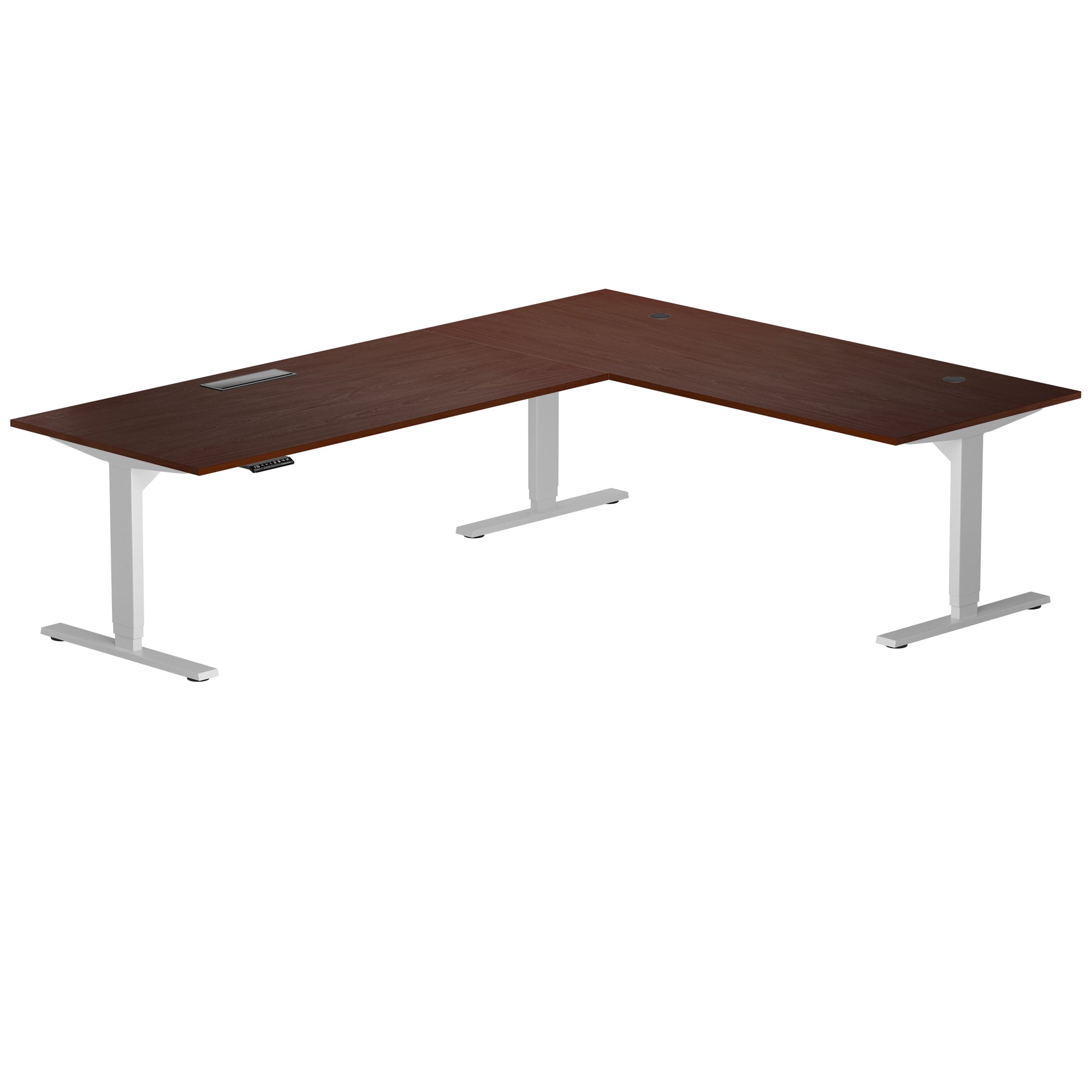
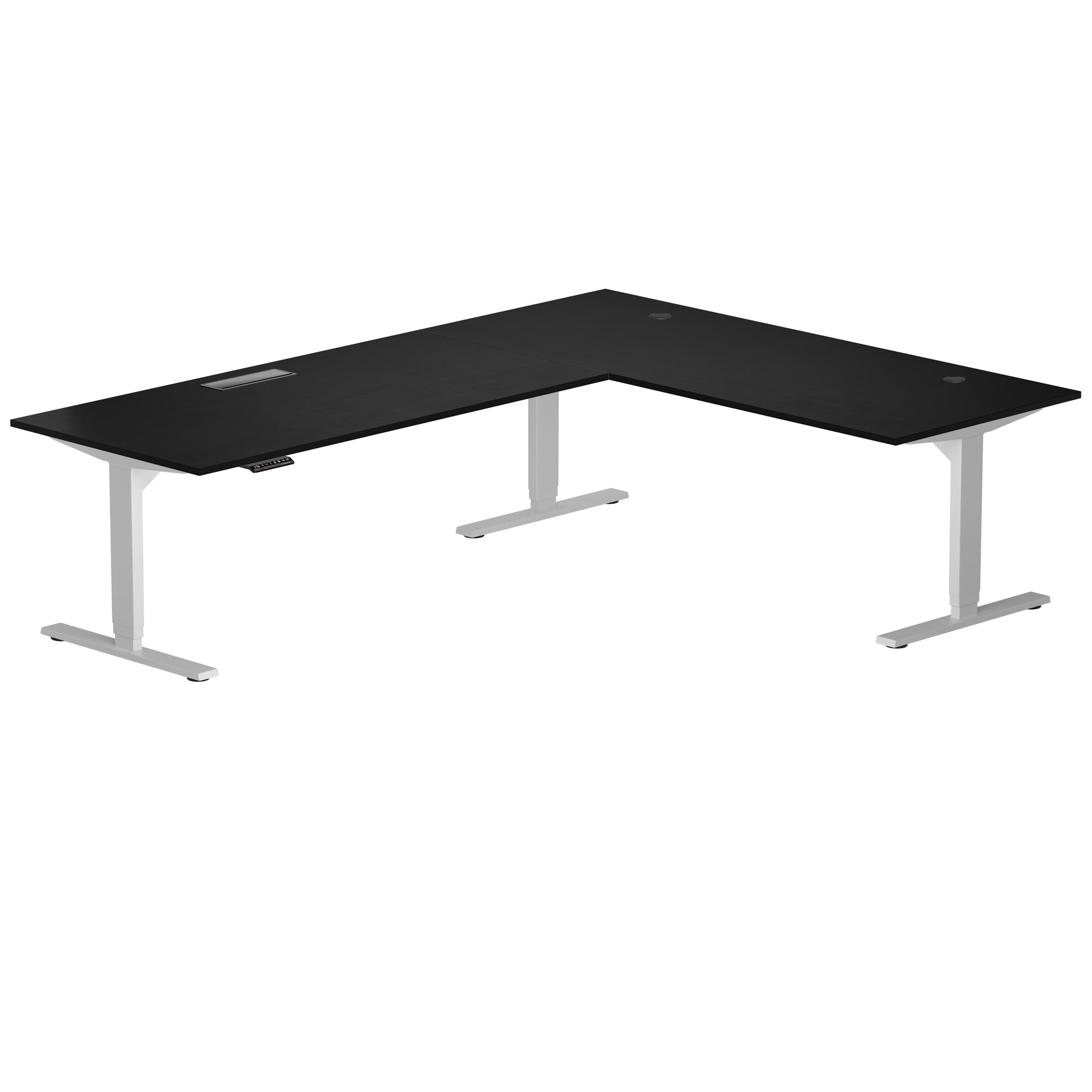
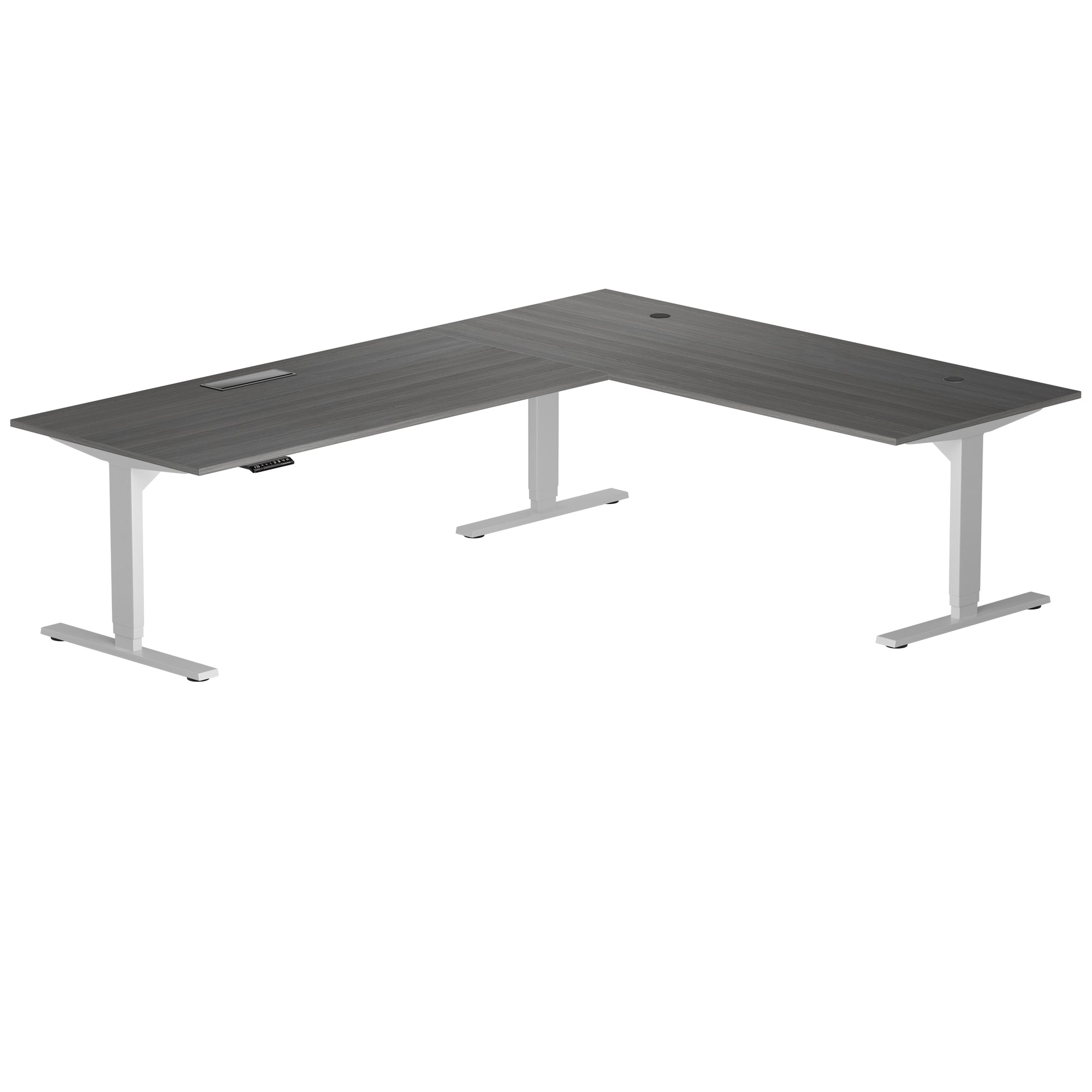
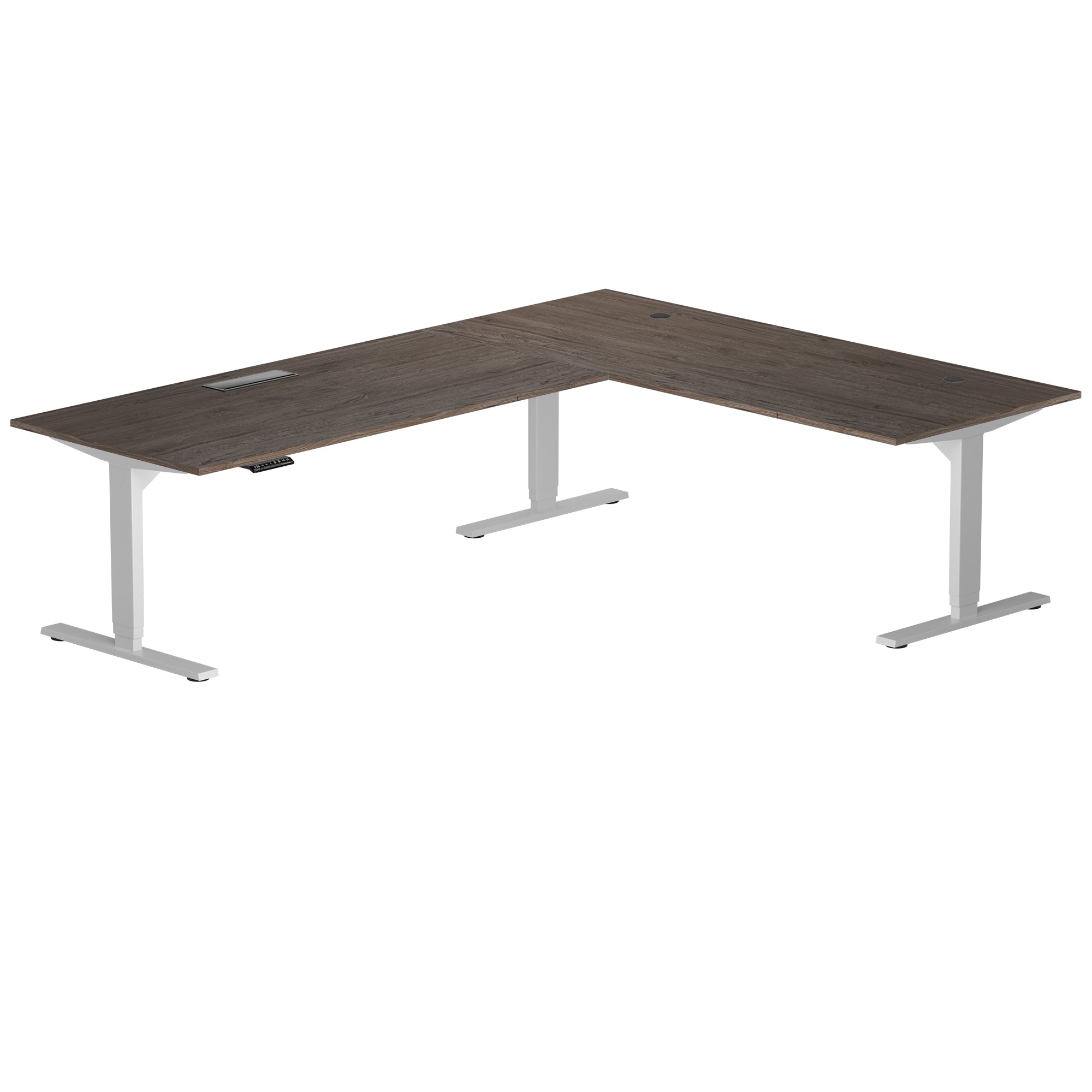
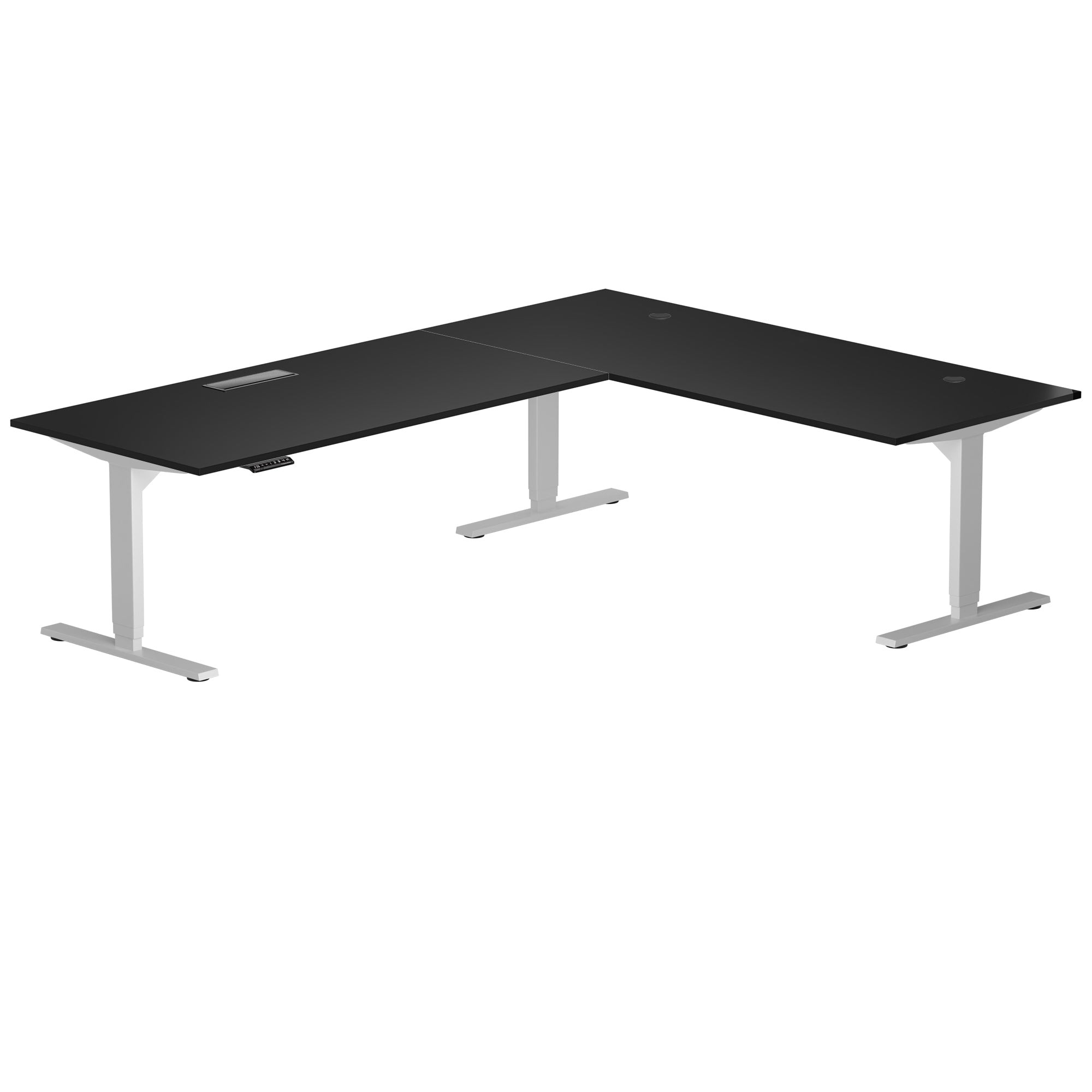
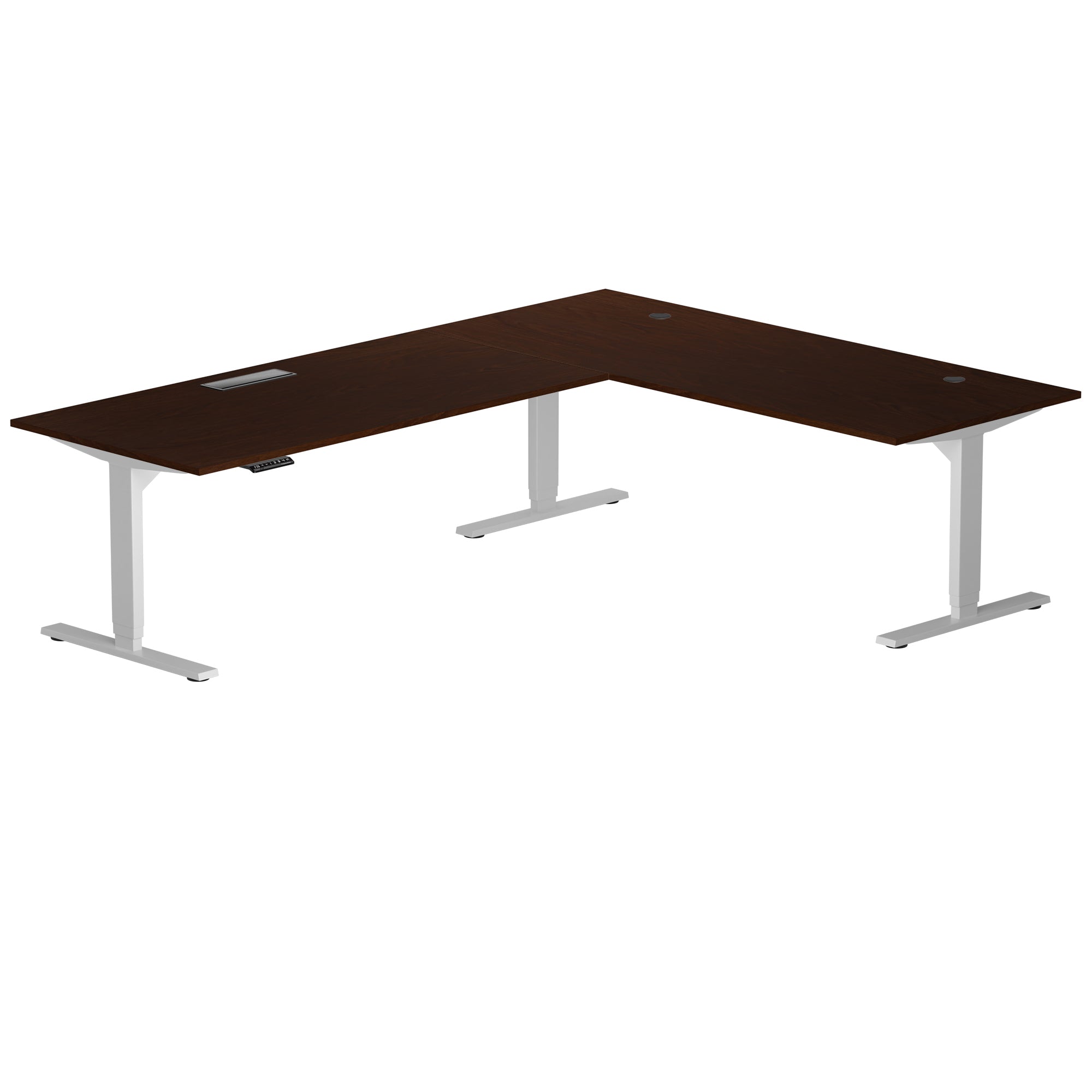
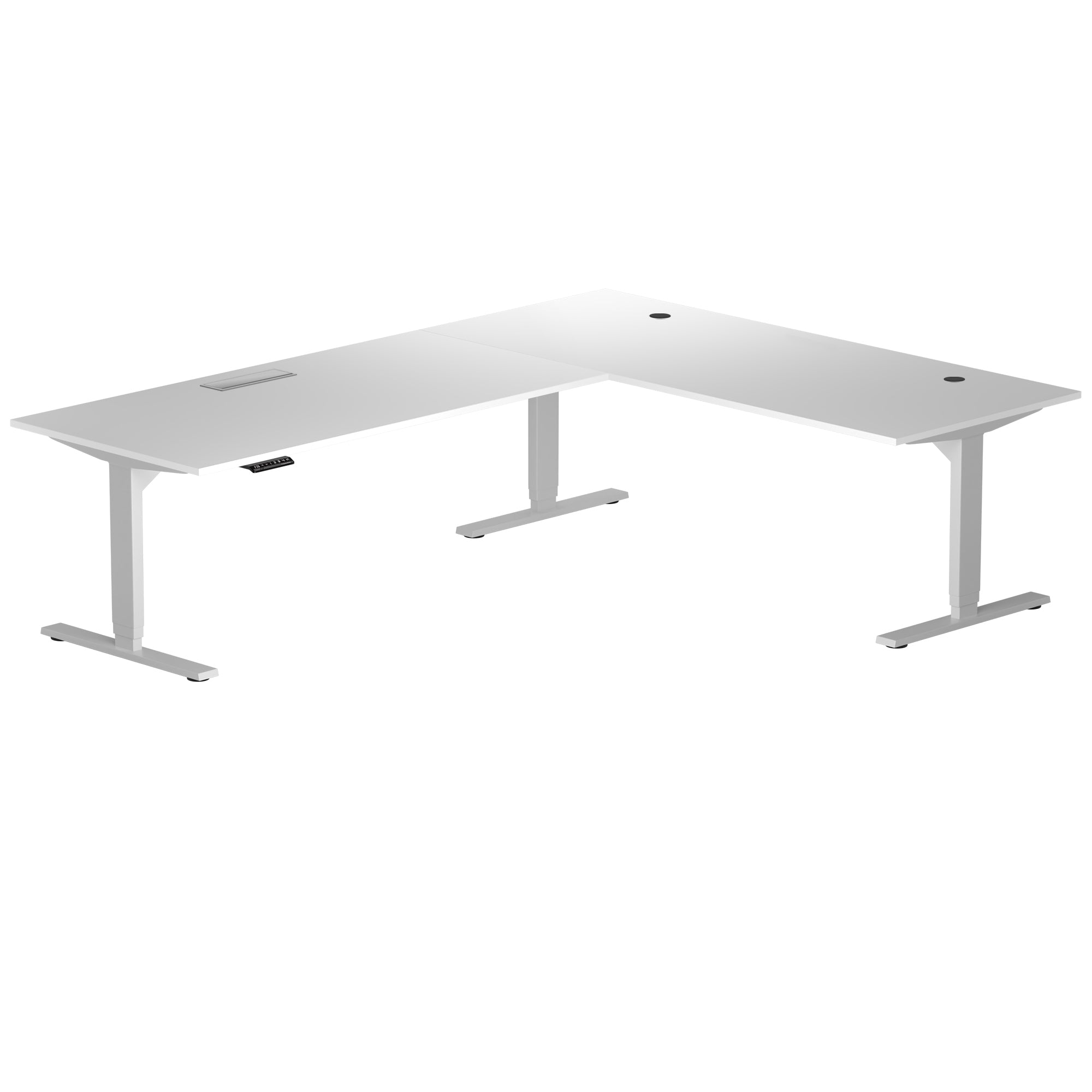
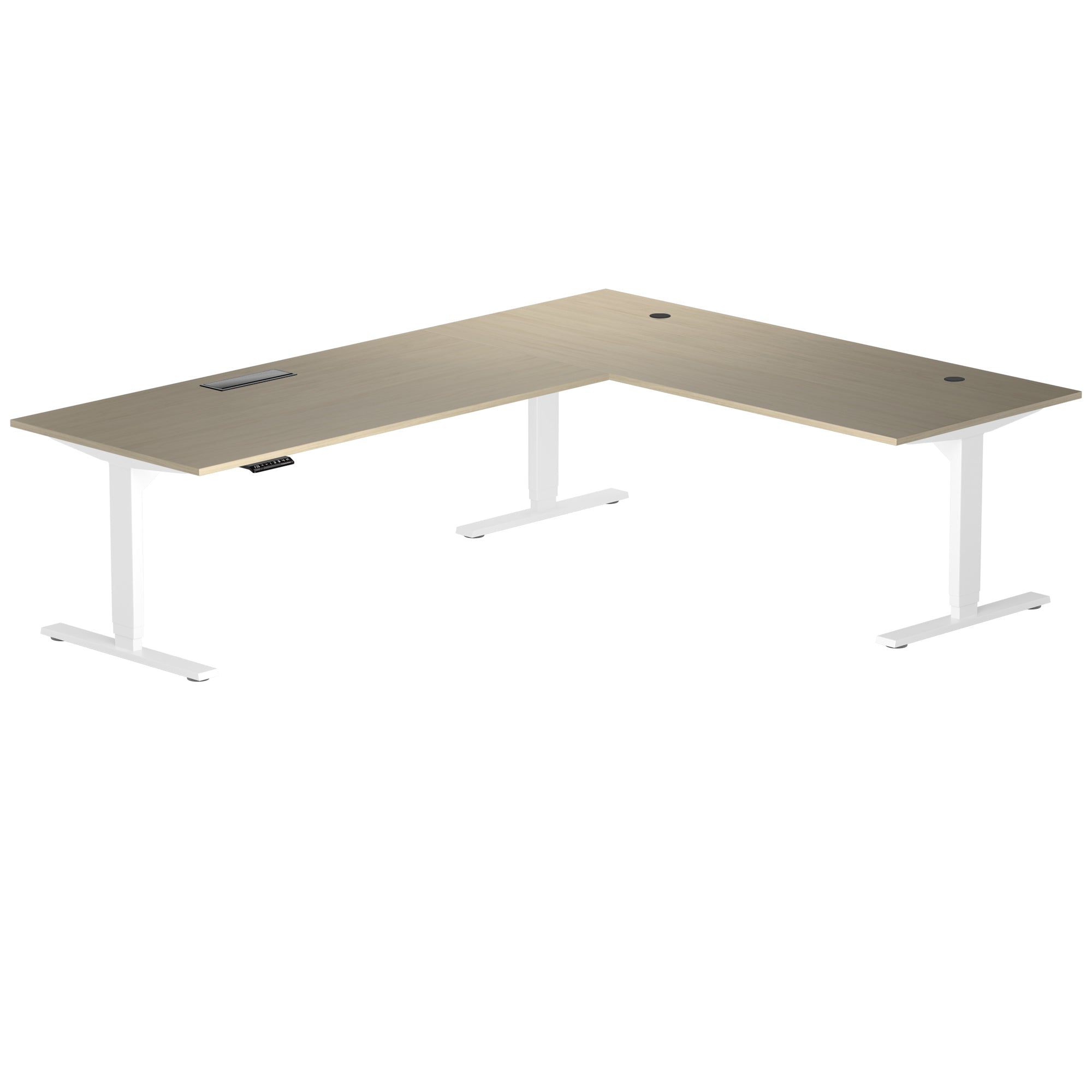
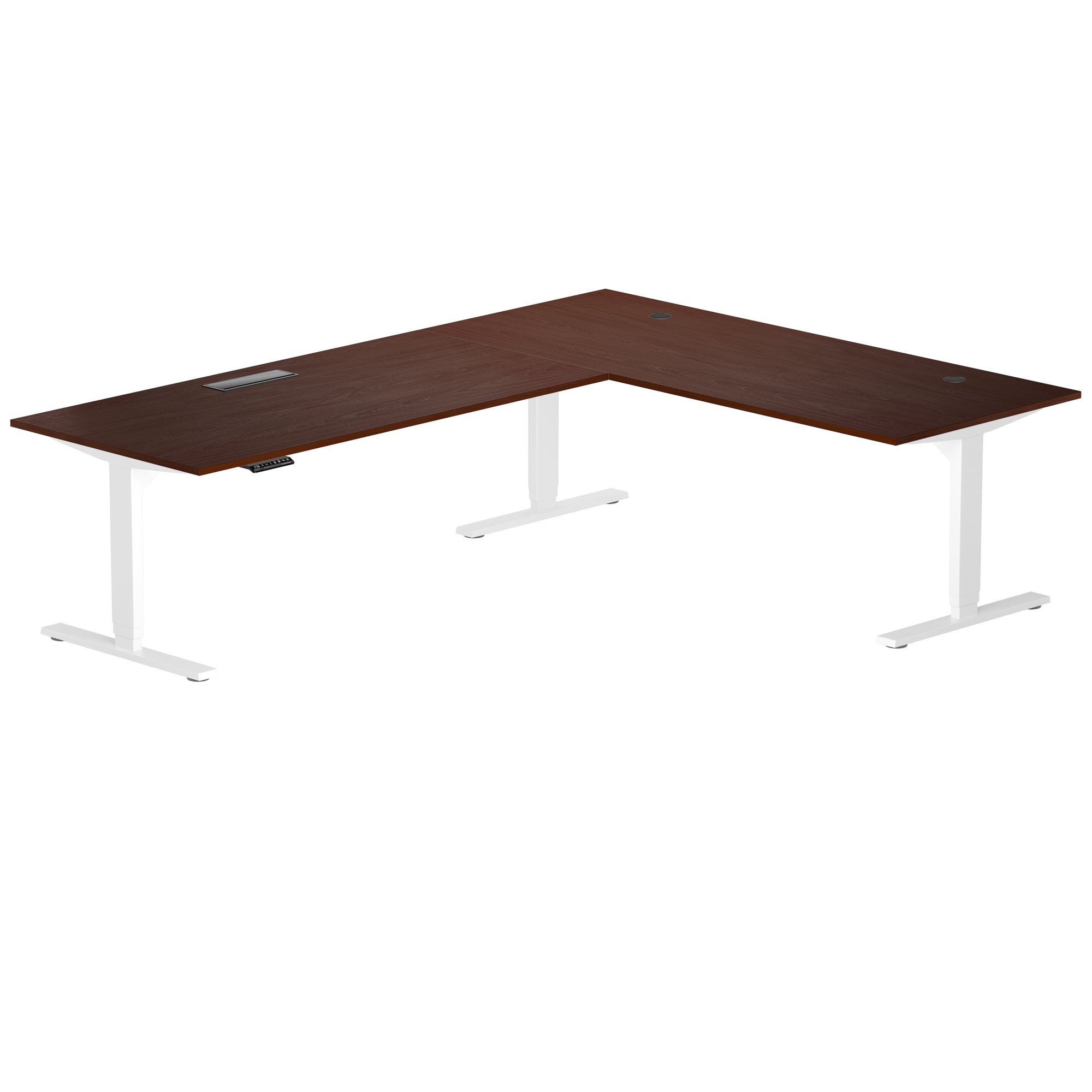
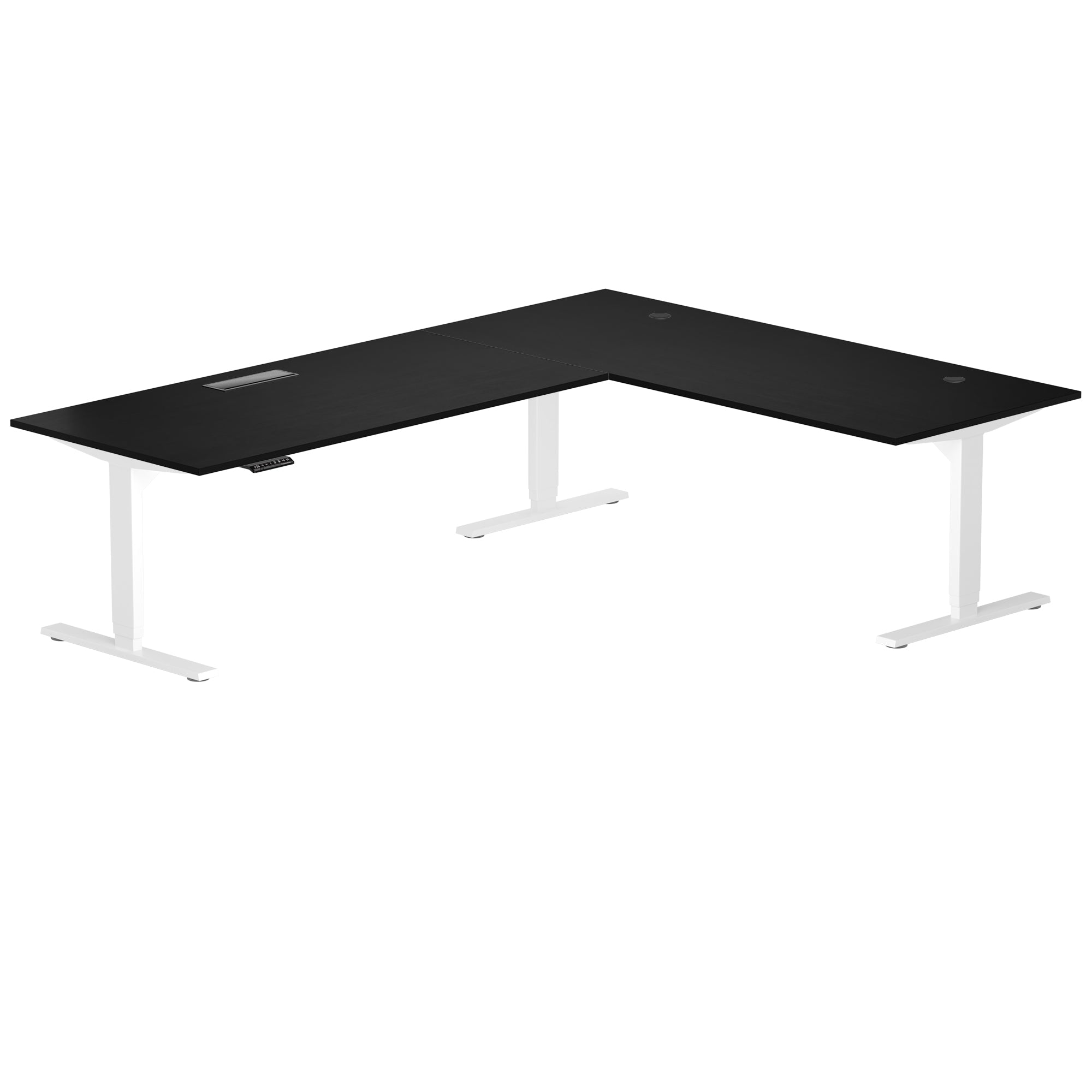
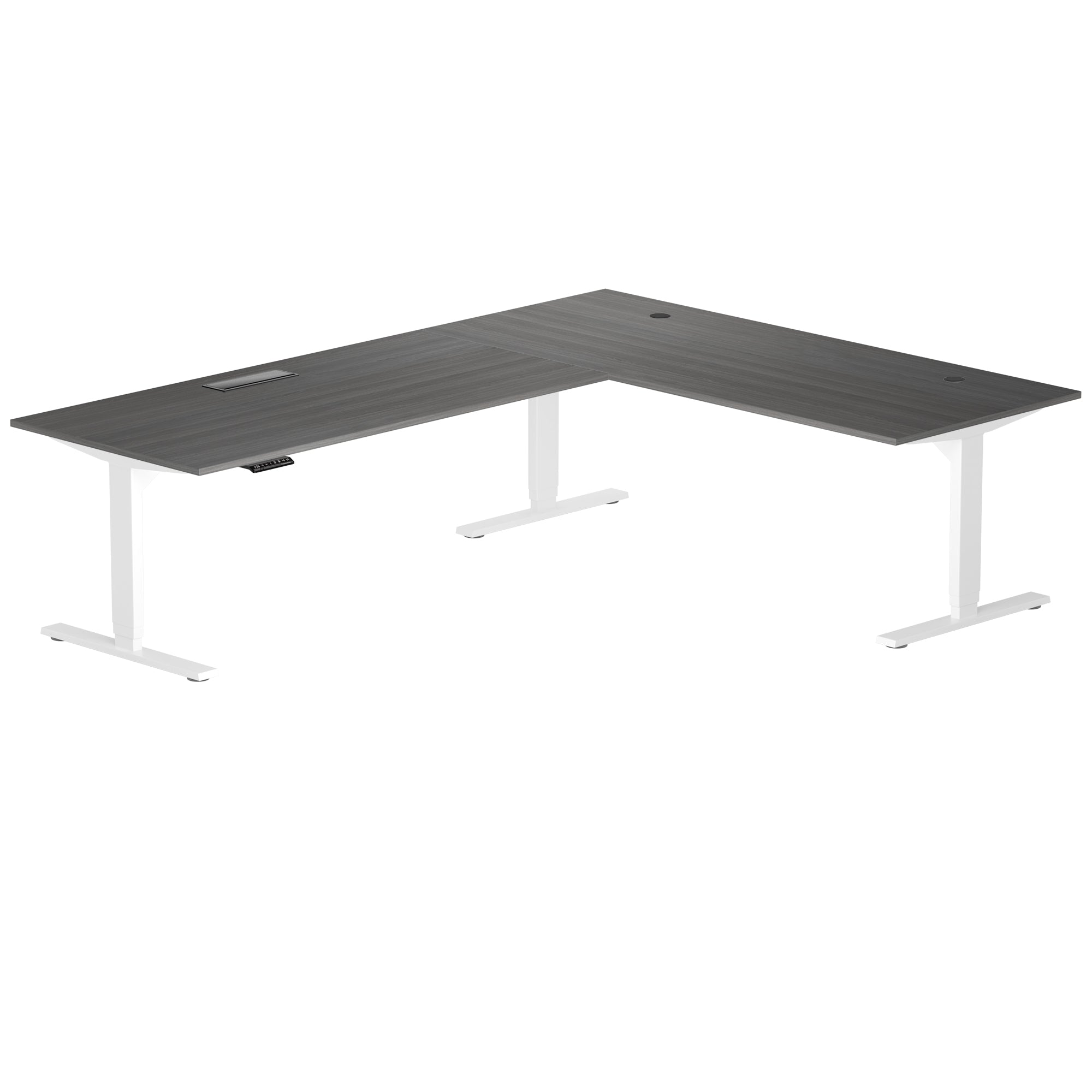
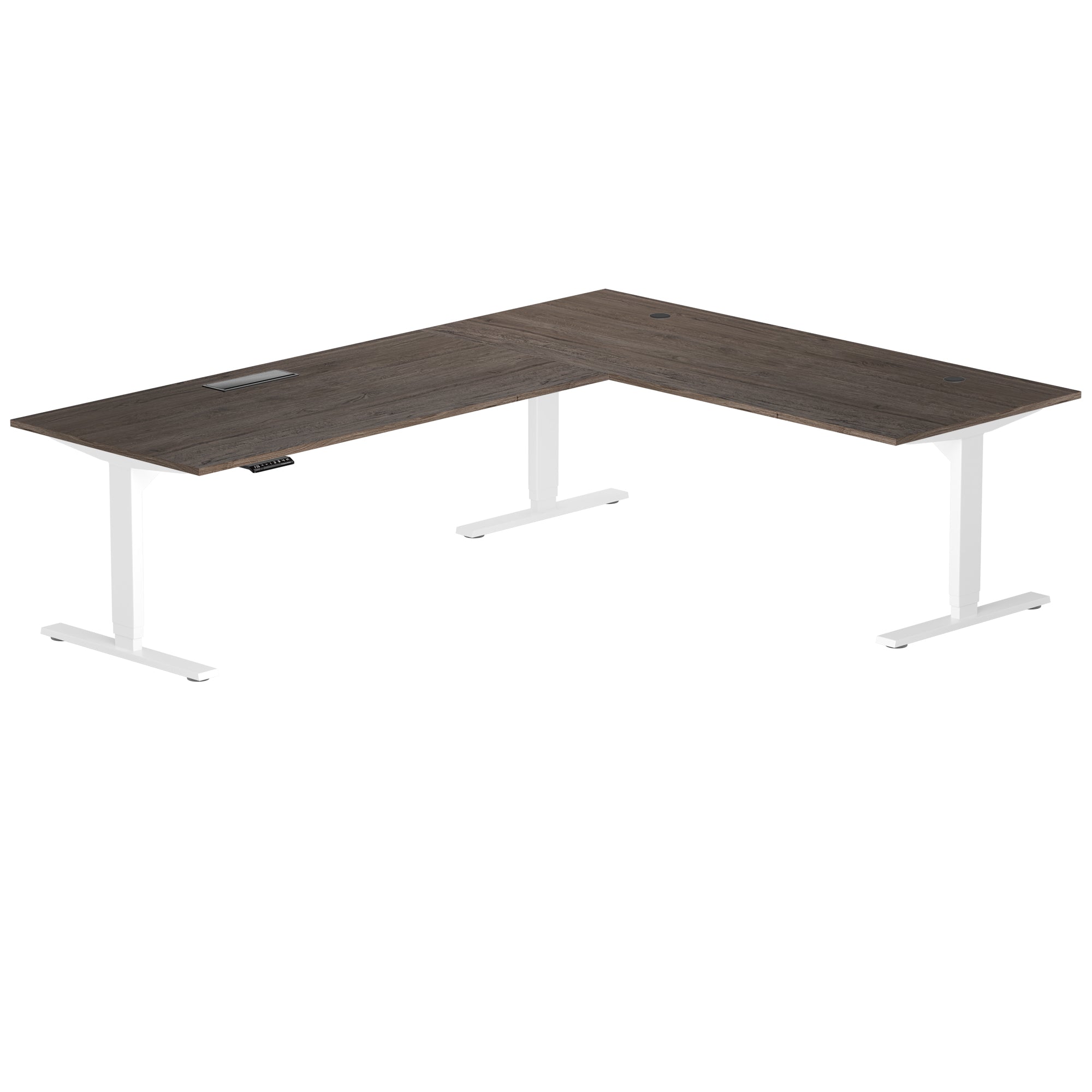
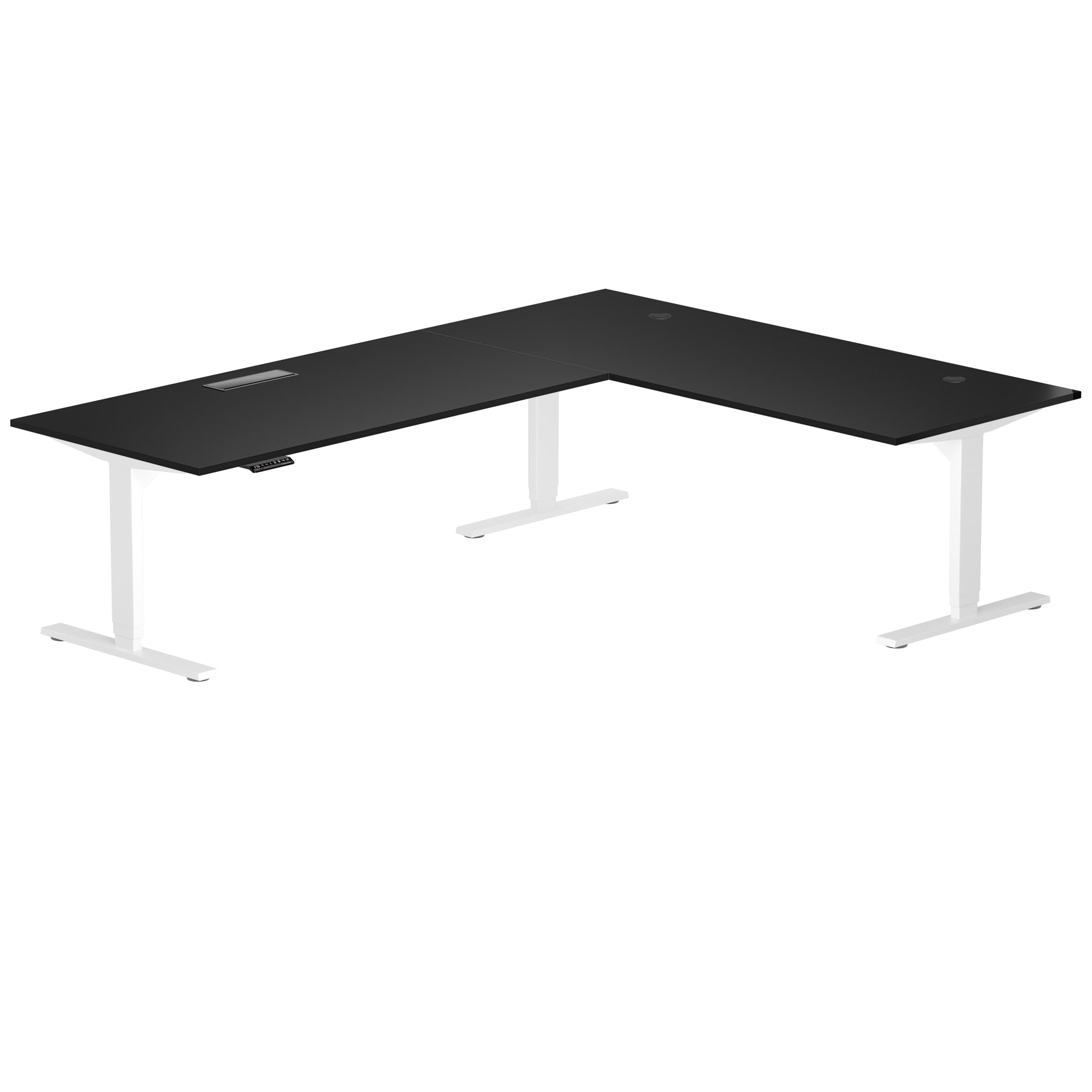
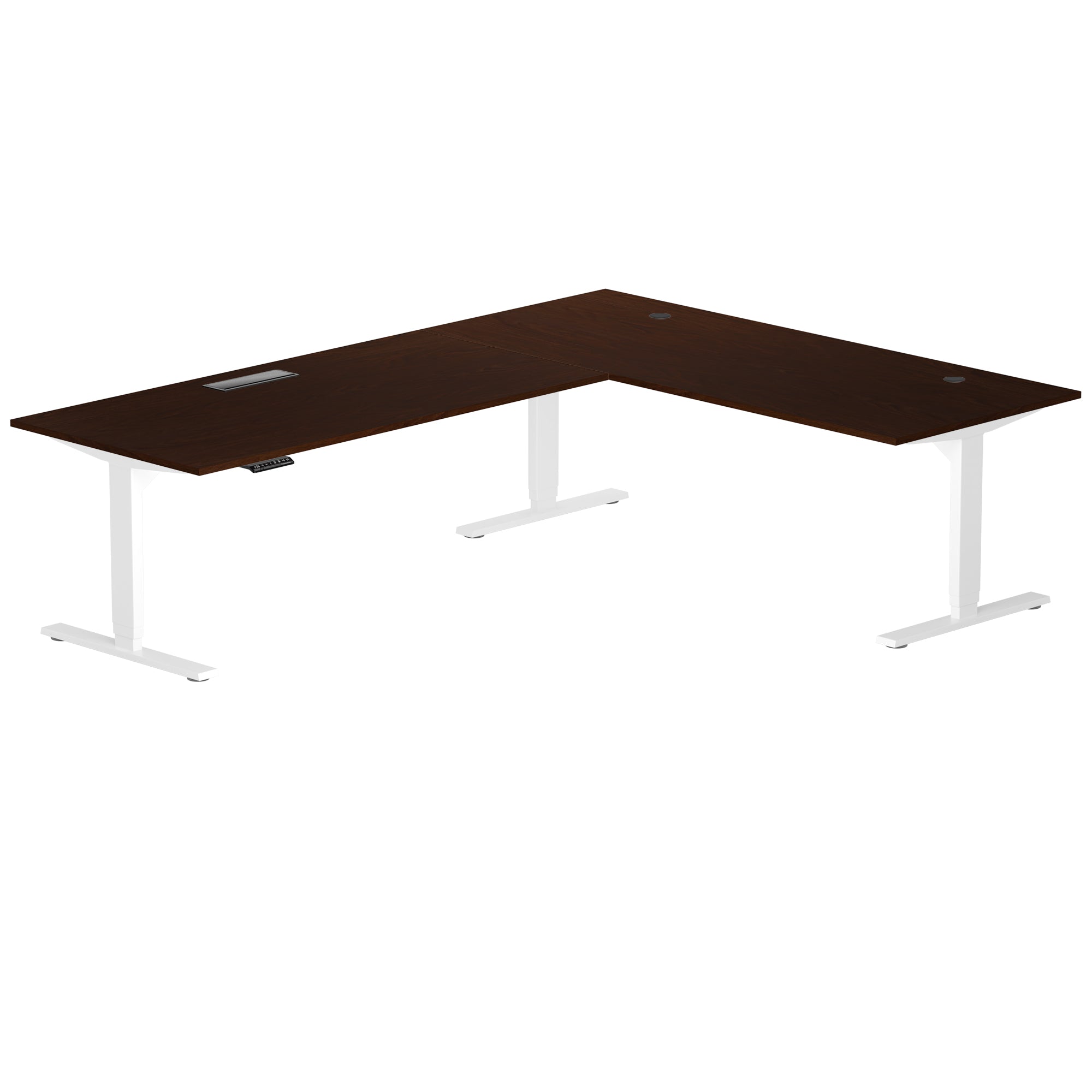
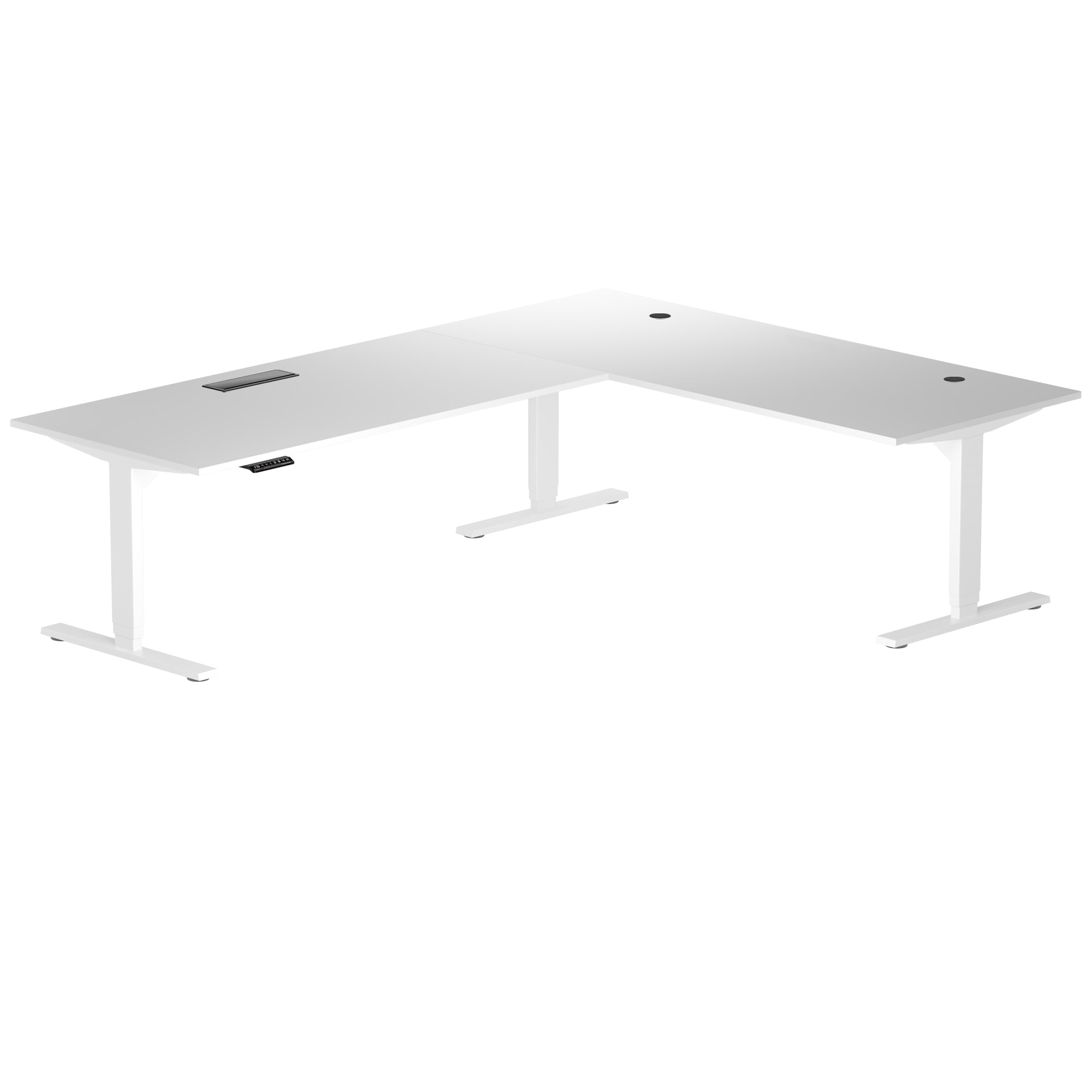
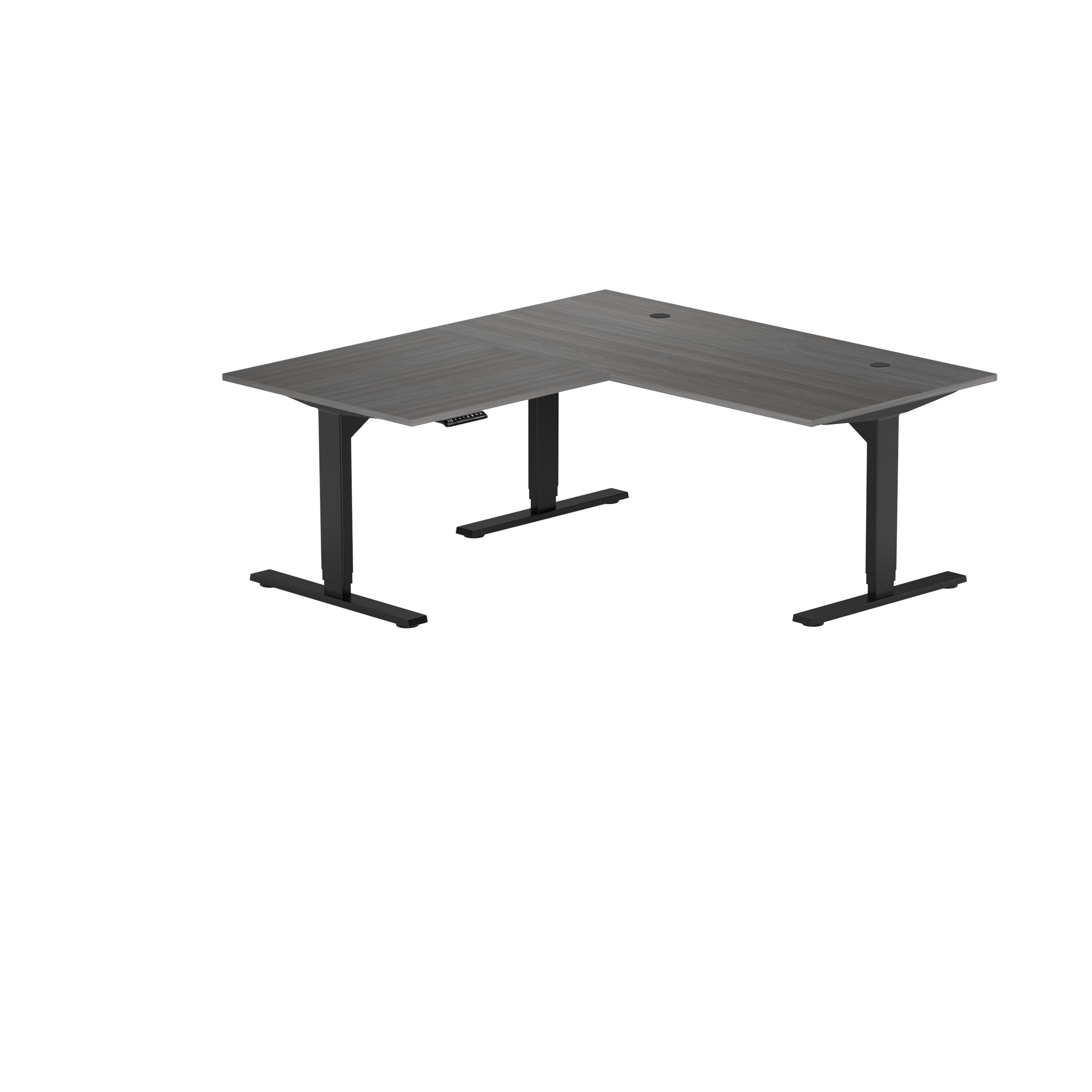
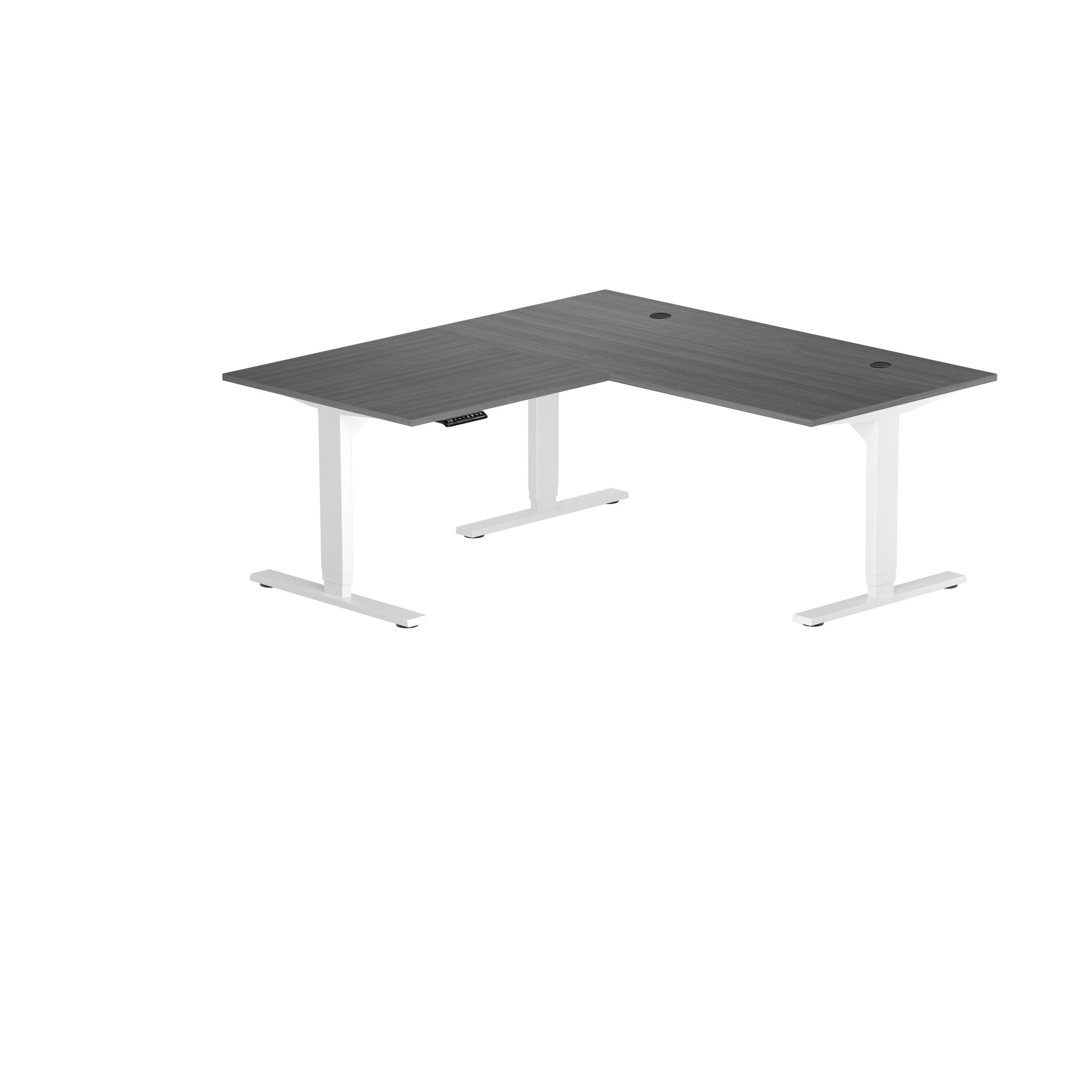
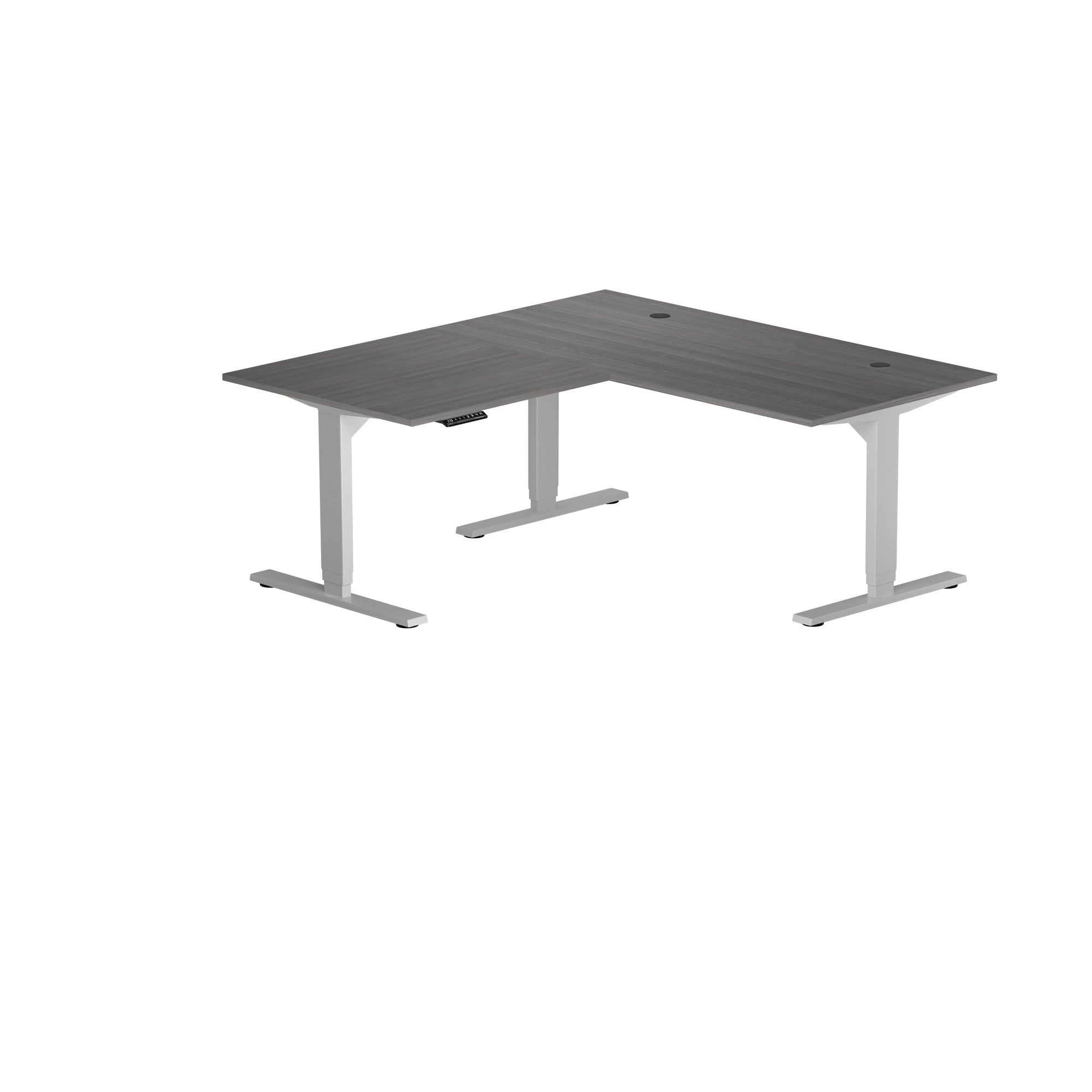
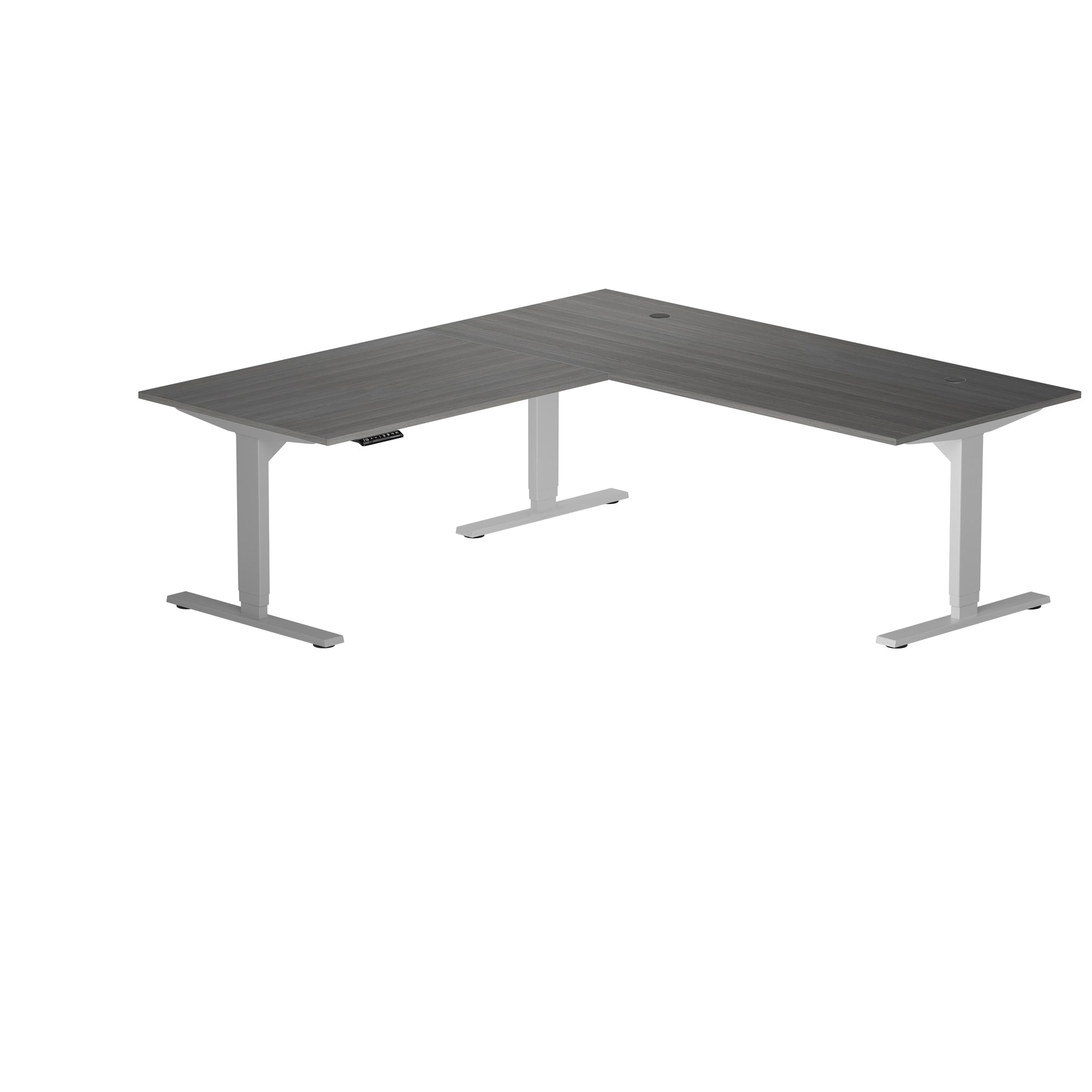
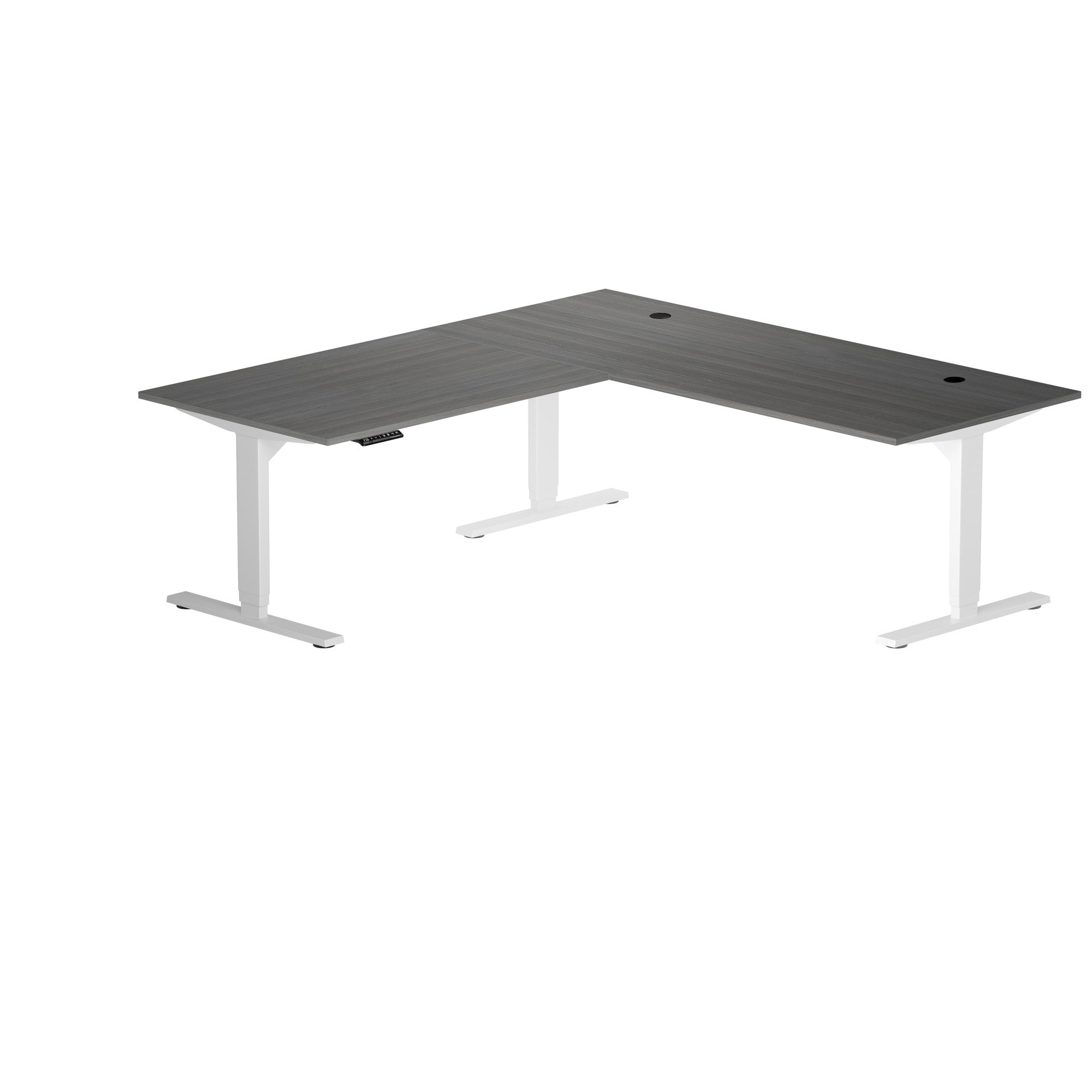
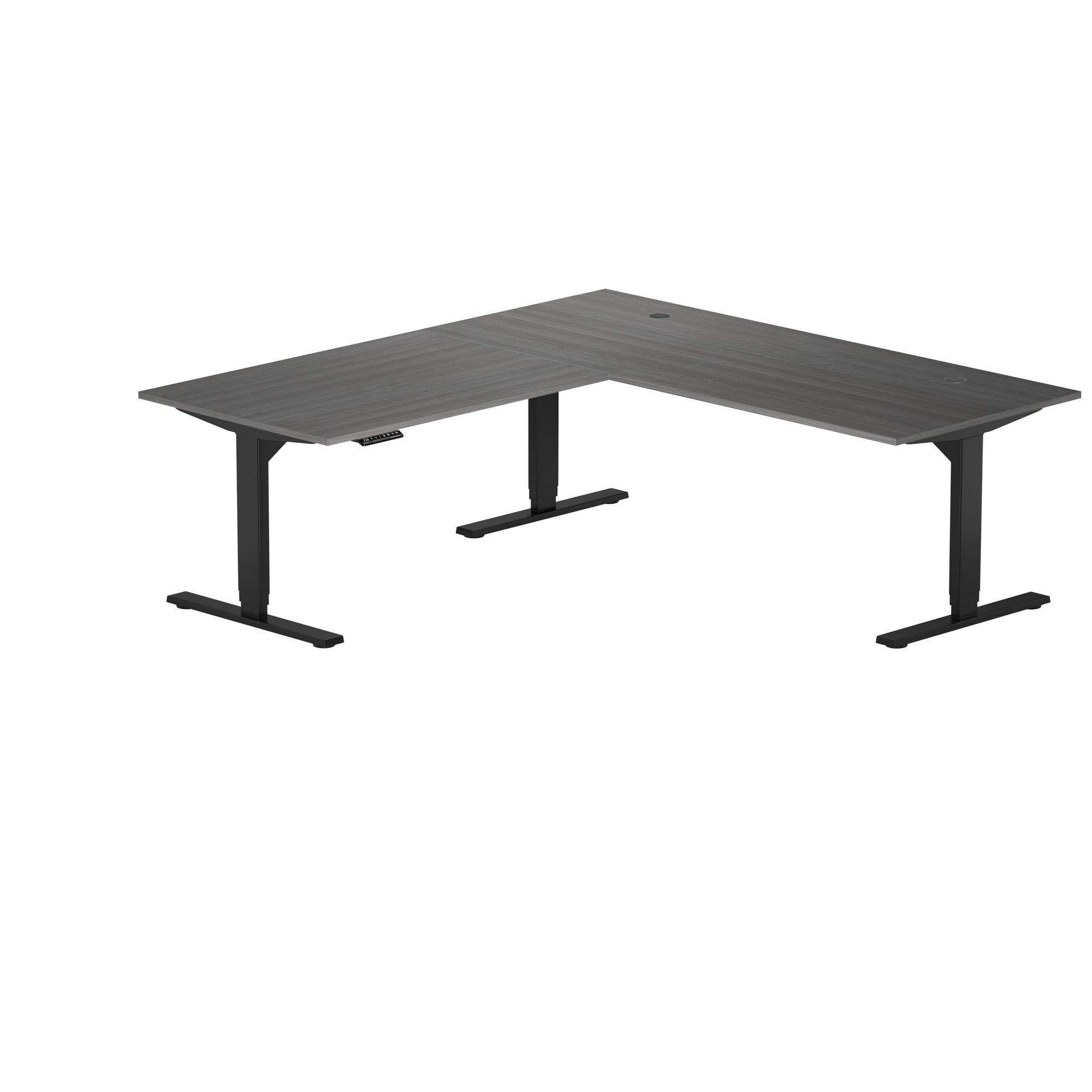
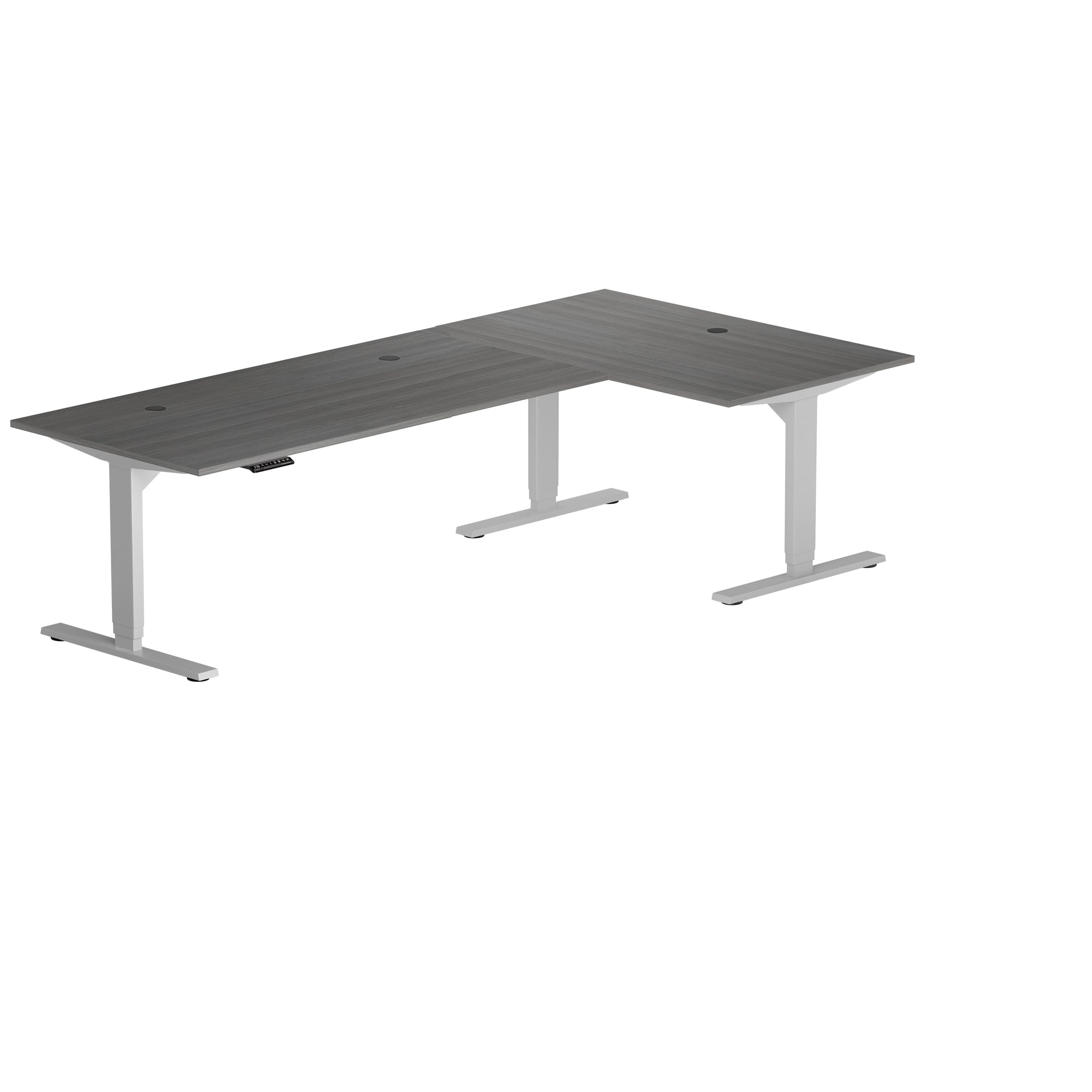
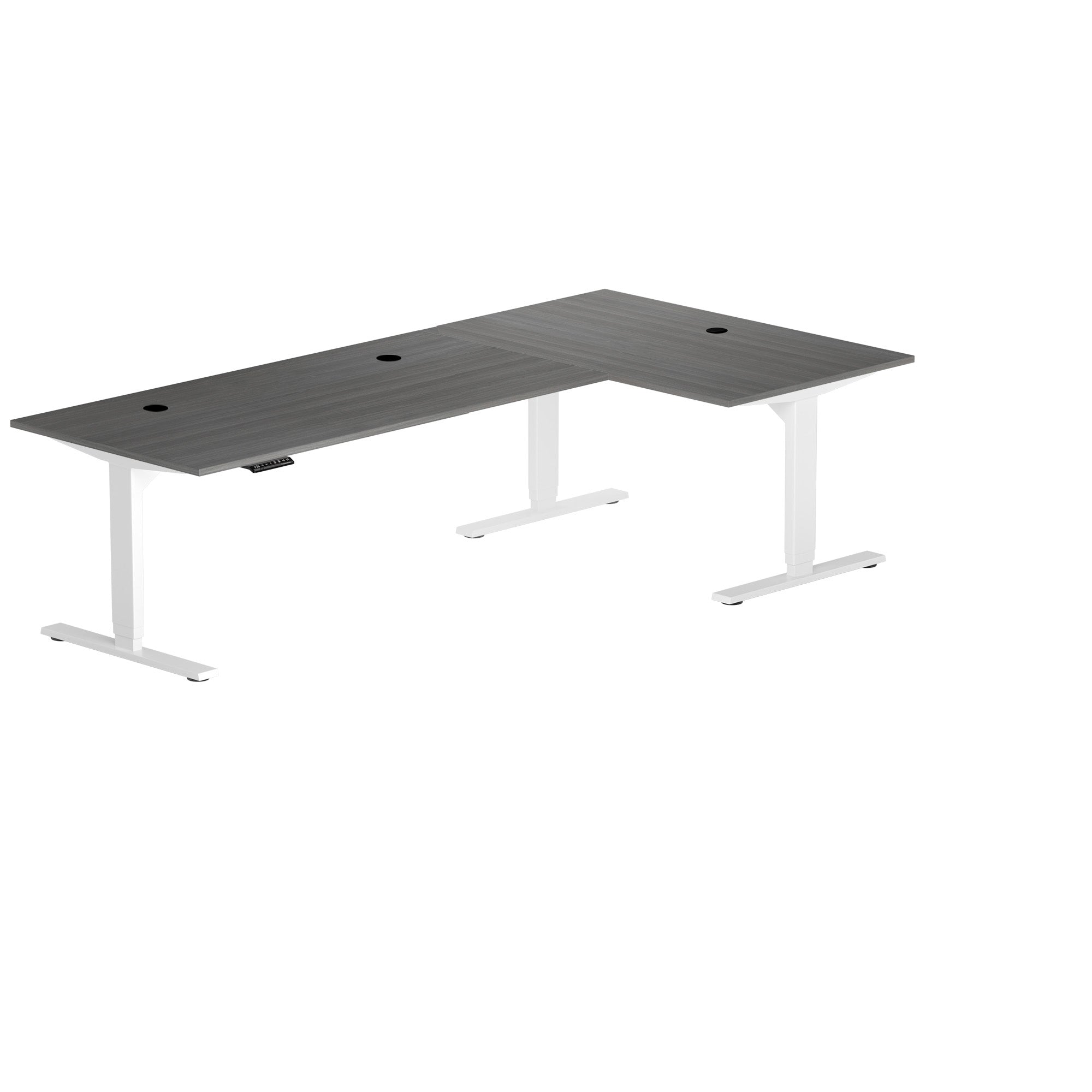
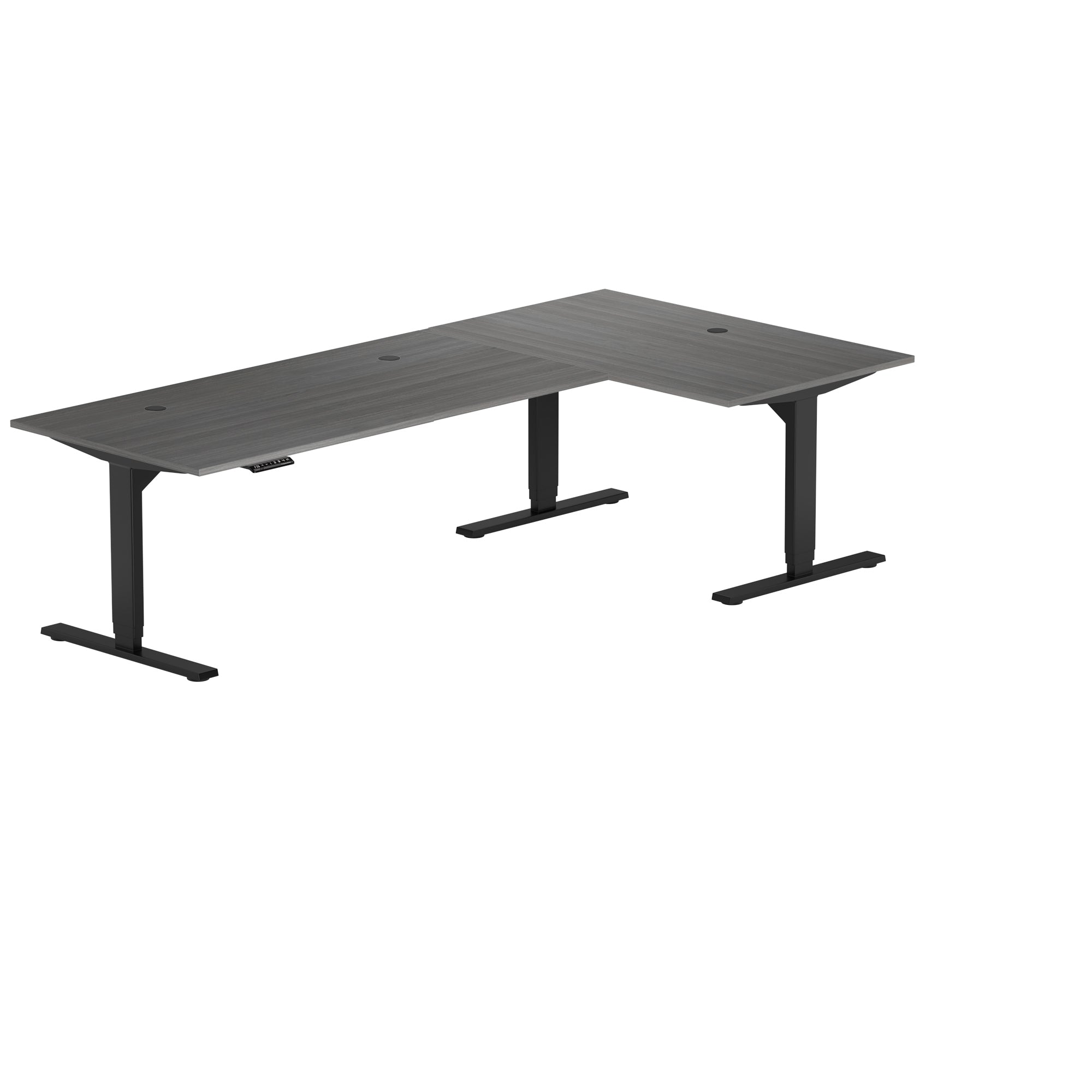
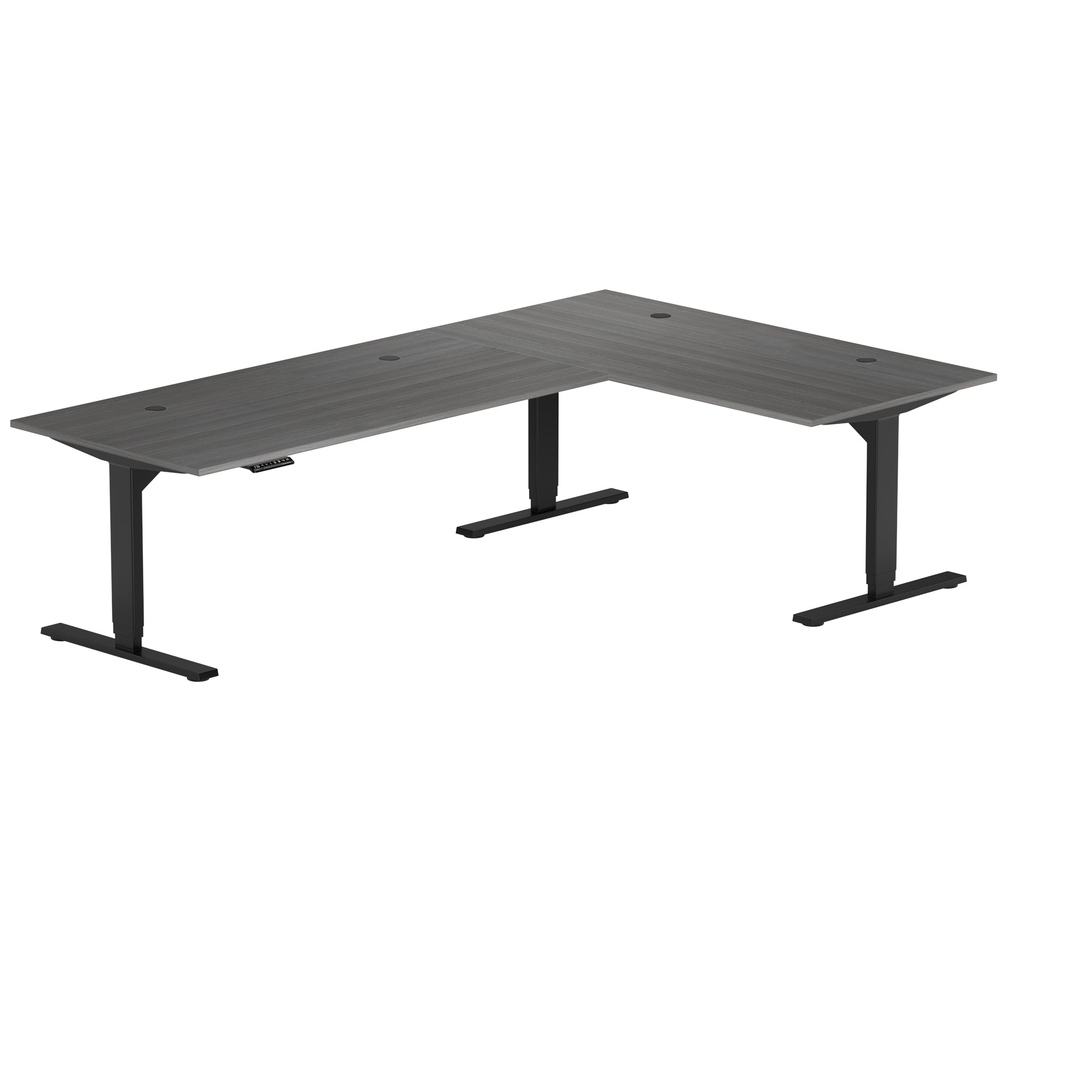
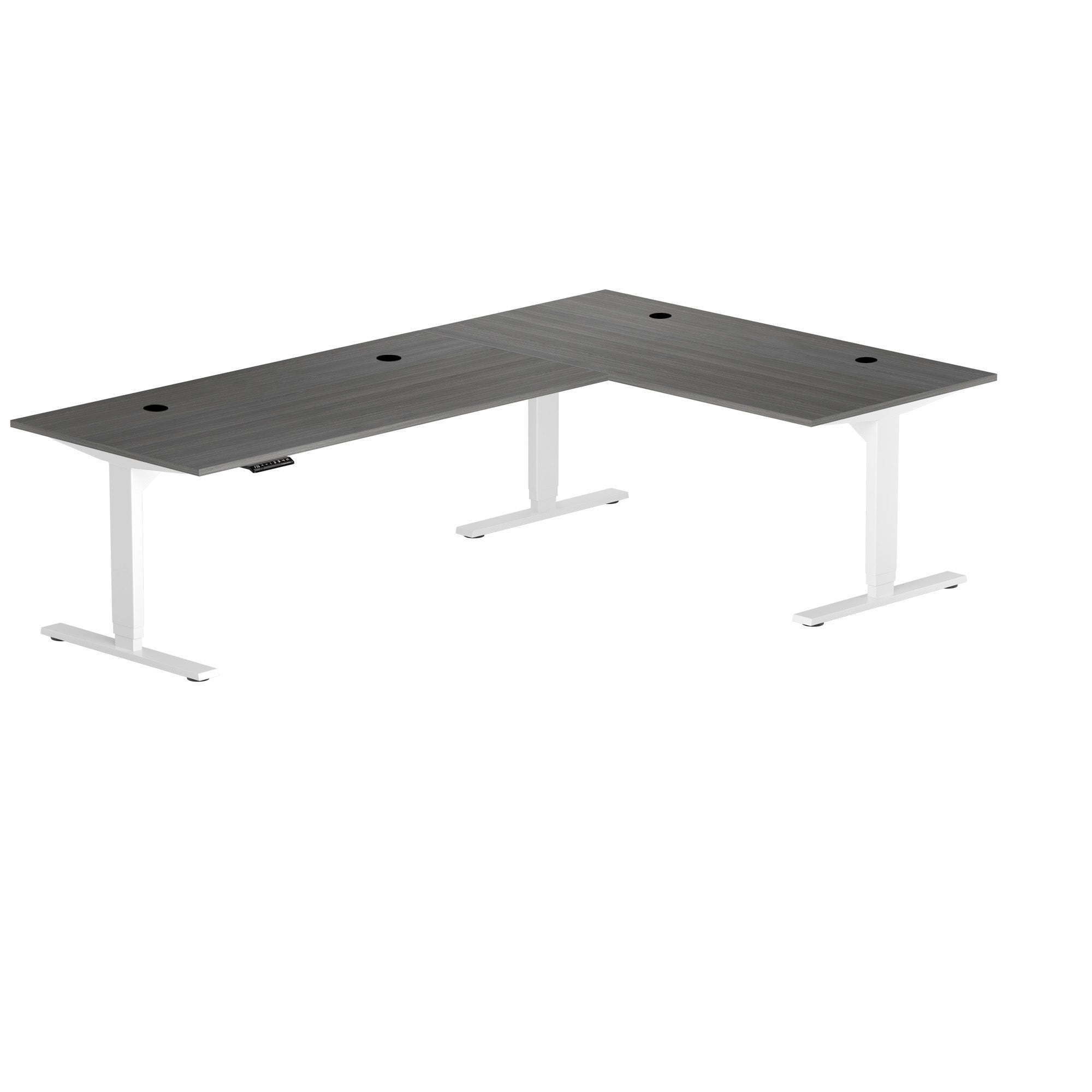
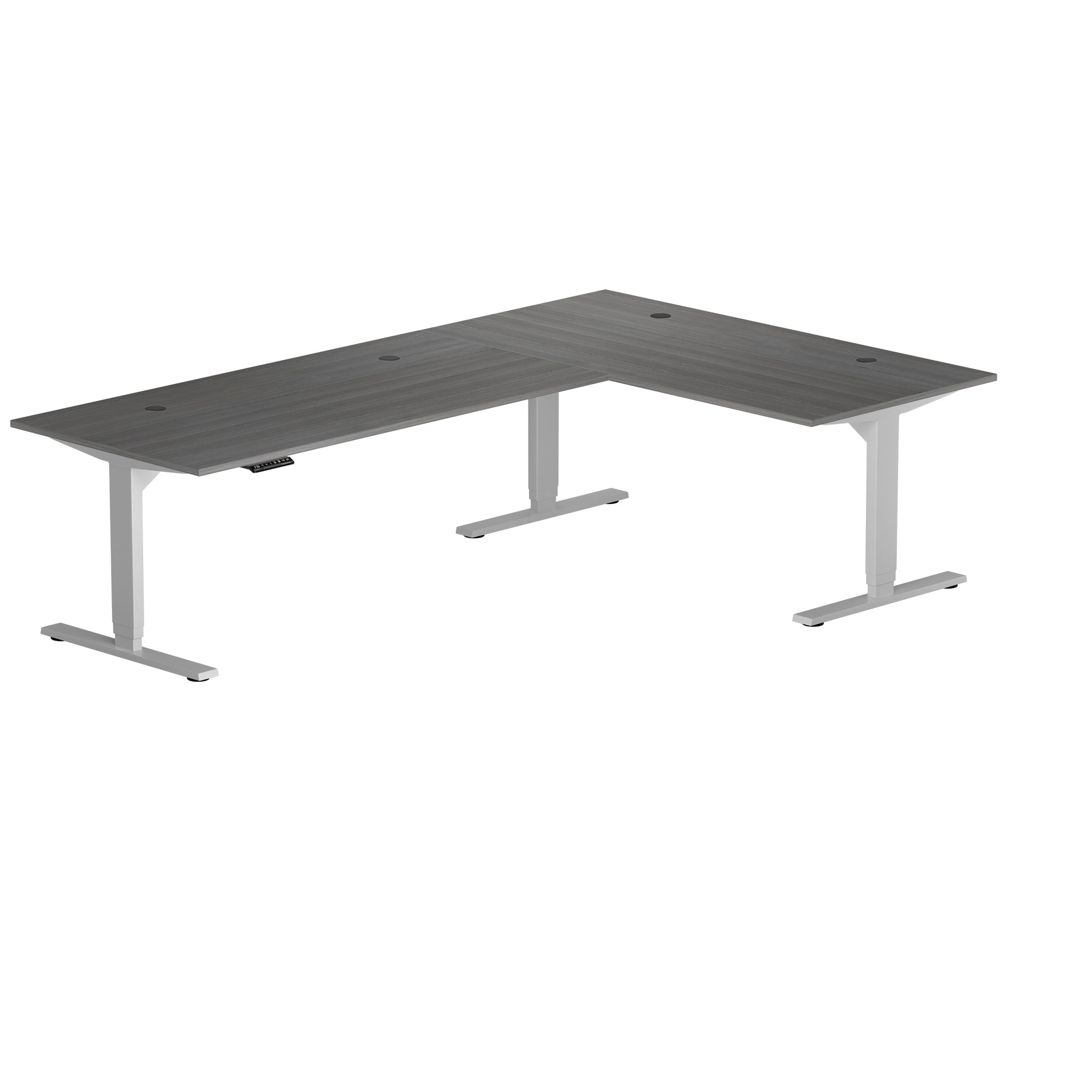
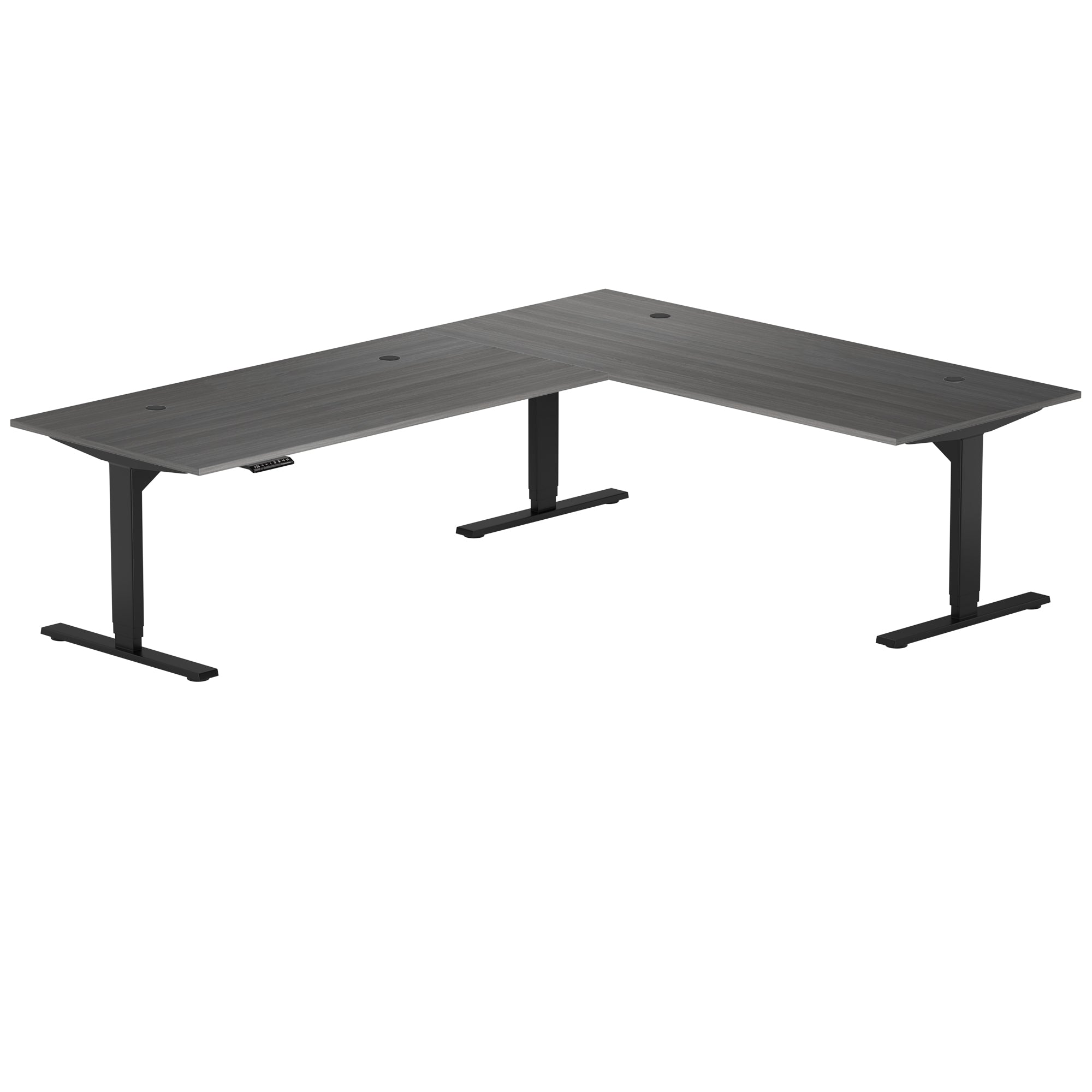
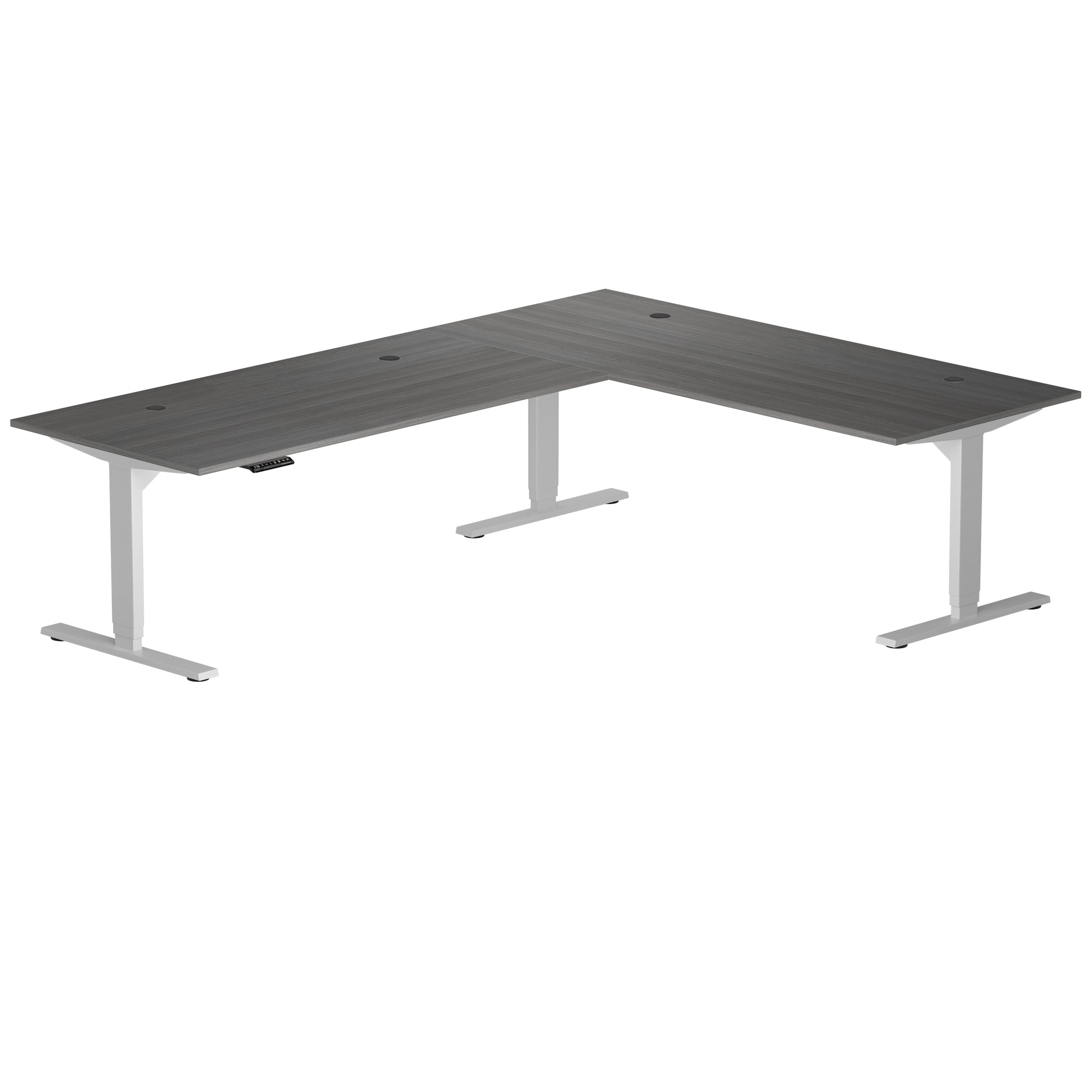
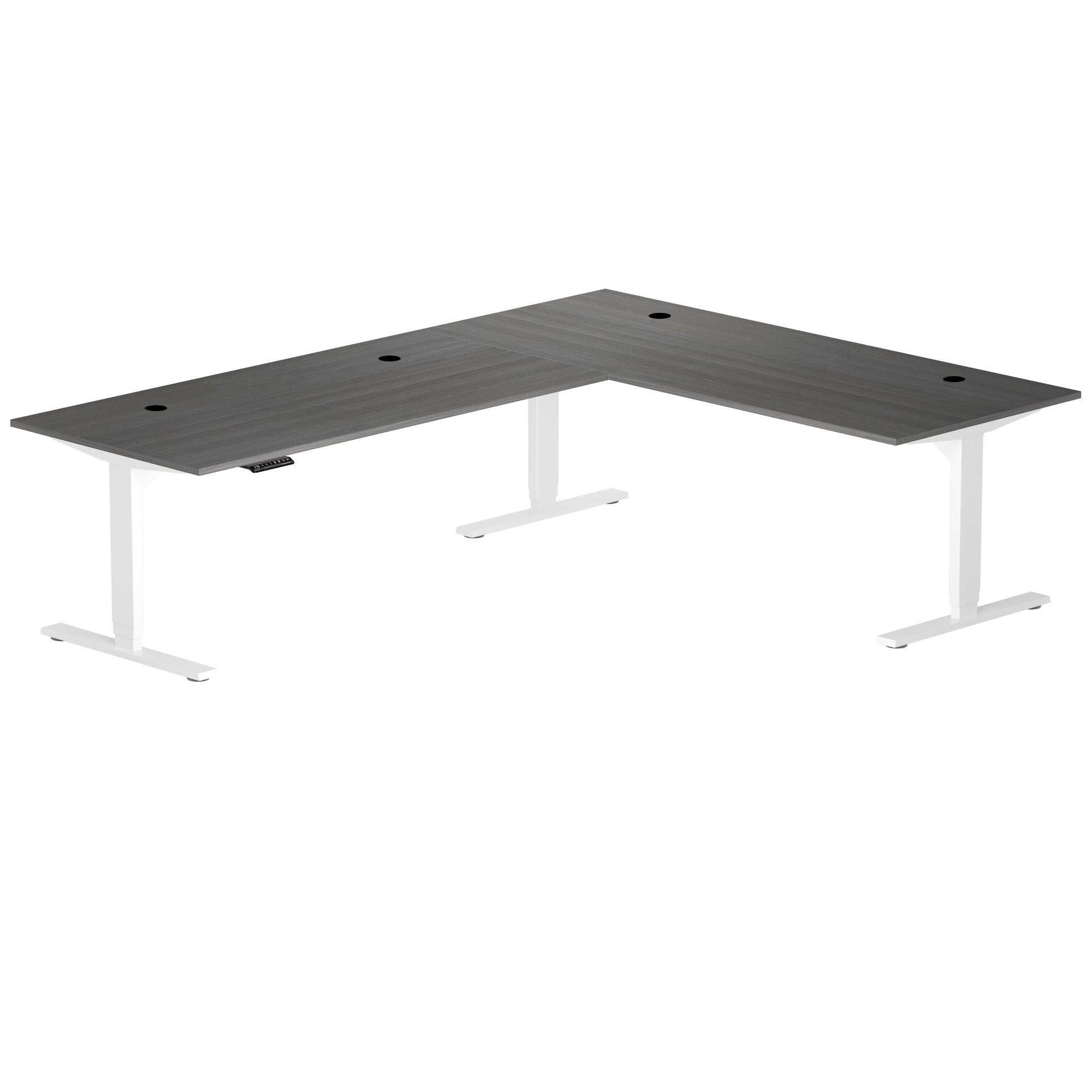
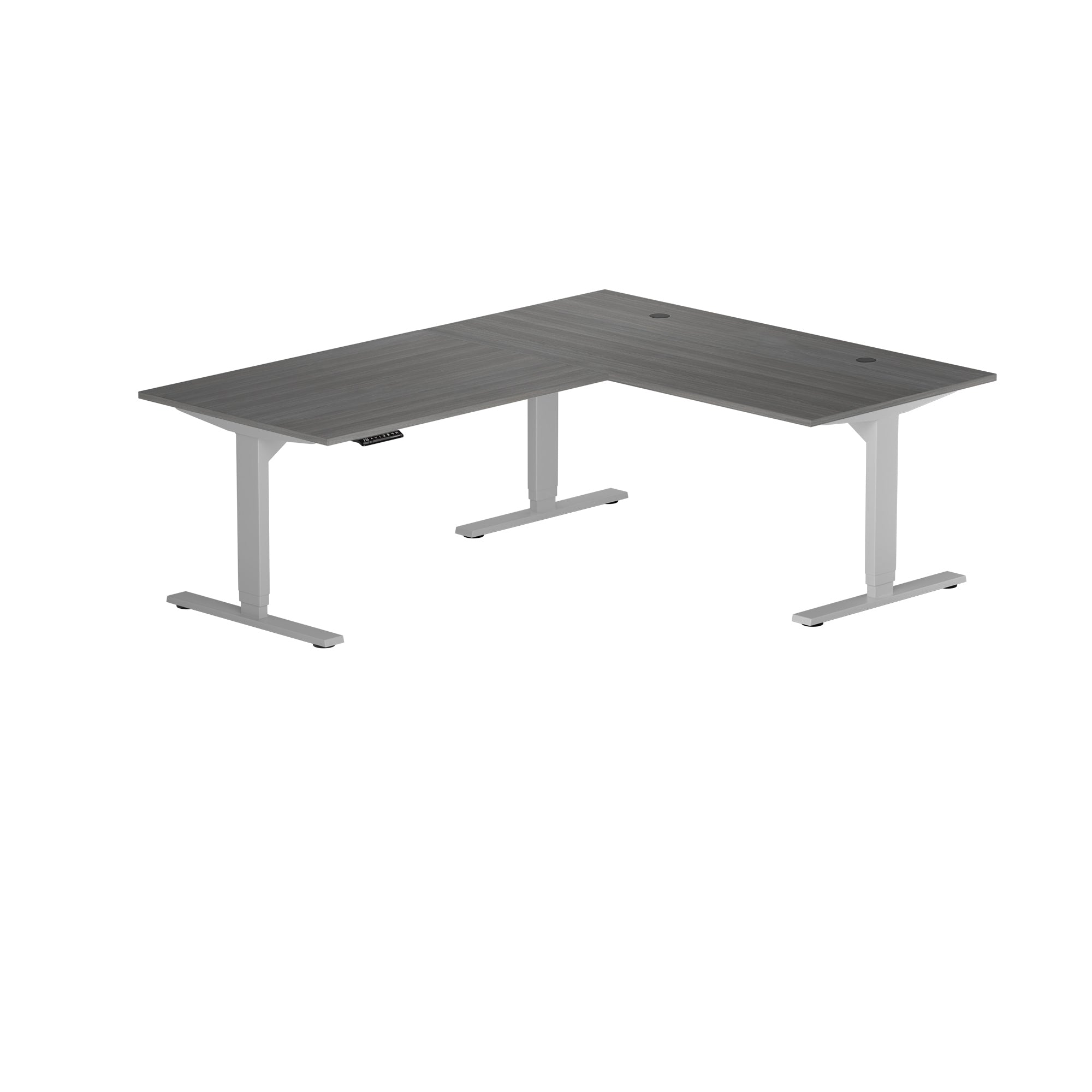
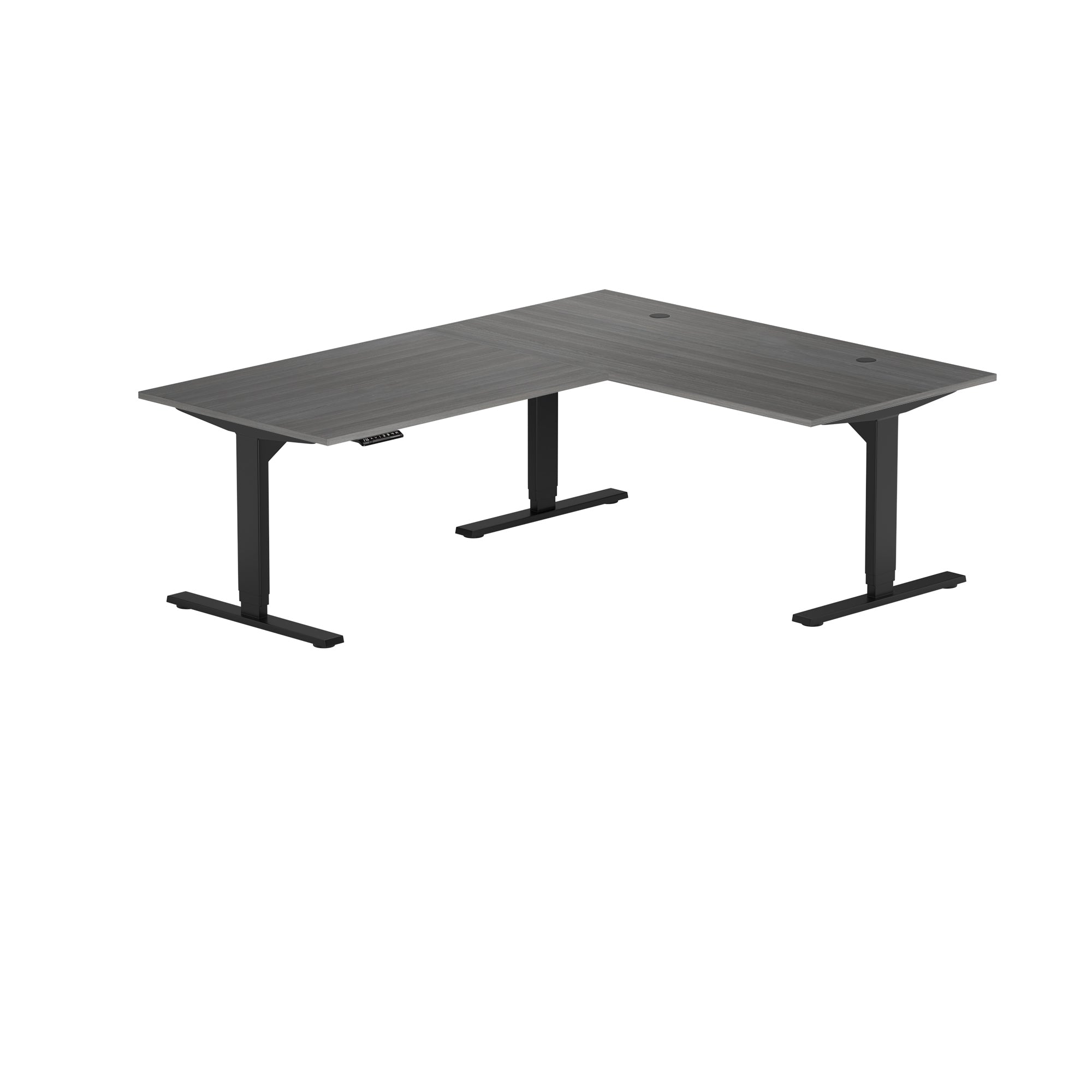
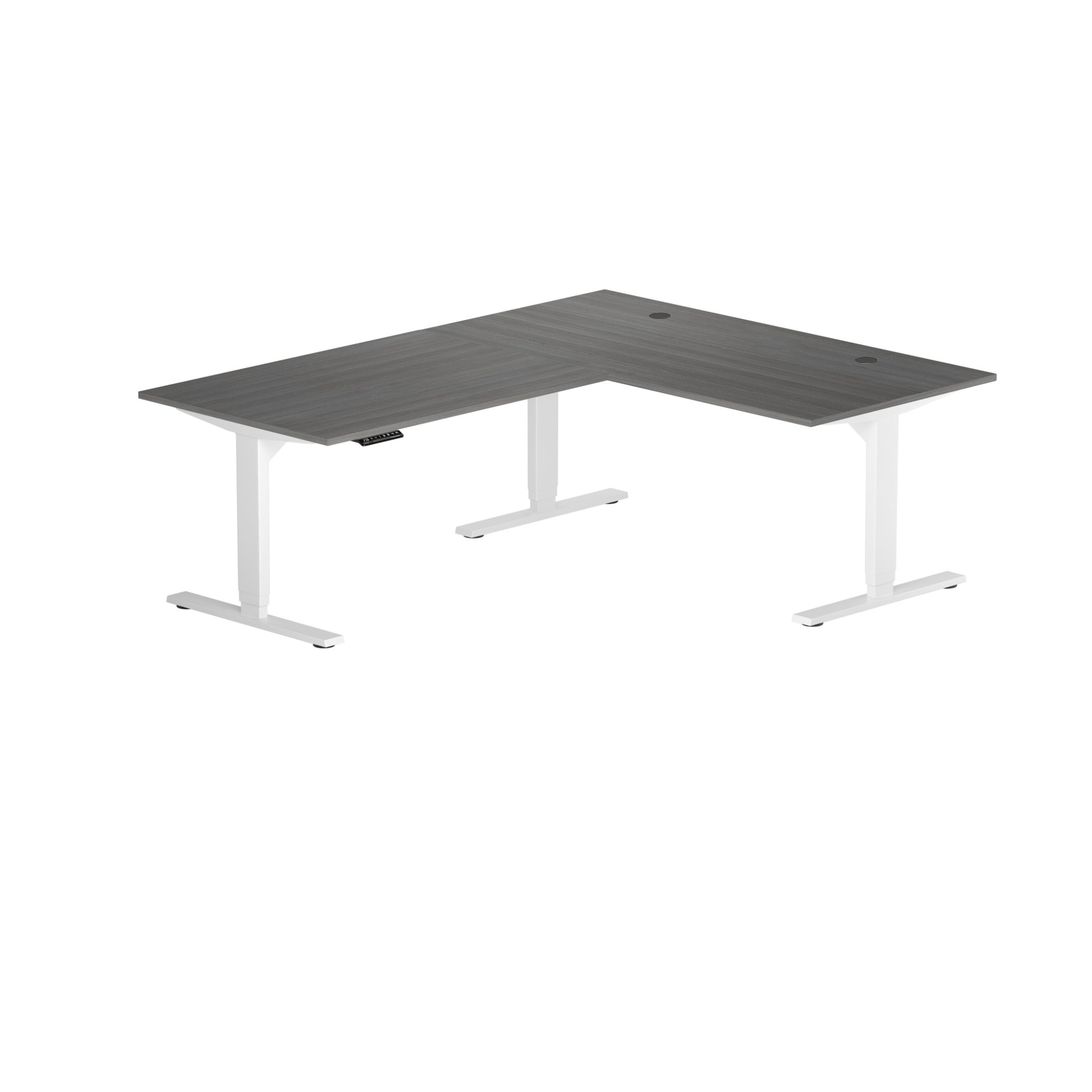
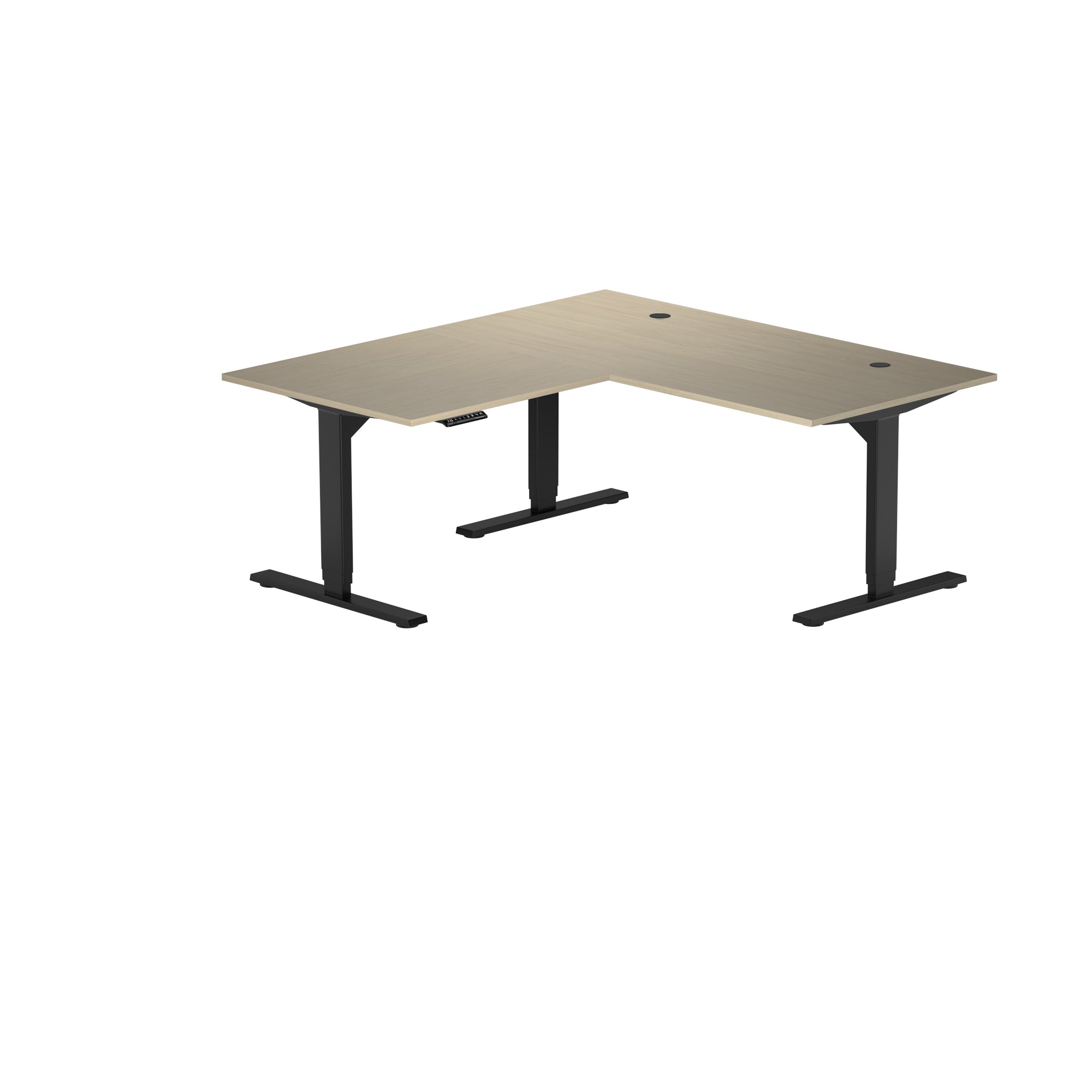
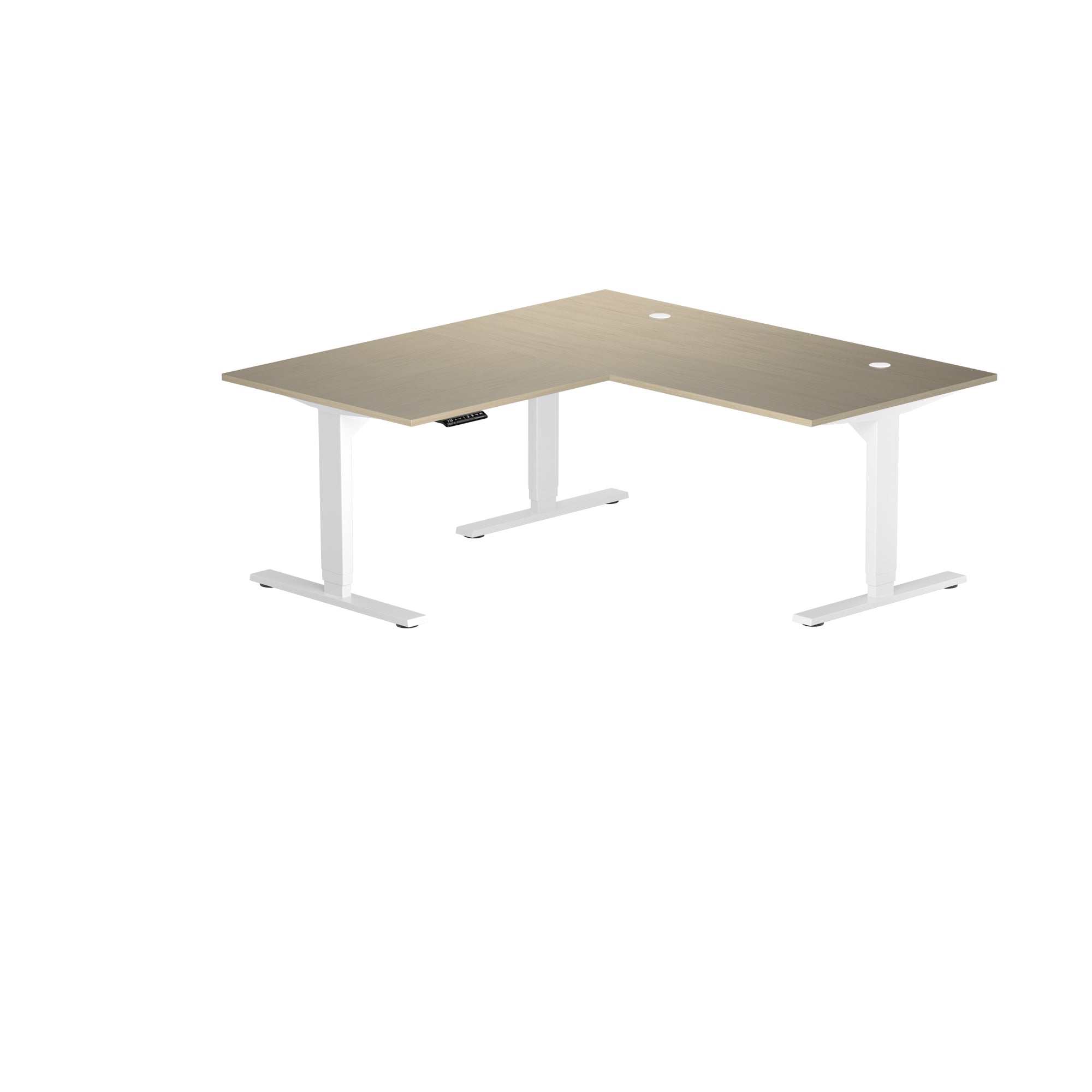
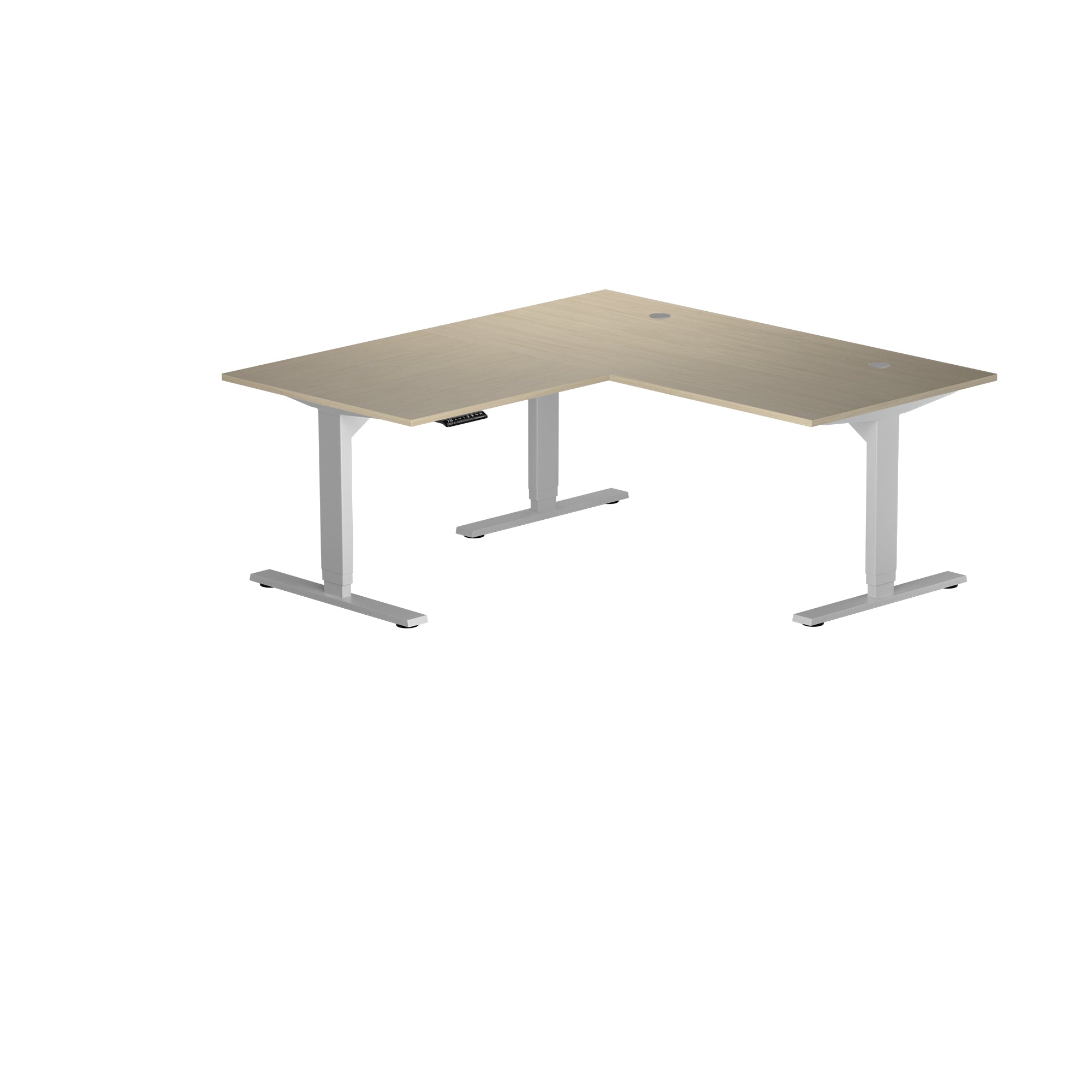
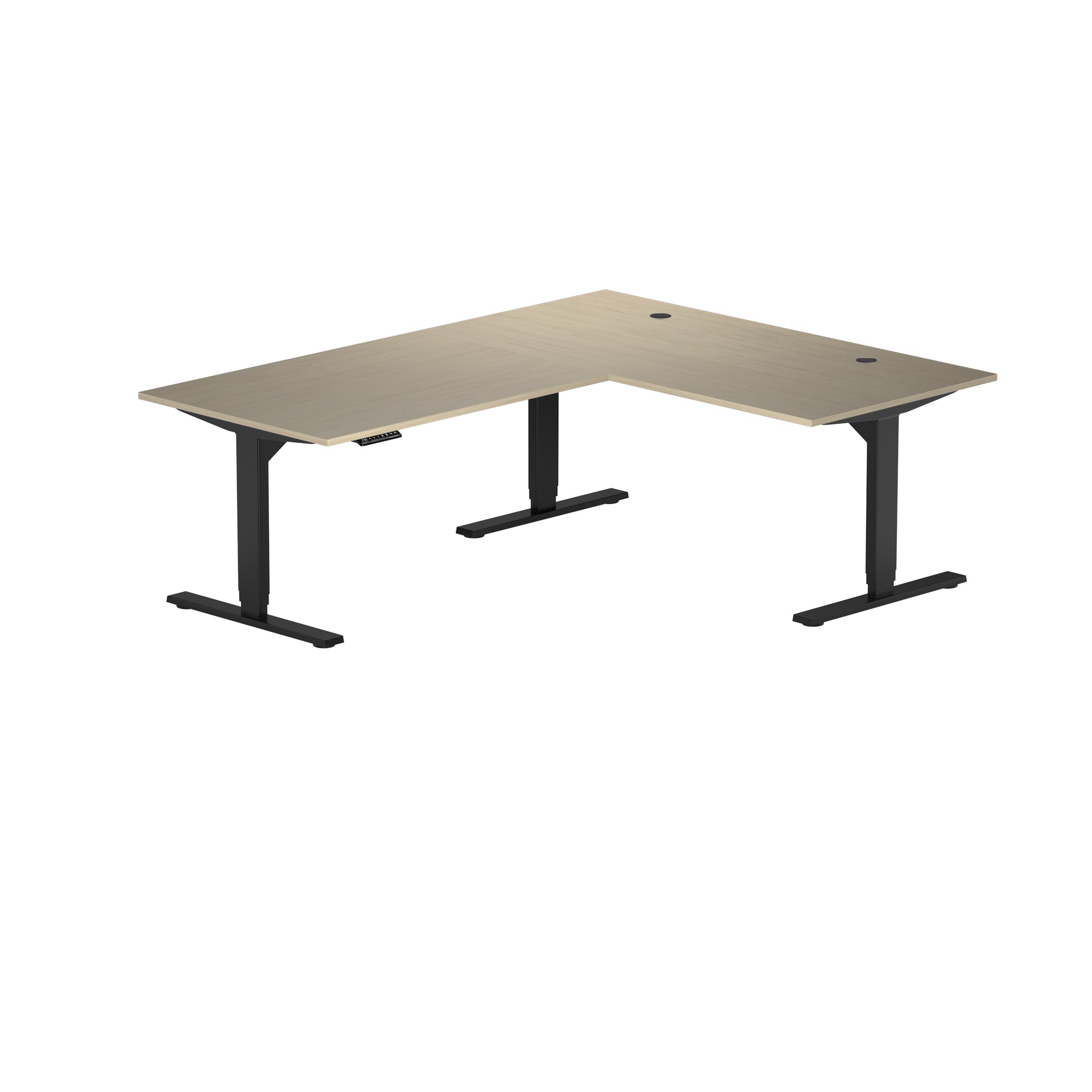
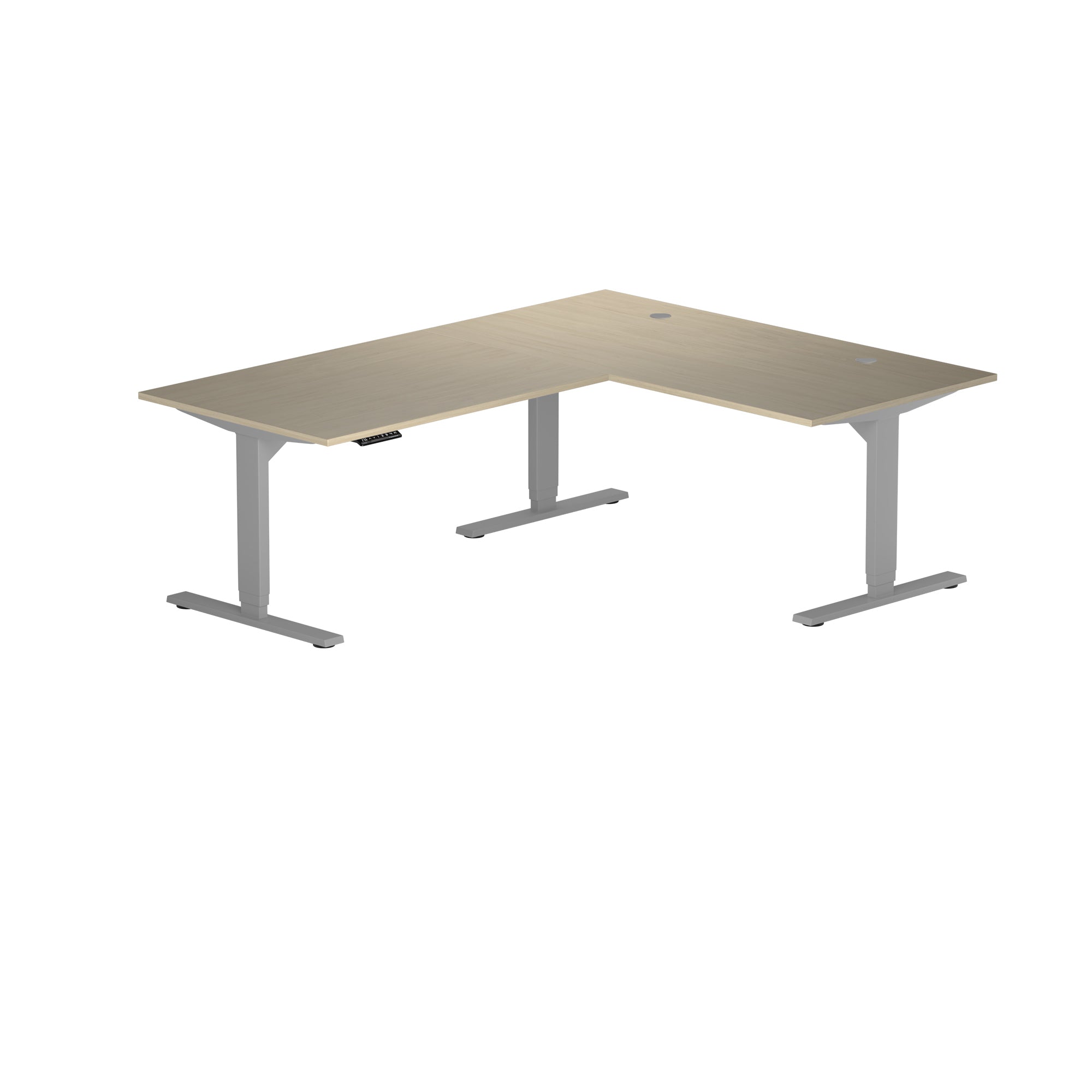
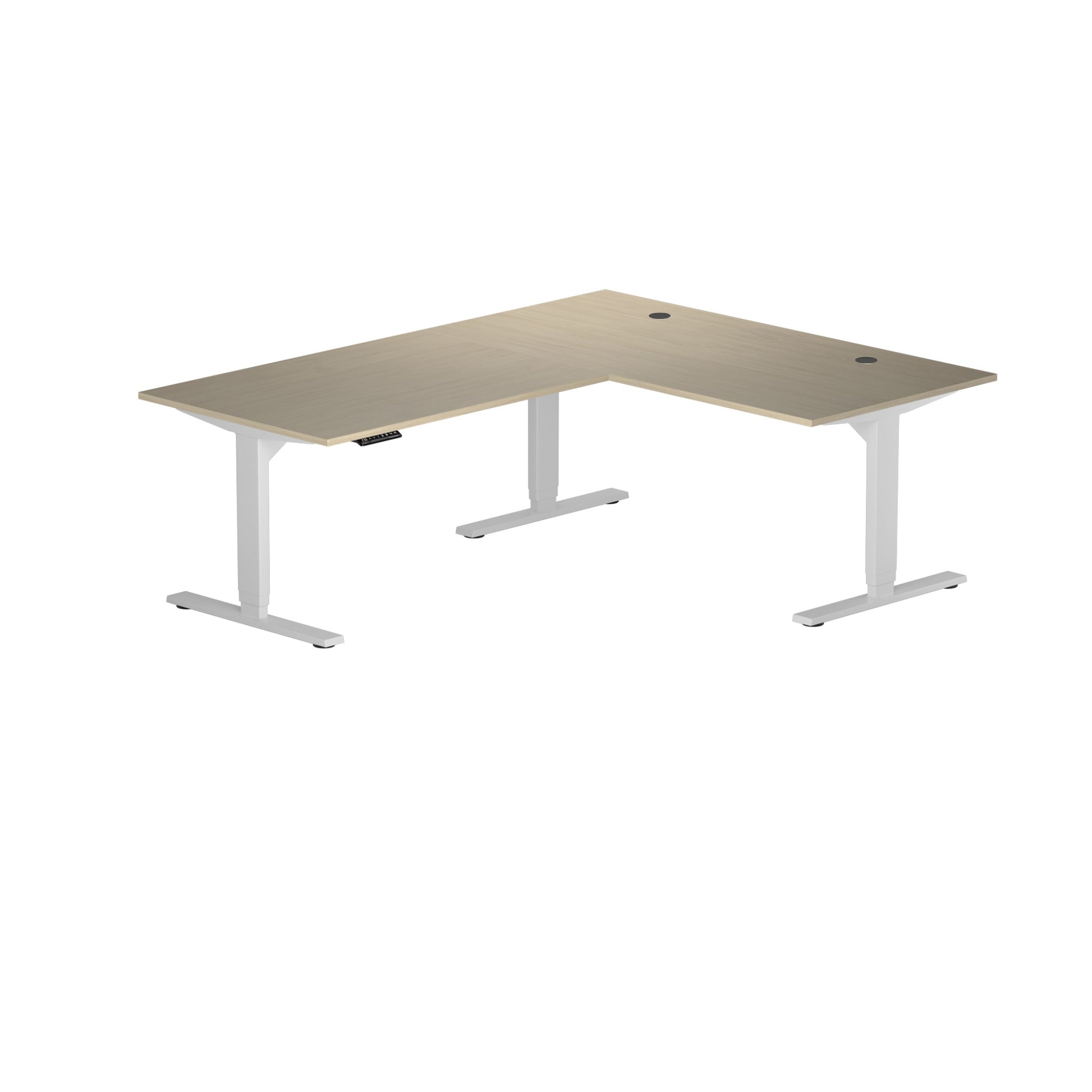
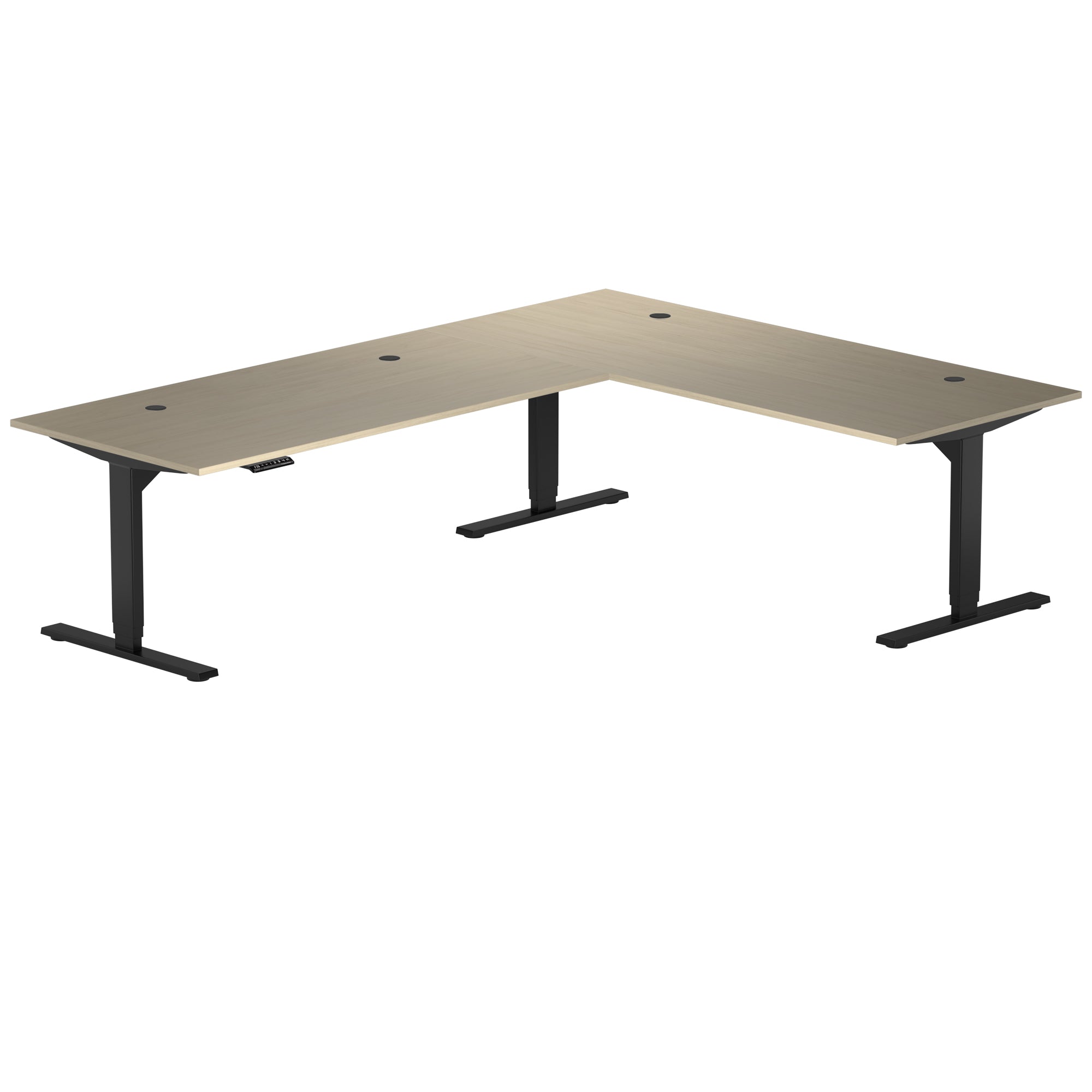
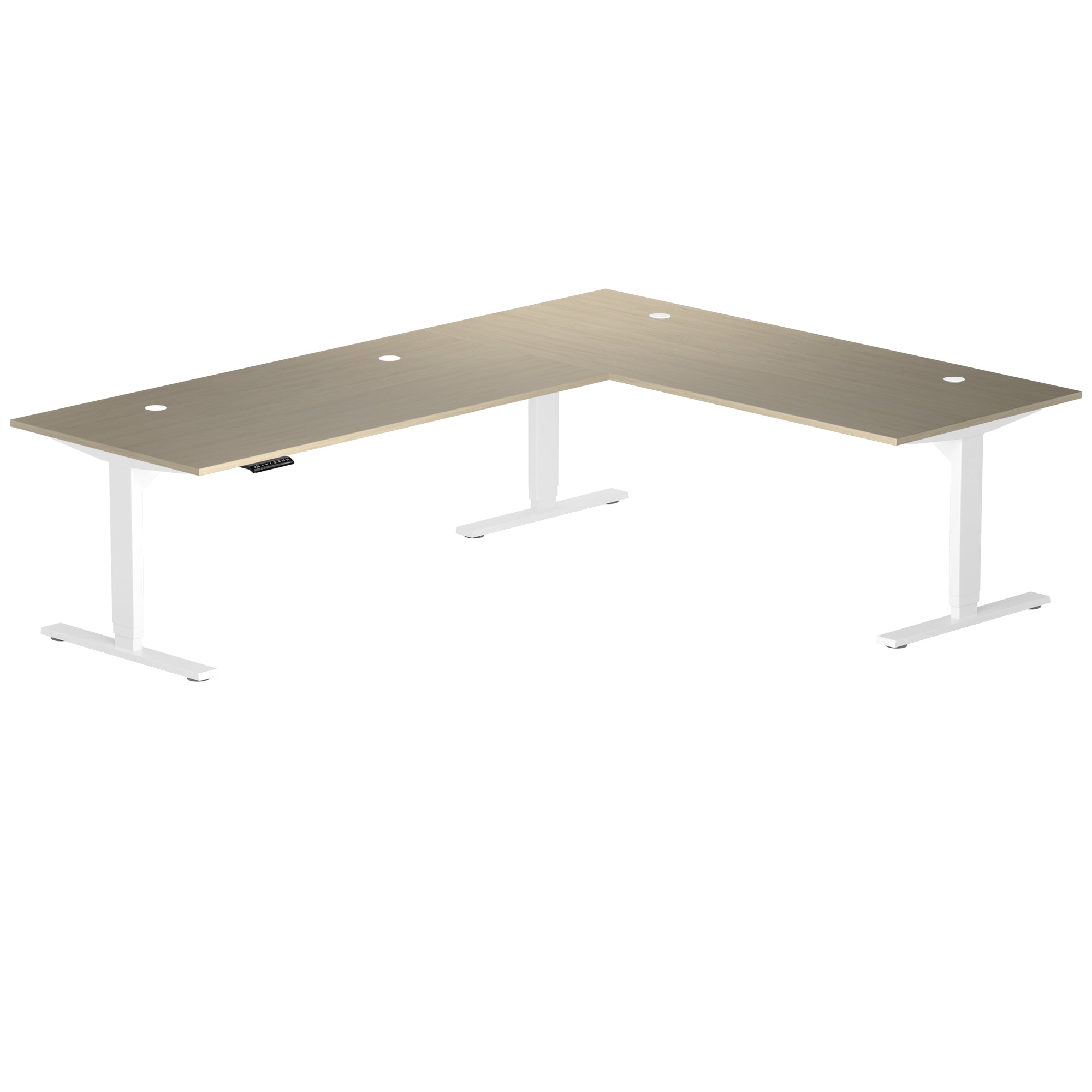
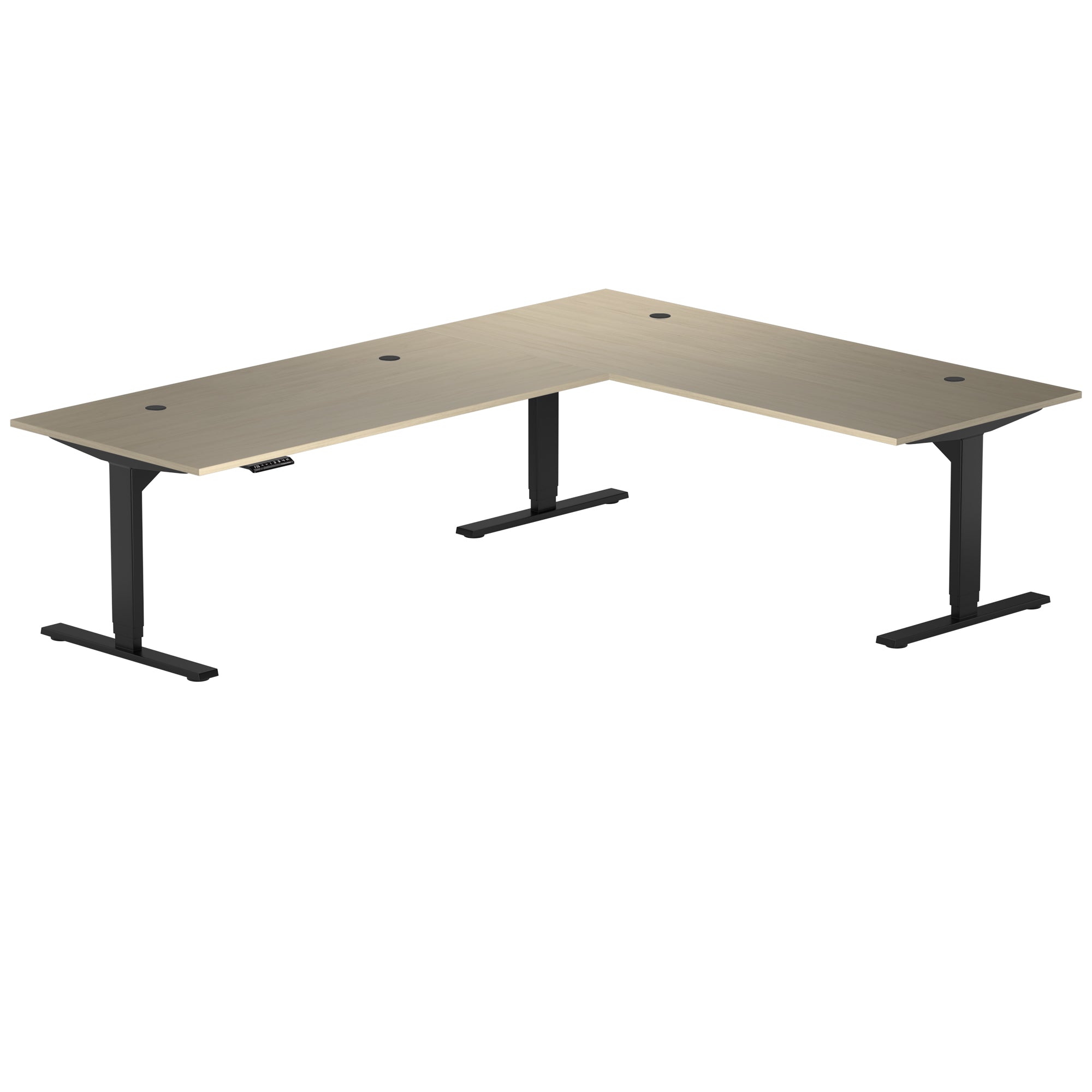
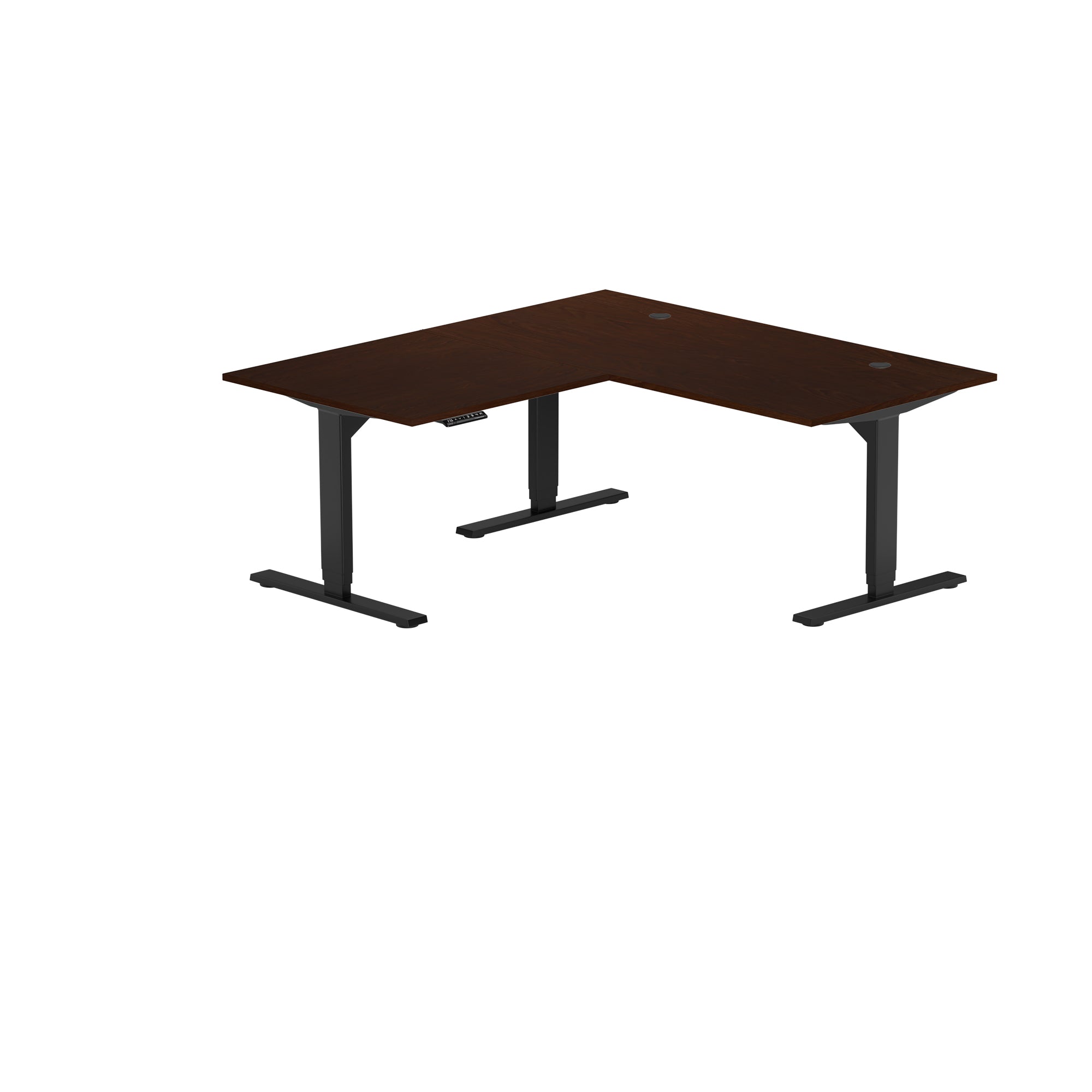
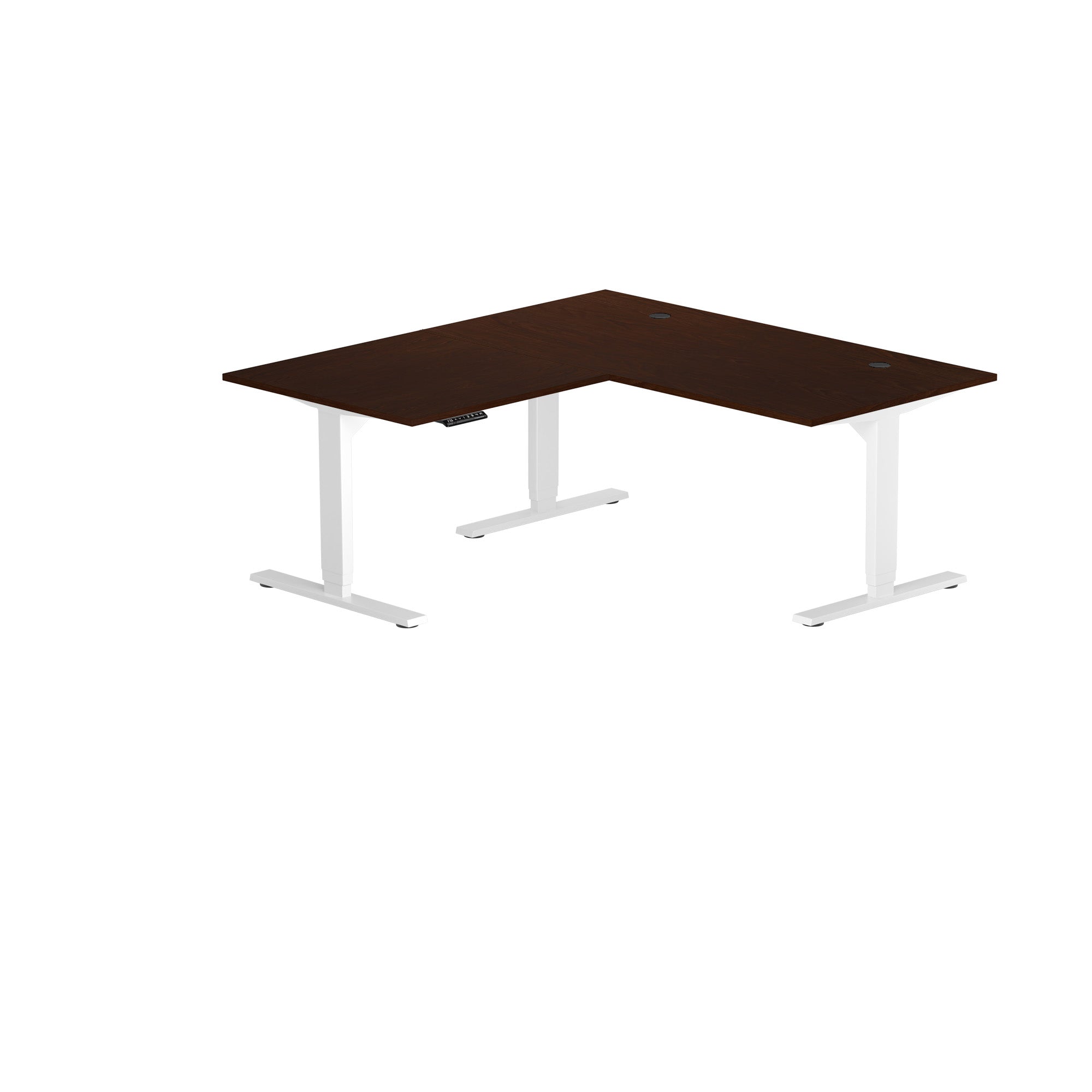
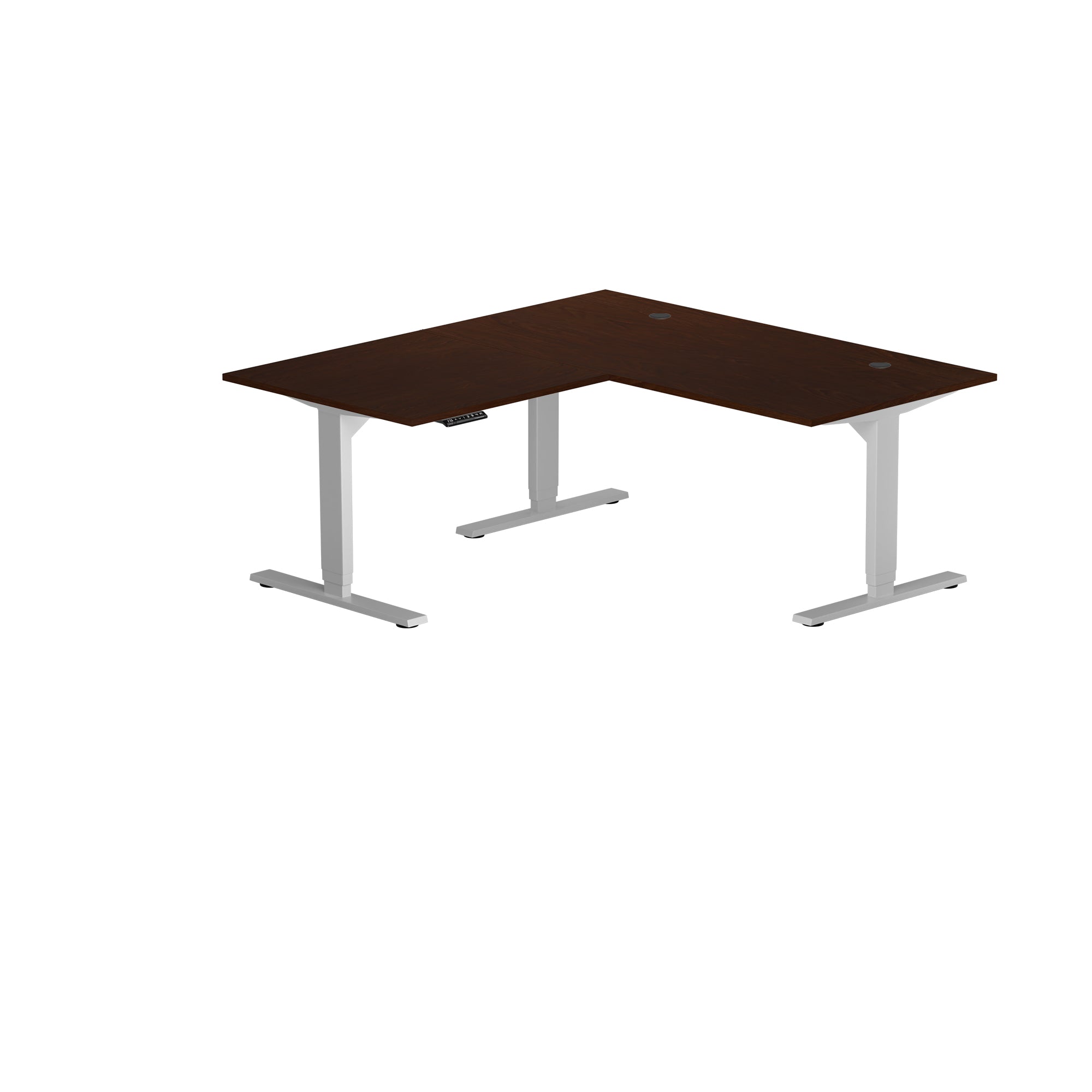
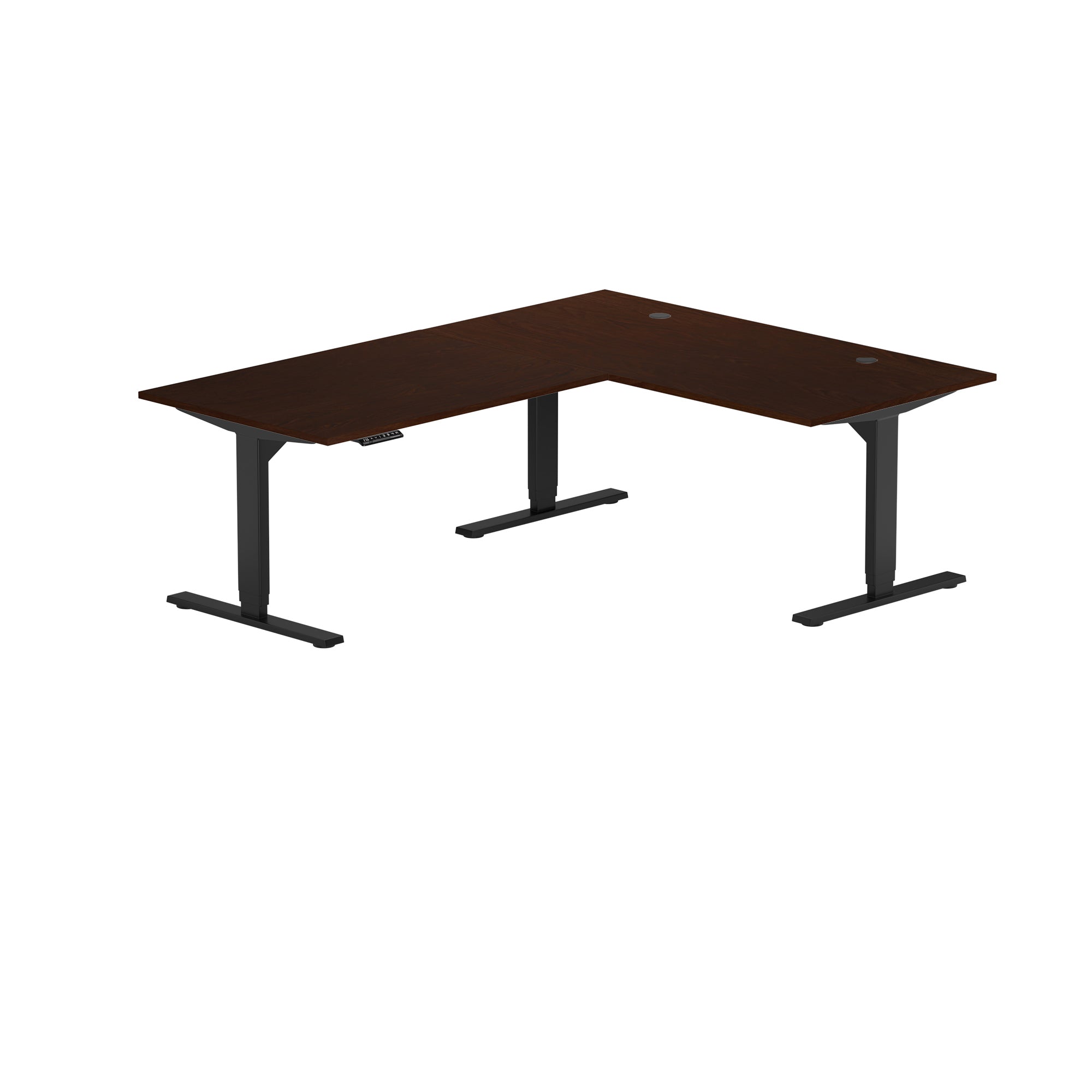
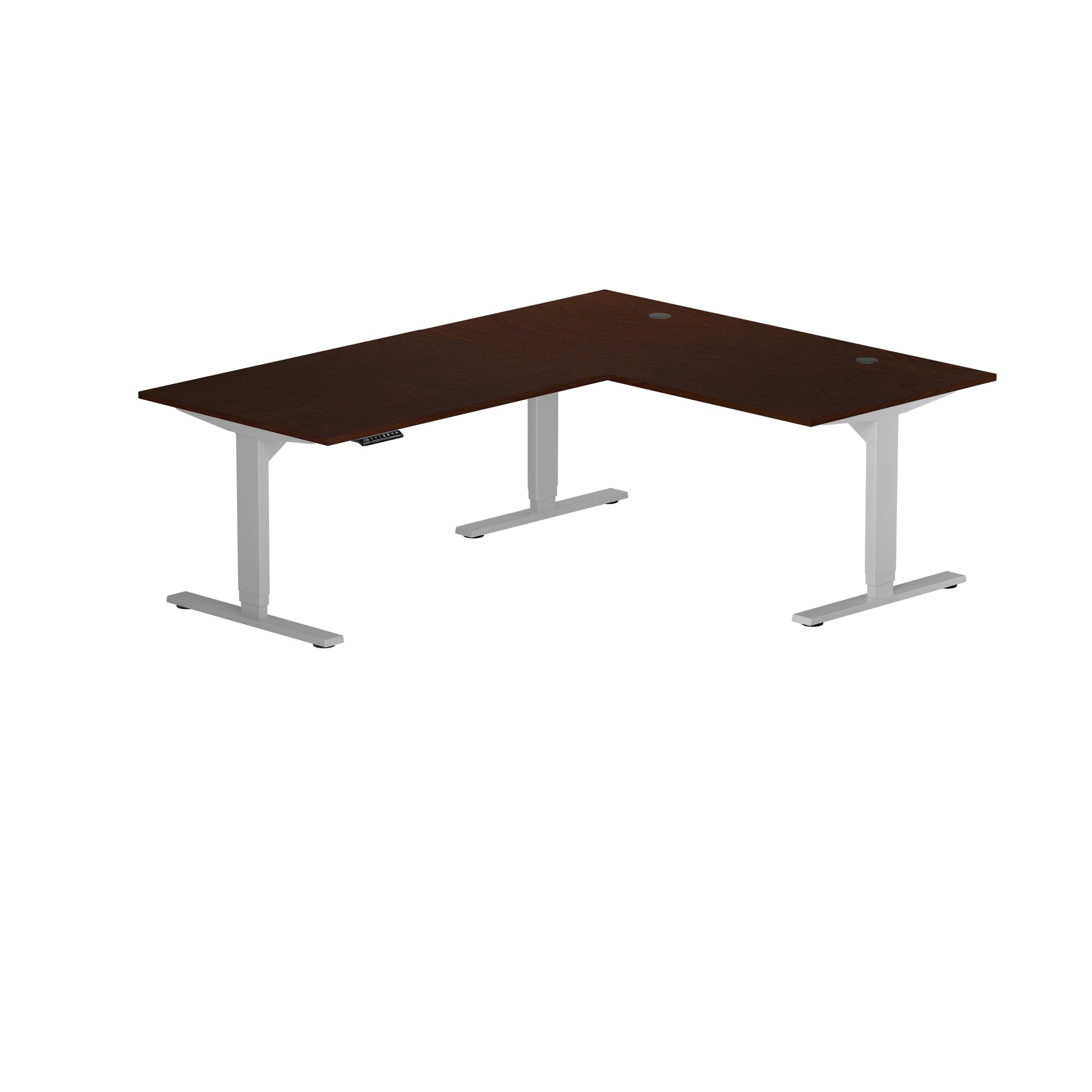
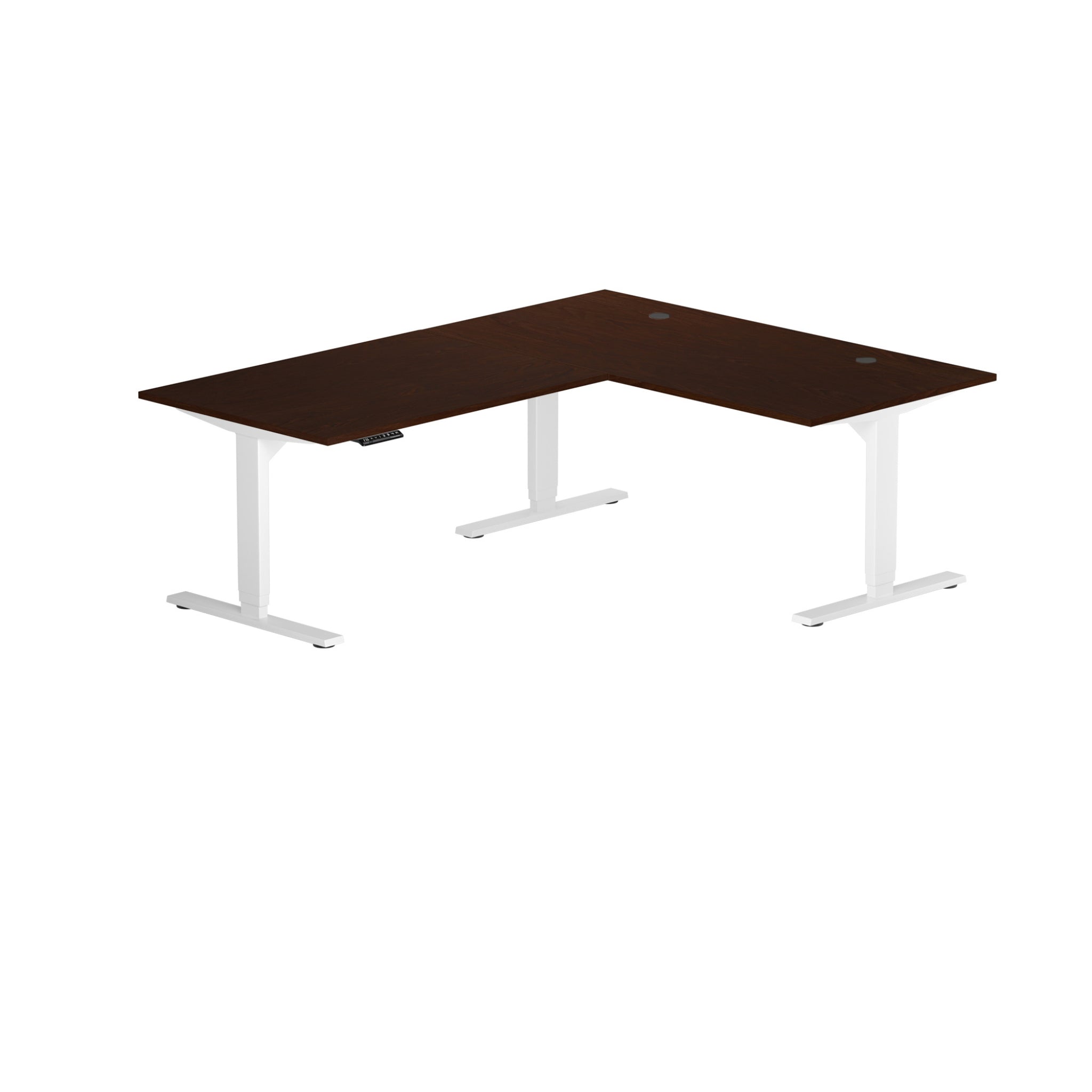
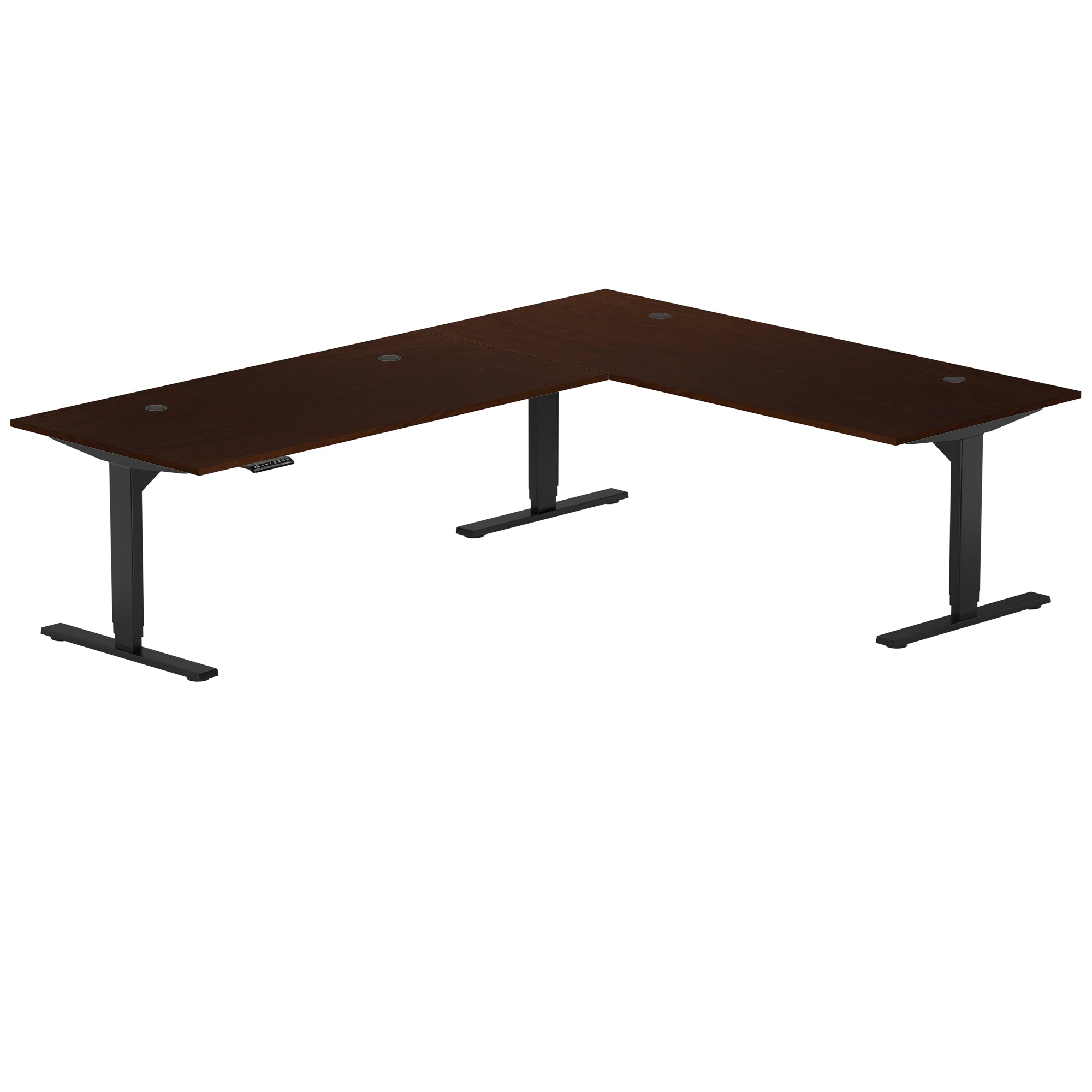
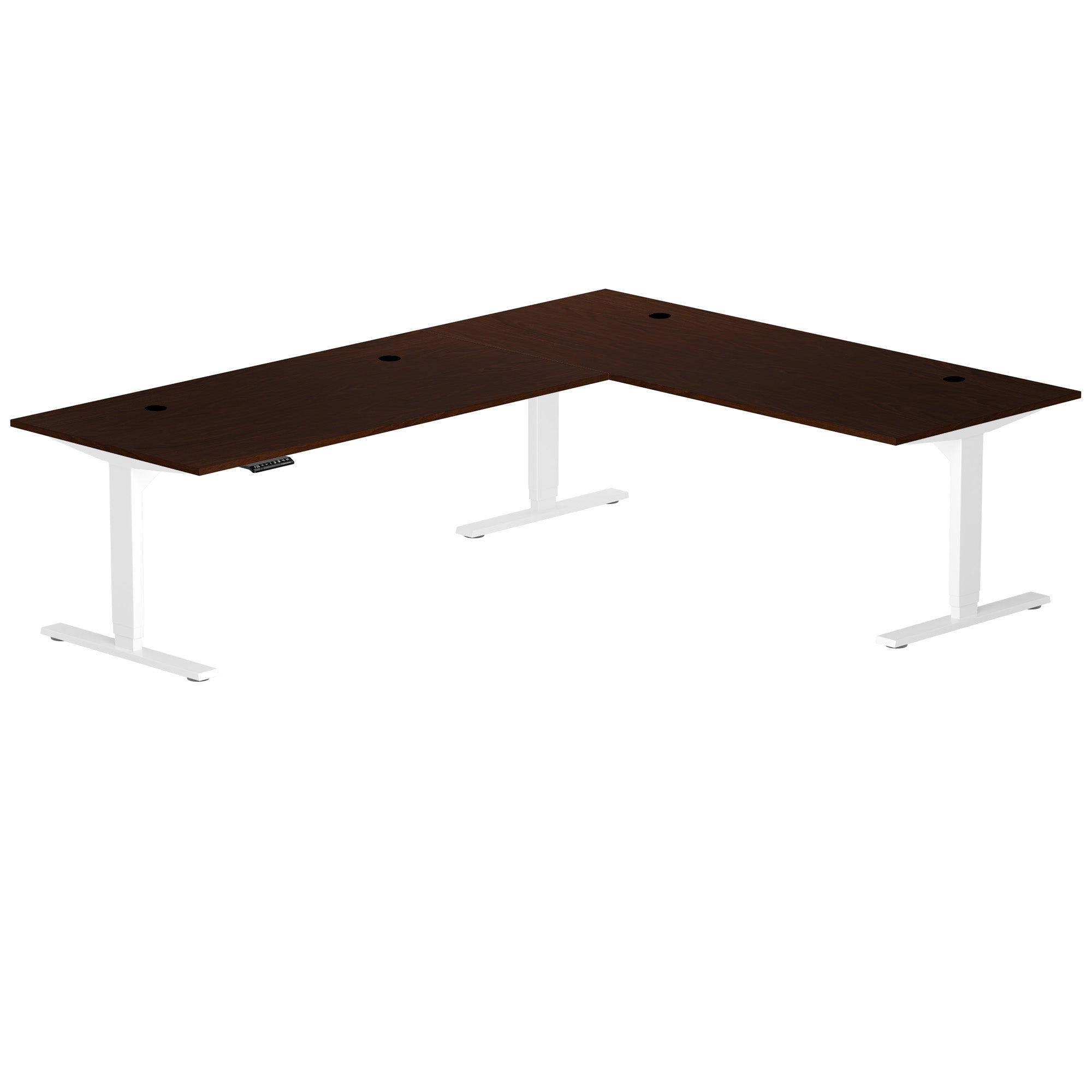
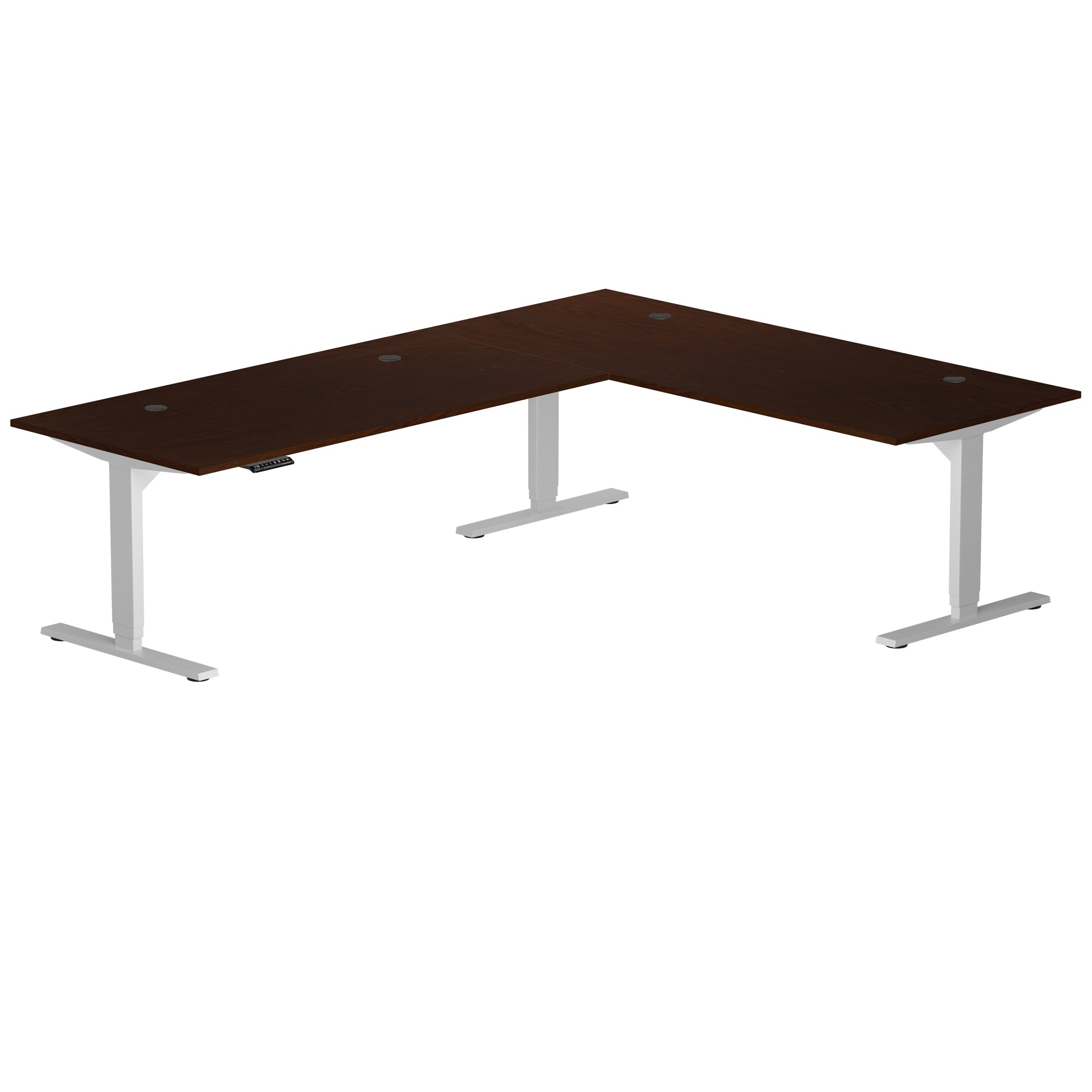
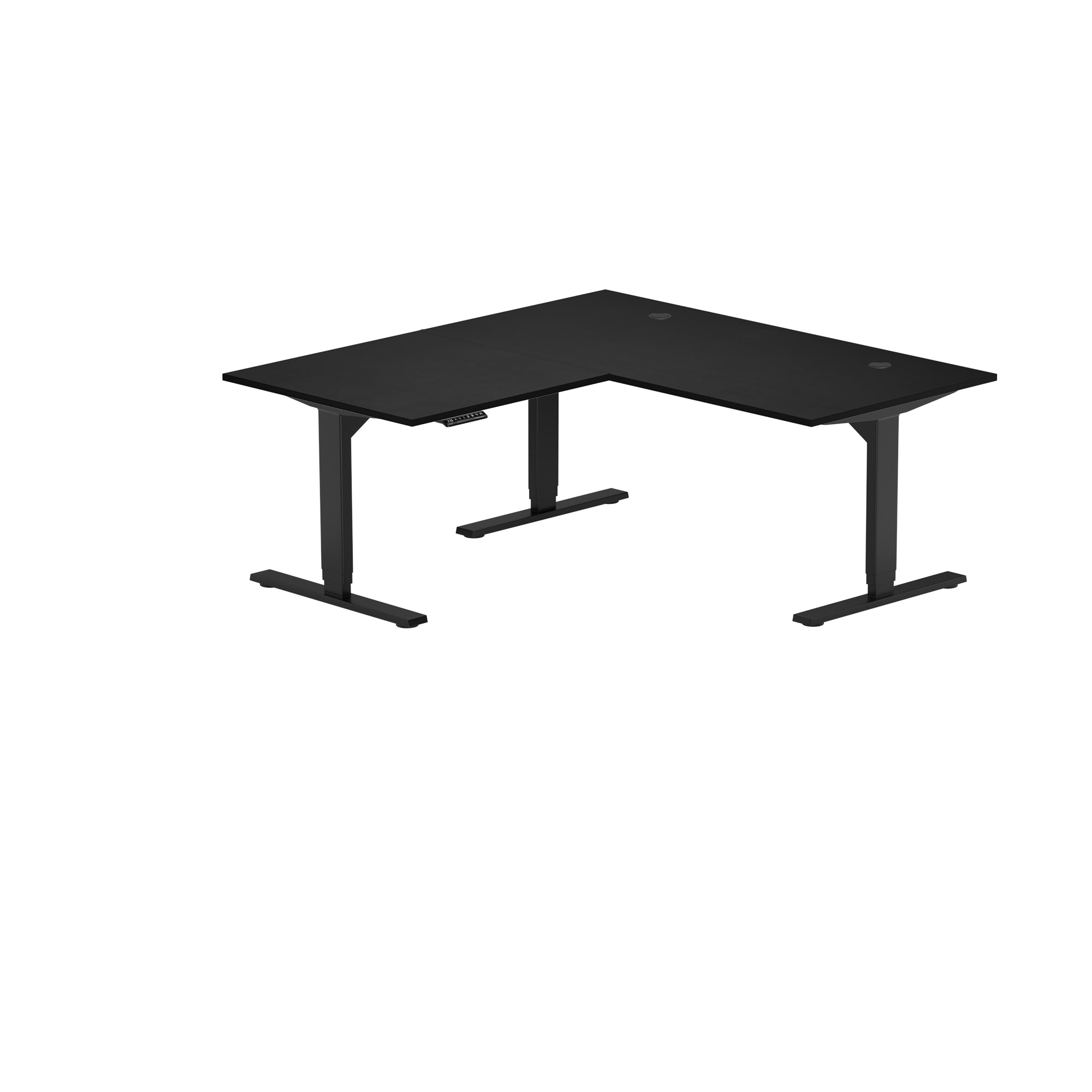
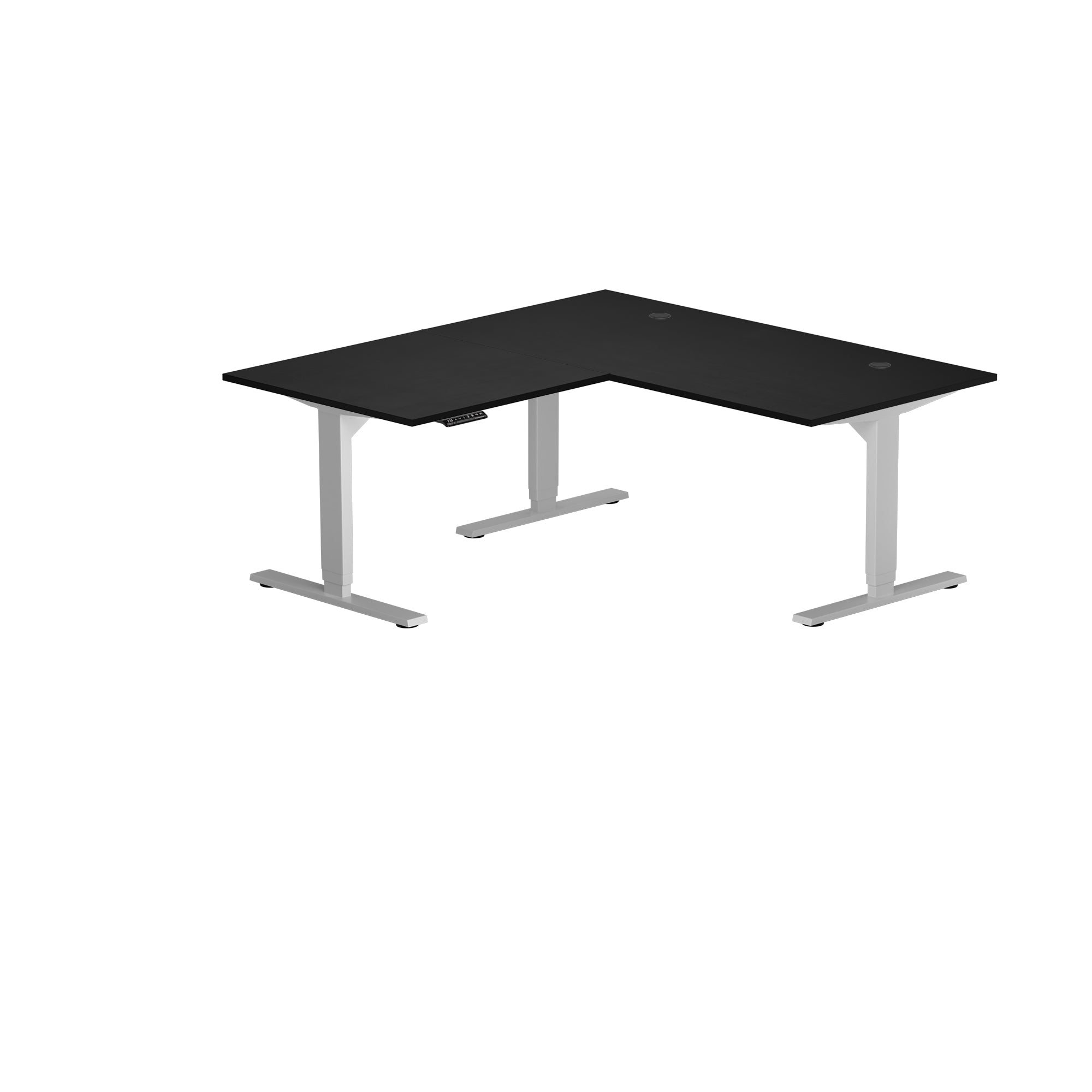
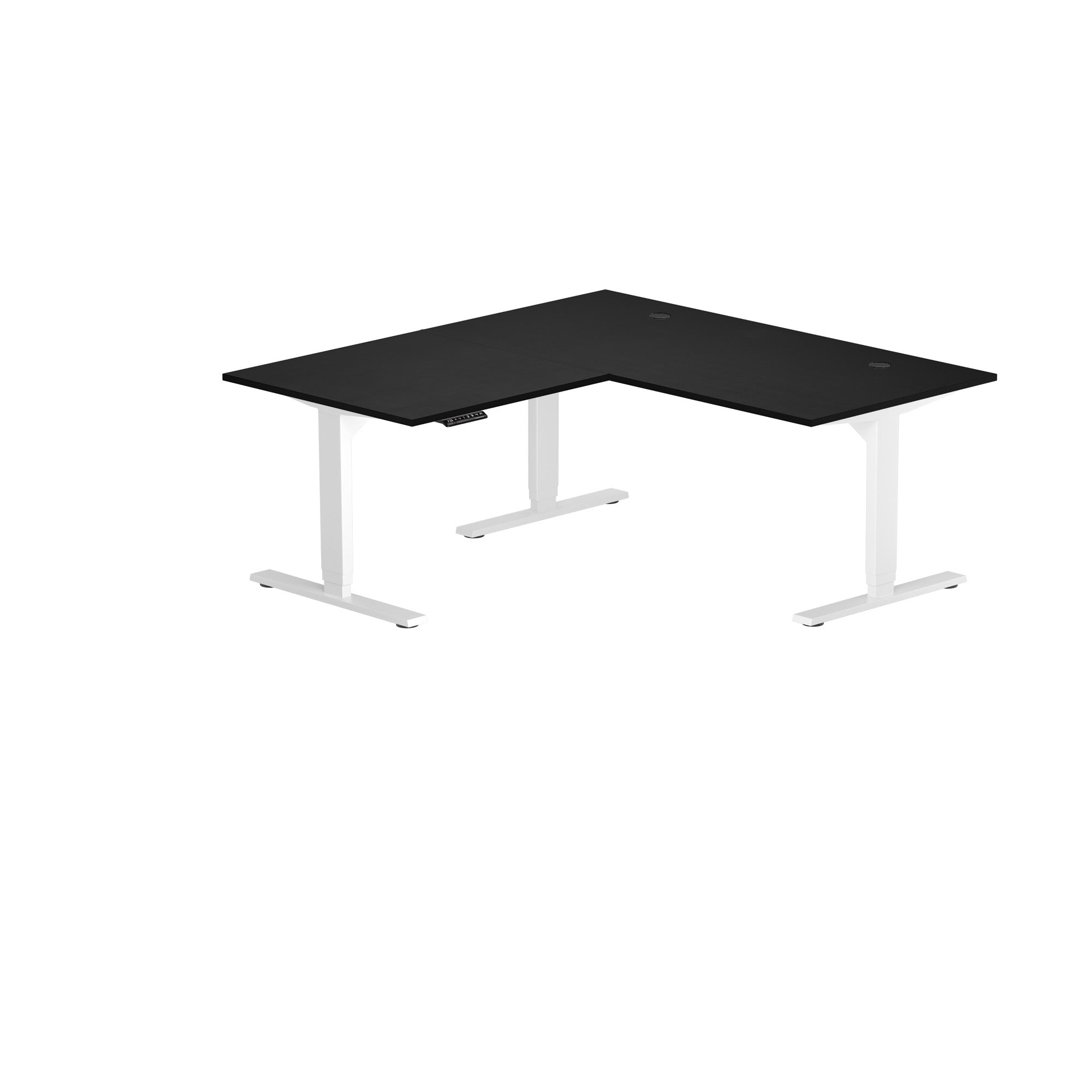
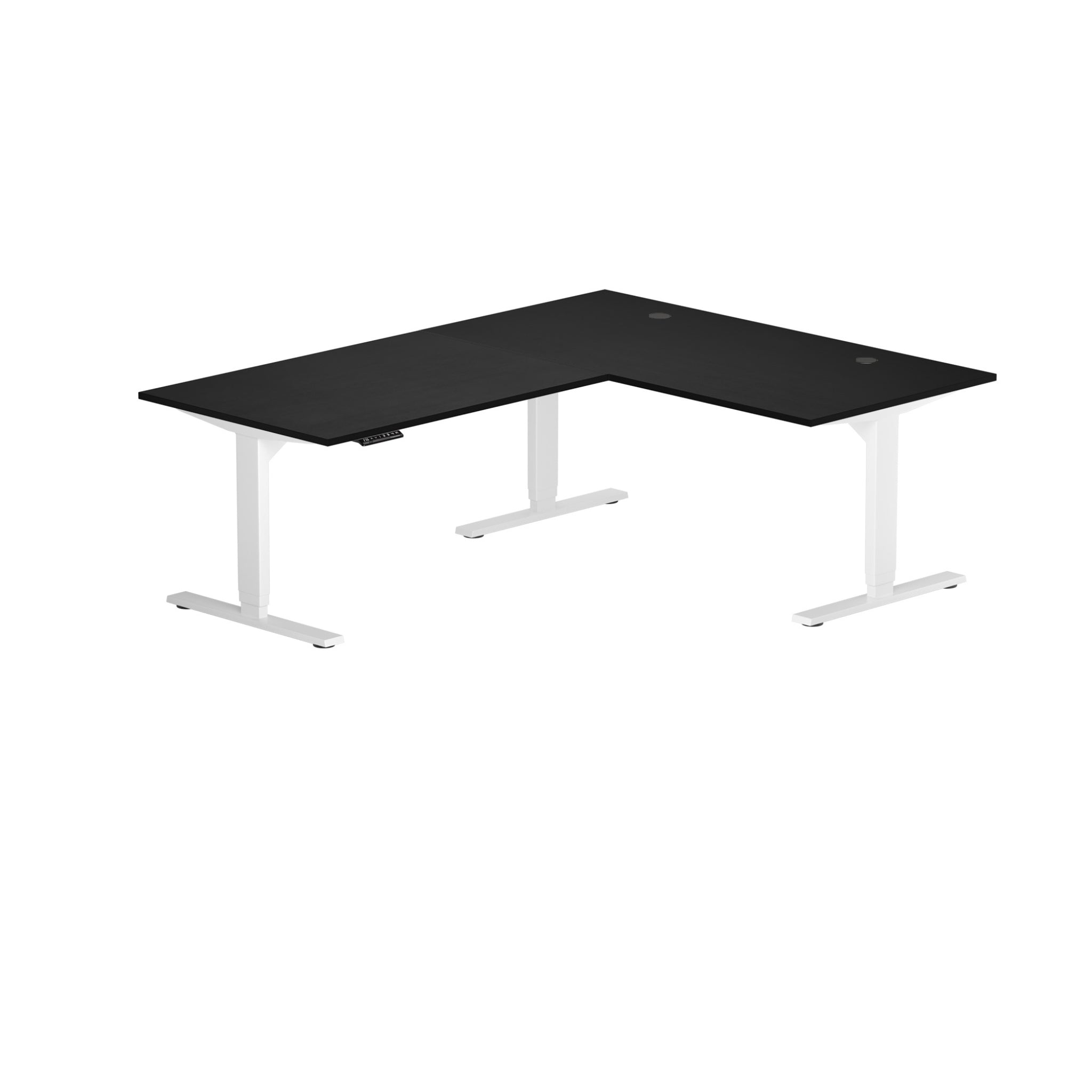
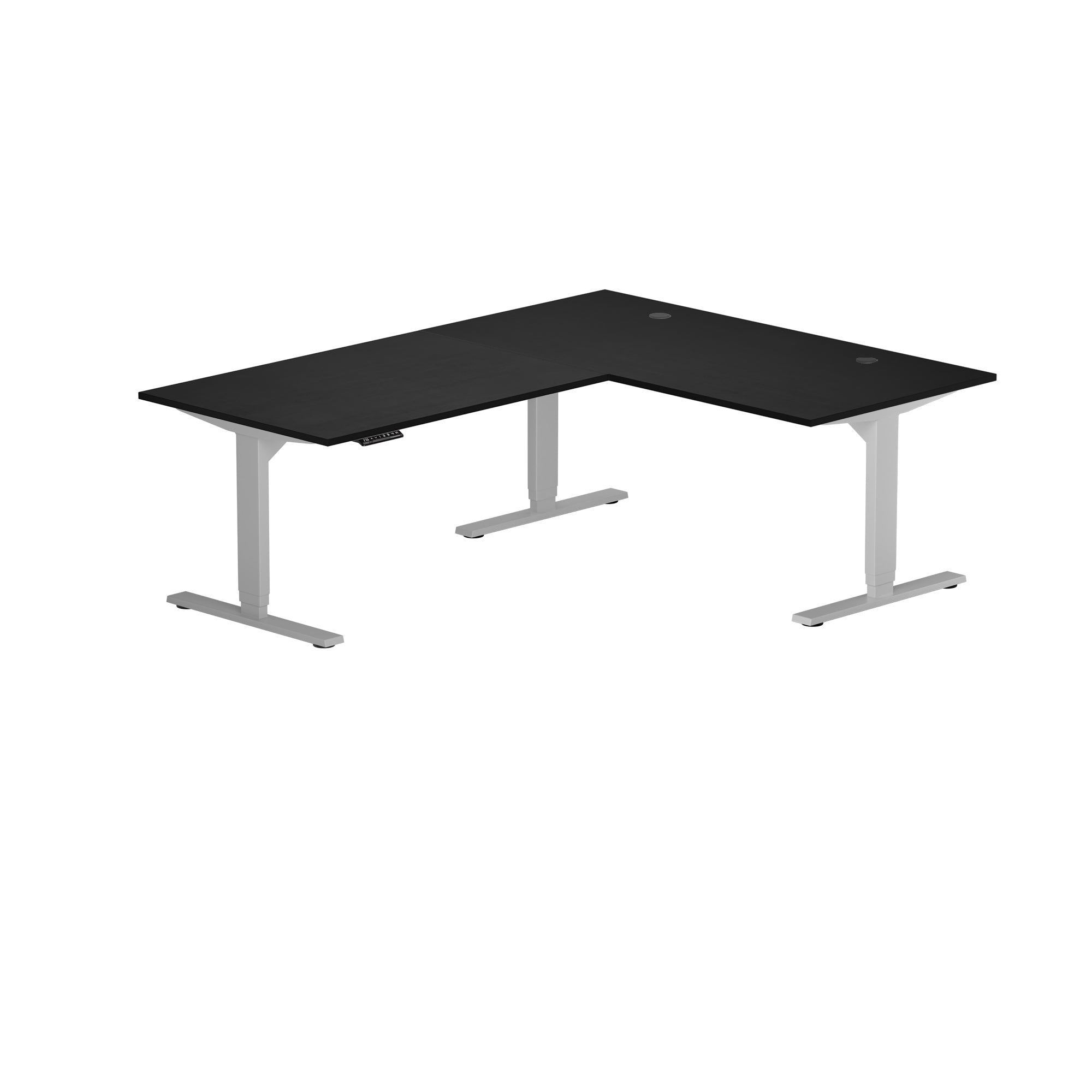
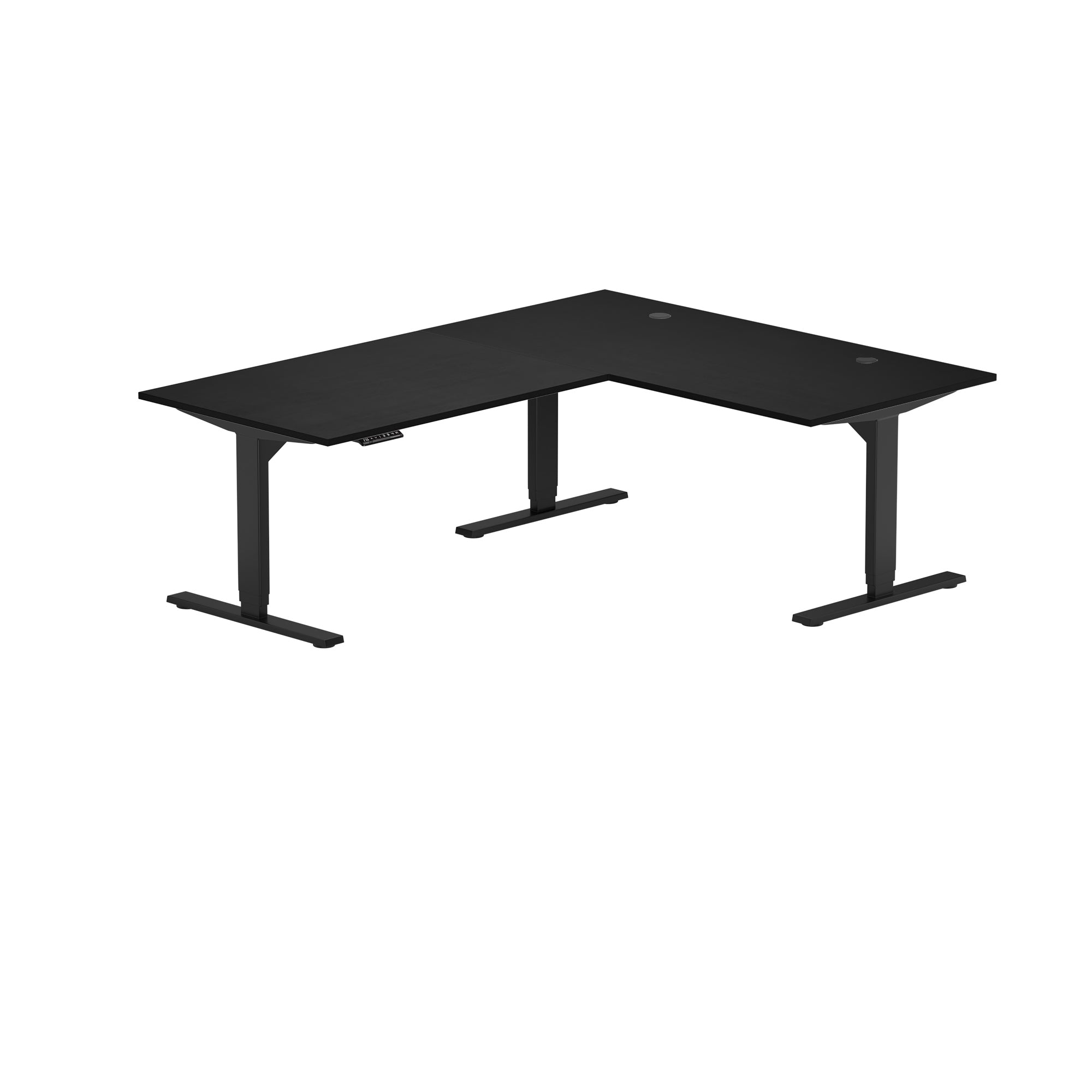
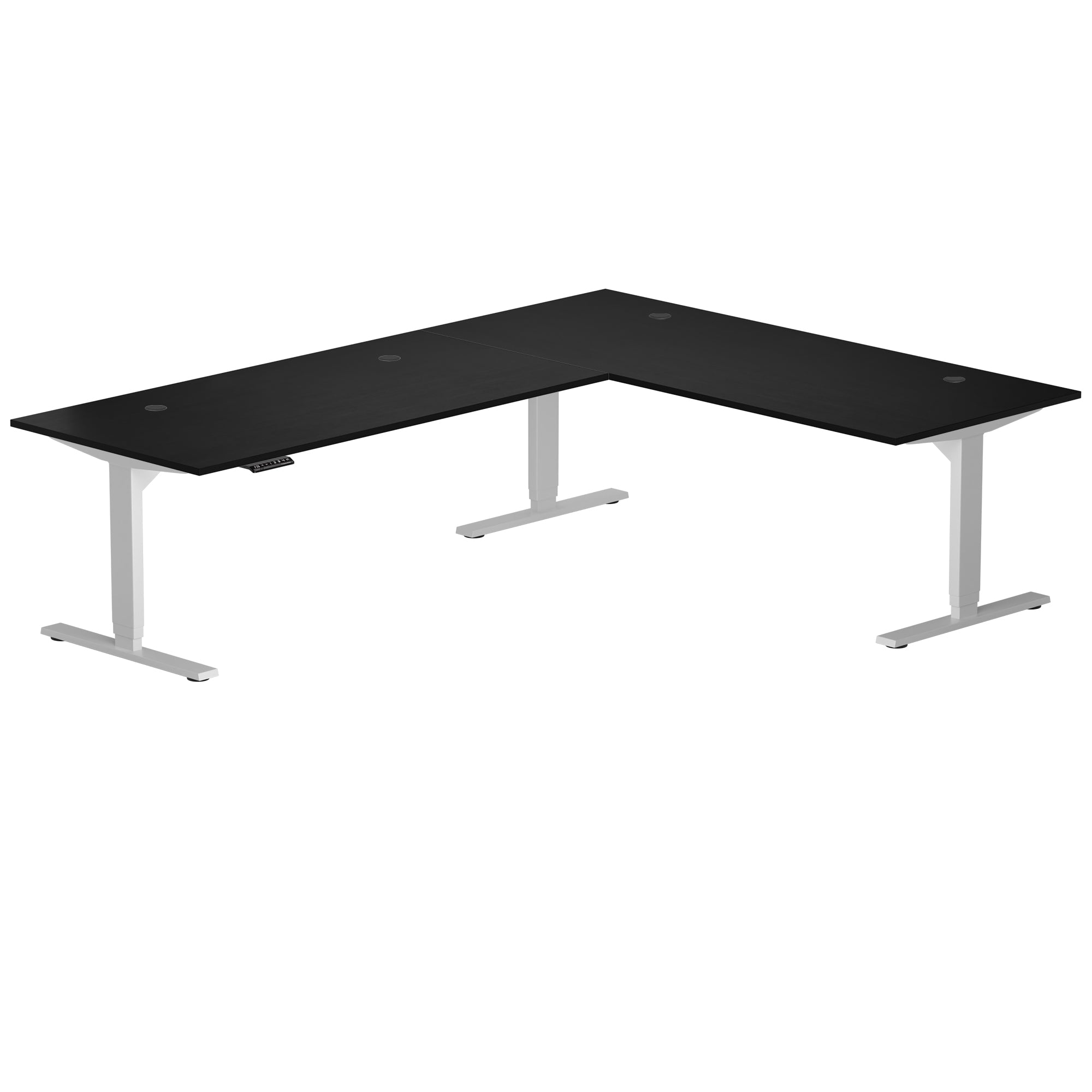
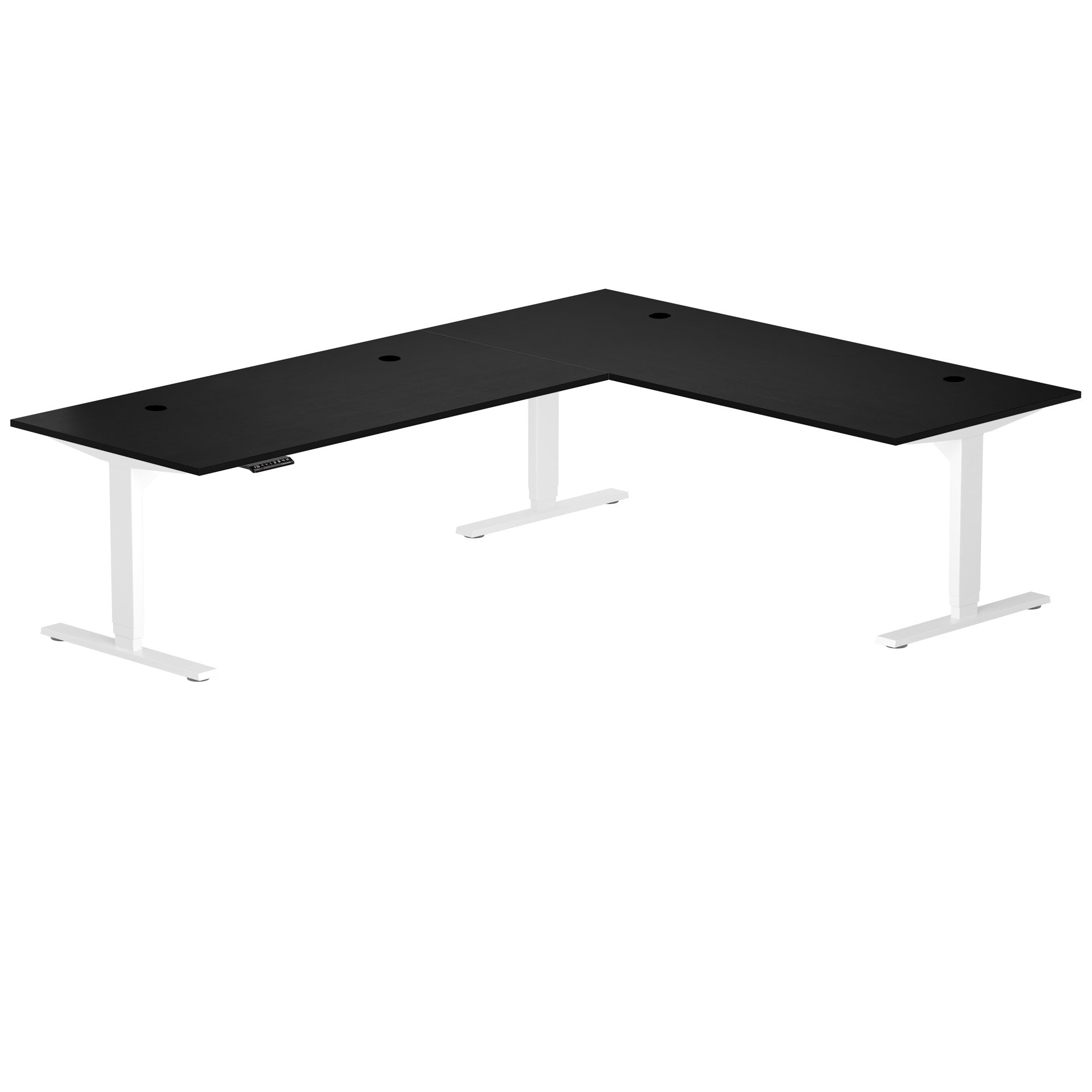
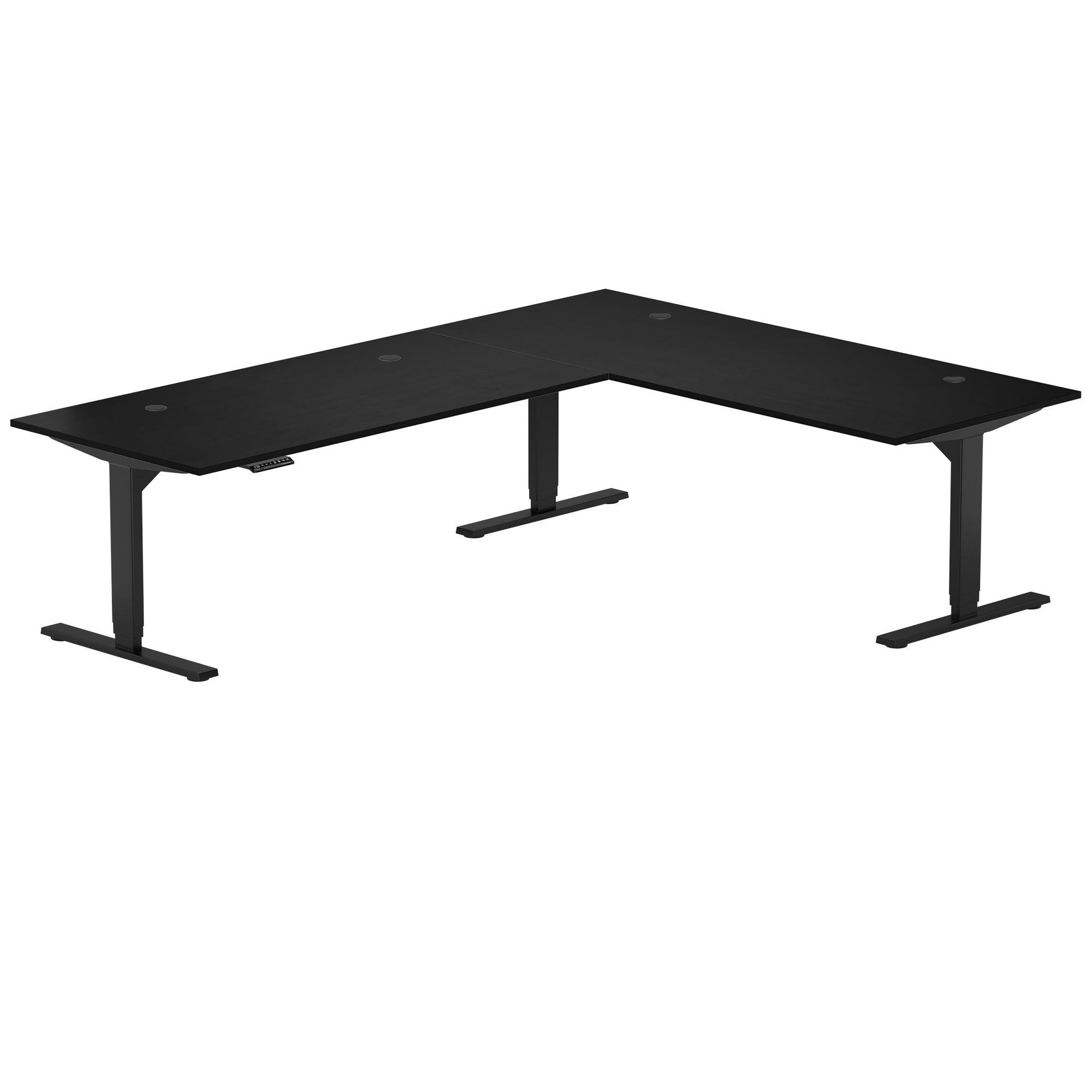
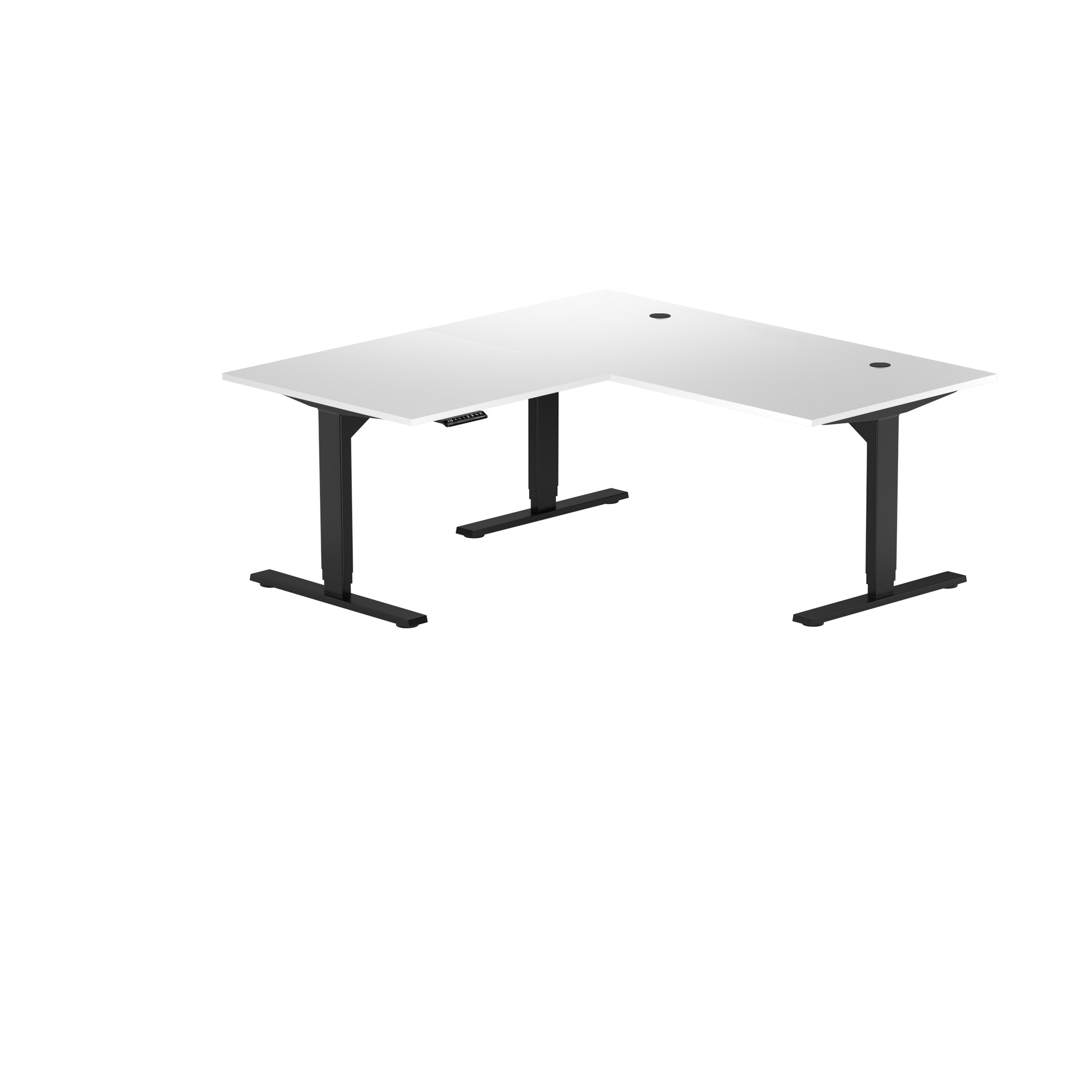
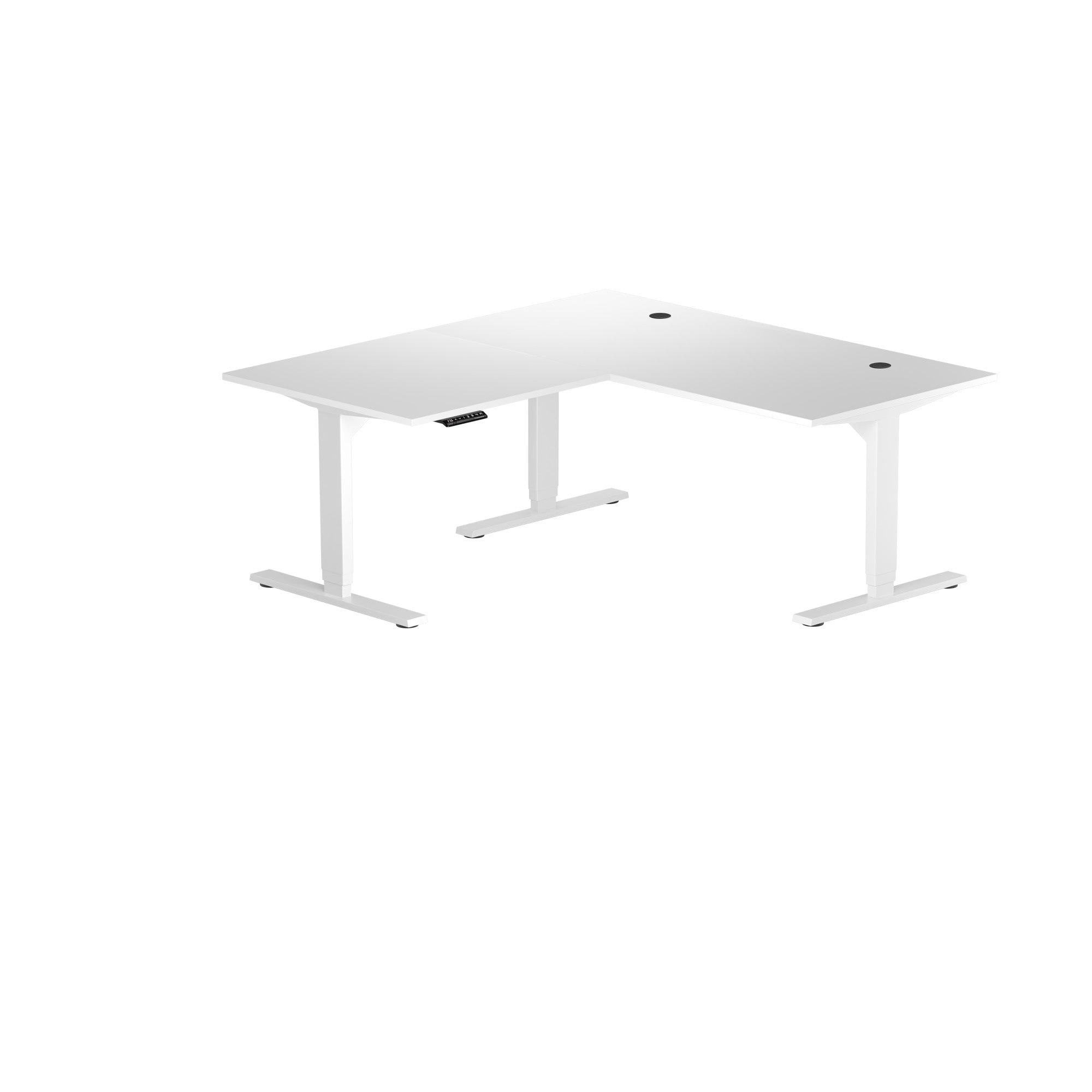
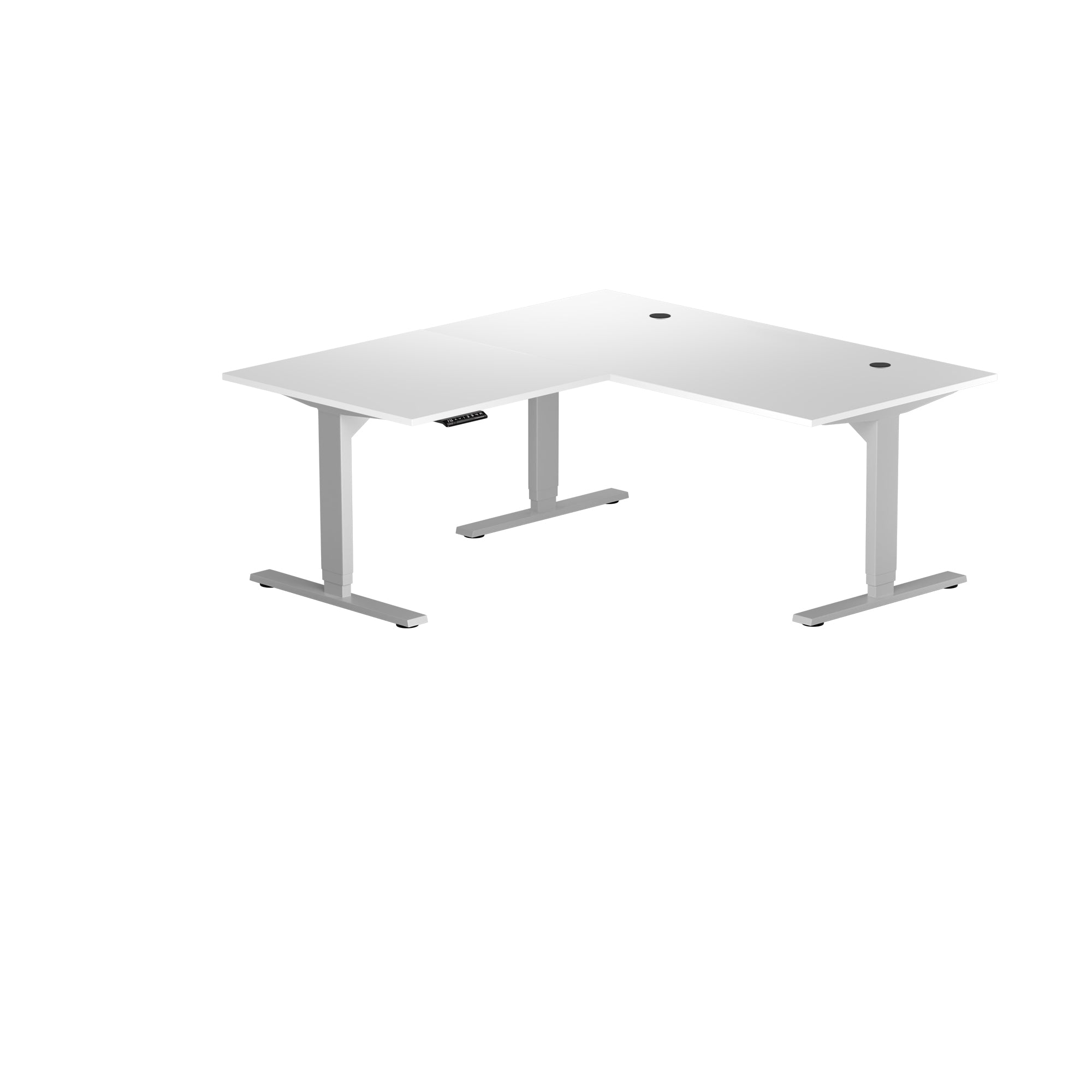
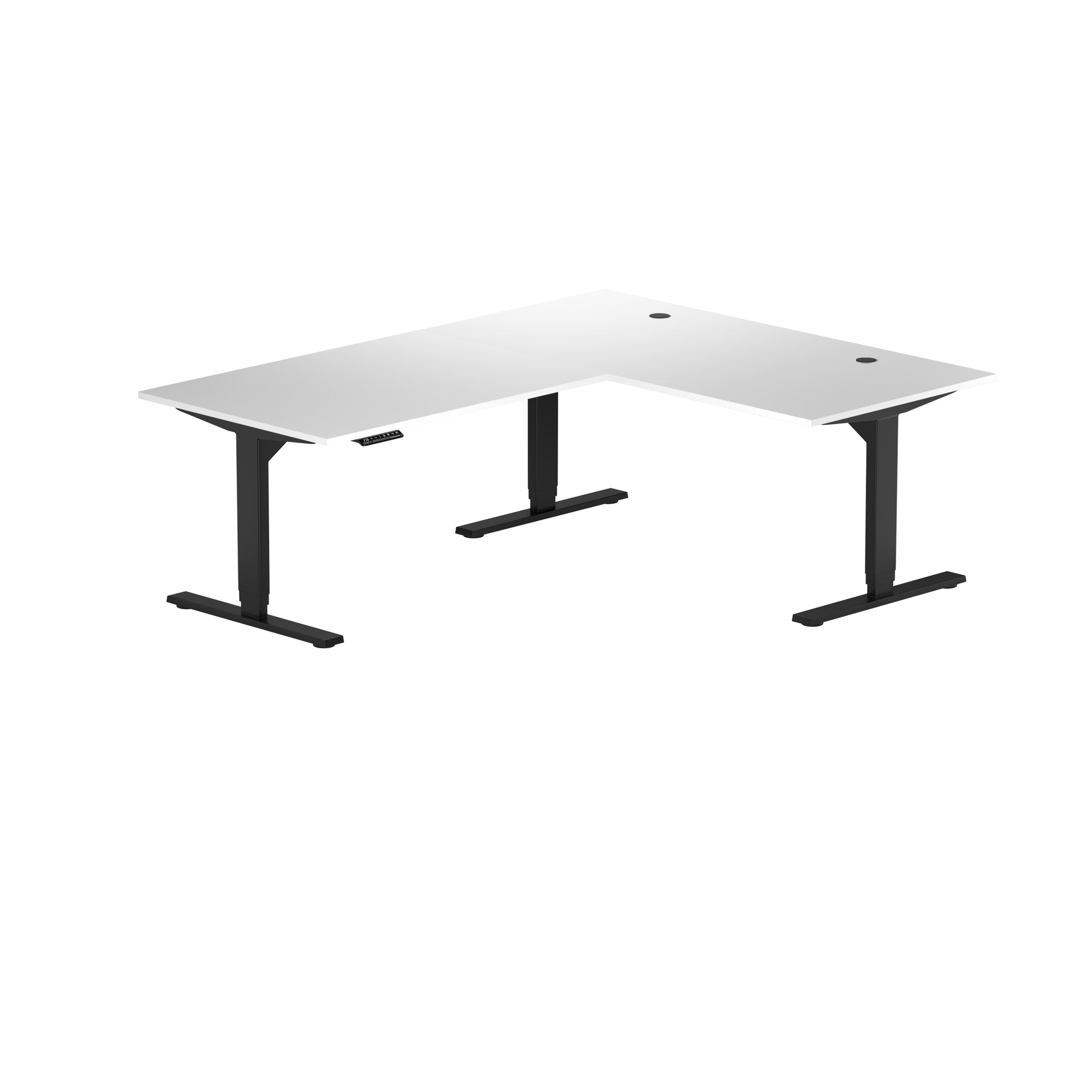
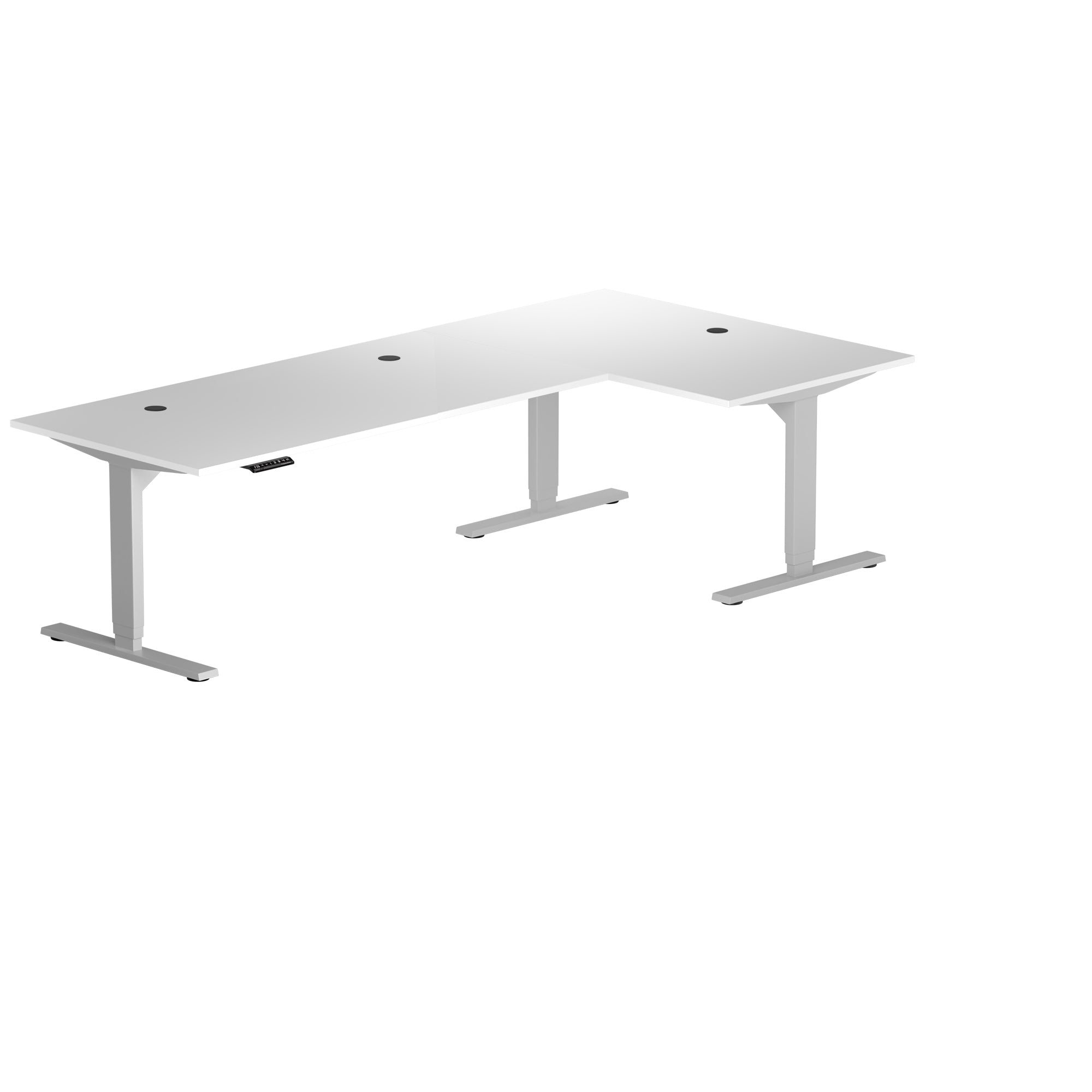
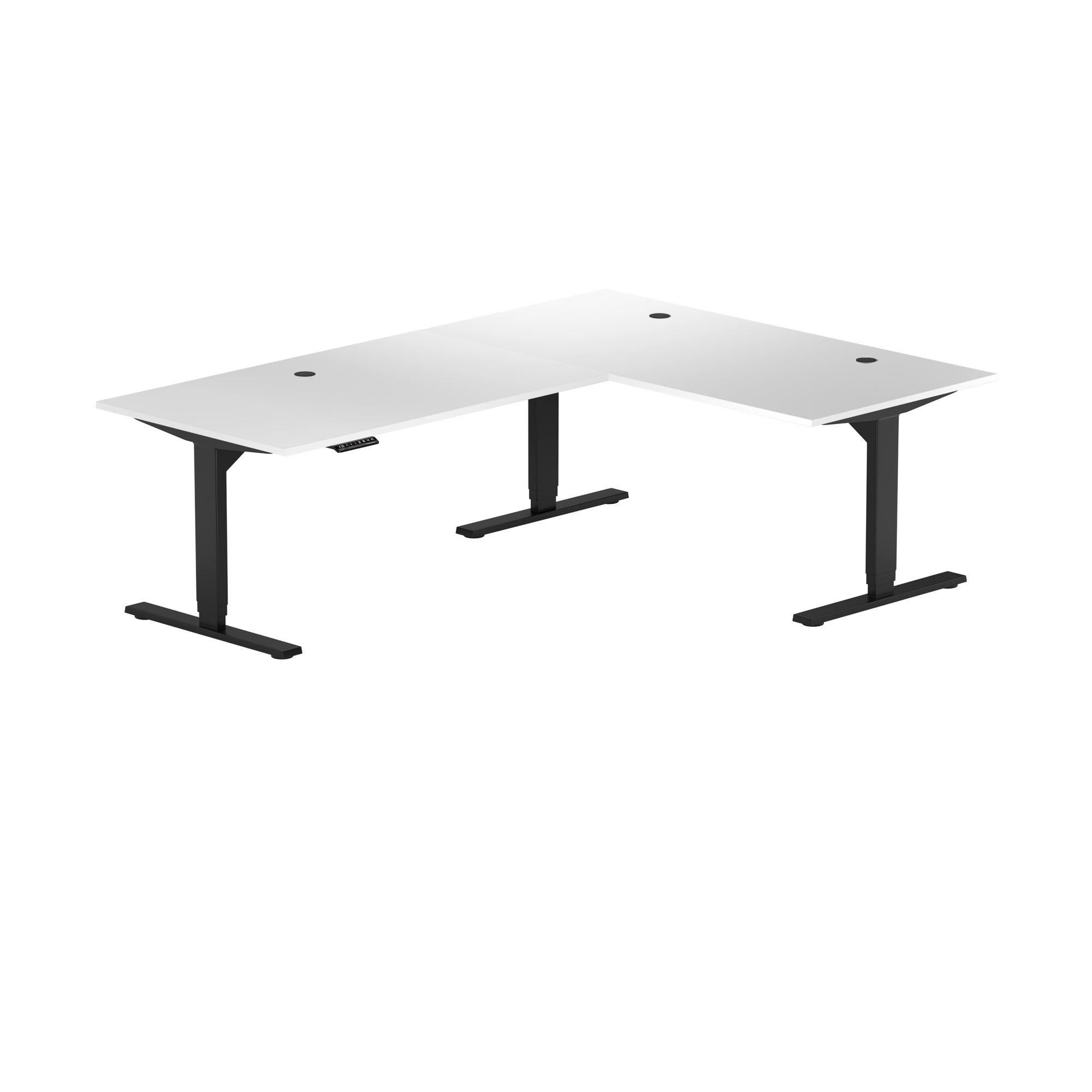
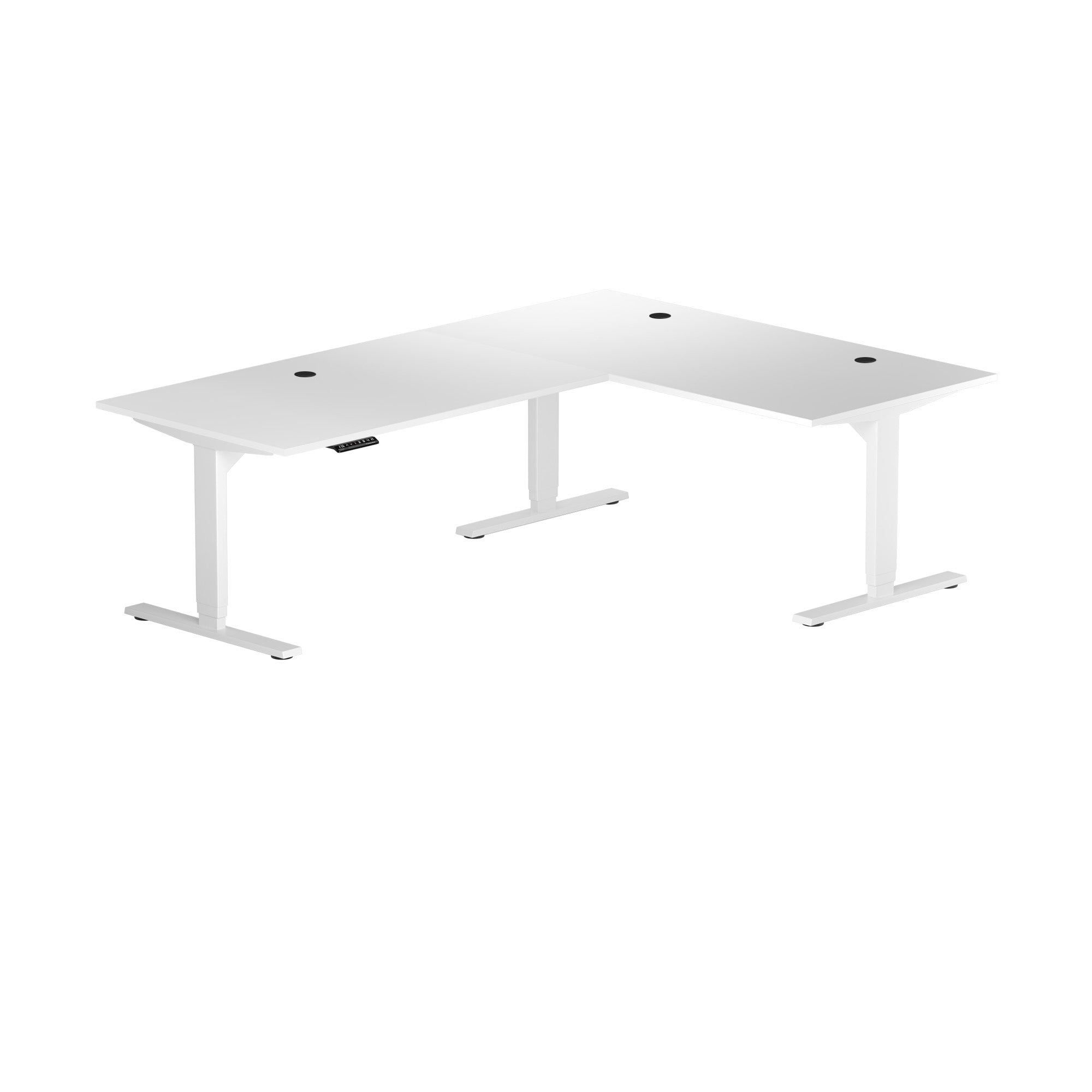
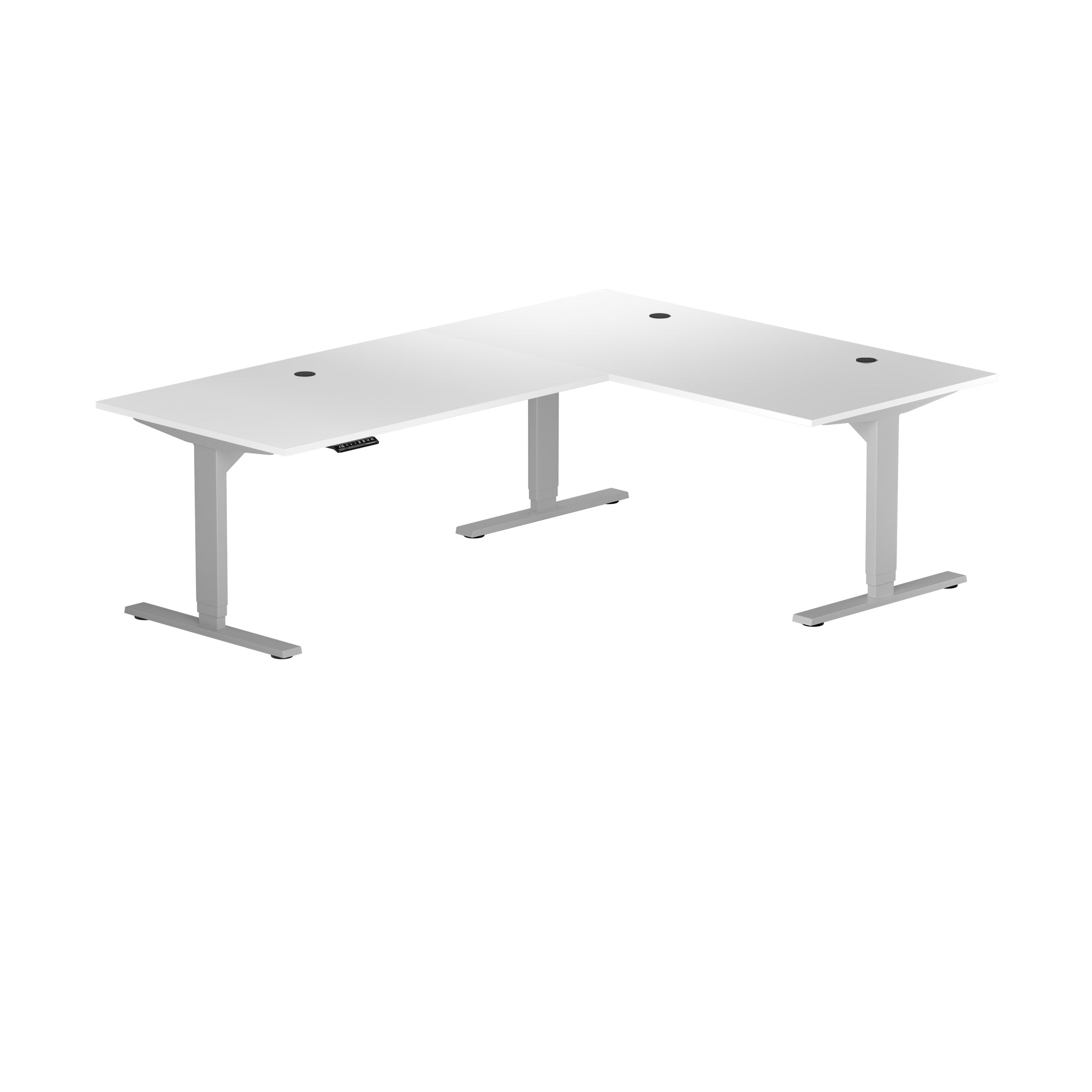
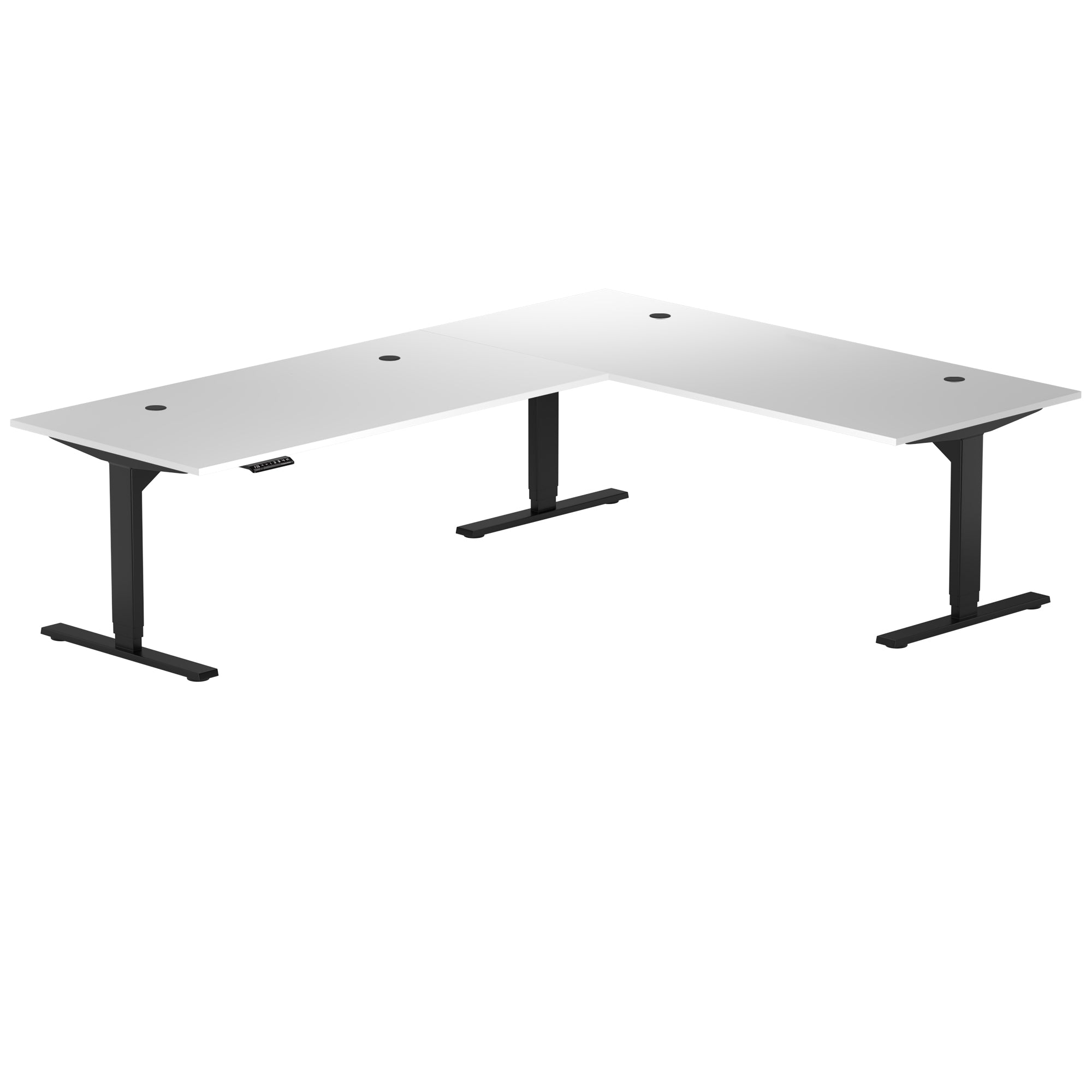
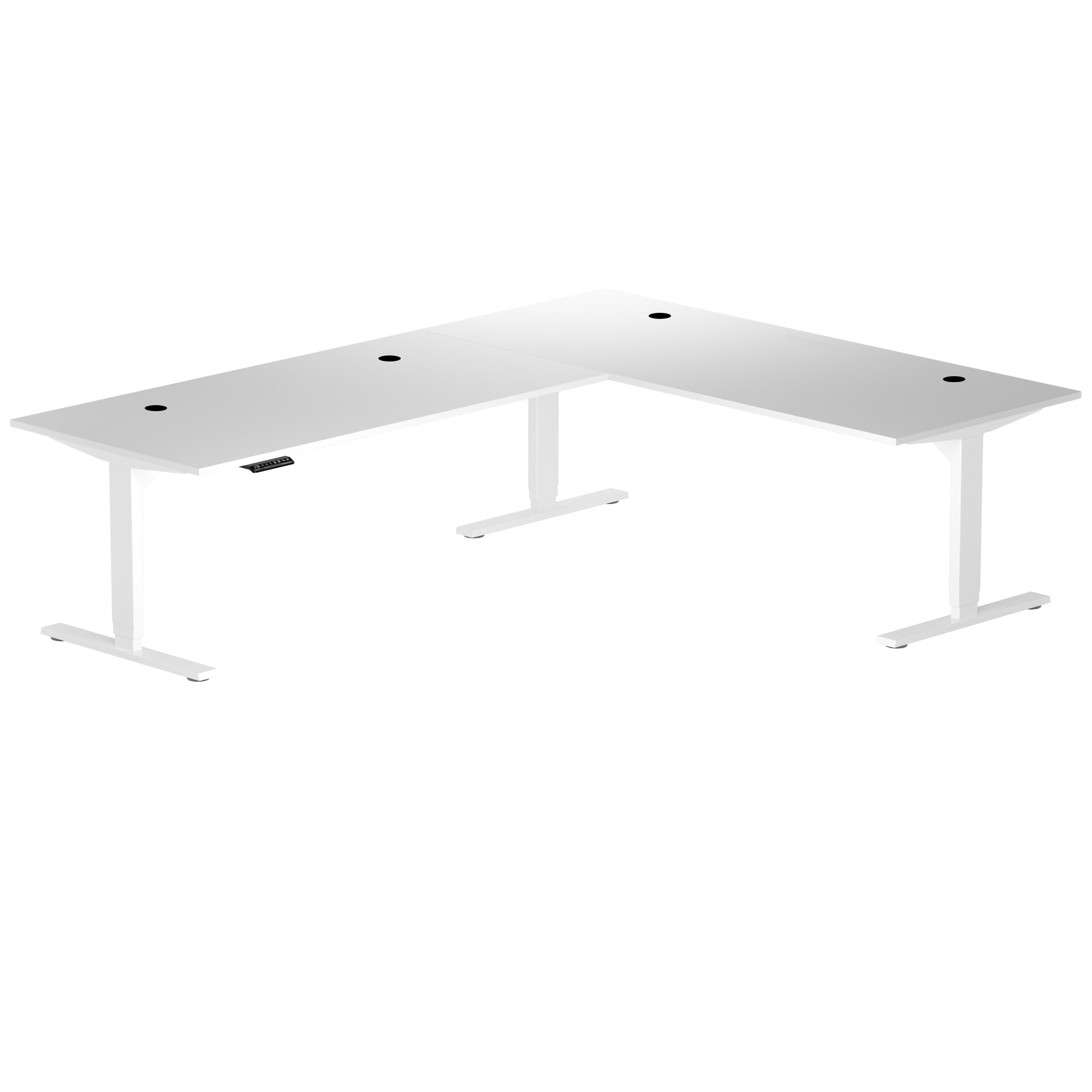
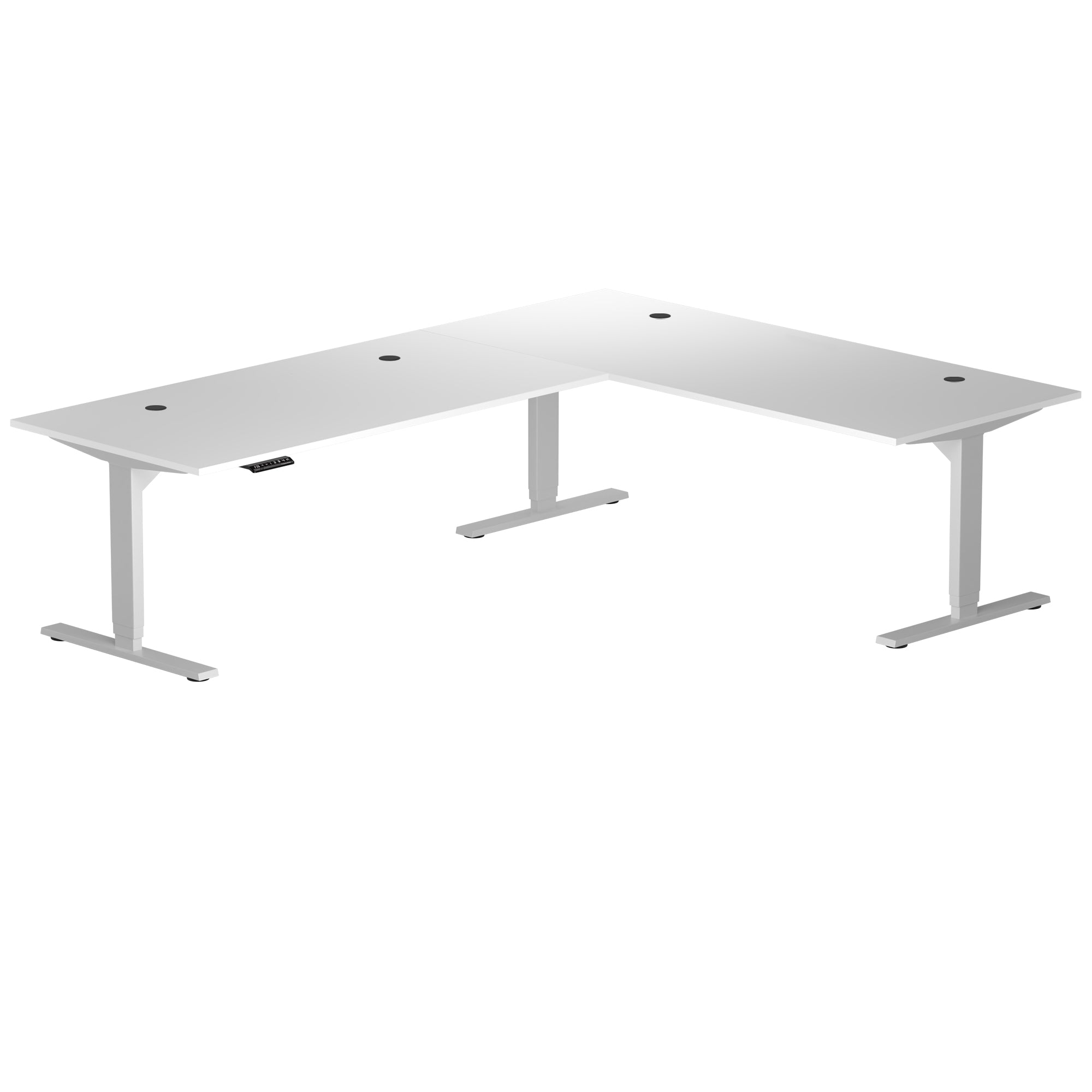
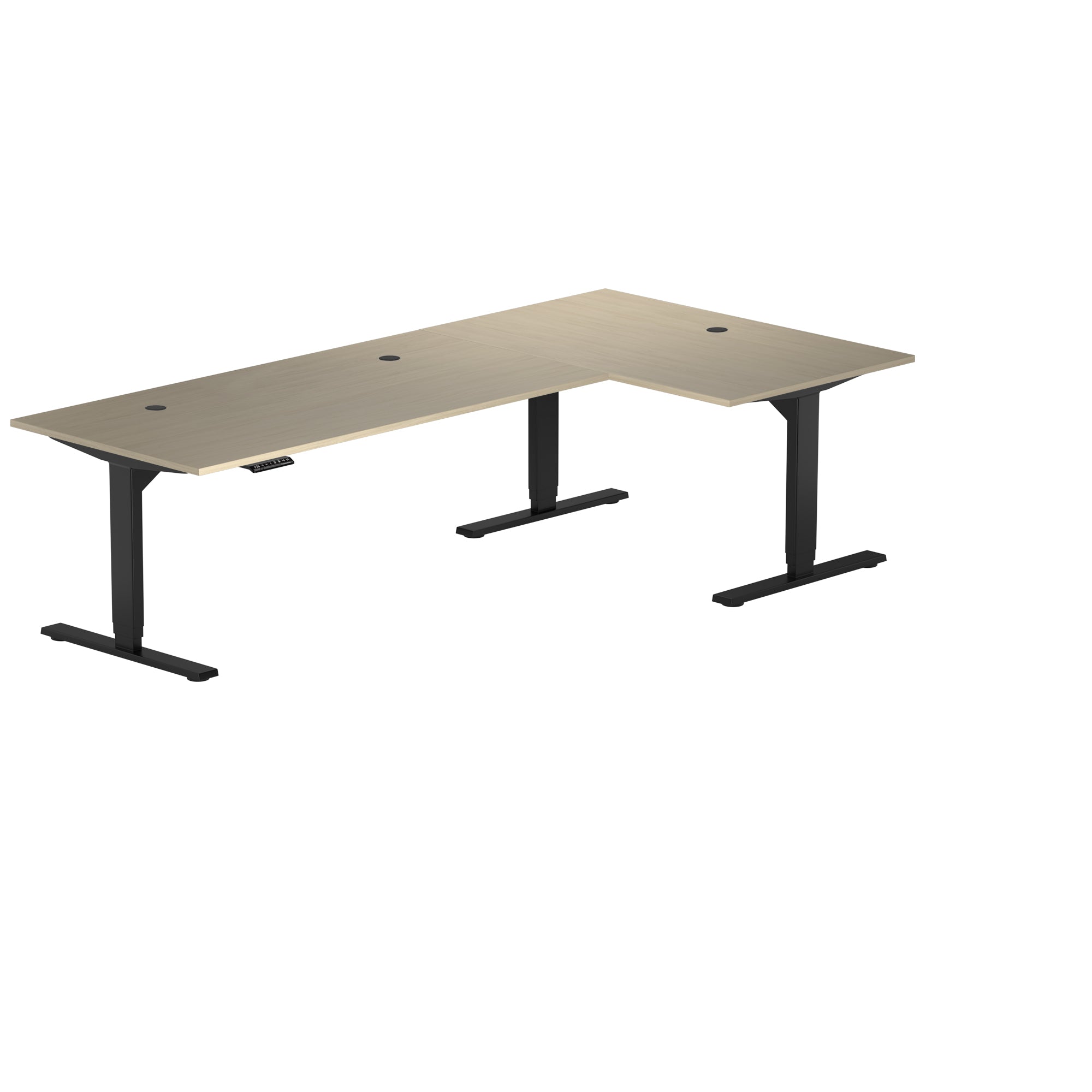
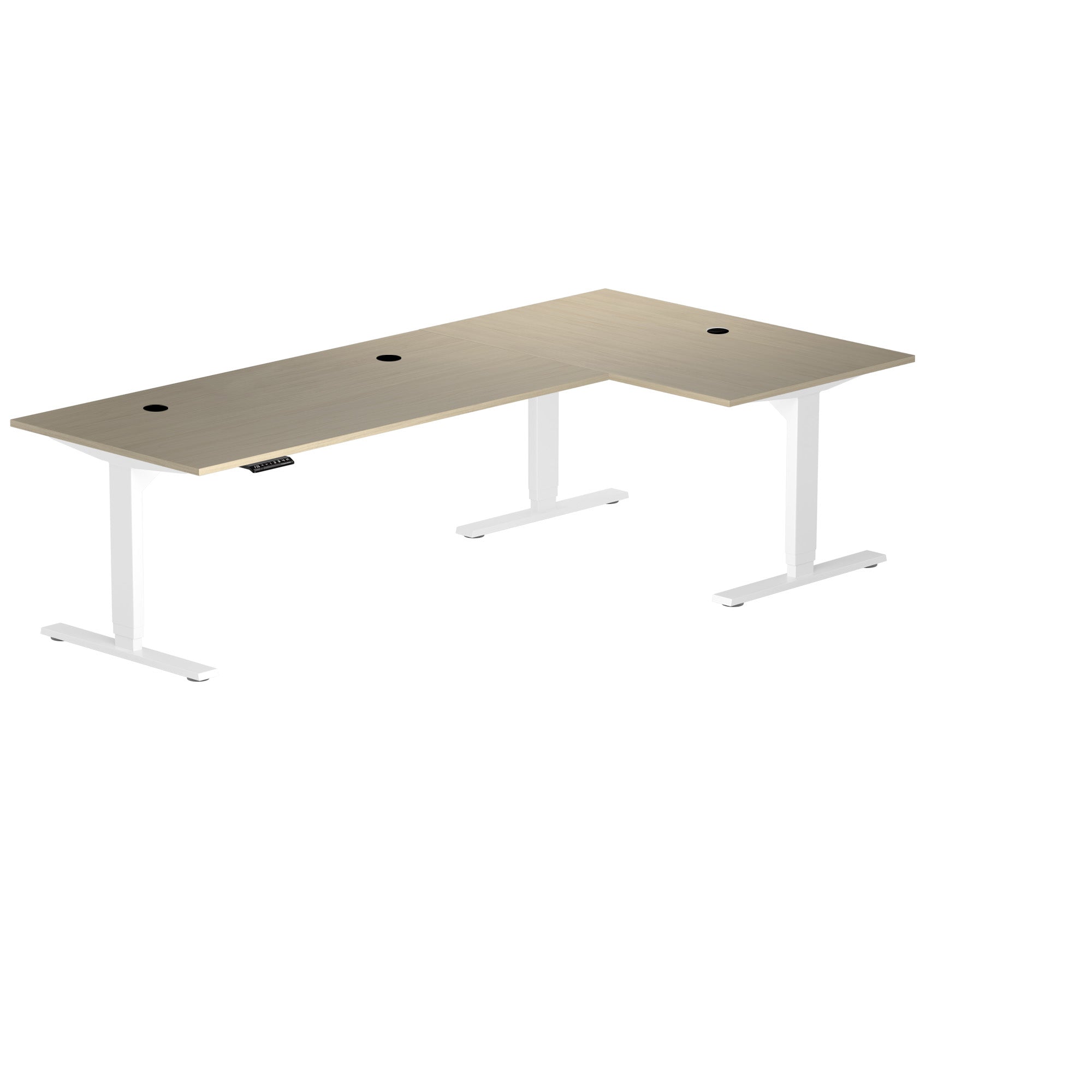
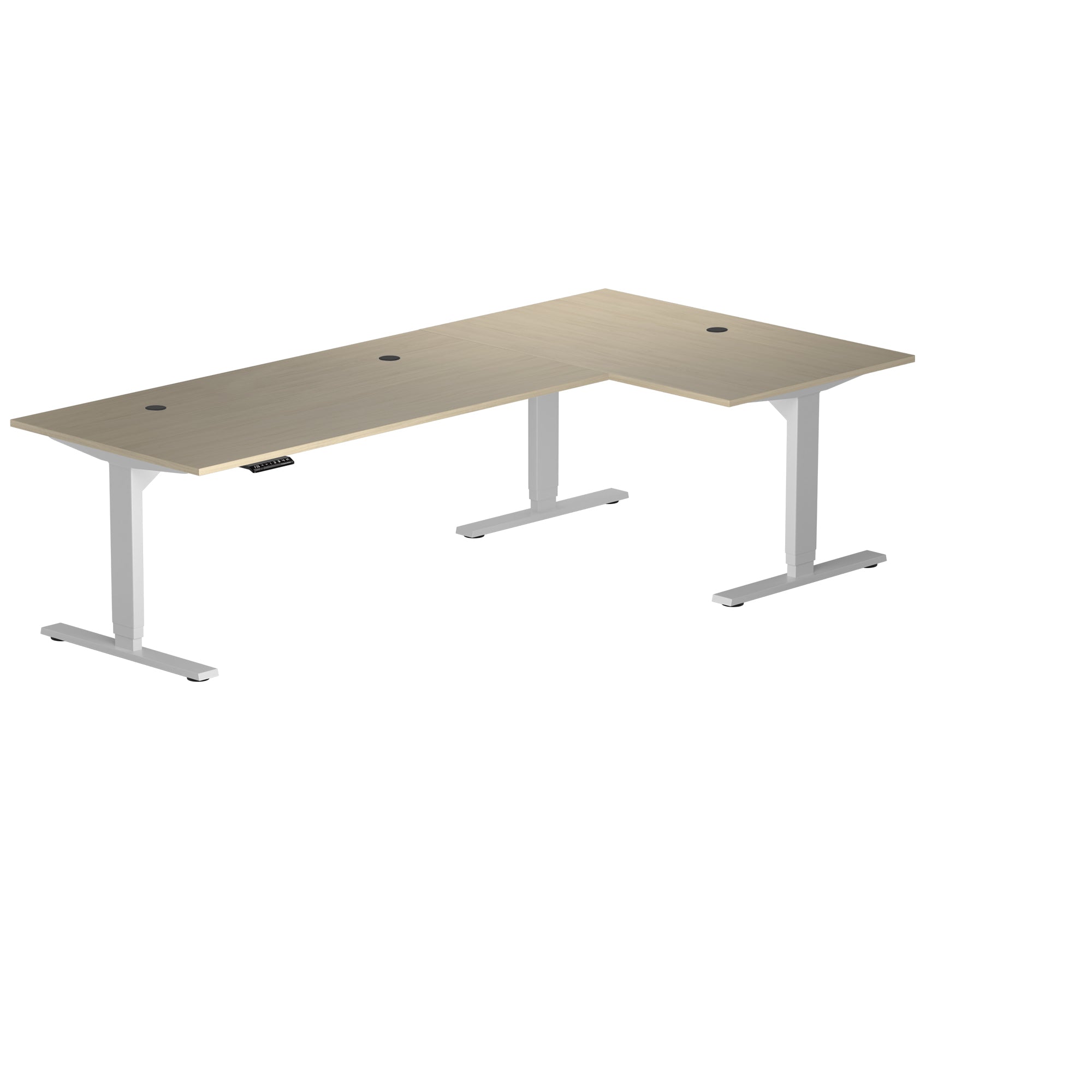
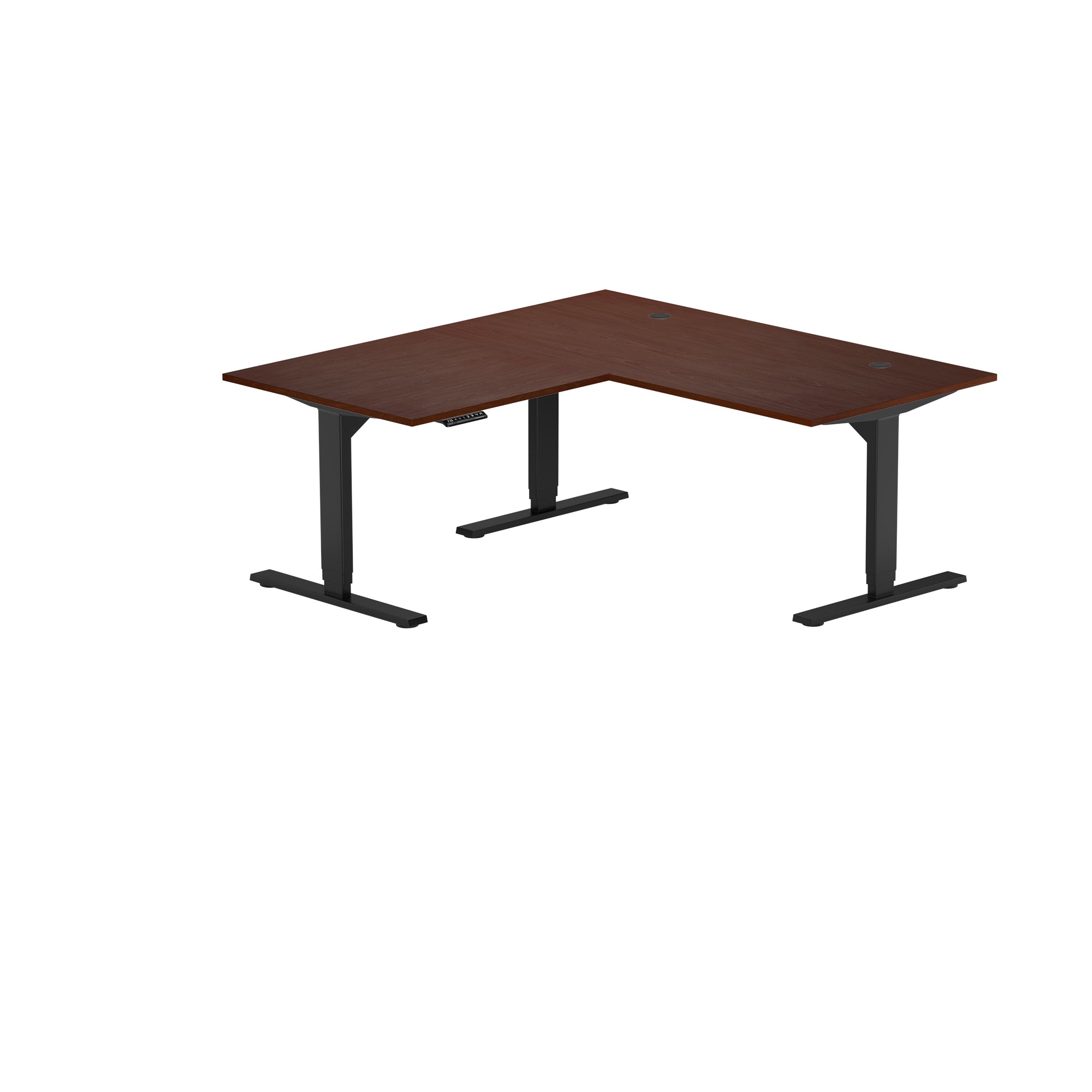
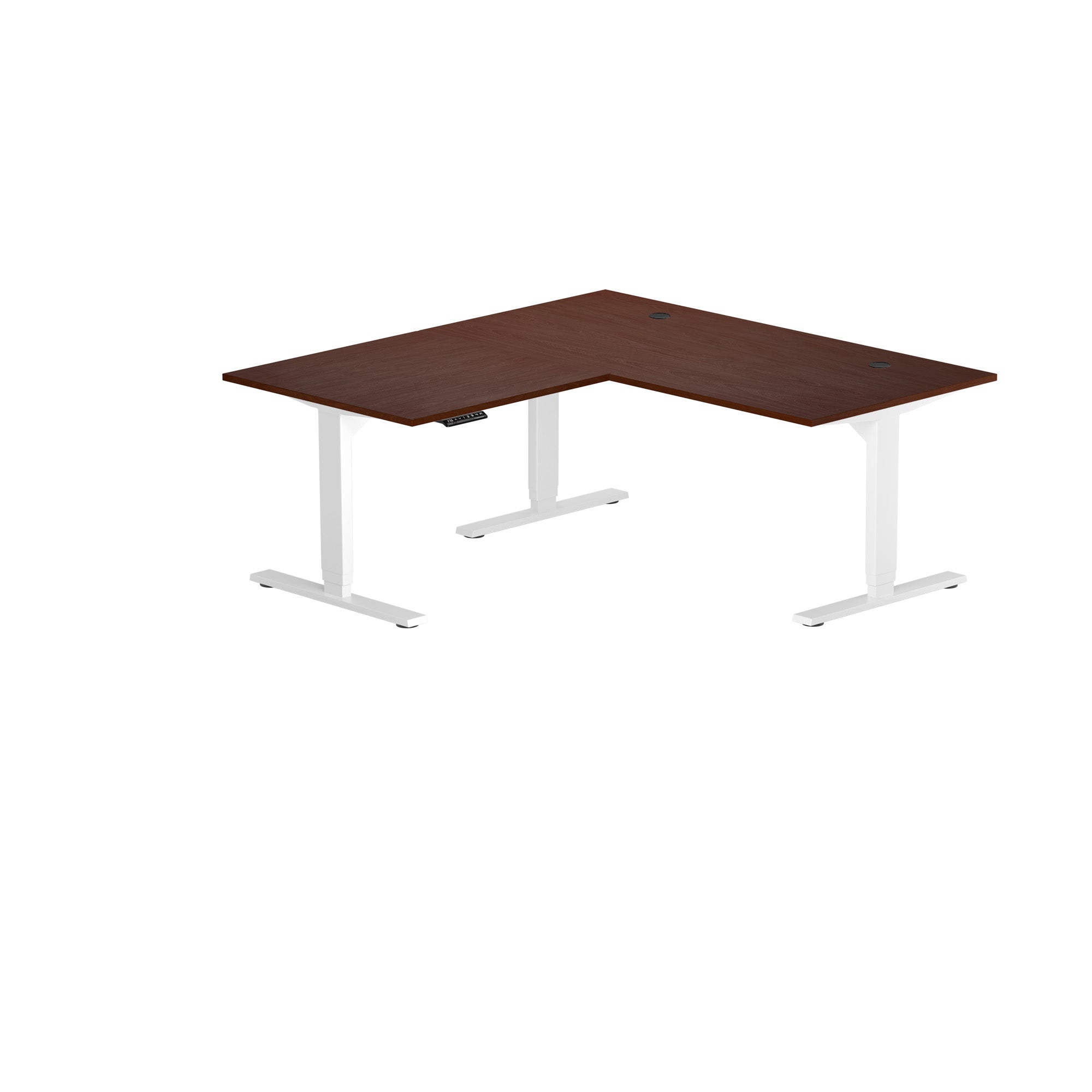
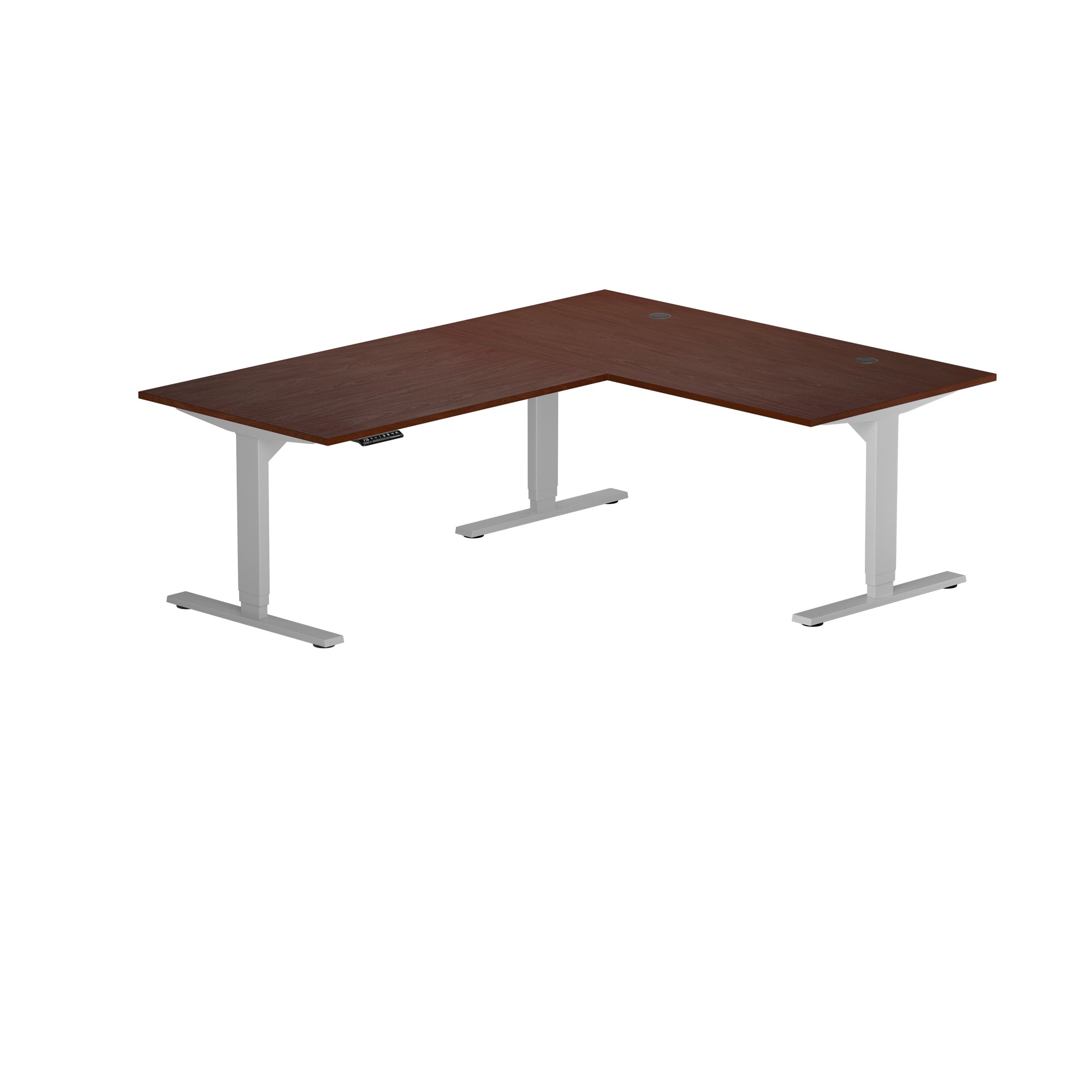
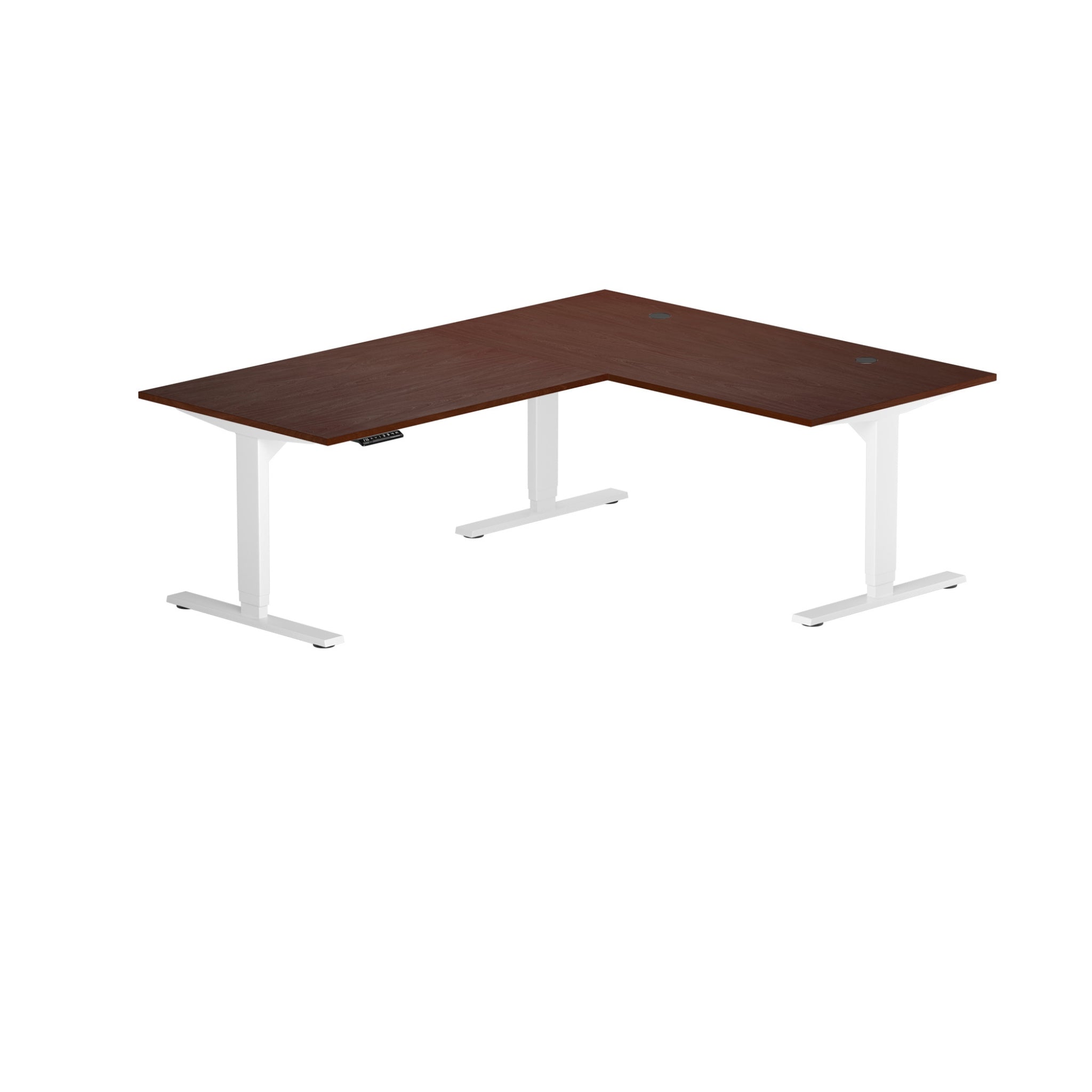
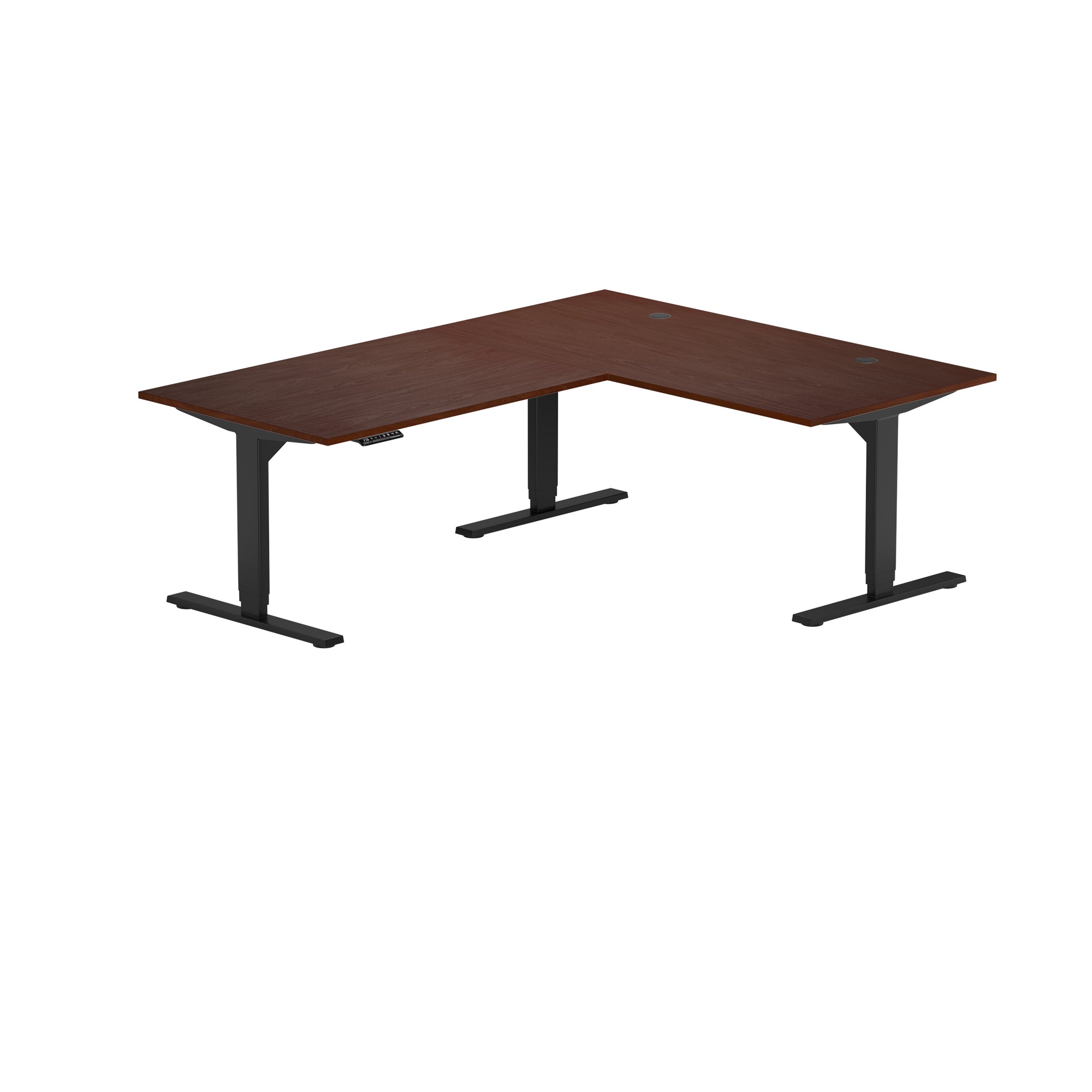
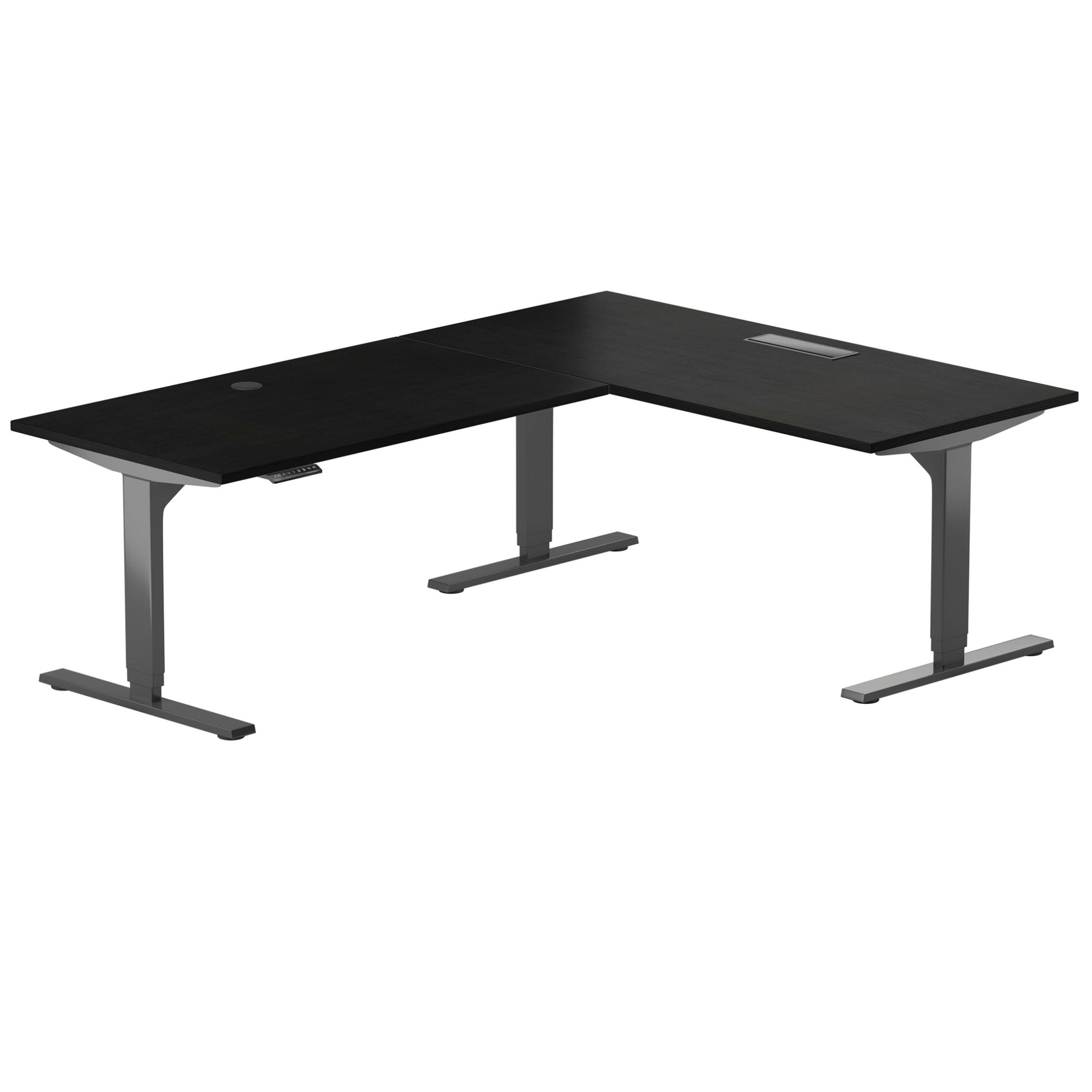
Corner Ryzer Standing Desk
Extra 15% Off at Checkout
Build Your Desk

Corner Standing Desk
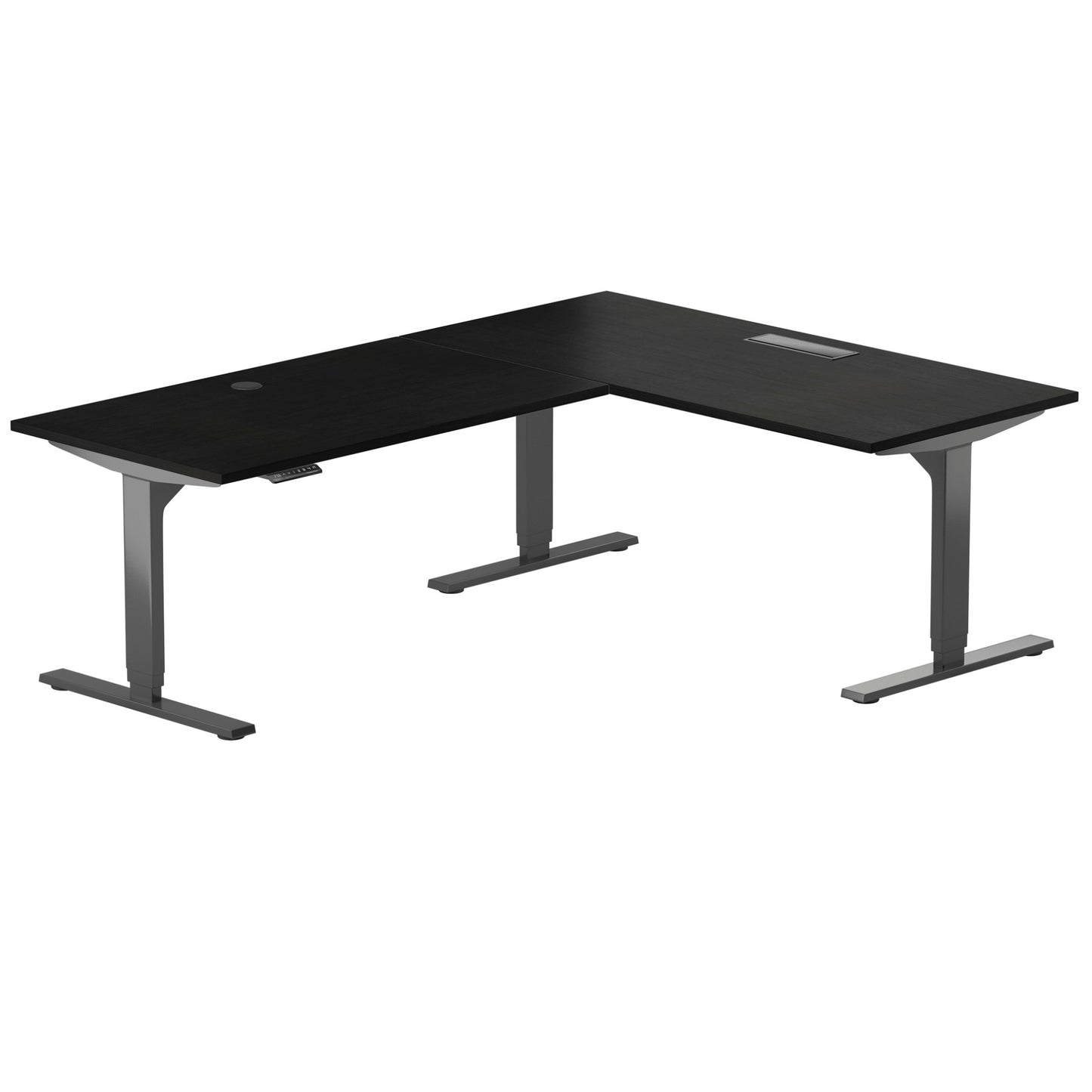
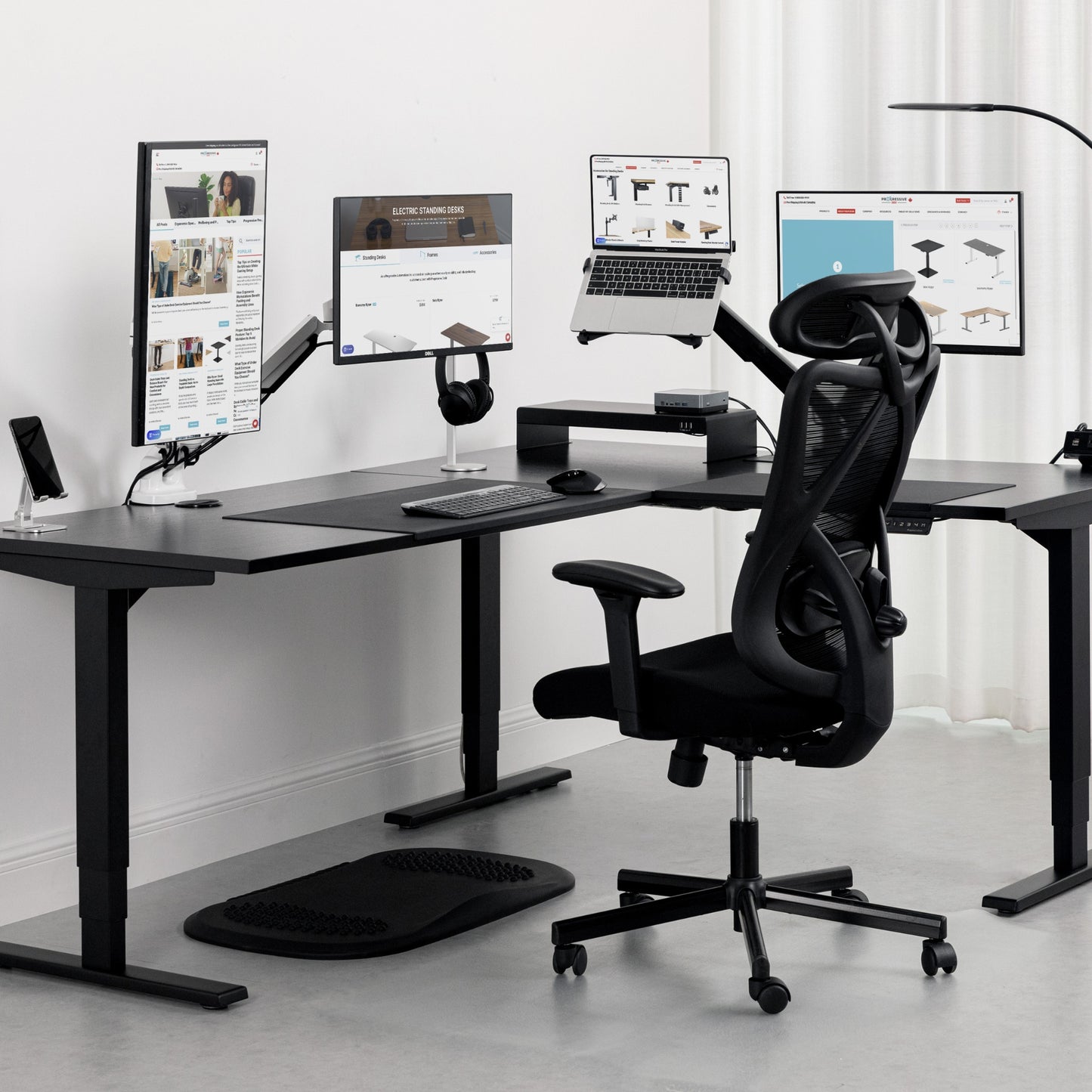
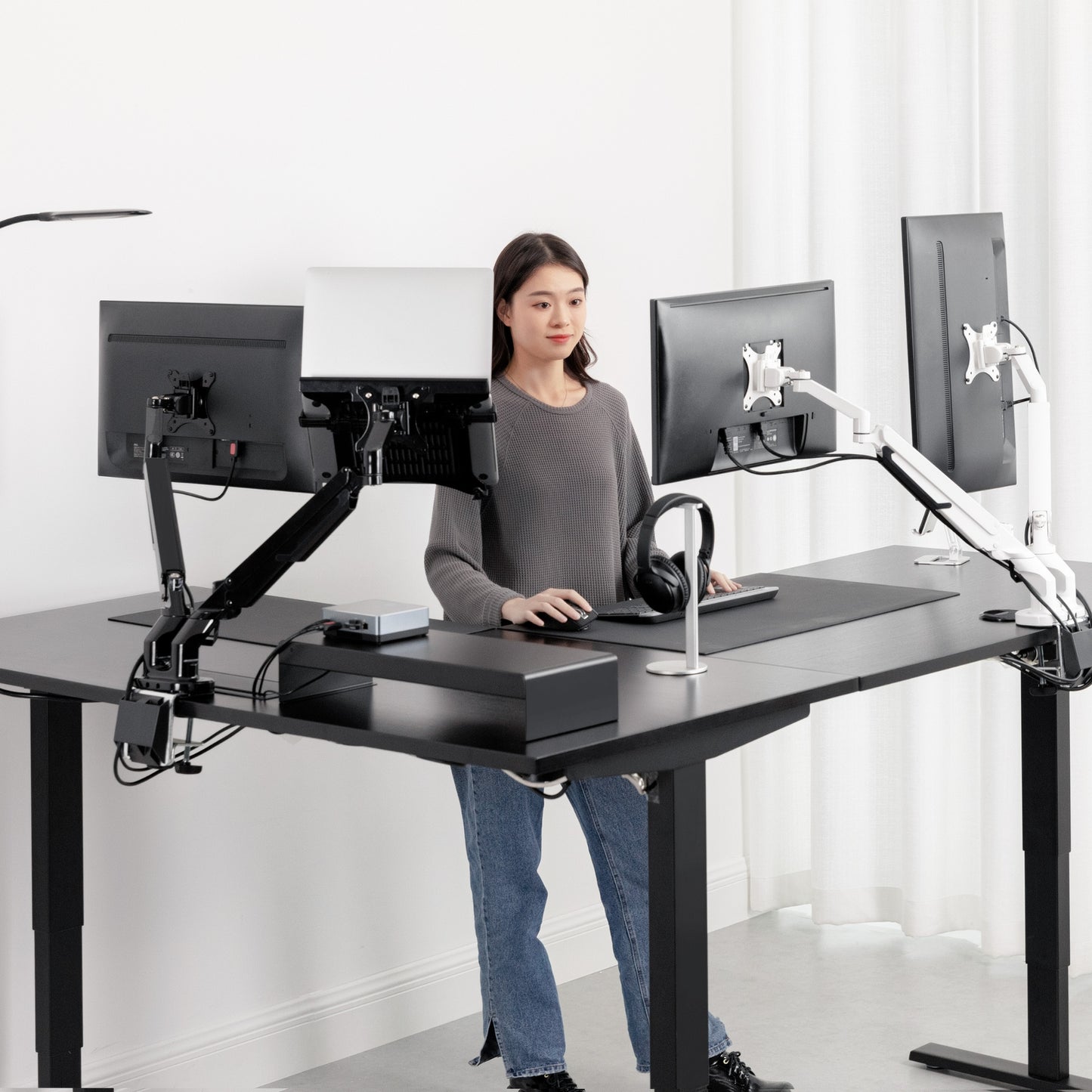
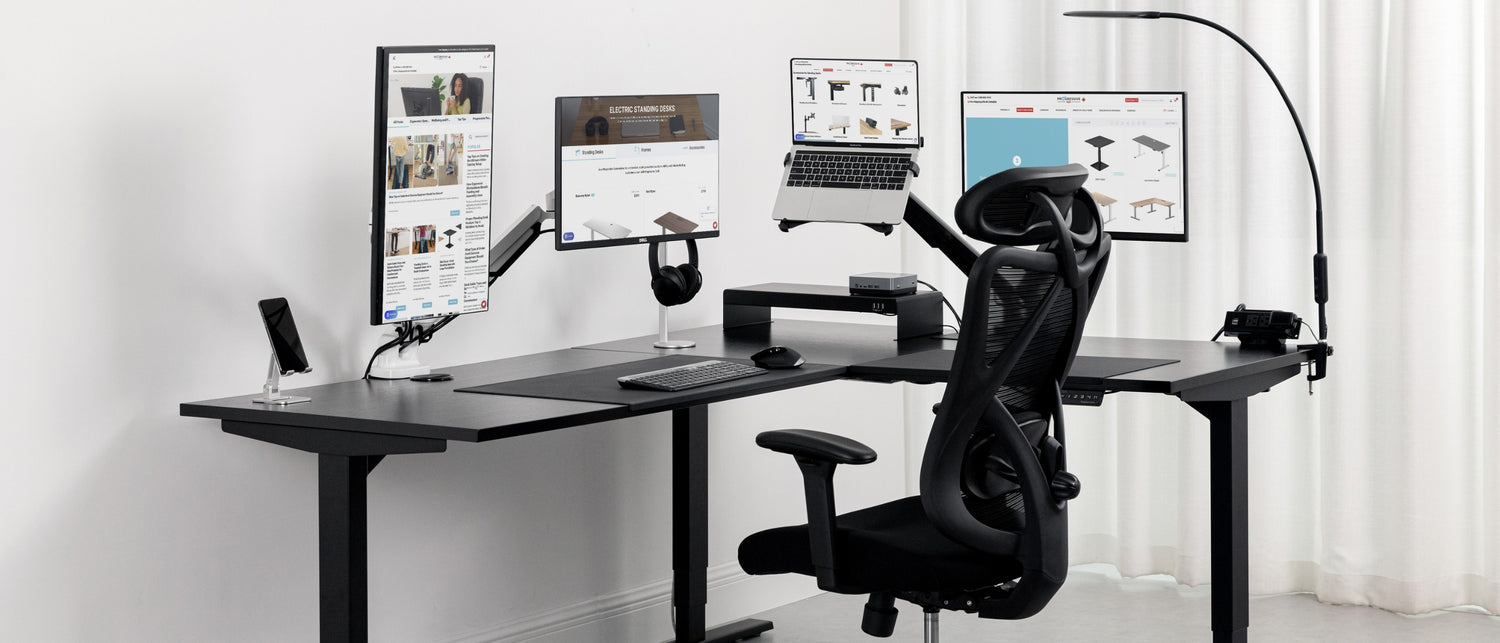
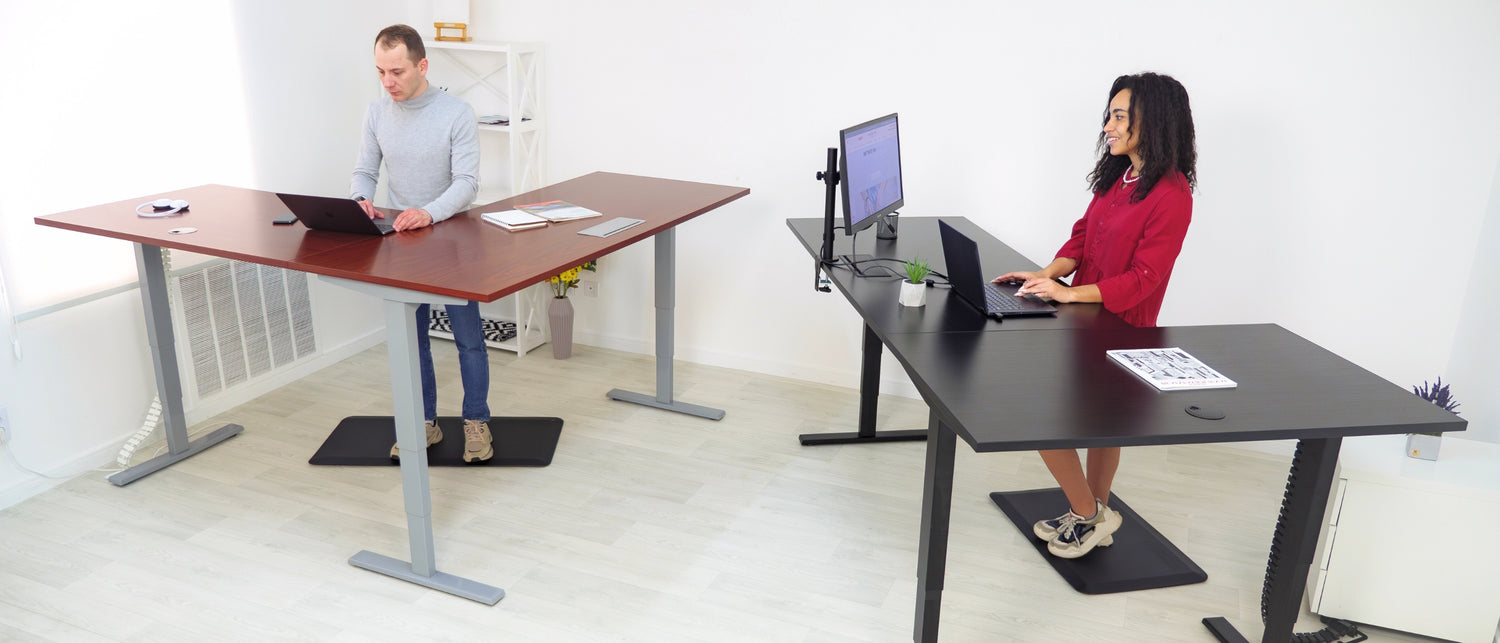
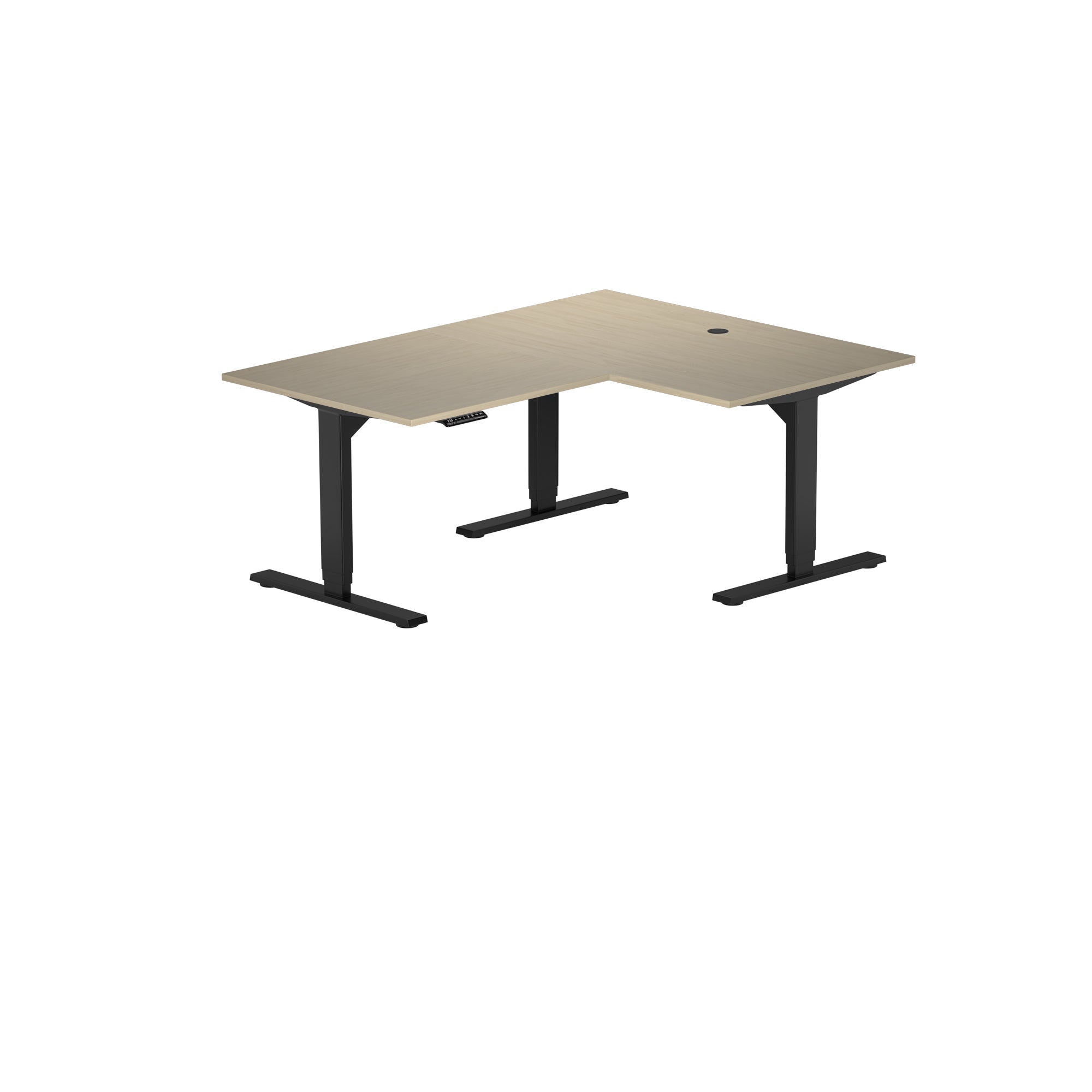
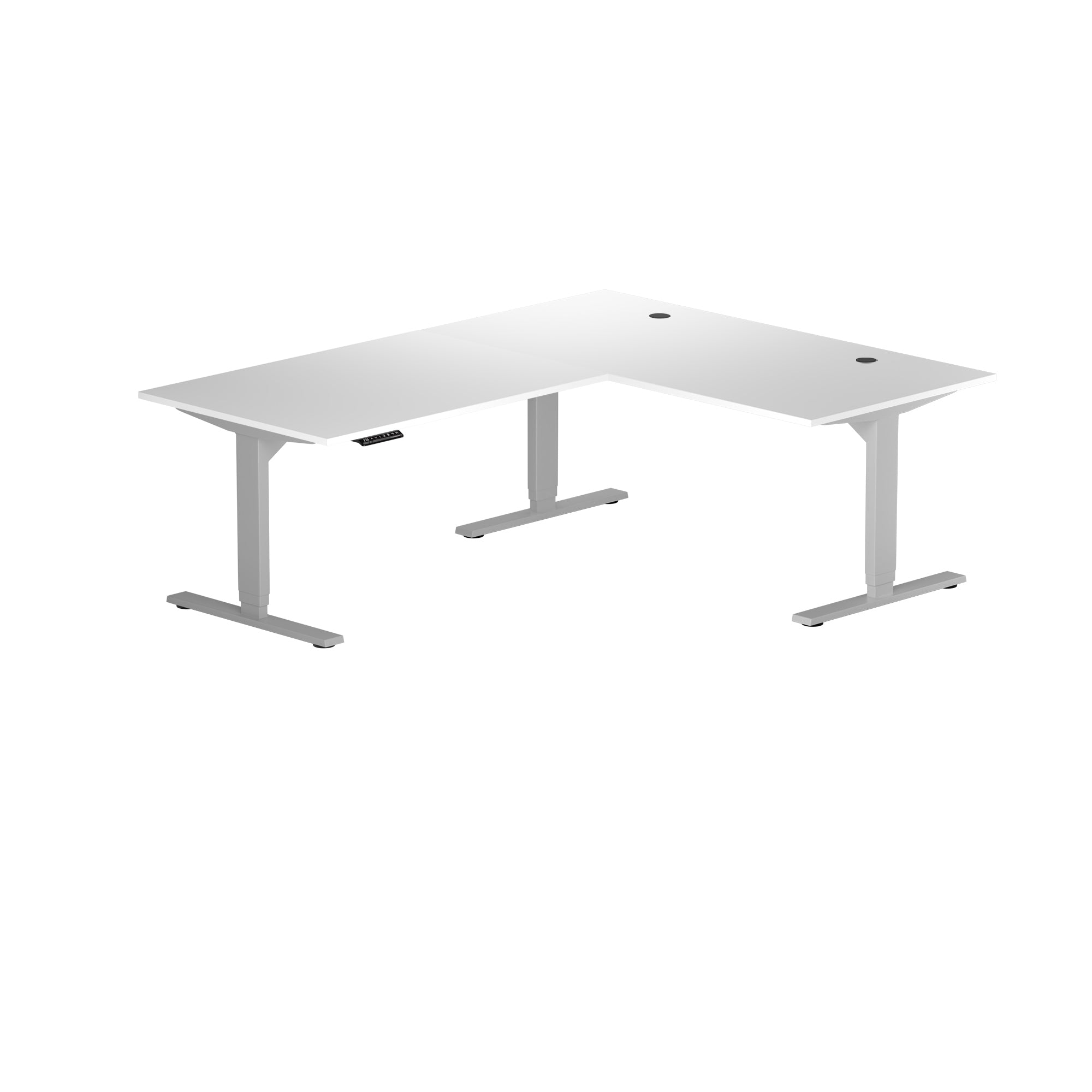
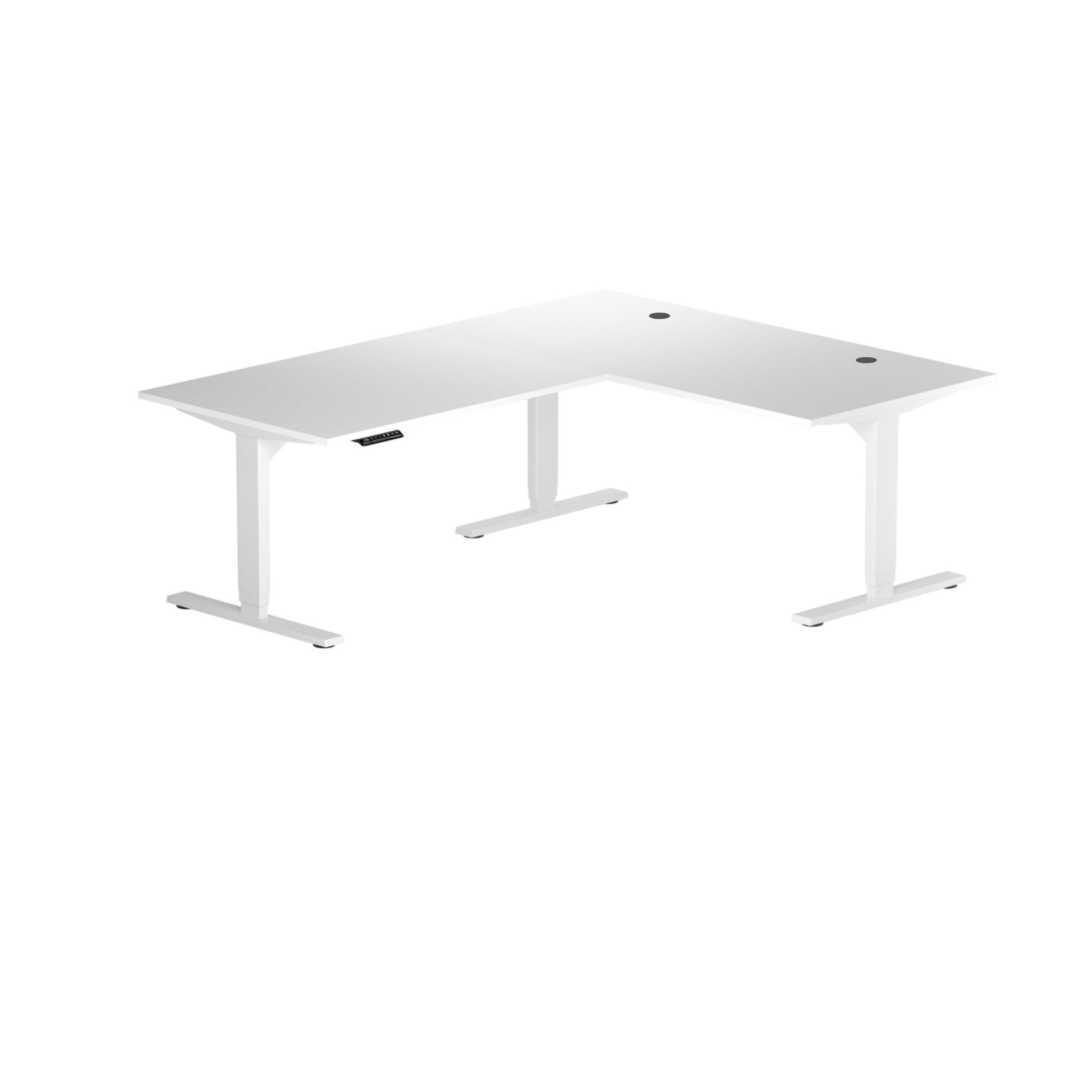
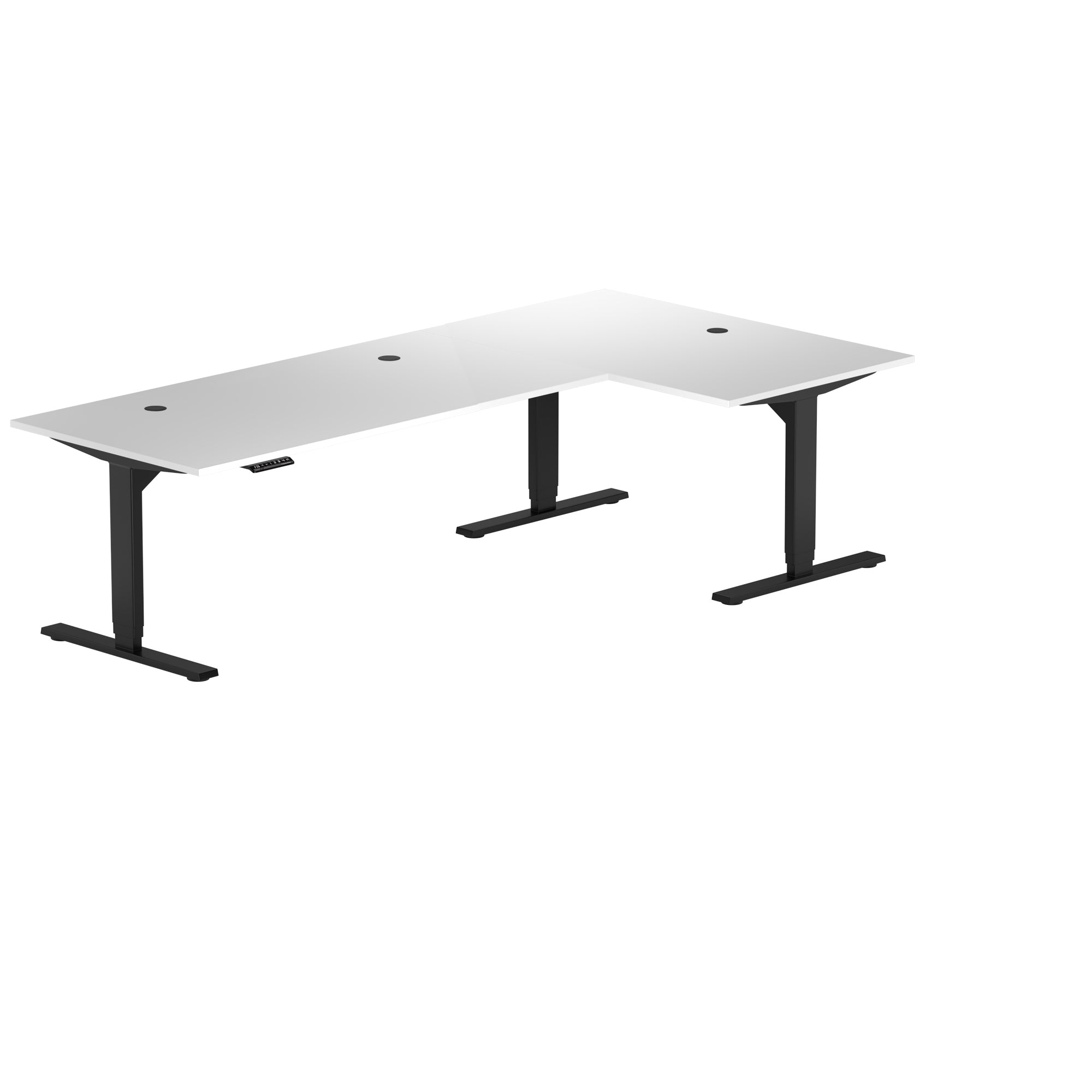
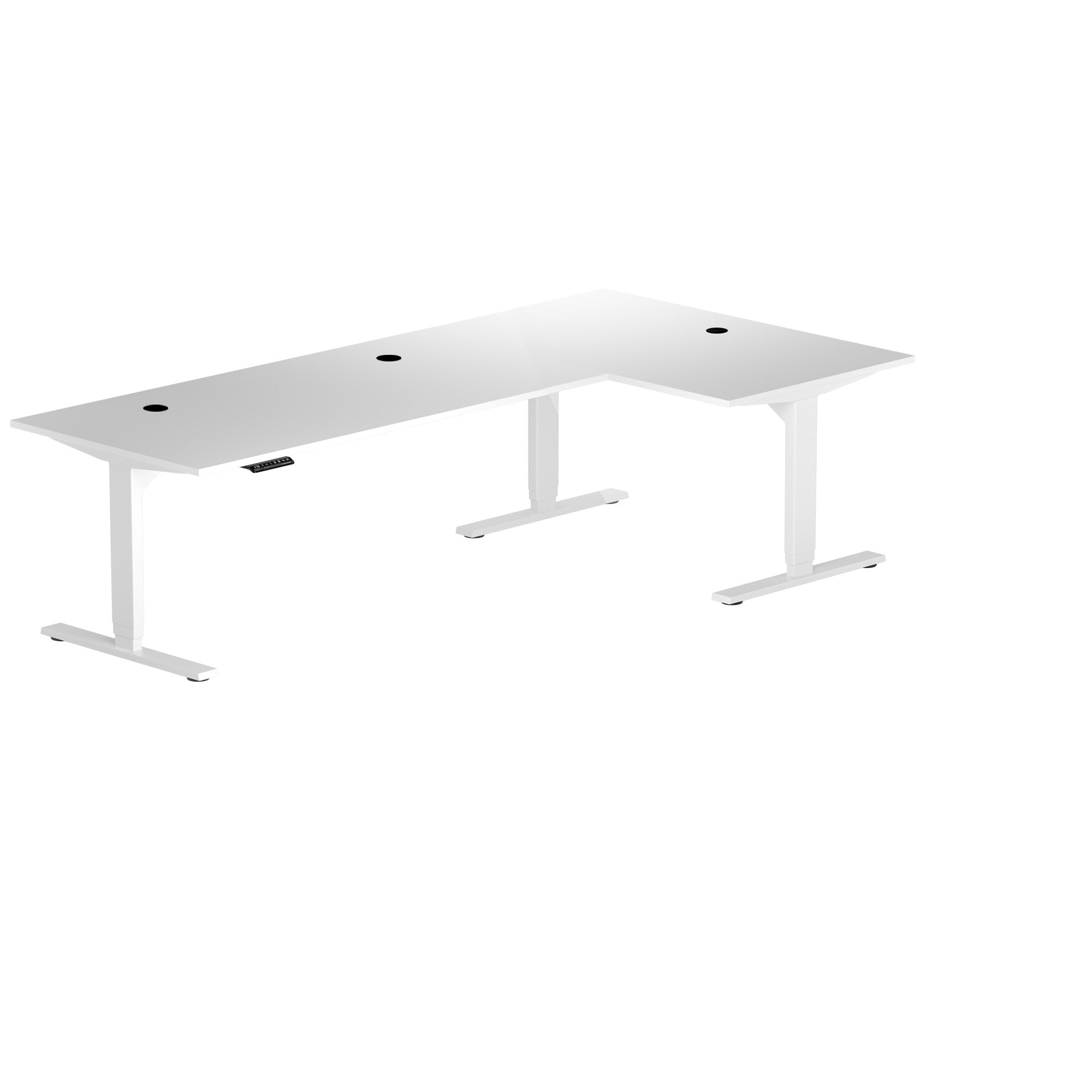
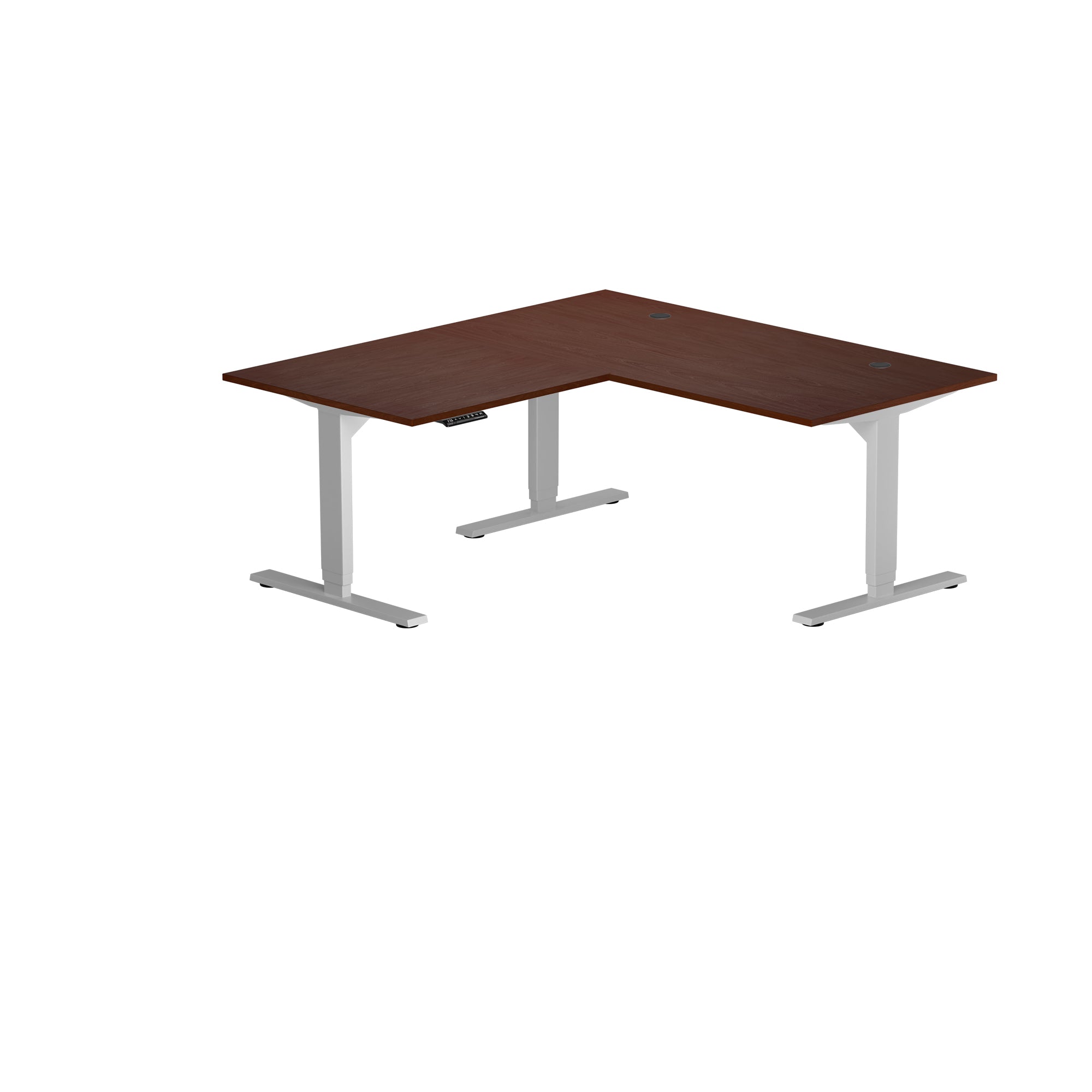
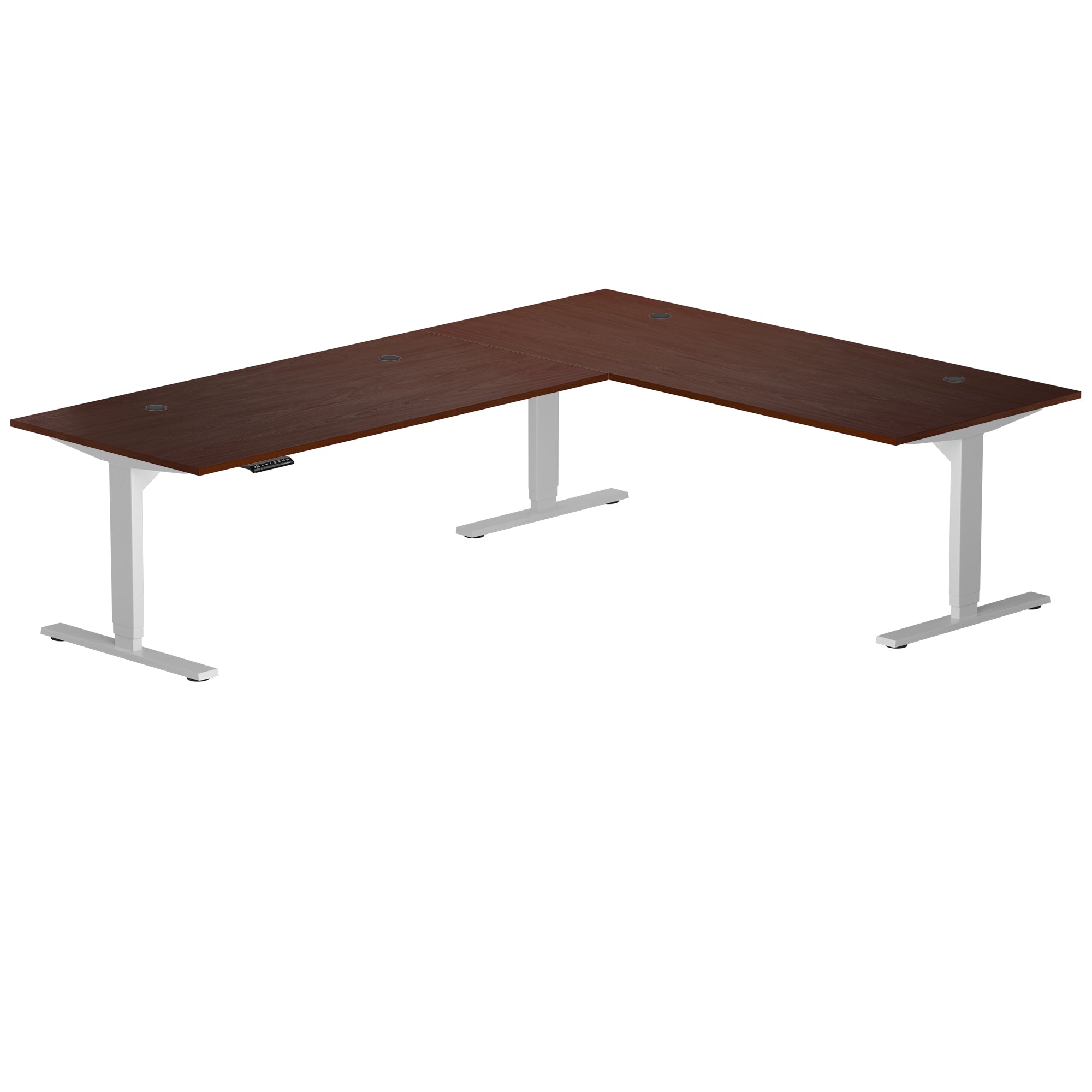
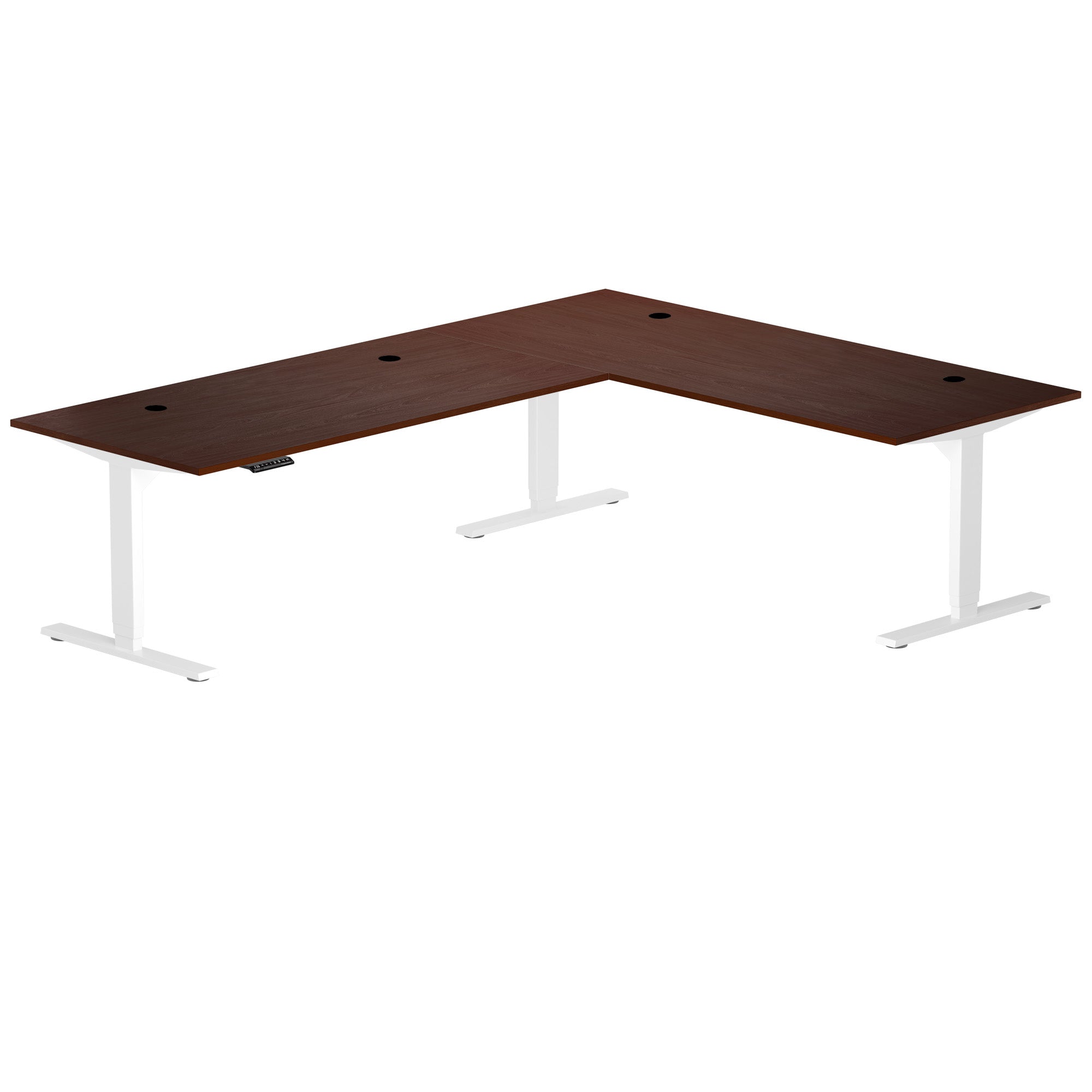
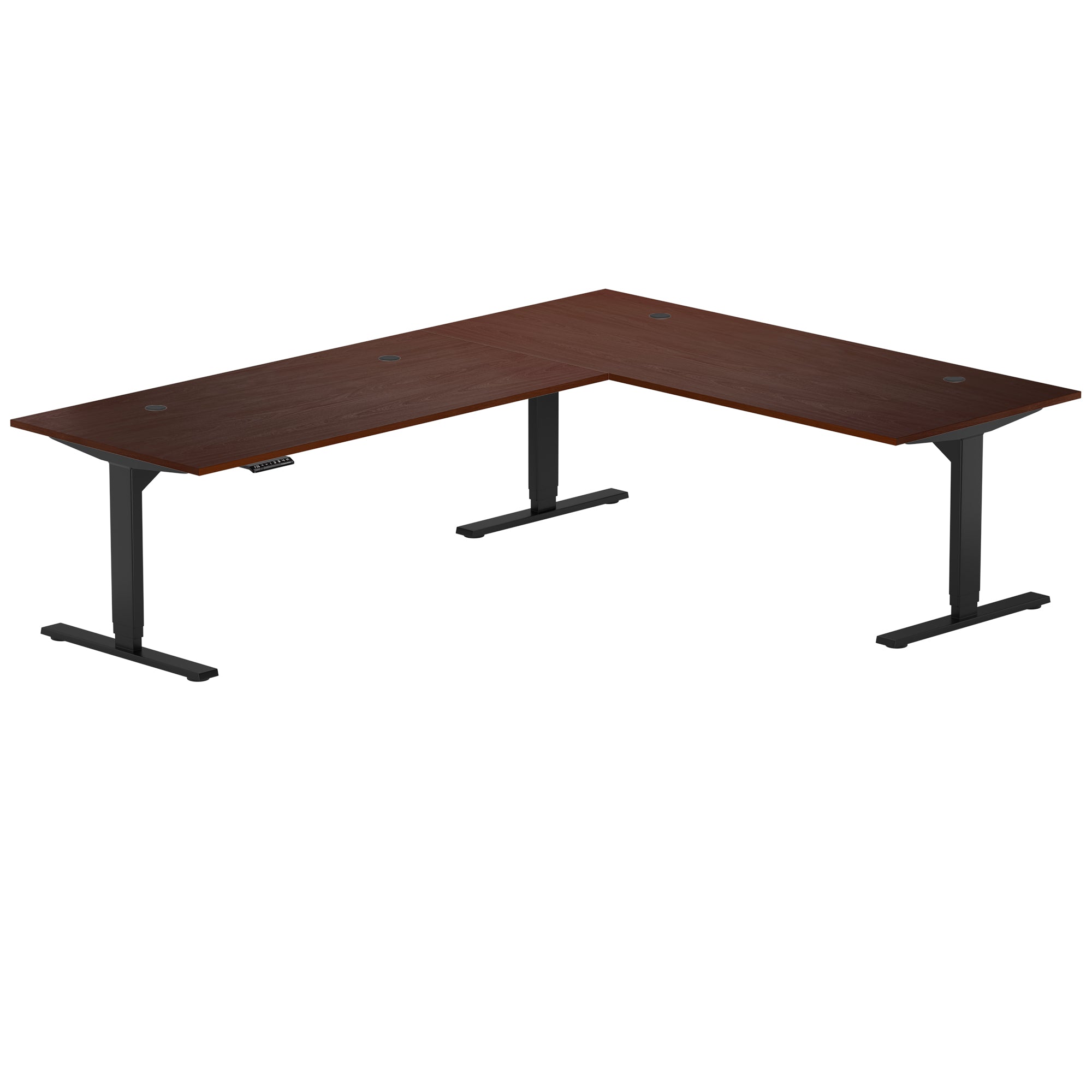
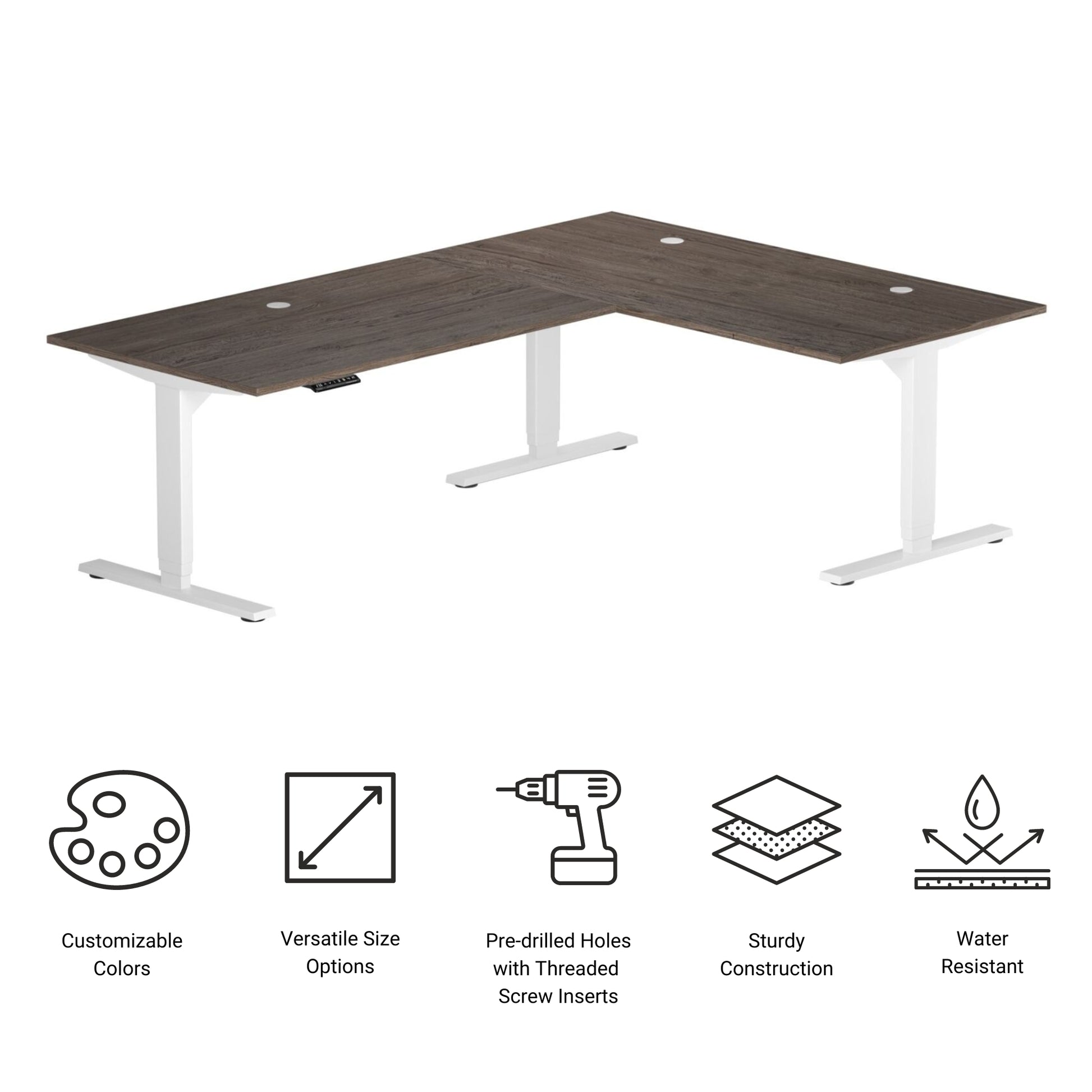
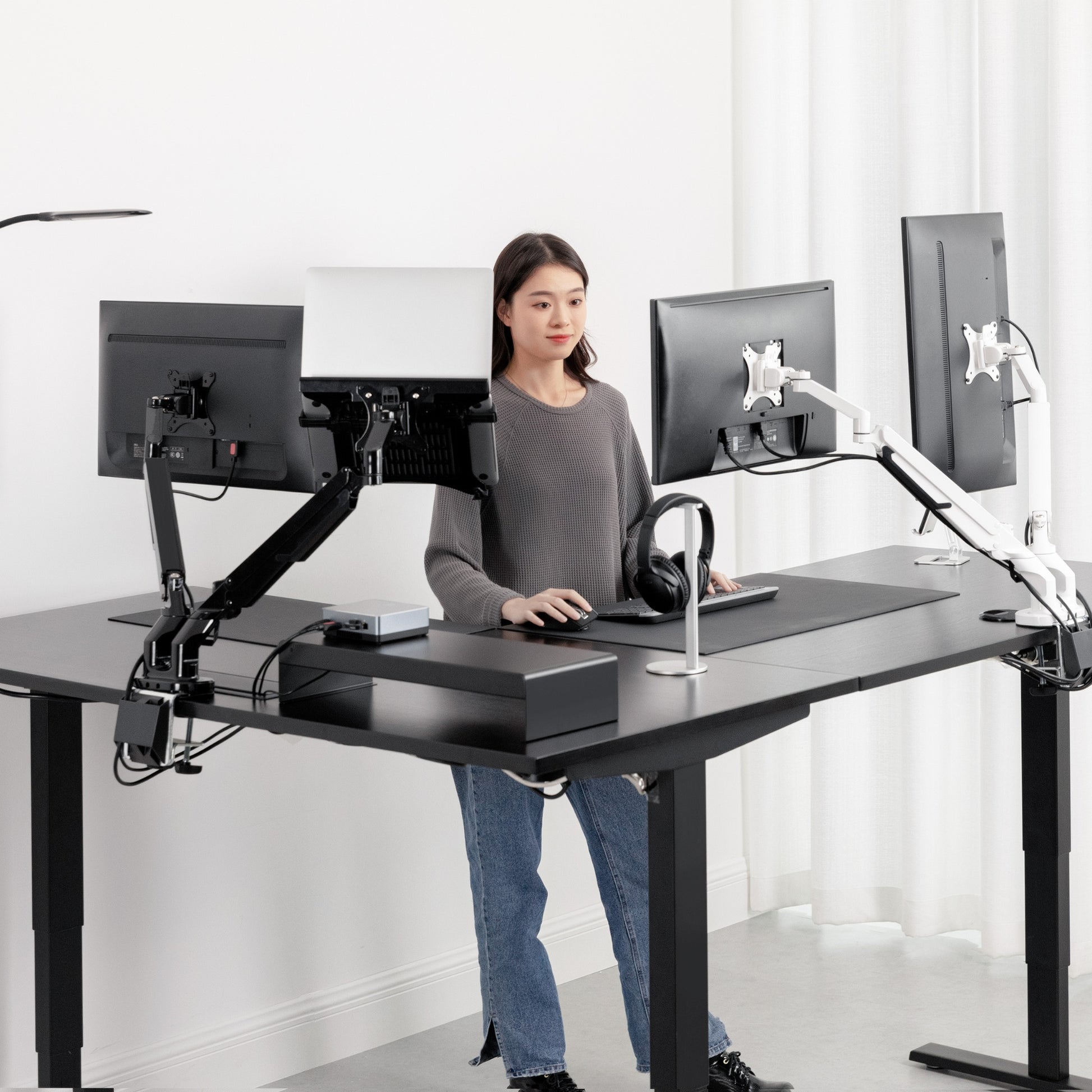
The Corner Ryzer Standing Desk offers a spacious and ergonomic workspace designed to maximize comfort and productivity. With its sturdy three-leg, L-shaped frame, this corner sit-stand desk fits perfectly into any home or office corner setup, helping you make the most of your available space.
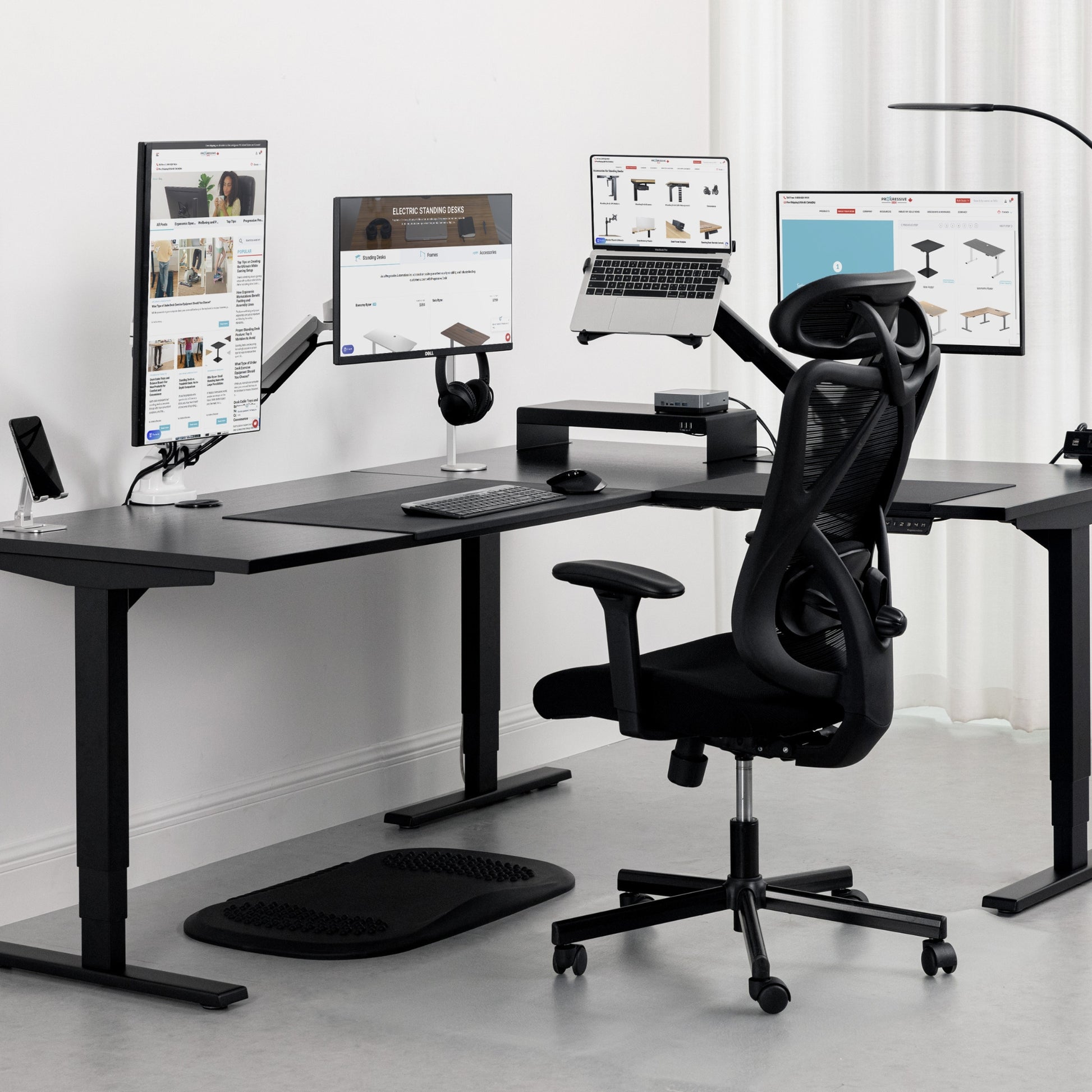
The expansive surface provides ample room for multiple monitors, accessories, and all your daily essentials, while the smooth electric height adjustment lets you easily switch between sitting and standing positions throughout the day. Its reversible L-shape can be configured for either left or right orientation, ensuring flexibility for any layout or workflow. Built for durability and quiet performance, the Corner Ryzer combines functionality, style, and ergonomic design - making it one of the most versatile L-shaped standing desks available.
* Tabletop colors may differ slightly based on your monitor's color calibration settings.
BIFMA Certification
UL Certification
ISO 9001:2015 Certified Company
- Motor System Triple
- Column Stages 3
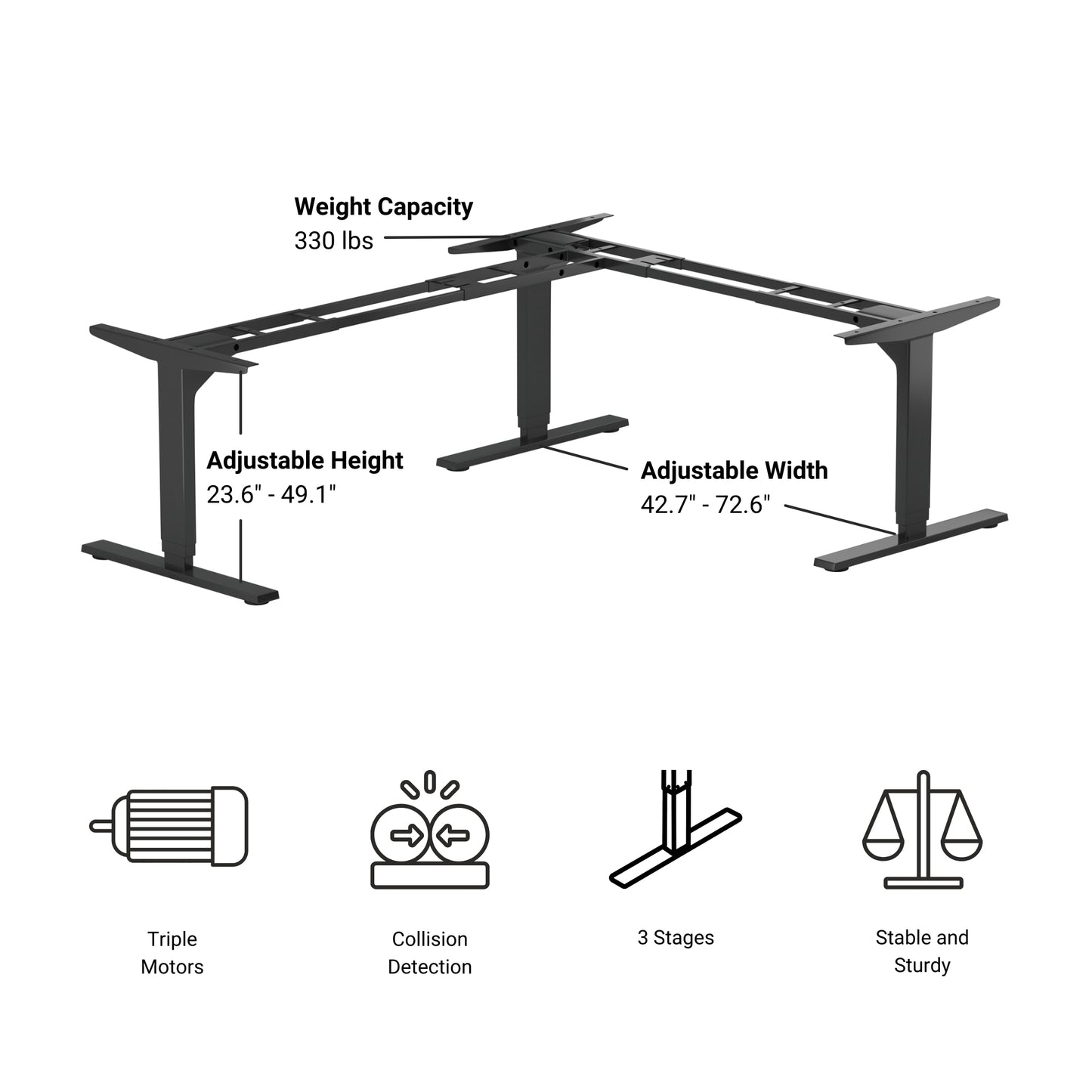
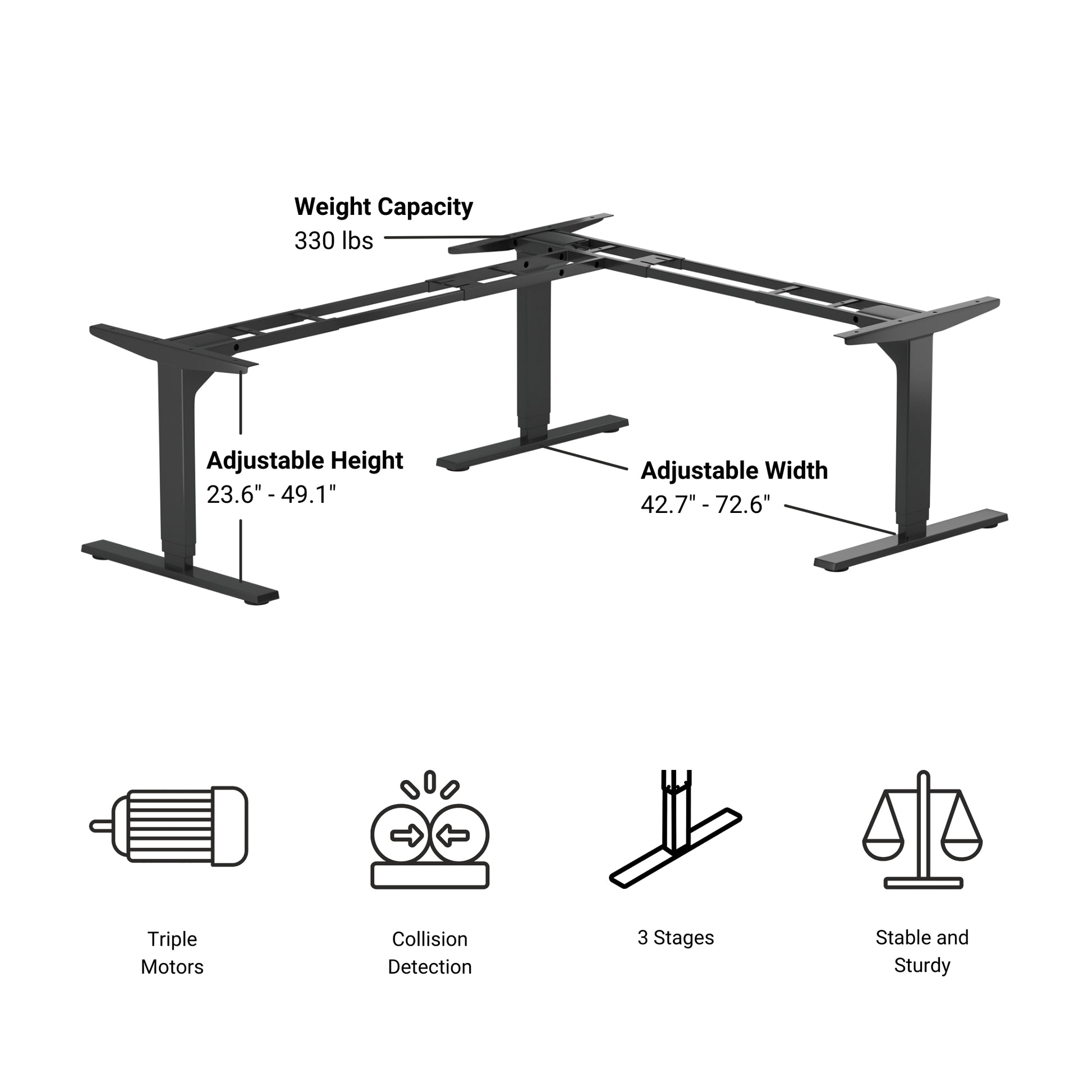
- Frame Height 23.6" - 49.1"
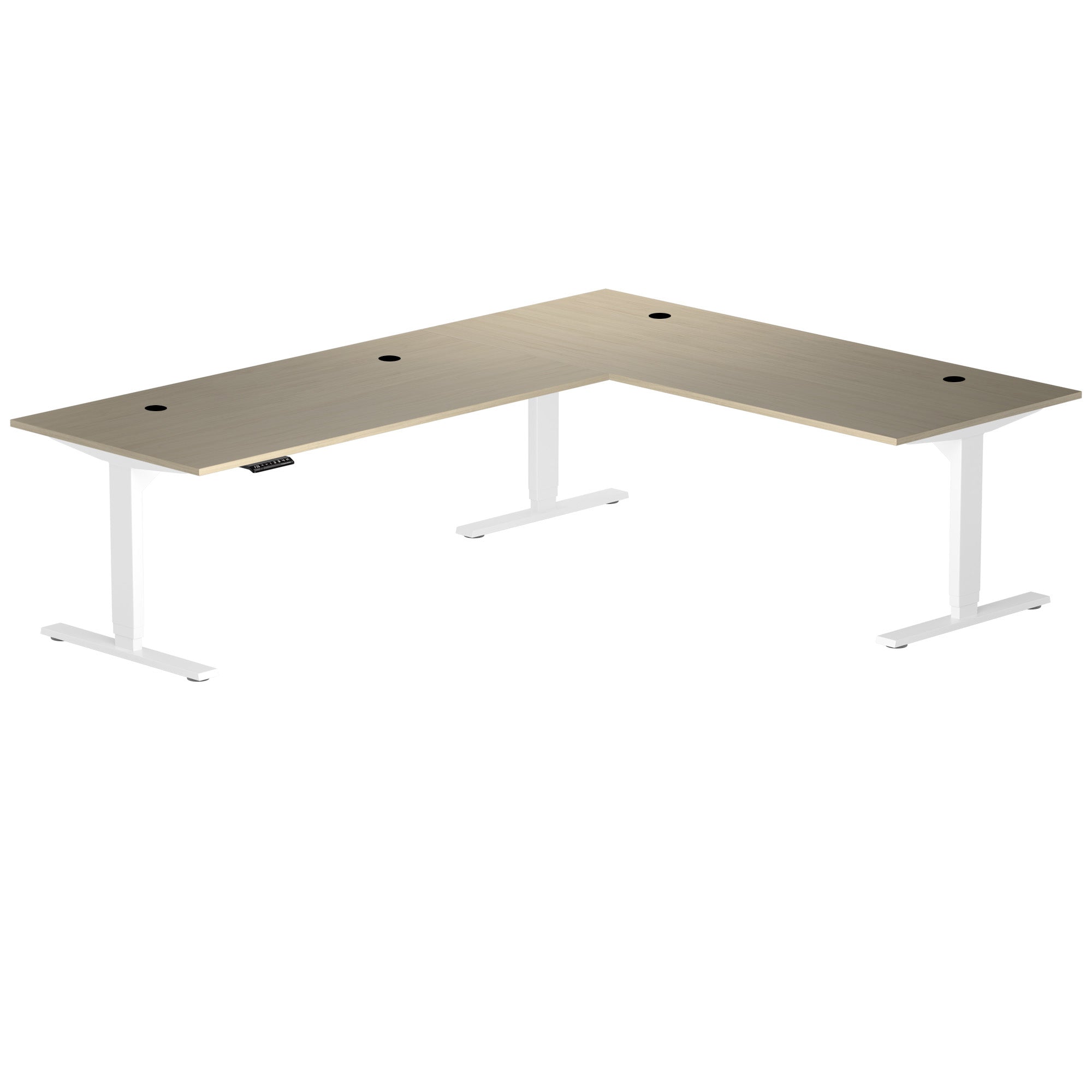
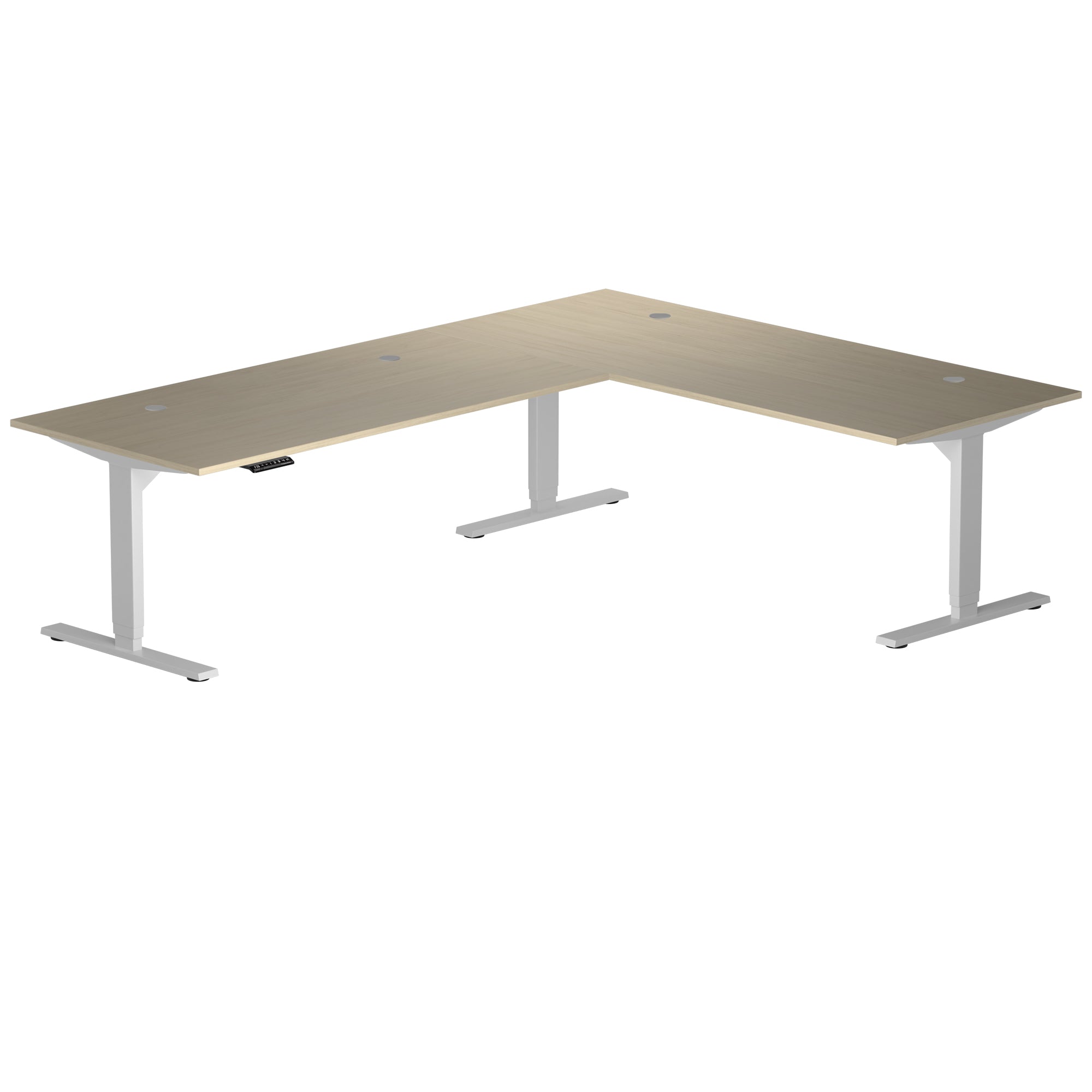
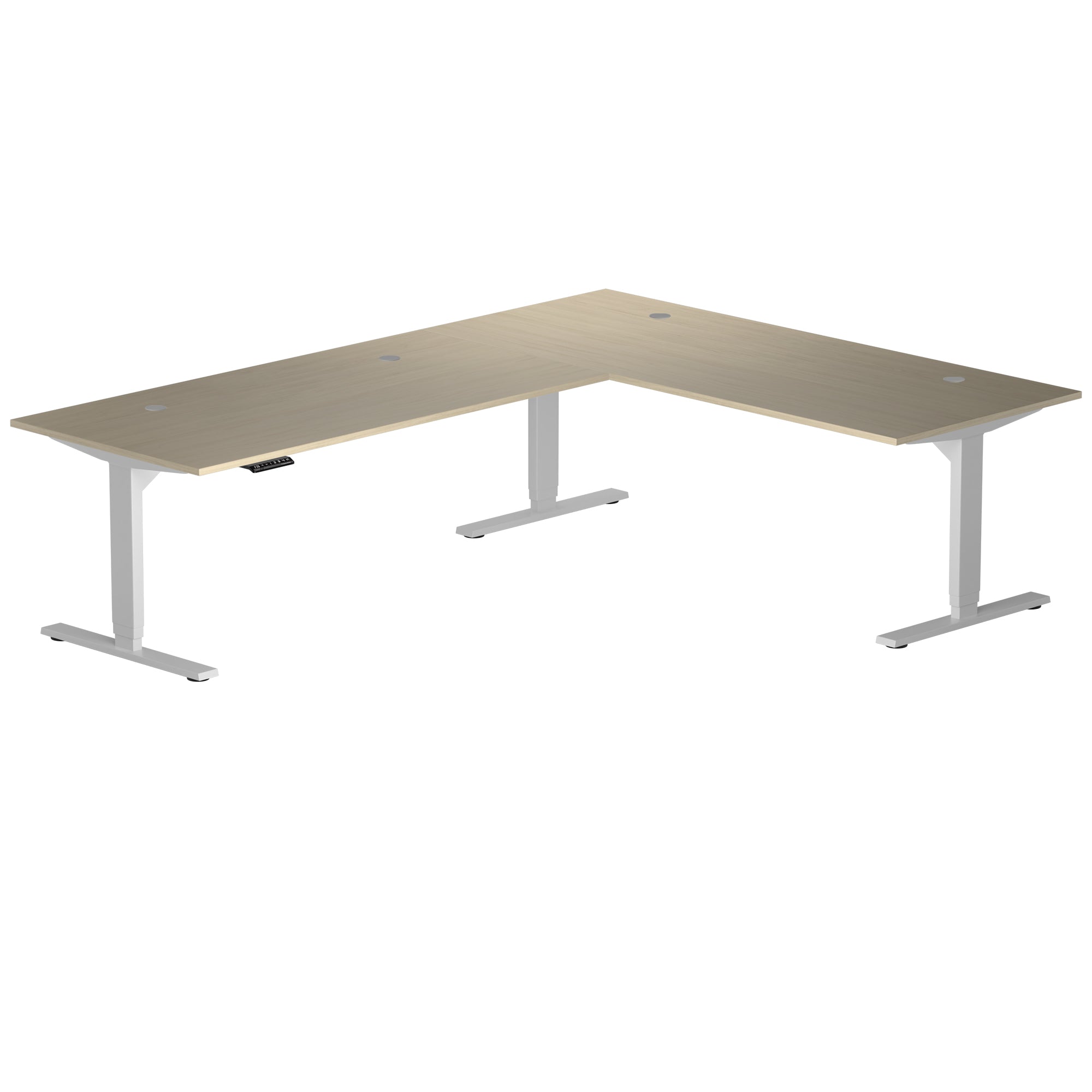
- Frame Colors Black, White, Gray
- Frames Surface Finish Powder Coat
- Install Size Retracted 23.5"
- Install Size Extended 49"
- Speed 1.57"/sec
- Сertification UL & BIFMA
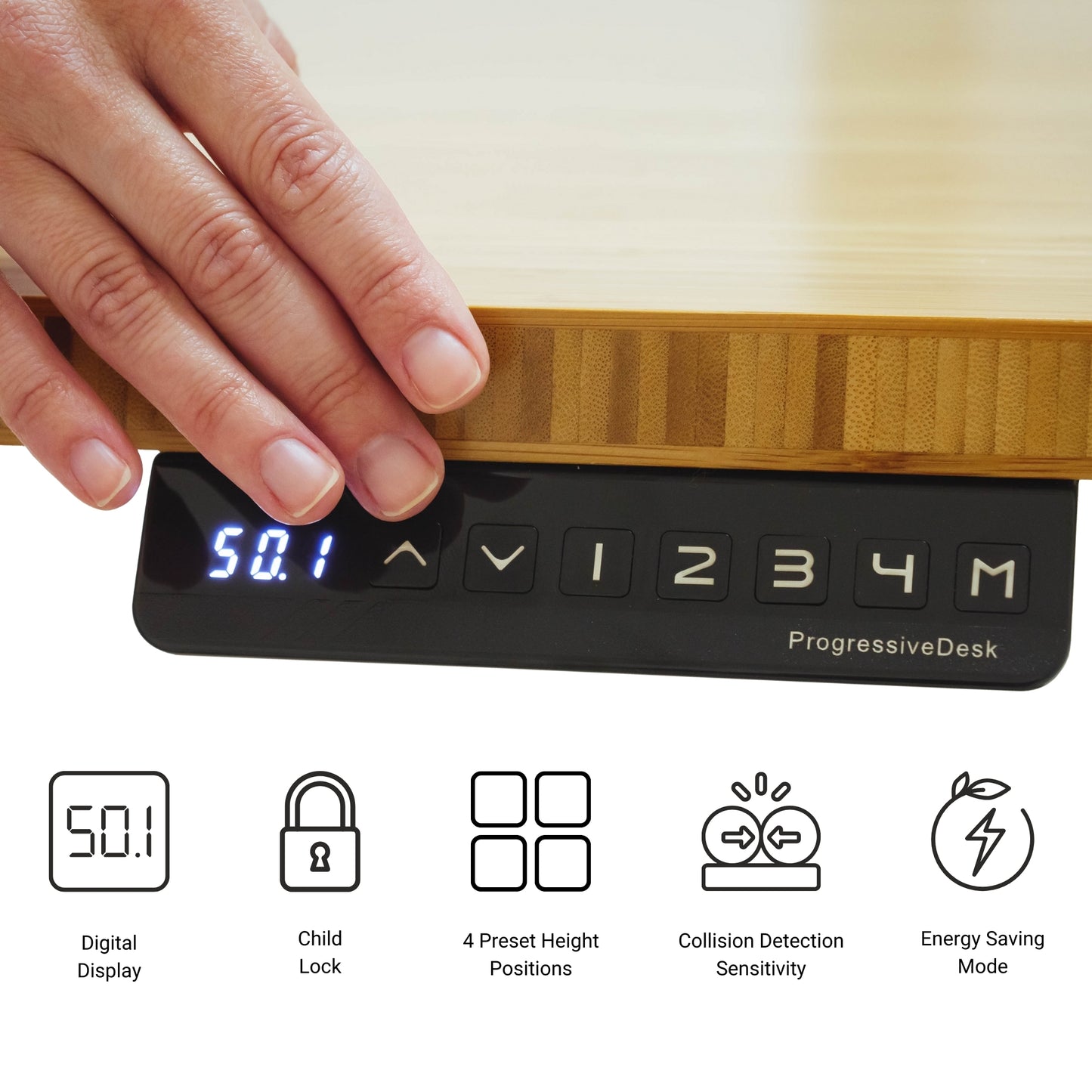
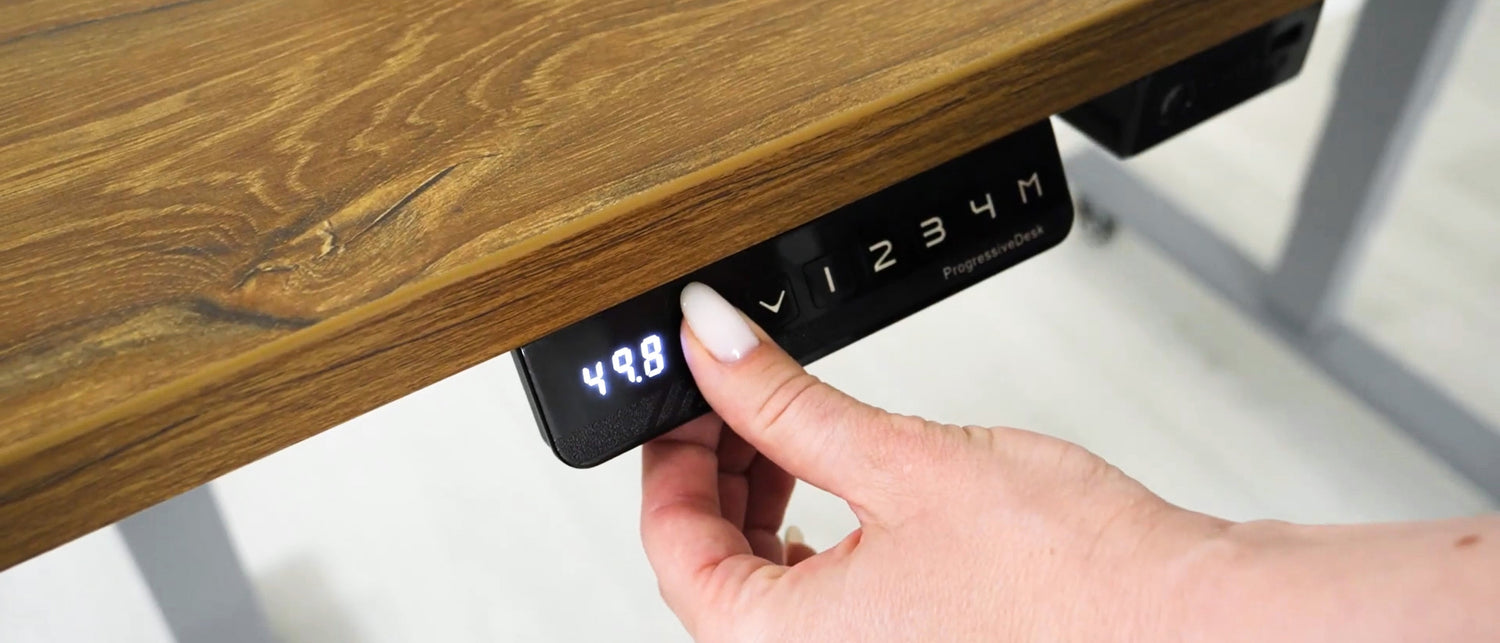
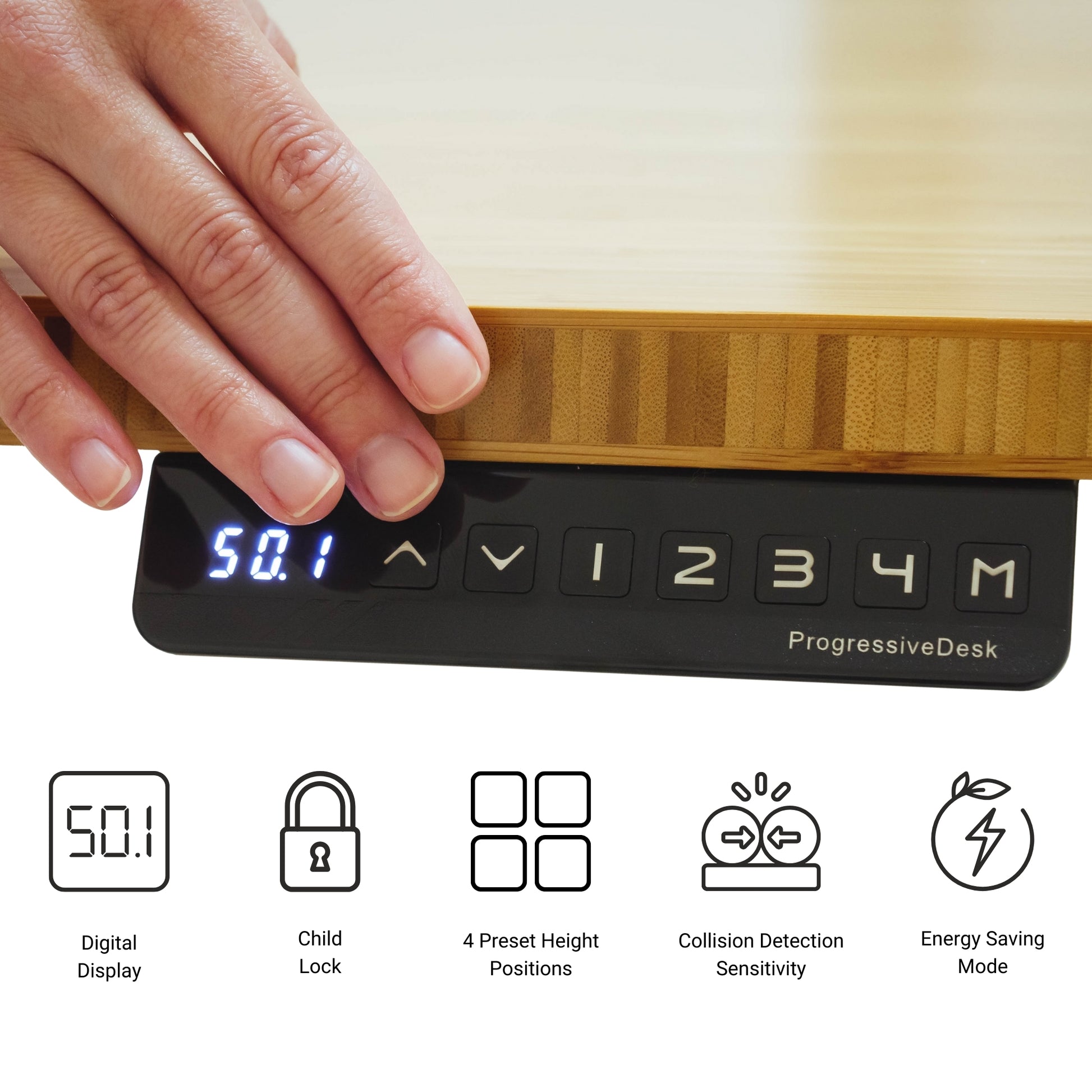
- Memory Positions 4
- Weight Capacity 330 lbs
- Input Voltage 110 VAC
- Output Power 24 VDC
- Noise Rating <45dB
- Protection Class IP51
- Number of Remote Options Various
- Collision Detection Yes
- Child Lock Yes
- Energy Saving Mode Yes
- Soft Start & Stop Yes
- Adjustable Feet Yes
- Install Time 25 mins
- Warranty 15 Years
Corner Ryzer Standing Desk: Your Ultimate L-Shaped Workspace Upgrade
If you've been dreaming about turning that unused corner in your home or office into a productive, comfortable, and actually enjoyable place to work, the Corner Ryzer Standing Desk might just be the hero you’ve been waiting for. Designed as a flexible L-shape corner workstation, this desk gives you the best of both worlds: tons of usable space and all the perks of a modern sit-stand setup.
Let’s walk through what makes this desk a smart choice for anyone building an ergonomic home office L-shaped setup or refreshing their workspace with something more functional and future-friendly.
A Spacious L-Shaped Surface That Actually Works for You
One of the biggest advantages of the Corner Ryzer is its roomy, L-shaped table for home office layouts. The desk wraps neatly into a corner, giving you a spacious surface without taking over your entire room. Whether you’re using multiple monitors, keeping notebooks and tablets within reach, or just like having extra space to spread out, this L-shaped computer desk makes it happen.
Because the desktop is reversible, you can set it up in either a left or right orientation—ideal if you rearrange furniture often or want a layout that fits perfectly with the rest of your room. This flexibility makes it one of the easiest adjustable L-shaped office table setups to customize.
Smooth, Electric Height Adjustment for Effortless Movement
If you’ve ever spent a full day sitting and felt the back or neck tension, switching to a height adjustable corner desk can be a game-changer. The Corner Ryzer uses quiet, reliable electric motors that let you switch from sitting to standing with just a press of a button.
This makes it an excellent L-shaped sit-stand table for anyone who wants to stay more active during the workday or simply prefers a more dynamic workflow. And because all three legs lift in sync, the desk stays incredibly stable—even when it’s loaded up with heavy monitors or equipment.
Perfect for Home Offices, Gaming Setups, or Full Workstations
Whether you’re creating a cozy corner standing desk setup for your home office or building an entire command center for creative work, the Corner Ryzer adapts nicely.
- Remote workers: You get enough space to keep everything organized in one place—without clutter creeping in.
- Developers & designers: The wide L-shape easily fits dual or triple monitor setups.
- Gamers: Plenty of room for monitors, speakers, accessories, and cable routing.
- Students: Great for multitasking between reading, laptop work, and writing.
If you need a reliable standing corner workstation that can do a bit of everything, this desk handles it well.
Ergonomics Done Right (Without Overthinking It)
A great desk should make your life easier—not give you a checklist of things to adjust every time you sit down. With a corner sit-stand desk like this one, ergonomics become a natural part of your day.
You can:
- Raise the desk to the perfect standing height to reduce slouching
- Lower it for deep-focus seated work
- Position your monitors and accessories without feeling cramped
- Take advantage of the L-shape to keep essentials within easy reach
The shape itself encourages better posture because you’re not constantly twisting or leaning to reach things. Everything fits comfortably around you.
Built to Be Solid, Quiet, and Long-Lasting
The Corner Ryzer isn’t just about convenience—it’s also about durability. With its sturdy three-leg steel frame, it offers far more stability than typical two-leg standing desks. Even when fully extended, it remains solid, steady, and quiet.
This makes it a reliable L shaped corner desk for heavier setups like:
- Multiple monitors
- Desktop PCs
- Audio gear
- Drafting tablets
- Or any mix of home/office equipment
You get the peace of mind that it’s built to last, even with daily height adjustments.
A Fit for Any Room—Big or Small
One of the best surprises about this desk is how well it works in a variety of spaces. Because it's an adjustable height corner setup, it maximizes the corners that typically go underused. This opens up the rest of the room and helps your workspace feel clean and intentional.
Whether your room is small and cozy or you’re outfitting a larger office, the Corner Ryzer blends in nicely and doesn’t overwhelm the space. It's both modern and minimal, making it easy to pair with different décor styles.
The Corner Ryzer Standing Desk stands out as one of the most versatile options out there for anyone looking for a true standing corner desk solution. Its spacious L-shaped design, whisper-smooth height adjustment, customizable layout, and dependable construction make it ideal for work-from-home setups, studio environments, and traditional offices alike.
If you're ready to upgrade your workspace with a functional, ergonomic, and genuinely enjoyable corner standing workstation, the Corner Ryzer is definitely worth considering.
Tabletop Materials
Solid Wood Tabletops
Experience style and practicality with our Premium tabletops. Crafted from the finest solidwood, these tabletops showcase mesmerizing grain patterns and captivating colors. Choose from two size options for durability, easy maintenance, and eco-conscious design.
2 colors available. Compatibility: Solo Ryzer
Epoxy Tabletops
Epoxy tabletops combine the beauty of natural wood with a durable resin finish, showcasing unique patterns and colors. They are visually striking, easy to care for, and enhanced with a protective layer that resists scratches and moisture damage.
2 colors available. Compatibility: Solo Ryzer
Particle Board Tabletops
Our laminate-sealed particle board tabletops are immune to humidity and other environmental factors, ensuring durability. Our tabletops offer ample workspace and a comfortable, ergonomic design.
5 colors available . Compatibility: Corner Ryzer (59" × 59")
MDF, Laminate Tabletops
Discover the remarkable durability of our laminate tabletops, featuring a protective layer of laminate and a resilient MDF core. They are resistant to varying temperatures, high humidity, UV rays, and other environmental factors and require minimal upkeep.
9 colors available. Compatibility: All Standing Desks
Bamboo Tabletops
Our bamboo tabletops combine style, functionality, and eco-friendliness. With scratch and water resistance, they are perfect for any home or office. Made of carbonized bamboo, they are high-quality, durable, and come with a 15-year warranty.
1 color available. Compatibility: Economy Ryzer, Solo Ryzer
|
Particle Board
|
|
|---|---|
|
MDF
|
|
|
Bamboo
|
|
|
Solidwood
|
|
|
Epoxy
|
|
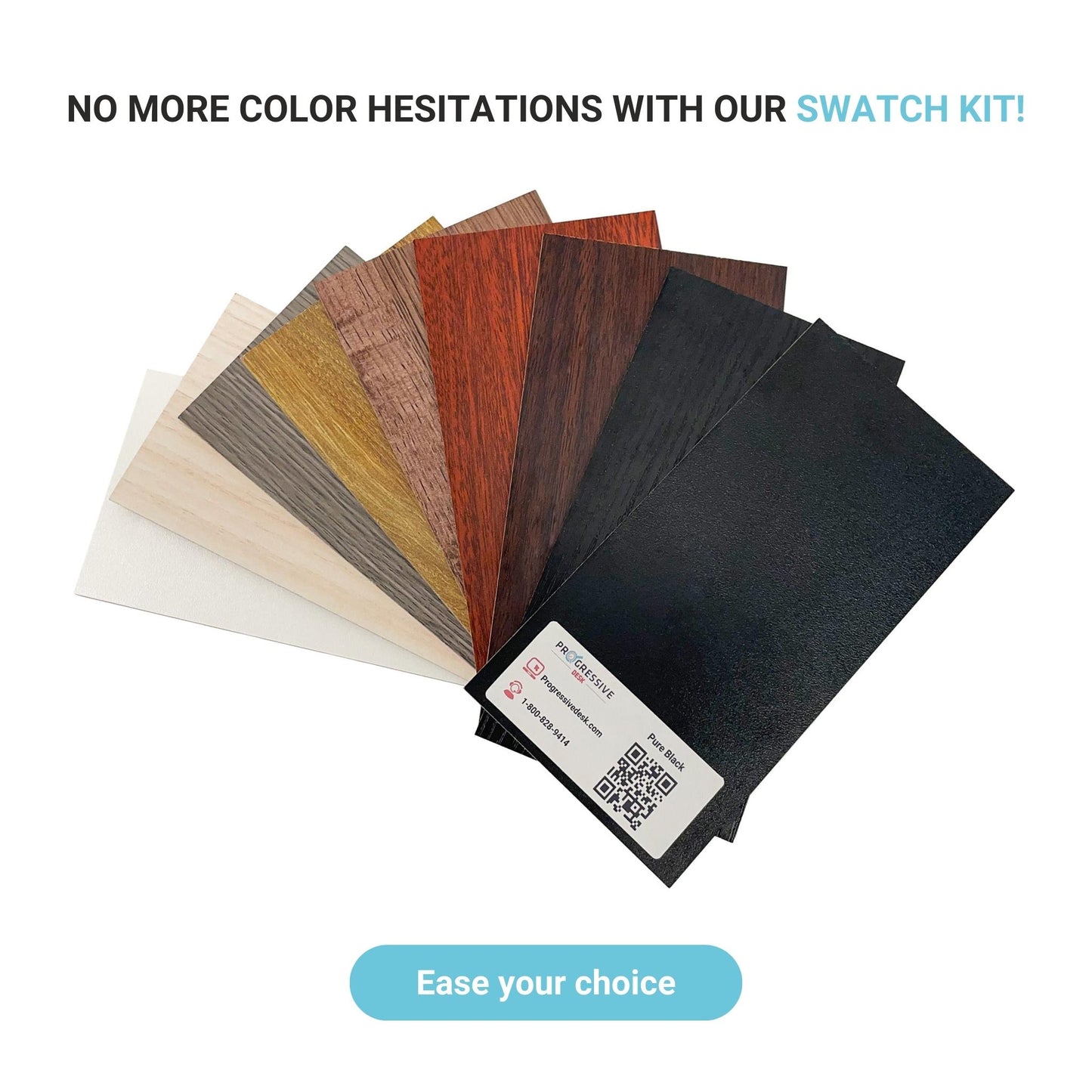
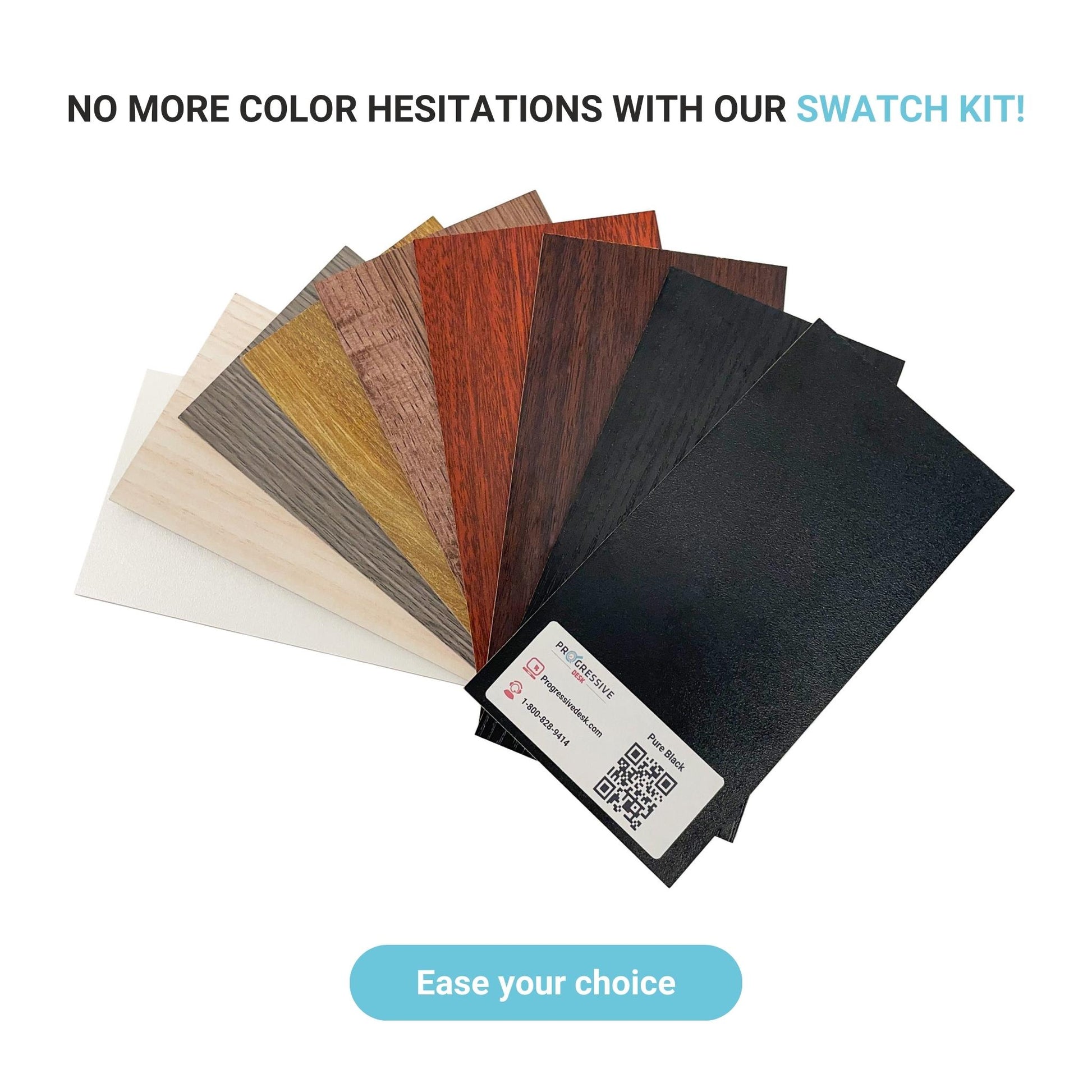
We have a wide range of tabletop colors available. Check them out!
LAMINATE TABLETOPS
Warm White
Bright Beech
Veranda Teak
Grey Oak
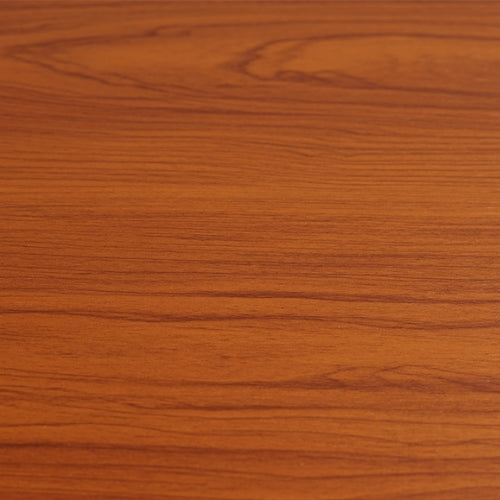
Rosewood
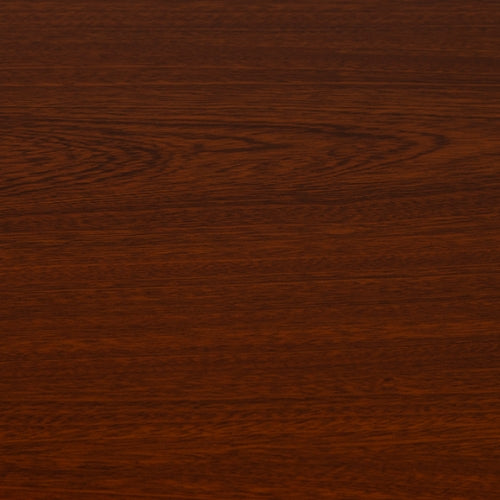
Dark Cherry
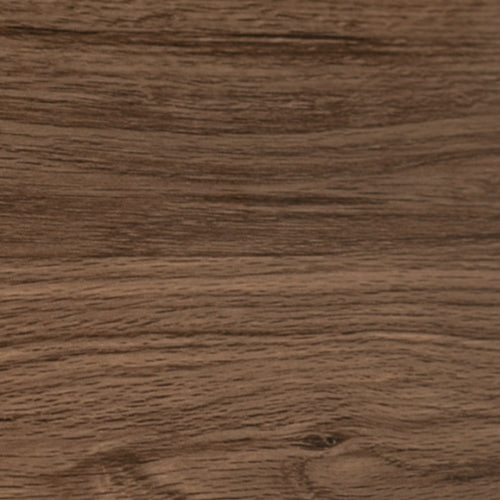
Dark Walnut
Roasted Walnut
Ebony Ash
Ebony Oak
Cinnamon
Available in 48" x 30" and 60" x 30" only
| Core Material: MDF |
|
BAMBOO TABLETOPS
| Core Material: Natural Bamboo |
|
SOLID WOOD AND EPOXY RESIN TABLETOPS

| Core Material: Natural Wood |
|
PARTICLE BOARD TABLETOPS
| Core Material: Particle Board |
|
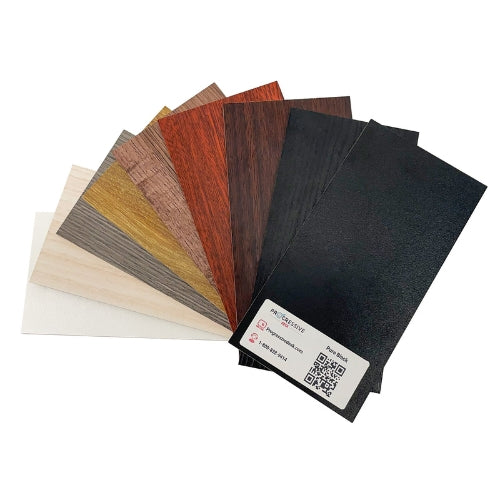
No More Guesswork About Tabletop Colors With Our Color Swatch Kit!
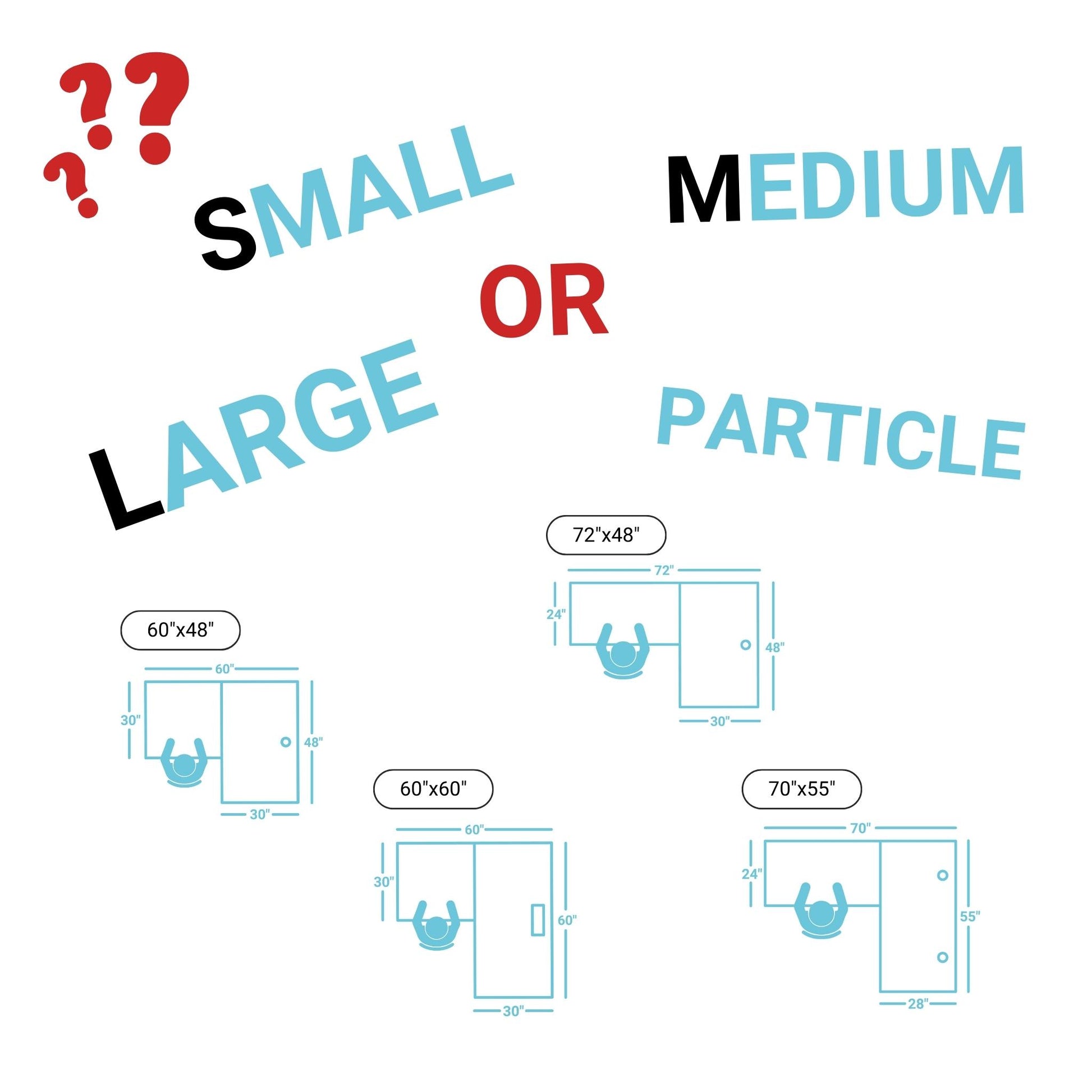
Corner Ryzer Sizes Information
S
Convenient
60" x 48"
72" x 48"
70" x 55"
60" x 60"
59" x 59" (Seamless Particle Board)
M
Standard
72" x 60"
78" x 48"
85" x 48"
75" x 55"
60" x 72"
83" x 55"
72" x 72"
L
Spacious
90" x 48"
78" x 60"
88" x 55"
90" x 60"
78" x 72"
85" x 72"
90" x 72"
Corner Ryzer Standing Desk
Maximize Your Workspace
The Corner Ryzer’s L-shaped design offers a spacious work surface while optimizing room layout for both home and office setups.
Strong & Reliable Frame
With a 330 lbs lifting capacity and durable steel construction, the Corner Ryzer provides unmatched stability and durability.
Effortless Adjustability
Equipped with an advanced keypad, memory presets, and an anti-collision feature, this desk allows for smooth and safe height transitions.
3-Stage Legs
Its 3-stage legs offer an extended height range from 23.6" to 49.1", providing enhanced flexibility and ergonomic support.
Weight Capacity
With a weight capacity of up to 330 lbs, the Corner Ryzer can easily support multiple monitors and heavy office equipment.
Various Tabletop Options
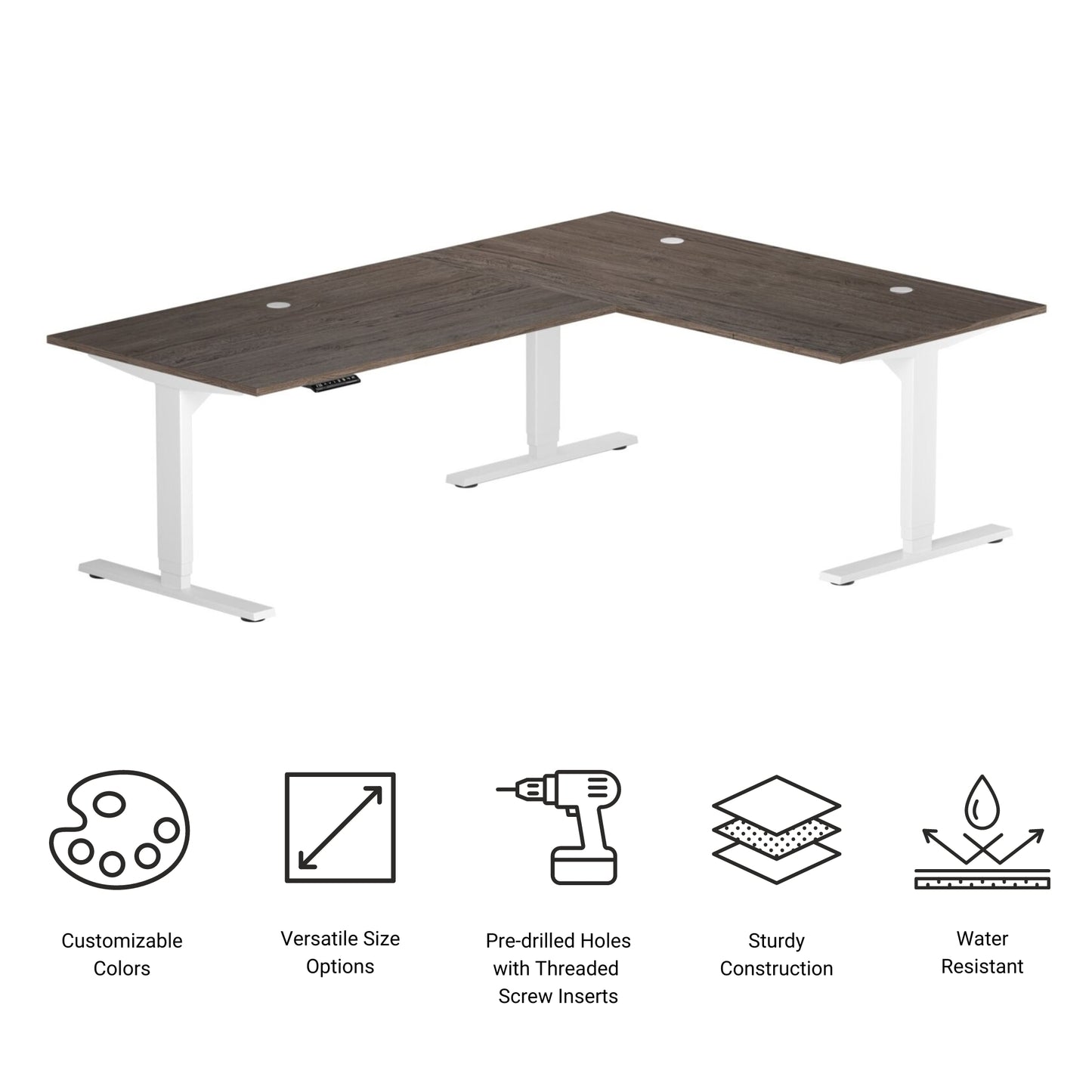
Choose from a range of laminate-sealed particle board tabletops of different sizes to create your ample and comfortable workspace.
Ergonomic & Stylish Design
The Corner Ryzer is available in black, white, or gray frame finishes to match your workspace aesthetic.
Recently Viewed
FREQUENTLY ASKED QUESTIONS about Corner Ryzer Standing Desk
Compatibility
Currently, we do not sell individual parts for our Ryzer standing desks. For more information, please feel free to contact our customer service representatives at sales@progressivedesk.com
The Corner Desk cannot be used as a Solo Ryzer at this time. The control box it comes with will detect an error if only two out of three legs are connected, and the desk will not function without that third!
We cannot guarantee that our remotes will work with third-party control systems. The pin-outs of the ports may differ from one company to another.
Troubleshooting
NOTE: The steps below may vary depending on the remote model that you have. The following instructions were made for the standard RT-11 remote.
To set the maximum height for your Ryzer, go to the desired height you would like to set and follow the steps below:
1. Press M and see [5 -] indicated on the display
2. Press the UP button and notice [5 -] blinks
3. Hold the M button until you see [999] on the display
4. The maximum height has now been set
To set the minimum height for your Ryzer, go to the desired height you would like to set and follow the steps below:
1. Press M and see [5 -] indicated on the display
2. Press the DOWN button and notice [5 -] blinks
3. Hold the M button until you see [000] on the display
4. The minimum height has now been set
To reset the limits, follow the steps below:
1. Press M and see [5 -] indicated on the display and release
2. Hold the M you see [555]
3. Limits have been reset
NOTE: The steps below may vary depending on the remote model you have. The following instructions were made for the standard RT-11 remote.
If you have to hold down the remote’s buttons to get to your pre-set height, this means that your control box is in momentary control. To set your remote to non-momentary mode, follow the steps below:
1. Make sure that there is nothing underneath your desk, as we have to enter the reset procedure
2. Press and hold the DOWN button until the display shows [ASr]
3. Once [ASr] is shown, press and hold down [1], and you may see two values:
a. 10.1 = Non-momentary Mode
b. 10.2 = Momentary Mode
4. Complete the reset procedure by holding the DOWN button until your standing desk slightly lowers and rises.
Our standing desks have 3 settings for collision detection, and this can be set depending on your preference. To proceed, follow the steps below:
1. Make sure that there is nothing underneath your desk as we have to enter the reset procedure
2. Press and hold the DOWN button until the display shows [ASr]
3. Once [ASr] is shown, press and hold the UP [ ^ ] button and you may see three values:
a. 10.5 = 22 lbs
b. 10.6 = 33 lbs
c. 10.7 = 55 lbs
4. Complete the reset procedure by holding the DOWN button until your standing desk slightly lowers and rises.
We have some troubleshooting steps for you to take if you see any of the following error codes on the Mini, Solo, or Corner Standing Desks:
Сheck the error code here.
You may be wondering what about the Economy Standing Desk? Here's a list of steps you can take for this model's error codes:
Сheck the error code here.
If the issue you are experiencing persists after following these steps, please feel free to contact our technical product engineers at 1-800-828-9414 extension 1, or send us an email at sales@progressivedesk.com.
The first time, you need to press the up button one by one to warm it up, but overall it works well.
it works and is definitely a tiny bit louder and less smooth than the higher tier standing desk motors. If you care about that get the solo instead
great packaging came unscathed
Opening is too small. only really good for USB cables and display cables. This means I need a power strip above the desk but the power strip has to come from around the desk.
There are supposed to be 8 screws anchoring the tabletop to the frame. We only received 4. So far the desk is lovely, but hopefully we receive our screws to make sure it’s fully secured soon. We love Proressive products generally. I hope they don’t let us down.